
JotMe

Start with JotMe

Choose how you want to work across languages.

Desktop app for meetings, events, and everyday work

Accurate live translation, transcription, AI notetaker, AI Memory, file translation, multilingual messaging, voice typing, and more.

Mobile app on the go

Accurate live translation and translated speech for in-person conversations.

Extension for Google Meet

Live translation, transcription, and AI meeting notes with our Chrome extension.

Add to Chrome

Desktop app for any meeting and event

Accurate live translation, multilingual transcription, meeting recordings, AI note taker, custom vocabulary, document translation, multilingual messaging, and an AI voice keyboard.

Mobile App for in-person conversation

Accurate live translation with AI-generated translated speech for iPhone and Android.

Chrome extension for Google Meet

Accurate real-time translation, live transcription, note-taker, AI meeting notes.
Add to
Chrome
A quick trial is available

AI Voice Translator

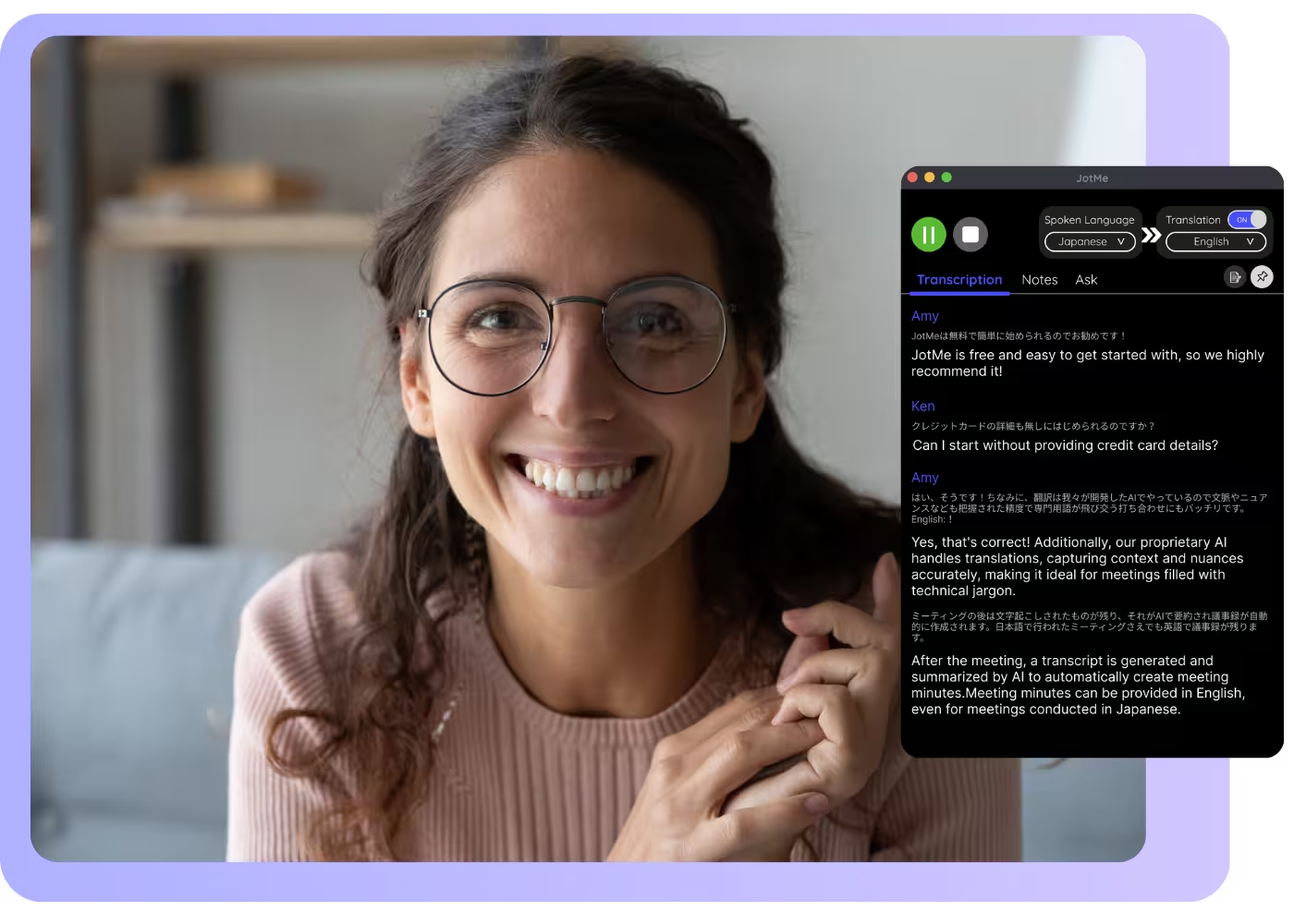
Hear live AI voice translation with JotMe on desktop. Choose from 13 Fast output languages and follow streaming translated captions alongside the audio.
AI Voice Translator

Trusted by 2,000 Teams and 500,000 Professionals Across 134 Countries

Rated 4.7/5
GDPR Compliant
SOC 2 Type II (In Progress)

How do I get an AI voice translator?

In 3 easy steps!

STEP 1

1. Download the desktop app, mobile app, or Chrome extension

Use the voice translation app on Mac or Windows desktop, the mobile app for Android and iPhone, or the Chrome extension for Google Meet (limited features).

1. Download the desktop app, mobile app, or Chrome extension
STEP 2

2. Set your spoken language

Choose the language you speak. JotMe supports 200+ languages across 39,000+ language pairs with multiple models.

2. Set your spoken language
STEP 3

3. Set the translation language

Pick the language you want to be heard in. Speak, and JotMe translates your voice and theirs in real time, both directions at once.

3. Set the translation language

See It in Action!

An AI voice translator for every conversation

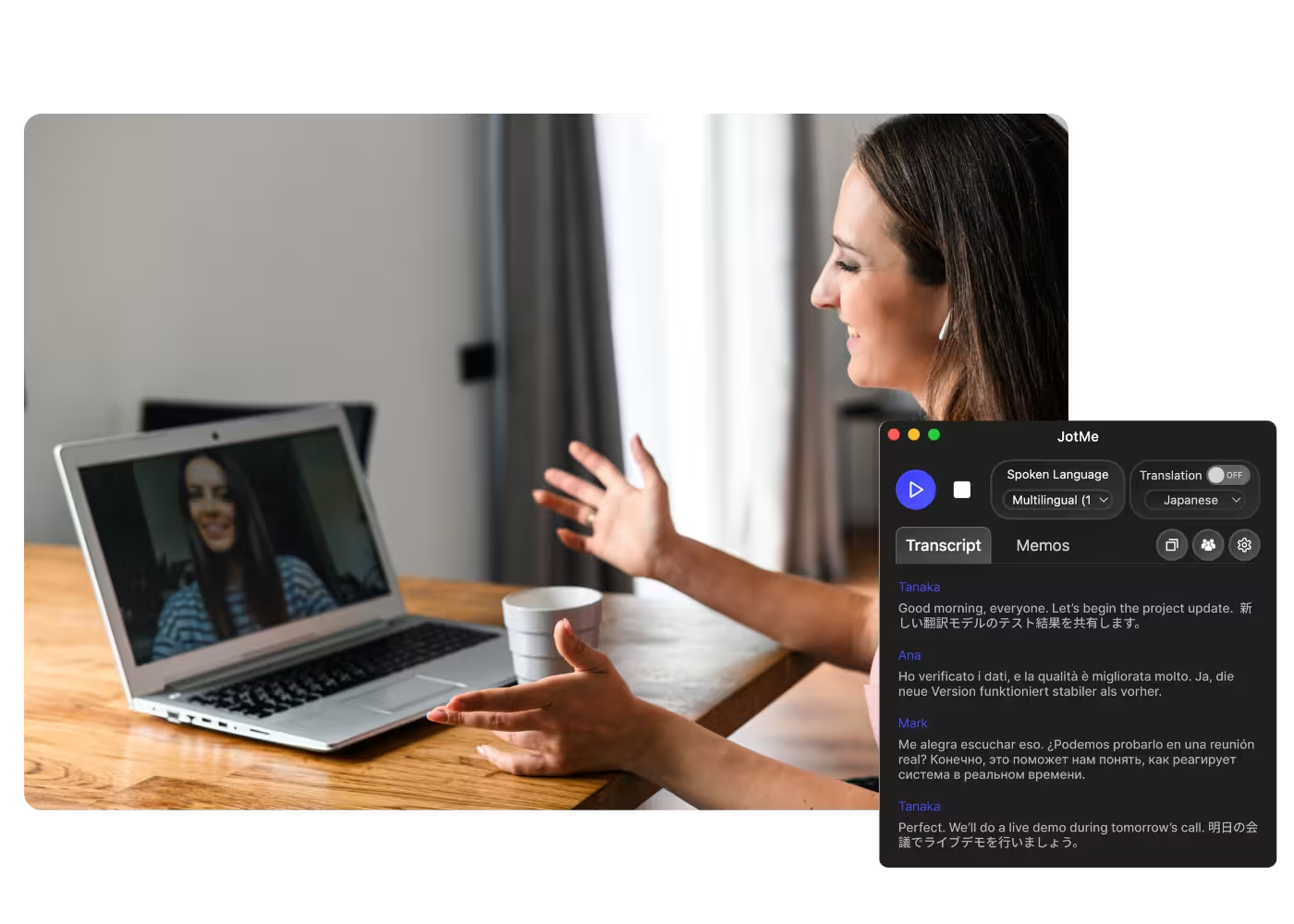
JotMe — Internal meetings & Project catchup

Internal meetings & Project catchup

Use the voice translation app on Mac or Windows desktop, the mobile app for Android and iPhone, or the Chrome extension for Google Meet (limited features).

JotMe — Business & client meetings

Business & client meetings

Choose the language you speak. JotMe supports 200+ languages across 39,000+ language pairs with multiple models.

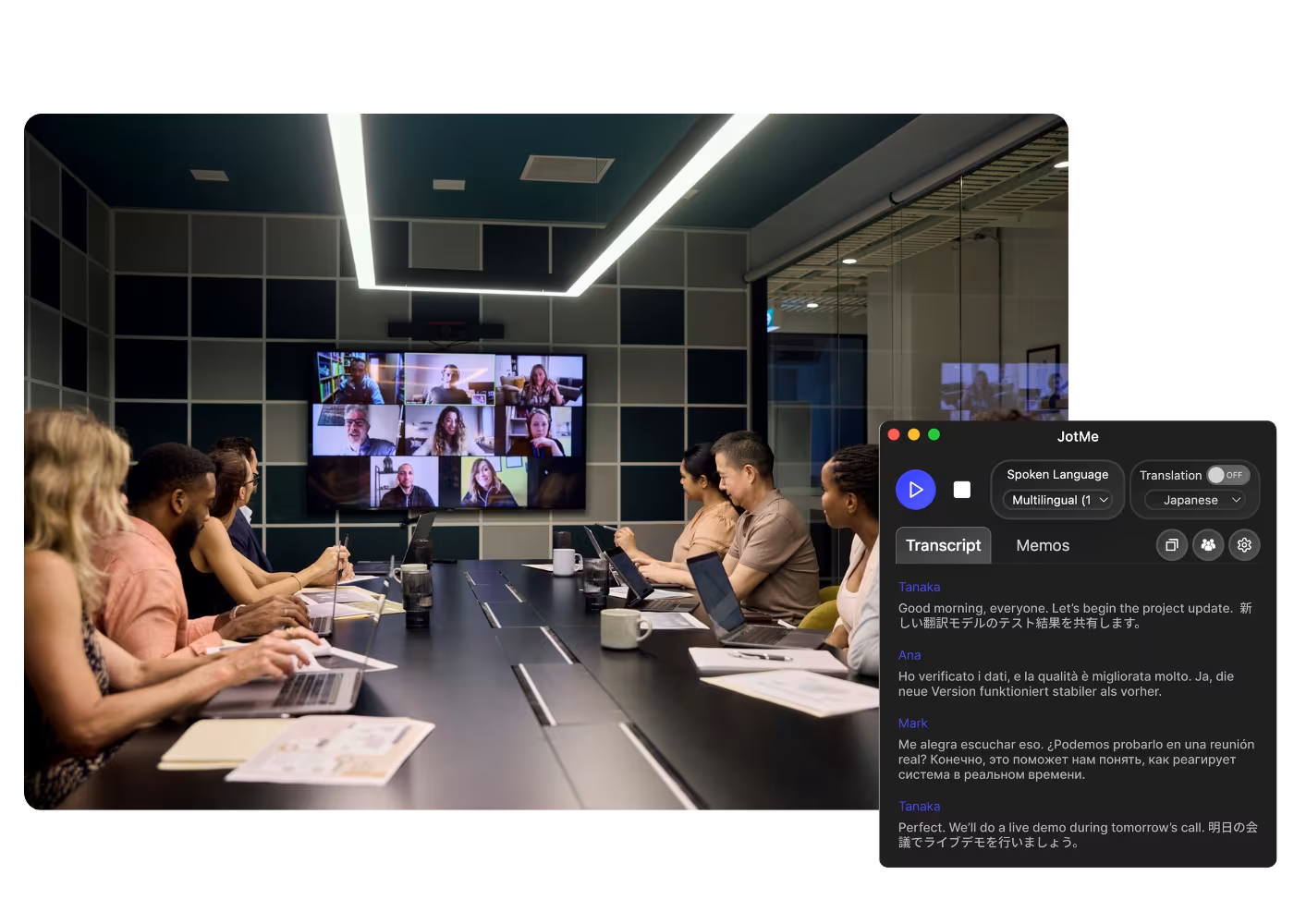
JotMe — Multilingual team meetings

Multilingual team meetings

Pick the language you want to be heard in. Speak, and JotMe translates your voice and theirs in real time, both directions at once.

Frequently asked questions

Everything you need to know about running meetings and events with JotMe.

Is this a voice-to-voice translator?

Yes. JotMe translates your spoken voice into another language in real time, in AI-translated speech, going beyond plain text or captions to voice-to-voice output.

How accurate is the voice translation?

It gets sharper as the conversation goes on. JotMe reads what has already been said, the participants, the domain, and the intent, and translates the meaning of each turn rather than a literal word swap.

Which languages are supported?

200+ languages across 39,000+ language pairs, with the strongest results on pairs like English, Japanese, Mandarin, Spanish, and Korean.

Which platforms does it work with?

Zoom, Google Meet, Microsoft Teams, Webex, LINE, and in-person. One install works everywhere.

Is my conversation private and secure?

Yes. JotMe encrypts your conversations in transit and at rest, follows GDPR, and has a SOC 2 Type II audit in progress. JotMe never sells your data and never trains models on it, so your voice and your conversations stay yours.

How much does it cost?

Free to start in under 30 seconds, no credit card. Upgrade to a premium plan when your operations need more.

Can I get a transcript and summary afterward?

Yes. Every session ends with a transcript and AI meeting summary in each participant's language, shareable from your account.

The easiest, most reliable AI voice translator, in real time and your own voice

JotMe — The easiest, most reliable AI voice translator, in real time and your own voice.

Run every meeting and event smoothly for your multilingual operations

Transcribe, interpret, translate, and turn every critical conversation into insights with context so everyone stays aligned across languages.

AI Voice Translator

Hear live AI voice translation with JotMe on desktop. Choose from 13 Fast output languages and follow streaming translated captions alongside the audio.

Get started within 30 seconds without credit card
AI Voice Translator: Real-Time Voice-to-Voice | JotMe

Set your languages, hit start, and speak. JotMe translates your voice in real time and sharpens accuracy as the conversation continues. Open the full demo.

Trusted by 2,000 Teams and 500,000 Professionals Across 134 Countries

Rated 4.7/5
GDPR Compliant
SOC 2 Type II (In Progress)

Try live translation

Select model, langauges, click start and start speaking. JotMe AI will improve the translation quality as you speak.

Real-time voice translation in AI-translated speech

Everything you need to talk across languages live, in your own voice, and share it with anyone.

Live AI voice translation

Hear accurate live AI voice translation with JotMe on desktop. Choose from 13 Fast output languages and follow streaming translated captions alongside the audio.

Real-time two-way translation

JotMe translates both what you say and what the other person says, live, so each side hears the conversation in their own language as it happens.

Context-aware translation

JotMe follows the whole conversation, the participants, the domain, and the intent, so meaning and tone carry into the other language instead of a word-for-word literal render.

Auto language detection

JotMe detects the language each person speaks automatically, so no one stops to set it mid-conversation.

Share the translation

Share translated voice via link or QR code. Anyone can follow, no app required.

Custom dictionary

Keep names and industry terms accurate by adding custom replacements.

How do I get an AI voice translator?

Download the app, set your languages, and speak. Learn more.

STEP 1

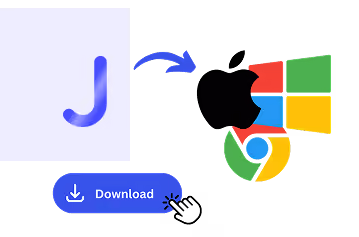
1. Download the desktop app, mobile app, or Chrome extension

Use the voice translation app on Mac or Windows desktop, the mobile app for Android and iPhone, or the Chrome extension for Google Meet (limited features).
JotMe — 1. Download the desktop app, mobile app, or Chrome extension
STEP 2

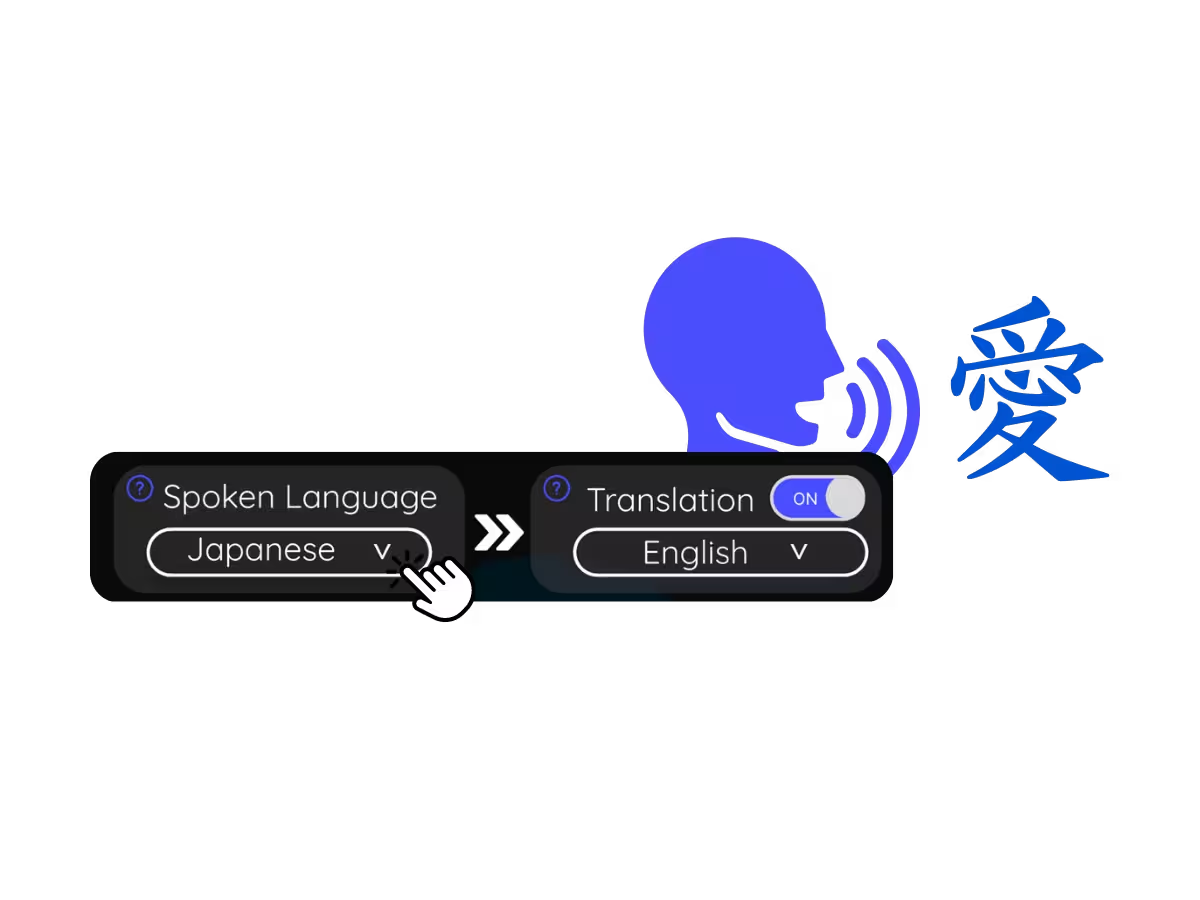
2. Set your spoken language

Choose the language you speak. JotMe supports 200+ languages across 39,000+ language pairs with multiple models.
JotMe — 2. Set your spoken language
STEP 3

3. Set the translation language

Pick the language you want to be heard in. Speak, and JotMe translates your voice and theirs in real time, both directions at once.

JotMe — 3. Set the translation language

An AI voice translator for every conversation
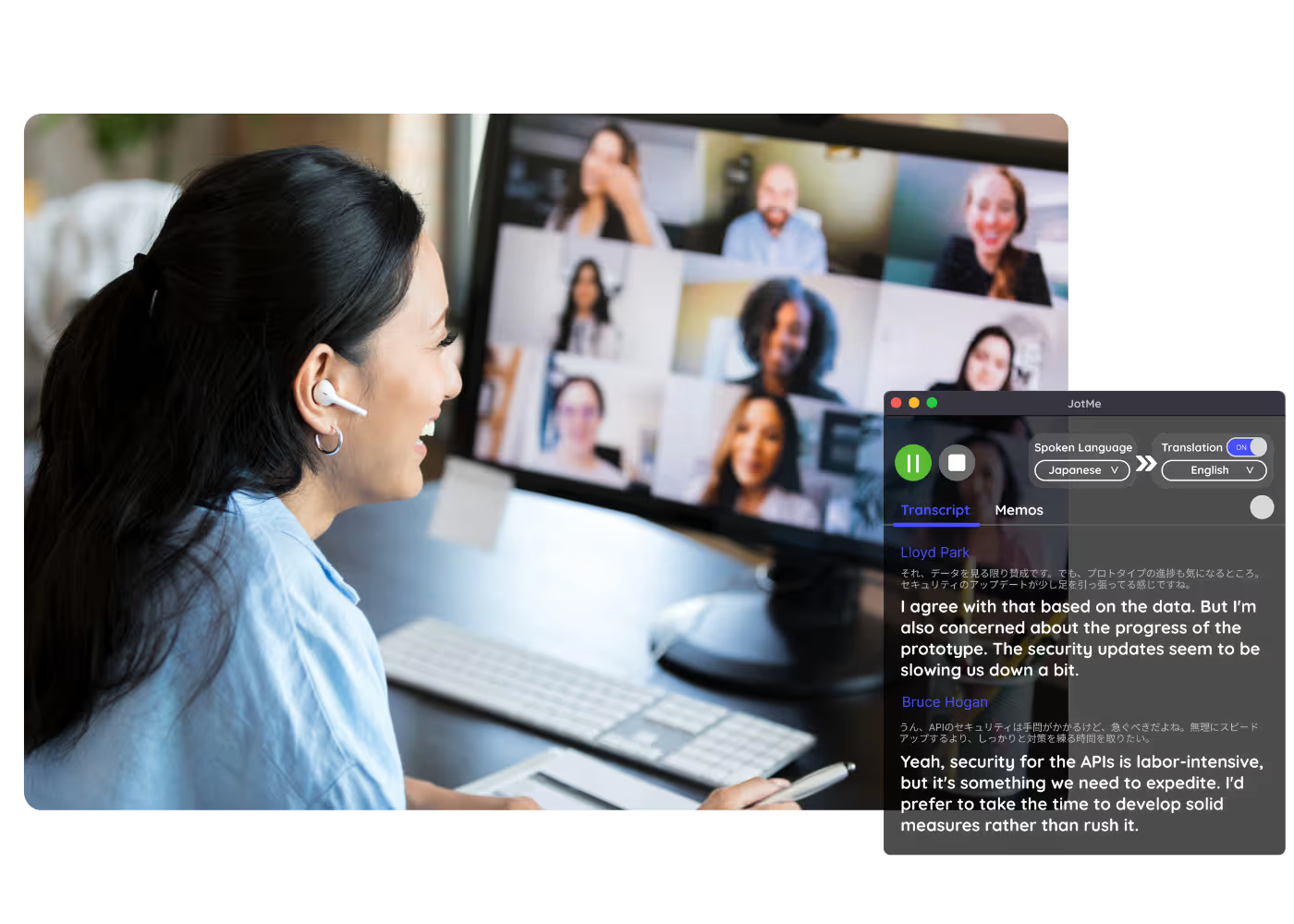
From in-person chats to business meetings, JotMe lets you speak and be understood in any language, live.

JotMe — Internal meetings & Project catchup

Internal meetings & Project catchup

Talk with anyone in person — JotMe translates your voice both ways so the conversation flows in any languages.

JotMe — Business & client meetings

Business & client meetings

Meet clients, partners, and vendors across languages, and share the live translation with them, no install on their side.

JotMe — Multilingual team meetings

Multilingual team meetings

Everyone speaks their own language and is understood, on Zoom, Meet, Teams, Webex, or in person.

JotMe — Interpreter on demand

Interpreter on demand

Get an AI interpreter on demand for calls and events, a real interpreter app in your pocket, with no human to book and no hardware to rent.

See the AI voice translator in action

Watch a live conversation get translated voice-to-voice — captions appear, the translated speech speaks the other language, and both sides follow along.

500,000+ professionals run meetings and events smoothly with JotMe

See how they’re seeing results with JotMe in bridging multilingual operational gaps.

Rated 4.7/5
Rated 4.7/5
"As my job involves translation and bridging cultures, I have found this tool as a game changer to my daily work."
Adams
Operations Specialist / Tiktok
"Japanese was once a mystery to me, but this product made it clear and accessible with contextual understanding."
Stamatis
Consultant / Deloitte
"JotMe streamlines our multilingual meetings, ensuring seamless collaboration in our fast-paced work environment."
Cesar
Program Manager / Amazon
"This bilingual feature streamlines note-taking at work, saving time and boosting efficiency in both languages."
Yusuke
Sales Manager / NTT
"Essential for non-fluent speakers; simplifies complex meetings with real-time translation and accurate transcriptions."
Jesse
Software Freelancer
"The translation we've needed for years – now a reality with JotMe!"
Elston
CEO & Founder / Tiny.host

Frequently asked questions

Everything you need to know about running meetings and events with JotMe.

Is this a voice-to-voice translator?

Yes. JotMe translates your spoken voice into another language in real time, in AI-translated speech, going beyond plain text or captions to voice-to-voice output.

How accurate is the voice translation?

It gets sharper as the conversation goes on. JotMe reads what has already been said, the participants, the domain, and the intent, and translates the meaning of each turn rather than a literal word swap.

Which languages are supported?

200+ languages across 39,000+ language pairs, with the strongest results on pairs like English, Japanese, Mandarin, Spanish, and Korean.

Which platforms does it work with?

Zoom, Google Meet, Microsoft Teams, Webex, LINE, and in-person. One install works everywhere.

Is my conversation private and secure?

Yes. JotMe encrypts your conversations in transit and at rest, follows GDPR, and has a SOC 2 Type II audit in progress. JotMe never sells your data and never trains models on it, so your voice and your conversations stay yours.

How much does it cost?

Free to start in under 30 seconds, no credit card. Upgrade to a premium plan when your operations need more.

Can I get a transcript and summary afterward?

Yes. Every session ends with a transcript and AI meeting summary in each participant's language, shareable from your account.

The easiest, most reliable AI voice translator, in real time and your own voice
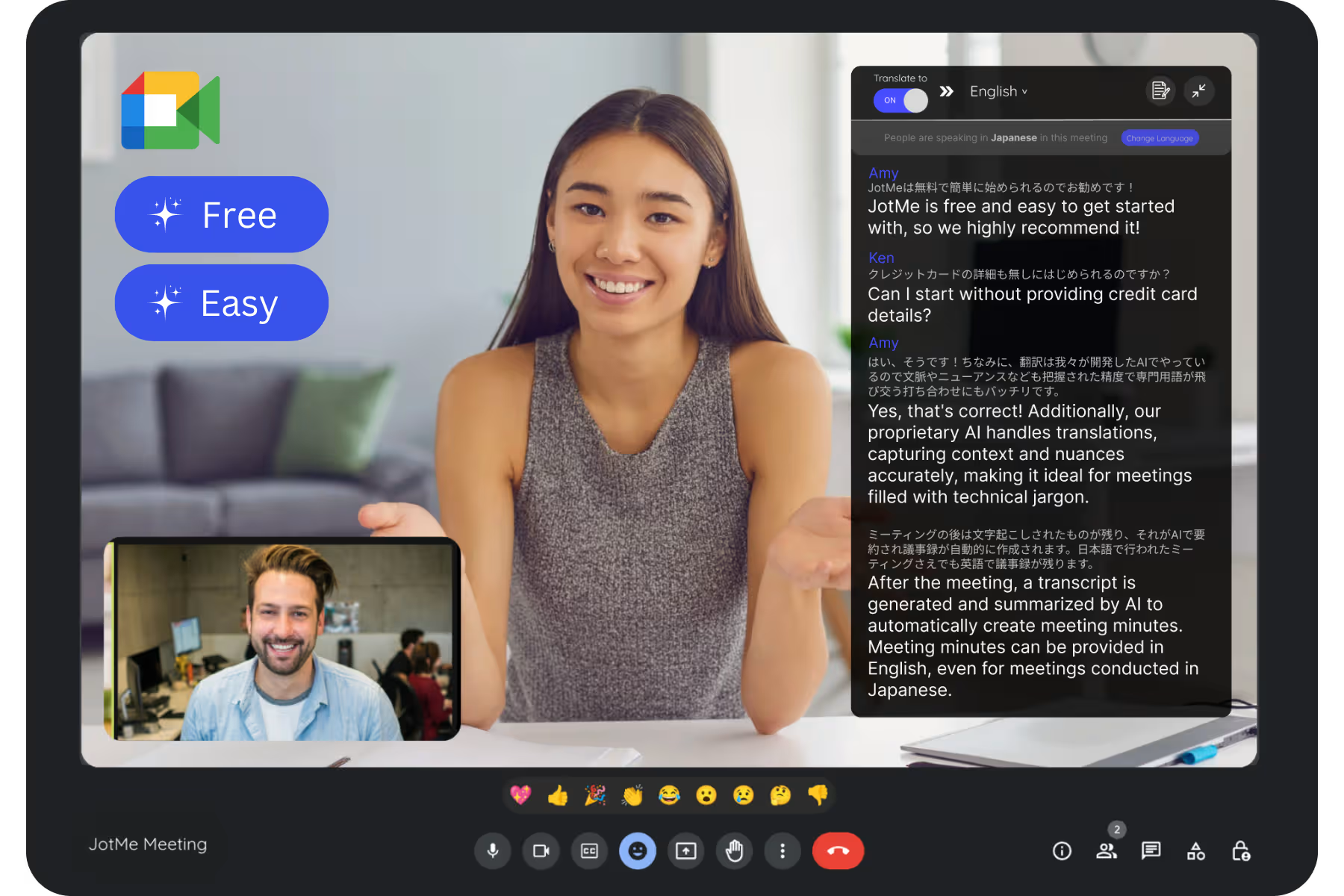
Hear live AI voice translation with JotMe on desktop. Choose from 13 Fast output languages and follow streaming translated captions alongside the audio.

JotMe — The easiest, most reliable AI voice translator, in real time and your own voice.