Desktop app for all the calls on your computer

Multilingual transcription, live translation, note-taker, AI search, real-time summary, custom vocabulary, AI meeting notes, audio recordings, and more.

Mobile App for in-person conversation

Live translation and AI speech generation for iPhone and Android.

Chrome extension for Google Meet

Real-time transcription, live translation, note-taker, AI meeting notes.
Add to
Chrome
A quick trial is available

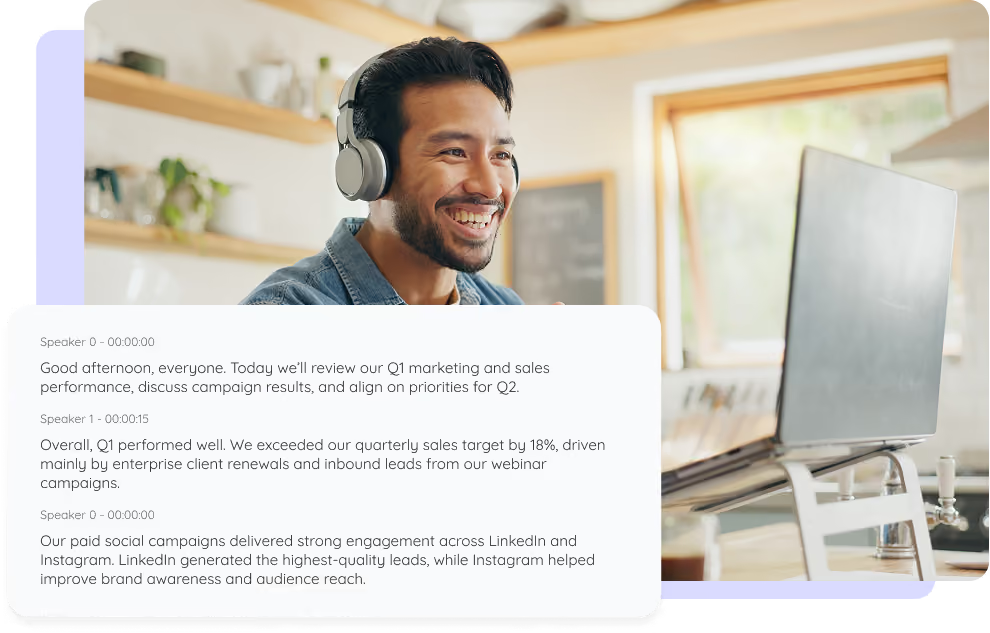
Speaker Diarization

Automatically detect, separate, and label every speaker in your meetings and recordings, so your transcript always shows who said what, across 200+ languages.
Speaker Diarization

Trusted by 2,000 teams and 500,000 professionals in 134 countries at

Rated 4.7/5
GDPR Compliant
SOC 2 Type II (In Progress)

How do I get speaker diarization?

In 3 easy steps!

STEP 1

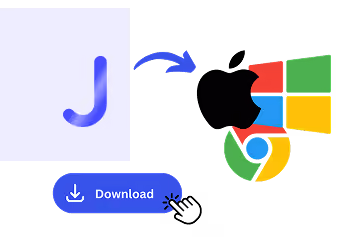
1. Download the desktop app, mobile app, or Chrome extension

Desktop app for Mac and Windows, mobile app for Android and iPhone, and a Chrome extension for Google Meet (limited features).
1. Download the desktop app, mobile app, or Chrome extension
STEP 2

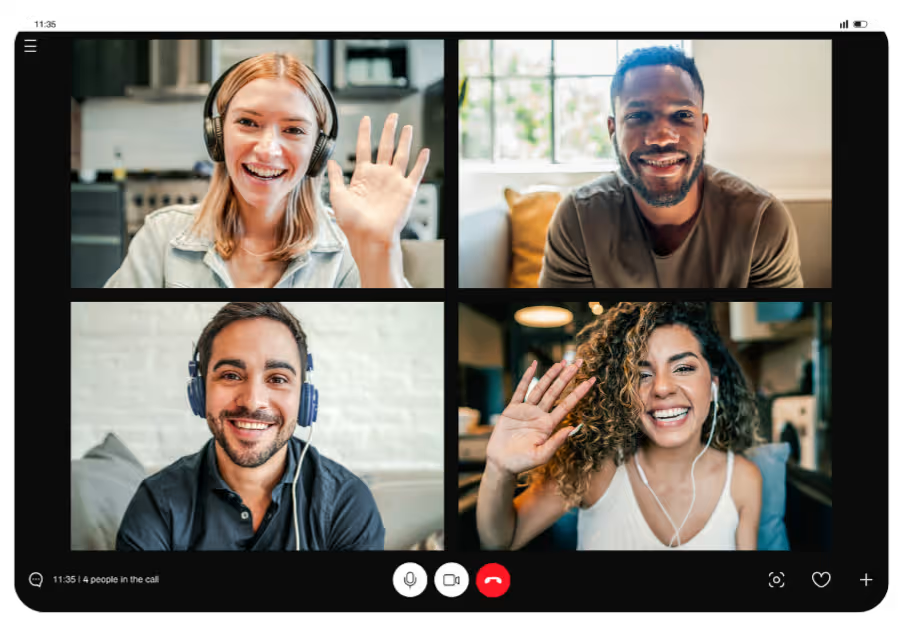
2. Start your meeting or recording

JotMe captures system audio and transcribes in real time across 200+ languages, with no bot joining the call.
2. Start your meeting or recording
STEP 3

3. Get an auto-labeled transcript

JotMe separates and labels each speaker automatically, so your transcript shows who said what.

3. Get an auto-labeled transcript

See It in Action!

Speaker diarization for every conversation

Meetings & calls

Desktop app for Mac and Windows, mobile app for Android and iPhone, and a Chrome extension for Google Meet (limited features).

Interviews & research

JotMe captures system audio and transcribes in real time across 200+ languages, with no bot joining the call.
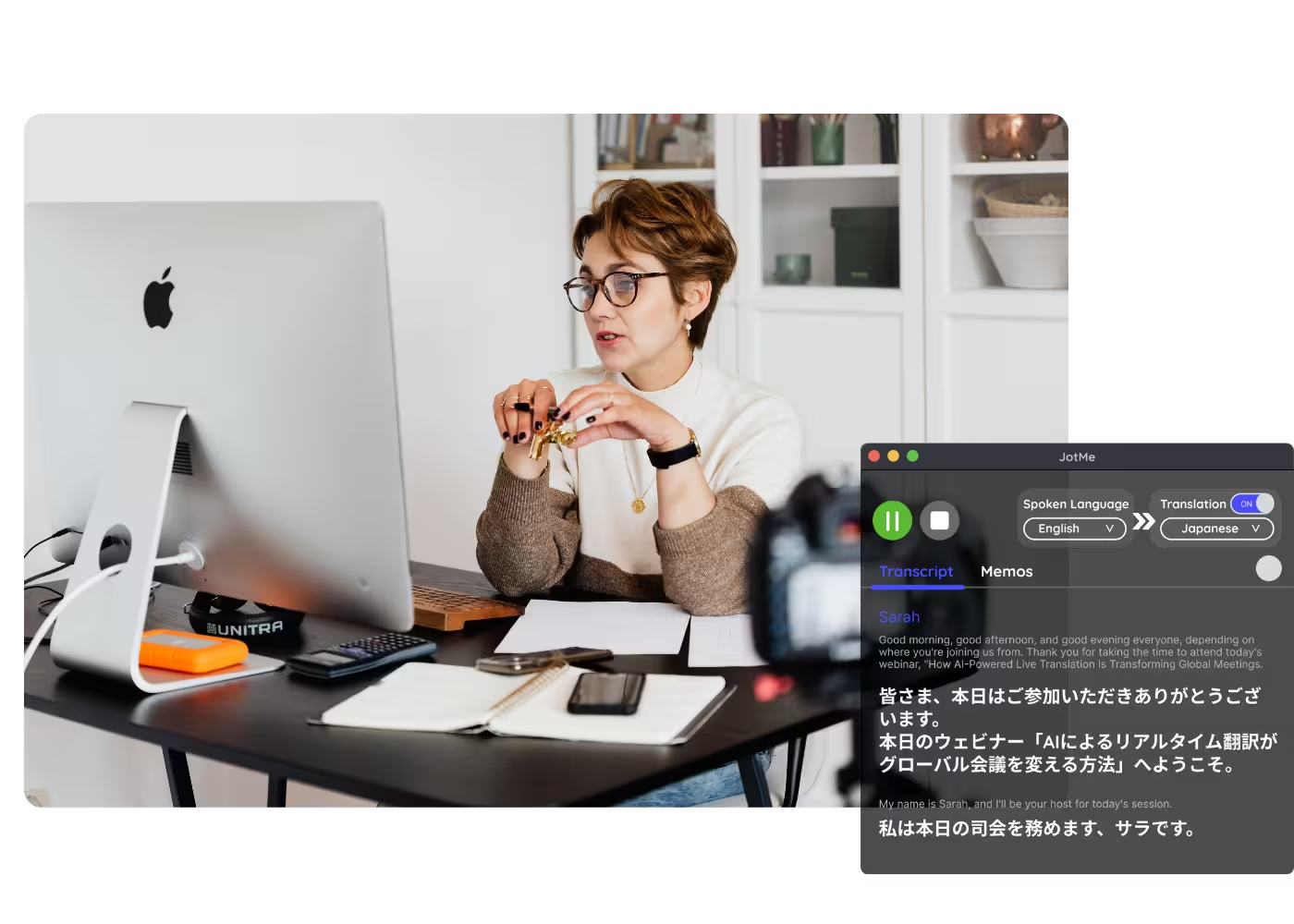
Podcasts & media

JotMe separates and labels each speaker automatically, so your transcript shows who said what.

Frequently asked questions

Everything you need to know about running meetings and events with JotMe.

What is speaker diarization?

Speaker diarization is the process that detects how many people are talking and labels who said what. JotMe does this automatically in real time and applies the labels straight to your transcript, so you never tag speakers by hand.

How accurate is JotMe's speaker diarization?

It gets more precise as the session runs. JotMe uses the whole conversation, the participants, the domain, and the terms in play, to tell voices apart and keep each label attached to the right person.

How many speakers can it handle?

JotMe labels many speakers automatically in group meetings, panels, and interviews, tracking who spoke when with no manual tagging.

Which languages and platforms are supported?

Zoom, Google Meet, Microsoft Teams, Webex, LINE, and in-person. One install works everywhere.

Is my conversation private and secure?

Yes. JotMe encrypts your recordings and transcripts in transit and at rest, follows GDPR, and has a SOC 2 Type II audit in progress. JotMe never sells your data and never trains models on it, so it stays yours.

How much does it cost?

Free to start in under 30 seconds, no credit card. Upgrade to a premium plan when your operations need more.

Can I get a transcript and summary afterward?

Yes. Every session ends with a diarized transcript and AI meeting summary, shareable from your account.

The easiest, most reliable speaker diarization, in every transcript.

Run every meeting and event smoothly for your multilingual operations

Transcribe, interpret, translate, and turn every critical conversation into insights with context so everyone stays aligned across languages.

Speaker Diarization

Automatically detect, separate, and label every speaker in your meetings and recordings, so your transcript always shows who said what, across 200+ languages.

Get started within 30 seconds without credit card
Speaker Diarization

Start a session and speak. JotMe transcribes in real time and labels each speaker automatically as the conversation continues. Open the full demo.

Trusted by 2,000 teams and 500,000 professionals in 134 countries at

Rated 4.7/5
GDPR Compliant
SOC 2 Type II (In Progress)

Try live translation

Select model, langauges, click start and start speaking. JotMe AI will improve the translation quality as you speak.

Accurate speaker diarization in every transcript

Everything you need to know who said what, live and after the meeting.

Automatic speaker separation

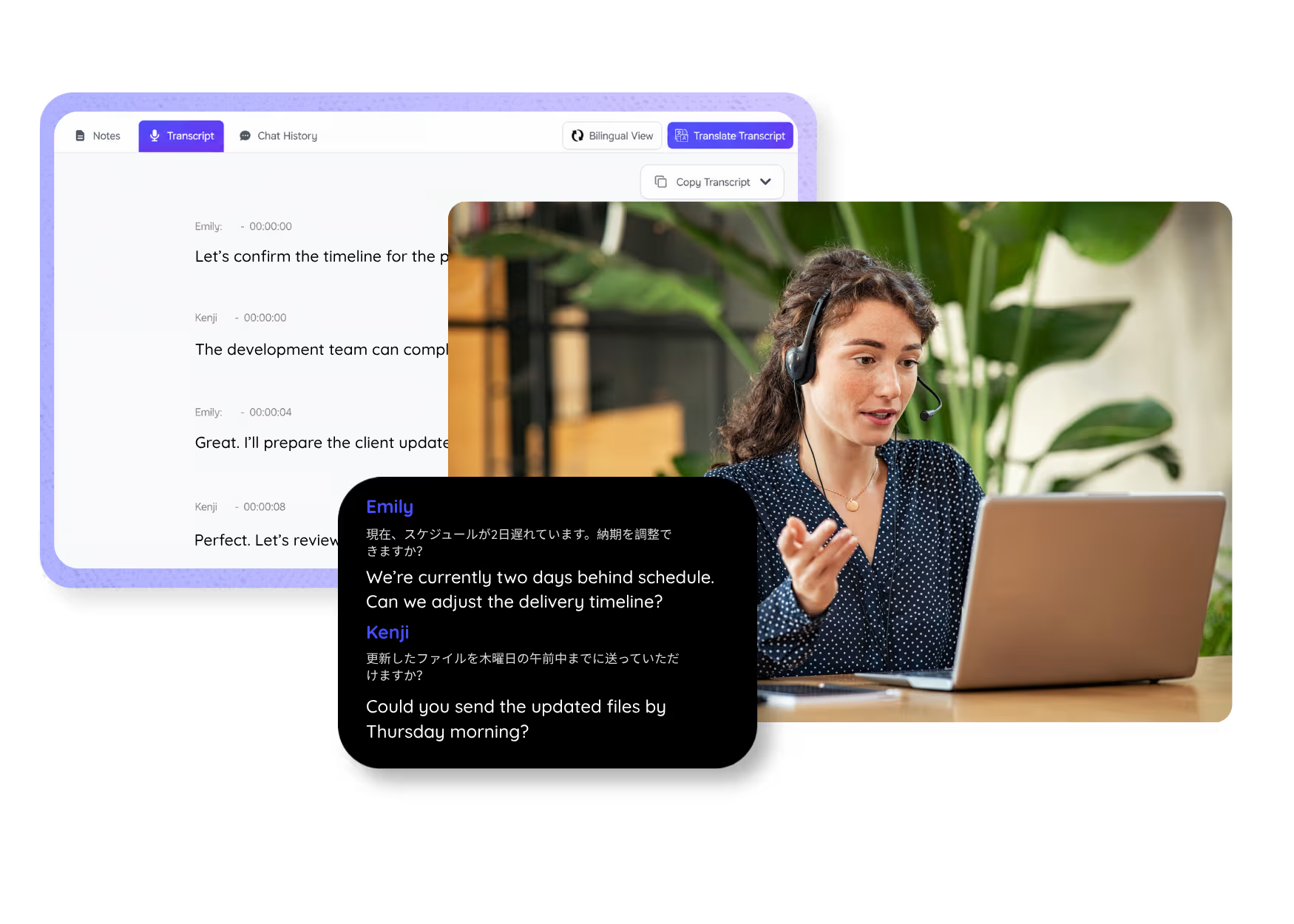
JotMe handles automatic speaker separation, detecting and labeling each voice so overlapping conversation becomes a clean, attributed transcript.

Real-time speaker labeling

JotMe identifies speakers live as they talk, so captions and notes show who is speaking in the moment, and the labels carry through to the final transcript.

Context-aware accuracy

JotMe follows the whole conversation, the participants, the domain, and the intent, so speaker labels and terminology hold up across 200+ languages.

Works across 200+ languages

Handle multi-speaker transcription even when people switch languages mid-meeting, with automatic language detection keeping each speaker labeled.

Searchable, shareable transcripts

Every diarized transcript is searchable by speaker and shareable via link, QR code, or your account.

Custom dictionary

Keep names, honorifics, and industry terms accurate by adding custom replacements.

How do I get speaker diarization?

Download the app, start a session, and JotMe labels each speaker automatically. Learn more.

STEP 1

1. Download the desktop app, mobile app, or Chrome extension

Desktop app for Mac and Windows, mobile app for Android and iPhone, and a Chrome extension for Google Meet (limited features).

1. Download the desktop app, mobile app, or Chrome extension
STEP 2

2. Start your meeting or recording

JotMe captures system audio and transcribes in real time across 200+ languages, with no bot joining the call.

2. Start your meeting or recording
STEP 3

3. Get an auto-labeled transcript

JotMe separates and labels each speaker automatically, so your transcript shows who said what.

3. Get an auto-labeled transcript

Speaker diarization for every conversation

From multi-party meetings to interviews and media, JotMe keeps every speaker attributed, during the session and after.

Meetings & calls

Know exactly who said what in team meetings, client calls, and board sessions, even with many speakers.

Interviews & research

Attribute every quote in interviews, user research, and focus groups, ready to cite and analyze.

Podcasts & media

Produce speaker-labeled transcripts for podcasts, panels, and recordings in minutes.

Compliance & records

Keep an accurate, attributed record of who said what for reviews, hearings, and compliance.

See speaker diarization in action

Watch a multi-speaker conversation get transcribed live, with each speaker detected, separated, and labeled automatically on screen.

500,000+ professionals run meetings and events smoothly with JotMe

See how they’re seeing results with JotMe in bridging multilingual operational gaps.

Rated 4.7/5
Rated 4.7/5
"As my job involves translation and bridging cultures, I have found this tool as a game changer to my daily work."
Adams
Operations Specialist / Tiktok
"Japanese was once a mystery to me, but this product made it clear and accessible with contextual understanding."
Stamatis
Consultant / Deloitte
"JotMe streamlines our multilingual meetings, ensuring seamless collaboration in our fast-paced work environment."
Cesar
Program Manager / Amazon
"This bilingual feature streamlines note-taking at work, saving time and boosting efficiency in both languages."
Yusuke
Sales Manager / NTT
"Essential for non-fluent speakers; simplifies complex meetings with real-time translation and accurate transcriptions."
Jesse
Software Freelancer
"The translation we've needed for years – now a reality with JotMe!"
Elston
CEO & Founder / Tiny.host
"As my job involves translation and bridging cultures, I have found this tool as a game changer to my daily work."
Adams
Operations Specialist / Tiktok
"Japanese was once a mystery to me, but this product made it clear and accessible with contextual understanding."
Stamatis
Consultant / Deloitte
"JotMe streamlines our multilingual meetings, ensuring seamless collaboration in our fast-paced work environment."
Cesar
Program Manager / Amazon
"This bilingual feature streamlines note-taking at work, saving time and boosting efficiency in both languages."
Yusuke
Sales Manager / NTT
"Essential for non-fluent speakers; simplifies complex meetings with real-time translation and accurate transcriptions."
Jesse
Software Freelancer
"The translation we've needed for years – now a reality with JotMe!"
Elston
CEO & Founder / Tiny.host

Frequently asked questions

Everything you need to know about running meetings and events with JotMe.

What is speaker diarization?

Speaker diarization is the process that detects how many people are talking and labels who said what. JotMe does this automatically in real time and applies the labels straight to your transcript, so you never tag speakers by hand.

How accurate is JotMe's speaker diarization?

It gets more precise as the session runs. JotMe uses the whole conversation, the participants, the domain, and the terms in play, to tell voices apart and keep each label attached to the right person.

How many speakers can it handle?

JotMe labels many speakers automatically in group meetings, panels, and interviews, tracking who spoke when with no manual tagging.

Which languages and platforms are supported?

Zoom, Google Meet, Microsoft Teams, Webex, LINE, and in-person. One install works everywhere.

Is my conversation private and secure?

Yes. JotMe encrypts your recordings and transcripts in transit and at rest, follows GDPR, and has a SOC 2 Type II audit in progress. JotMe never sells your data and never trains models on it, so it stays yours.

How much does it cost?

Free to start in under 30 seconds, no credit card. Upgrade to a premium plan when your operations need more.

Can I get a transcript and summary afterward?

Yes. Every session ends with a diarized transcript and AI meeting summary, shareable from your account.

The easiest, most reliable speaker diarization, in every transcript.

Automatic speaker separation, real-time labeling, context-aware accuracy, custom dictionary, and more, across 200+ languages.