Skip unnecessary follow-ups. Ask JotMe
Get answers grounded in accurate meeting transcripts without another round of questions. Ask about the live or saved session you are working with.
Opened meeting’s transcript and notes
Join 500,000 of the world’s most capable global professionals















 Rated 4.7/5
 GDPR Compliant
 SOC 2 Type II
Skip unnecessary follow-ups
Ask what was decided, who committed to a task, or which deadline was mentioned. Ask JotMe uses the transcript and notes of the session you have open, during the conversation or afterwards. Keep asking follow-up questions in that meeting context and check the original record when you need the exact wording.
Explore AI meeting notes Ask JotMe
Come back to the answer after the meeting
Open a saved recording to ask about a decision, deadline, or commitment. The questions and answers stay with that session, so your follow-up keeps the right meeting context.
Revisit your meeting recordingKeep the source close to the answer
Use the session’s transcript and notes to check the discussion behind a response. Move from the answer to the original record when you need a name, figure, or exact wording.
Explore the original transcriptHow to ask your meeting
Open a live session or saved recording
Use the Ask JotMe panel in the session you need to review. Its transcript and notes provide the context.
Ask a concrete question
Try “What is still open?” or “What did we agree to send on Friday?” Each question uses 1 AI credit.
Follow up and verify
Ask another question in the same thread. Review the original transcript or recording when the answer informs an important decision.
Use cases
Bring it into the work you already do.
Project decisions
Ask what the team agreed and which questions remain open.
Explore the use caseClient meeting follow-up
Find the commitments you need before preparing the next reply.
Explore the use caseSupplier coordination
Check an agreed date or requirement in a saved supplier discussion.
Explore the use caseTrusted by 2,000 teams
Across 134 countries
From multilingual meetings to everyday teamwork. Hear from the people using JotMe.
 G2
 Chrome Web Store
“JotMe streamlines our multilingual meetings, ensuring seamless collaboration in our fast-paced work environment.”


“This bilingual feature streamlines note-taking at work, saving time and boosting efficiency in both languages.”


“Essential for non-fluent speakers; simplifies complex meetings with real-time translation and accurate transcriptions.”

 Upwork
“As my job involves translation and bridging cultures, I have found this tool as a game changer to my daily work.”


“Japanese was once a mystery to me, but this product made it clear and accessible with contextual understanding.”


“The translation we've needed for years – now a reality with JotMe!”


What formats and usage should I check?
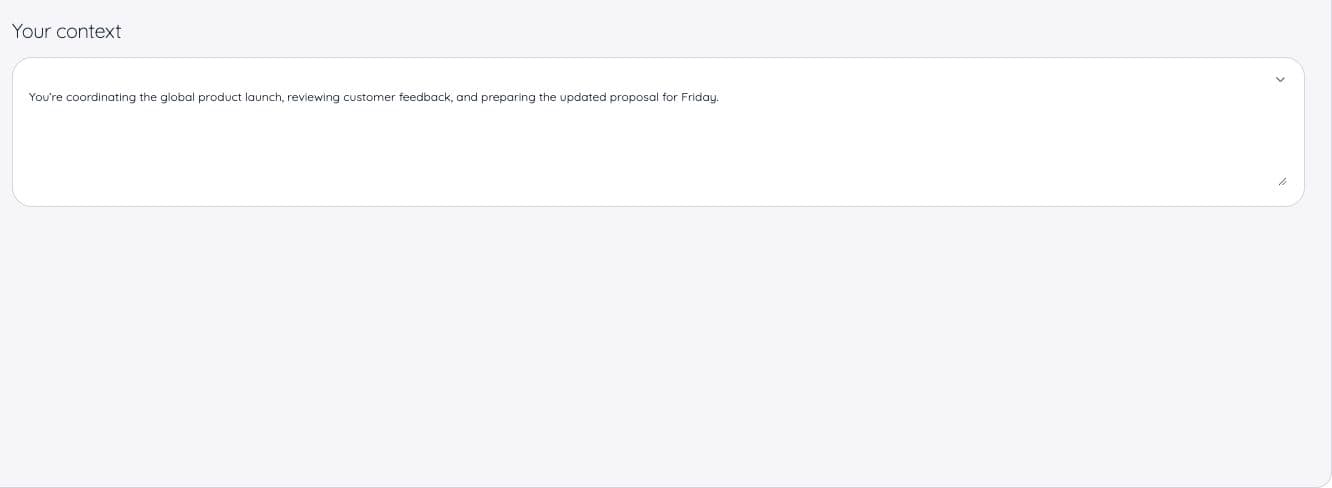
- Context
- Opened meeting’s transcript and notes
- When
- During a session or from its saved recording
- Usage
- 1 AI credit per question
- History
- Kept per meeting or event
Check the language options and output settings in the selected tool before starting.
View usage detailsCan I chat with a meeting transcript?
Yes. Open the live session or saved recording and use Ask JotMe. It uses that session’s transcript and notes as context.
Does it search across all my past meetings?
The verified Ask JotMe workflow is scoped to the meeting or event you opened. It does not search your whole meeting history.
Can I use it before the meeting ends?
Yes. Ask JotMe is an expandable panel below Transcript and Notes during a live session.
What should I ask?
Ask about decisions, open items, commitments, names, or numbers mentioned in that meeting. A specific question gives you a more useful point to check in the source record.
How much does a question cost?
Each question uses 1 AI credit, during or after a meeting. If credits run out, JotMe shows the limit.
Will it send a follow-up or update my project tracker?
This workflow answers questions using meeting context. It does not establish automatic sending, task creation, or updates to third-party systems.