






Netflix Translation
Watch any Netflix show or movie in your language. JotMe translates the audio live into accurate captions or spoken voice across 200+ languages, so a missing subtitle track stops deciding what you watch.
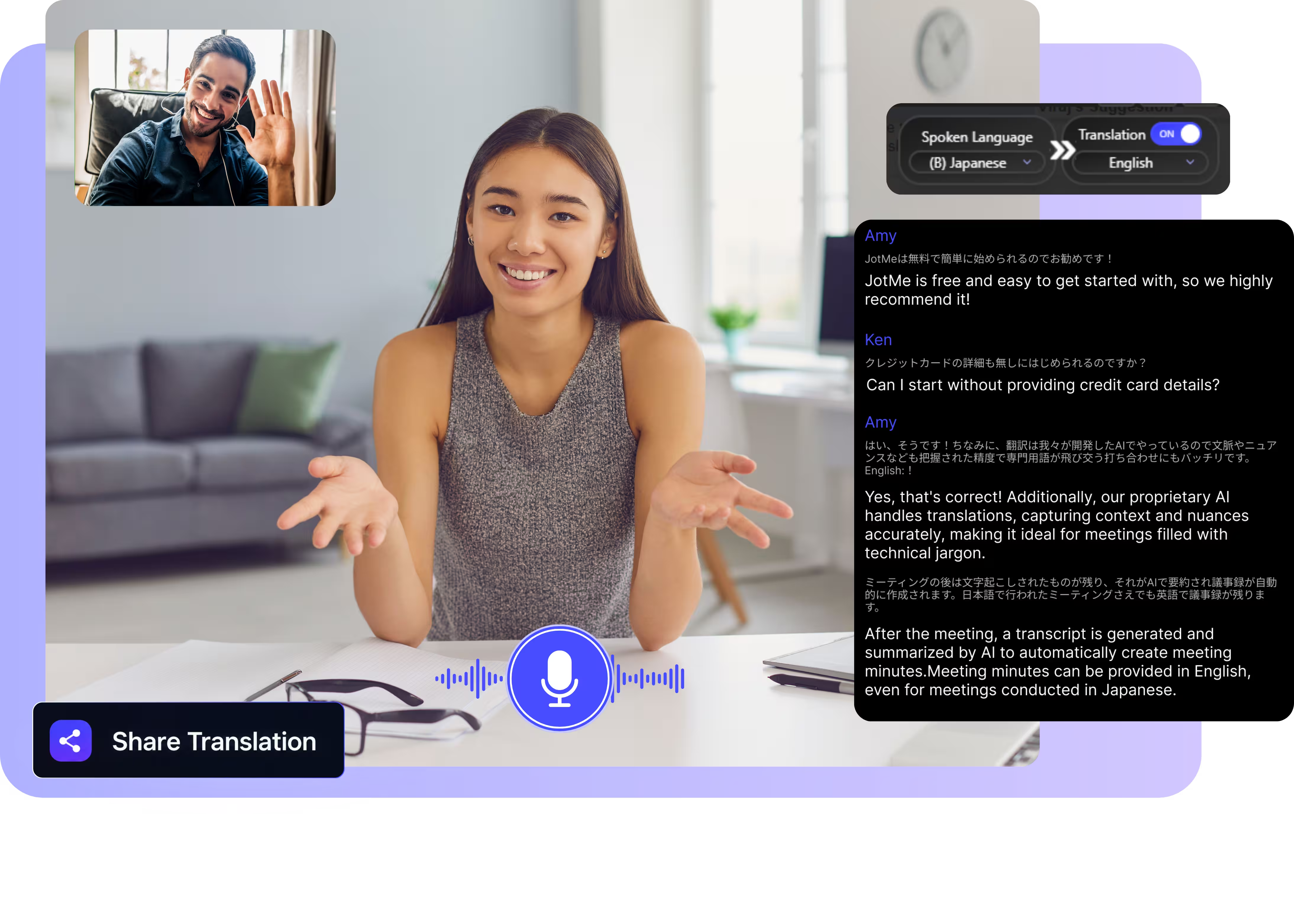
Select model, languages, click start and play your show. JotMe picks up the audio and translates it live on your screen. Open the full demo.
Trusted by 2,000 Teams and 500,000 Professionals Across 134 Countries

















Real translation for Netflix, from the audio
Watch anything in the catalog, in your language.

Context-aware, ultra-accurate
JotMe translates in context and keeps slang, character names, and story references accurate. Every line reads the way the actor delivered it.

Voice-to-voice in your own voice
Prefer to listen? Have the translation spoken aloud as the show plays, with the fastest voice cloning available today.

200+ languages, live or from a recording
Translate Netflix audio across 200+ languages while you watch, far past the handful of subtitle tracks licensed for any single title.
Your translation is saved
JotMe saves the transcript and its translation to your dashboard after every session, so you can revisit a line you missed.
No setup, no subtitles needed
Nothing to install in Netflix, and nothing changes in your account. JotMe listens to your computer's audio and translates the speech directly, with no subtitle track required.

Custom dictionary and auto language detection
Add character names, places, and custom replacements to keep accuracy high on the vocabulary of a show. JotMe detects the spoken language automatically, so a bilingual scene never breaks the captions.
How to watch Netflix in your language
Three steps, under a minute, and it works on any title in the catalog.
1. Download the desktop app
Get JotMe for Mac or Windows in about 30 seconds, then open Netflix in your browser or the Netflix app on your computer.
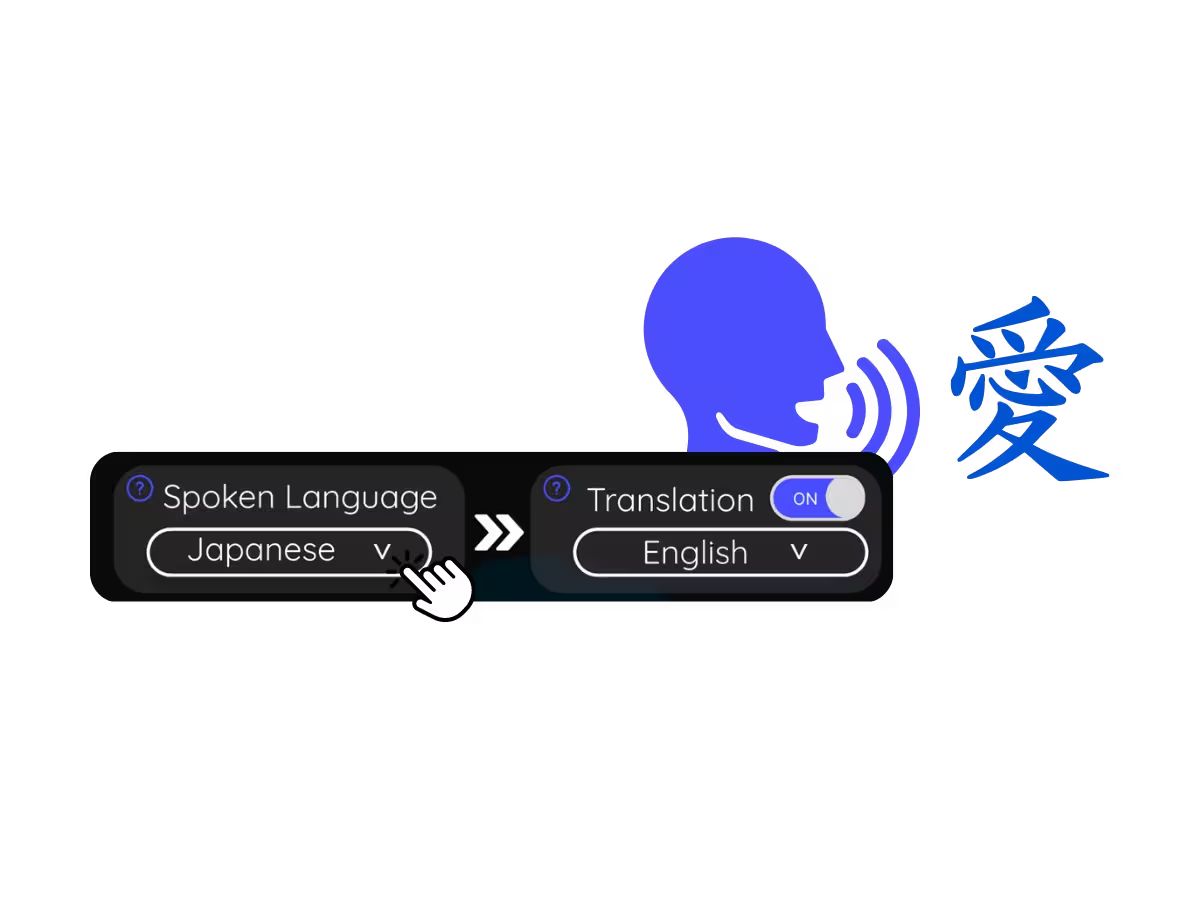
2. Set the spoken language
Choose the language being spoken in the show, for example Korean. If the dialogue switches languages, pick multilingual mode.
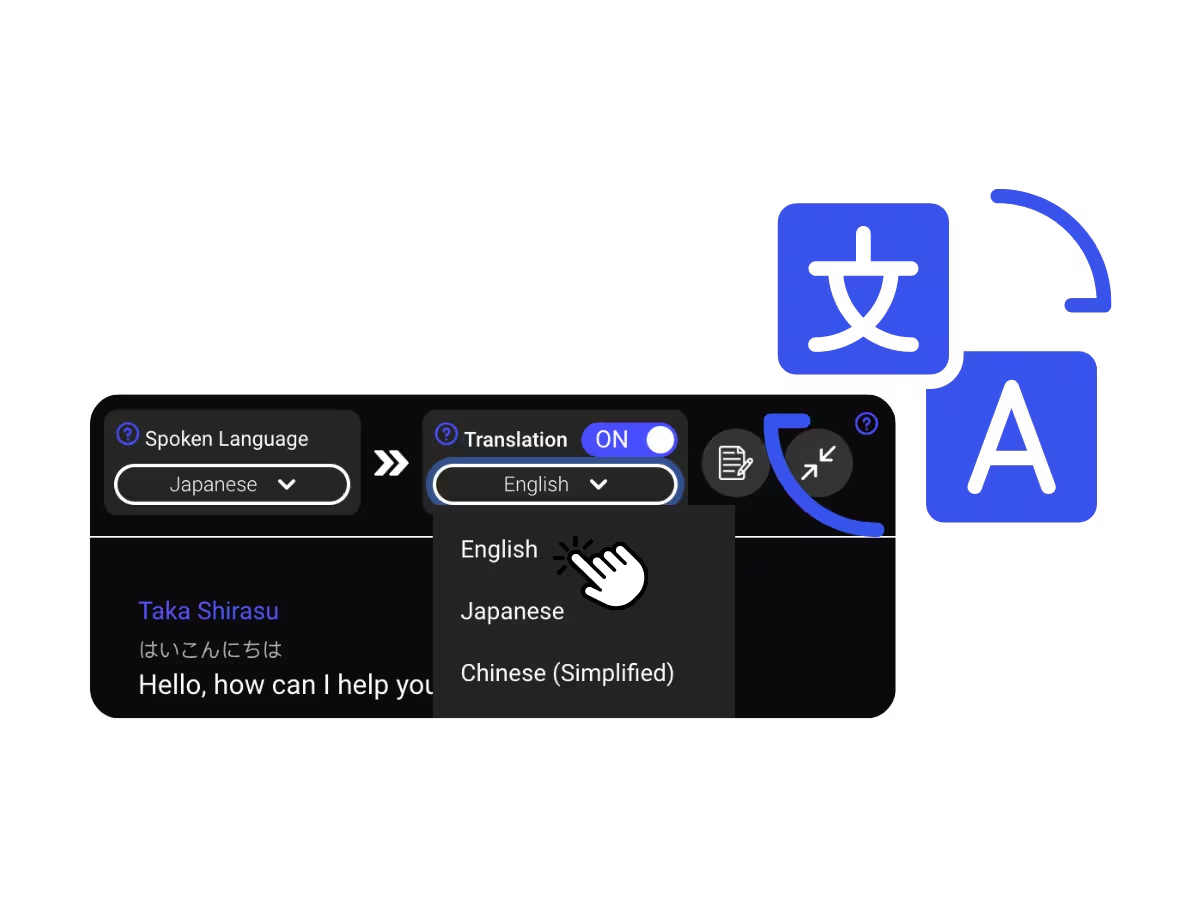
3. Set your translation language
Pick the language you want to read or hear. Accurate live captions appear on your screen, or the translation plays aloud as the scene runs.
What people watch with Netflix translation
From a K-drama that dropped this morning to a documentary nobody subtitled, JotMe keeps you in the story.
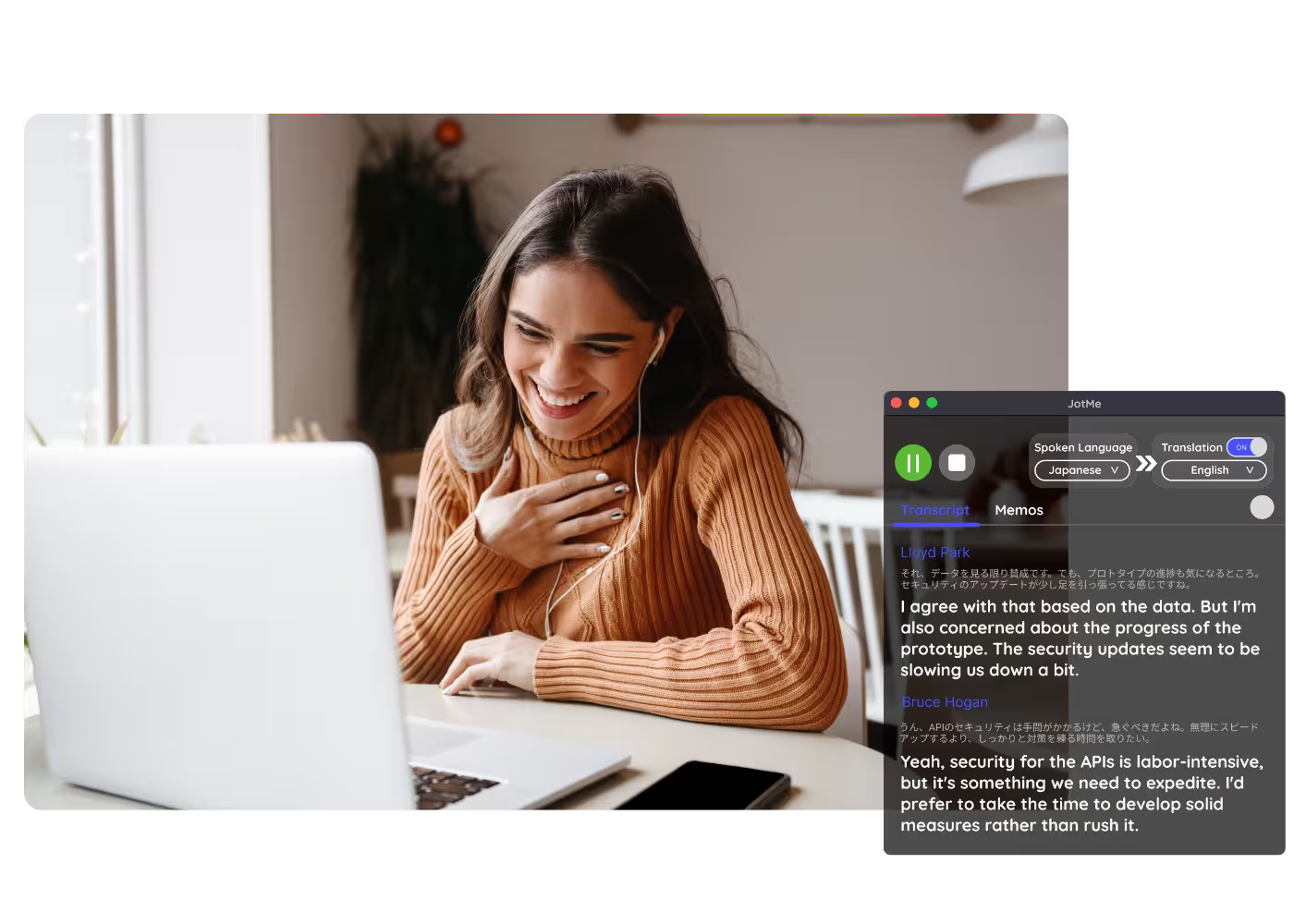
K-dramas, anime & foreign originals
Netflix licenses subtitles and dubs per title and per region, so a new release often lands with a short language list. JotMe fills the gap the moment it drops.
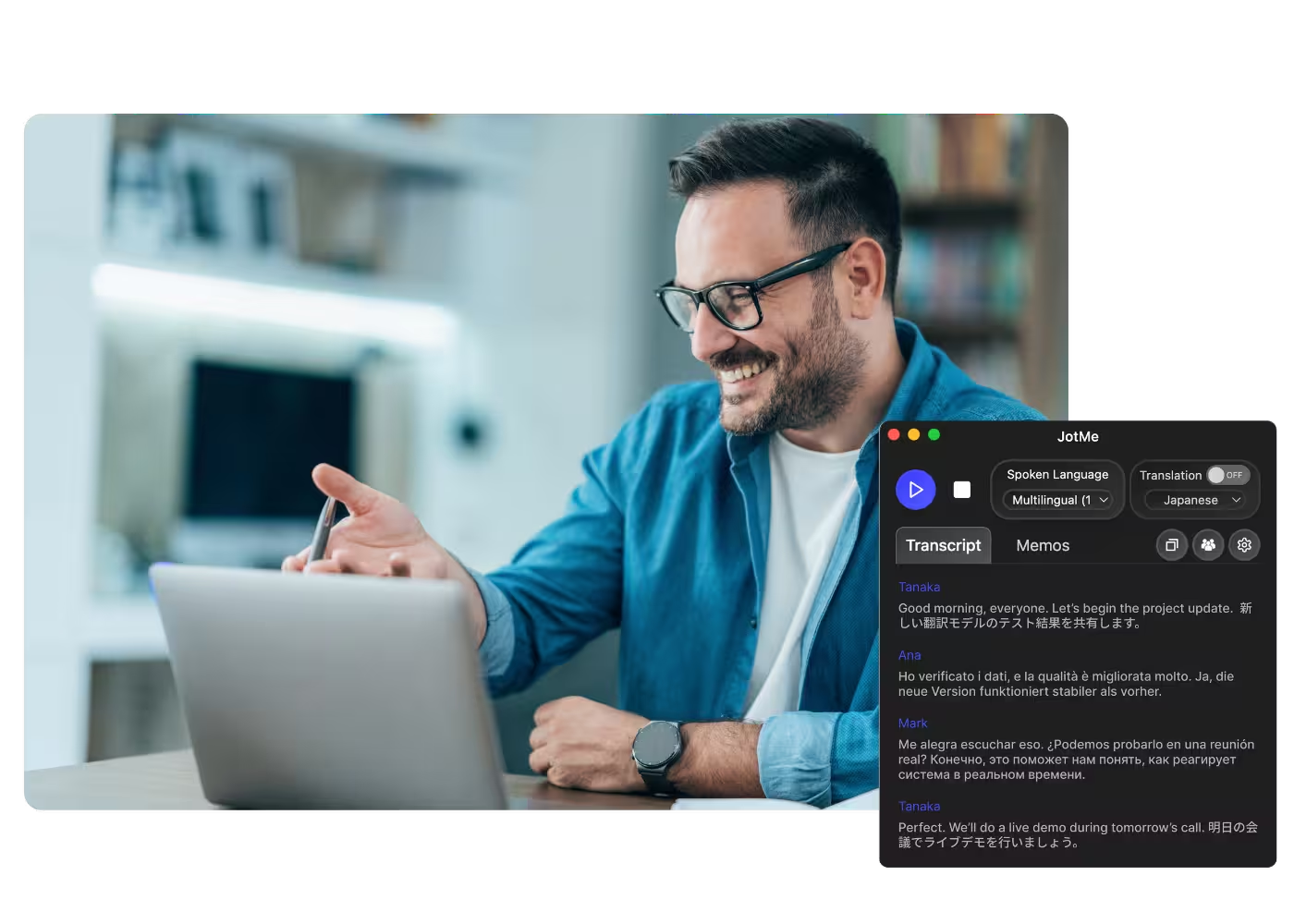
Language learning
Watch in the original audio with live translated captions in your language, and check what any line really meant.
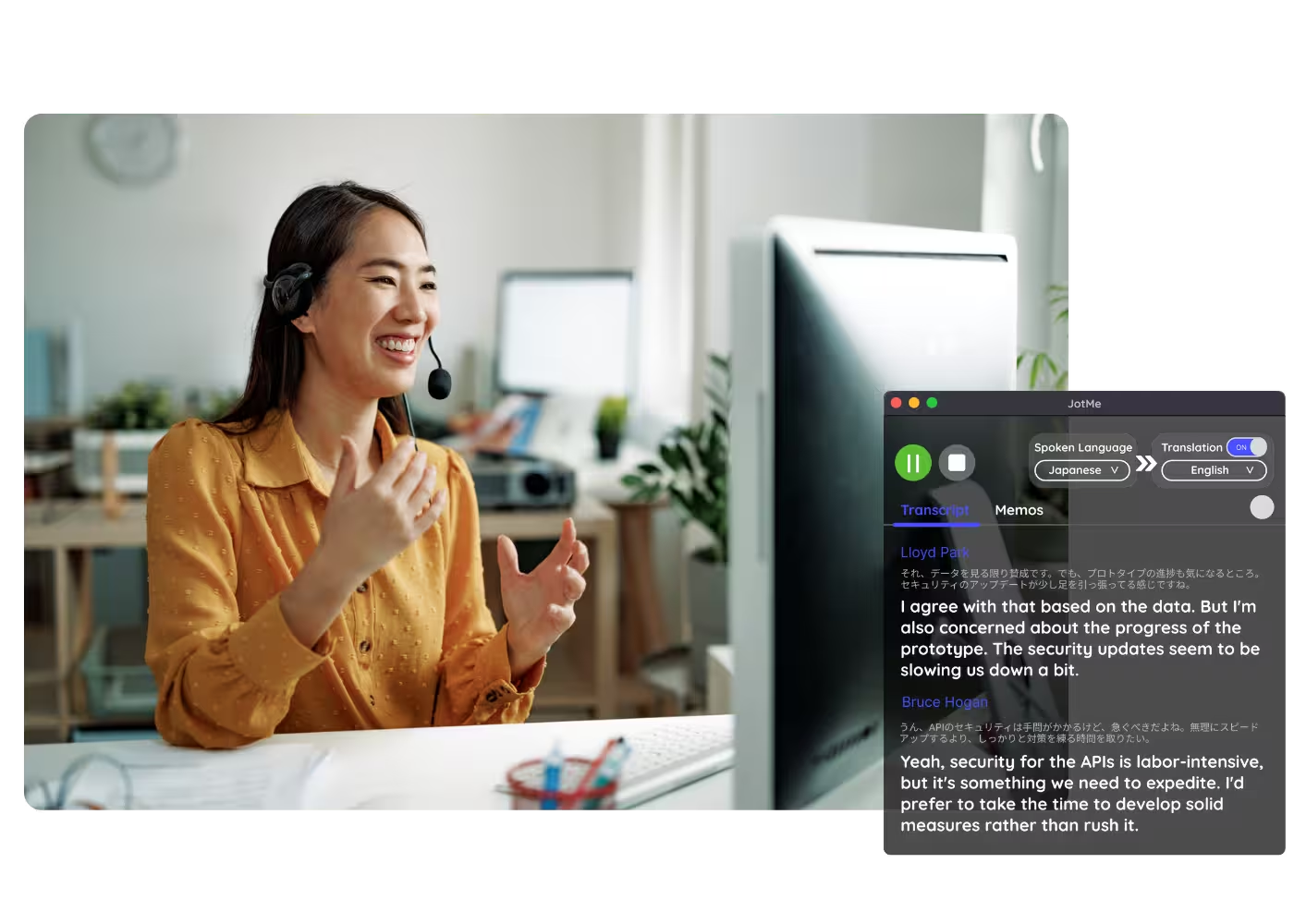
Shows your language misses
Titles licensed without your language's subtitles or dub still play in your language with JotMe.
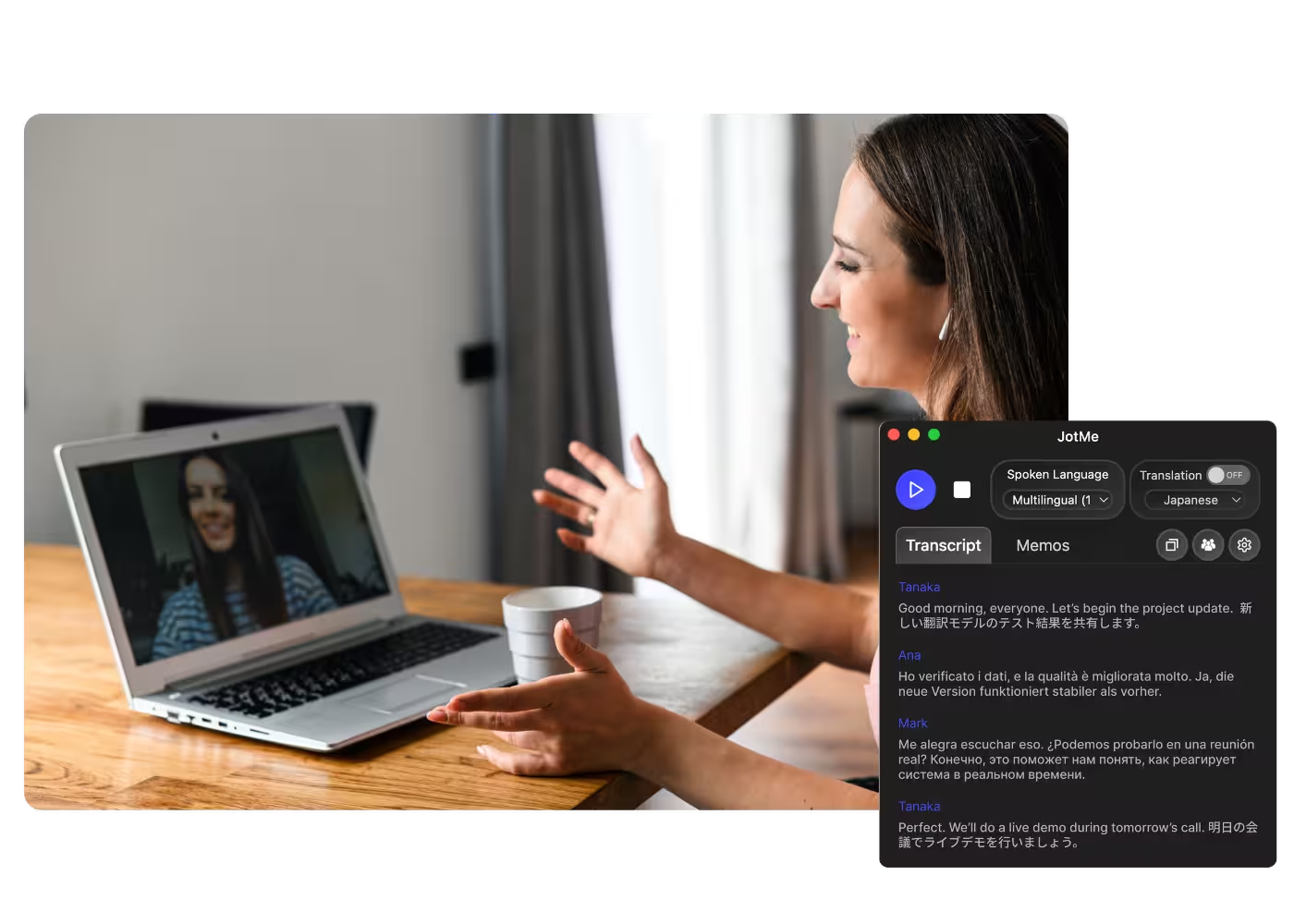
Shows your language misses
Share the live translation via link or QR code so someone watching with you follows along in their own language on their phone.
See it in action
Watch JotMe translate a Netflix scene live, straight from the audio — no subtitles on the screen.
500,000+ professionals run meetings and events smoothly with JotMe
See how they’re seeing results with JotMe in bridging multilingual operational gaps.








Frequently asked questions
Everything you need to know about running meetings and events with JotMe.
Yes. JotMe translates the audio itself rather than the subtitle file, so any show plays in your language across 200+ languages, accurate and live, even on titles Netflix never subtitled for you.
Both, as long as the show plays on your computer. JotMe captures the audio from your Mac or Windows machine, whether Netflix runs in the browser or the desktop app.
Yes. JotMe's free plan includes live translation minutes, and no credit card is required. Upgrade when you need more minutes.
JotMe translates with your profile, your custom dictionary, what you are watching, and a running memory of the dialogue feeding every line, so accuracy climbs as the episode plays and slang and story references land correctly.
Yes. JotMe stores the transcript and translation on your dashboard, so you can review, copy, and share them after the meeting.
JotMe translates into 200+ target languages across 39,000+ language pairs, including regional variants. See the full list on the available languages page.
Both. Read live translated captions on your screen, or have the translation spoken aloud while the show plays — whichever fits how you watch.
Heading

Watch Netflix in any language
Accurate live captions or spoken voice across 200+ languages, on any title in the catalog. Stop letting the subtitle list pick your watchlist.