AI Translation, Transcription & Notes for Google Meet
Add JotMe to Chrome and get live translated captions, real-time transcripts, and AI meeting notes in every Google Meet — or go 200+ languages and your own cloned voice with the desktop app. Works live or from a Meet recording you upload.
Chrome extension for Google Meet | 4.7/5 on Chrome Web Store
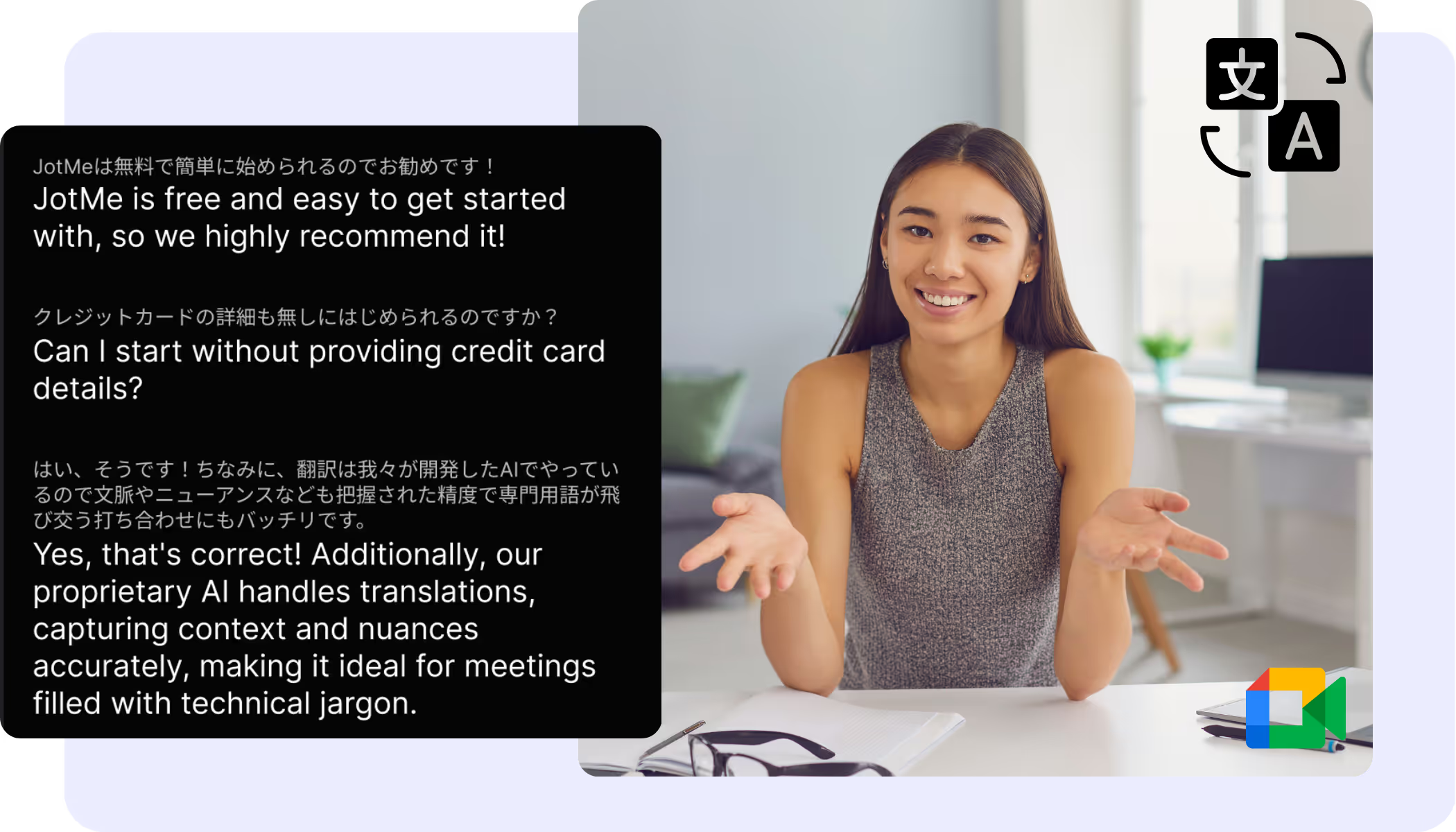
Live translated captions, right on top of Meet
Automatically translate your Google Meet with real-time captions in the extension overlay, or 200+ languages and your own cloned voice with the desktop app. Nothing for the host to enable — and you can share the translation, captions or voice-to-voice, via link, QR code, or on-camera subtitles.
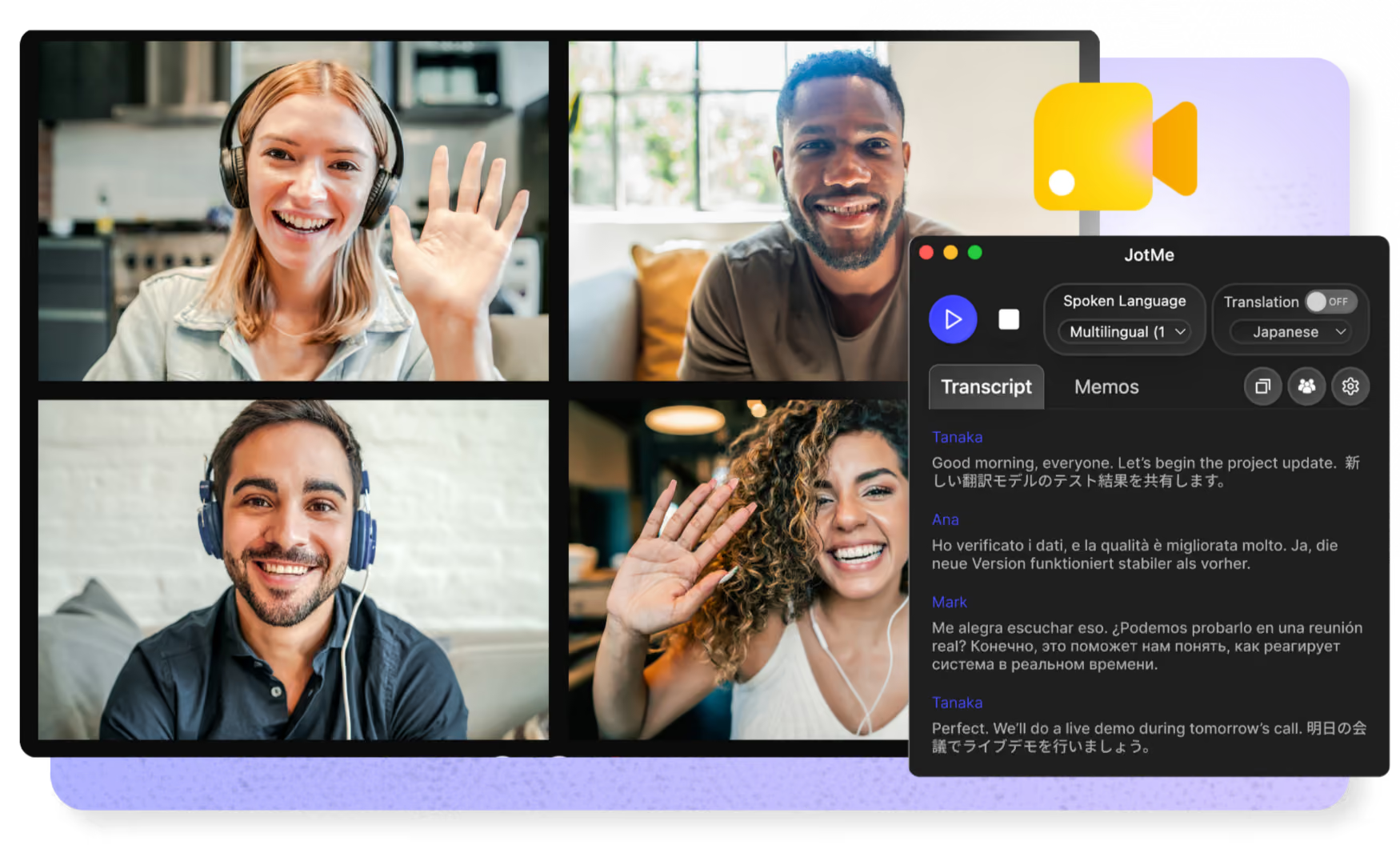
Google Meet Translation
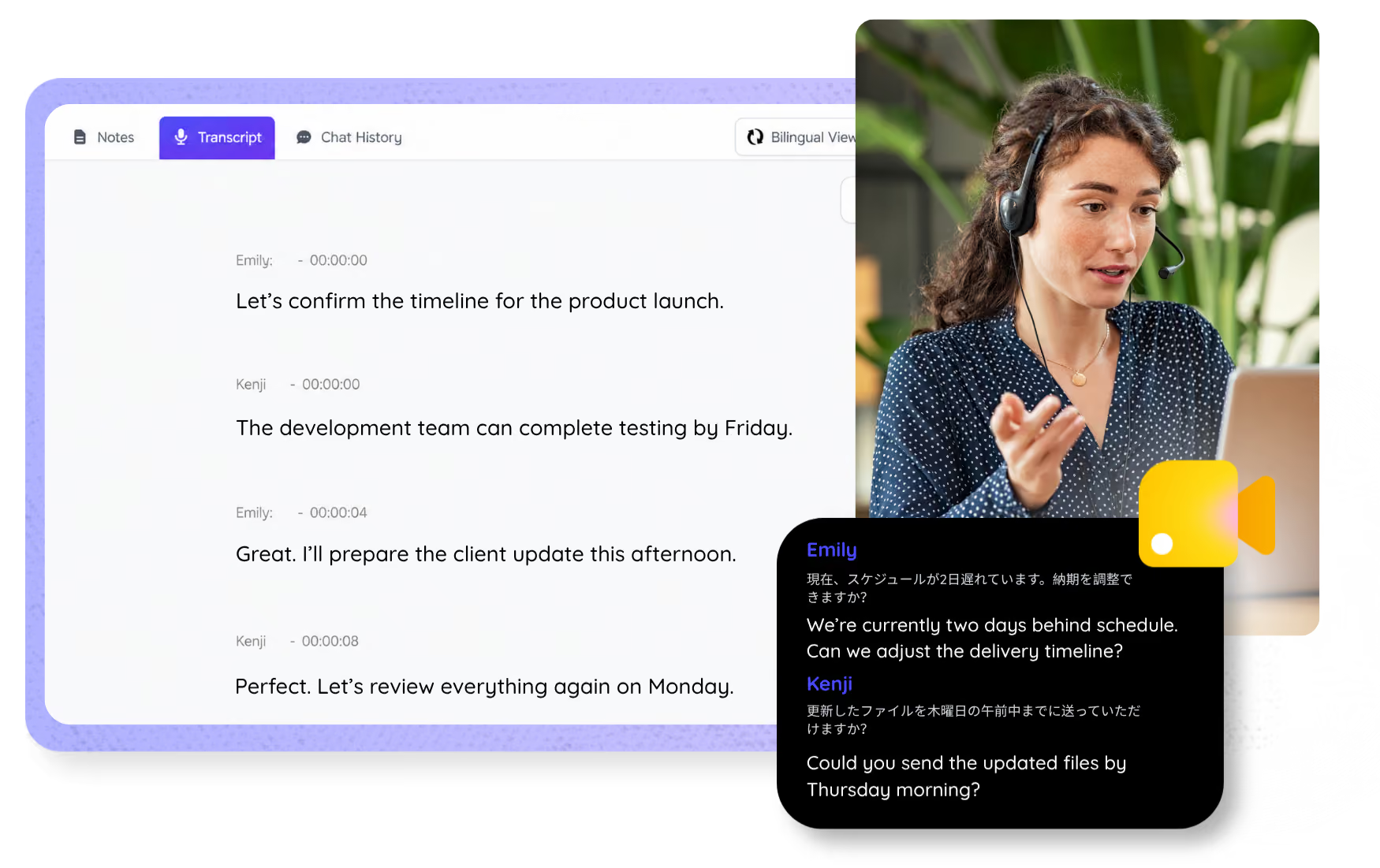
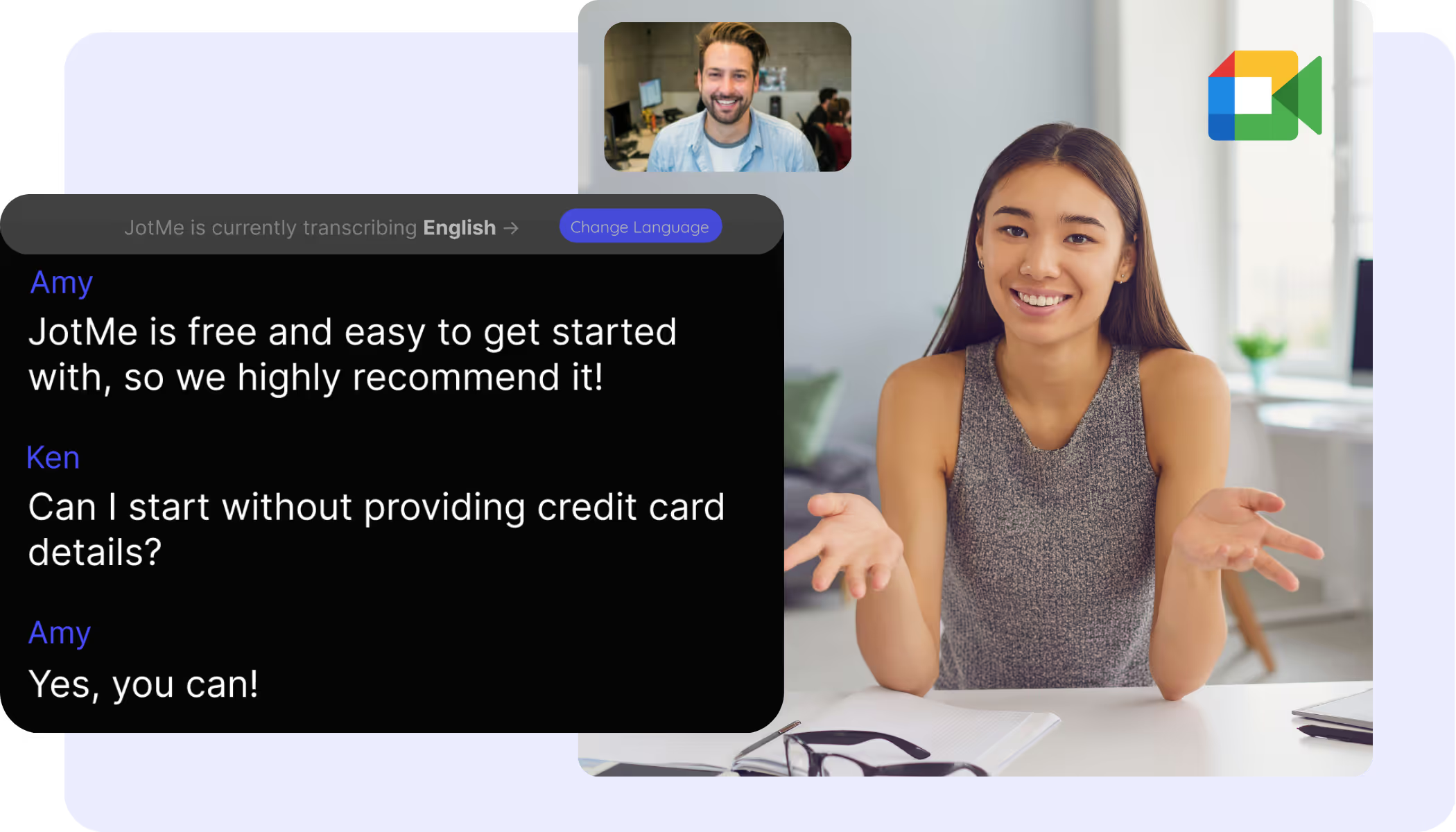
Every word captured in real time
Transcribe your Google Meet in real time with the extension, speaker labels included. Already have a recording? Upload it for the same searchable transcript.
Google Meet Transcription
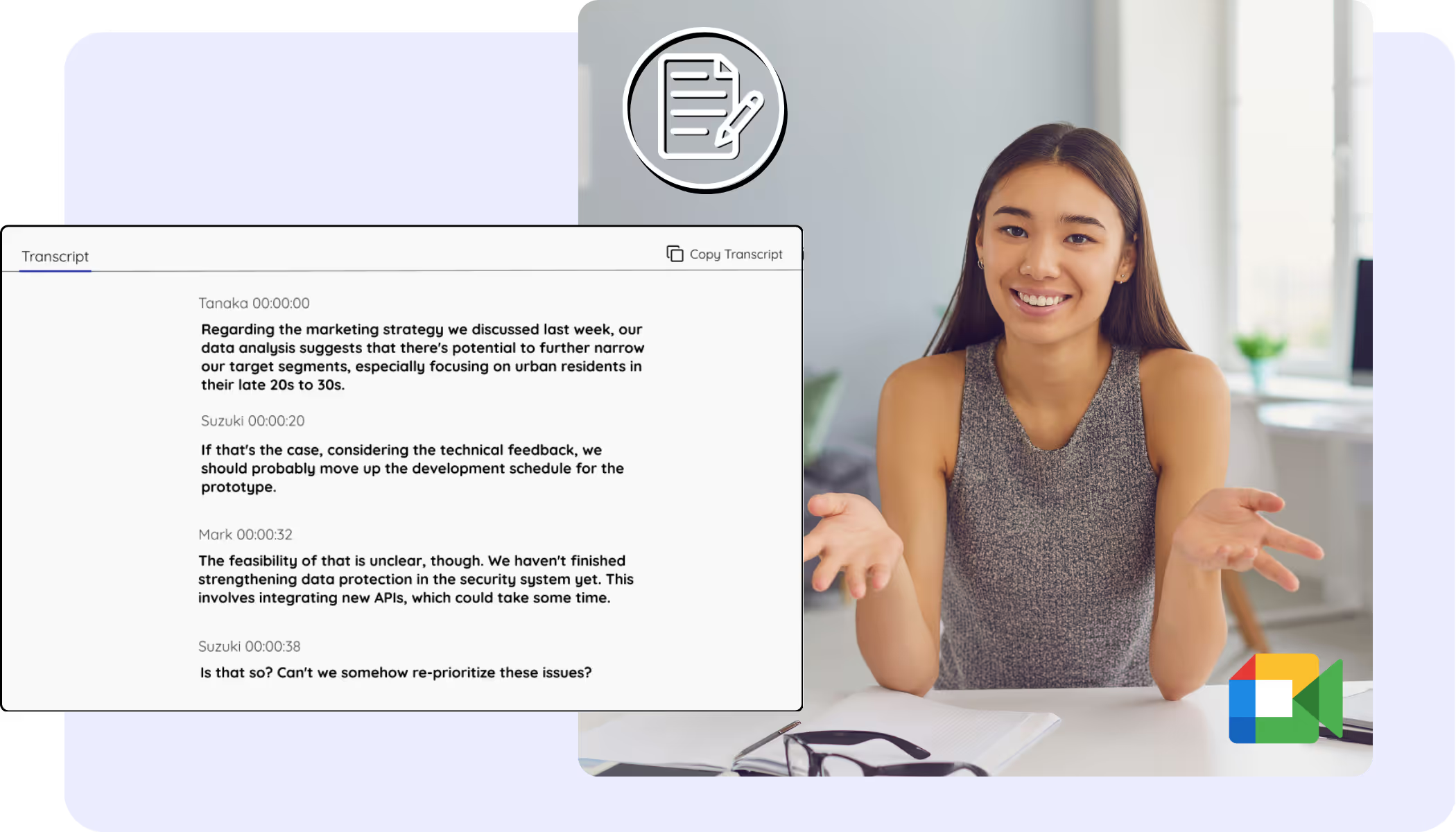
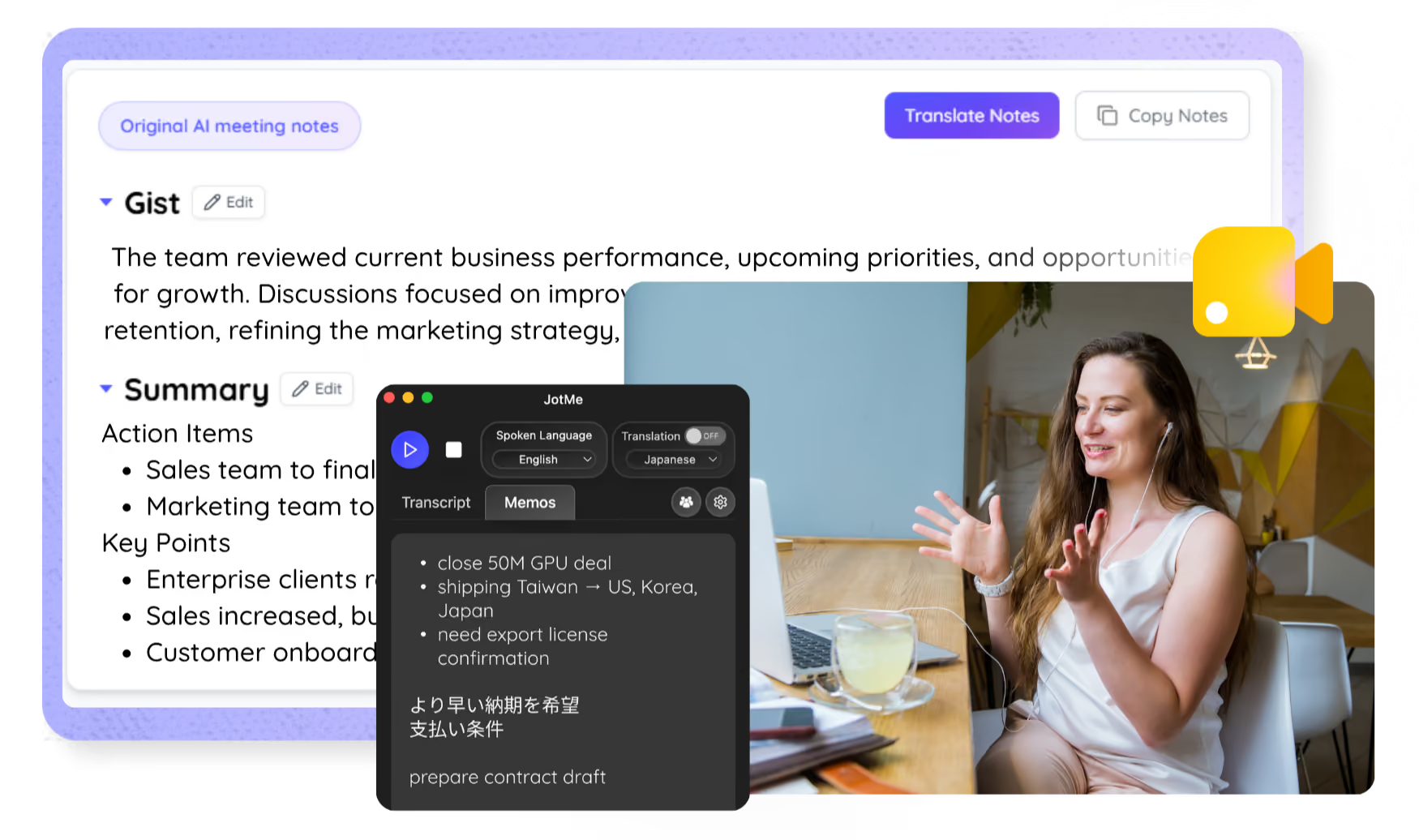
Your Meet transcripts, stored and searchable
Keep every Google Meet transcript in your JotMe dashboard, searchable and ready to revisit. The captions you always wished Meet would save.
Google Meet Transcript
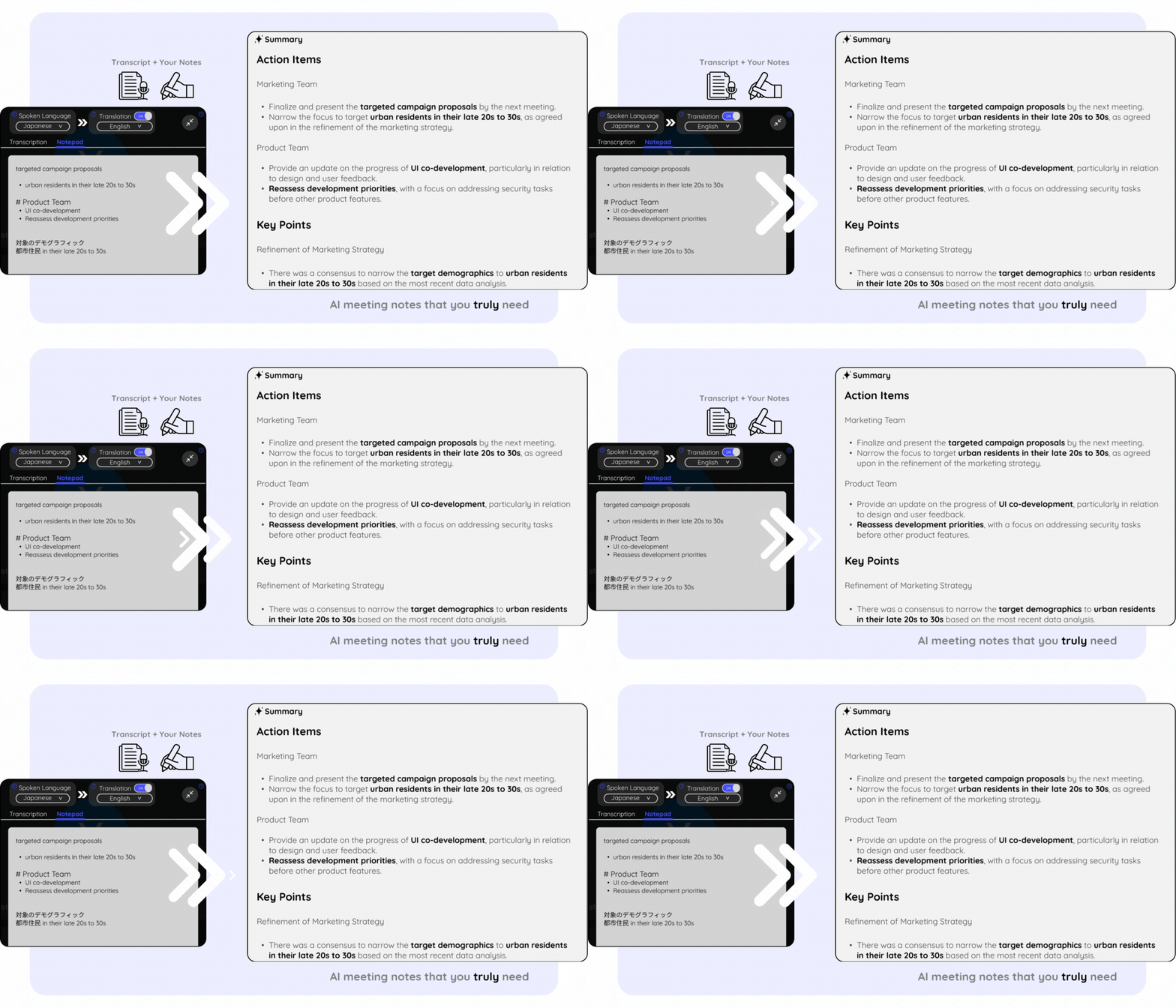
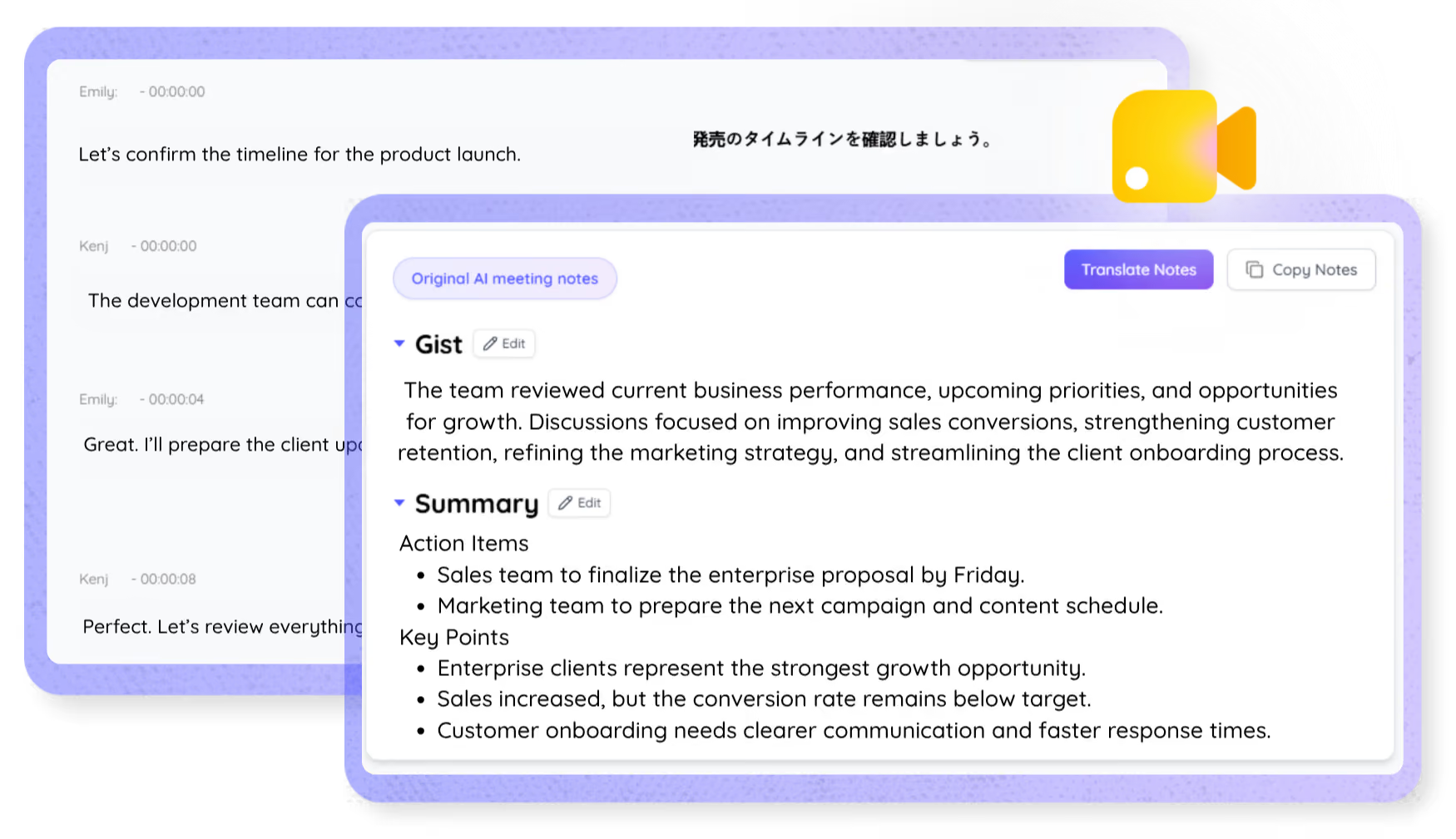
Meeting notes that make sense
The Google Meet AI note taker turns your calls into clear, structured notes with key points and action items, live or from a recording you upload, translated into your language.
AI Meeting Notes
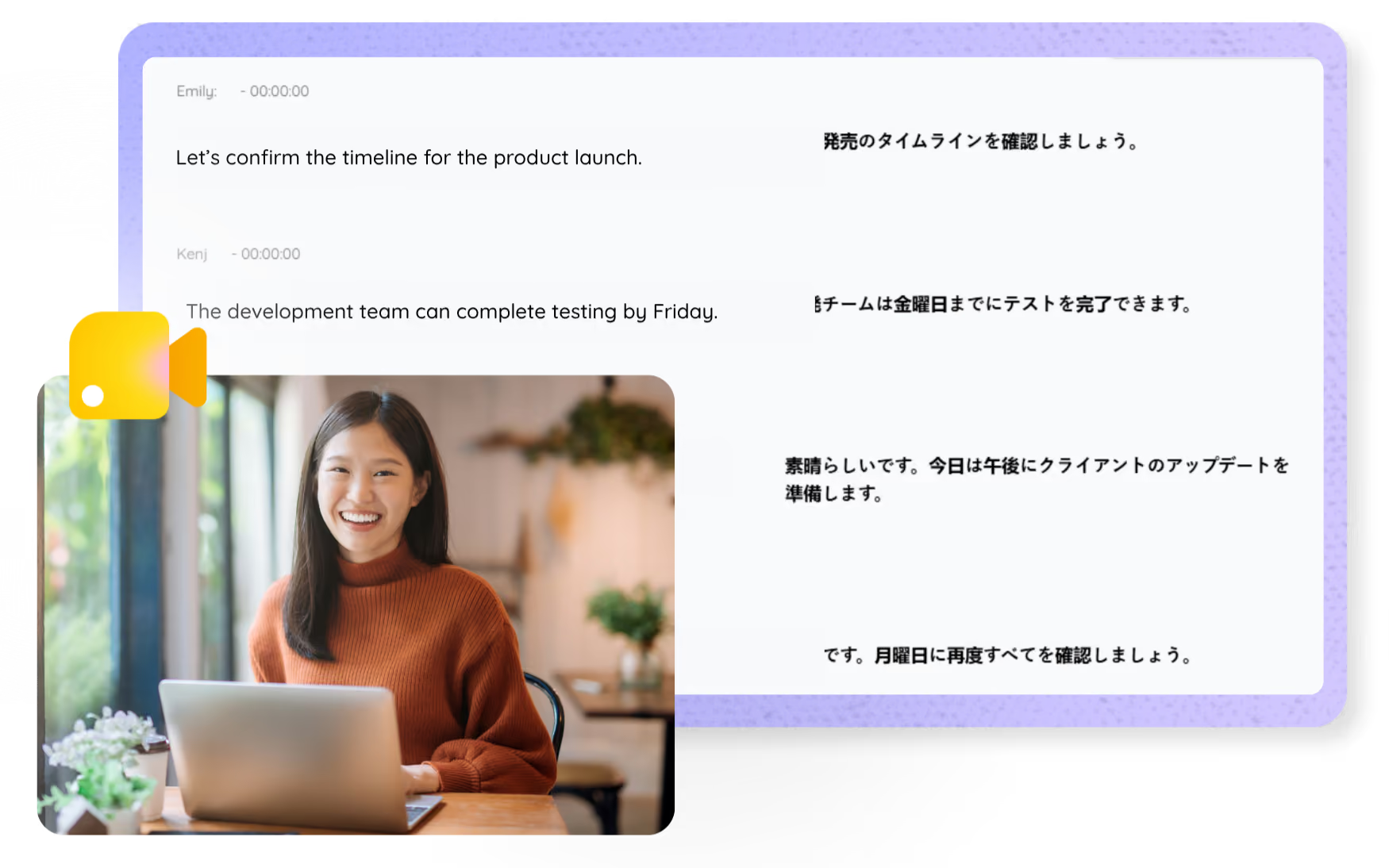
Two languages, one transcript
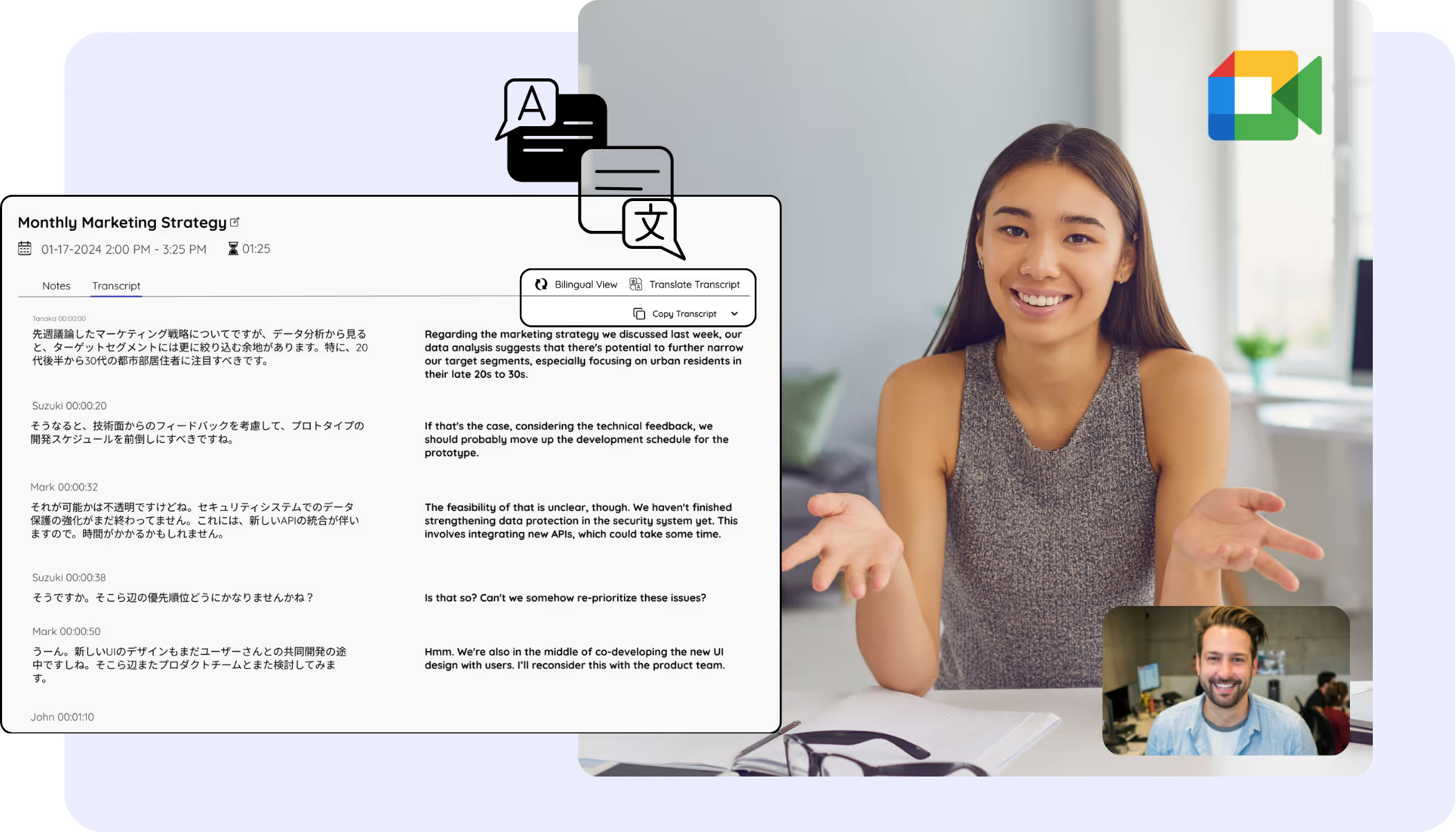
Keep the original and translated text side by side in one bilingual Google Meet transcript.

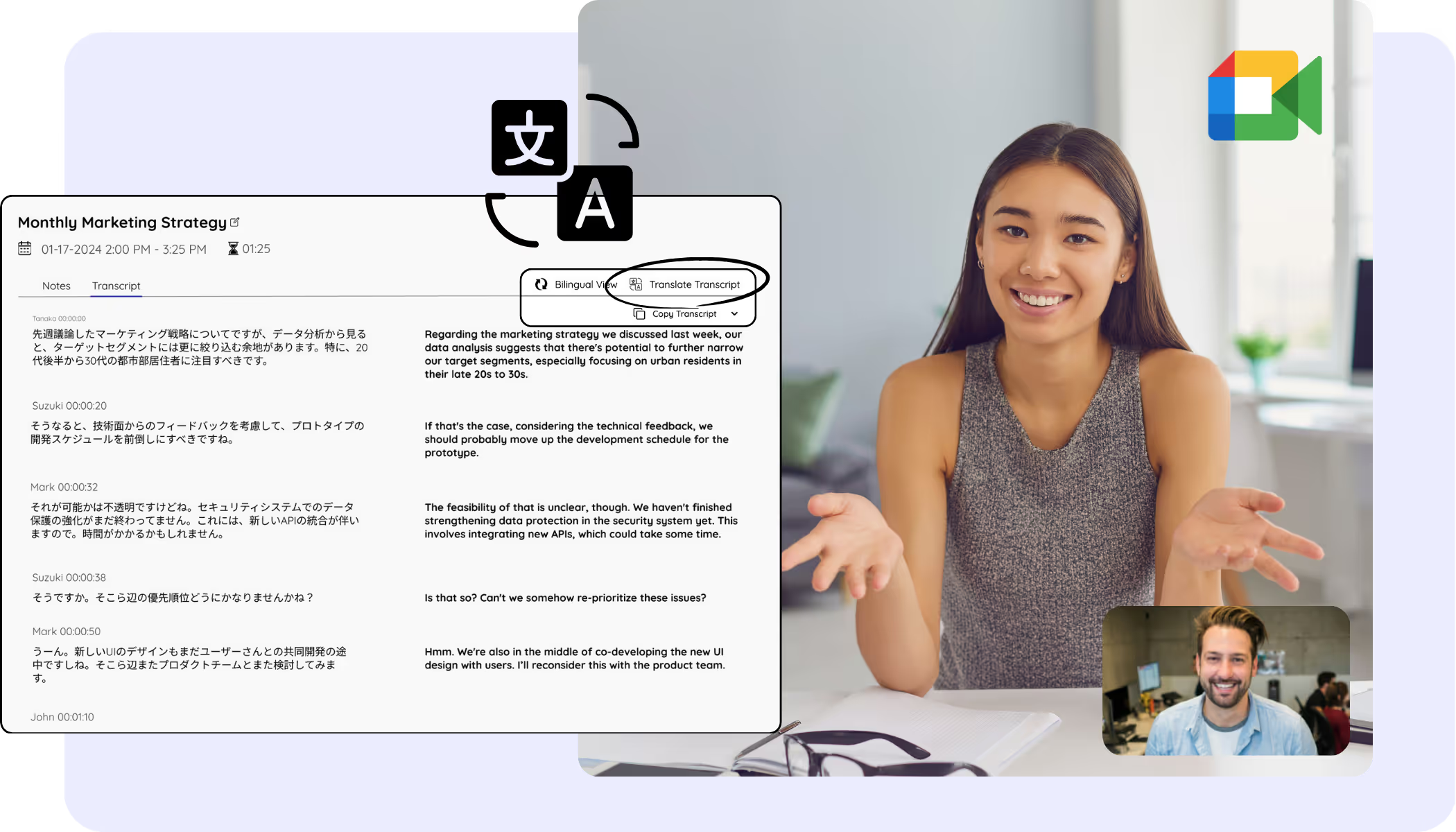
Translate transcripts after the call
Translate your Google Meet transcripts into 200+ languages after the call, from your dashboard or from a recording you upload.
Frequently asked questions
Everything you need to know about running Google Meet meetings with JotMe.
How does JotMe work with Google Meet?
JotMe for Google Meet works two ways. The Chrome extension drops a draggable transcript and translation overlay into your call and writes accurate AI notes afterward, and the desktop app adds 200+ languages and voice-to-voice for bigger, multilingual meetings.
Can Google Meet translate captions in real time?
With JotMe, yes. The extension shows translated captions right inside Meet on any Google Workspace plan, with nothing for the host to enable, and the desktop app translates into 200+ languages. Native Meet translated captions sit behind paid Workspace tiers.
Can I transcribe or translate a Google Meet recording?
Yes. Upload the recording to Audio to Text or Video to Text and JotMe transcribes it, translates the transcript into the language you pick, and writes accurate notes, the same output as a live call.
How do I save Google Meet captions?
JotMe keeps them for you. The extension captures the captions as a transcript while you meet, and saves everything to your dashboard to search, copy, and share, so your captions never disappear when the call ends.
How does JotMe keep a multilingual team aligned after a Google Meet meeting?
After a Google Meet meeting, JotMe saves the transcript, notes, summary, decisions, and action items to your dashboard. During the call, share live translated captions by link, QR code, or on-camera subtitles. Afterward, use Ask JotMe to review what was said.
How many languages does JotMe support on Google Meet ?
JotMe supports 200+ languages as translation target options in supported non-fast desktop and web flows. Spoken-language availability depends on the recognition mode; fast mode currently exposes 13 target languages.
Is JotMe safe to use for confidential Google Meet meetings?
Yes. JotMe captures audio locally on your computer, so no bot joins your Google Meet call and nothing is added to the meeting. JotMe is GDPR-compliant with a SOC 2 Type II audit in progress, and encrypts transcripts, translations, notes, and recordings in transit and at rest.

Run every Google Meet smoothly in any language
Translate, transcribe, and turn every Meet conversation into notes your whole team can act on, in the languages they each need.