Live Translation App
One real-time translation app that turns live conversations into captions and AI-cloned voice, on your phone, desktop and Chrome.
Trusted by 2,000 Teams and 500,000 Professionals Across 134 Countries















Rated 4.7/5

GDPR Compliant
SOC 2 Type II (In Progress)
Live Translation App for Conversations, Events, and Meetings
Many live voice translator apps like Google Translate, DeepL, or other third-party iPhone and Android apps do not provide continuous and context-aware translation. You need to tap the microphone icon, wait for someone to speak, get the AI real-time translation, and then repeat the process again and again.
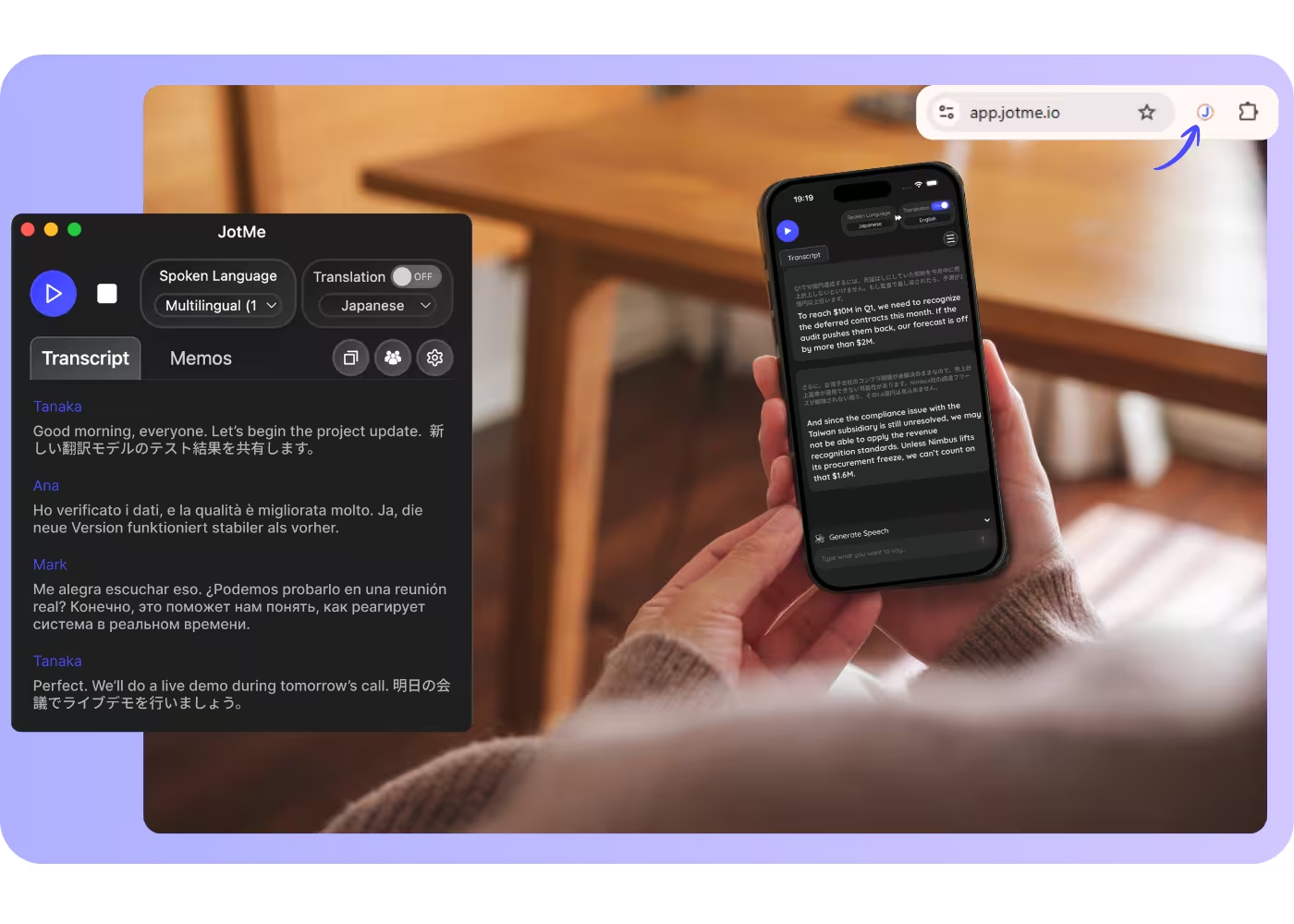
With JotMe, you can have hands-free, continuous AI translation. Because JotMe supports continuous context-aware translation, the AI preserves context and understands what is being discussed, so live translations do not lose the speaker’s meaning or intent. This makes translations more accurate and tailored to each unique meeting or conversation.
The JotMe AI translation app is available for both iPhone and Android, and as a desktop AI interpreter for Mac and Windows. JotMe currently supports live voice translation in 45+ languages.
How do I get the live translation app?
In 3 easy steps!
STEP 1
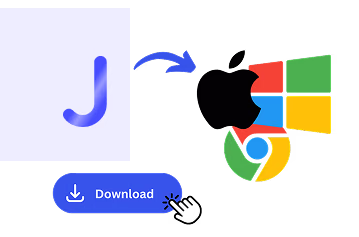
Download the mobile app, desktop app, or Chrome extension
Mobile app for iPhone and Android, desktop app for Mac and Windows, and a Chrome extension for Google Meet (limited features).
STEP 2
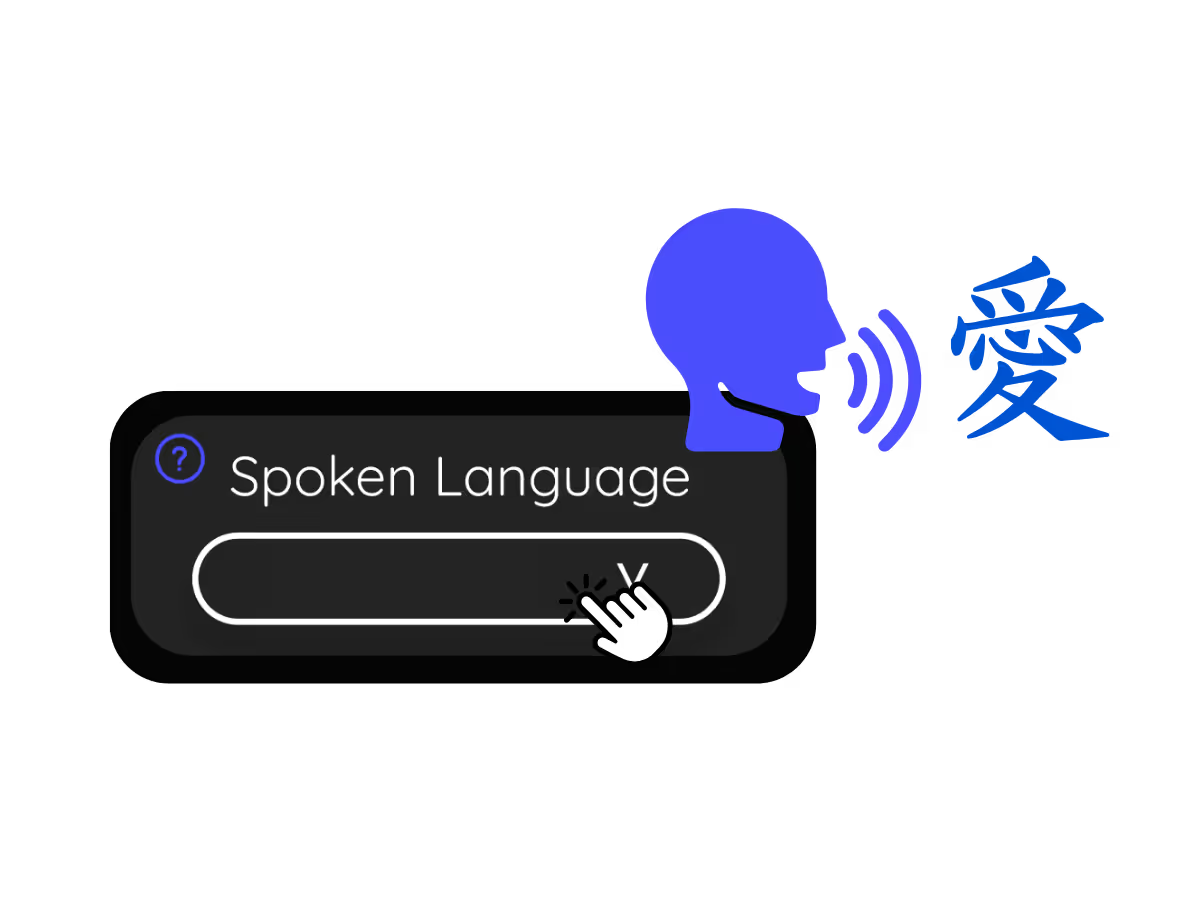
Set your spoken language
Choose the language people speak. JotMe supports 200+ languages across 39,000+ language pairs with multiple models.
STEP 3
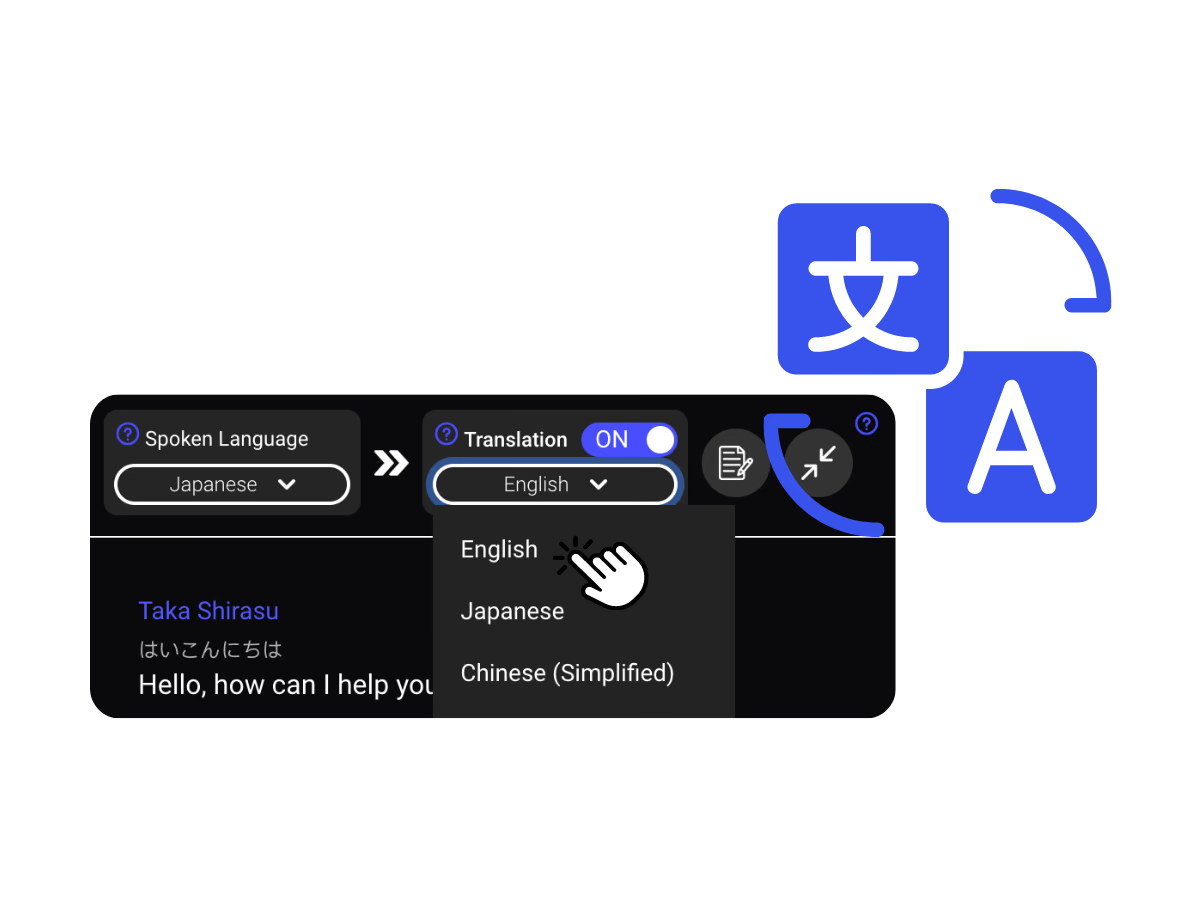
Set your translation language
Pick the language for your captions and voice. For example, Japanese-to-English, set this to English.
See It in Action!
Live AI translation app wherever the conversation happens

Business trips & client visits
Mobile app for iPhone and Android, desktop app for Mac and Windows, and a Chrome extension for Google Meet (limited features).

In-person conversations
Choose the language people speak. JotMe supports 200+ languages across 39,000+ language pairs with multiple models.

Calls on the go
Pick the language for your captions and voice. For example, Japanese-to-English, set this to English.
Frequently asked questions
Everything you need to know about running meetings and events with JotMe.
Is there an iPhone and Android app?
Yes. Get JotMe for iPhone or Android, plus desktop for Mac and Windows and a Chrome extension. One account works across all of them.
Does it work for in-person conversations too?
Yes. Set your phone on the table and JotMe translates the conversation in front of you, hands-free, with no mic to tap. The people you talk to install nothing and can follow by link or QR code.
How accurate is JotMe's live translation?
Accuracy improves as the conversation goes on. The agentic AI draws on what has already been said, the participants, domain, and intent, to translate meaning in context. Domain terms keep their professional sense.
Which languages are supported?
JotMe supports 200+ languages across 39,000+ language pairs, with the strongest results on pairs like English, Japanese, Mandarin, Spanish, and Korean.
Does a bot join my meeting?
No. JotMe captures your system audio, so no bot joins the call and no plugin.
Which platforms does it work with?
JotMe works on Zoom, Google Meet, Microsoft Teams, Webex, LINE, and in person, all from one install.
Is my conversation private and secure?
JotMe encrypts your data in transit and at rest and follows GDPR, with SOC 2 Type II auditing in progress. JotMe never sells your data or uses it to train AI models, and you own your data.
How much does it cost?
Start free in 30 seconds with no credit card, and upgrade when your operations need more. See full pricing.
Can I get a transcript and summary afterward?
Yes. Every session ends with a transcript and an AI meeting summary in each participant's language, ready to share from your account.

The easiest, most reliable live translation app, in captions and AI-cloned voice.
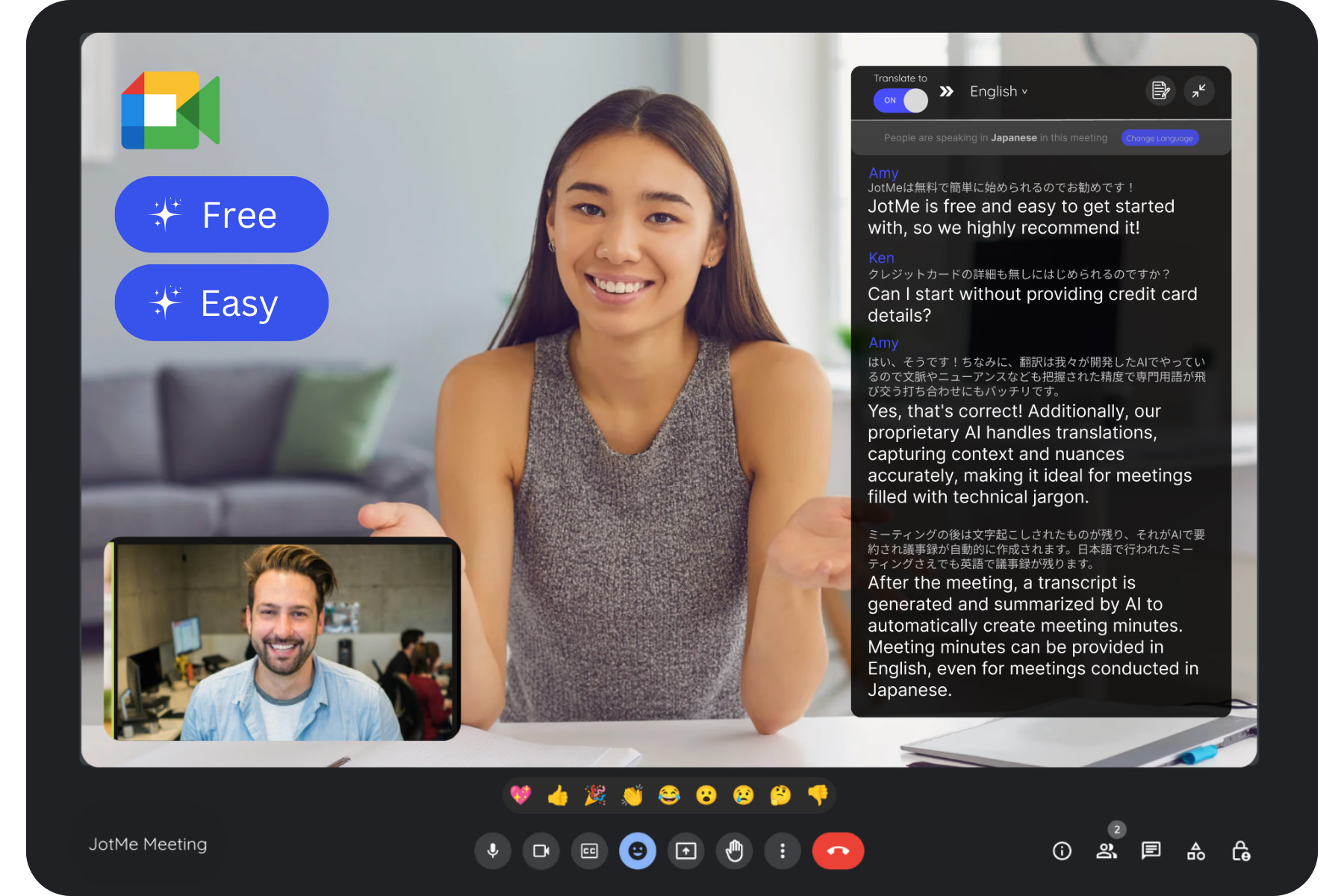
Run every meeting and event smoothly for your multilingual operations
Transcribe, interpret, translate, and turn every critical conversation into insights with context so everyone stays aligned across languages.