





Webex Translation
Follow Webex meetings with accurate live translated captions or AI translated speech. Use JotMe alongside Webex and review the original transcript.
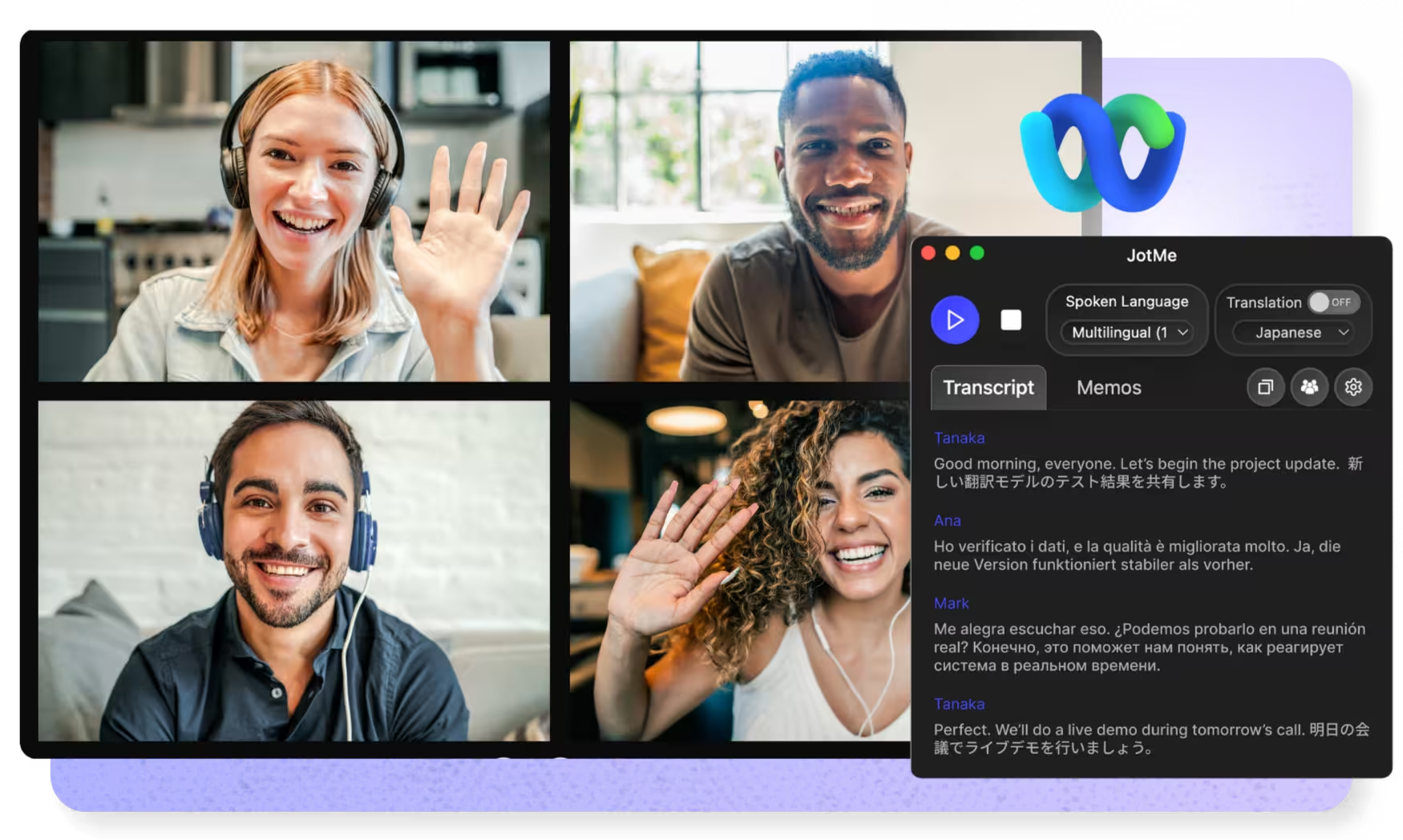
Select model, languages, click start and start speaking. JotMe AI will improve the translation quality as you speak. Download apps to use it on Webex. Open the full demo.
Trusted by 2,000 Teams and 500,000 Professionals Across 134 Countries

















Accurate real-time translated captions and AI-translated speech
Everything you need for accurate live translation on Webex, and to share it with anyone.

Context-aware, ultra-accurate
JotMe translates meaning, not words. Every line considers who is speaking, what your team is working on, what has been said so far in the meeting, your custom terms, and how the sentence connects to the last one. Slang, jargon, and technical words come out right.

Voice-to-voice in your own voice
Hear the translation spoken in your own cloned voice with the fastest voice translation available today. Your words, in your voice, in another language.

200+ languages, live or from a recording
Translate Webex meetings into 200+ target languages across 39,000+ language pairs, from Japanese to Swiss German. Works in real time during the call, or on the Webex recording you upload afterward.
Your translation is saved
Transcript, translation, and notes are saved to your dashboard after every call, so nothing disappears when the meeting ends.

Custom dictionary and auto language detection
Improve accuracy with industry-specific terms and custom replacements. JotMe also detects the spoken language automatically, so you never set it mid-call.
How to get live translation on Webex
Three steps, under a minute. No Webex settings, no bot invite, no host approval. Already have a recording? Upload it instead.
1. Download the desktop app, or upload your Webex recording
Get JotMe for Mac or Windows in about 30 seconds. Already have a recorded Webex meeting? Upload it to transcribe, translate, and get accurate AI notes.
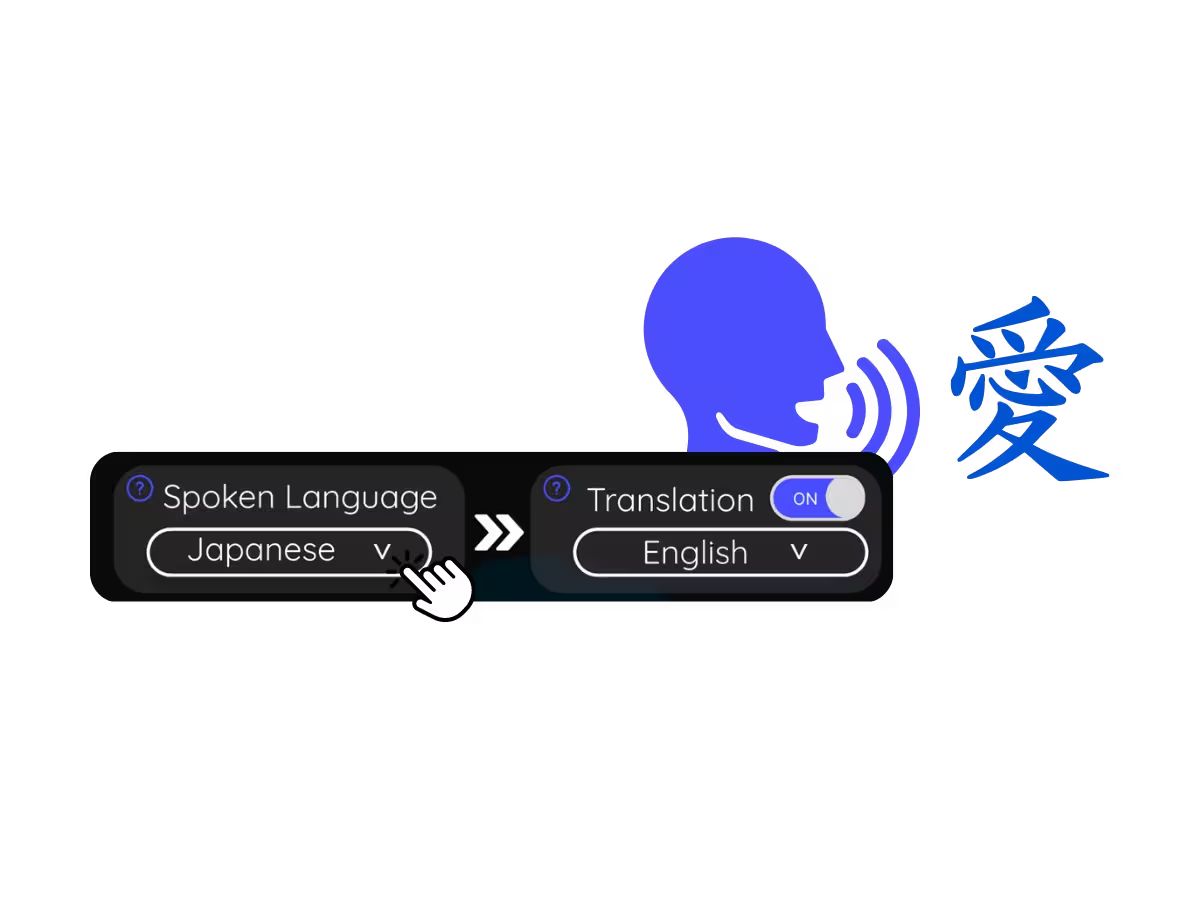
2. Set the spoken language
Choose the language being spoken in the meeting, for example Japanese. If people switch languages, pick multilingual mode.
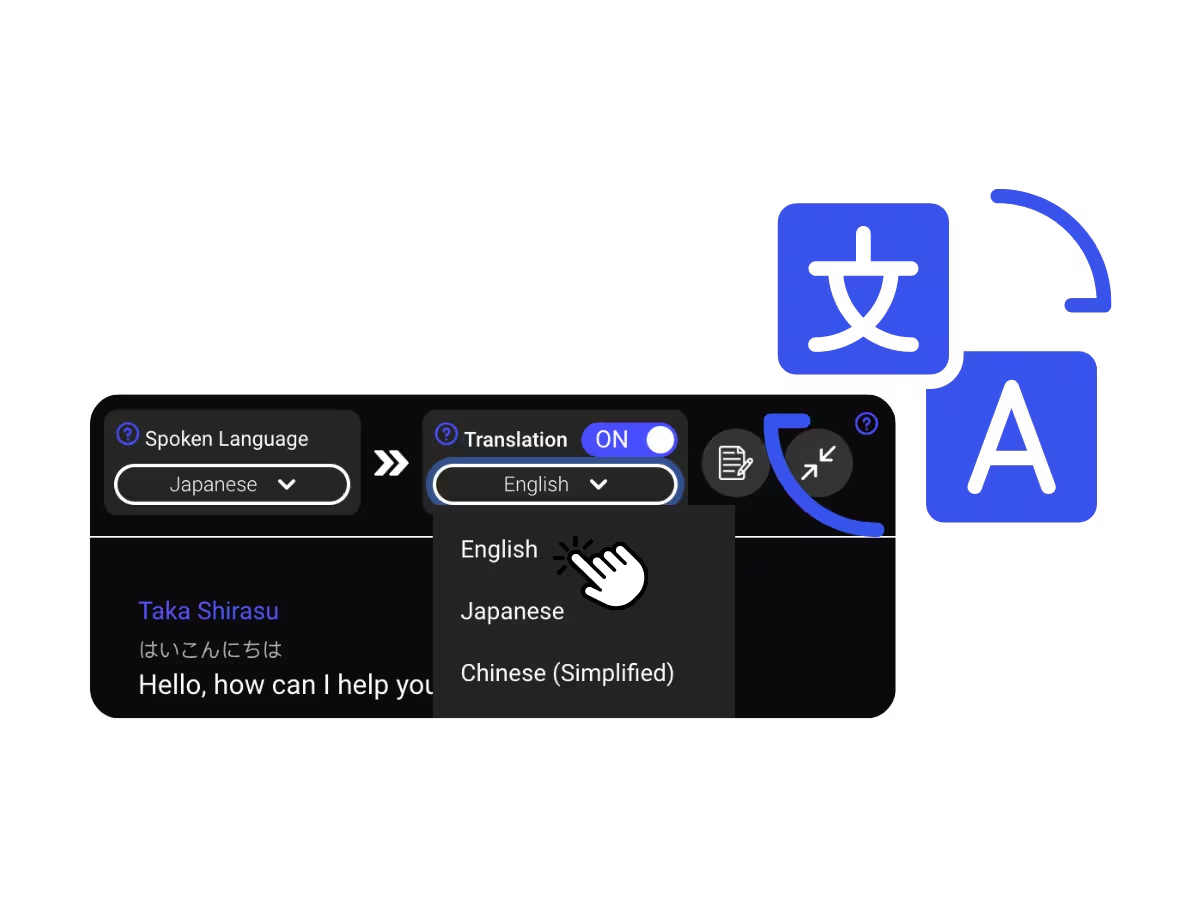
3. Set your translation language
Pick the language you want to read or hear. Live captions appear on your screen, and voice-to-voice speaks the translation in AI-translated speech as everyone talks.
What teams use Webex translation for
Three steps, under a minute. No Webex settings, no bot invite, no host approval. Already have a recording? Upload it instead.
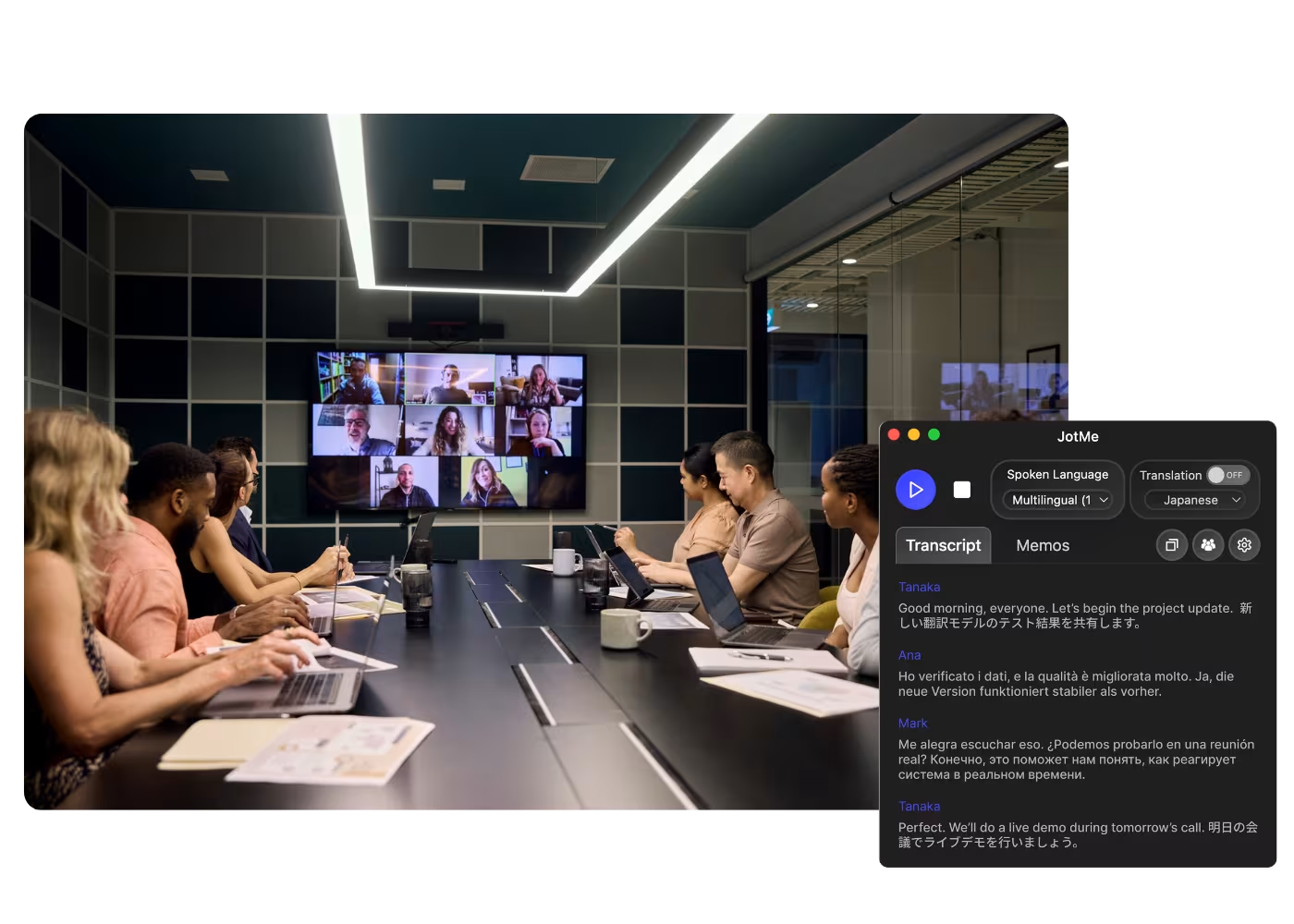
Global all-hands & team meetings
Follow announcements from HQ in your language and speak up without waiting for a recap.
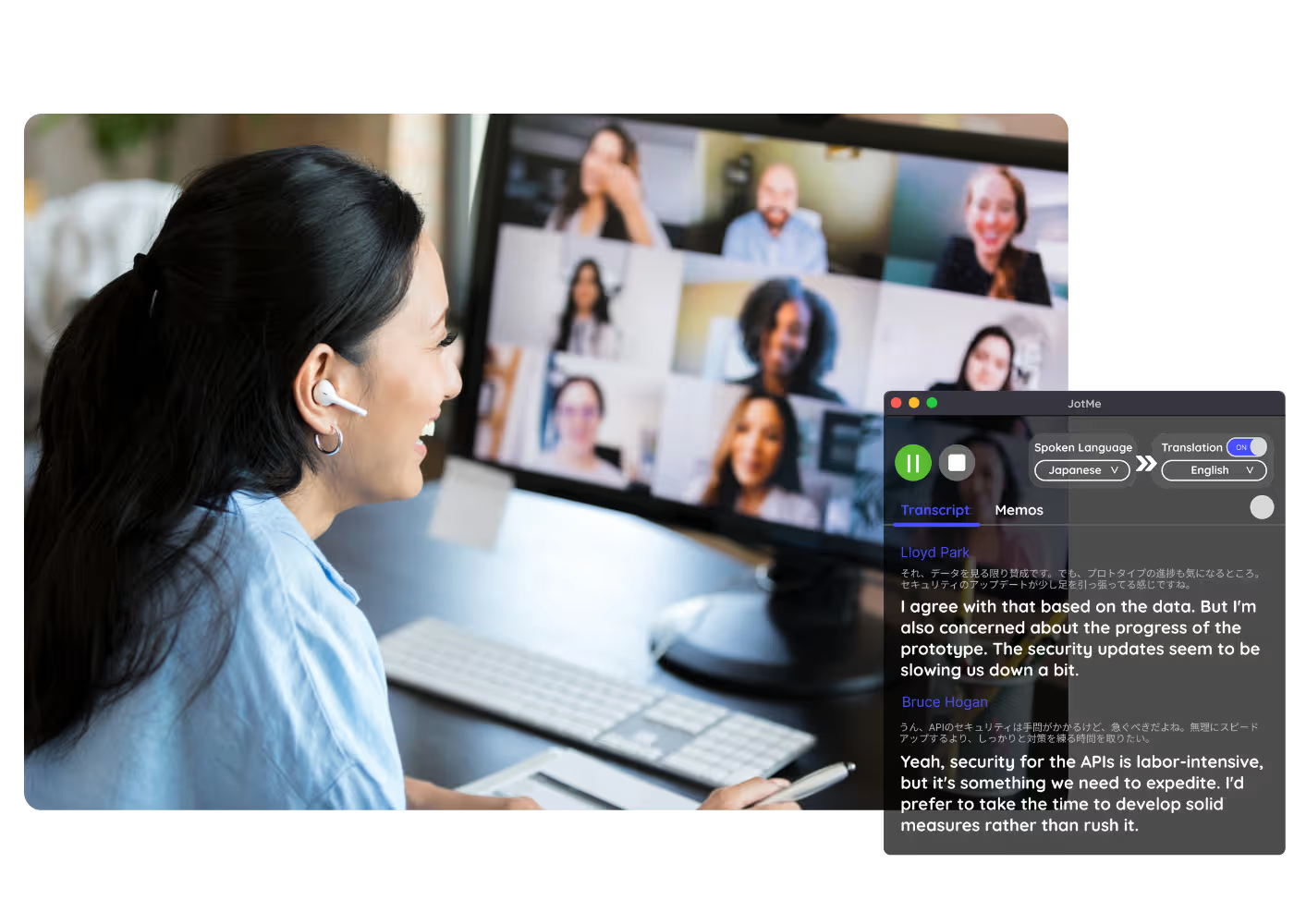
Sales & client calls
Catch every requirement and objection when customers speak another language, and reply with confidence.
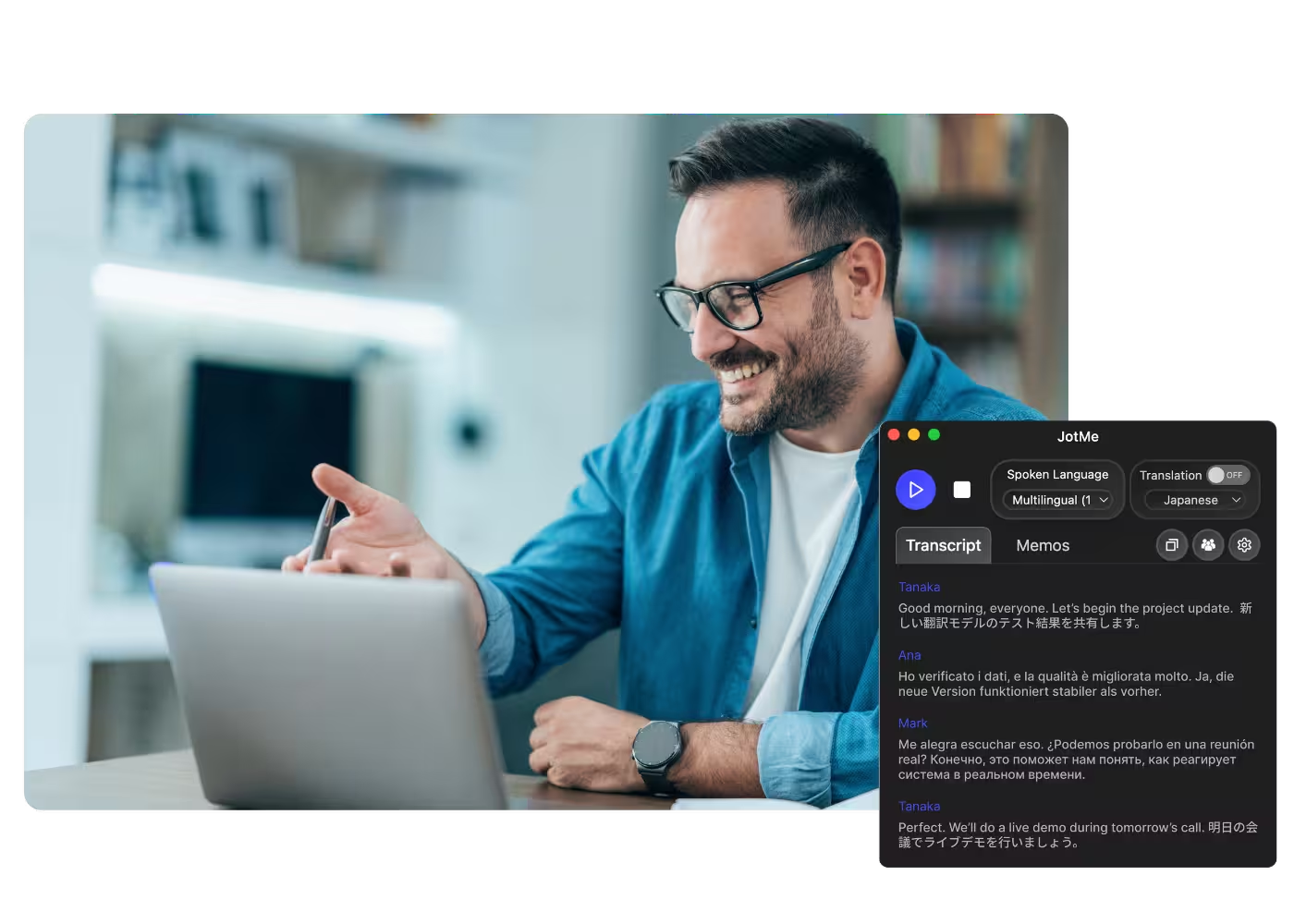
Recorded Webex meetings
No time to run it live? Upload the recording to Audio to Text or Video to Text to translate a Webex recording, with an accurate transcript, translation, and AI notes.
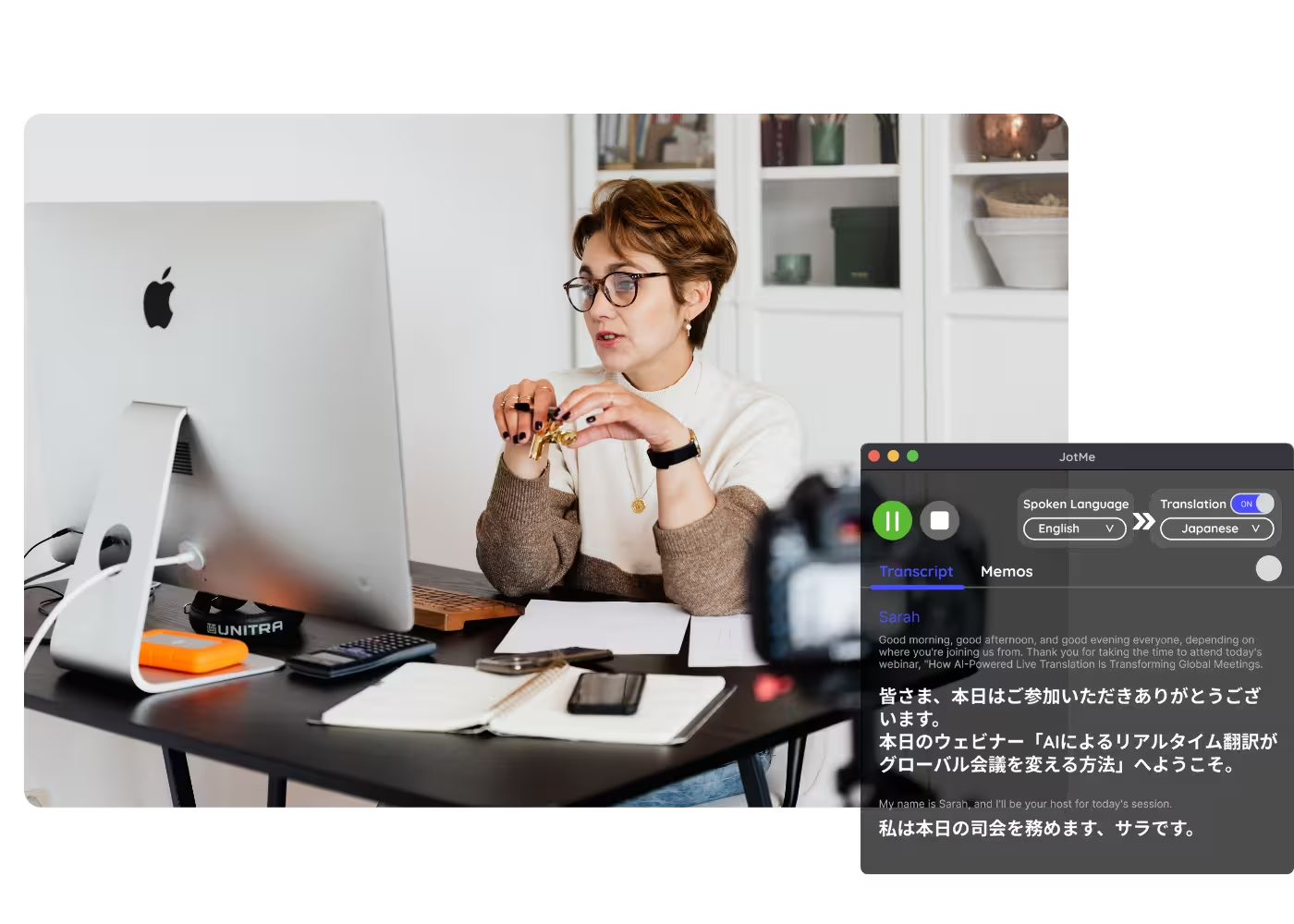
Webinars & training
Share live translation with attendees via URL, QR code, or on-camera subtitles so desktop and browser participants follow along on their own screens.
See it in action
Watch JotMe translate a Webex call live or after the meeting, from custom term registry to sharing translation with participants.
500,000+ professionals run meetings and events smoothly with JotMe
See how they’re seeing results with JotMe in bridging multilingual operational gaps.







Frequently asked questions
Everything you need to know about running meetings and events with JotMe.
Yes, with JotMe. Add it to any Webex meeting and it translates live with context-aware accuracy into 200+ languages, shown as captions on your screen. No bot joins, and no add-on license is needed.
Yes. Upload the recording to Audio to Text or Video to Text and JotMe transcribes it, translates the transcript, and generates AI notes, the same output as a live meeting.
Yes. JotMe's free plan includes live translation minutes, and no credit card is required. Upgrade when you need more minutes.
JotMe translates with five layers of context: your user profile, your operational context, real-time memory of the meeting, your custom terms and jargon, and how each line connects to the last, so captions and translated speech stay accurate. It sharpens as the meeting runs.
Yes. JotMe stores the transcript and translation on your dashboard, so you can review, copy, and share them after the meeting.
JotMe transcribes 200+ spoken languages on Webex and translates into 200+ target languages, including regional variants like Cantonese, Latin American Spanish, and Swiss German. See the full list on the available languages page.
Live translation shows as captions, and fast mode can speak it aloud. Voice-to-voice uses AI-translated speech in 100+ languages.
Heading

Run every Webex meeting in your language
Follow Webex meetings with accurate live translated captions or AI translated speech. Use JotMe alongside Webex and review the original transcript.