







Microsoft Teams Meeting Summary AI
JotMe follows your Teams meeting as it happens and hands you an accurate summary with action items the moment it wraps. Missed the call? Upload the recording and get the same recap.
Free plan. No credit card required.
Trusted by 2,000 Teams and 500,000 Professionals Across 134 Countries















Rated 4.7/5


GDPR Compliant
SOC 2 Type II (In Progress)
Accurate Teams meeting summaries, during and after
Everything you need to catch up, align, and act after Teams meetings.

Context-aware, ultra-accurate
Accurate because JotMe follows the whole conversation, who said what, the work behind it, and your own terms, so the summary keeps the points that shaped the decision.
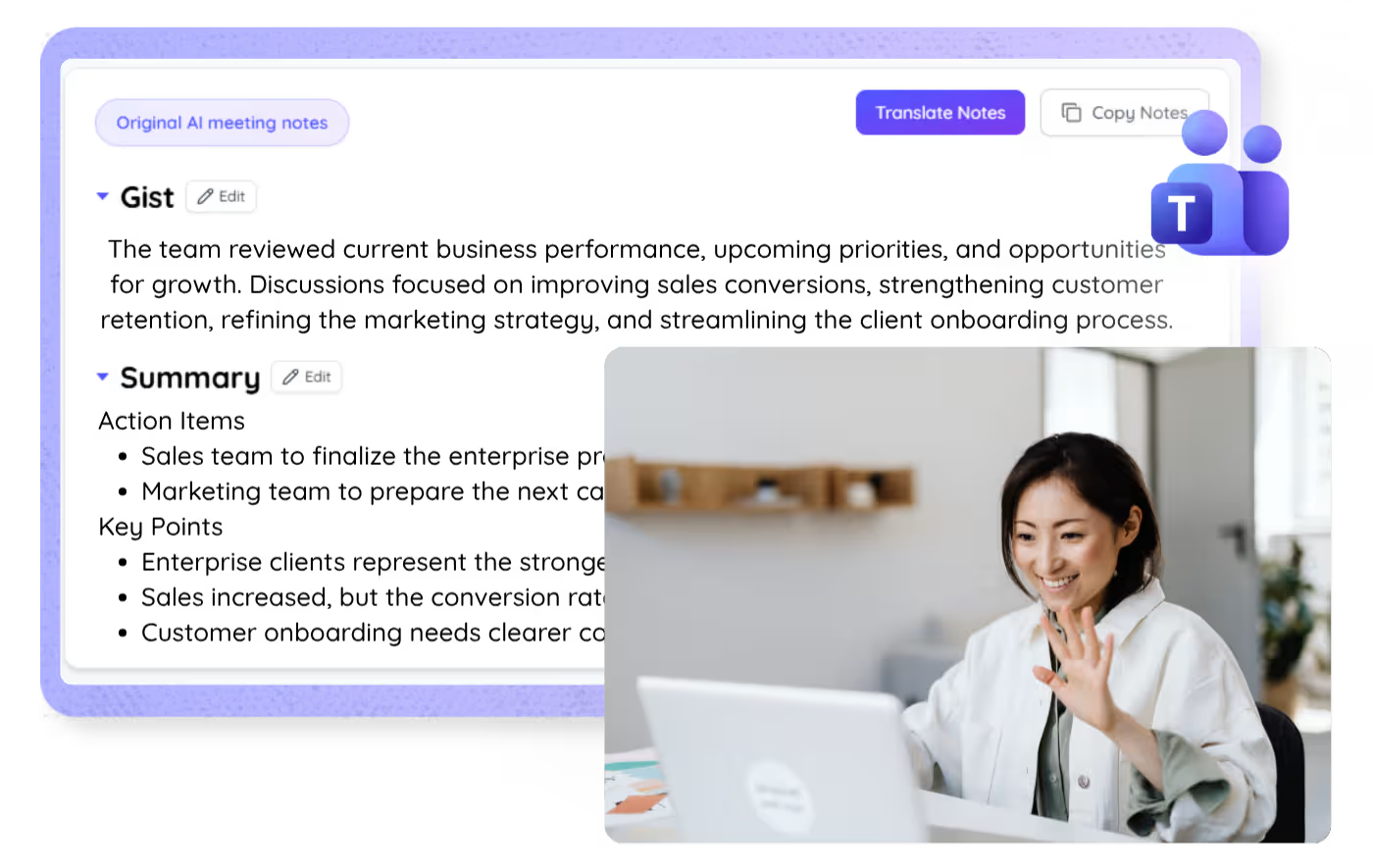
Real-time bullet summaries
Join late or lose the thread, and the running bullet summary catches you up on the spot. JotMe keeps it going so you can summarize a Teams meeting without scrolling back.

Summaries in your language
Meet in any of 200+ languages and get the summary in yours, from the live call or the recording you upload afterward.
Your summary is saved
The summary and full transcript are saved to your dashboard after every call, so nothing disappears when the meeting ends.

No bot, and no paid Copilot recap
JotMe runs on your computer and captures audio locally, so nothing joins your meeting and you skip the per-user Copilot license Microsoft charges for its recap. Works on any Teams plan.

Custom dictionary and auto language detection
Improve accuracy with industry terms and custom replacements. JotMe also detects the spoken language automatically, so you never set it by hand.
How to get an AI summary of a Teams meeting
Three steps, under a minute. No Teams settings, no bot invite, no host approval. Already have a recording? Upload it instead.
STEP 1
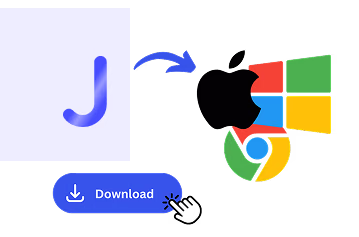
1. Download the desktop app, or upload your Teams recording
Get JotMe for Mac or Windows in about 30 seconds. Already sitting on a recorded Teams meeting? Upload it and JotMe returns the same accurate summary and action items.
STEP 2
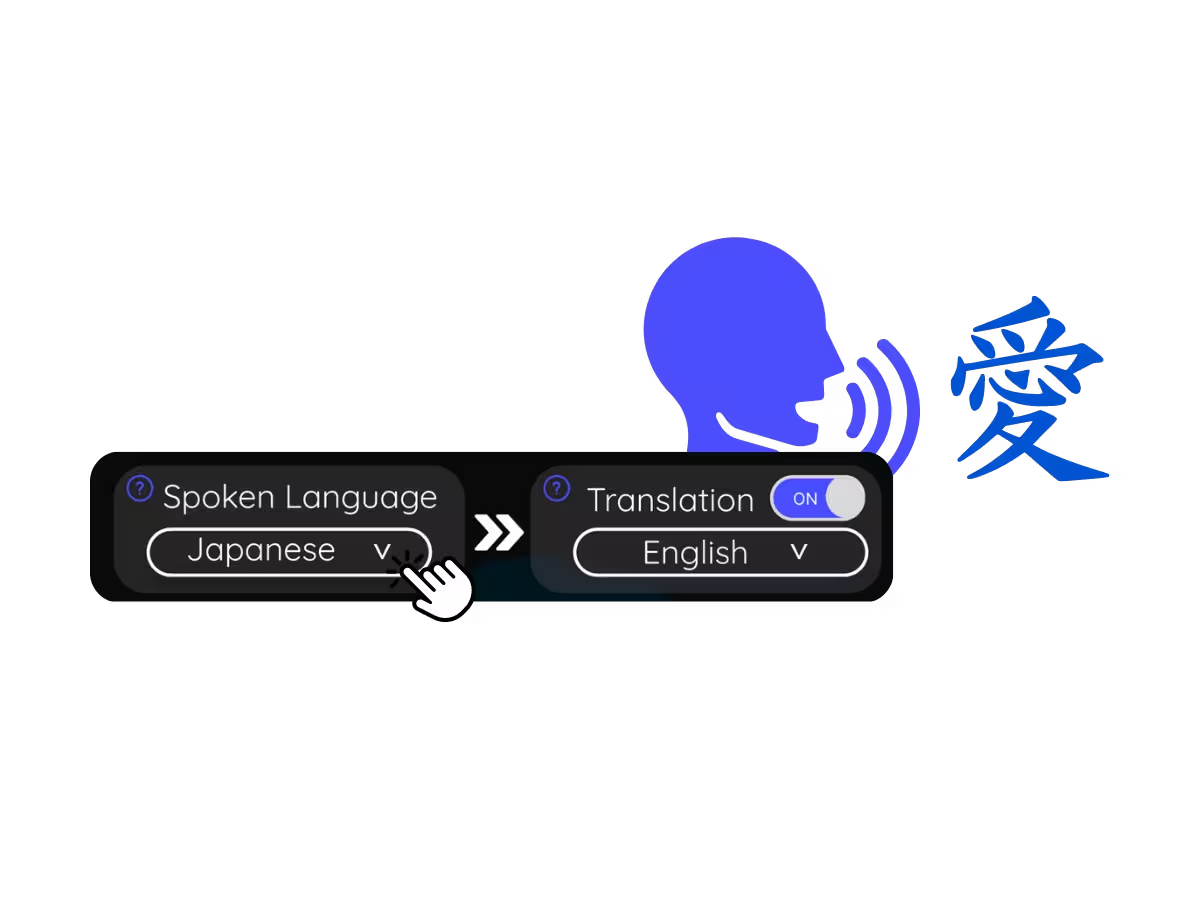
2. Set the spoken language
Choose the language being spoken in the meeting, for example Japanese. If people switch languages, pick multilingual mode.
STEP 3
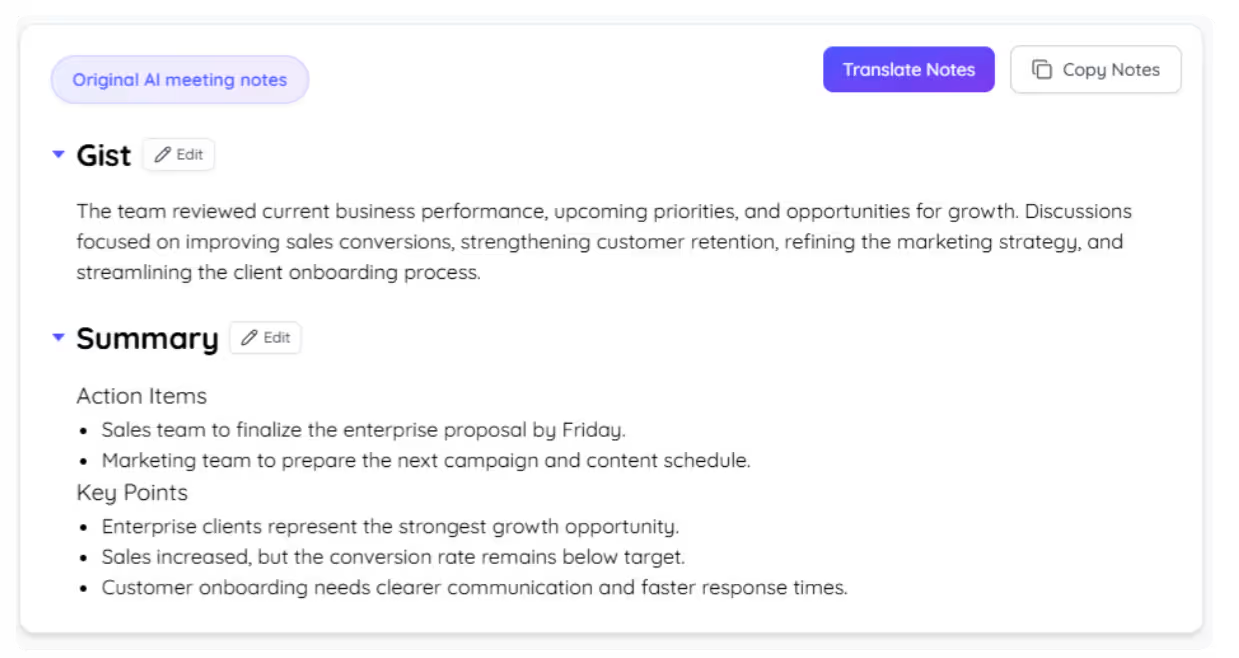
3. Get the summary when it ends
When the call wraps, JotMe writes up the gist, the key points, and the action items in the language you pick.
What teams use Teams AI summaries for
From daily standups to all-hands, JotMe keeps every attendee in the conversation.
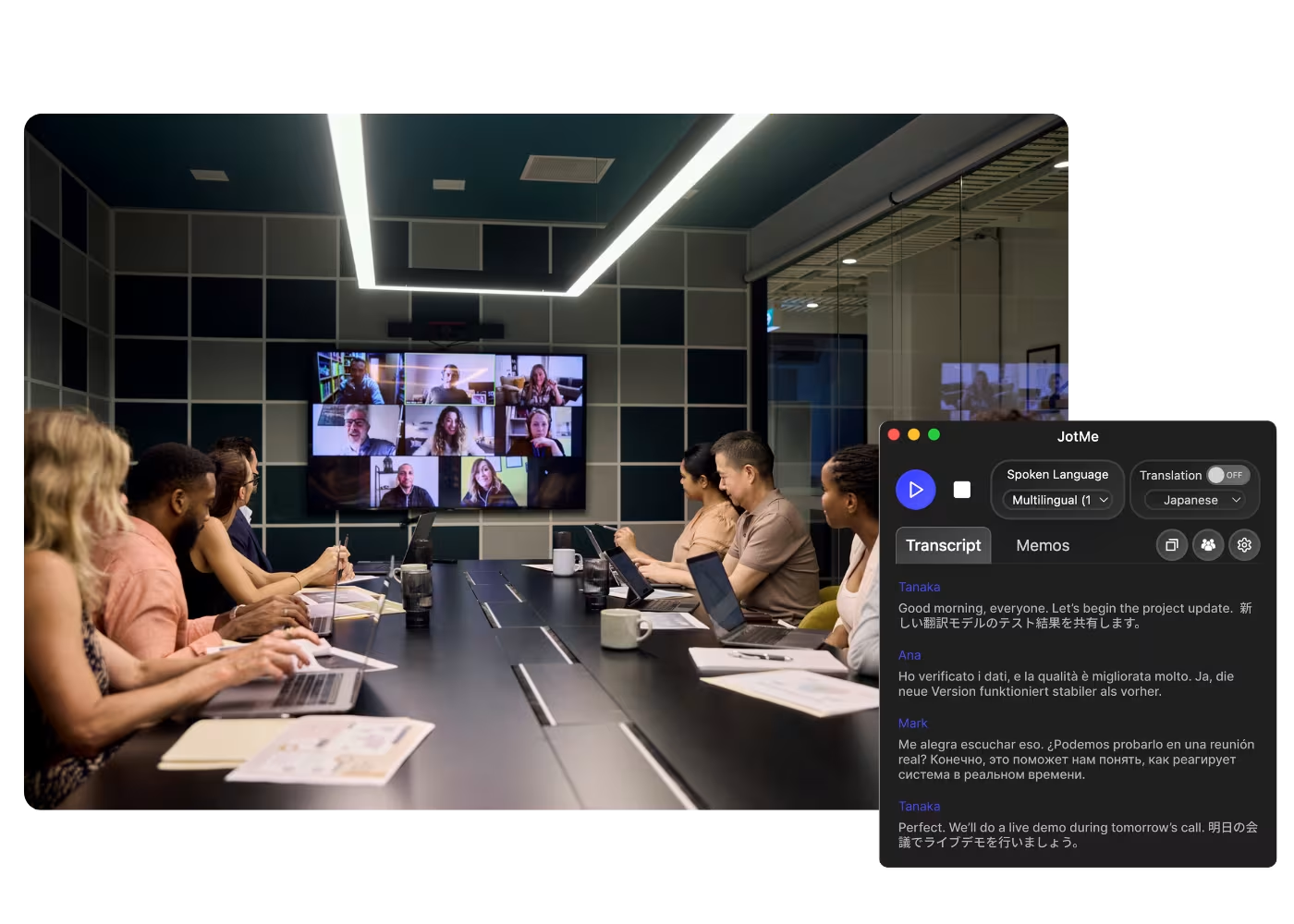
Global all-hands & team meetings
Turn HQ announcements and all-hands into a summary everyone actually reads.
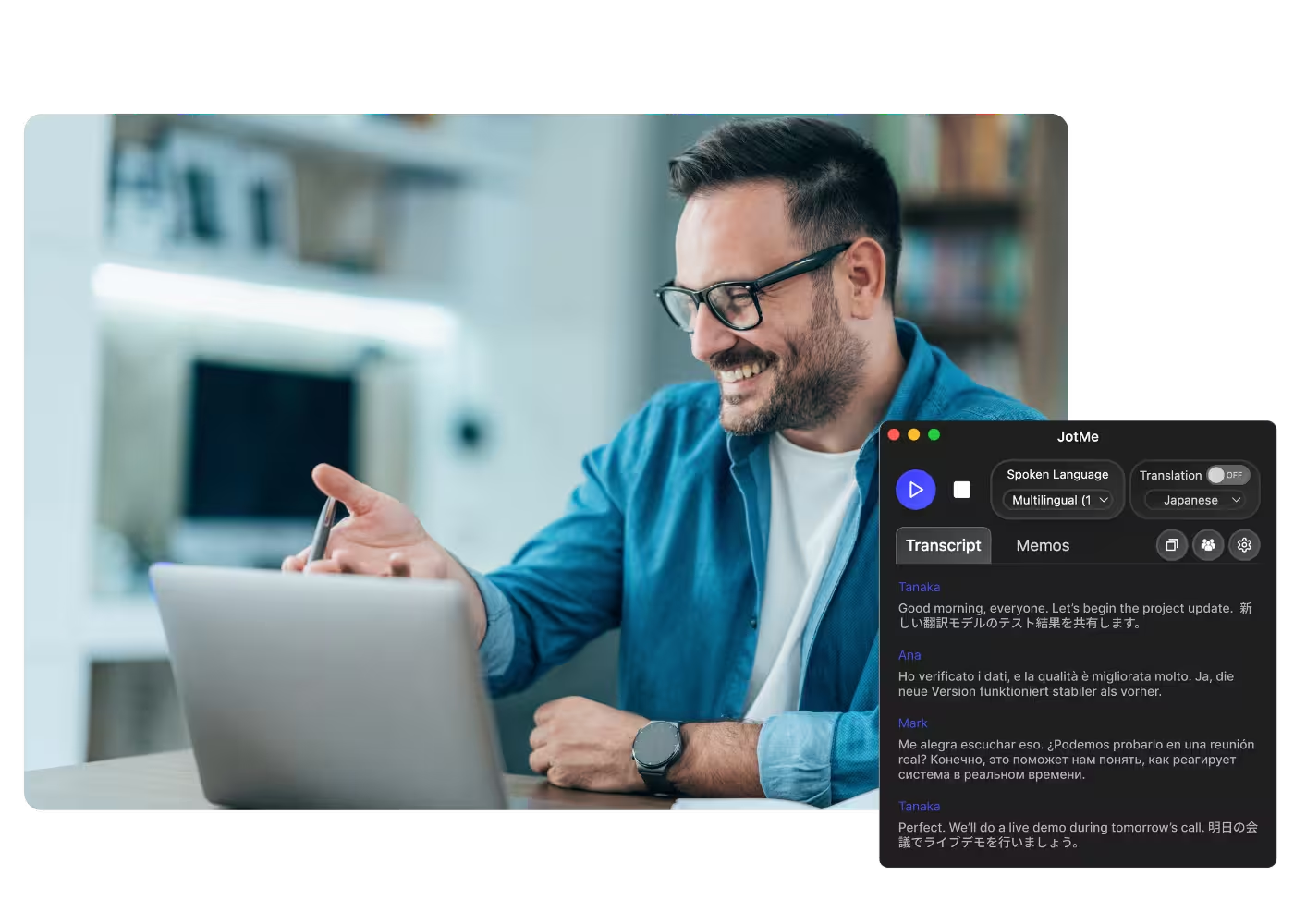
Sales & client calls
Walk out of every client call with the key points and next steps already written.
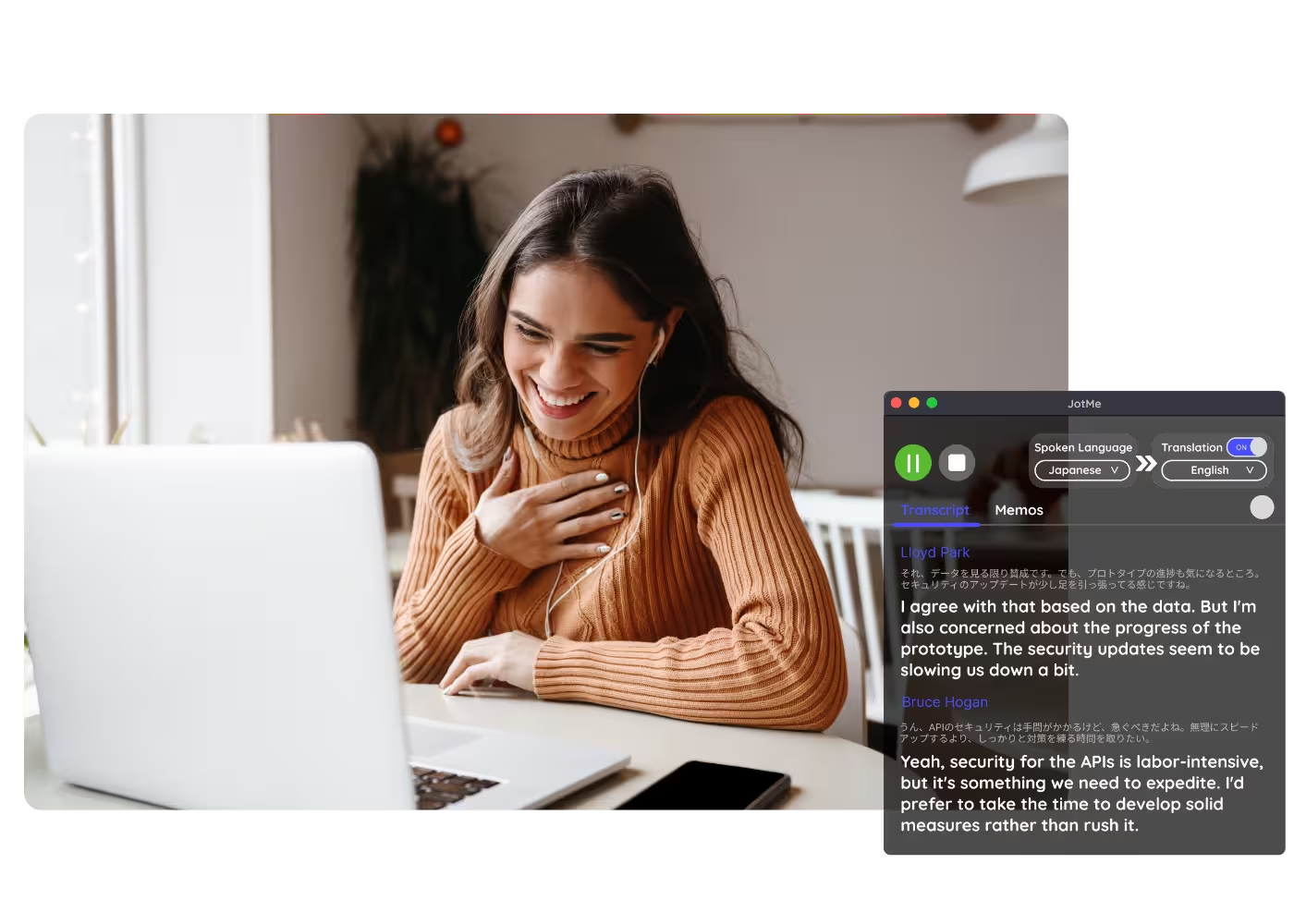
Recorded Teams meetings
Could not make the meeting? Drop the recording into Audio to Text or Video to Text and JotMe builds an accurate Teams recording summary, the same key points and action items as a live call.
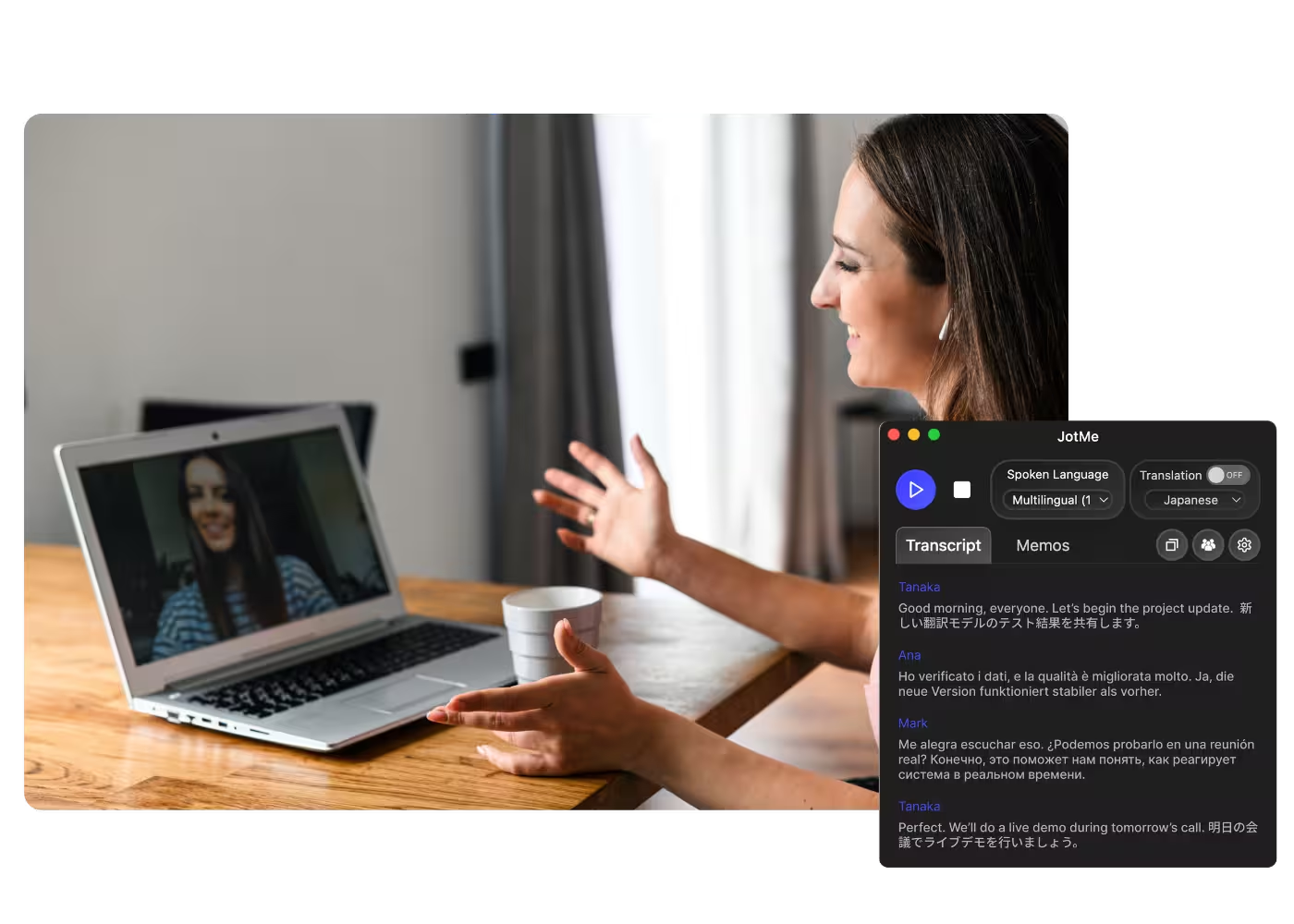
Catch-up & handoffs
Share the summary with people who missed the meeting so decisions do not get re-litigated.
See it in action
Watch JotMe summarize a Teams call in real time, then deliver the full summary with action items at the end.
500,000+ professionals run meetings and events smoothly with JotMe
See how they’re seeing results with JotMe in bridging multilingual operational gaps.
Rated 4.7/5

Rated 4.7/5
"As my job involves translation and bridging cultures, I have found this tool as a game changer to my daily work."

Adams
Operations Specialist / Tiktok
"Japanese was once a mystery to me, but this product made it clear and accessible with contextual understanding."

Stamatis
Consultant / Deloitte
"JotMe streamlines our multilingual meetings, ensuring seamless collaboration in our fast-paced work environment."

Cesar
Program Manager / Amazon
"This bilingual feature streamlines note-taking at work, saving time and boosting efficiency in both languages."

Yusuke
Sales Manager / NTT
"Essential for non-fluent speakers; simplifies complex meetings with real-time translation and accurate transcriptions."

Jesse
Software Freelancer
"The translation we've needed for years – now a reality with JotMe!"

Elston
CEO & Founder / Tiny.host
"As my job involves translation and bridging cultures, I have found this tool as a game changer to my daily work."
Adams
Operations Specialist / Tiktok
"Japanese was once a mystery to me, but this product made it clear and accessible with contextual understanding."
Stamatis
Consultant / Deloitte
"JotMe streamlines our multilingual meetings, ensuring seamless collaboration in our fast-paced work environment."
Cesar
Program Manager / Amazon
"This bilingual feature streamlines note-taking at work, saving time and boosting efficiency in both languages."
Yusuke
Sales Manager / NTT
"Essential for non-fluent speakers; simplifies complex meetings with real-time translation and accurate transcriptions."
Jesse
Software Freelancer
"The translation we've needed for years – now a reality with JotMe!"
Elston
CEO & Founder / Tiny.host

Frequently asked questions
Everything you need to know about running meetings and events with JotMe.
Can I get an AI summary of a Teams meeting?
Yes, with JotMe. It pulls together the gist, key points, and action items from any Teams meeting, running on your computer with no bot in the call and no Copilot license.
Can I summarize a recorded Teams meeting?
Yes. Upload the recording to Audio to Text or Video to Text and JotMe turns it into an accurate summary with action items, the same as a live meeting.
Is the Teams AI summary free?
Yes. JotMe's free plan includes AI summaries, and no credit card is required. Upgrade when you need more.
What does the AI summary include?
You get the gist, the key points, and the action items. A running bullet summary keeps up during the call, and the full write-up is ready as soon as it ends.
Can I get the summary in my language?
Yes. The meeting can be in any of 200+ languages, and you choose the language for the summary and action items.
What languages are supported for Teams AI summaries?
JotMe transcribes 200+ spoken languages on Teams and generates the summary in the language you choose. See the full list on the available languages page.
Do I also get the transcript and translation?
Yes. The full transcript and translation are saved to your dashboard alongside the summary and AI notes.
Heading
You can translate
Bulgarian
Catalan
Mandarin (Simplified
Mandarin (Traditional)
Cantonese (Traditional)
Czech, Danish
Dutch
English (US)
English (UK)
English (Australia)
English (New Zealand)
English (India)
Estonian, Finnis
French
French (Canada
German
German (Switzerland
Greek
Hindi
Hungarian
Indonesian
Italian
Japanese
Korean
Latvian
Lithuanian
Malay
Dutch (Flemish)
Norwegian
Polish
Portuguese
Portuguese (Brazil)
Portuguese (Portugal)
Romanian
Russian
Slovak
Spanish
Spanish (Latin America)
Swedish
Thai
Turkish
Ukrainian
Vietnamese

Never leave a Teams meeting without the summary
The end-to-end meeting service: real-time bullets during the call, full AI summary with action items after, in your language. Win global without the language barrier.