






TikTok Translation
Translate TikTok videos and LIVEs into your language as they play. JotMe translates the speech itself for accurate captions, so it works on any video with talking, across 200+ languages.
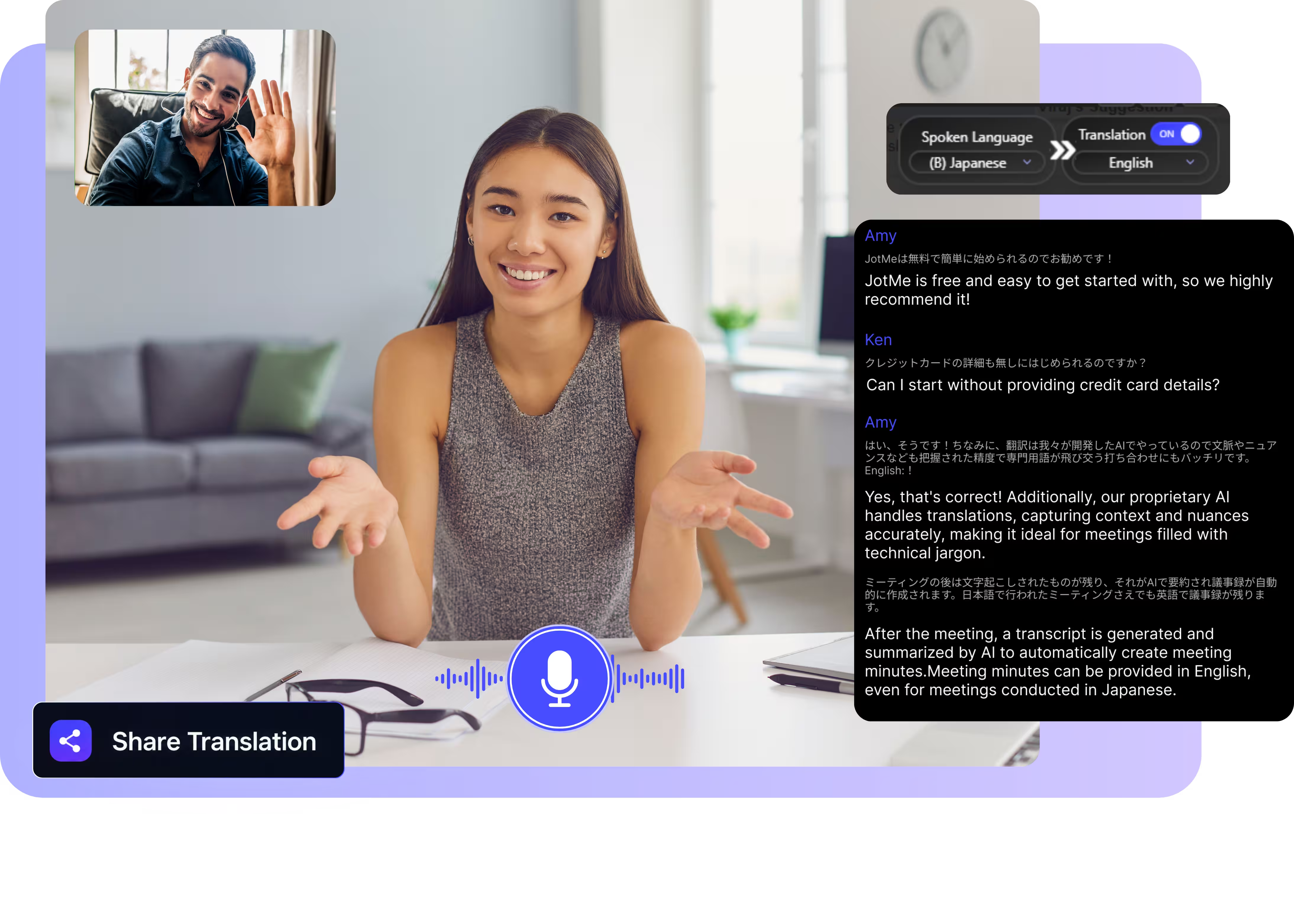
Select model, languages, click start and play a TikTok. JotMe picks up the audio and translates it live on your screen. Open the full demo.
Trusted by 2,000 Teams and 500,000 Professionals Across 134 Countries

















Real translation for TikTok, from the audio
Watch, understand, and repurpose content in any language.

Context-aware, ultra-accurate
JotMe translates in context and keeps slang, product names, and creator shorthand accurate. Captions read the way the speaker meant them.

Voice-to-voice in your own voice
Hear the translation spoken in your own cloned voice with the fastest voice cloning available today. Your words, in your voice, in another language.

200+ languages, live or from a recording
Translate TikTok speech across 200+ languages, live while you watch in your browser or from a saved video you upload.
Your translation is saved
JotMe saves the transcript and translation to your dashboard, so a LIVE you watched once stays searchable afterward.
No bot, no setup
No captions on the video? JotMe listens to your computer's audio and translates the speech directly, with nothing to install in TikTok.

Custom dictionary and auto language detection
Add creator handles, product names, and custom replacements to keep accuracy high on niche vocabulary. JotMe detects the spoken language automatically, so you never set it mid-LIVE.
How to translate a TikTok video or LIVE
Three steps, under a minute, and it works on any video where someone is talking.
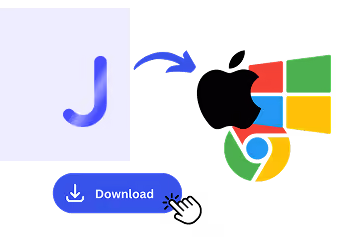
1. Download the desktop app, or upload a saved video
Get JotMe for Mac or Windows in about 30 seconds and watch TikTok in your browser. Saved a video instead? Upload it for an accurate transcript and translation.
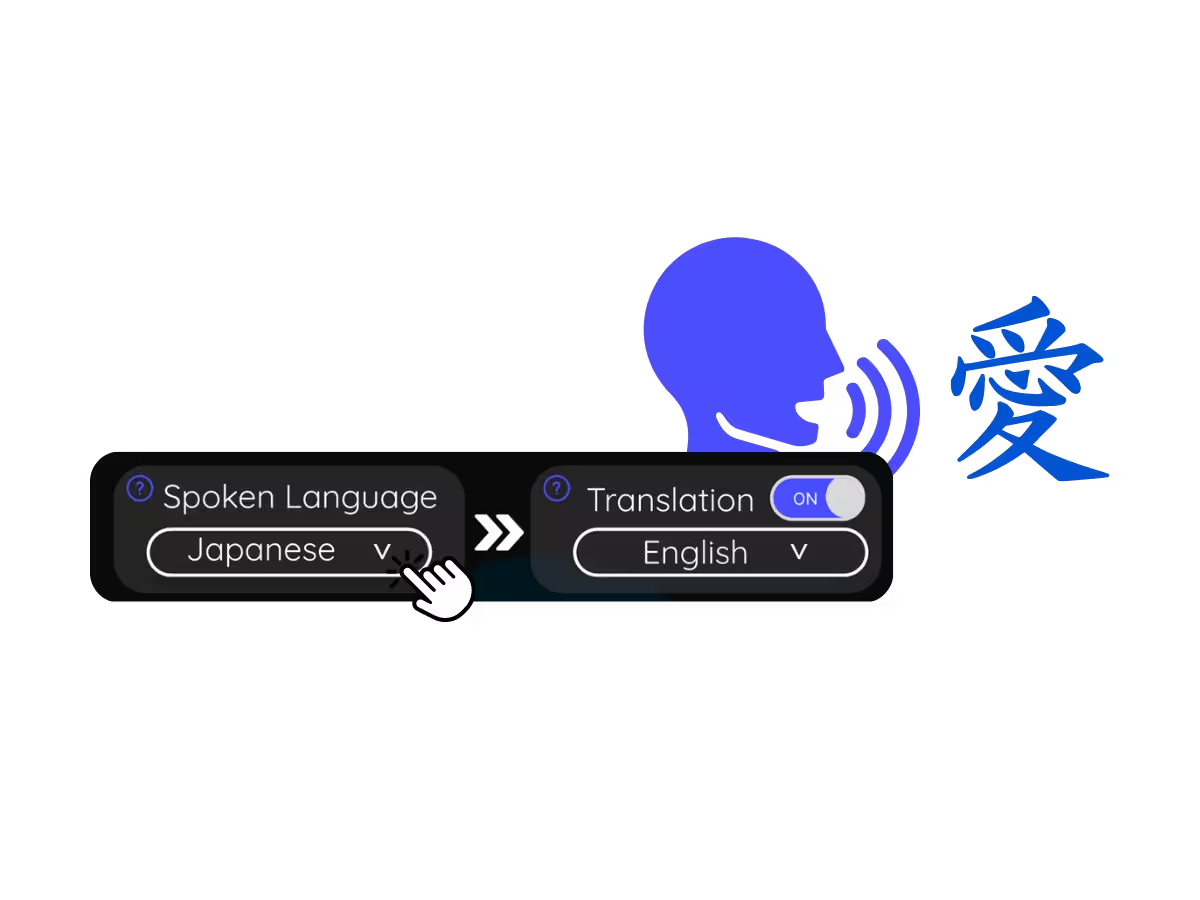
2. Set the spoken language
Choose the language the creator is speaking, for example Korean. If they switch languages mid-LIVE, pick multilingual mode.
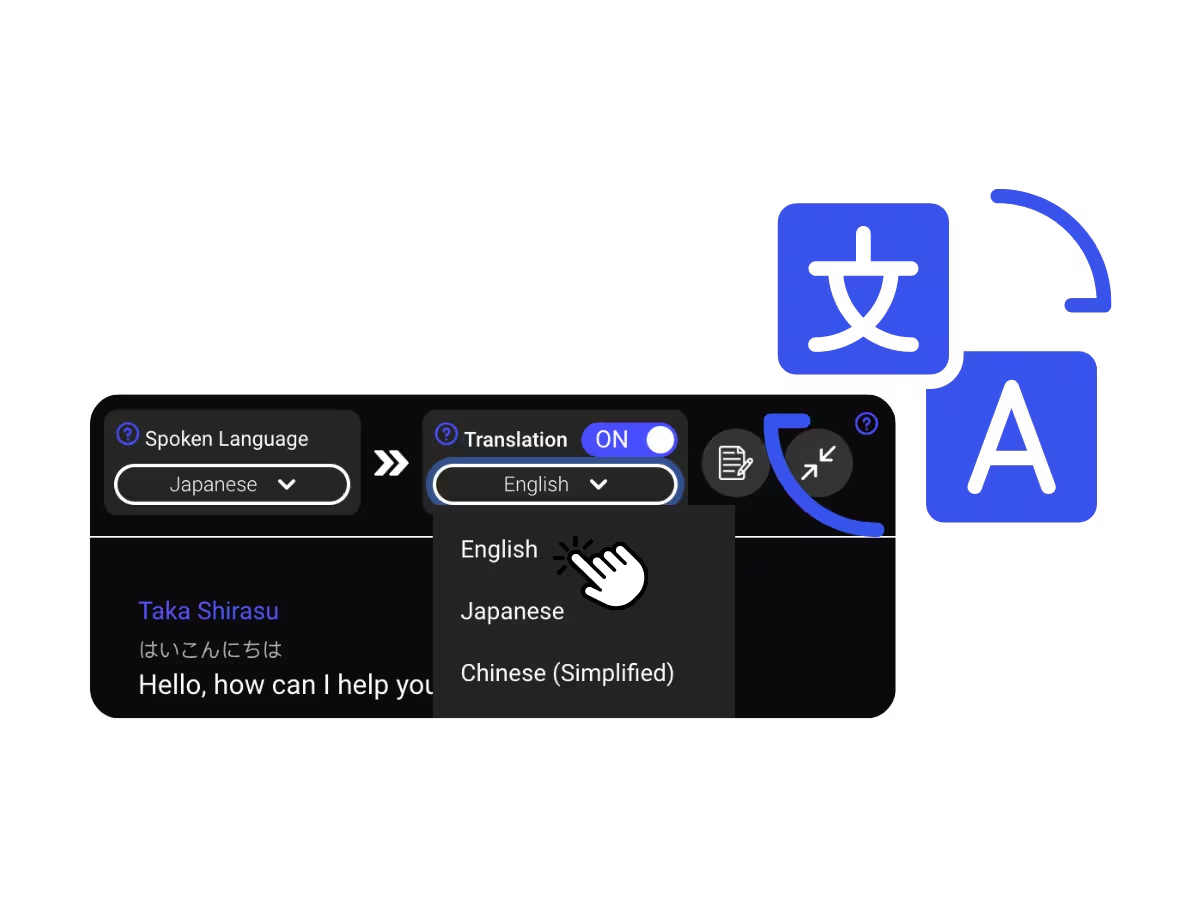
3. Set your translation language
Pick the language you want to read or hear. Accurate live captions appear on your screen, and voice-to-voice translation plays as the creator speaks.
What people use TikTok translation for
From following a creator in Seoul to checking how your own content lands abroad, JotMe opens up the whole app.
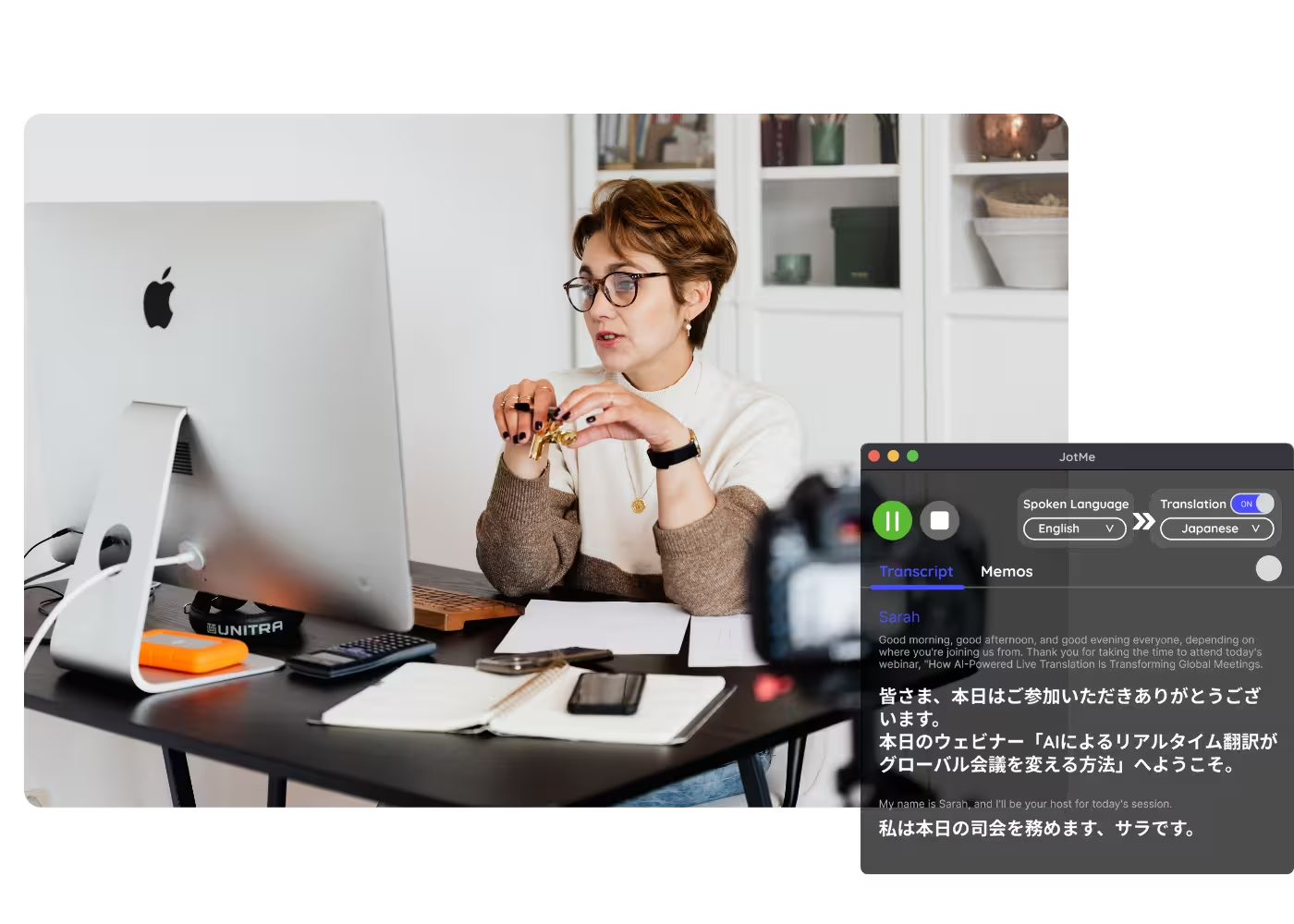
Following foreign creators
Watch LIVEs and videos from creators in other languages with translated captions in real time.
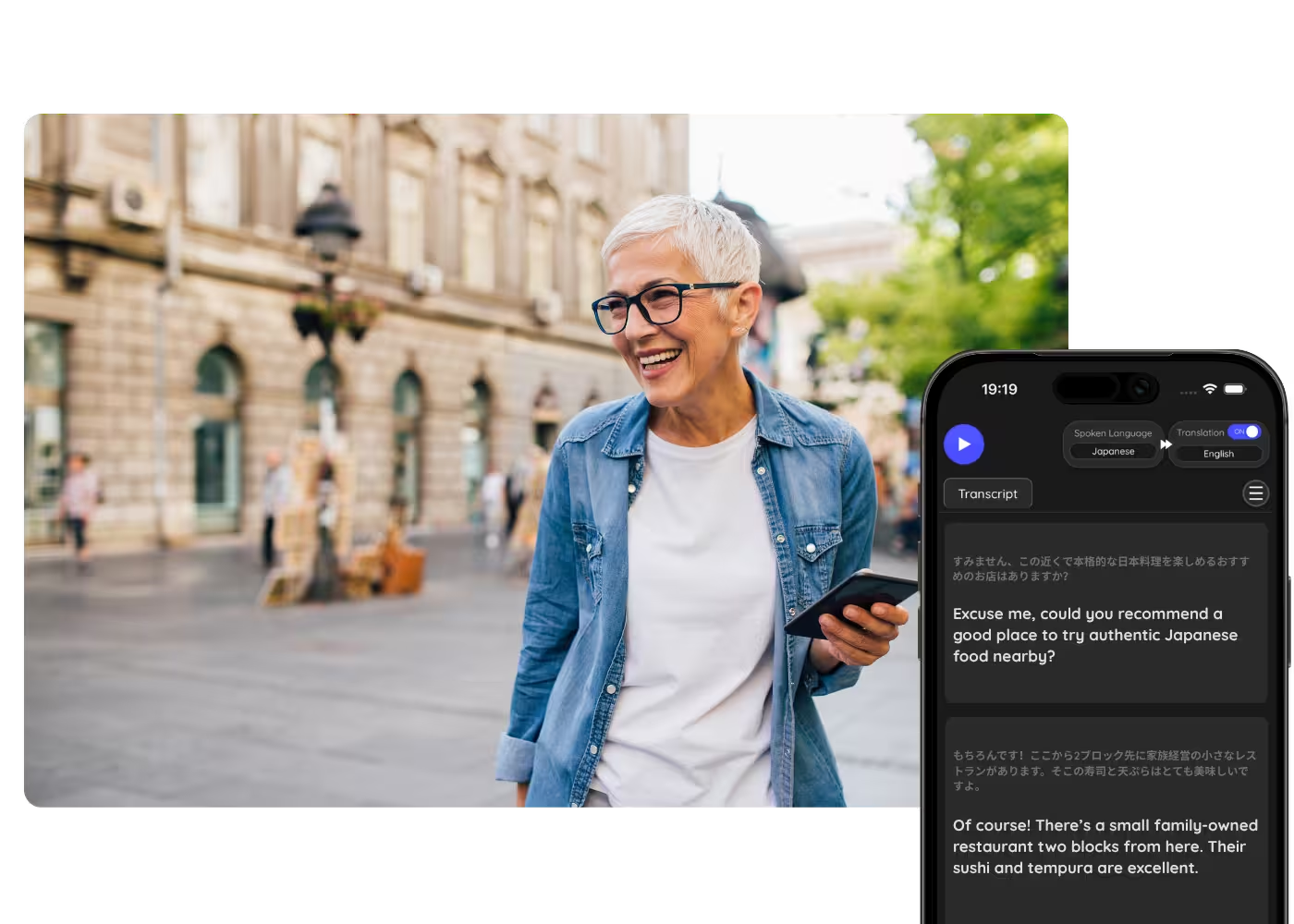
Creators going global
Understand what competitor creators in other markets are saying, and check how your own content lands abroad.
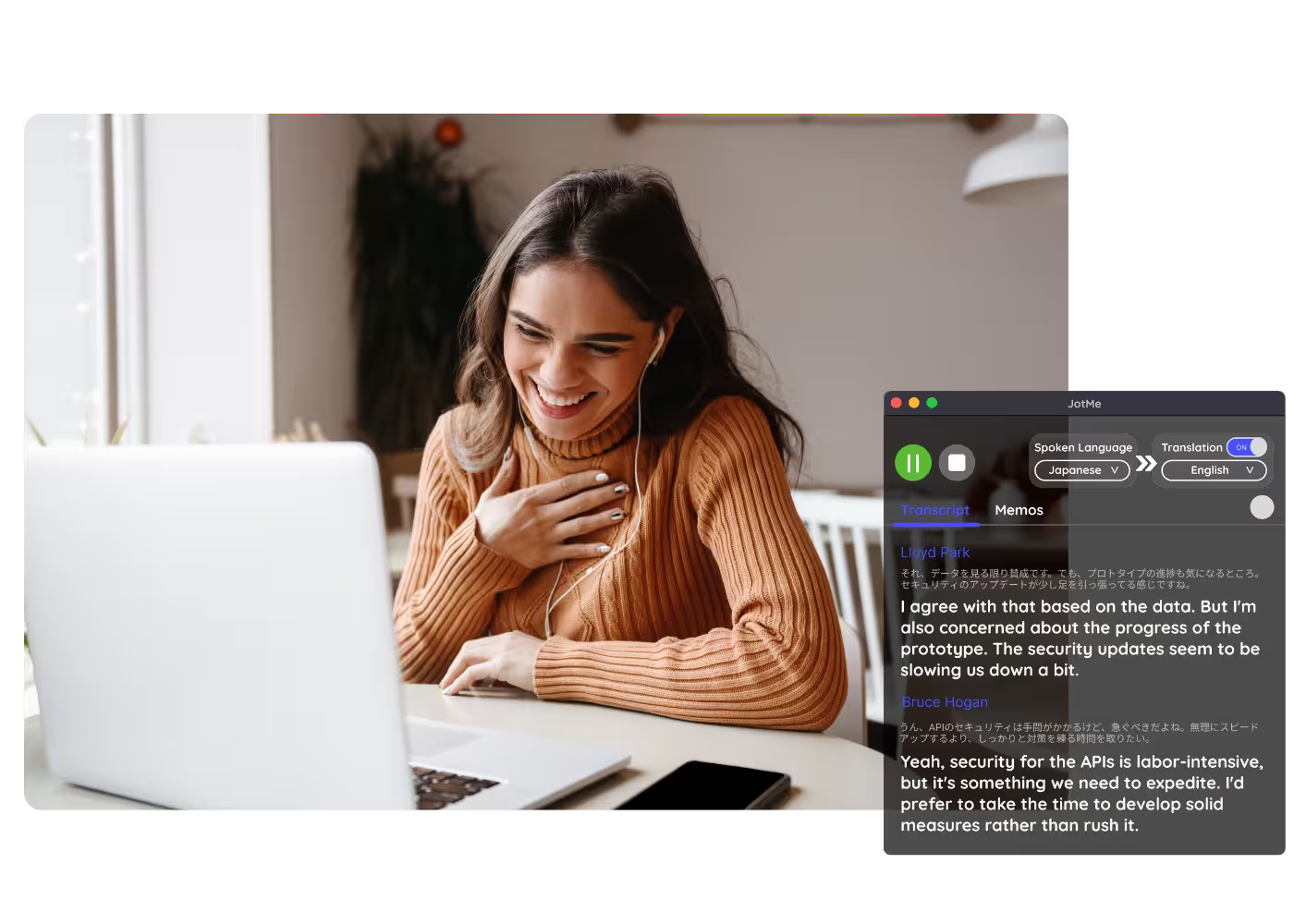
Saved videos & drafts
Upload a saved TikTok or your own draft to Video to Text and get the transcript with its translation.
Webinars & training
Share live translation with attendees via URL, QR code, or on-camera subtitles so desktop and browser participants follow along on their own screens.
See it in action
Watch JotMe translate a TikTok LIVE in real time, straight from the audio, no captions on the video.
500,000+ professionals run meetings and events smoothly with JotMe
See how they’re seeing results with JotMe in bridging multilingual operational gaps.







Frequently asked questions
Everything you need to know about running meetings and events with JotMe.
Yes. Play the LIVE on your computer and JotMe translates the speech into accurate live captions in your language as the creator talks.
Yes. JotMe's free plan includes live translation minutes, and no credit card is required. Upgrade when you need more minutes.
JotMe translates with your profile, your custom dictionary, the topic on screen, and a running memory of the video feeding every line, so accuracy climbs as it plays and slang and niche terms land correctly.
Yes. JotMe stores the transcript and translation on your dashboard, so you can review, copy, and share them after watching.
Yes. Upload the saved video to Video to Text and JotMe transcribes the speech and translates the transcript into the language you pick.
Live translation is shown as captions today, and fast mode can speak translations aloud. Voice-to-voice in your own cloned voice with the fastest translation AI model.
Heading

Watch TikTok in any language
Live translated captions while you watch, transcripts from uploads after, in 200+ languages. The whole platform, not just your feed.