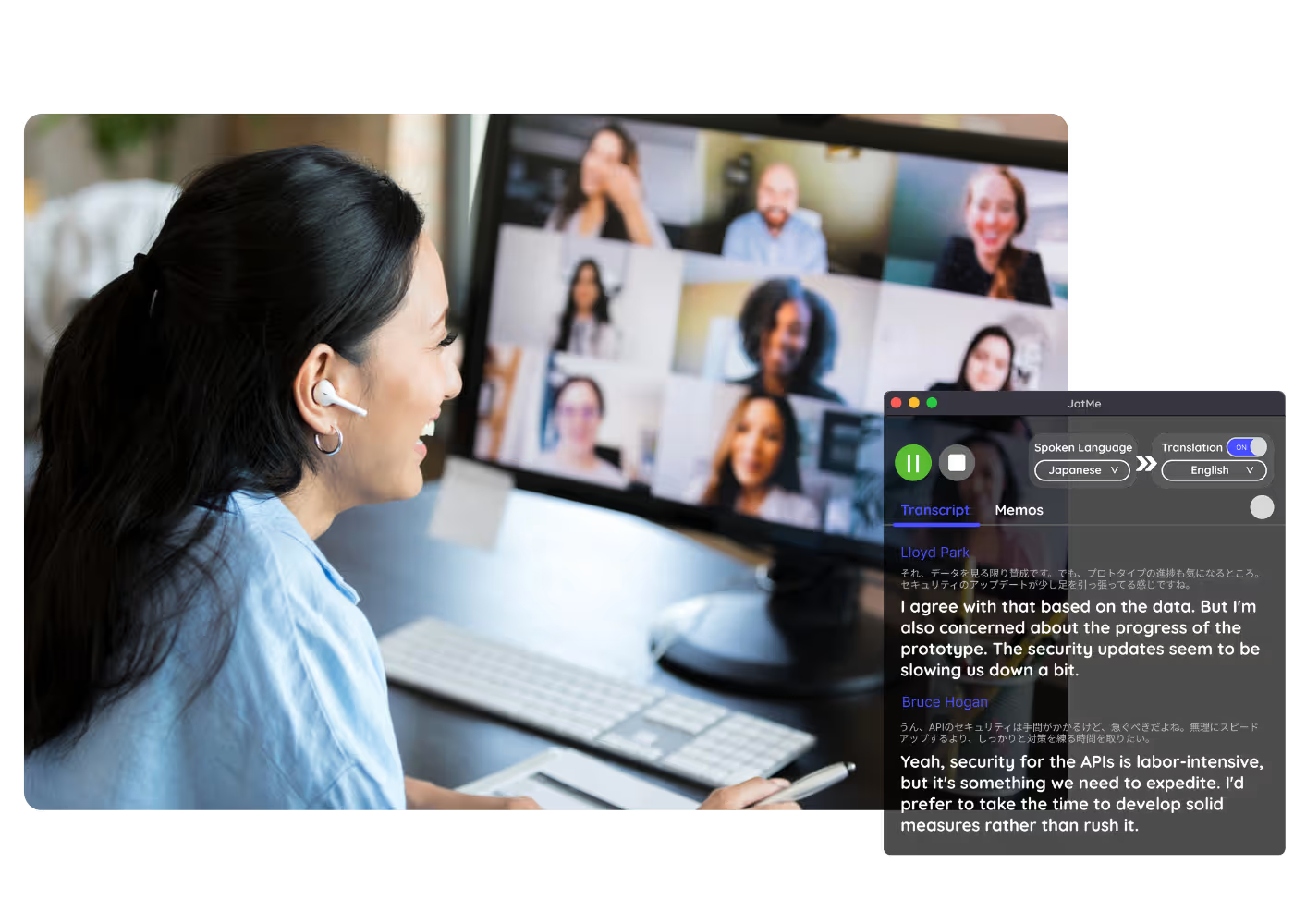
AI Live Translation Sharing
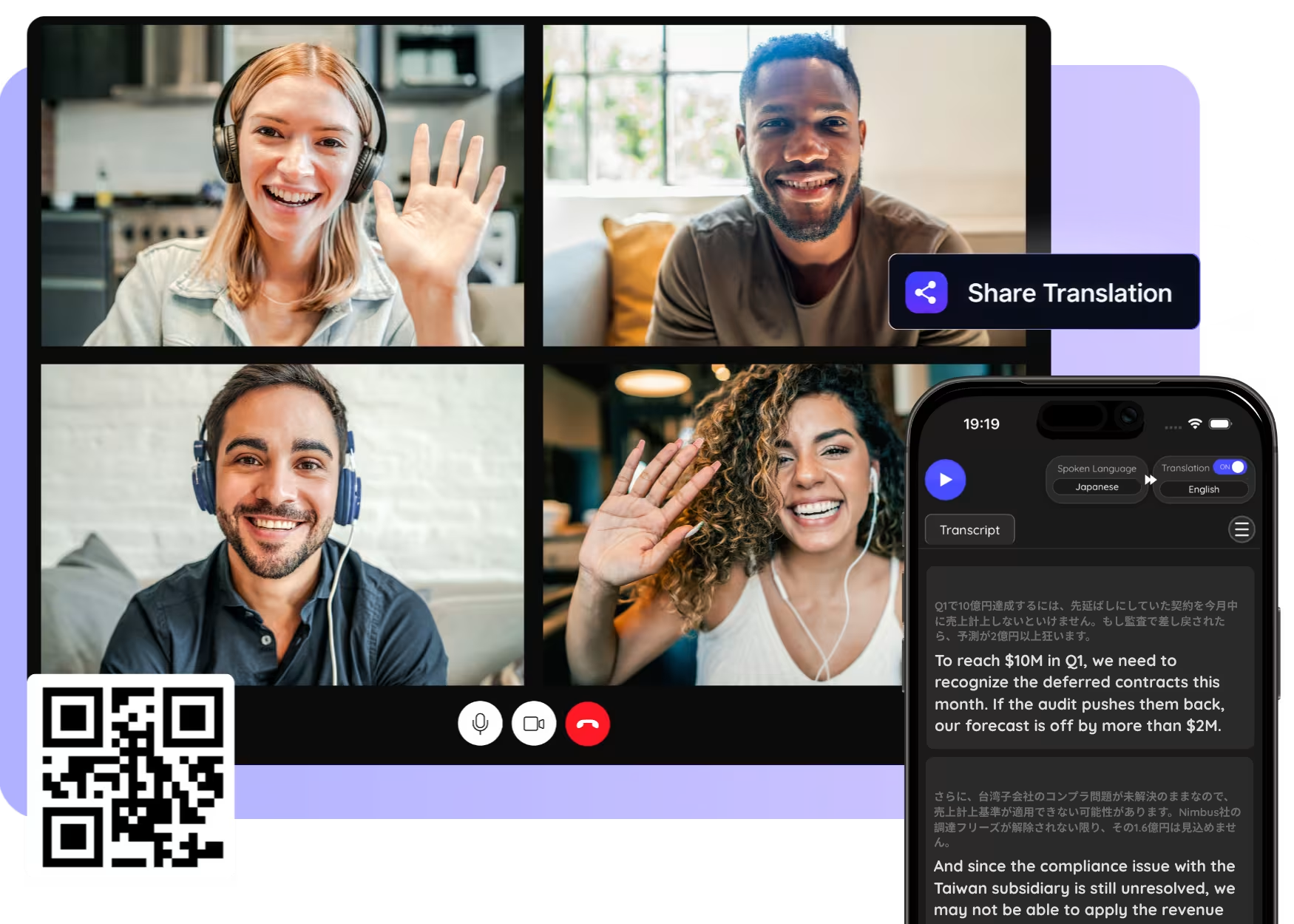
Share your live caption & voice translation with anyone, no app required, by link, QR code, or on-camera subtitles.
Trusted by 2,000 Teams and 500,000 Professionals Across 134 Countries















Rated 4.7/5


GDPR Compliant
SOC 2 Type II (In Progress)
One Person Translates. Everyone Follows Instantly
The biggest problem in multilingual meetings isn't live translation, it's getting that voice translation in front of every person in the room. JotMe solves the last mile. Whoever runs the multilingual meeting generates a live link, a scannable QR code, or camera subtitles, and every participant reads translated live captions in their own language, in real time, on whatever device they already have in hand.
No installs. No bots. No one left behind.
How do I share live translation?
In 3 easy steps!
STEP 1
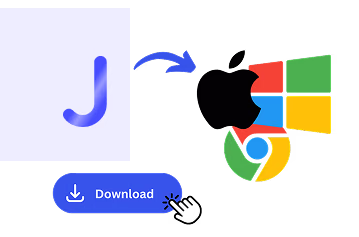
1. Download the desktop app, mobile app, or Chrome extension
Desktop app for Mac and Windows, mobile app for Android and iPhone, and a Chrome extension for Google Meet (limited features).
STEP 2
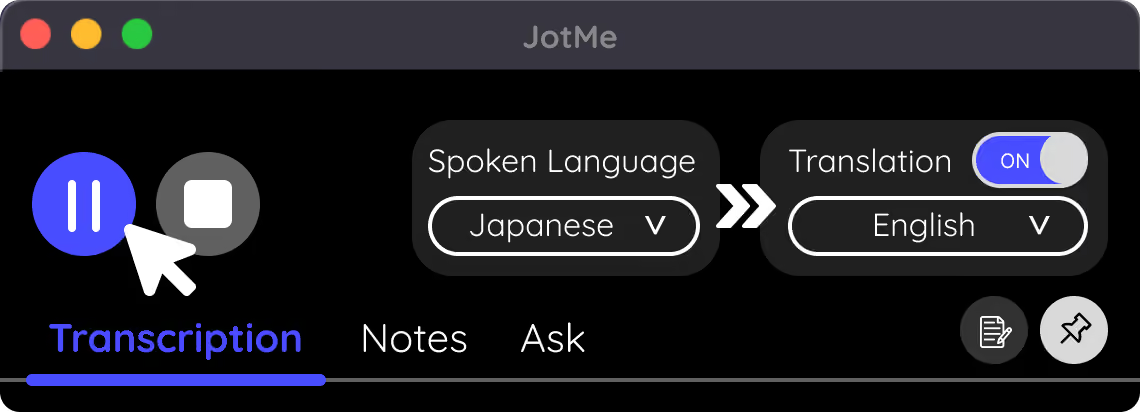
2. Start a live translation
Set your languages and start speaking. JotMe translates in real time.
STEP 3
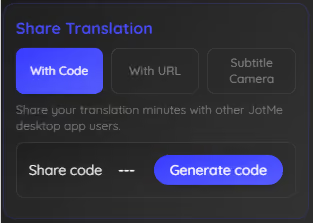
3. Share the link, QR, or subtitles
Send the link, show the QR code, or turn on on-camera subtitles. Everyone follows in their language.
See It in Action!
Sharing for every audience that speaks more than one language

Conferences & live events
Desktop app for Mac and Windows, mobile app for Android and iPhone, and a Chrome extension for Google Meet (limited features).
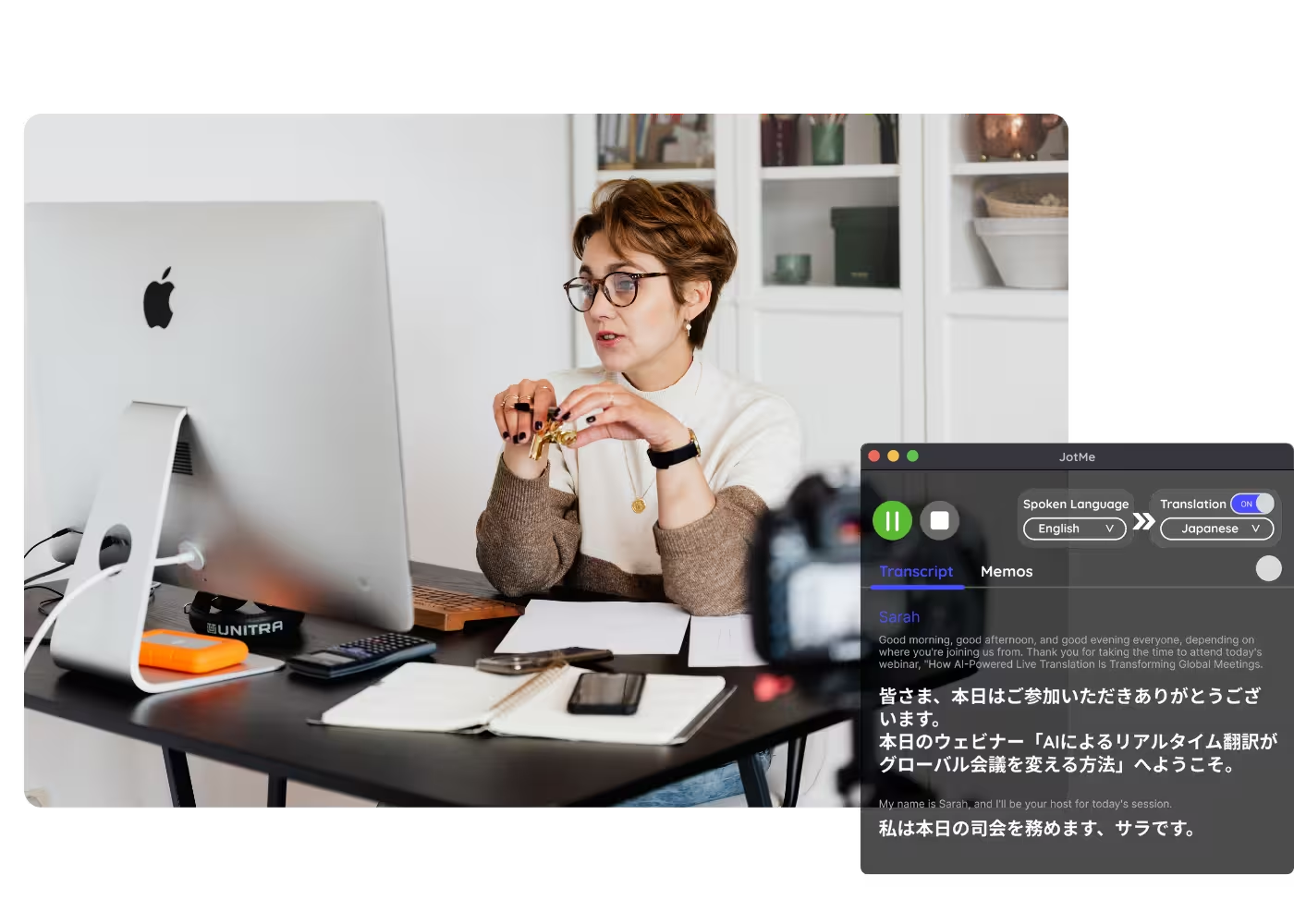
Webinars & streams
Set your languages and start speaking. JotMe translates in real time.
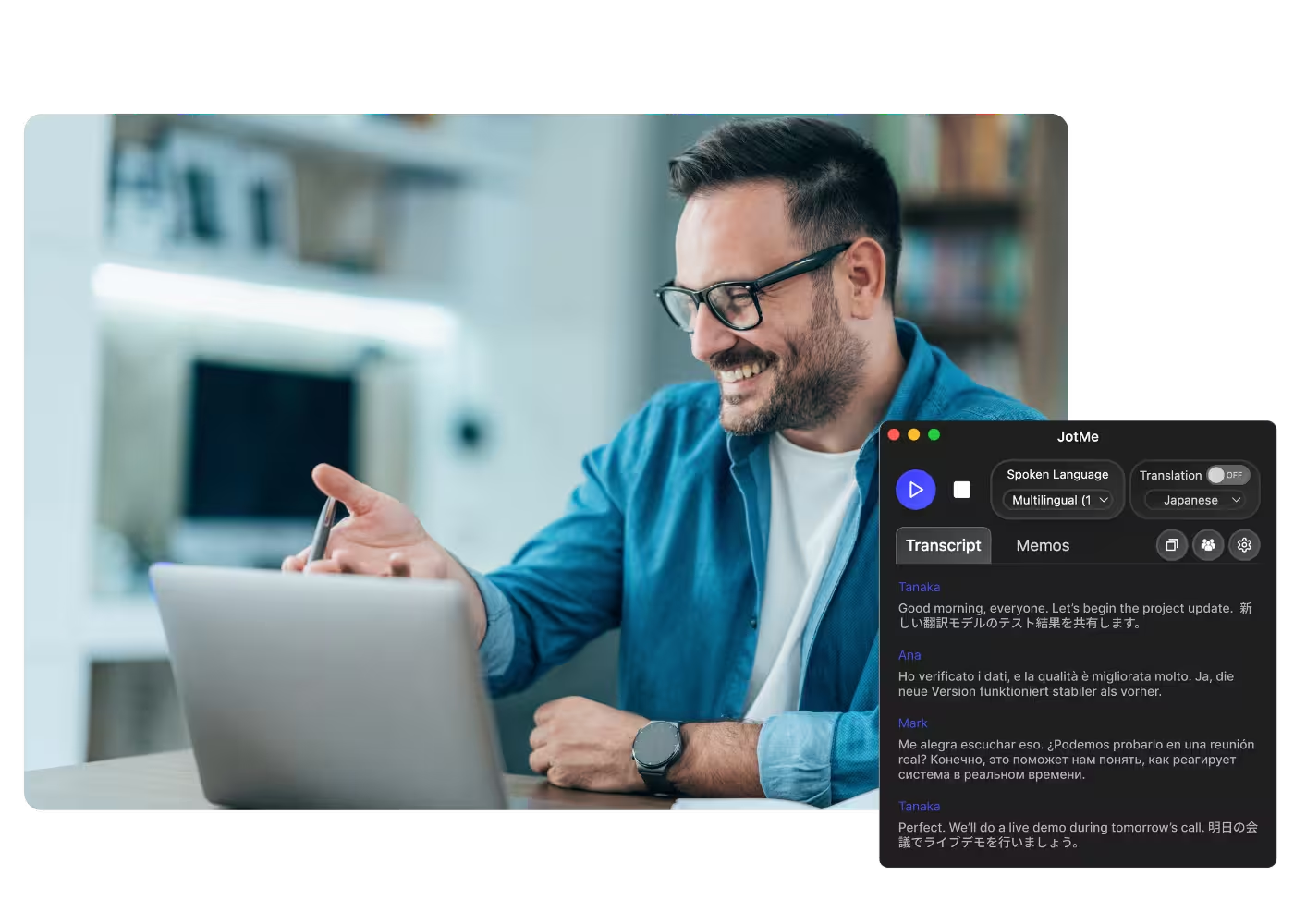
Services & ceremonies
Send the link, show the QR code, or turn on on-camera subtitles. Everyone follows in their language.
Frequently asked questions
Everything you need to know about running meetings and events with JotMe.
How do people follow my live translation?
By a link, a QR code, or on-camera subtitles. They open it in any browser and pick their language, no app required.
Do my viewers need to install anything?
No. Listeners follow in the browser from any device, with nothing to install on their side.
Which languages are supported?
200+ languages, covering 39,000+ language pairs. Each viewer chooses their own.
Can I share captions and cloned voice?
Yes. Share translated captions, AI-cloned voice, or both, depending on your setting.
Is my session private and secure?
Your session stays encrypted in transit and at rest. JotMe is GDPR-compliant and completing its SOC 2 Type II audit. JotMe will not sell your session or use it to train AI models, and the data stays yours.
How much does it cost?
Free to start in 30 seconds, no credit card. Upgrade when your operations need more. See full pricing.
How many people can follow at once?
Share with a room or an audience; everyone opens the same live translation from their own device.

Share live translation so everyone follows in their own language.
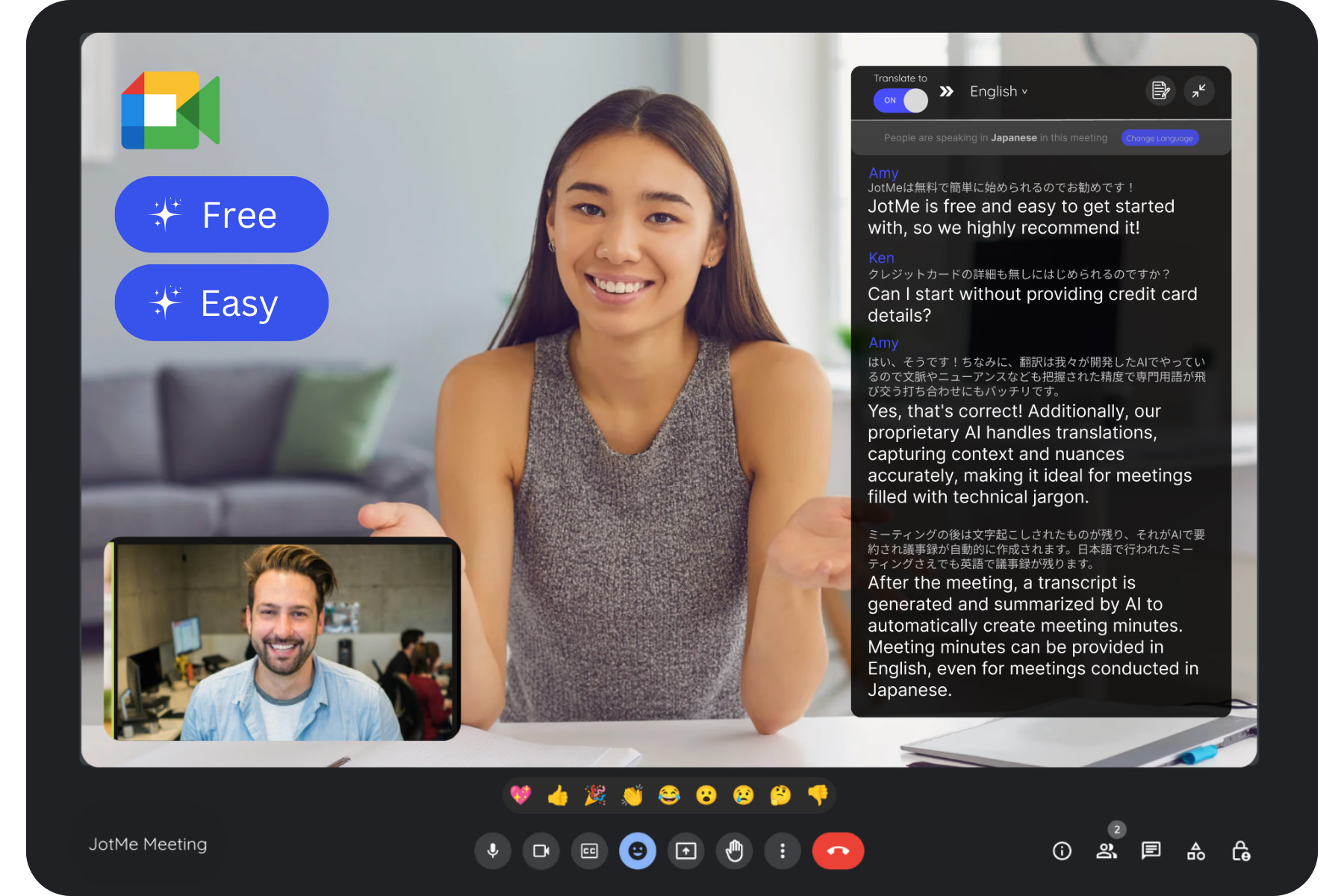
Run every meeting and event smoothly for your multilingual operations
Transcribe, interpret, translate, and turn every critical conversation into insights with context so everyone stays aligned across languages.