Meeting Recording
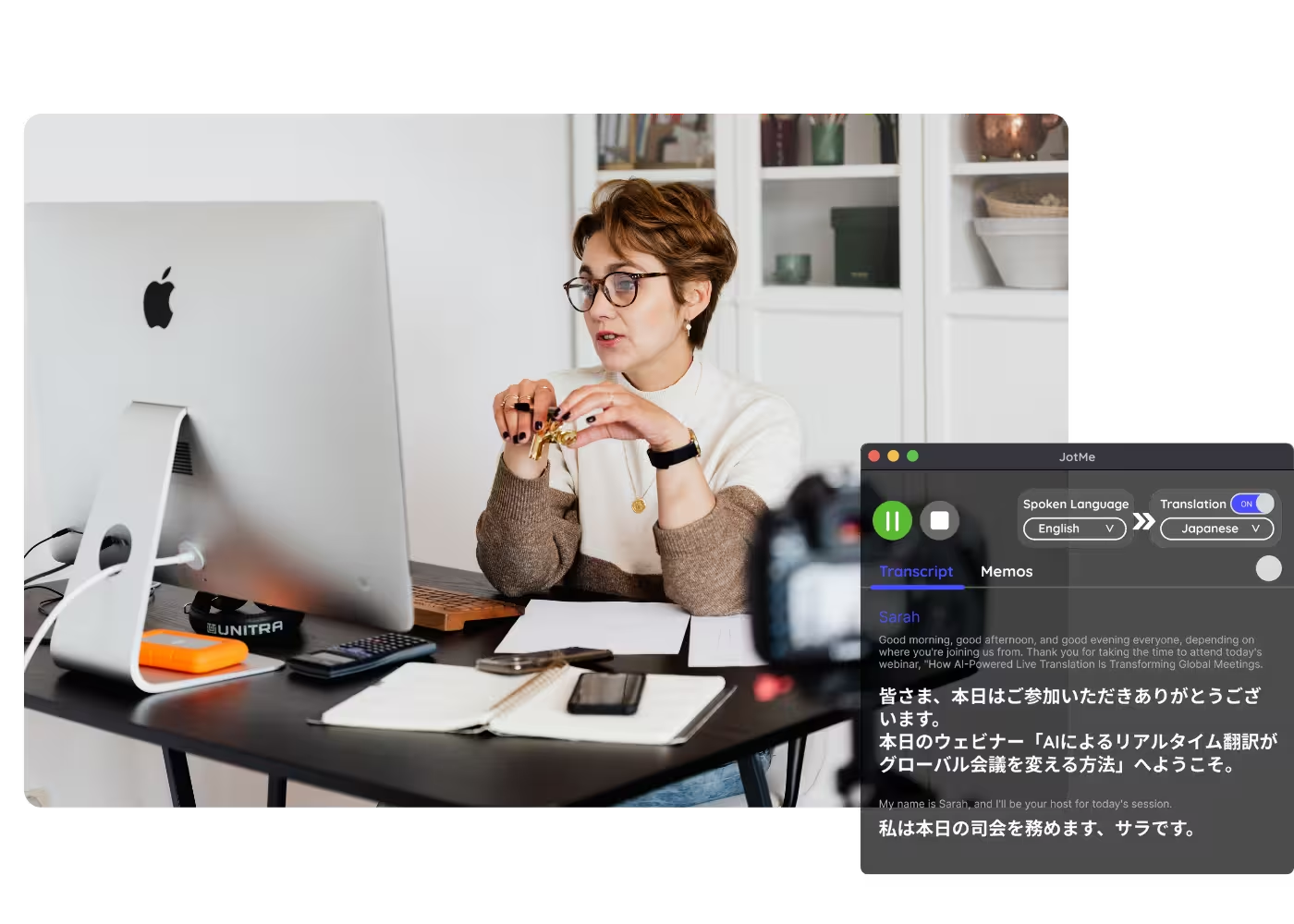
Record any meeting and get a full transcript, summary, and notes, in any language, with no bot in the call.
Trusted by 2,000 Teams and 500,000 Professionals Across 134 Countries



.avif)





.avif)


.avif)


.svg)
Rated 4.7/5


GDPR Compliant
.avif)
SOC 2 Type II (In Progress)
Record Your Meetings
Record any meeting on Zoom, Microsoft Teams, or Google Meet with one click — no bot joins the call. Start JotMe at the top of your meeting, or upload a recording later. When processing ends, your transcript, summary, and notes are ready in any of 200+ languages. Free to start, no credit card required.
How do I record a meeting?
In 3 easy steps!
STEP 1
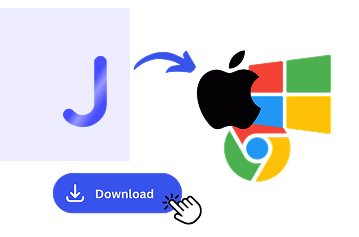
1. Download the desktop app, mobile app, or Chrome extension
Desktop app for Mac and Windows, mobile app for Android and iPhone, and the Chrome extension for Google Meet recording (limited features).
STEP 2
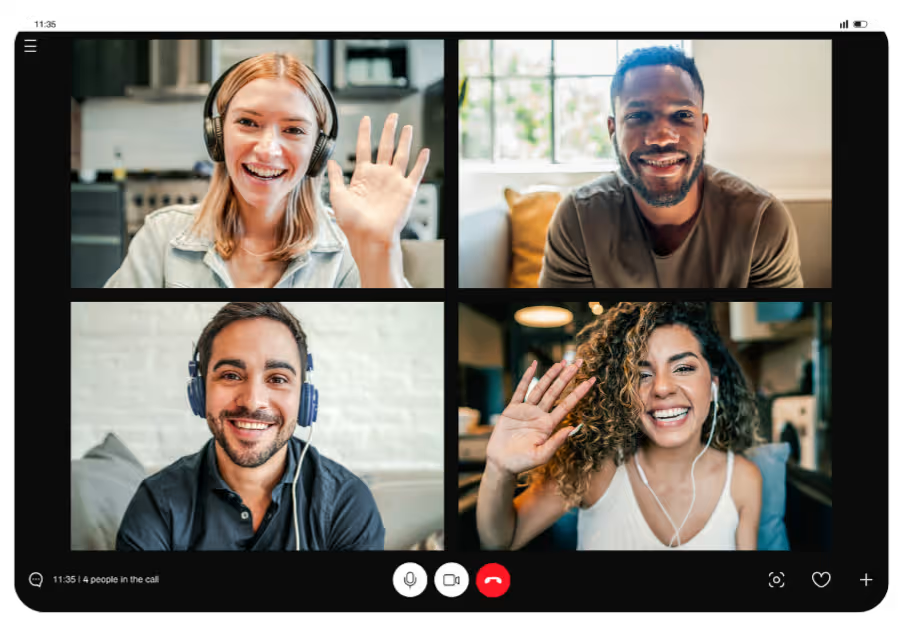
2. Start JotMe when the meeting begins
JotMe captures the audio in the background, with no bot joining and nothing for guests to install.
STEP 3
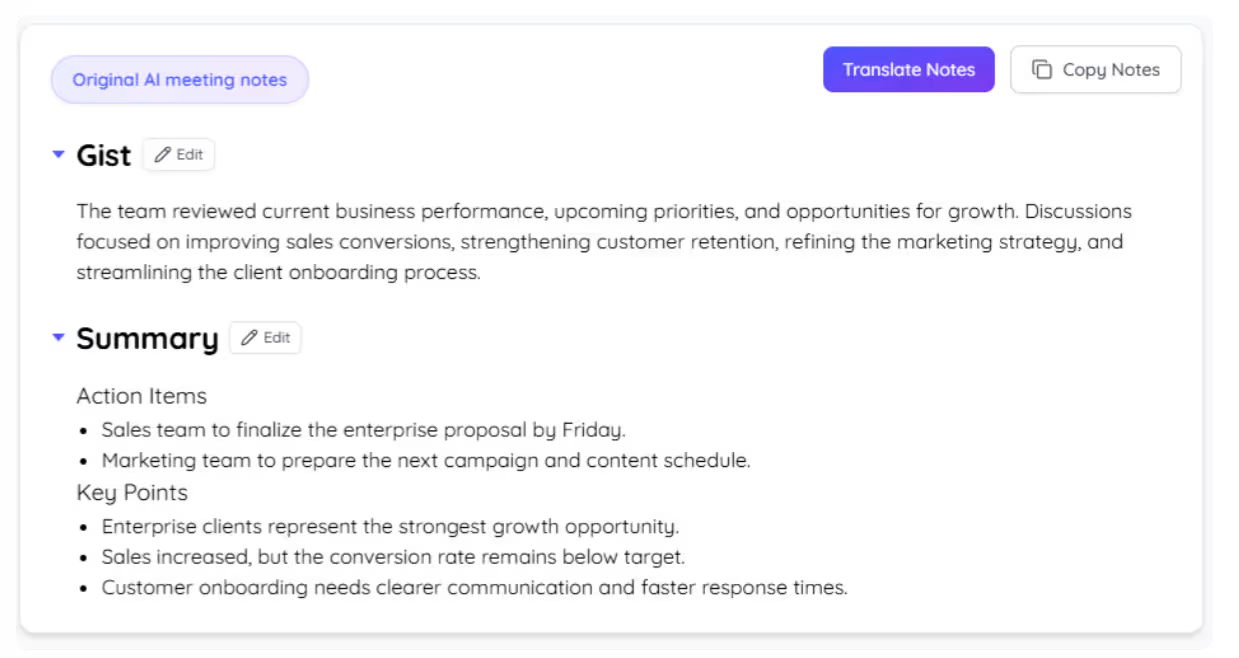
3. Review your record
When the meeting ends, open the transcript, summary, and notes, in your language.
See It in Action!
Recording for every meeting you'll want to revisit
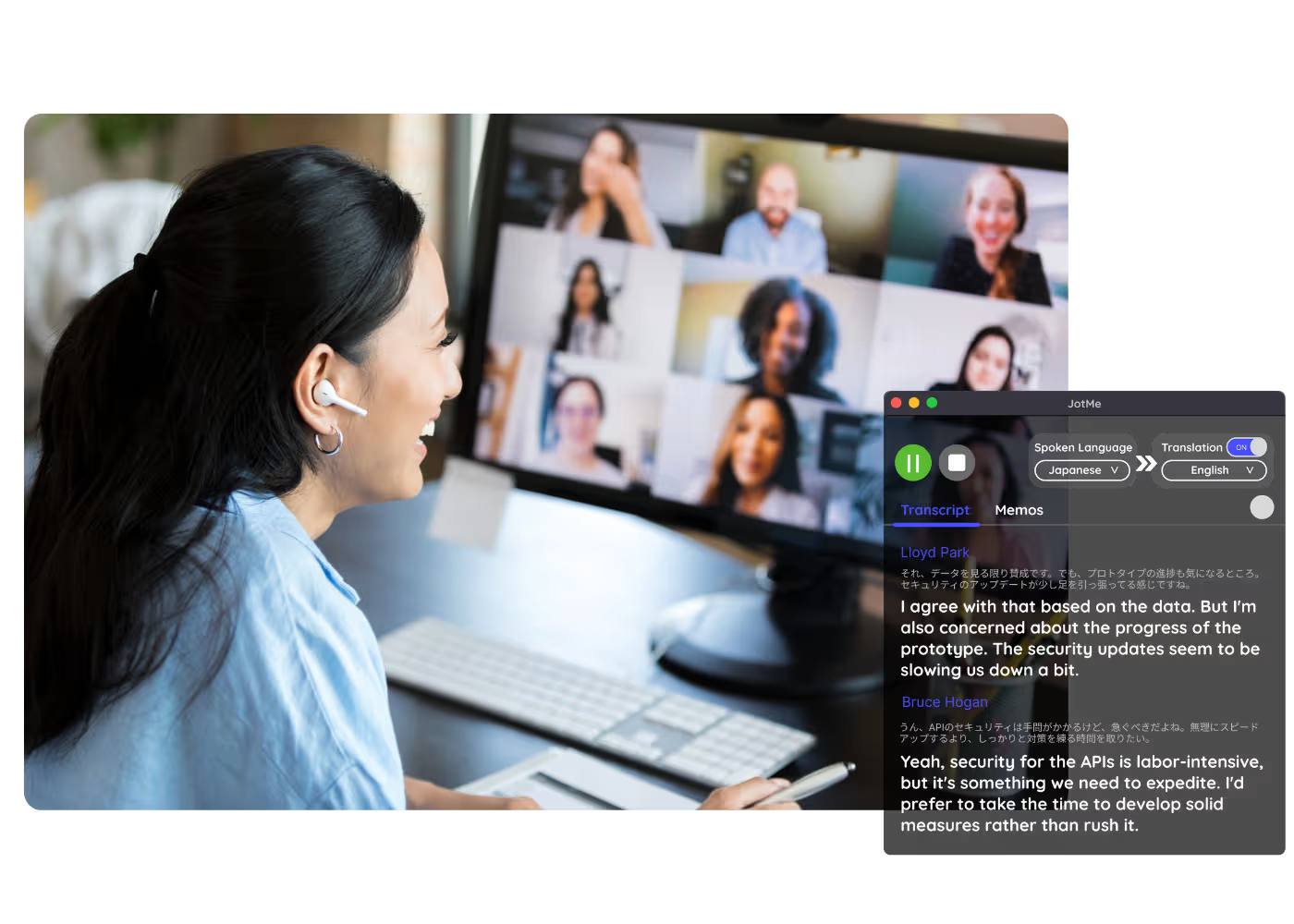
Team meetings & standups
Desktop app for Mac and Windows, mobile app for Android and iPhone, and the Chrome extension for Google Meet recording (limited features).
.avif)
Client & sales calls
JotMe captures the audio in the background, with no bot joining and nothing for guests to install.
.avif)
Interviews & research
When the meeting ends, open the transcript, summary, and notes, in your language.
Frequently asked questions
Everything you need to know about running meetings and events with JotMe.
Do I get a transcript with the recording?
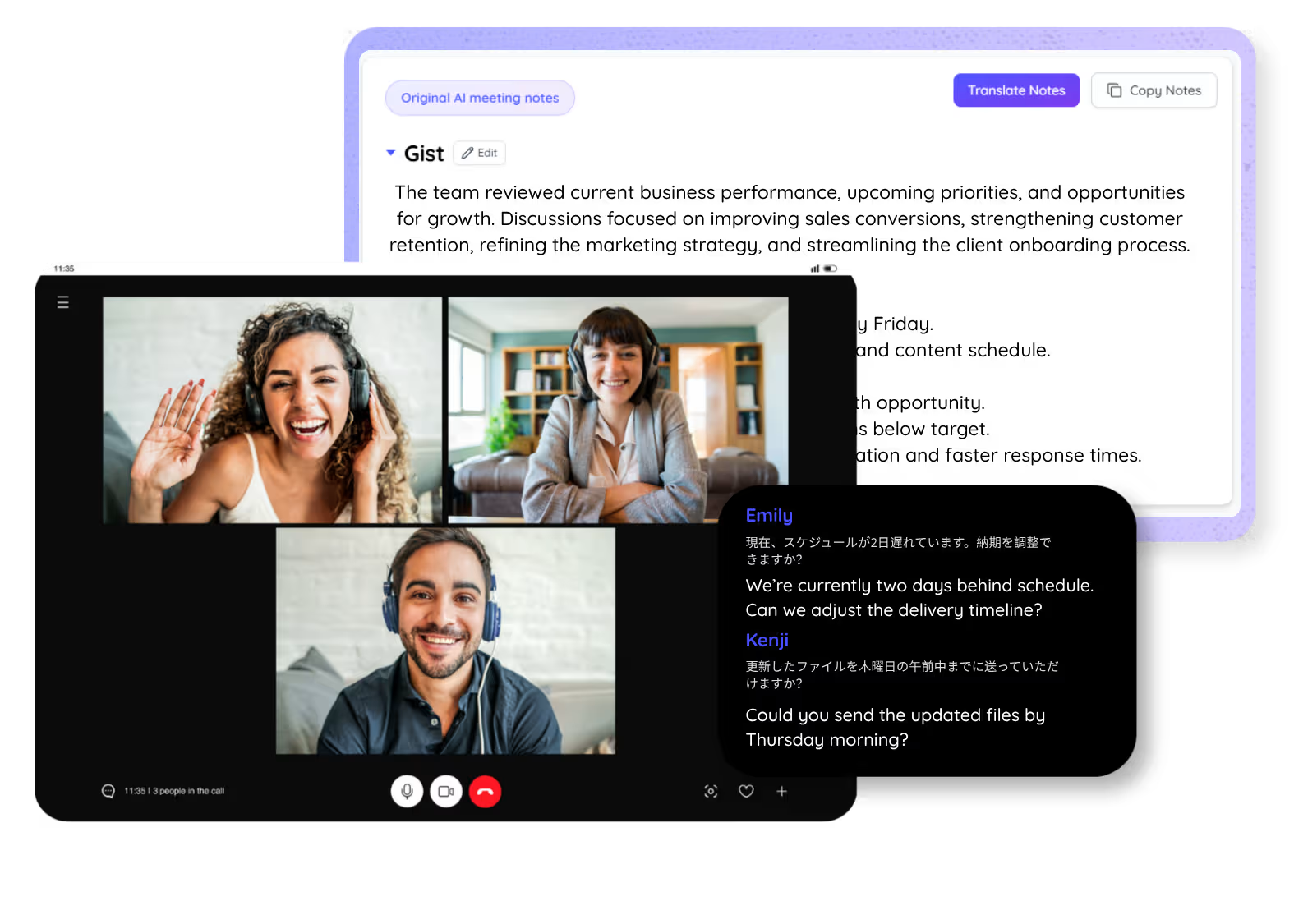
Yes. Every recording comes with a full, searchable transcript, plus an AI summary and notes, in your language.
Does a bot join my meeting?
No. JotMe captures your system audio, so no bot joins the call and nobody is announced as recording.
Can you record a Google Meet?
Yes. JotMe records a Google Meet with one click, and the same install also covers Zoom, Microsoft Teams, Webex, LINE, and in-person meetings.
Which languages are supported?
JotMe supports 200+ languages across 39,000+ language pairs, with the strongest results on English, Japanese, Mandarin, Spanish, and Korean.
Is my recording private and secure?
JotMe encrypts your data in transit and at rest, and follows GDPR with SOC 2 Type II (auditing in progress) compliances. JotMe never sells your data or uses it to train AI models, and you own your data.
How much does it cost?
Start free in 30 seconds with no credit card. Upgrade when your operations need more. See full pricing.
Can you record a Zoom meeting or an in-person meeting?
Yes. JotMe records a Zoom meeting with one button. For an in-person meeting, put your device on the table and JotMe captures the conversation, no call required.
Discover More

Record any meeting and get a record you can use.

Run every meeting and event smoothly for your multilingual operations
Transcribe, interpret, translate, and turn every critical conversation into insights with context so everyone stays aligned across languages.