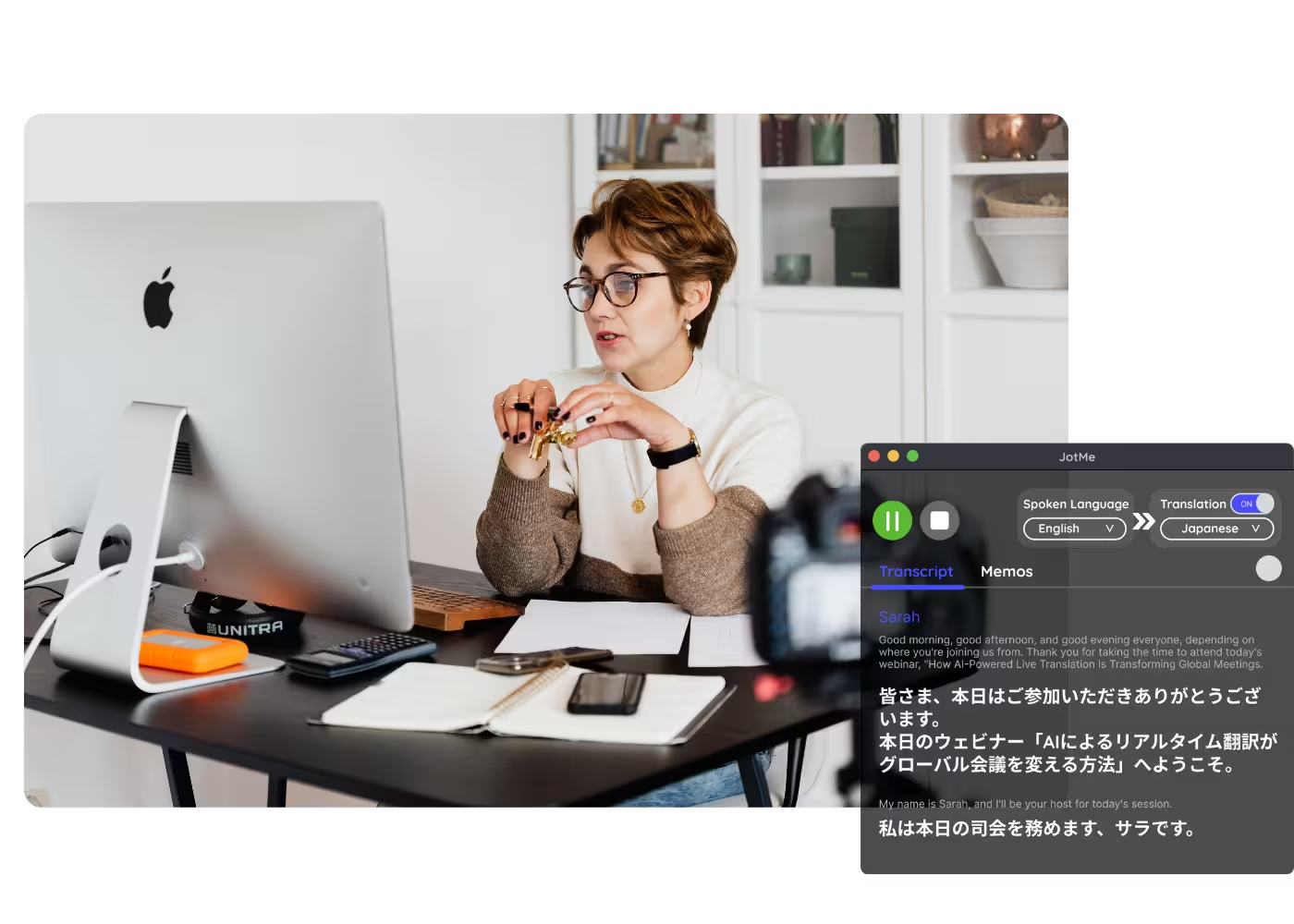
Video to Text
Upload any video and get a clean, accurate transcript, with speakers labeled and translation into 200+ languages for subtitles.

Trusted by 2,000 Teams and 500,000 Professionals Across 134 Countries



.avif)





.avif)


.avif)


.svg)
Rated 4.7/5


GDPR Compliant
.avif)
SOC 2 Type II (In Progress)
Video to Text Converter & Video Transcript Generator
Convert video to text online with JotMe's video transcription tool and video transcript generator. Upload an MP4, MOV, WebM, AVI, MKV, or other video file — including YouTube downloads, Zoom recordings, webinars, and screen recordings — and JotMe extracts the spoken audio into timestamped, speaker-labeled transcript segments you can copy, quote, or use as the basis for subtitles and captions. Auto-detects the spoken language across 100+ languages, with no installation required.
How do I convert video to text?
In 3 easy steps!
STEP 1
1. Open JotMe on web or download the app
.png)
STEP 2
2. Upload your video file
Drop in an MP4, MOV, or other video file. JotMe detects the language automatically.
(1).png)
STEP 3
3. Get your transcript
Read the timestamped transcript with speaker labels, then translate into 200+ languages for subtitles.
.png)
See It in Action!
Video to text for every clip you need in writing
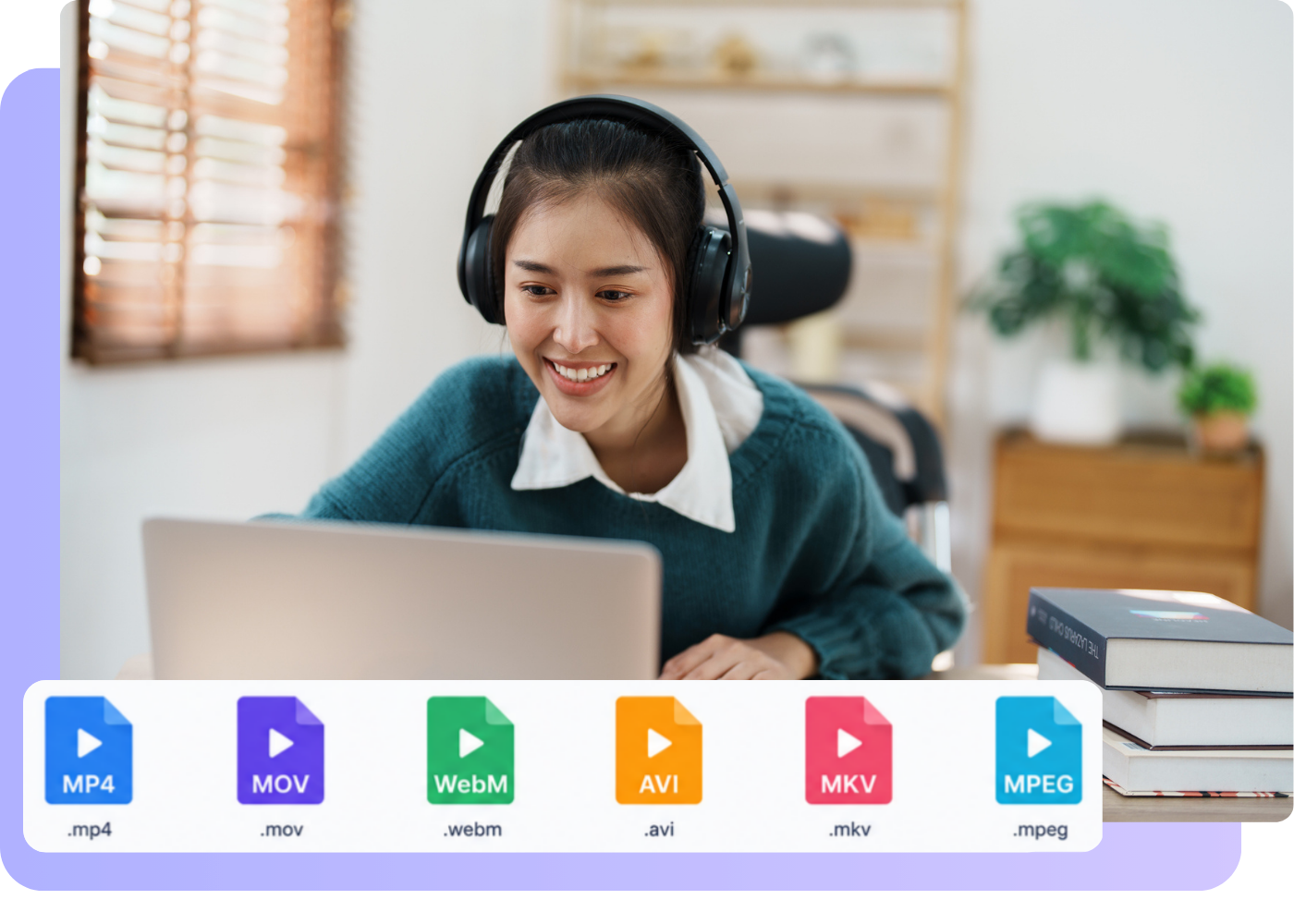
Content & YouTube
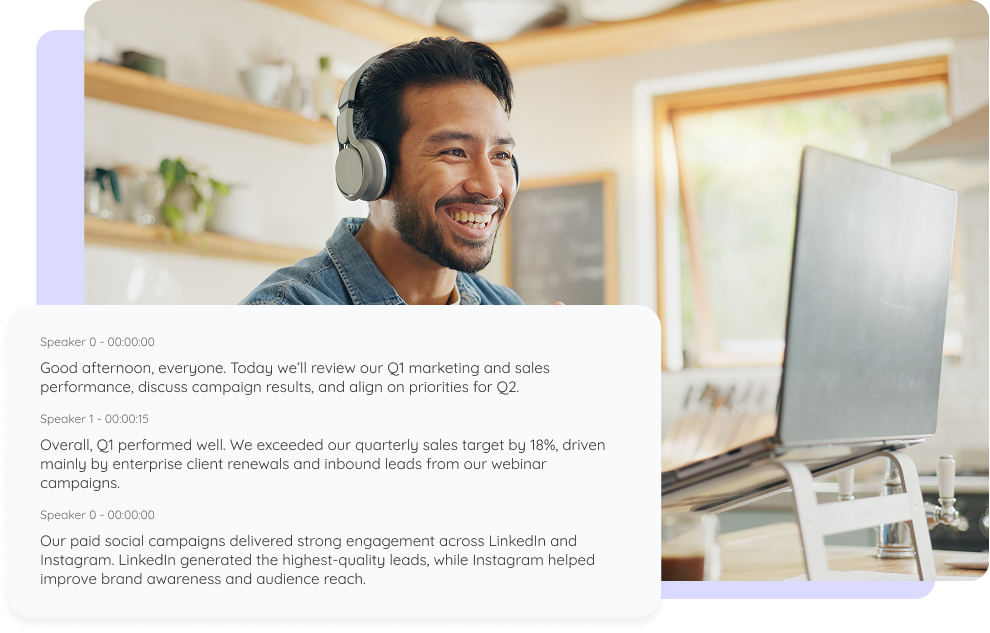
Subtitles & localization
Drop in an MP4, MOV, or other video file. JotMe detects the language automatically.
.png)
Courses & training
Read the timestamped transcript with speaker labels, then translate into 200+ languages for subtitles.
Frequently asked questions
Everything you need to know about running meetings and events with JotMe.
What video formats can I upload?
Common formats like MP4, MOV, MKV, WebM, and AVI, plus most recordings from phones, cameras, and screen recorders.
Do I get timestamps and speaker labels?
Yes. The transcript comes with timestamps and speaker labels, ready to navigate and use as subtitles.
Which languages are supported?
200+ languages, covering 39,000+ language pairs. Strongest on English, Japanese, Mandarin, Spanish, and Korean.
Can I translate the transcript for subtitles?
Yes. Turn the transcript into any of 200+ languages and use it as subtitles.
Is my file private and secure?
Your video stays encrypted in transit and at rest. JotMe meets GDPR and is working through its SOC 2 Type II audit. JotMe will not sell your video or use it to train AI models, and it stays yours.
How much does it cost?
Free to start in 30 seconds, no credit card. Upgrade when your operations need more. See full pricing.
Can I transcribe audio files too?
Yes. Upload an audio file and JotMe transcribes it the same way.

The easiest way to turn any video into clean text and subtitles.
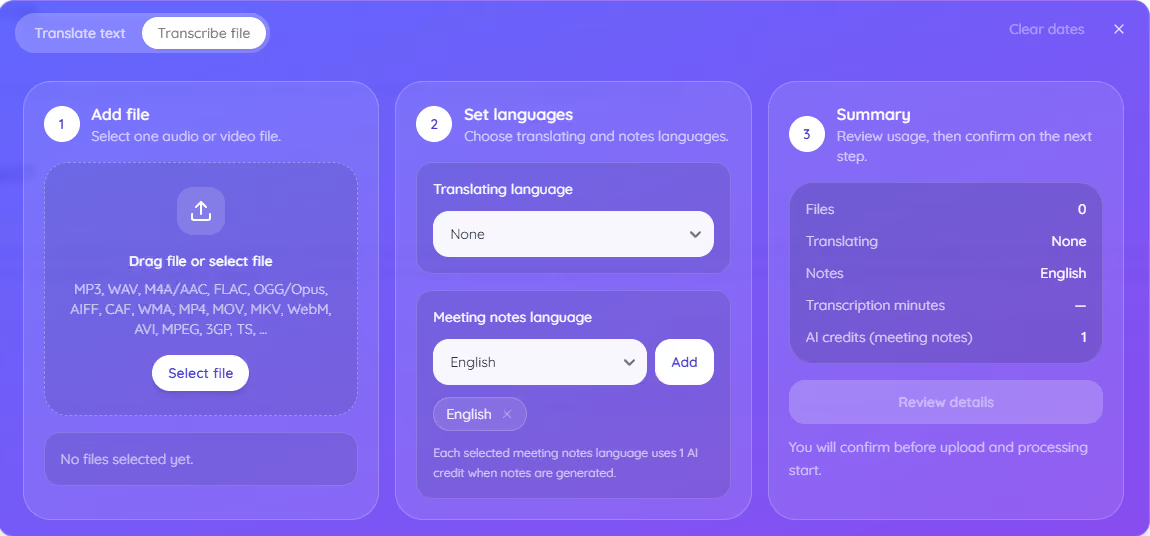
Run every meeting and event smoothly for your multilingual operations
Transcribe, interpret, translate, and turn every critical conversation into insights with context so everyone stays aligned across languages.
.avif)

.avif)