Translate the text in photos and screenshots
Get accurate translation of the text in a photo or screenshot. Download the translated image or copy the words separately in JotMe.
PNG · JPG · JPEG · WebP


Join 500,000 of the world’s most capable global professionals















 Rated 4.7/5
 GDPR Compliant
 SOC 2 Type II
Text in photos and screenshots, translated
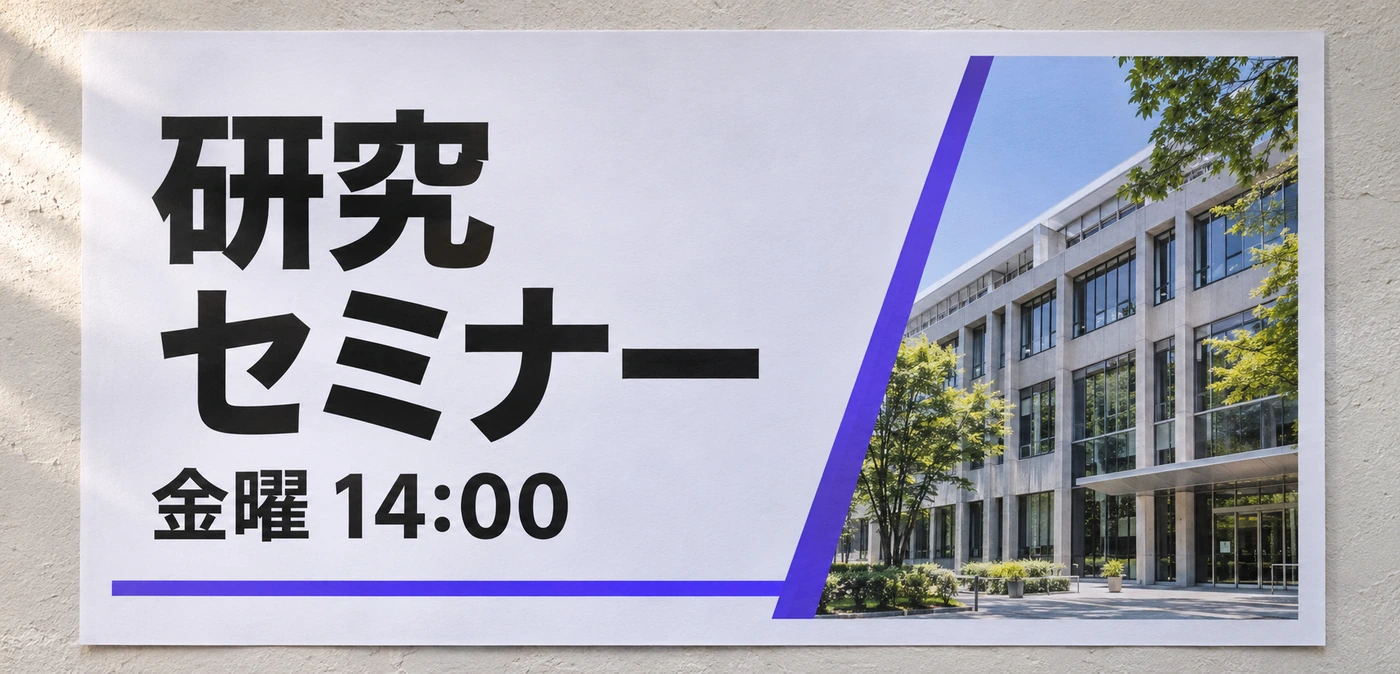
A product screenshot, visitor sign, or scanned notice carries meaning in its layout. JotMe finds the text, translates it, and renders the result in the image. Download that translated picture when someone needs the visual context, or copy the text blocks for a message or document.
Translate a full PDF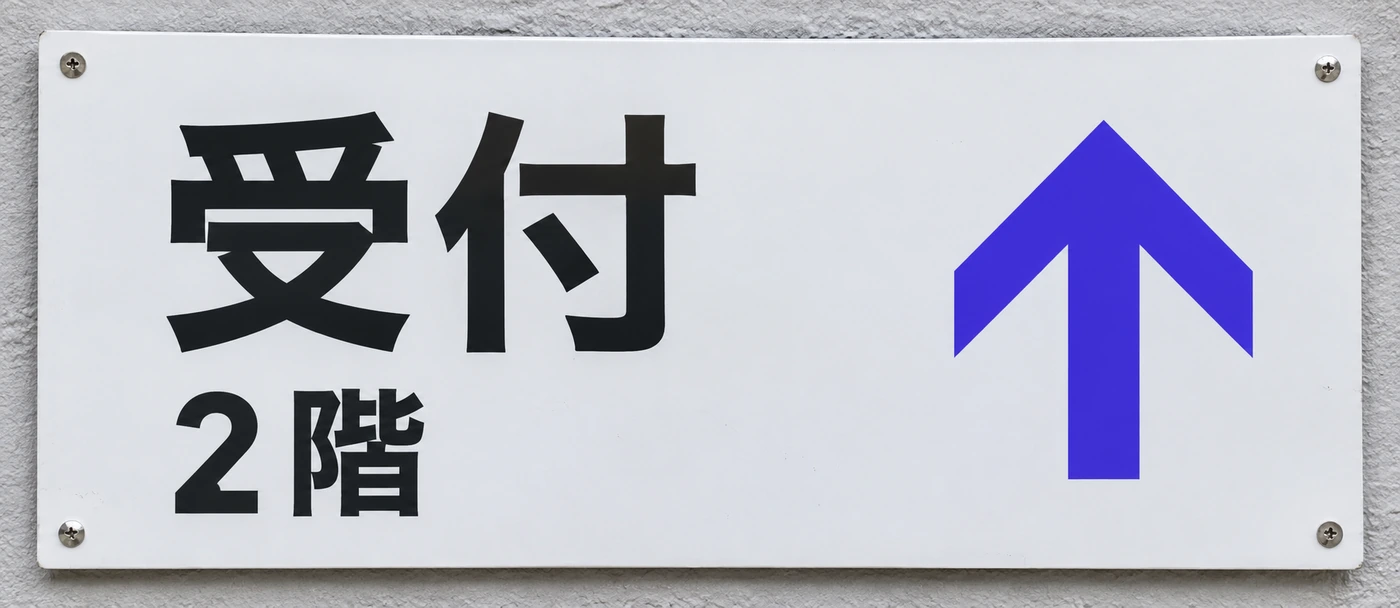
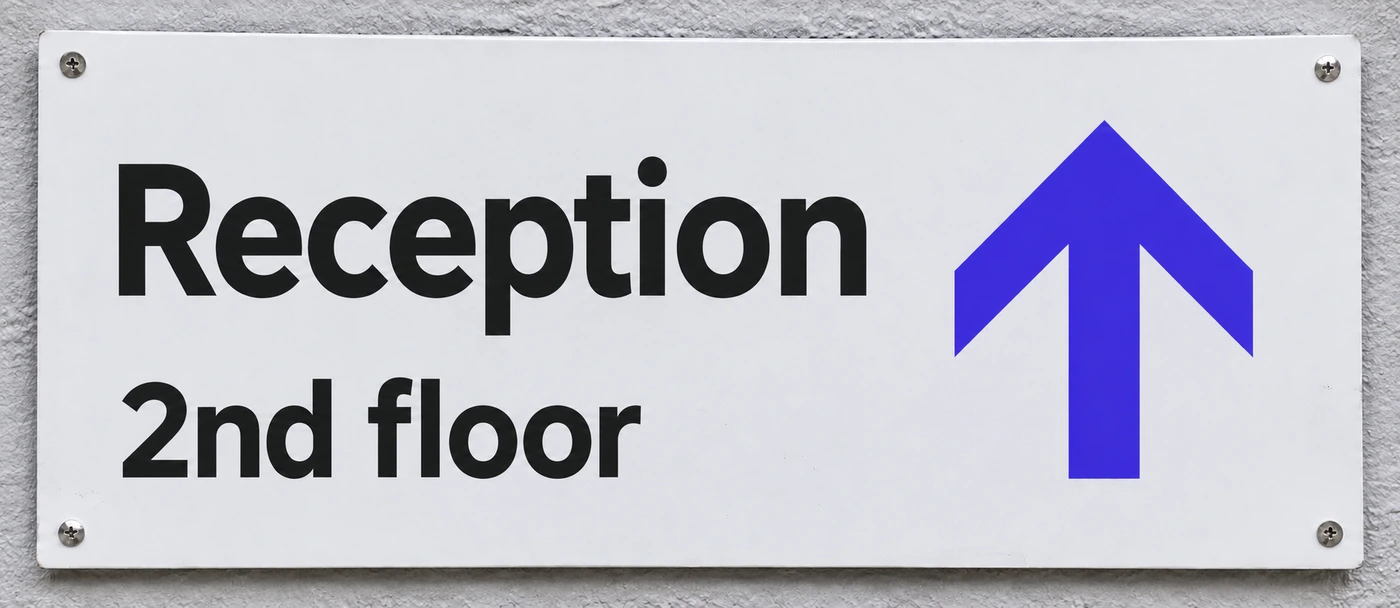
Use the translated picture or just the words
Download the rendered translation when the picture matters. Copy the translated text blocks when you need the words in an email, note, or message instead.
Translate copied textShare the image with its context
Send the translated image through the file-sharing workflow. The browser view keeps the original nearby so recipients can compare a sign, screenshot, or notice with the result.
Share your translated imageHow to translate an image
Upload a readable image
Choose PNG, JPG, JPEG, or WebP in Translate → Image. The maximum file size is 10 MB.
Choose the language and review the cost
Select the destination language and check the 5 AI credit charge and your remaining balance.
Download the image or copy the words
JotMe uploads, analyzes, translates, masks, and renders the image. Review the finished picture and copy individual translated text blocks if needed.
Use cases
Bring it into the work you already do.
Product screenshots
Understand the text in a screenshot shared by a colleague or customer.
Explore the use case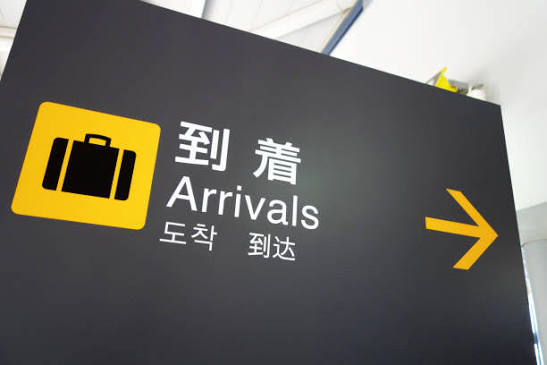
Signs and notices
Read photographed instructions or notices during an in-person visit.
Explore the use case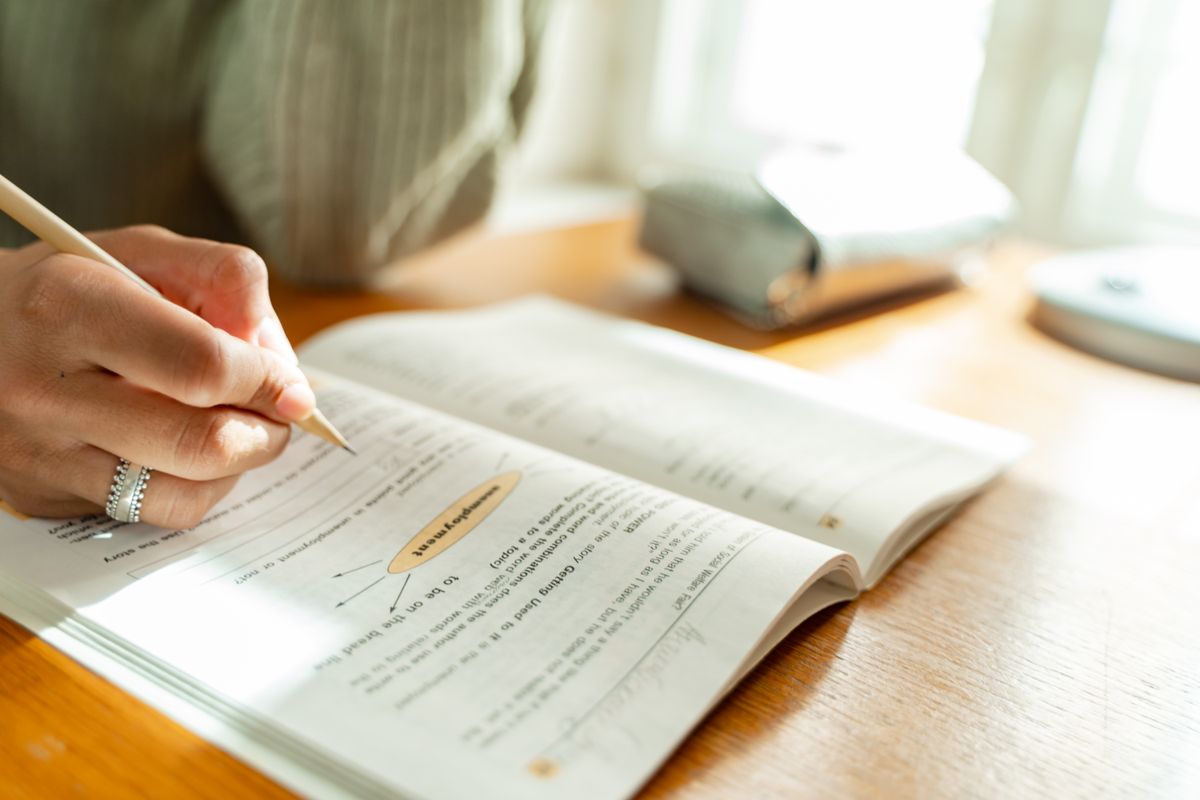
Teaching materials
Make the text inside a clear picture or scanned handout easier to understand.
Explore the use caseTrusted by 2,000 teams
Across 134 countries
From multilingual meetings to everyday teamwork. Hear from the people using JotMe.
 G2
 Chrome Web Store
“JotMe streamlines our multilingual meetings, ensuring seamless collaboration in our fast-paced work environment.”


“This bilingual feature streamlines note-taking at work, saving time and boosting efficiency in both languages.”


“Essential for non-fluent speakers; simplifies complex meetings with real-time translation and accurate transcriptions.”

 Upwork
“As my job involves translation and bridging cultures, I have found this tool as a game changer to my daily work.”


“Japanese was once a mystery to me, but this product made it clear and accessible with contextual understanding.”


“The translation we've needed for years – now a reality with JotMe!”


What formats and usage should I check?
- Formats
- PNG · JPG · JPEG · WebP
- Maximum size
- 10 MB
- Usage
- 5 AI credits per image
- Output
- Rendered translated image and copyable text blocks
Check the language options and output settings in the selected tool before starting.
View usage detailsHow do I translate text from an image?
Upload a supported image, choose the destination language, and review the credit cost. JotMe reads the words, translates them, and renders the translated image.
Can I translate a screenshot?
Yes, if it is a supported PNG, JPG, JPEG, or WebP up to 10 MB. Clear text and good contrast improve the input for recognition.
Can I copy the translated words without the image?
Yes. The result includes translated text blocks you can copy separately, as well as the rendered image you can download.
Does it handle handwriting or blurry photos?
Those are common failure cases. Use a clearer image when possible and review the result against the original. Do not assume every handwritten note or low-contrast sign will be recognized correctly.
Is this the same as translating a PDF?
No. Image translation works on a picture. PDF translation processes a document file and has different size limits and AI credit usage.
Is my content processed online?
Yes. JotMe processes content online, including in the desktop app. Review the privacy guide and your organization’s requirements for the material you plan to use.