YouTube AI: Translate, Transcribe & Summarize Videos
JotMe translates, transcribes, and summarizes YouTube videos in real time. Read live translated captions or hear the translation spoken aloud in 200+ languages, even on videos with no subtitles.
Works with any YouTube video playing on your computer | Mac & Windows
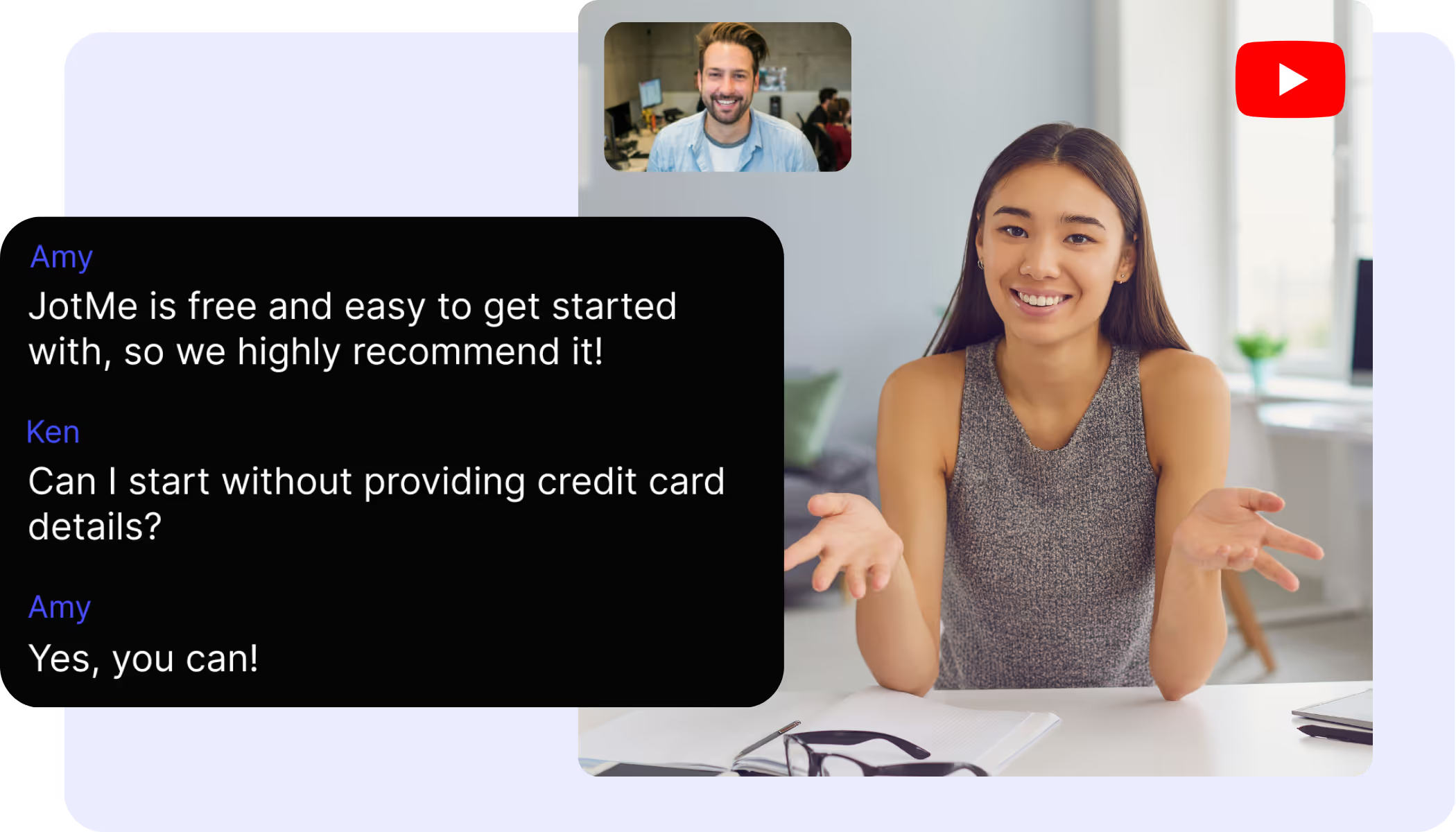
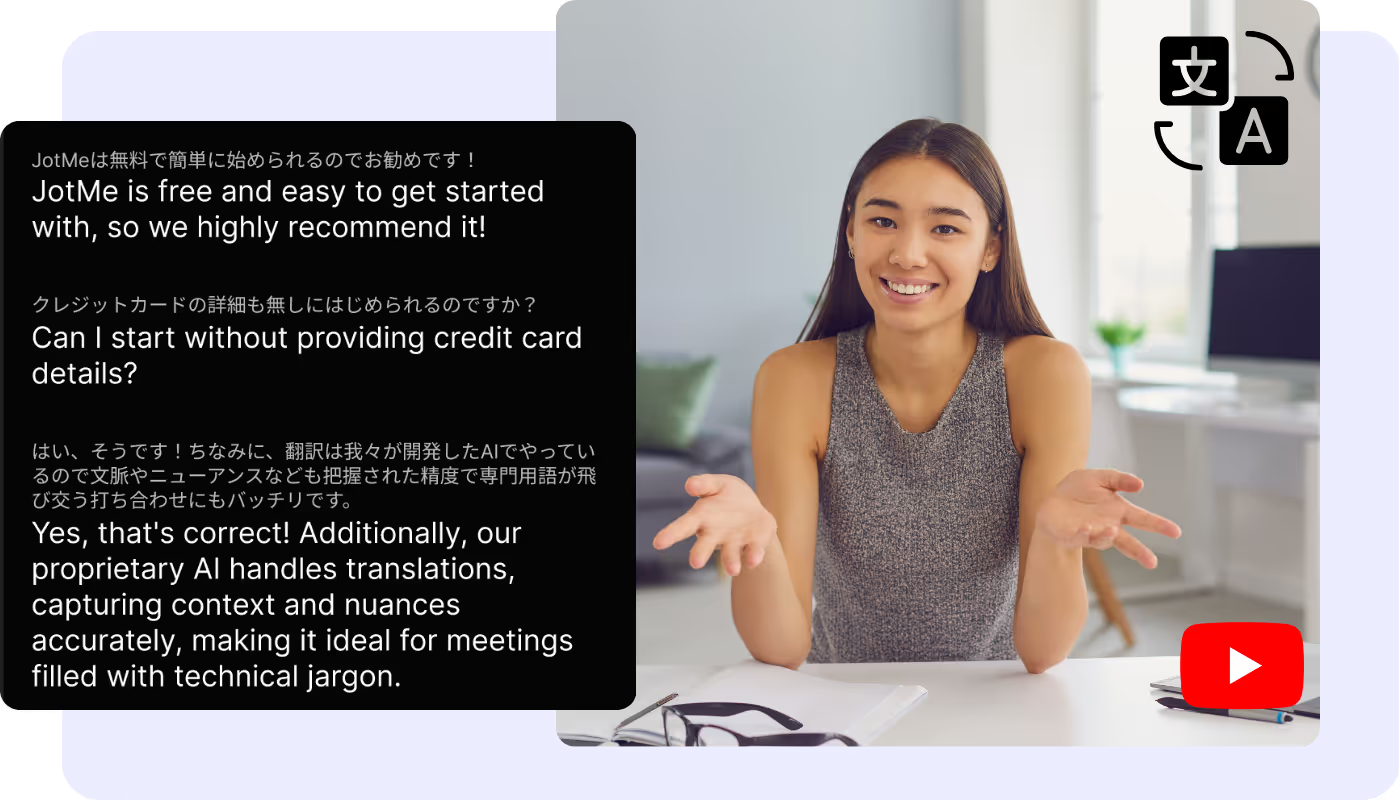
Captions or voice, in 200+ languages
Watch any YouTube video with live translated captions, or hear the translation spoken aloud, in 200+ languages. It works on any video, subtitles or not.
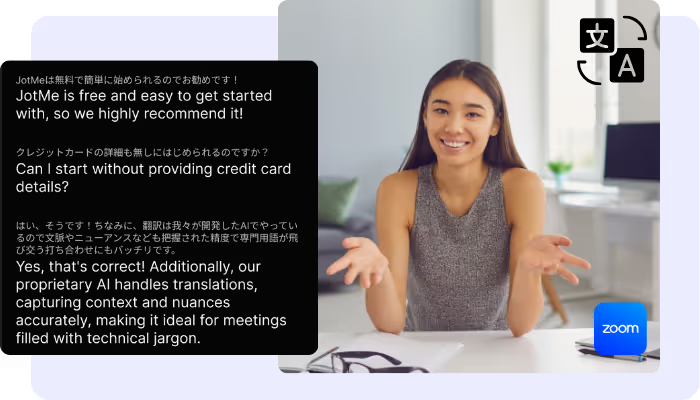
Speech to text, every word captured
Turn any YouTube video's speech into accurate text in 200+ languages, live as it plays, or from a downloaded clip you upload to Video to Text.
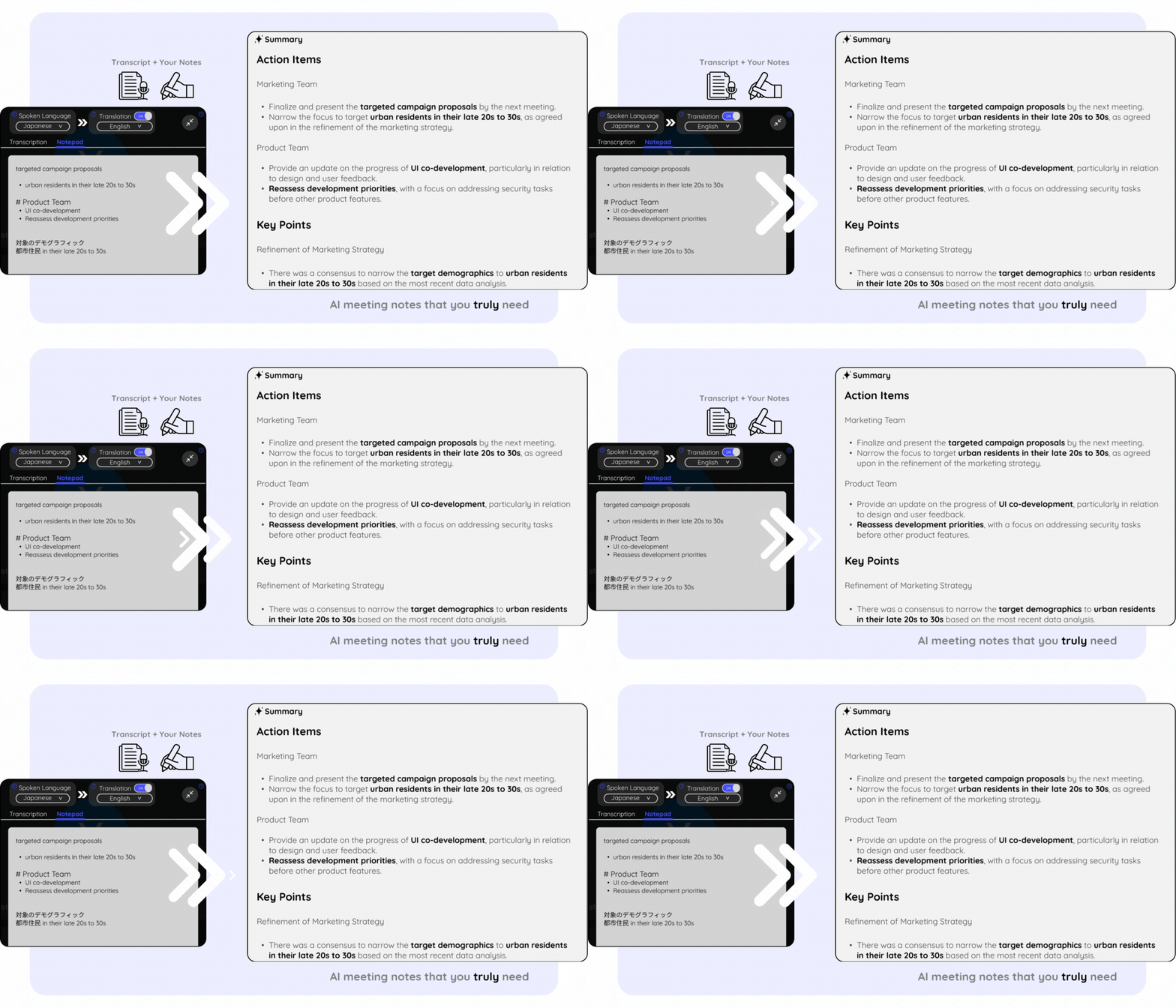
Video summaries in seconds
Summarize any YouTube video with AI, during and after playback, in your language. It works on uploaded clips too.
500,000+ professionals run meetings and events smoothly with JotMe
See how they’re seeing results with JotMe in bridging multilingual operational gaps.
Rated 4.7/5

Rated 4.7/5
"As my job involves translation and bridging cultures, I have found this tool as a game changer to my daily work."

Adams
Operations Specialist / Tiktok
"Japanese was once a mystery to me, but this product made it clear and accessible with contextual understanding."

Stamatis
Consultant / Deloitte
"JotMe streamlines our multilingual meetings, ensuring seamless collaboration in our fast-paced work environment."

Cesar
Program Manager / Amazon
"This bilingual feature streamlines note-taking at work, saving time and boosting efficiency in both languages."

Yusuke
Sales Manager / NTT
"Essential for non-fluent speakers; simplifies complex meetings with real-time translation and accurate transcriptions."

Jesse
Software Freelancer
"The translation we've needed for years – now a reality with JotMe!"
Elston
CEO & Founder / Tiny.host
"As my job involves translation and bridging cultures, I have found this tool as a game changer to my daily work."
Adams
Operations Specialist / Tiktok
"Japanese was once a mystery to me, but this product made it clear and accessible with contextual understanding."
Stamatis
Consultant / Deloitte
"JotMe streamlines our multilingual meetings, ensuring seamless collaboration in our fast-paced work environment."
Cesar
Program Manager / Amazon
"This bilingual feature streamlines note-taking at work, saving time and boosting efficiency in both languages."
Yusuke
Sales Manager / NTT
"Essential for non-fluent speakers; simplifies complex meetings with real-time translation and accurate transcriptions."
Jesse
Software Freelancer
"The translation we've needed for years – now a reality with JotMe!"
Elston
CEO & Founder / Tiny.host

Frequently asked questions
Everything you need to know about using JotMe with YouTube.
Can JotMe translate any YouTube video?
Yes. JotMe captures the audio of the video playing on your computer and shows live translated captions, or speaks the translation aloud, in 200+ languages, so it works on any video.
How do I convert a YouTube video's speech to text?
Play the video and JotMe transcribes the speech live in 200+ languages, saved to your dashboard to search, copy, and translate. Downloaded the video? Upload the file to Video to Text for an accurate transcript.
Can I transcribe or translate a downloaded YouTube clip?
Yes. Upload the audio or video file to Audio to Text or Video to Text and JotMe transcribes it accurately, translates the transcript into the language you pick, and writes a summary.
Does it work on videos without captions?
Yes. JotMe transcribes and translates the audio itself, so live streams, new uploads, and videos with no subtitles all work the same way.
Can I hear the translation instead of reading captions?
Yes. JotMe can speak the translation aloud while the video plays — voice-to-voice translation with the fastest translation AI model — so you can watch without reading.
How many languages does JotMe support on YouTube?
JotMe supports 200+ languages for live translation and transcription on YouTube, across 39,000+ language pairs. Accuracy is strongest for major languages.
Is JotMe free to use with YouTube?
Yes. JotMe's free plan includes live translation and transcription minutes, and no credit card is required. Upgrade when you need more minutes.

Understand every YouTube video in any language
Translate, transcribe, and turn every video into notes and insights, in your language.