 Rated 4.7/5
 GDPR Compliant
 SOC 2 Type II
ローンチ計画を確認し、次のステップを決めましょう。ローンチ計画を確認し、次のステップを決めましょう。
Let’s review the launch plan and agree on next steps.Let’s review the launch plan and agree on next steps.
Language handoffs slow decisions down. Give colleagues accurate live translation, multilingual chat, and shared meeting notes so they can work directly with each other.

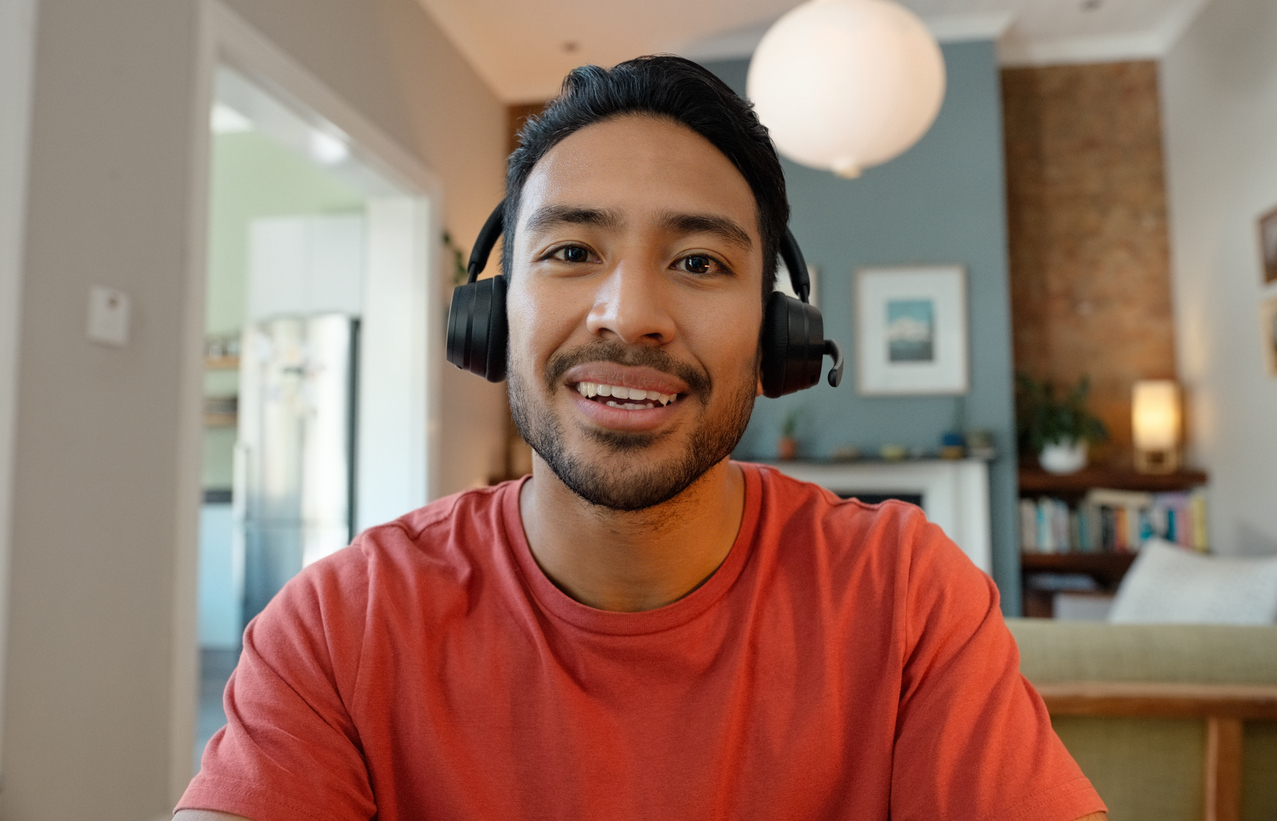


ローンチ計画を一緒に確認しましょう。
Let’s review the launch plan together.
Japanese → English













When every question goes through a bilingual colleague, the whole team waits. Use live translation in meetings and multilingual chat between calls so people can speak directly, with the original words available to check.
 Sofia
 Alex
 Emma
 Sam
A decision is only useful if the next person can act on it. Share meeting notes, transcripts, and translated files. Bring notes into chat so colleagues can ask questions without starting the discussion again.
Do not leave every meeting dependent on one person’s account. Invite members, assign live translation minutes to each host, and manage the team from one place. Keep seats and usage visible as more colleagues get started.
Choose seats and a live translation minute pool. The purchaser becomes a team admin.
Invite colleagues, then allocate minutes to each host, including the admin. New members start with zero allocated minutes.
Check available seats and minutes as usage grows. Keep meeting records and collaboration habits consistent across the team.
Start where language handoffs cost your team time.

Stop repeating updates across separate language groups. Follow the same meeting and continue in multilingual chat between calls.
Discuss this workflow
Bring the right specialist into the conversation without waiting for a bilingual intermediary. Keep the client’s questions and agreed next steps together.
Discuss this workflow
Avoid re-explaining requirements at every handoff. Share translated reference files and meeting notes so regional colleagues can pick up the work.
Discuss this workflowFrom multilingual meetings to everyday teamwork. Hear from the people using JotMe.
“JotMe streamlines our multilingual meetings, ensuring seamless collaboration in our fast-paced work environment.”


“This bilingual feature streamlines note-taking at work, saving time and boosting efficiency in both languages.”


“Essential for non-fluent speakers; simplifies complex meetings with real-time translation and accurate transcriptions.”

 Upwork
“As my job involves translation and bridging cultures, I have found this tool as a game changer to my daily work.”


“Japanese was once a mystery to me, but this product made it clear and accessible with contextual understanding.”


“The translation we've needed for years – now a reality with JotMe!”

Choose a Team plan based on your members and live translation needs. After purchase, the purchaser becomes the team admin. Open Team to confirm your seats and minute pool, allocate minutes to yourself, then invite colleagues and assign their allowances. Talk to sales if you want help planning the setup.
A seat is space for one team member. Live translation minutes are a separate shared pool that admins distribute to members. Plan for both the people joining your team and the people who will host translated sessions.
The member hosting the session uses their own allocation and the shared team pool. Guests do not choose another member’s allocation. Shared sessions and some translation modes can use minutes faster, so estimate usage for your actual audience and setup.
Yes. Team admins can adjust allocations in Members & Allocation. Increases take effect immediately when enough minutes are available in the pool. Reductions take effect at the end of the member’s current usage period.
Yes. The desktop app runs alongside tools such as Zoom, Teams, and Google Meet, using the host computer’s audio and microphone. It does not need to join the meeting as a bot. Hosts should test their audio permissions and devices before the first session.
Team admins manage invitations, member roles, minute allocations, and billing. Regular members use the product with the allowance assigned to them. Admins can assign another member an admin role when they need help managing the team.
Yes. Start with the colleagues and recurring conversations you want to support first. Review your actual usage and working routine before adding more people. Talk to sales about your expected hosts, languages, and rollout requirements.
No. Admins allocate live translation minutes according to each member’s needs, within the available pool.
They need an allocation of live translation minutes first. Invited members start at zero; the admin assigns their allowance.
No. The team pool covers allocated live translation usage. Transcription, AI credits, and chat tokens have separate per-account balances.
Talk to sales about procurement, security, terminology, and supported context capabilities. The enterprise page explains company context and rollout planning.
 G2
 Chrome Web Store