AI Meeting Notes in English after Japanese Meetings
Attend a meeting in Japanese and get clean notes in English: summary, decisions, and action items, ready to report.

Trusted by 2,000 Teams and 500,000 Professionals Across 134 Countries



.avif)





.avif)


.avif)


.svg)
Rated 4.7/5


GDPR Compliant
.avif)
SOC 2 Type II (In Progress)
AI meeting notes in English after Japanese meetings on Google Meet
Struggling to start writing meeting minutes or pinpoint key points and action items after Japanese meetings? Wish you could understand the gist of lengthy Japanese meetings in seconds in English? With JotMe’s AI meeting notes, you can achieve all this and more. Say goodbye to cumbersome post-meeting tasks and hello to increased productivity with the language you are comfortable to work with. Sign up for free today—no credit card required.
How do I get English notes from a Japanese meeting?
In 3 easy steps!
STEP 1
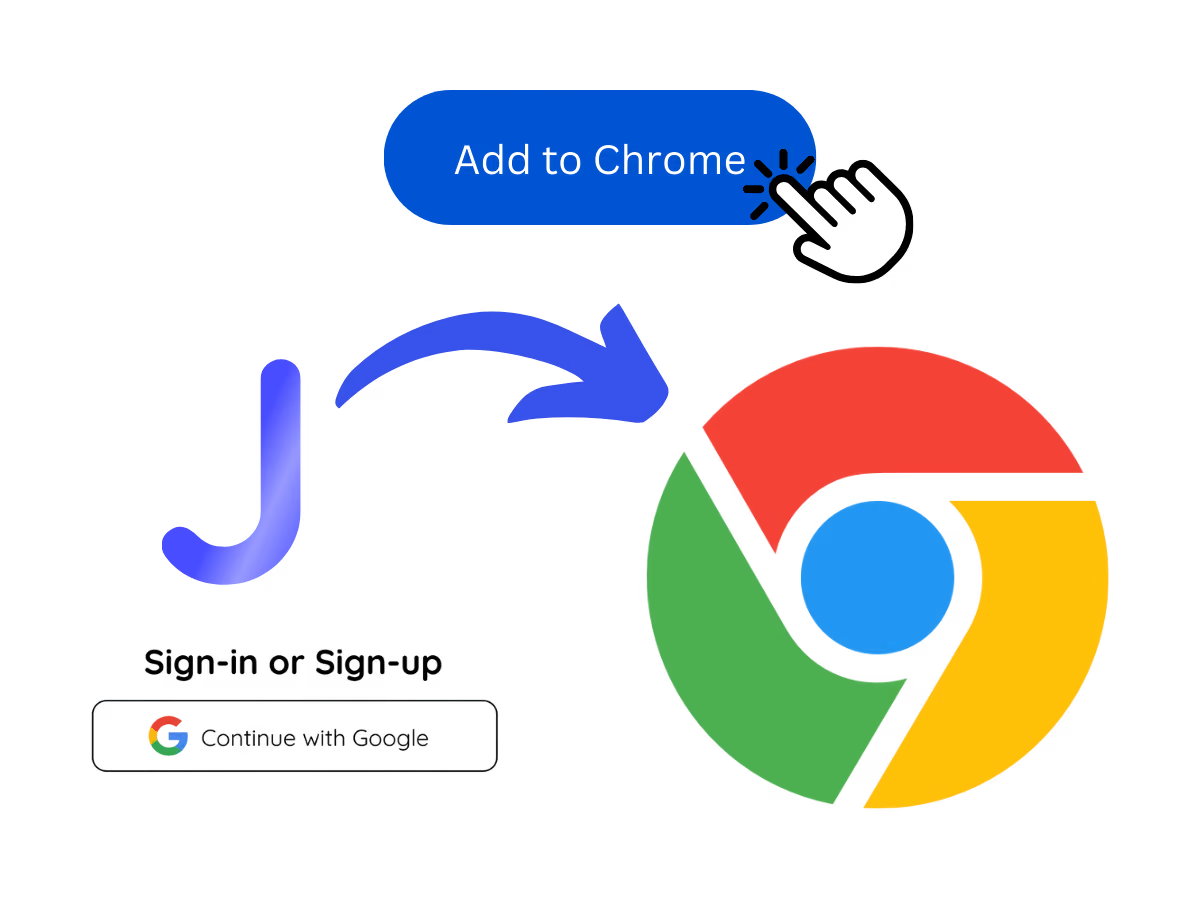
1. Download the desktop app, mobile app, or Chrome extension
Desktop app for Mac and Windows, mobile app for Android and iPhone, and a Chrome extension for Google Meet (limited features).
STEP 2
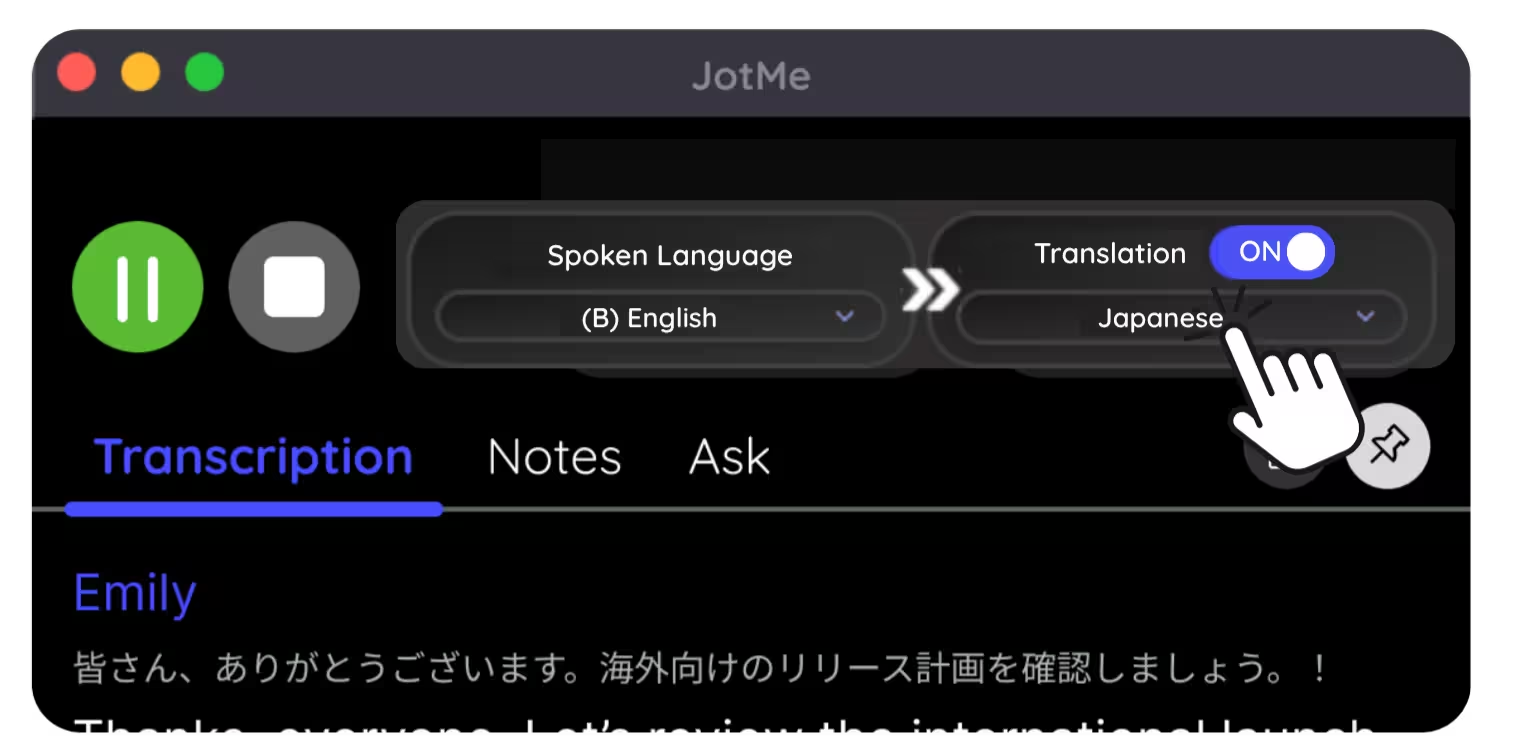
2. Set spoken language to Japanese
Choose Japanese as the spoken language for a live meeting, or upload a Japanese audio or video recording, so JotMe captures it accurately.

STEP 3
3. Set notes language to English
Pick English for your notes. Attend in Japanese, read and report in English.
See It in Action!
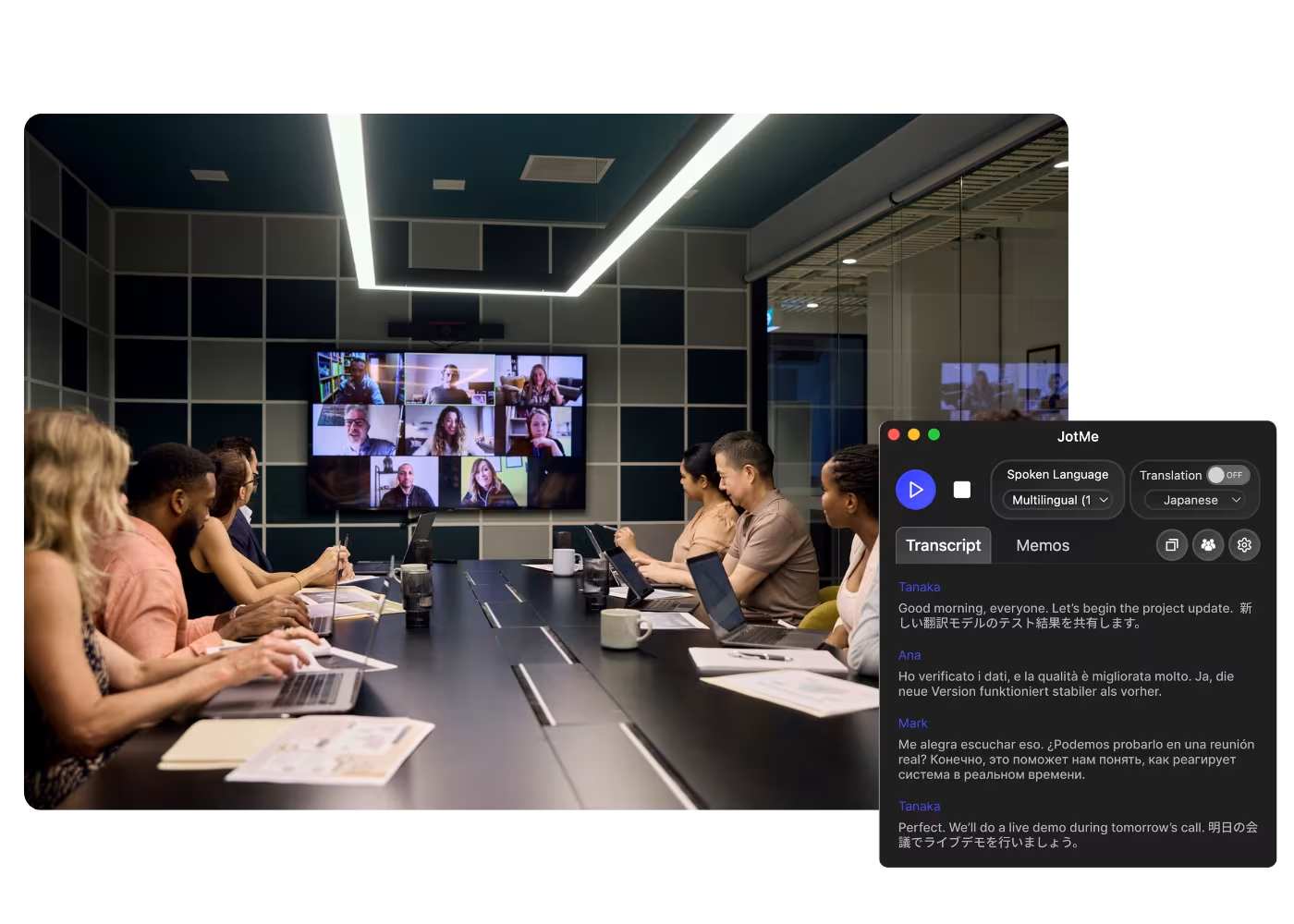
English notes for everyone reporting on Japan
Reporting to English-speaking HQ
Desktop app for Mac and Windows, mobile app for Android and iPhone, and a Chrome extension for Google Meet (limited features).
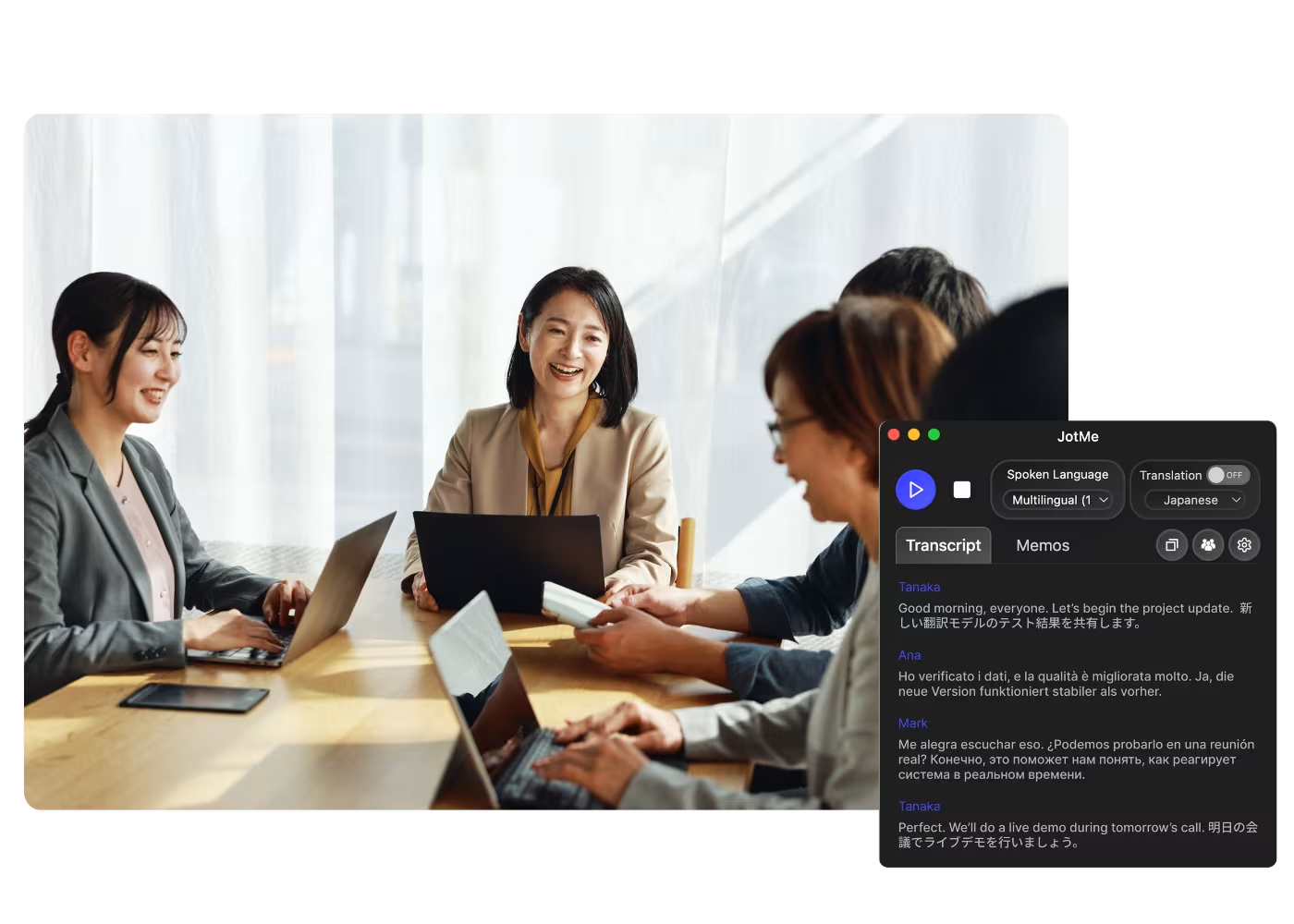
Working with Japanese partners
Choose Japanese as the spoken language for a live meeting, or upload a Japanese audio or video recording, so JotMe captures it accurately.
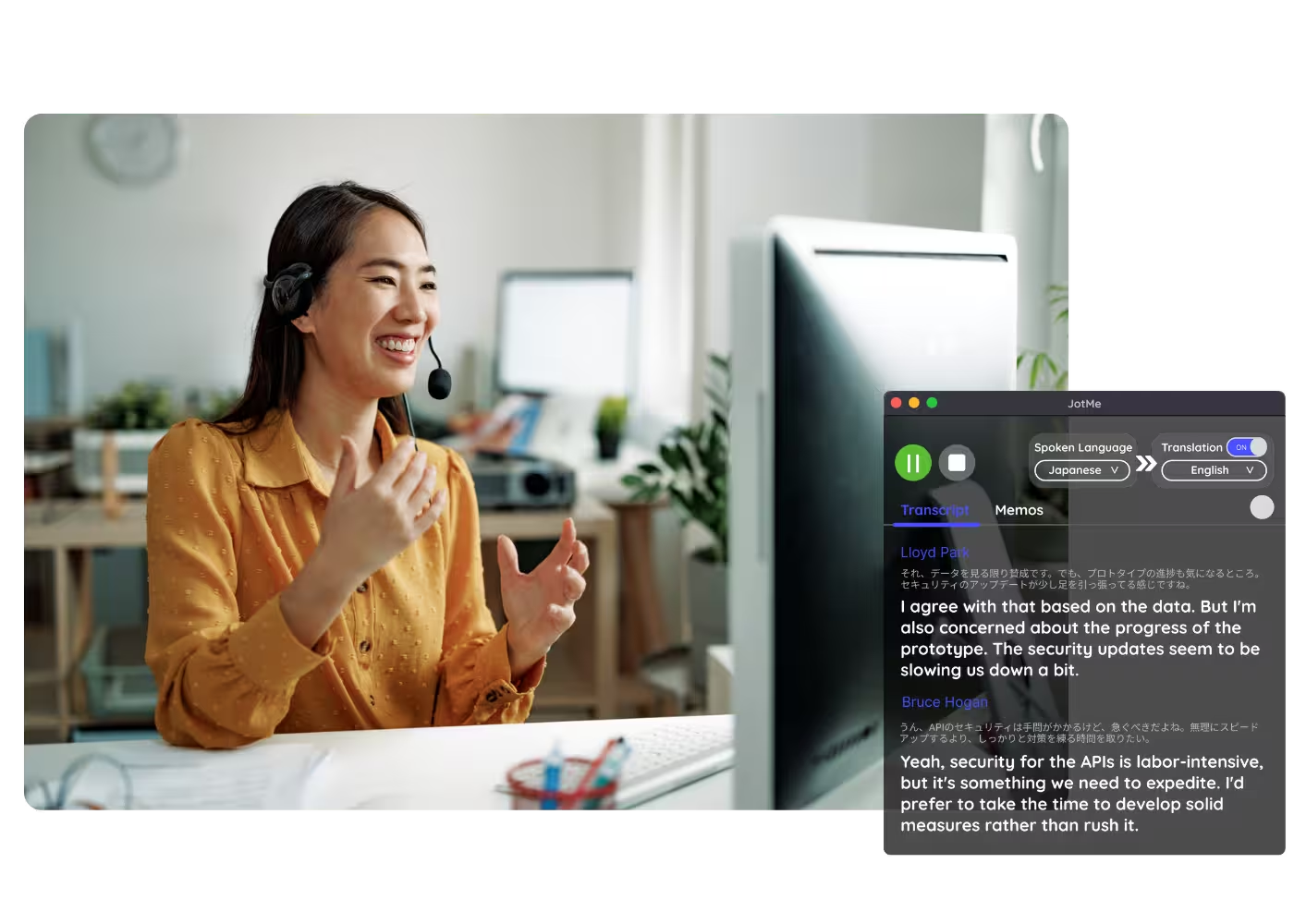
Diligence & research on Japan
Pick English for your notes. Attend in Japanese, read and report in English.
Frequently asked questions
Everything you need to know about running meetings and events with JotMe.
Can I attend in Japanese and get notes in English?
Yes. JotMe captures the Japanese meeting and writes notes, summary, and action items in English, with terms intact. Accuracy sharpens as the meeting goes on.
Can I keep the Japanese version too?
Yes. Generate the notes in English, Japanese, or both, from the same meeting.
Does a bot join my meeting?
No. JotMe captures your system audio, so no bot joins the call and no plugin is needed for participants.
Which platforms does it work with?
Zoom, Google Meet, Microsoft Teams, Webex, LINE, and in-person. One install works everywhere.
Is my conversation private and secure?
Every Japanese meeting stays encrypted in transit and at rest. JotMe meets GDPR and is mid-way through its SOC 2 Type II audit. JotMe does not sell your recordings or train AI models on them, and you keep ownership.
How much does it cost?
Free to start in 30 seconds, no credit card. Upgrade when your operations need more. See full pricing.
Can I get a full transcript too?
Yes. Every session produces a complete transcript alongside the notes, in Japanese, English, or both.
Discover More

Attend in Japanese, report in English.

Run every meeting and event smoothly for your multilingual operations
Transcribe, interpret, translate, and turn every critical conversation into insights with context so everyone stays aligned across languages.
.avif)