English to Japanese Live Translation
Translate English speech into natural Japanese in real time, with live captions and AI-cloned voice that hold meaning, context, and the right level of politeness.
.avif)
Trusted by 2,000 Teams and 500,000 Professionals Across 134 Countries



.avif)





.avif)


.avif)


.svg)
Rated 4.7/5


GDPR Compliant
.avif)
SOC 2 Type II (In Progress)
AI-Powered English to Japanese Live Translation
Talking to Japanese coworkers, clients, or partners who don't understand English well slows every conversation down. Most English translation tools rely on word-for-word machine output that misses tone, context, and industry meaning, which is exactly where Google Translate's accuracy tends to break down in real meetings. JotMe's English to Japanese live translation is a smarter Google Translate alternative built for live conversations. It reads full sentences together, understands business context, and adapts to your domain vocabulary, giving you accurate live translation across Google Meet, Zoom, Microsoft Teams, and Webex. It's free to start, and no credit card is required.
How do I get English to Japanese live translation?
In 3 easy steps!
STEP 1
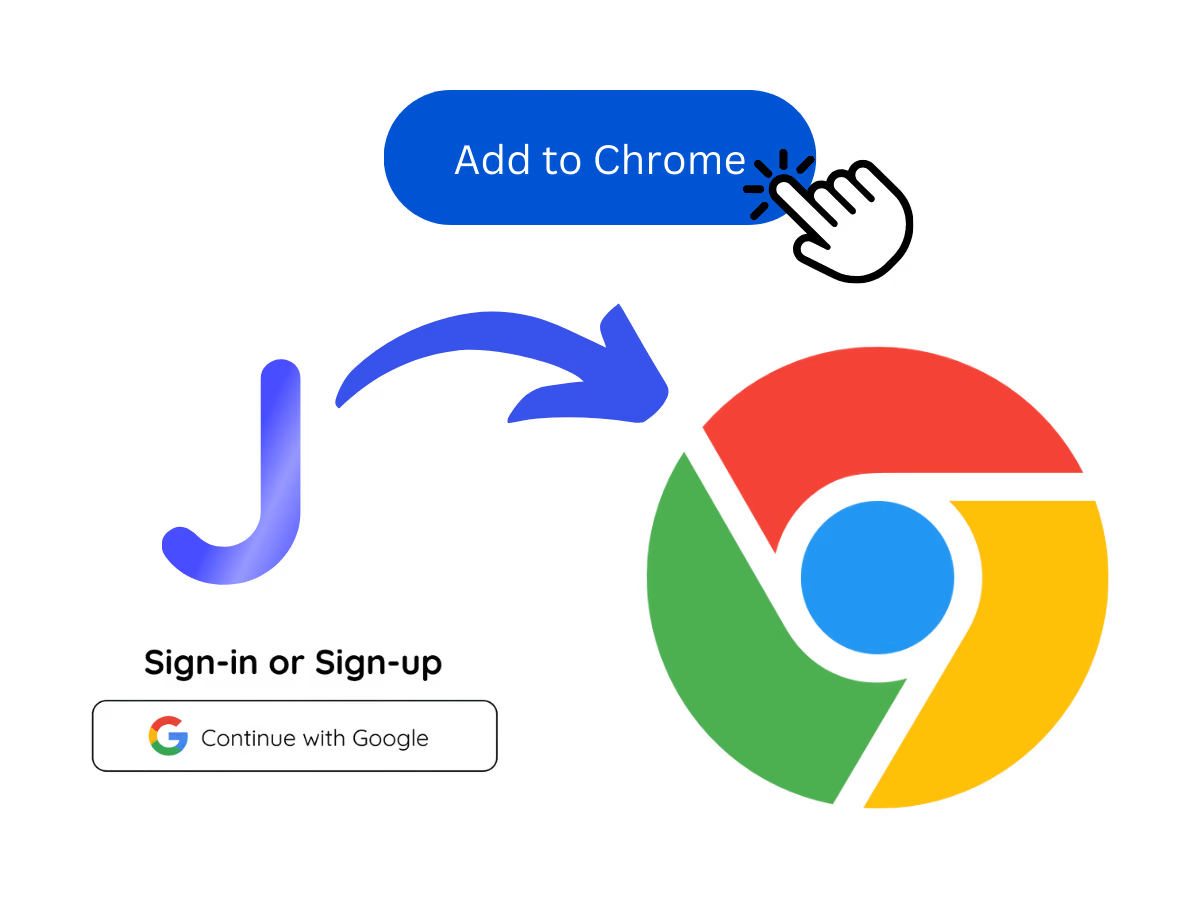
1. Download the desktop app, mobile app, or Chrome extension
Desktop app for Mac and Windows, mobile app for Android and iPhone, and a Chrome extension for Google Meet (limited features). The mobile app works as an English to Japanese translator app on the go.
STEP 2
2. Set your spoken language to English
Set 'Spoken language' to English. JotMe supports 200+ languages across 39,000+ language pairs with multiple models.

STEP 3
3. Set your translation language to Japanese
Pick Japanese for your captions and voice, and you are set to live translate English to Japanese.

See It in Action!
English to Japanese live translation for every moment
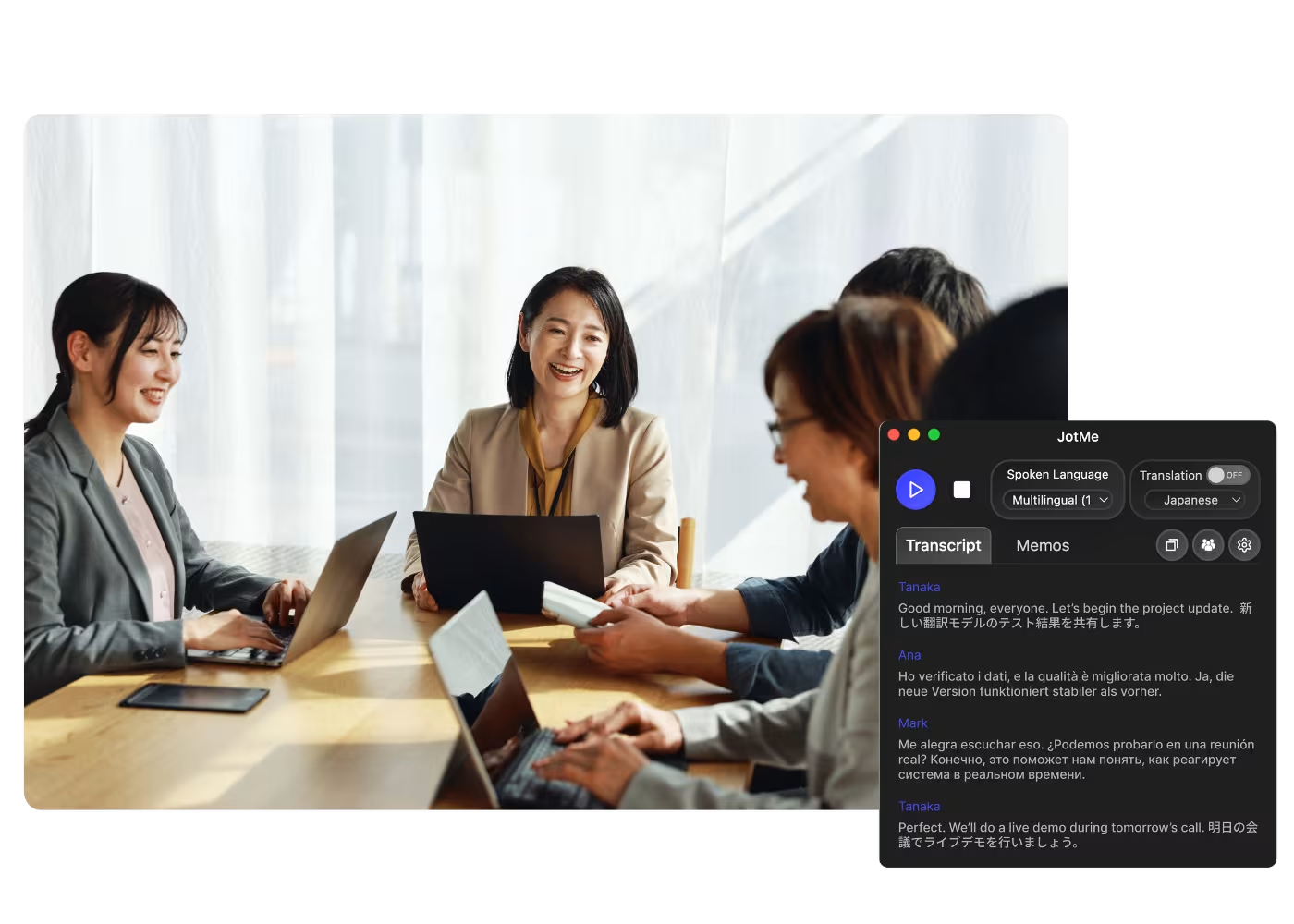
Meetings with Japanese clients & HQ
Desktop app for Mac and Windows, mobile app for Android and iPhone, and a Chrome extension for Google Meet (limited features). The mobile app works as an English to Japanese translator app on the go.
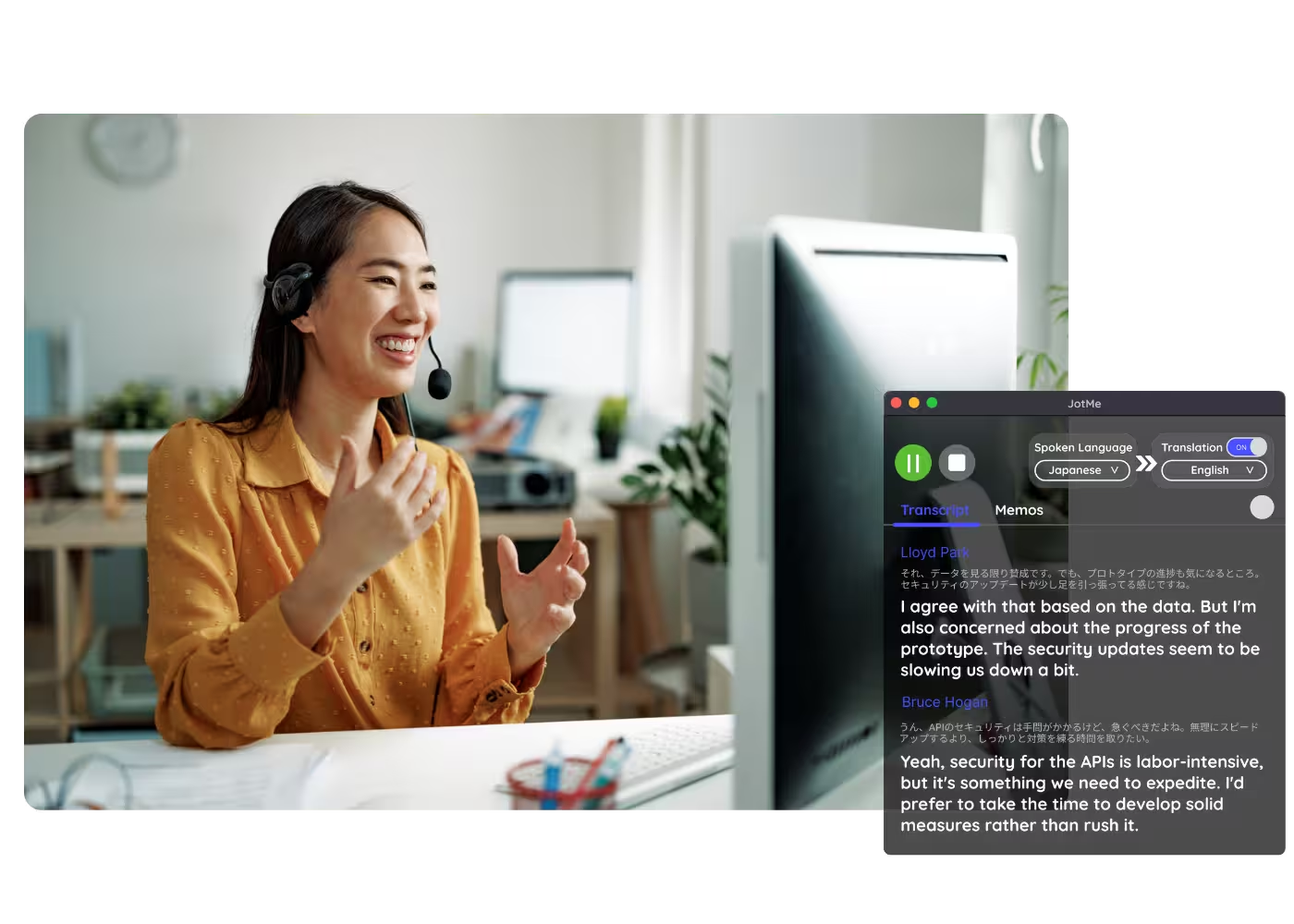
Presentations & pitches to Japanese audiences
Set 'Spoken language' to English. JotMe supports 200+ languages across 39,000+ language pairs with multiple models.

Conferences & events in Japan
Pick Japanese for your captions and voice, and you are set to live translate English to Japanese.
Frequently asked questions
Everything you need to know about running meetings and events with JotMe.
How accurate is English to Japanese translation?
Accuracy improves as the meeting goes on. The agentic AI draws on what has already been said, the participants, domain, and intent, to translate meaning in context, so the Japanese output stays natural and appropriately polite.
Which languages are supported?
200+ languages for live translation, covering 39,000+ language pairs. English-Japanese is one of JotMe's strongest, most-used pairs.
Does a bot join my meeting?
No. JotMe captures your system audio, so no bot joins the call and no plugin is needed for participants.
Which platforms does it work with?
Zoom, Google Meet, Microsoft Teams, Webex, LINE, and in-person. One install works everywhere.
Is my conversation private and secure?
Encrypted in transit and at rest. GDPR and SOC 2 Type II (auditing) compliant. Never sold or used to train AI models, and you own your data.
How much does it cost?
Free to start in 30 seconds, no credit card. Upgrade when your operations need more. See full pricing.
Can I get a transcript and summary afterward?
Yes. Every session ends with a transcript and AI meeting summary in Japanese and English, shareable from your account.

Reliable English to Japanese live translation, in captions and AI-cloned voice.
.png)
Run every meeting and event smoothly for your multilingual operations
Transcribe, interpret, translate, and turn every critical conversation into insights with context so everyone stays aligned across languages.
.avif)

.avif)

.avif)