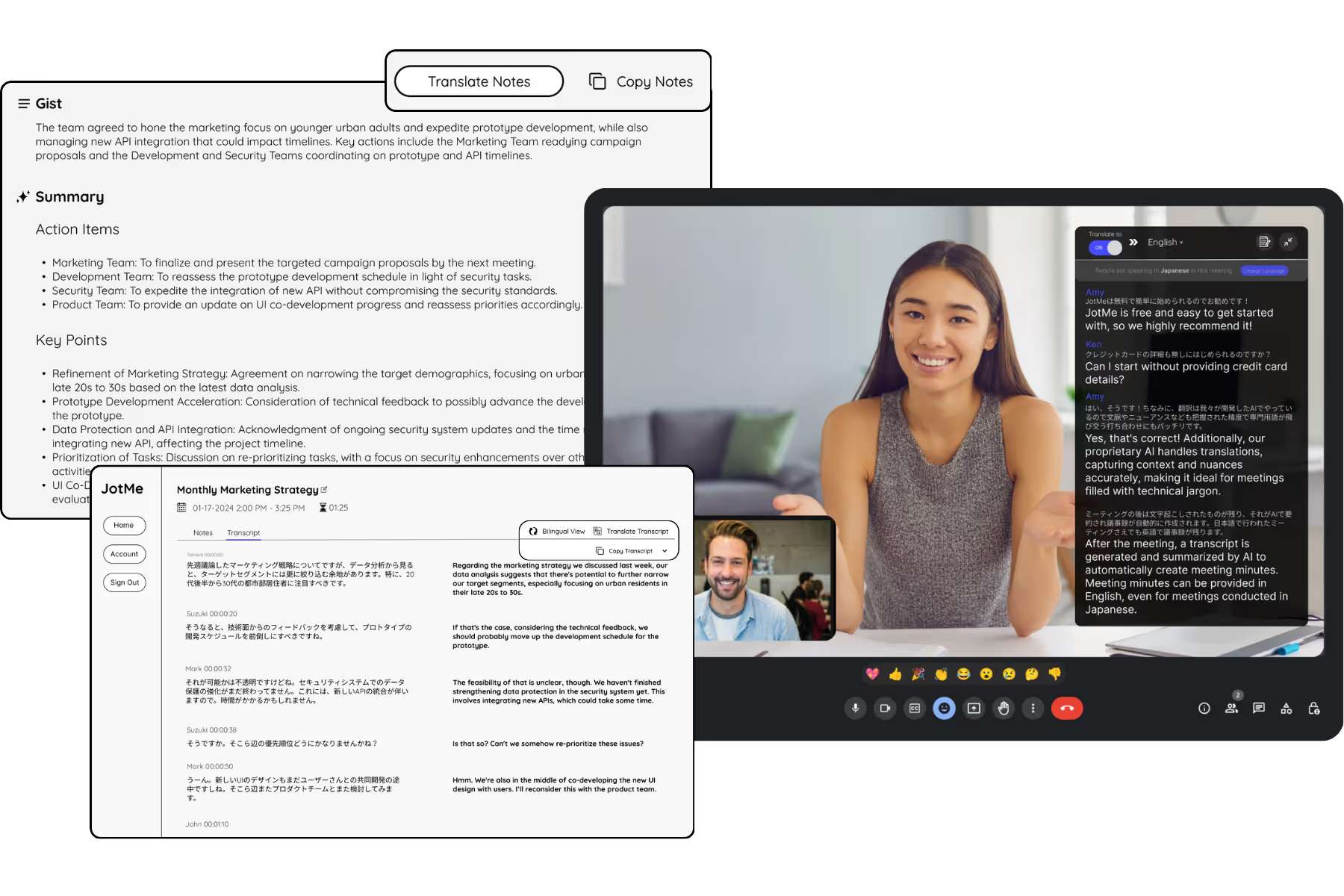
Indonesian AI Meeting Notes
Automatic notula rapat with summary and action items from your Indonesian meetings. JotMe reads the context, including the Bapak/Ibu courtesy and the English terms that mix into the conversation, so notes land cleanly in Indonesian or English. Run it live, or upload a recording.
Get started in 30 seconds, no credit card

Trusted by 2,000 Teams and 500,000 Professionals Across 134 Countries















Rated 4.7/5

GDPR Compliant
SOC 2 Type II (In Progress)
Everything you need for an Indonesian notula rapat (Indonesian meeting notes)
Capture, summarize, and share a context-aware notula rapat (catatan rapat) in Indonesian, or get English notes from an Indonesian meeting that read naturally.

Notes in Indonesian or English
Hold the meeting in Indonesian and get the notula rapat in Indonesian, or a context-aware English version for your global HQ, with the courtesy and meaning intact. Each person reads it in their own language.
Summary and action items
Every meeting becomes a structured notula rapat, with a clear ringkasan: decisions, owners, and next steps, drawn from the full context and ready to send the moment it ends.

No bot in the call
JotMe captures your system audio, so nothing joins the meeting and there is nothing for guests to install. Good for client and executive meetings.

Speaker diarization
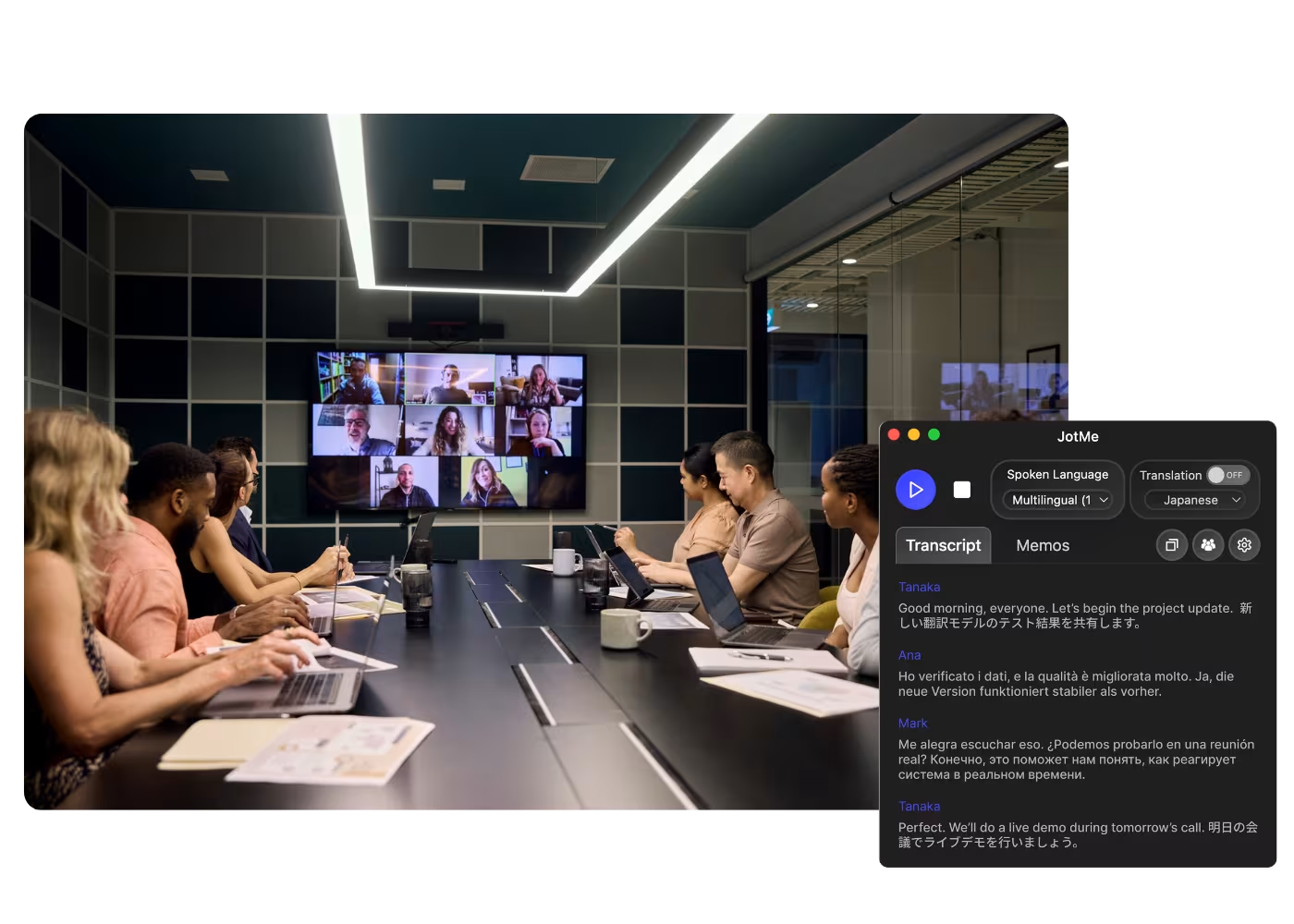
JotMe separates and labels each speaker and follows the exchange, so the notula rapat says who said what, even in a busy multi-team call.

Custom dictionary
Add company names, product names, and Indonesian or English terms so industry wording and acronyms come out right.

How to get your Indonesian meeting notes
Two ways to start: live in the meeting, or from a recording you already have. Either way you get a context-aware notula rapat in the language you choose. Learn more.
STEP 1
1. In a live meeting
Add JotMe to your Zoom, Google Meet, Teams, Webex, or in-person meeting. It captures everything live, and no bot joins the call.

STEP 2
2. Or upload a recording you already have
Already recorded it? Upload the audio or video to Audio to Text or Video to Text and JotMe transcribes it in context, the same way.
STEP 3
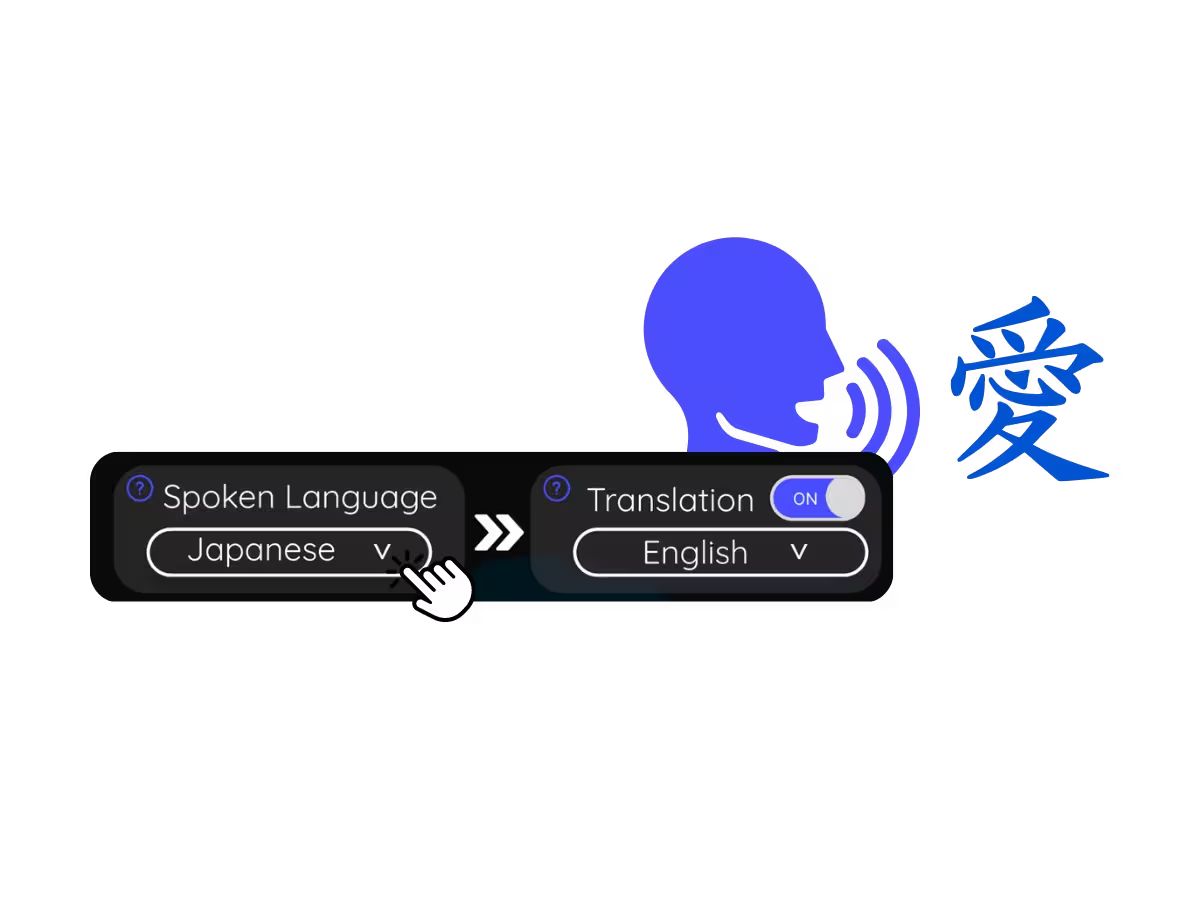
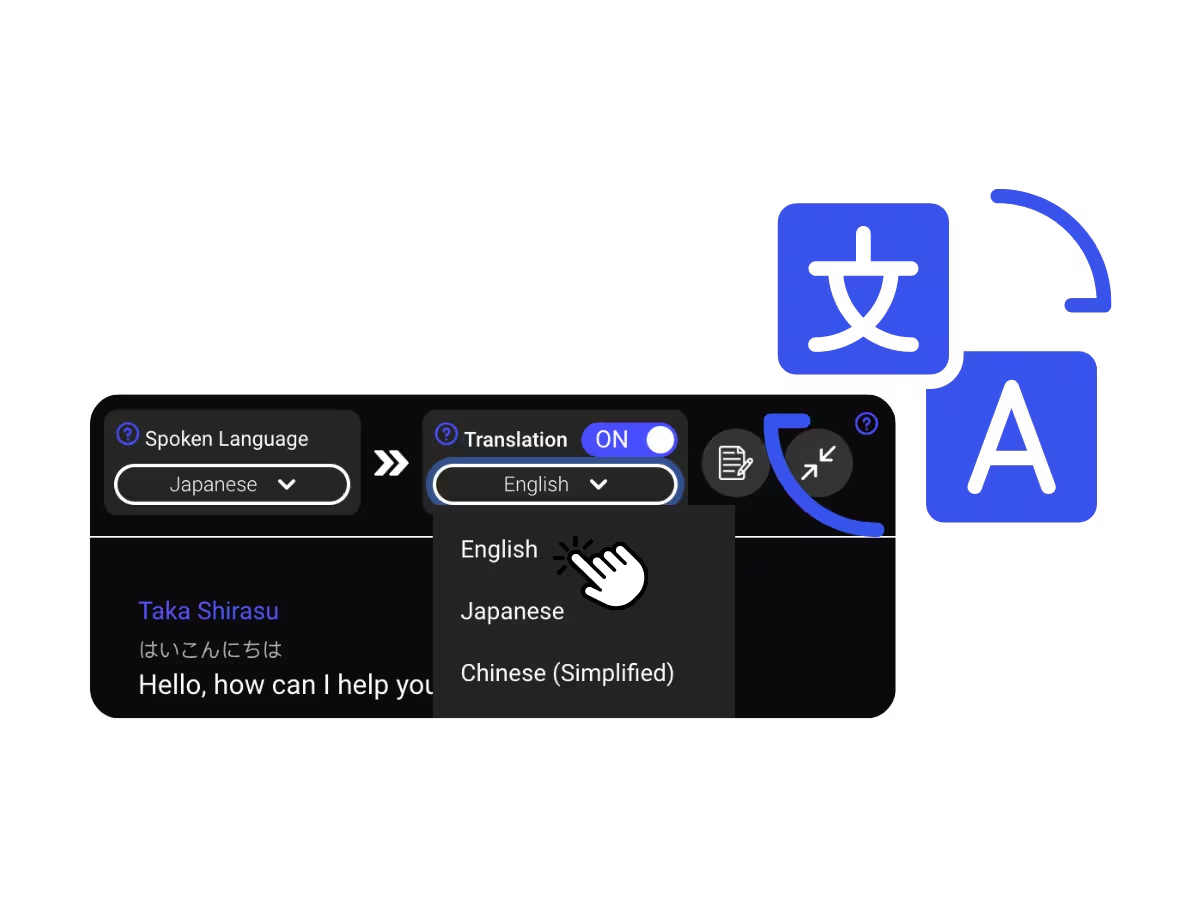
3. Set your notes language to Indonesian (or English)
Pick the language you want the notula rapat in. JotMe carries the context and the register across languages, so you can speak Indonesian and read it in English afterward, or the other way around.
Built for teams working in and with Indonesia
From HQ reporting to standups and operations calls, get a context-aware notula rapat everyone can act on.
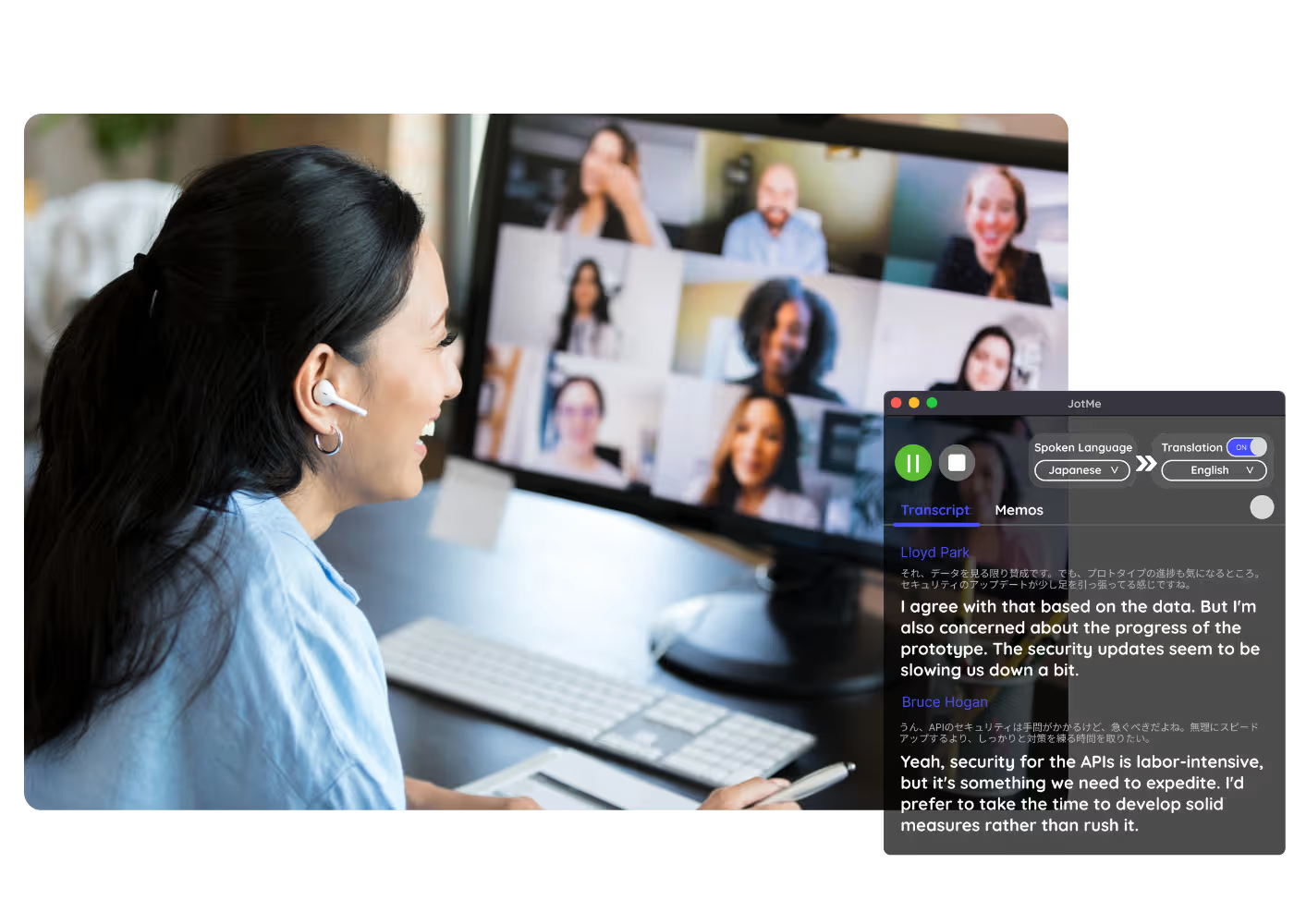
Reporting to global HQ
Turn an Indonesian meeting into a context-aware English notula rapat your regional or global HQ can read, with decisions and next steps clear and the meaning intact.
Startup, fintech and e-commerce standups
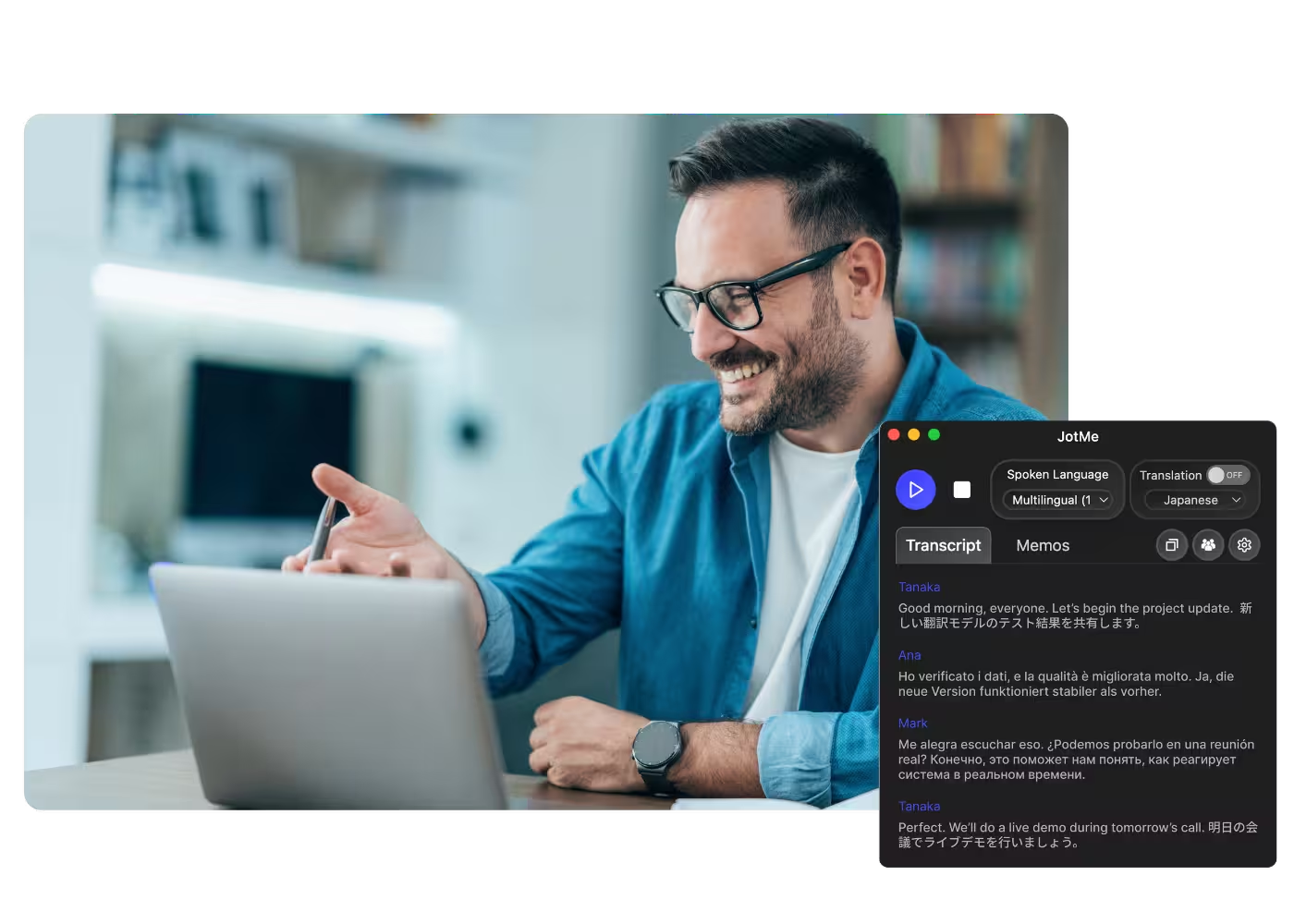
Keep fast daily standups and sprint reviews on record, where Indonesian and English mix freely, so product, growth, and ops teams get a context-aware shared summary in minutes.
Manufacturing and resources operations
Capture plant, supplier, and field calls in context, even with mixed Indonesian and English, and follow up with a clear notula rapat.
Recorded webinars and training
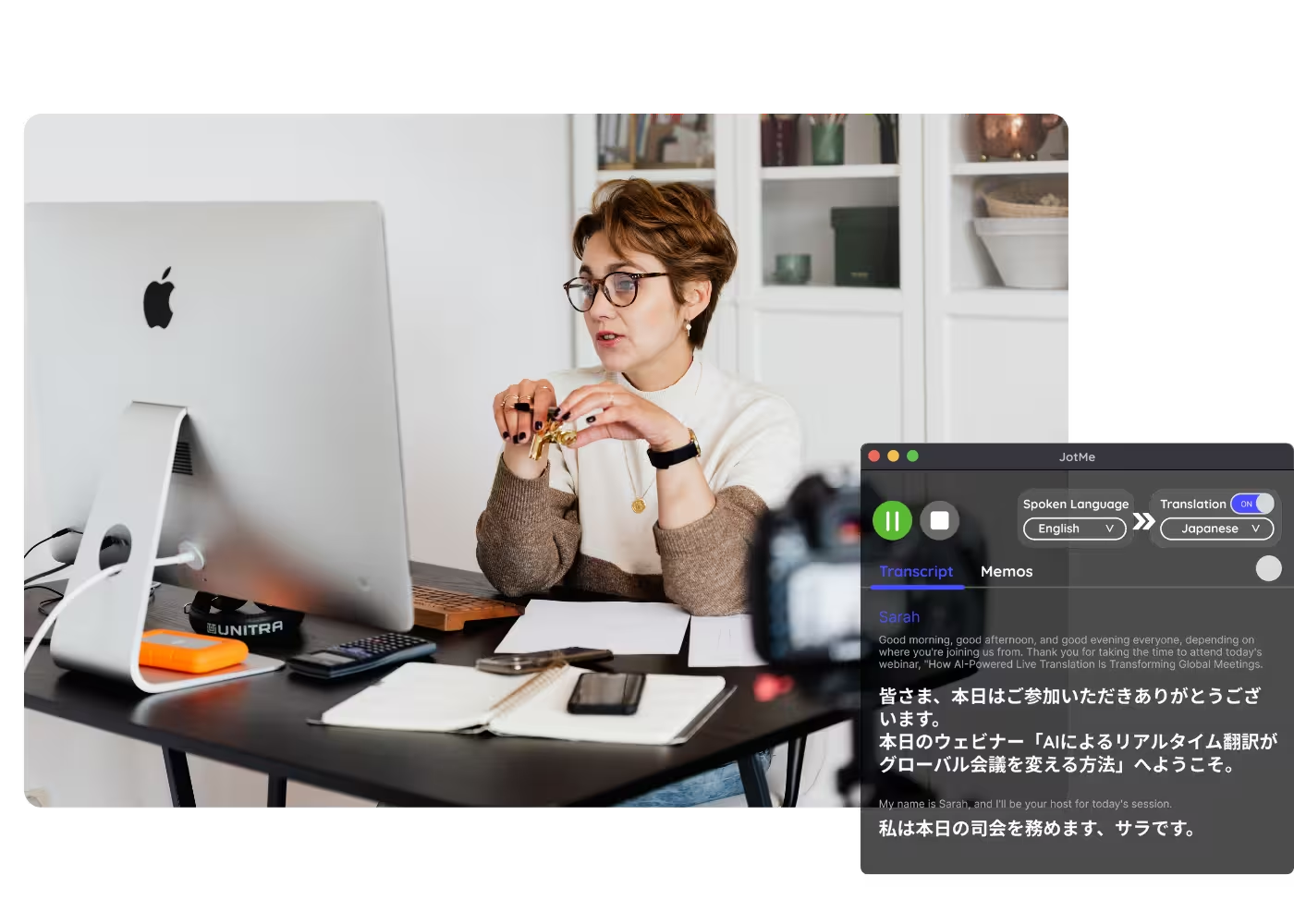
Upload a recorded session, town hall, or training and get a clean notula rapat without retyping.
See JotMe on an Indonesian meeting
Watch an Indonesian meeting become a notula rapat with summary and action items, rendered in context, in Indonesian or English.
500,000+ professionals run meetings and events smoothly with JotMe
See how they’re seeing results with JotMe in bridging multilingual operational gaps.
Rated 4.7/5

Rated 4.7/5
"As my job involves translation and bridging cultures, I have found this tool as a game changer to my daily work."

Adams
Operations Specialist / Tiktok
"Japanese was once a mystery to me, but this product made it clear and accessible with contextual understanding."

Stamatis
Consultant / Deloitte
"JotMe streamlines our multilingual meetings, ensuring seamless collaboration in our fast-paced work environment."

Cesar
Program Manager / Amazon
"This bilingual feature streamlines note-taking at work, saving time and boosting efficiency in both languages."

Yusuke
Sales Manager / NTT
"Essential for non-fluent speakers; simplifies complex meetings with real-time translation and accurate transcriptions."

Jesse
Software Freelancer
"The translation we've needed for years – now a reality with JotMe!"
Elston
CEO & Founder / Tiny.host
"As my job involves translation and bridging cultures, I have found this tool as a game changer to my daily work."
Adams
Operations Specialist / Tiktok
"Japanese was once a mystery to me, but this product made it clear and accessible with contextual understanding."
Stamatis
Consultant / Deloitte
"JotMe streamlines our multilingual meetings, ensuring seamless collaboration in our fast-paced work environment."
Cesar
Program Manager / Amazon
"This bilingual feature streamlines note-taking at work, saving time and boosting efficiency in both languages."
Yusuke
Sales Manager / NTT
"Essential for non-fluent speakers; simplifies complex meetings with real-time translation and accurate transcriptions."
Jesse
Software Freelancer
"The translation we've needed for years – now a reality with JotMe!"
Elston
CEO & Founder / Tiny.host

Frequently asked questions
Everything you need to know about running meetings and events with JotMe.
Can I get notes from a recording I already have?
Yes. Upload your audio or video to Audio to Text or Video to Text and JotMe produces the same notula rapat, summary, and action items as a live meeting.
Does the meeting have to be in Indonesian?
No. The meeting can be in any of 200+ languages. Choose Indonesian as your notes language and that is what you get, whatever was spoken.
Can I get an English notula rapat from an Indonesian meeting?
Yes. Set your notes language to English and JotMe delivers a context-aware English notula rapat from an Indonesian meeting, with the meaning carried over, ideal for reporting to a global HQ.
Which platforms does it work with?
Zoom, Google Meet, Microsoft Teams, Webex, and in-person, plus uploaded recordings. One install works everywhere.
How accurate is it with Indonesian?
JotMe reads Bahasa Indonesia in context, handling the everyday mix of formal Bahasa, casual speech, and the English terms that slip into business talk, and keeping the Bapak/Ibu courtesy intact, so the notula rapat reflects what the meeting meant, and it sharpens the longer the meeting runs. A custom dictionary keeps your wording exact.
How much does it cost?
Free to start in 30 seconds, no credit card. Upgrade when your operations need more.
Does a bot join my meeting, and is my data secure?
No bot joins your call; JotMe captures system audio only. Your data is encrypted in transit and at rest, JotMe is GDPR-compliant with a SOC 2 Type II audit in progress, never trains models on your meetings, and keeps it yours.
Discover More

Win Global with Indonesian meeting notes
Get a context-aware notula rapat from every meeting, live or uploaded, in Indonesian or English.