











Google Meet German Transcript
Store and access your Google Meet German transcripts

Trusted by 2,000 Teams and 500,000 Professionals Across 134 Countries















Rated 4.7/5

GDPR Compliant
SOC 2 Type II (In Progress)
Transcript Chrome Extension for Google Meet in German
Need to verify German meeting details or maintain recordings for company compliance? JotMe provides instant access to your German transcripts right after your Google Meet sessions, supporting other 76 languages too. Sign up today for free—no credit card required—and ensure you never miss an important detail again!
How do I get Google Meet German Transcripts?
In 3 easy steps!
STEP 1
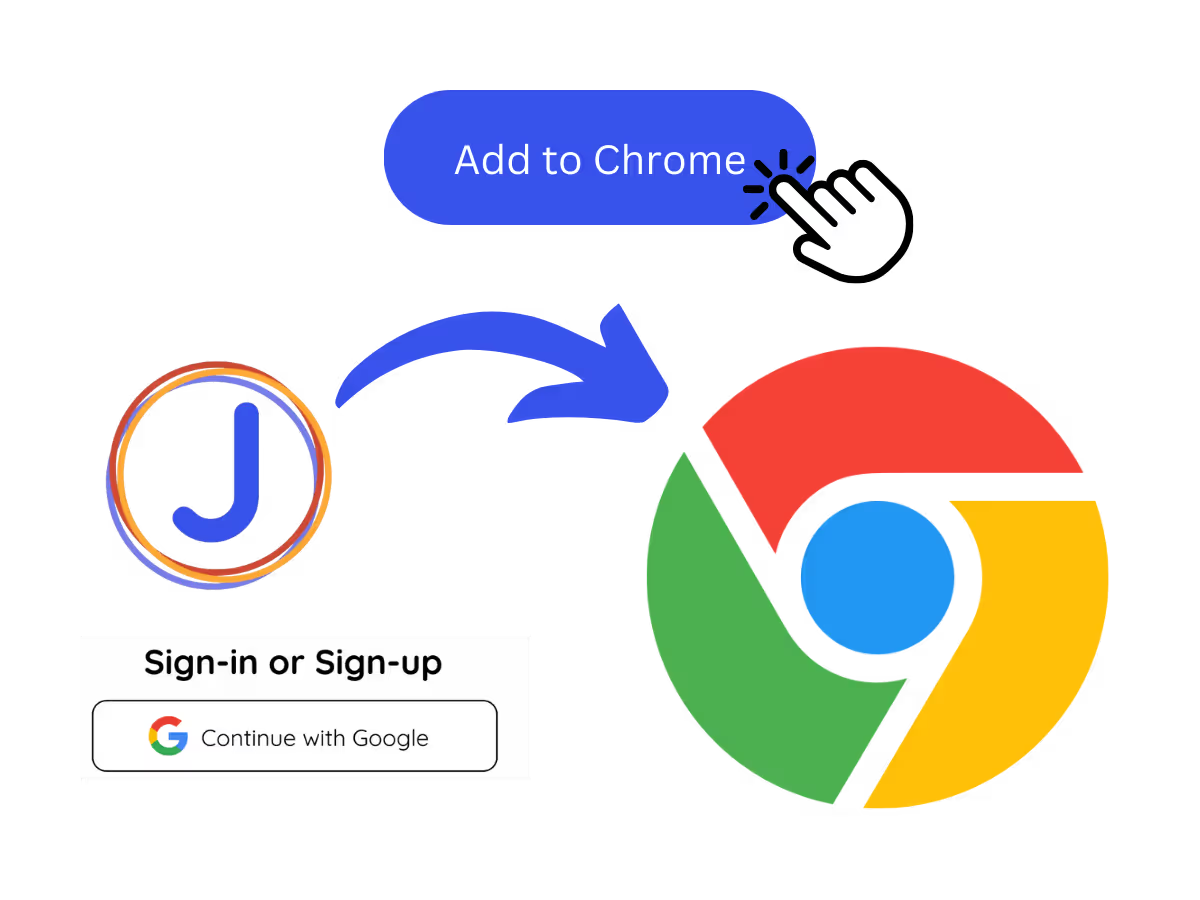
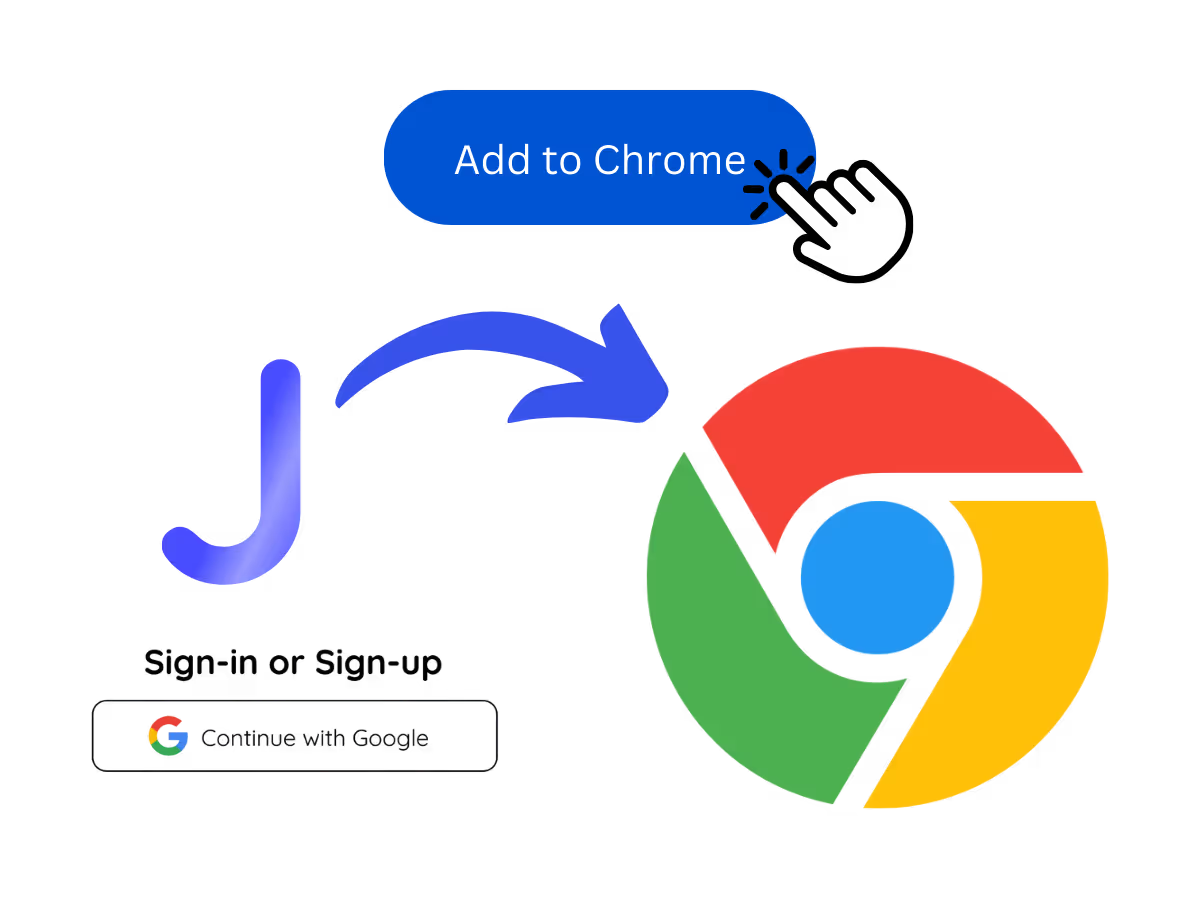
1. Add JotMe to Chrome and Sign Up
Install the JotMe transcript extension for Google Meet. Setup takes less than 30 seconds!
STEP 2
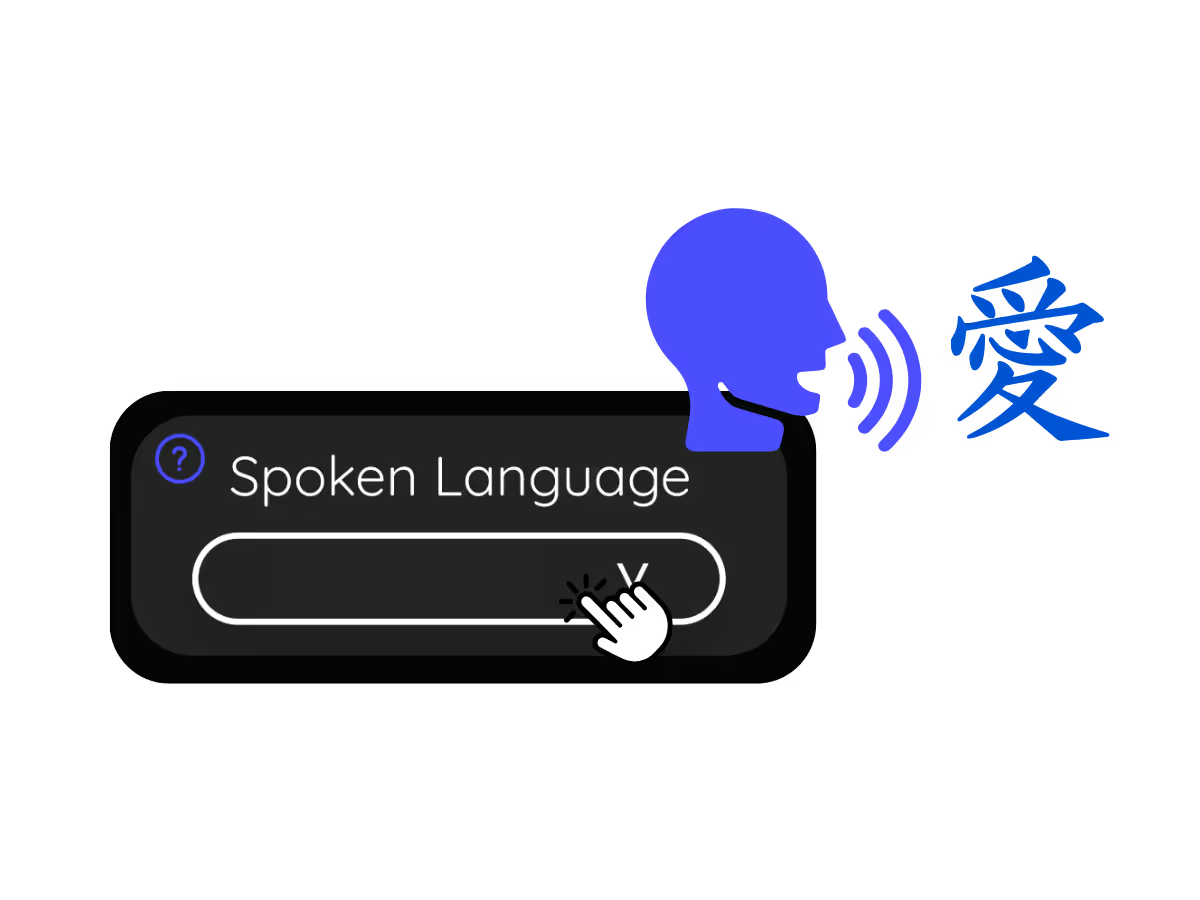
2. Set Your "Spoken Language"
Choose the language spoken during the meeting. For German transcript, set the language to German.
See It in Action!
Get Google Meet German Transcript to

Automatically Store German Conversations
Capture and store the entire German meeting content as text for easy future reference.

Track Who Said What
Hold individuals accountable for their contributions during the German meeting.
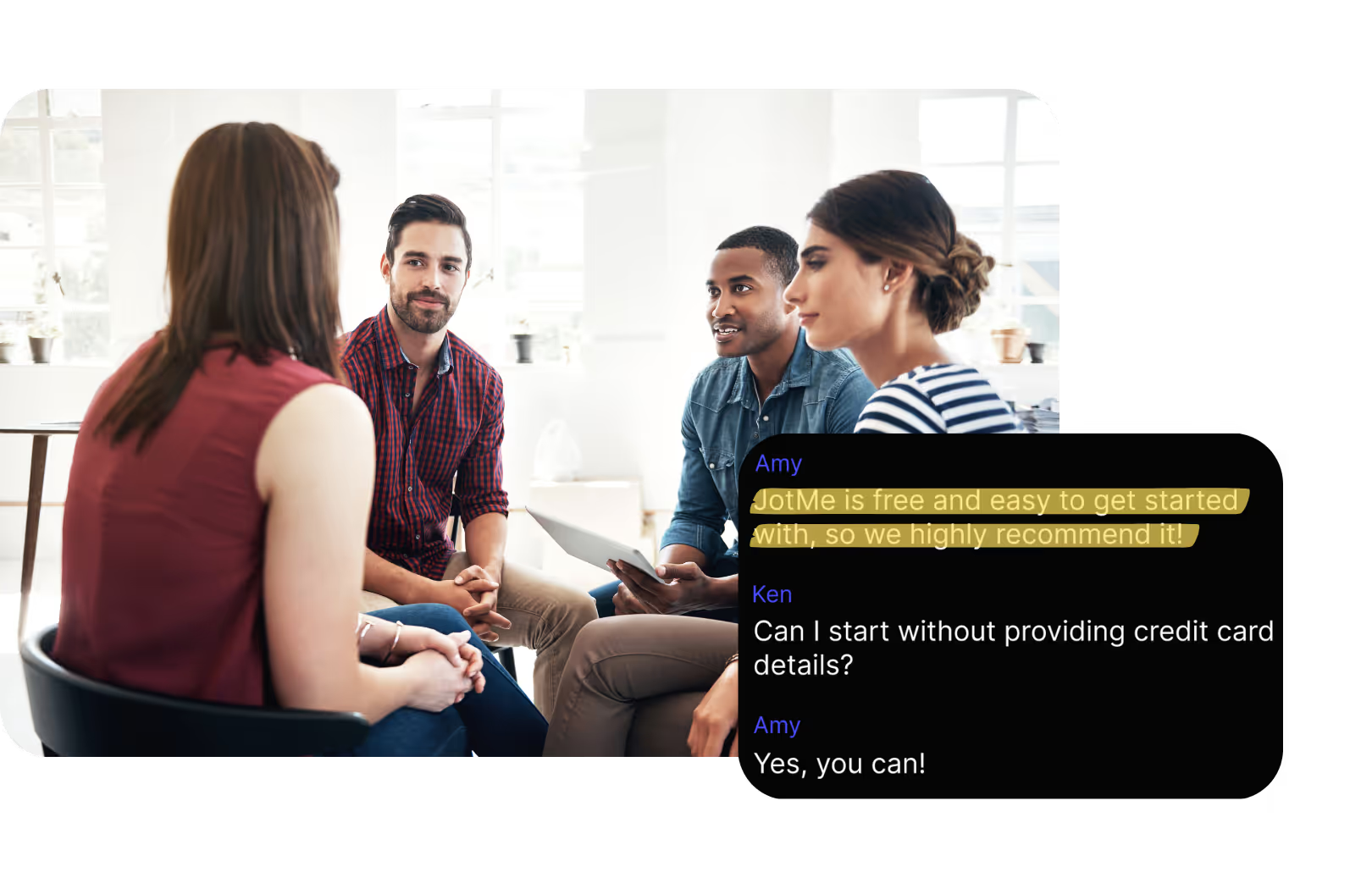
Receive Multilingual Transcripts
Transcribe meetings in various languages including German by adjusting the “Spoken Language” setting in JotMe.
Frequently asked questions
Everything you need to know about running meetings and events with JotMe.
Is Google Meet German transcript free?
Yes, it is free to get started!
How do I add the German transcript extension for Google Meet?
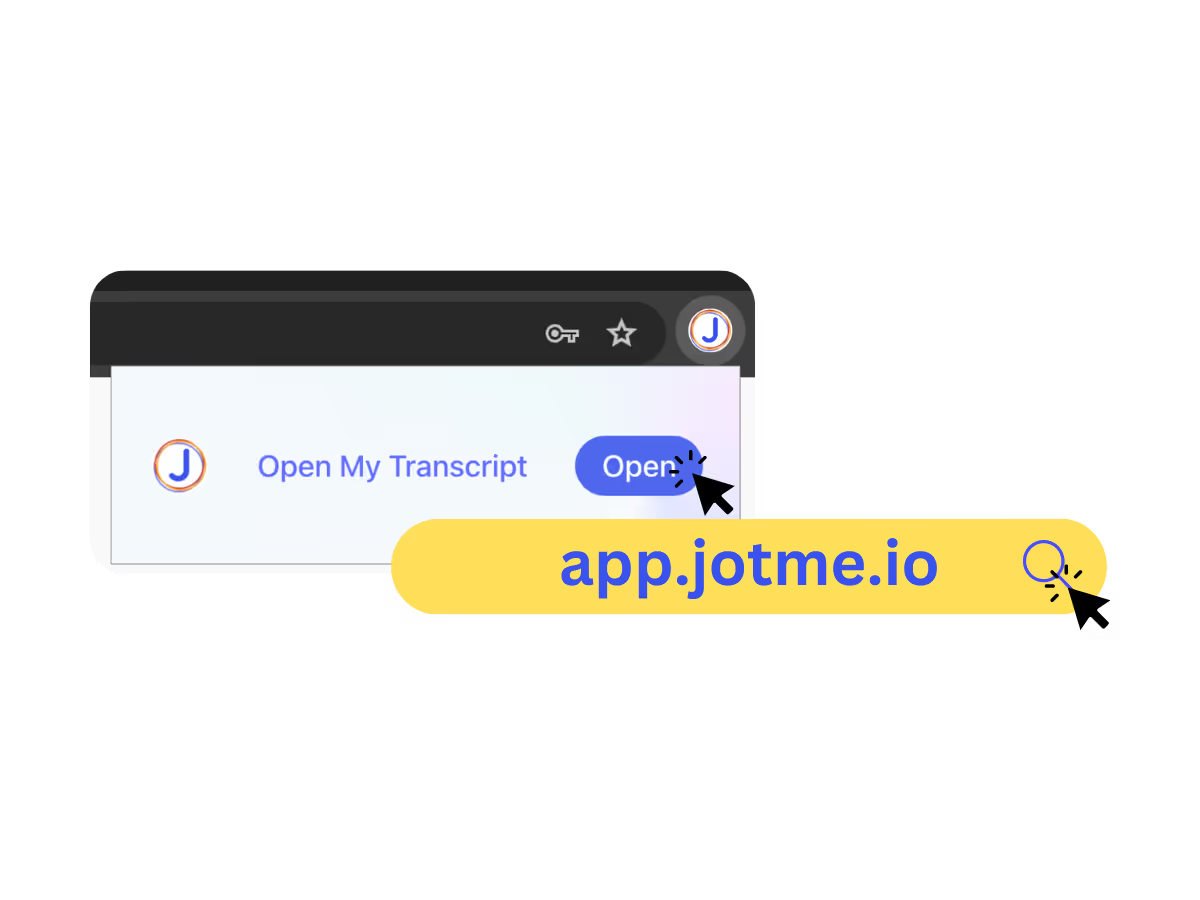
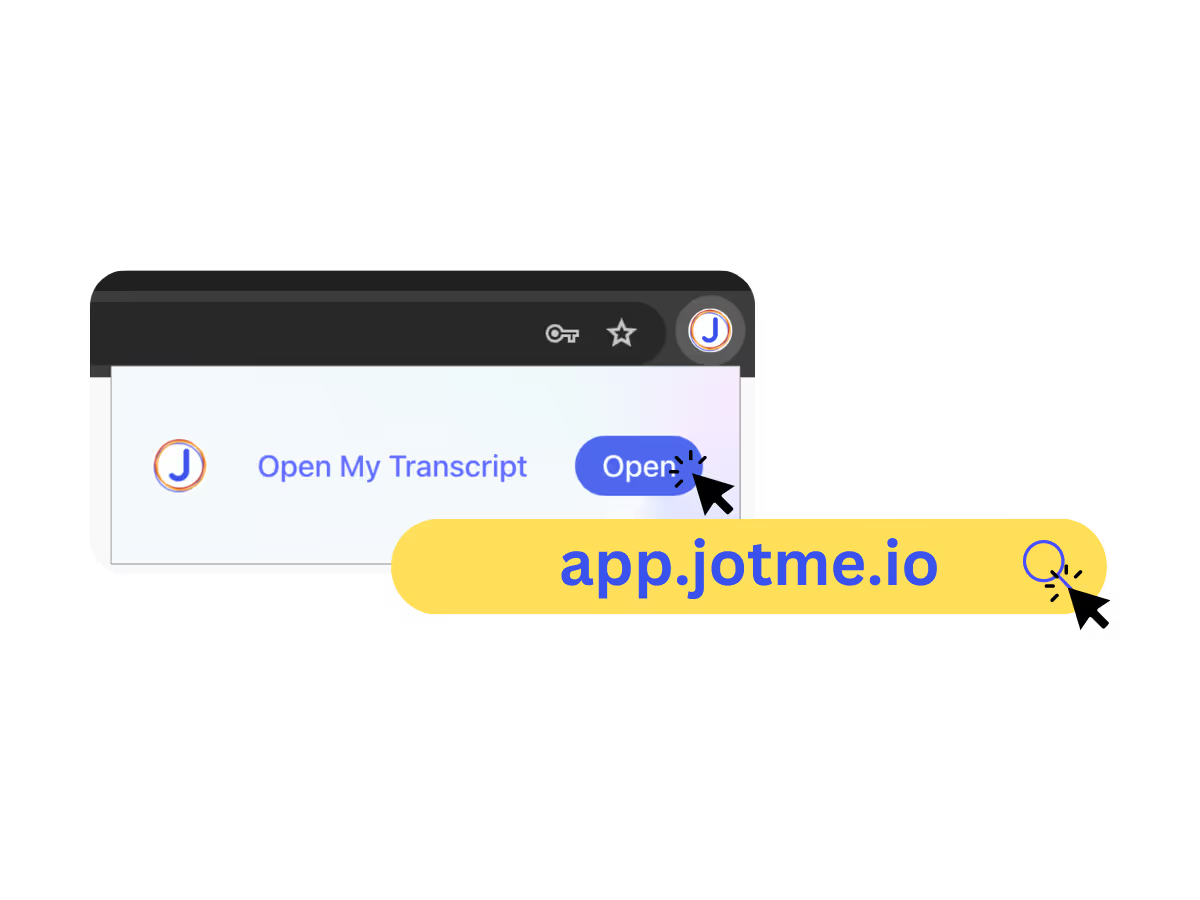
Install the JotMe Chrome extension to your Chrome browser. Set the language preference to German to receive German transcripts after your Google Meet sessions.
Where is the Google Meet German transcript stored?
Can I search for specific German words in the transcript?
Yes! Visit the dashboard and use cmd + F to search for specific German words in your transcript.
Which languages are available for Google Meet transcripts?
Transcripts are available in 77 languages, including English, Japanese, Chinese, Korean, Spanish, Portuguese, French, German, Swedish, Finnish, Arabic, Hindi, Urdu, Turkish, Norwegian, Italian, Burmese, Russian, Filipino, Swahili, Hungarian, and more. Ensure you select the correct language during your Google Meet.
The Easiest and Most Reliable Way to Store and Access Google Meet German Transcripts, from German Audio to Text.
You can translate

MORE THAN GOOGLE MEET TRANSCRIPT
JotMe not only provides access to the Google Meet transcripts but also offers translation and post-meeting tools. Explore our comprehensive suite of multilingual AI tools - from AI translation to AI meeting notes. Automate your transcript storing and other tasks with JotMe to focus on more impactful tasks, such as decision-making and tackling action items effectively.
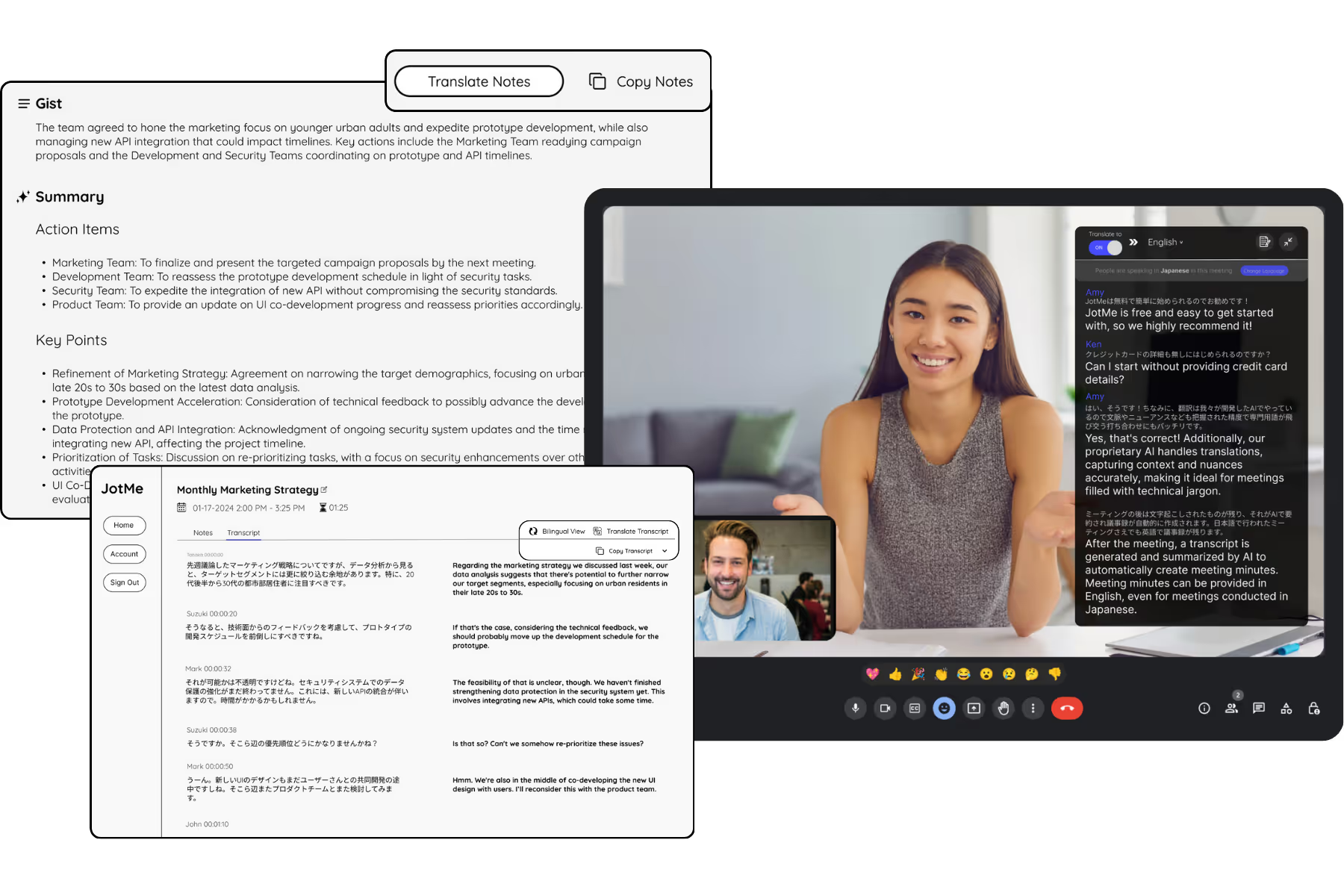
Run every meeting and event smoothly for your multilingual operations
Transcribe, interpret, translate, and turn every critical conversation into insights with context so everyone stays aligned across languages.