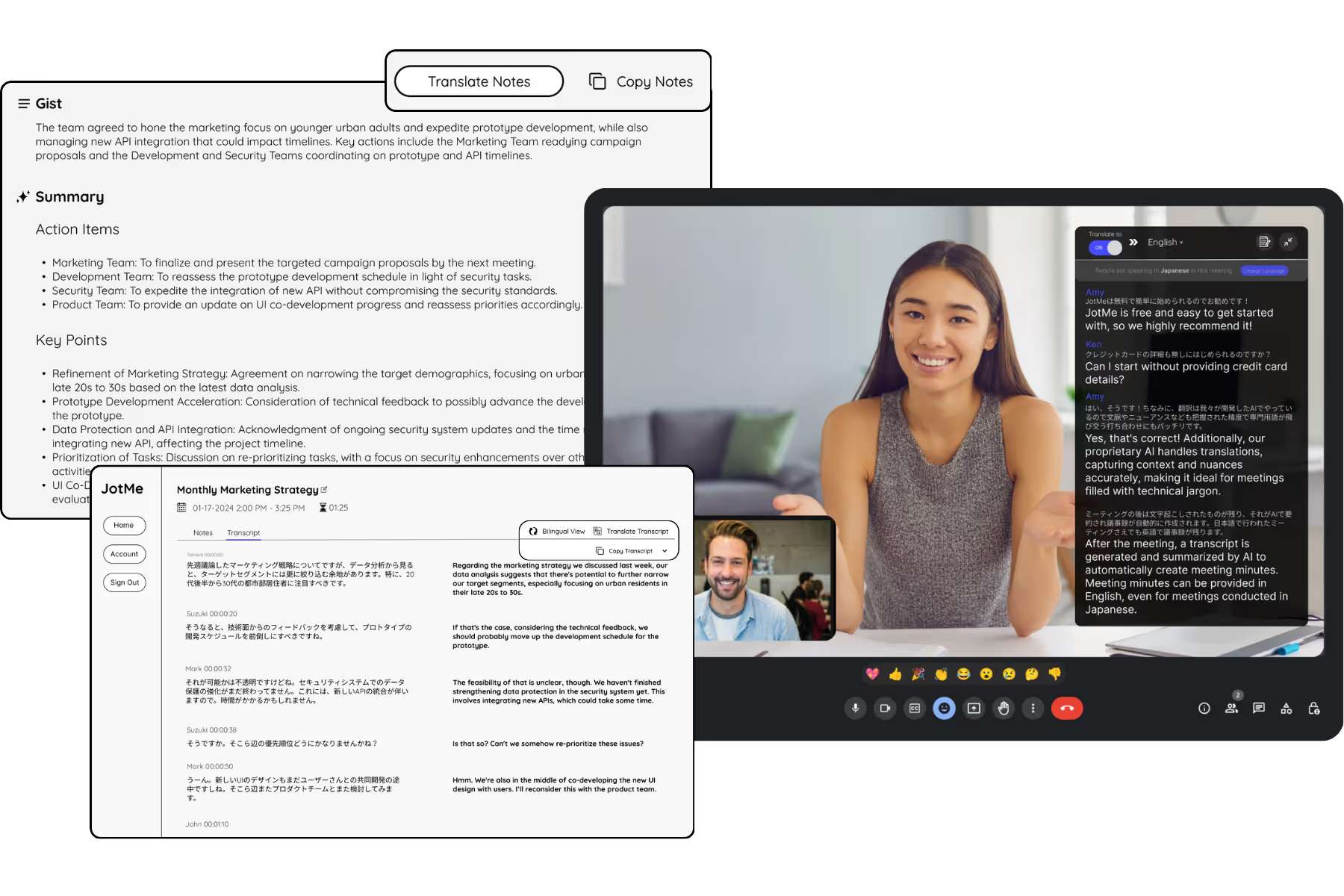
Thai AI Meeting Notes
Turn any meeting into clean Thai บันทึกการประชุม with a summary and action items. Works live on Zoom, Meet, and Teams, or upload a recording you already have. No bot joins your call.
Get started in 30 seconds, no credit card
Trusted by 2,000 Teams and 500,000 Professionals Across 134 Countries















Rated 4.7/5


GDPR Compliant
SOC 2 Type II (In Progress)
Everything you need from a Thai meeting
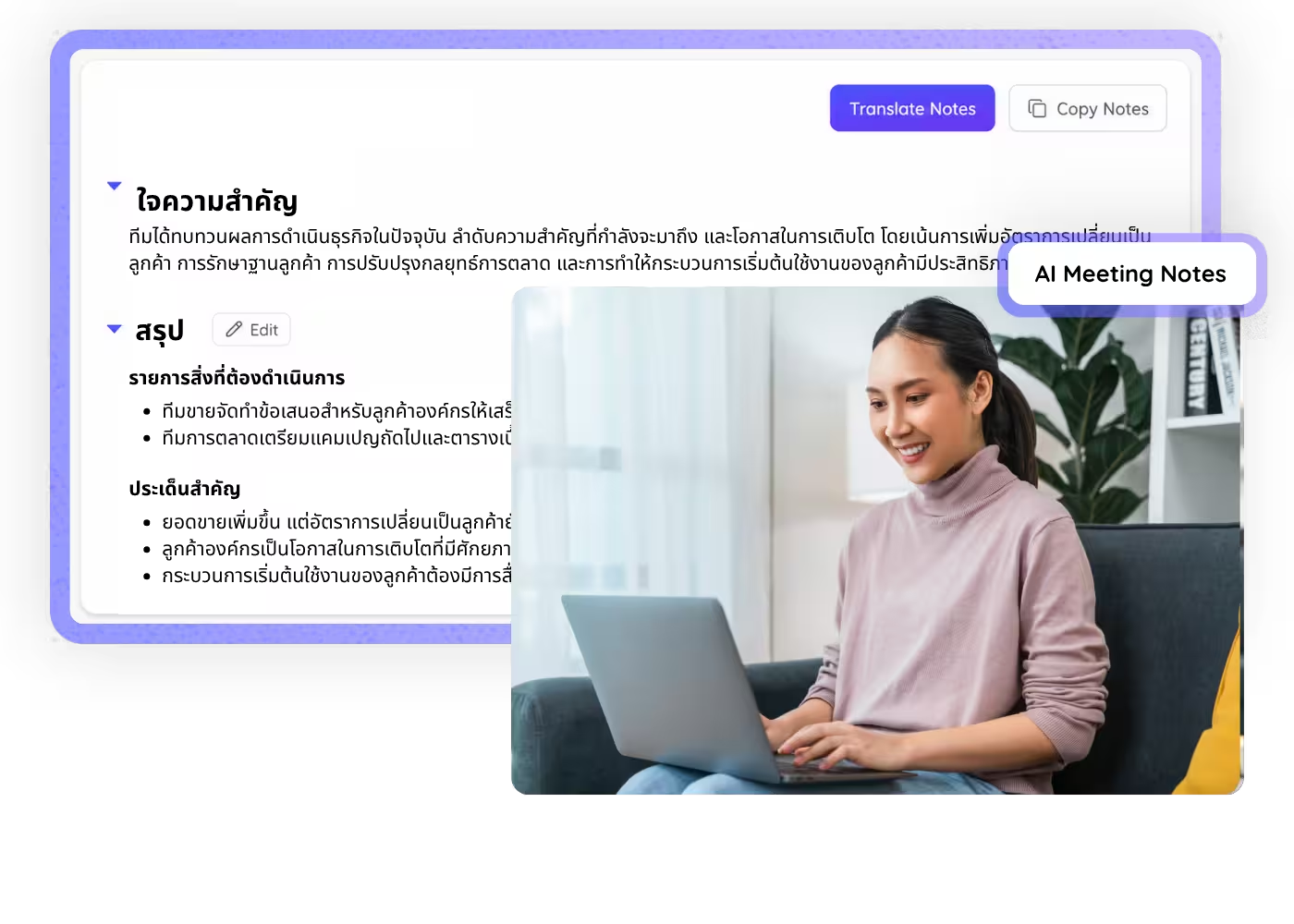
Get your meeting notes in Thai, with summary and action items, from a live call or a recording, plus an English version when you report to a global HQ.
Thai plus English in one pass
Get your notes in Thai and an English version for your global or Japanese HQ from the same meeting, no second tool needed.
Notes and summary in Thai, automatically
JotMe writes a clean Thai transcript with a summary and action items, so no one has to take บันทึกการประชุม by hand.

Understands context, beyond the words
JotMe weighs how a point was made, the speakers and the subject, so technical and business terms keep their meaning and the Thai notes read the way your team speaks.

Knows who said what
Speaker-separated notes make it clear which supplier, engineer, or manager raised each point and owns each action.
Handles your industry terms
Keep part numbers, factory and automotive terms, and product names consistent with a custom dictionary built for your team.

Live or uploaded, works everywhere
Start from a live call on Zoom, Google Meet, Microsoft Teams, Webex, LINE, or upload a file you already recorded to Audio to Text or Video to Text. Either way you get notes, summary, and action items.
Thai meeting notes in three steps
Start from a live call or a recording you already have, and get your notes in Thai.
STEP 1
1. In a live meeting
Add JotMe to your call on Zoom, Meet, or Teams, or use it in person, and it captures everything live. No bot joins the meeting.

STEP 2
2. Or upload a recording you already have
Already have the audio or video? Upload it to Audio to Text or Video to Text and JotMe transcribes it the same way.
STEP 3
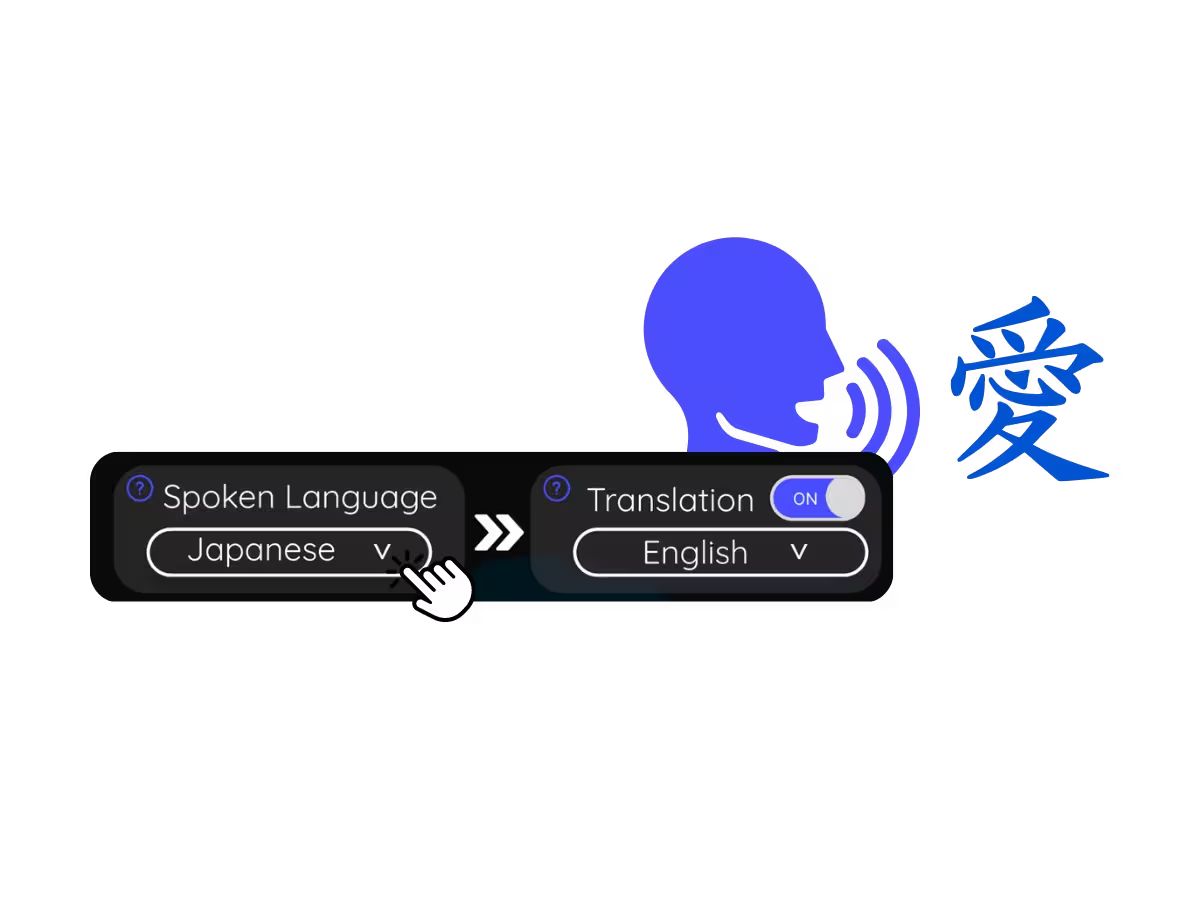
3. Set your notes language to Thai (or English)
Pick Thai or English and get the transcript, summary, and action items in that language, whichever path you started from.
For how Thai teams meet
From factory floors to hotel front desks, JotMe fits the meetings that run Thailand's economy.
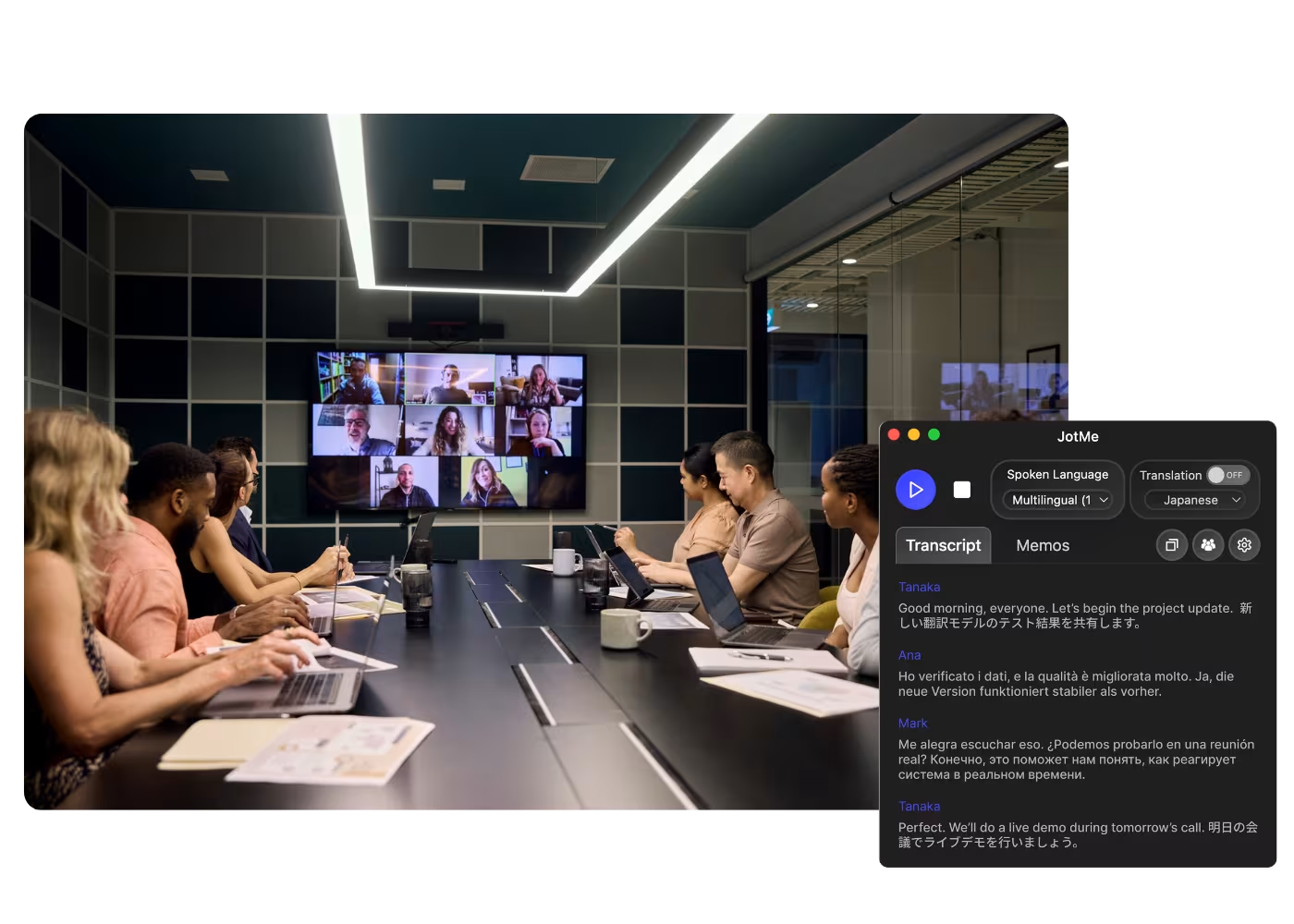
Reporting to global HQ
Turn your Thai meeting into a clean English summary and action items, so your global or Japanese HQ gets the update without anyone retyping บันทึกการประชุม after the call.
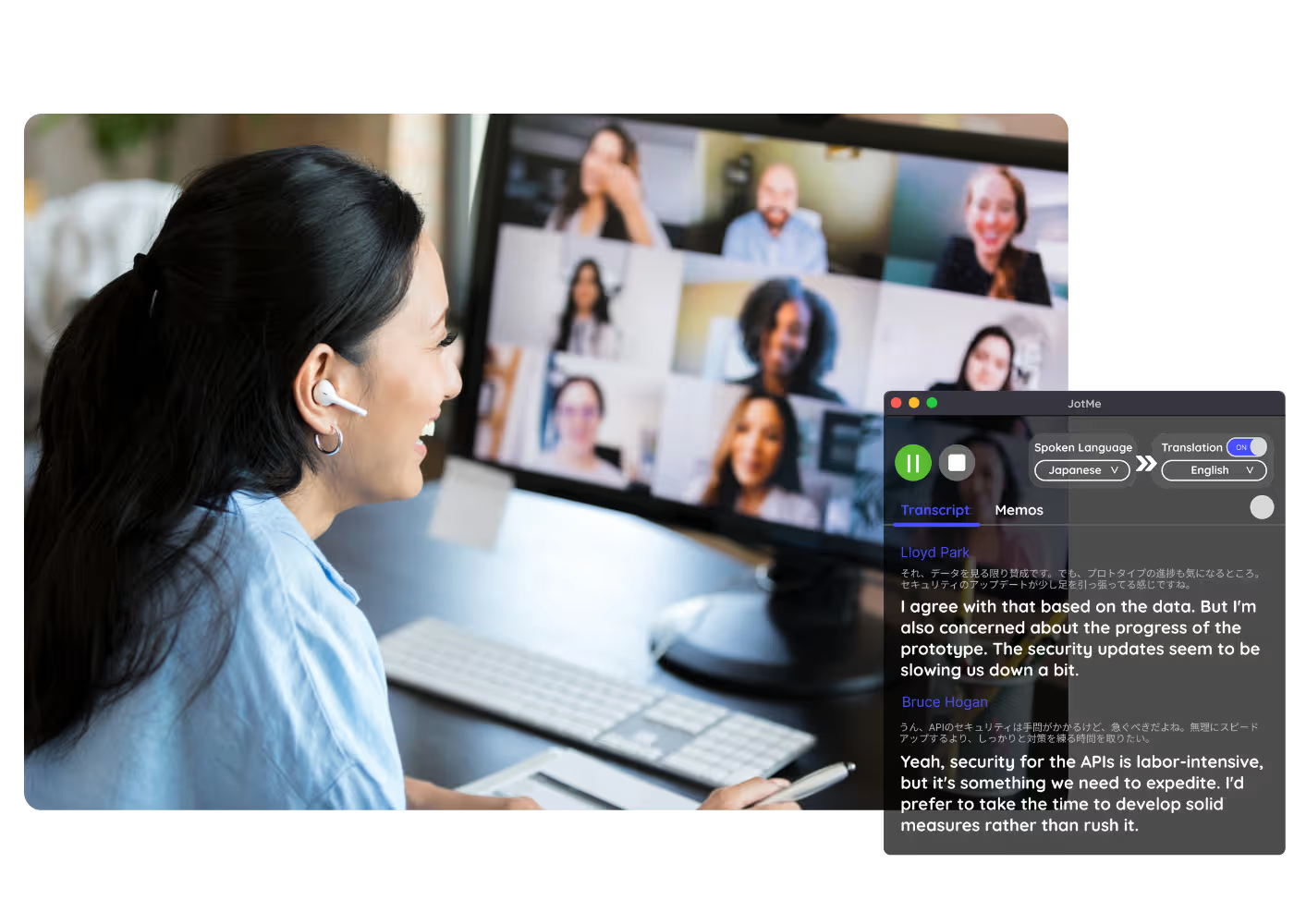
Automotive and manufacturing supplier calls
Keep part numbers, specs, and delivery dates straight across supplier and factory calls, with speaker-separated notes and a custom dictionary for your line.

Hospitality and tourism operations
Capture daily briefings, guest service reviews, and operations meetings across hotels and tour teams, with notes everyone can read in Thai.
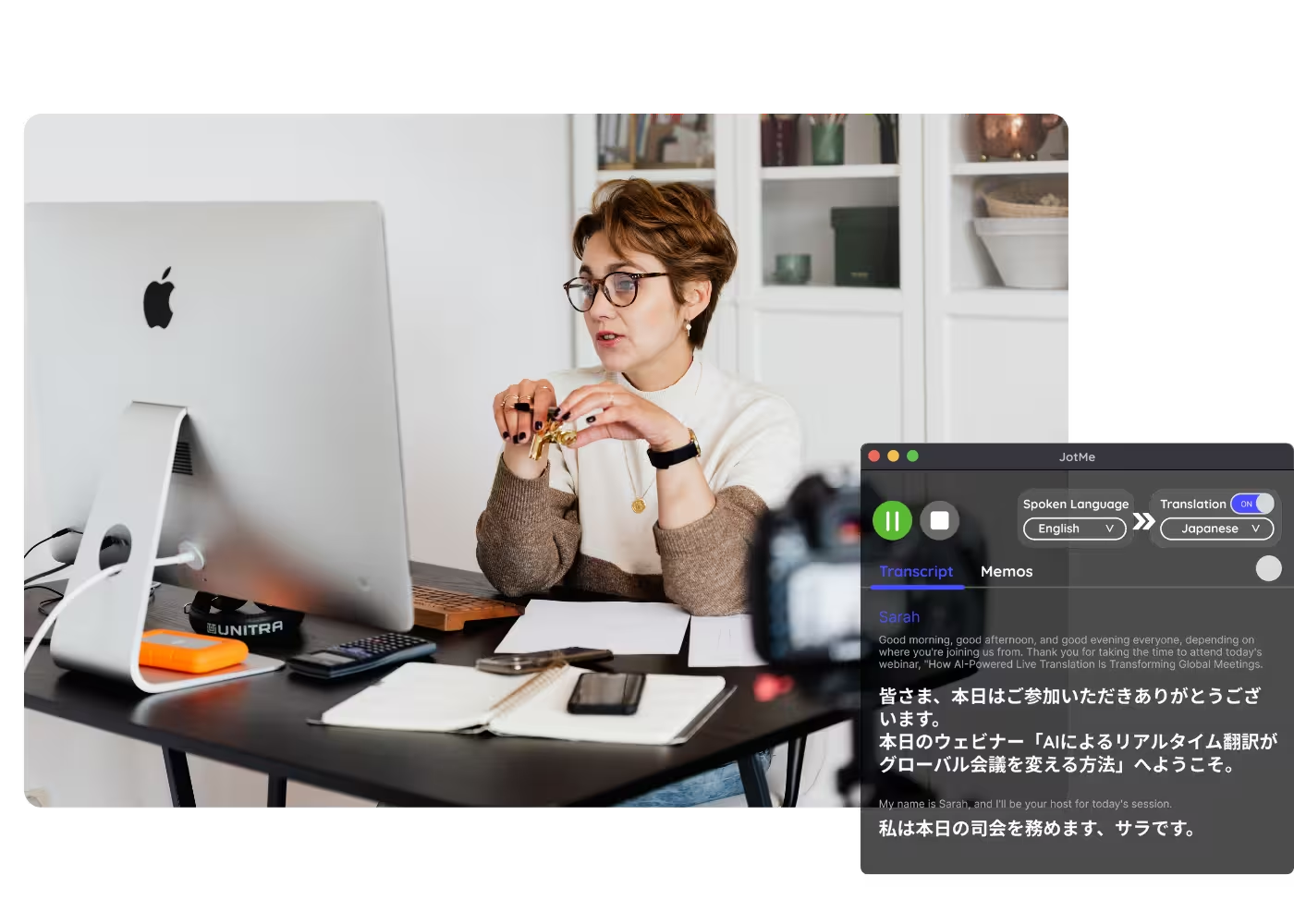
Recorded webinars and training
Upload a recorded webinar or training session to Audio to Text or Video to Text and get a Thai transcript, summary, and action items your team can search.
See Thai meeting notes in action
Watch how JotMe turns a live call or an uploaded recording into a Thai transcript, summary, and action items.
500,000+ professionals run meetings and events smoothly with JotMe
See how they’re seeing results with JotMe in bridging multilingual operational gaps.
Rated 4.7/5

Rated 4.7/5
"As my job involves translation and bridging cultures, I have found this tool as a game changer to my daily work."

Adams
Operations Specialist / Tiktok
"Japanese was once a mystery to me, but this product made it clear and accessible with contextual understanding."

Stamatis
Consultant / Deloitte
"JotMe streamlines our multilingual meetings, ensuring seamless collaboration in our fast-paced work environment."

Cesar
Program Manager / Amazon
"This bilingual feature streamlines note-taking at work, saving time and boosting efficiency in both languages."

Yusuke
Sales Manager / NTT
"Essential for non-fluent speakers; simplifies complex meetings with real-time translation and accurate transcriptions."

Jesse
Software Freelancer
"The translation we've needed for years – now a reality with JotMe!"

Elston
CEO & Founder / Tiny.host
"As my job involves translation and bridging cultures, I have found this tool as a game changer to my daily work."
Adams
Operations Specialist / Tiktok
"Japanese was once a mystery to me, but this product made it clear and accessible with contextual understanding."
Stamatis
Consultant / Deloitte
"JotMe streamlines our multilingual meetings, ensuring seamless collaboration in our fast-paced work environment."
Cesar
Program Manager / Amazon
"This bilingual feature streamlines note-taking at work, saving time and boosting efficiency in both languages."
Yusuke
Sales Manager / NTT
"Essential for non-fluent speakers; simplifies complex meetings with real-time translation and accurate transcriptions."
Jesse
Software Freelancer
"The translation we've needed for years – now a reality with JotMe!"
Elston
CEO & Founder / Tiny.host

Frequently asked questions
Everything you need to know about running meetings and events with JotMe.
Can I get notes from a recording I already have?
Yes. Upload your audio or video to Audio to Text or Video to Text and JotMe produces the same notes, summary, and action items as a live meeting.
Does the meeting have to be in Thai?
No. The meeting can be in any of 200+ languages. Choose Thai as your notes language and that is what you get, regardless of what was spoken.
Can I get English notes from a Thai meeting?
Yes. JotMe turns it into Thai to English meeting notes: the transcript, summary, and action items in English (or both Thai and English) from the same meeting, ideal for reporting to a global or Japanese HQ.
Which platforms does JotMe work with?
Zoom, Google Meet, Microsoft Teams, Webex, LINE, and in-person meetings. For recordings, upload to Audio to Text or Video to Text.
How accurate is it with Thai?
Thai has no spaces between words and mixes in English business terms, and JotMe is tuned for both, sharpening as it picks up the meeting's context. A custom dictionary keeps part numbers, product names, and industry terms consistent.
How much does it cost?
You can start free in 30 seconds with no credit card. Paid plans add more minutes and features as your team grows.
Does a bot join the meeting, and is it secure?
No bot joins your call, so your participant list stays clean. Your meetings are encrypted in transit and at rest; JotMe is GDPR-aligned, has a SOC 2 Type II audit underway, trains no models on your data, and never sells it.
Discover More

Win Global with Thai meeting notes
Get clean Thai บันทึกการประชุม from any meeting, live or uploaded, and an English version for HQ when you need it. Start free in 30 seconds.