












Google Meet Afrikaans (South Africa) Transcription
Transcribe Afrikaans (South Africa) Google Meet in real-time with the JotMe transcription extension

Trusted by 2,000 Teams and 500,000 Professionals Across 134 Countries















Rated 4.7/5


GDPR Compliant
SOC 2 Type II (In Progress)
AI-powered Real-time Transcription in Afrikaans (South Africa) on Google Meet
Struggling to capture key points during fast-paced Afrikaans (South Africa) meetings? Having trouble understanding certain Afrikaans (South Africa) terms before the conversation moves on? JotMe's audio to text feature allows you to effortlessly capture every word and instantly look up unfamiliar Afrikaans (South Africa) terms. Whether you’re reviewing past Afrikaans (South Africa) discussions or clarifying new information, JotMe has you covered. Stay on top of every detail – sign up for free today, no credit card required!
How to Add the JotMe Transcription Extension for Google Meet in Afrikaans (South Africa)
In 3 easy steps!
STEP 1
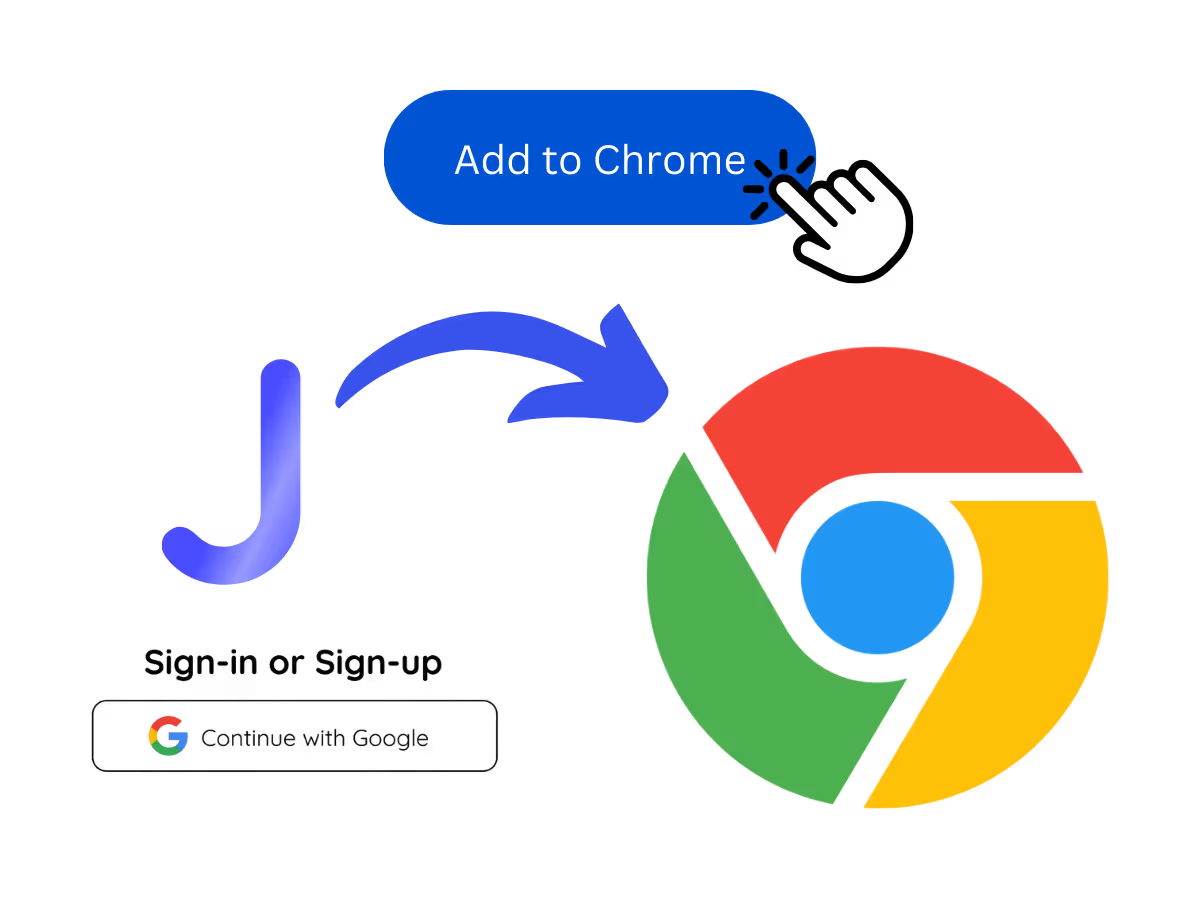
1. Add JotMe to Chrome and Sign Up
Install the JotMe transcription extension for Google Meet. Setup takes less than 30 seconds!
STEP 2
2. Start your meetings on Google Meet
Go to Google Meet to begin your meetings and experience JotMe’s AI-powered speech-to-text feature.
STEP 3
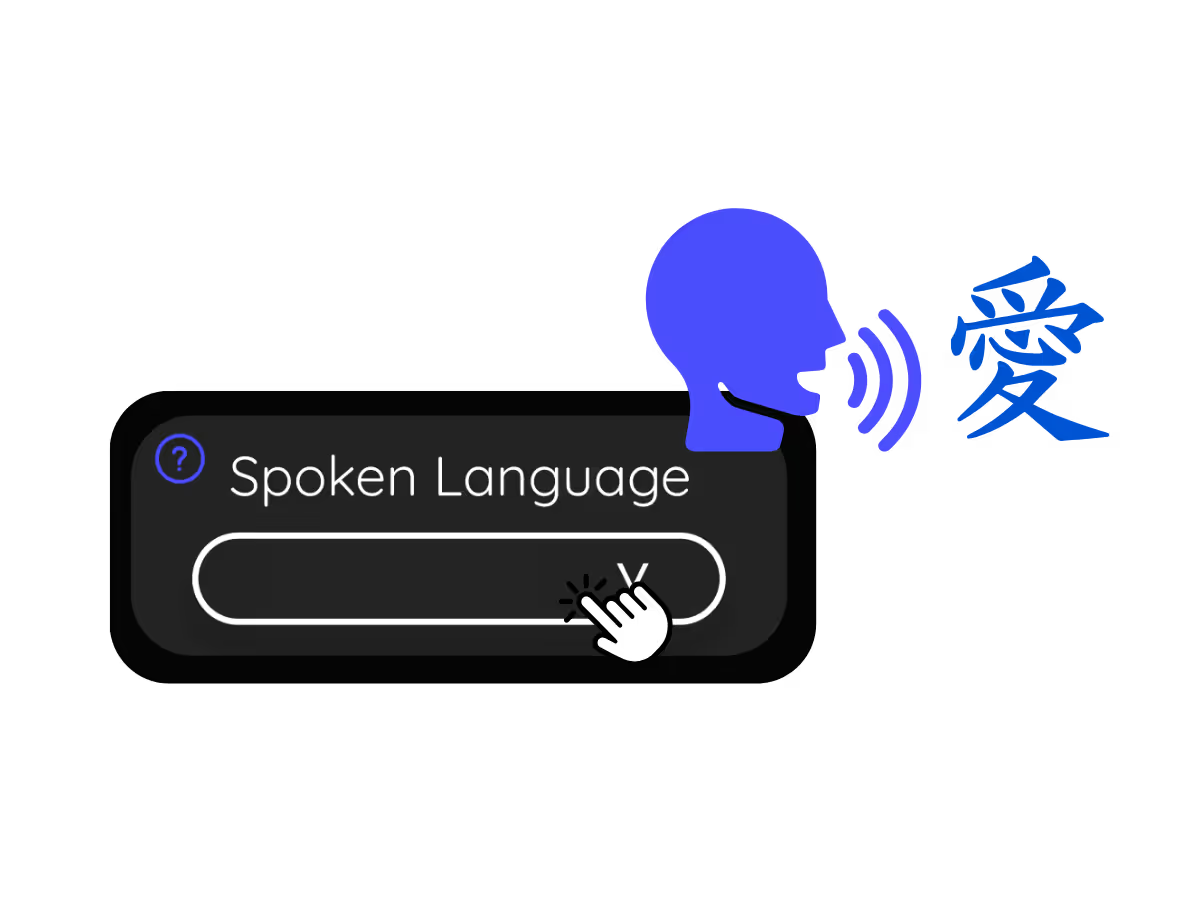
3. Set Your "Spoken Language"
Choose the language spoken during the meeting. For instance, if you're transcribing an Afrikaans (South Africa) meeting, set the language to Afrikaans (South Africa).
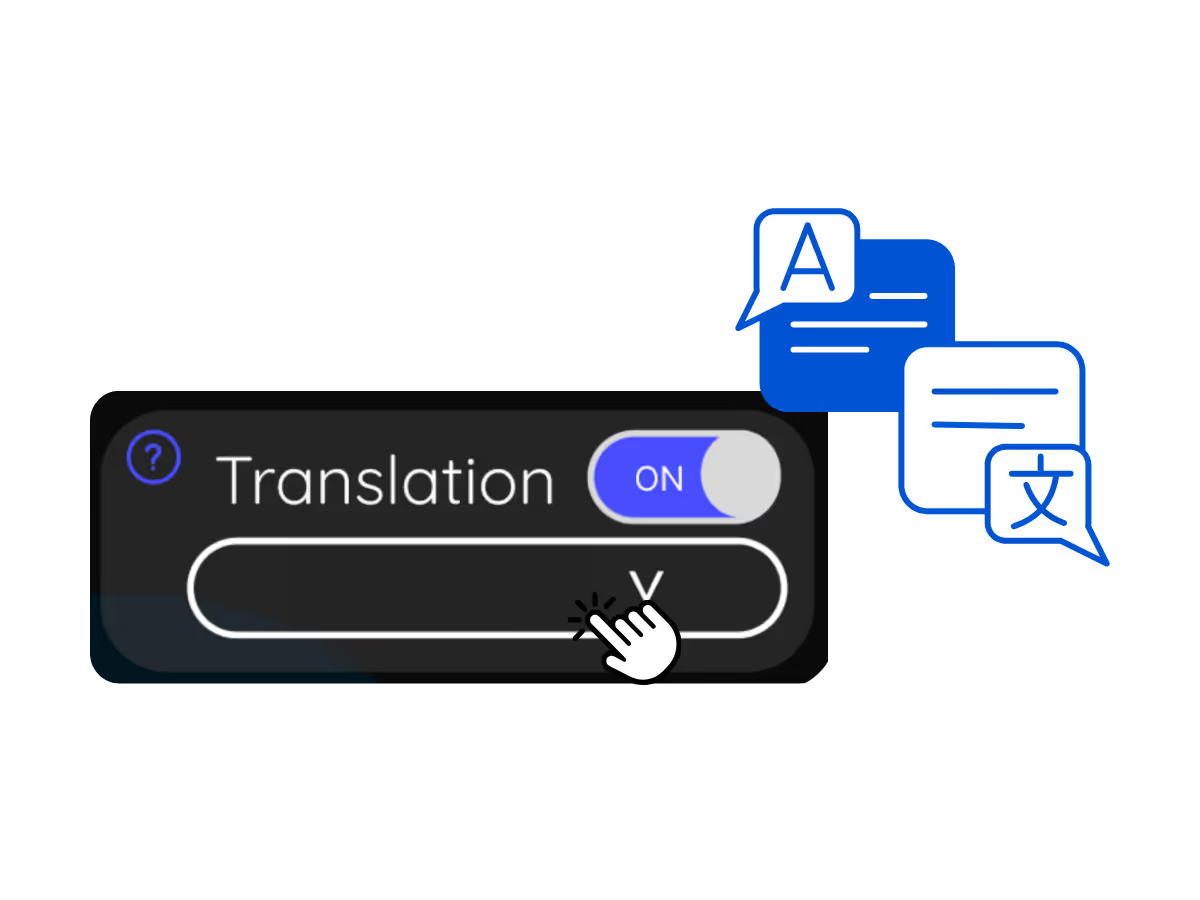
See It in Action!
Why Transcribe Afrikaans (South Africa) Google Meet Audio to Text?

Never Miss Afrikaans (South Africa) Conversations
Keep track of every discussion point with our real-time Afrikaans (South Africa) transcription. No more getting lost in important Afrikaans (South Africa) conversations.

Instantly Search Spoken Afrikaans (South Africa) Words
Communicate effortlessly without language barriers. Search for meanings of unfamiliar Afrikaans (South Africa) terms instantly.
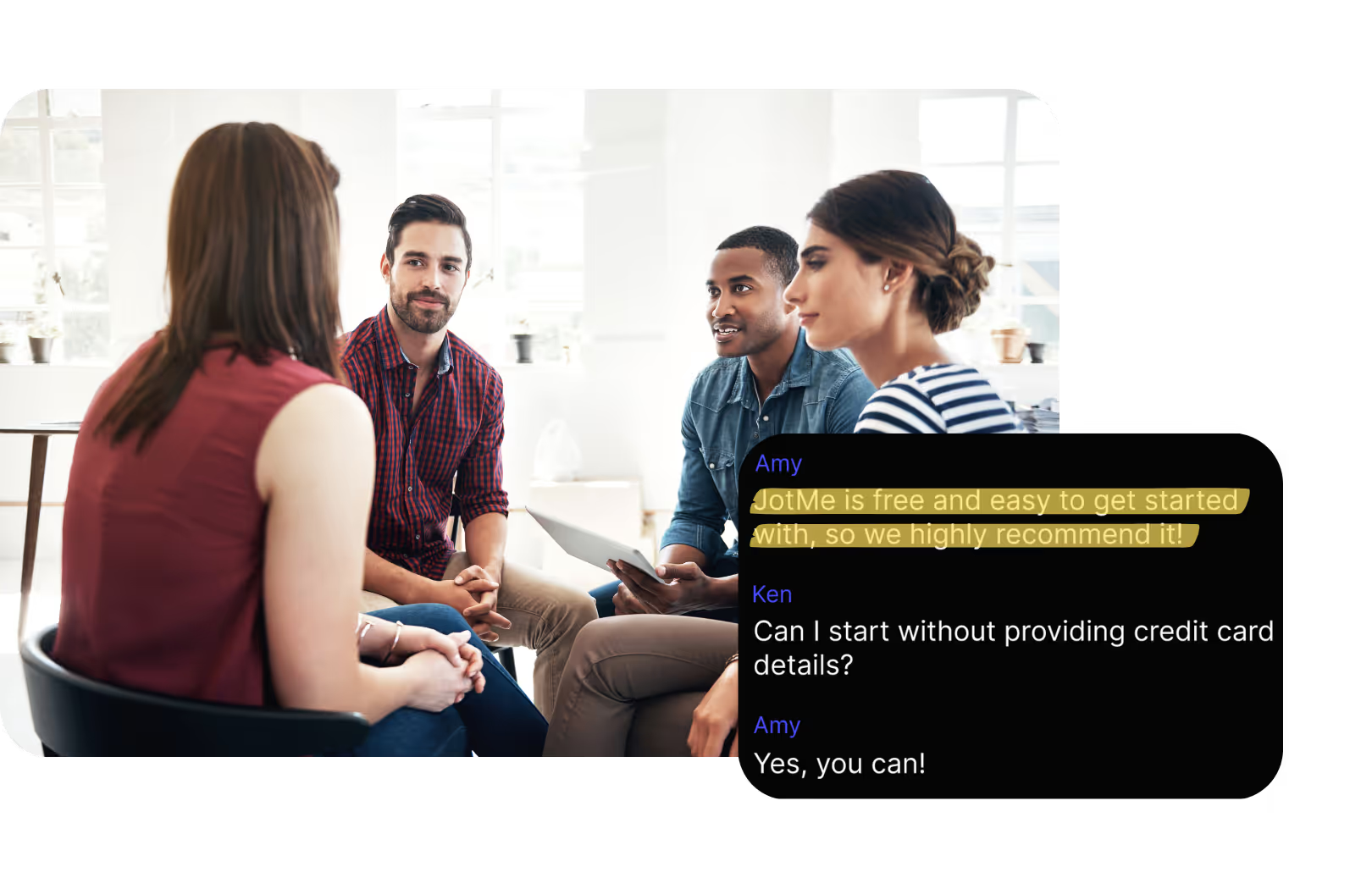
Store your Afrikaans (South Africa) discussion
Avoid disputes over what was said during Afrikaans (South Africa) meetings. JotMe saves your Afrikaans (South Africa) speech to text transcripts, accessible anytime on the JotMe dashboard.
Frequently asked questions
Everything you need to know about running meetings and events with JotMe.
Is Google Meet Afrikaans (South Africa) transcription free?
Yes, it is!
How do I add the Afrikaans (South Africa) transcription extension for Google Meet?
Install the JotMe Chrome extension, set your transcribing language to Afrikaans (South Africa), and get real-time Afrikaans (South Africa) speech-to-text transcription on Google Meet.
How can I search for Afrikaans (South Africa) spoken words during meetings on Google Meet?
View Afrikaans (South Africa) transcriptions as captions during meetings. Highlight the Afrikaans (South Africa) text, right-click, and select “Search Google for” to find meanings.
Can I save and store the Afrikaans (South Africa) transcription content?
Yes, real-time Afrikaans (South Africa) transcriptions are saved on the JotMe dashboard. You can view, copy, and even translate transcripts for documentation in your preferred tool.
What languages are supported for Google Meet transcription other than Afrikaans (South Africa)?
We support 77 available languages - English, Japanese, Chinese, Korean, Spanish, Portuguese, French, German, Swedish, Finnish, Arabic, Hindi, Urdu, Turkish, Norwegian, Italian, Burmese, Russian, Filipino, Swahili, Hungarian and more.
The Easiest and Most Reliable Way to Transcribe Afrikaans (South Africa) Google Meet Audio to Text
Discover More

MORE THAN GOOGLE MEET TRANSCRIPTION
JotMe not only provides real-time Google Meet transcription but also offers translation and post-meeting tools. Explore our comprehensive suite of multilingual AI tools—from AI translation to AI meeting notes. Automate your speech-to-text transcription and focus on more impactful tasks, such as decision-making and tackling action items effectively.
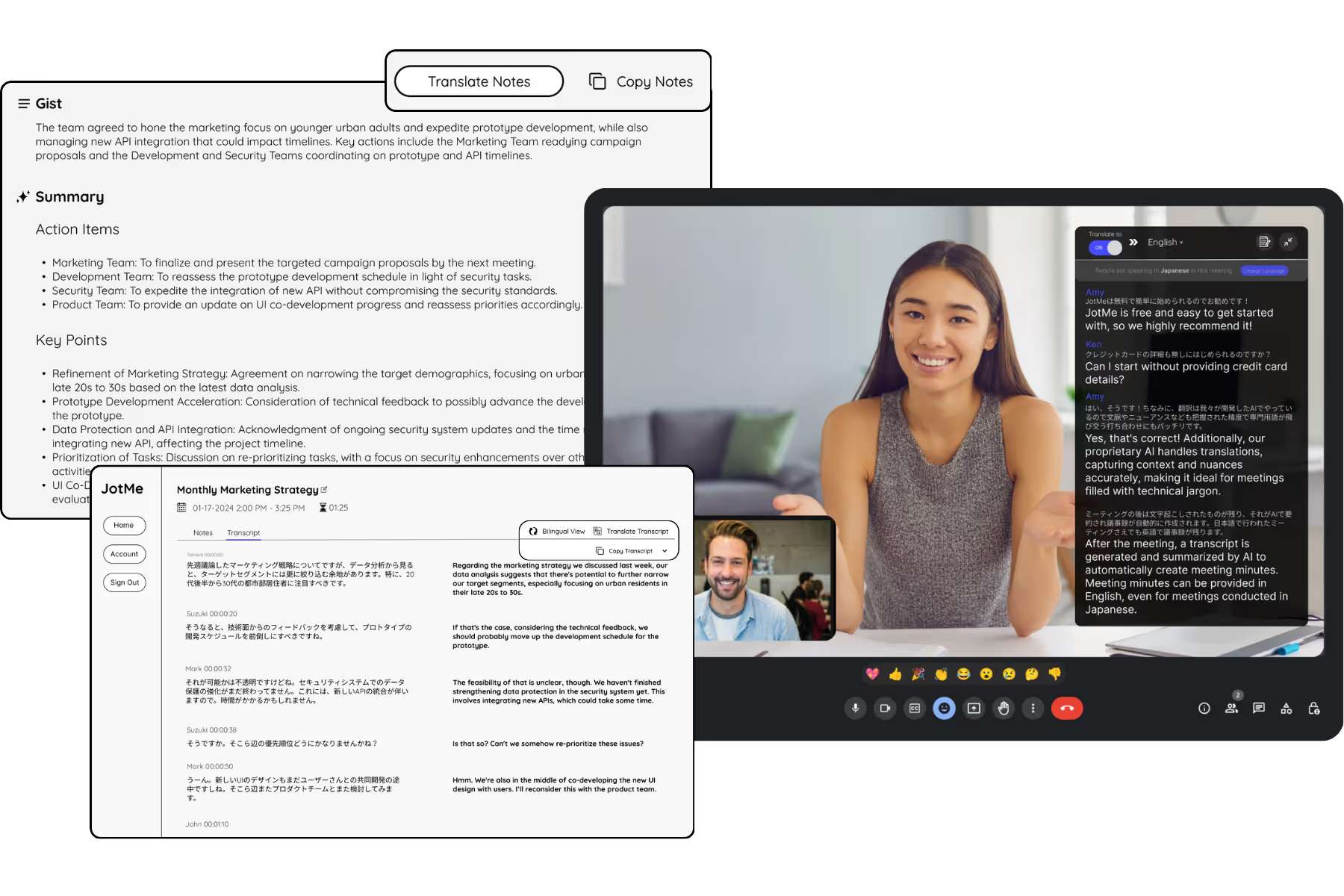
Run every meeting and event smoothly for your multilingual operations
Transcribe, interpret, translate, and turn every critical conversation into insights with context so everyone stays aligned across languages.