









.avif)
.avif)
.avif)
Google Meet Swedish (Sweden) Transcription
Transcribe Swedish (Sweden) Google Meet in real-time with the JotMe transcription extension
.png)
Trusted by 2,000 Teams and 500,000 Professionals Across 134 Countries



.avif)





.avif)


.avif)


.svg)
Rated 4.7/5


GDPR Compliant
.avif)
SOC 2 Type II (In Progress)
AI-powered Real-time Transcription in Swedish (Sweden) on Google Meet
Struggling to capture key points during fast-paced Swedish (Sweden) meetings? Having trouble understanding certain Swedish (Sweden) terms before the conversation moves on? JotMe's audio to text feature allows you to effortlessly capture every word and instantly look up unfamiliar Swedish (Sweden) terms. Whether you’re reviewing past Swedish (Sweden) discussions or clarifying new information, JotMe has you covered. Stay on top of every detail – sign up for free today, no credit card required!
How to Add the JotMe Transcription Extension for Google Meet in Swedish (Sweden)
In 3 easy steps!
STEP 1
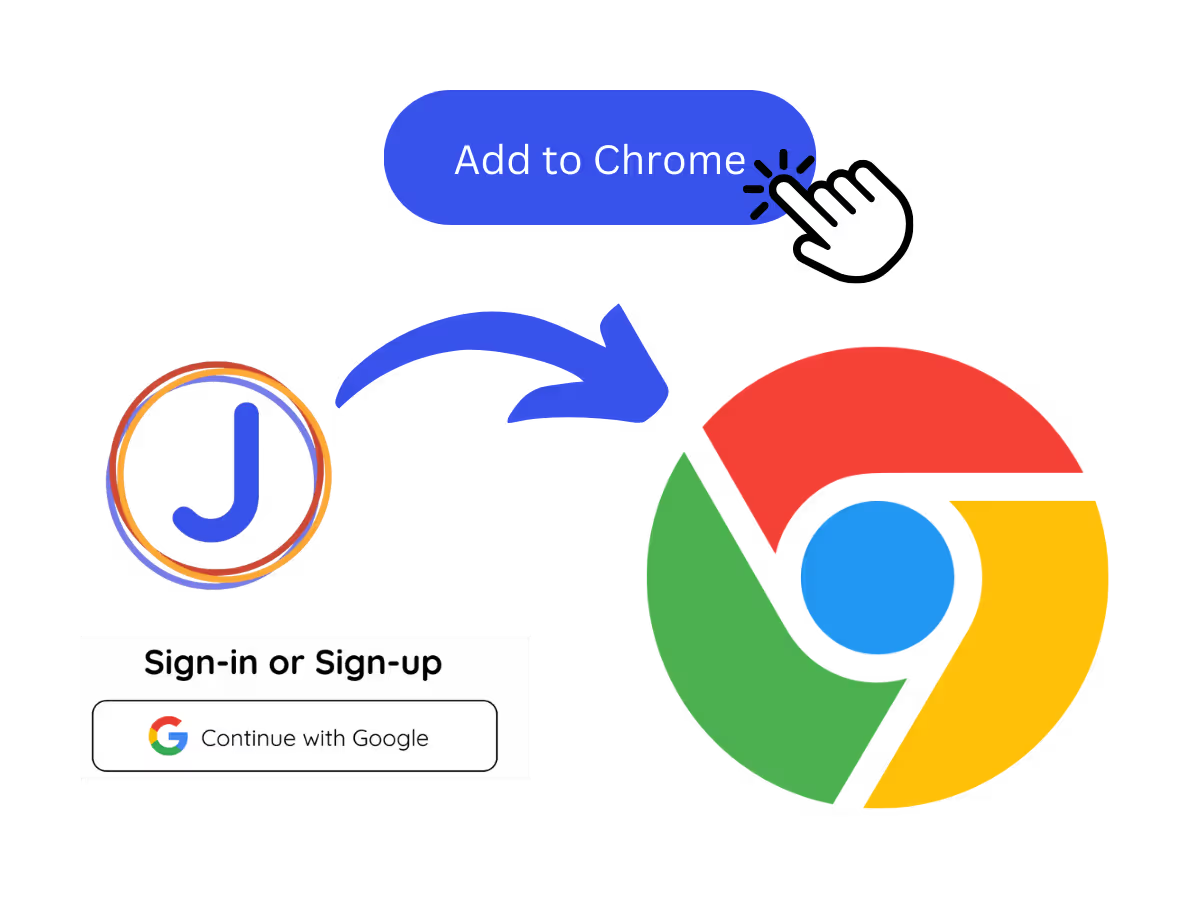
1. Add JotMe to Chrome and Sign Up
Install the JotMe transcription extension for Google Meet. Setup takes less than 30 seconds!
STEP 2
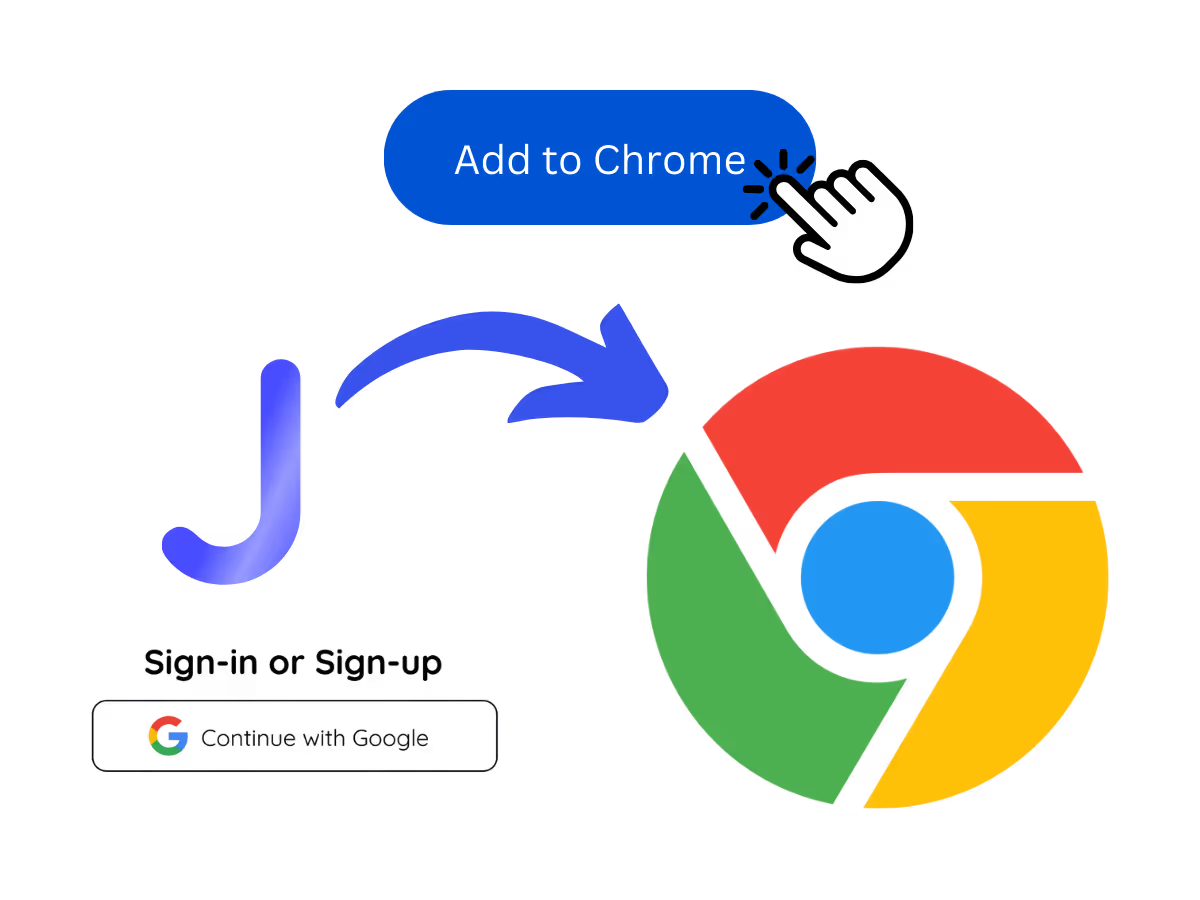
2. Start your meetings on Google Meet
Go to Google Meet to begin your meetings and experience JotMe’s AI-powered speech-to-text feature.
STEP 3
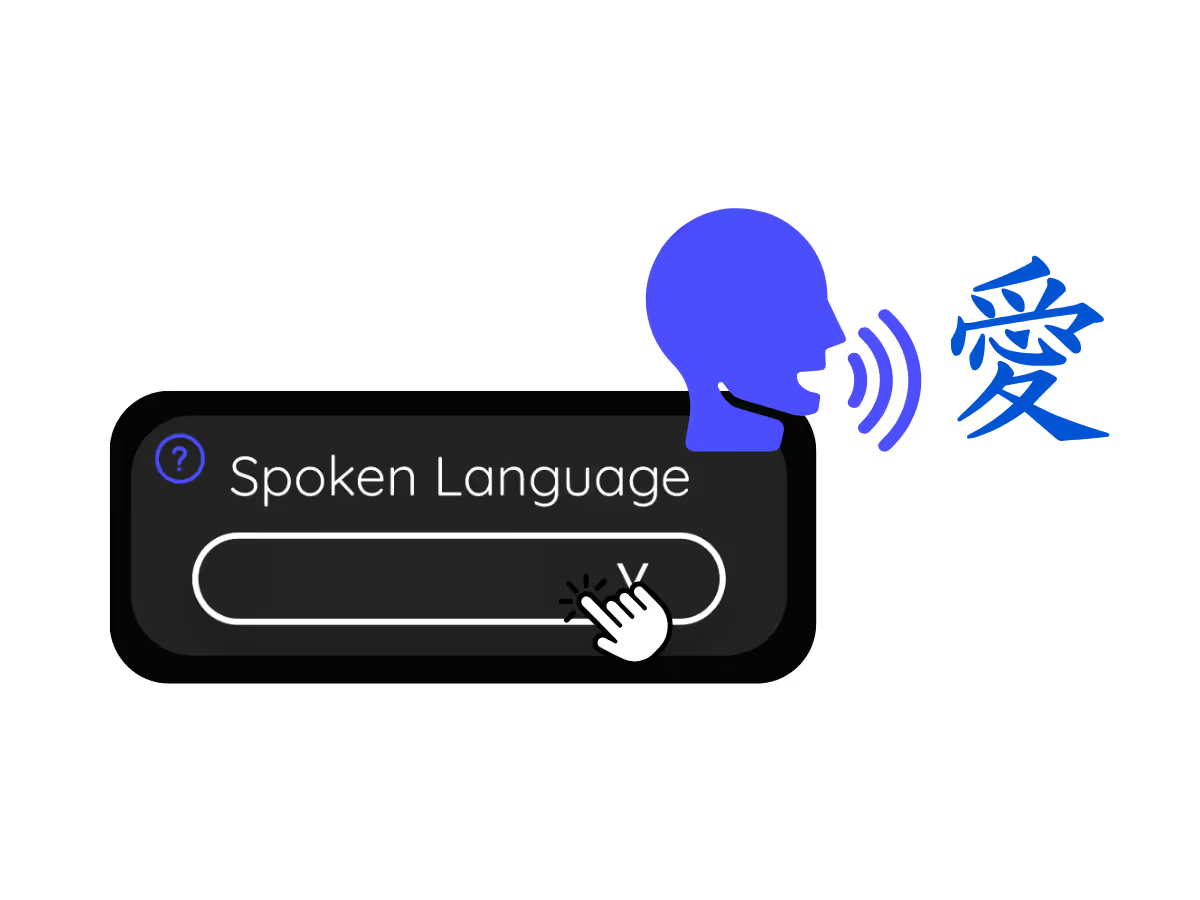
3. Set Your "Spoken Language"
Choose the language spoken during the meeting. For instance, if you're transcribing an Swedish (Sweden) meeting, set the language to Swedish (Sweden).
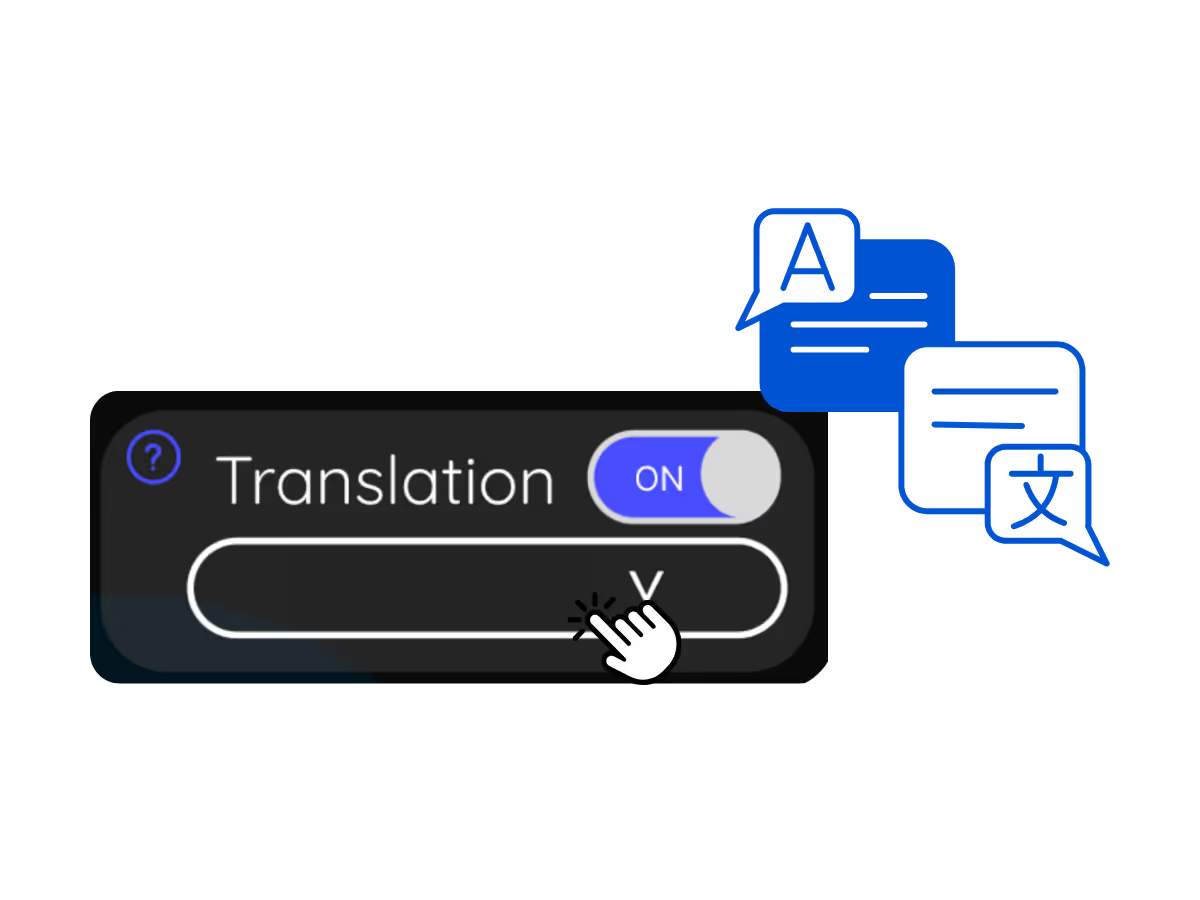
See It in Action!
Why Transcribe Swedish (Sweden) Google Meet Audio to Text?
.avif)
Never Miss Swedish (Sweden) Conversations
Keep track of every discussion point with our real-time Swedish (Sweden) transcription. No more getting lost in important Swedish (Sweden) conversations.

Instantly Search Spoken Swedish (Sweden) Words
Communicate effortlessly without language barriers. Search for meanings of unfamiliar Swedish (Sweden) terms instantly.
.avif)
Store your Swedish (Sweden) discussion
Avoid disputes over what was said during Swedish (Sweden) meetings. JotMe saves your Swedish (Sweden) speech to text transcripts, accessible anytime on the JotMe dashboard.
Frequently asked questions
Everything you need to know about running meetings and events with JotMe.
Is Google Meet Swedish (Sweden) transcription free?
Yes, it is!
How do I add the Swedish (Sweden) transcription extension for Google Meet?
Install the JotMe Chrome extension, set your transcribing language to Swedish (Sweden), and get real-time Swedish (Sweden) speech-to-text transcription on Google Meet.
How can I search for Swedish (Sweden) spoken words during meetings on Google Meet?
View Swedish (Sweden) transcriptions as captions during meetings. Highlight the Swedish (Sweden) text, right-click, and select “Search Google for” to find meanings.
Can I save and store the Swedish (Sweden) transcription content?
Yes, real-time Swedish (Sweden) transcriptions are saved on the JotMe dashboard. You can view, copy, and even translate transcripts for documentation in your preferred tool.
What languages are supported for Google Meet transcription other than Swedish (Sweden)?
We support 77 available languages - English, Japanese, Chinese, Korean, Spanish, Portuguese, French, German, Swedish, Finnish, Arabic, Hindi, Urdu, Turkish, Norwegian, Italian, Burmese, Russian, Filipino, Swahili, Hungarian and more.
The Easiest and Most Reliable Way to Transcribe Swedish (Sweden) Google Meet Audio to Text
Discover More

MORE THAN GOOGLE MEET TRANSCRIPTION
JotMe not only provides real-time Google Meet transcription but also offers translation and post-meeting tools. Explore our comprehensive suite of multilingual AI tools—from AI translation to AI meeting notes. Automate your speech-to-text transcription and focus on more impactful tasks, such as decision-making and tackling action items effectively.
.avif)
Run every meeting and event smoothly for your multilingual operations
Transcribe, interpret, translate, and turn every critical conversation into insights with context so everyone stays aligned across languages.