Italian to Russian Google Meet Translation
Automatically translate your Italian meetings to Russian with real-time captions using AI on Google Meet

Trusted by 2,000 Teams and 500,000 Professionals Across 134 Countries















Rated 4.7/5


GDPR Compliant
SOC 2 Type II (In Progress)
AI-Powered Live Italian to Russian Translation for Google Meet
Struggling with language barriers in Italian during meetings can be frustrating. Even worse, using standard machine translation often leads to low-quality results that miss the context and nuances. JotMe offers a superior AI-powered Italian to Russian live translation that understands your industry’s domain knowledge, ensuring accurate and context-aware translations. Transcribe Italian and translate it to Russian in captions in real-time. It’s free, and no credit card is required to get started!
How to Get Real-Time AI Caption Italian to Russian Translation on Google Meet?
In 3 easy steps!
STEP 1
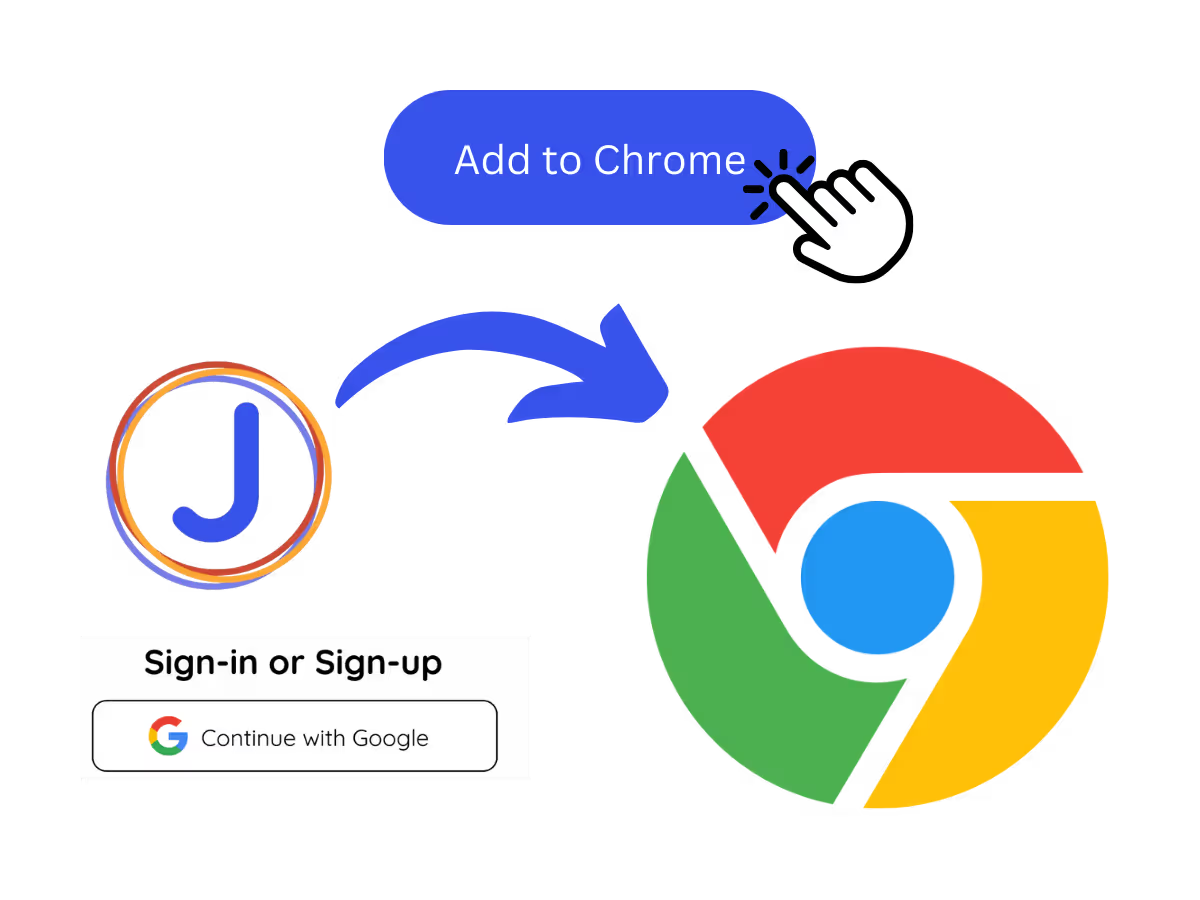
1. Add JotMe to Chrome and Sign Up
Install the JotMe translation extension on Google Meet. Setup takes less than 30 seconds!
STEP 2
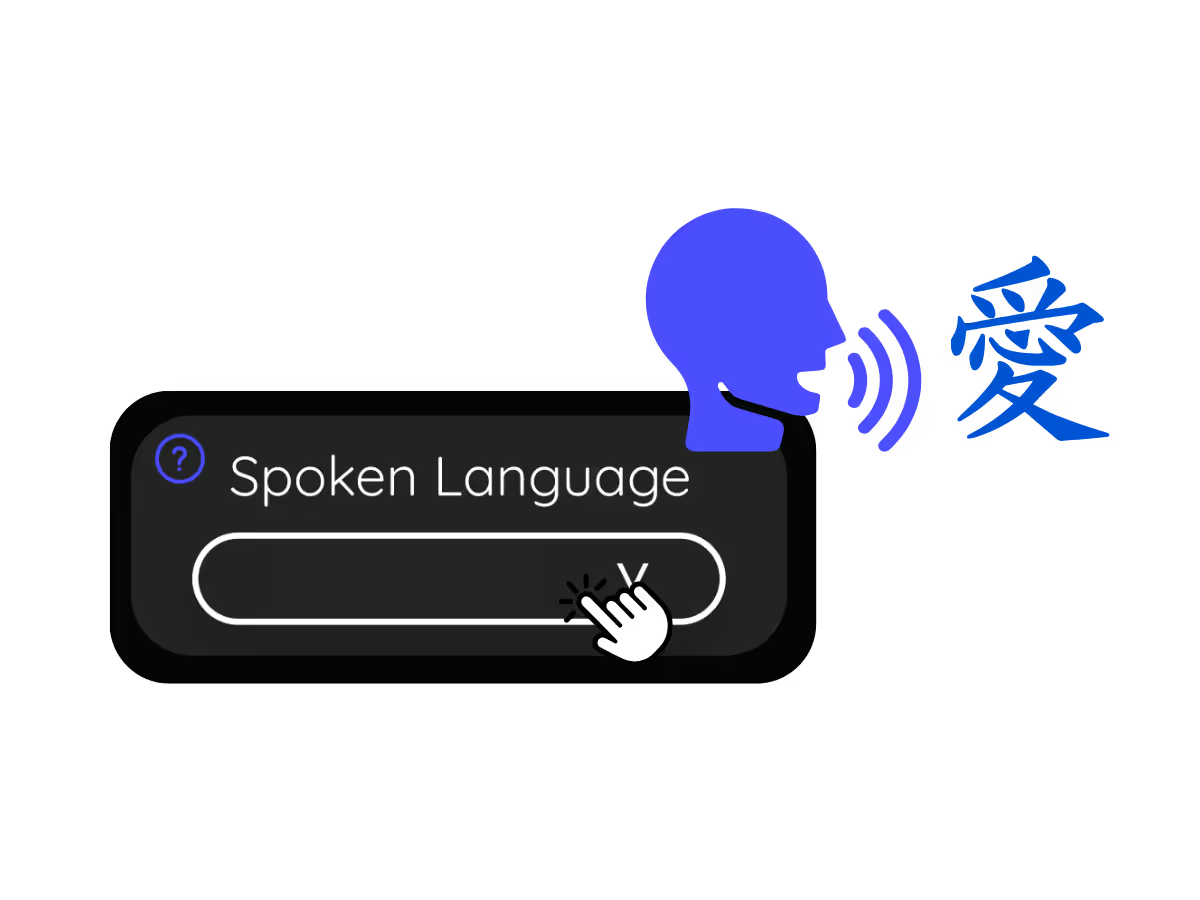
2. Set Your "Spoken Language"
Choose the language spoken during the meeting. For example, if translating Italian to Russian, set this to Italian.
STEP 3
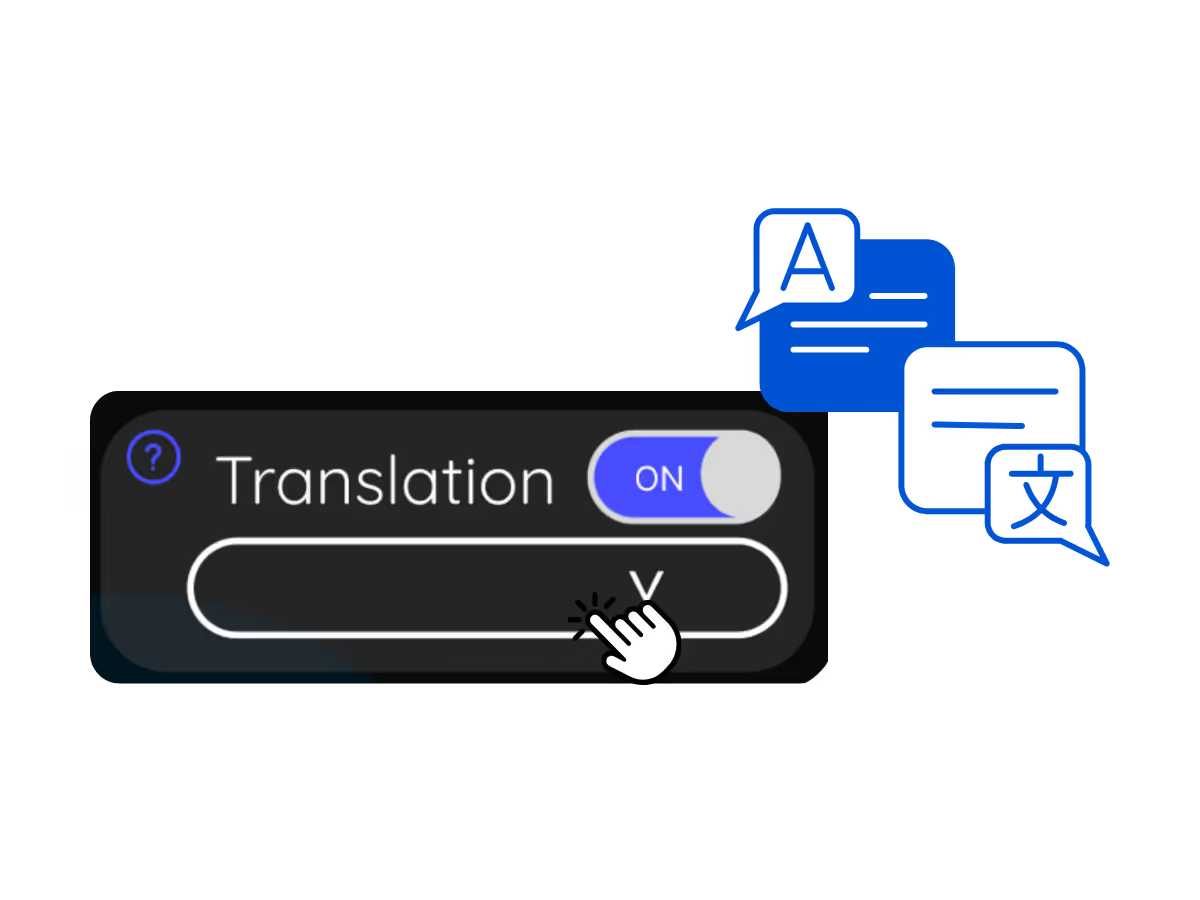
3. Set Your "Translation" Language
Select the language you want to translate to, such as Russian for Italian-to-Russian translations.
See It in Action!
Use JotMe for Italian to Russian Live AI Translations To

Understand Italian Conversations in Russian
Follow discussions even when you don’t know Italian.

Engage in Seamless Italian Discussions
Communicate freely without being interrupted by language barriers.
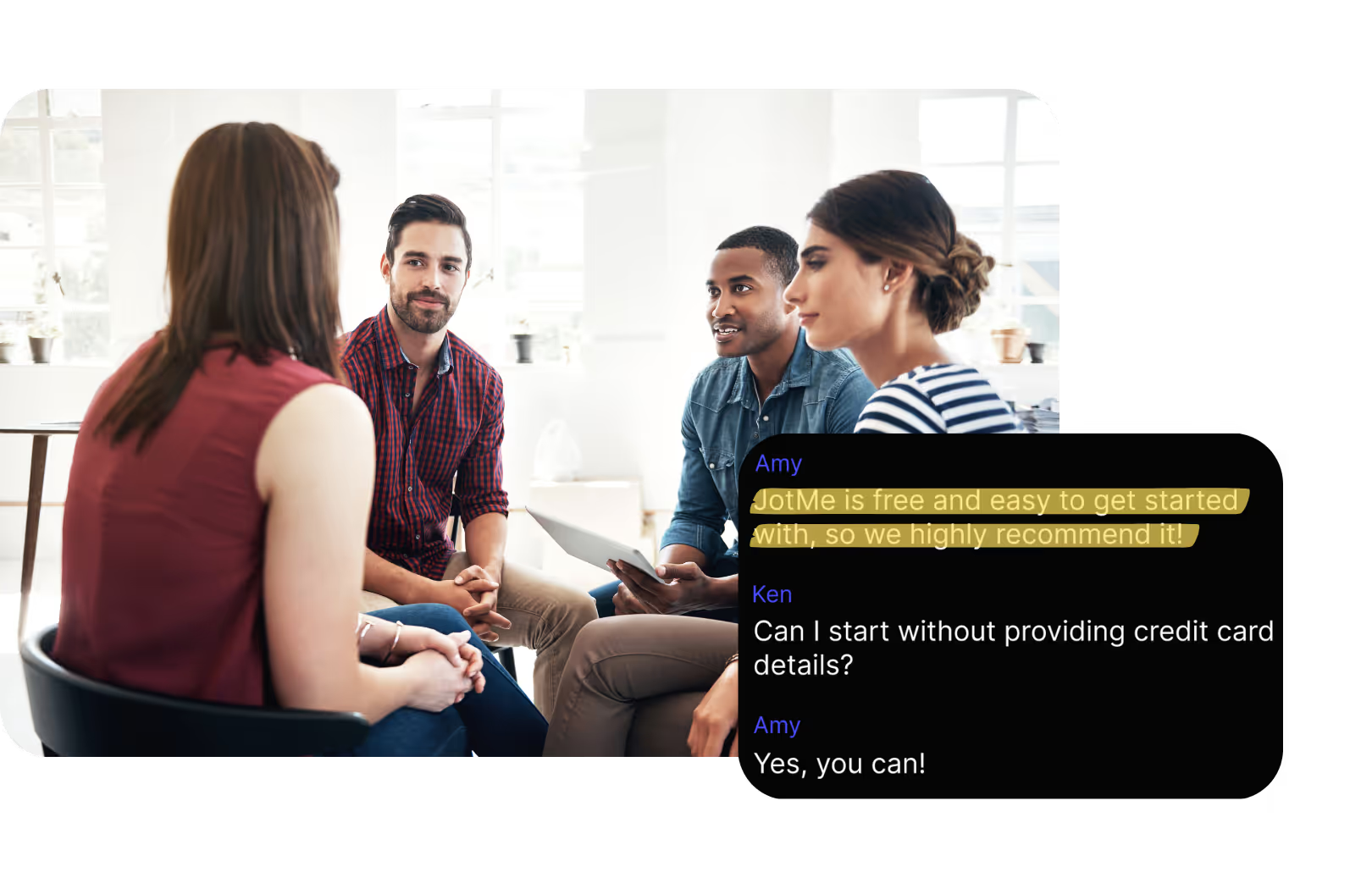
Track Italian Conversations in Real-Time
Use real-time transcriptions via the JotMe dashboard during Google Meet sessions to stay updated on Italian conversations.
Frequently asked questions
Everything you need to know about running meetings and events with JotMe.
Is the Italian to Russian AI translation on Google Meet Free?
Yes! You can upgrade your plan for more translation minutes if needed.
How do I add the Italian to Russian translation extension for Google Meet?
Add the JotMe Chrome extension, set your language preferences, and get instant real-time Italian to Russian AI translation on Google Meet.
Is the Italian to Russian translation available as captions or audio?
The Italian to Russian translation is available as captions. Contact us if you need audio translation options.
Can I save and store the translated content?
Yes, translations are saved in real-time on the Google Meet JotMe dashboard . You can also view and copy the transcript and translated transcript to paste on your favorite documentation tool on our dashboard after your meetings.
What languages are supported for Google Meet translation other than Italian to Russian?
You can translate 77 languages. Here are the available languages: English, Japanese, Chinese, Korean, Spanish, Portuguese, French, German, Swedish, Finnish, Arabic, Hindi, Urdu, Turkish, Norwegian, Italian, Burmese, Russian, Filipino, Swahili, Hungarian and more.
The Easiest and Most Reliable Way to Translate Italian-to-Russian on Google Meet in Real-Time Caption
Discover More

MORE THAN GOOGLE MEET TRANSLATION
JotMe not only translates Google Meet in real-time but also helps you with post-meeting tasks at work. Explore our full suite of multilingual AI tools—from AI meeting notes to bilingual transcripts, we've got you covered! Automate translation so you can focus on more impactful tasks, such as making decisions and moving on to the next action items at your multilingual workplace as effectively as possible.
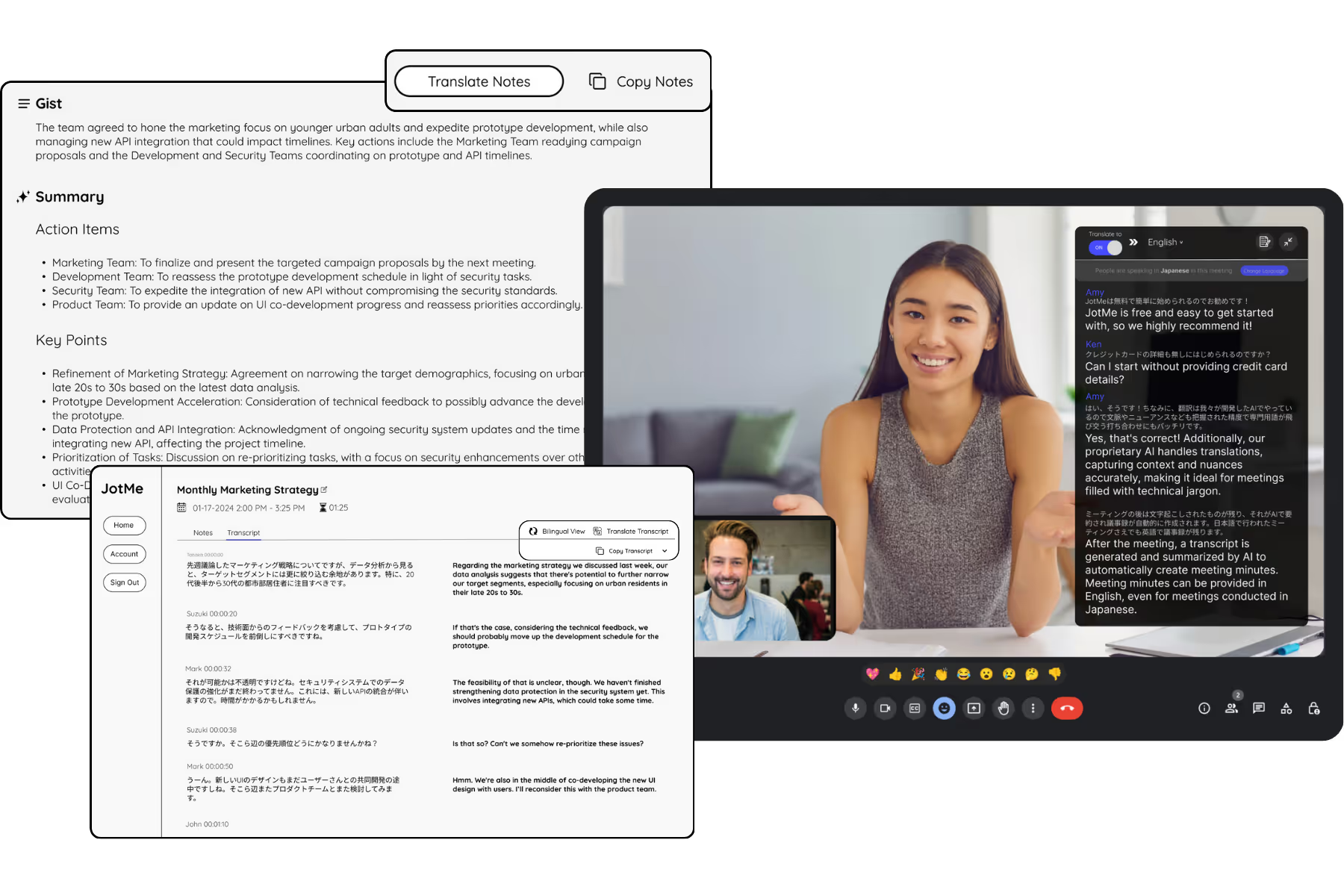
Run every meeting and event smoothly for your multilingual operations
Transcribe, interpret, translate, and turn every critical conversation into insights with context so everyone stays aligned across languages.