Podcast translation for listeners beyond one language
Reach listeners in another language with accurate podcast translation. Upload an episode file and download dubbed audio with optional captions in JotMe.
Dubbing uses 20× the media duration in translation minutes
Join 500,000 of the world’s most capable global professionals











 Rated 4.7/5
 GDPR Compliant
 SOC 2 Type II
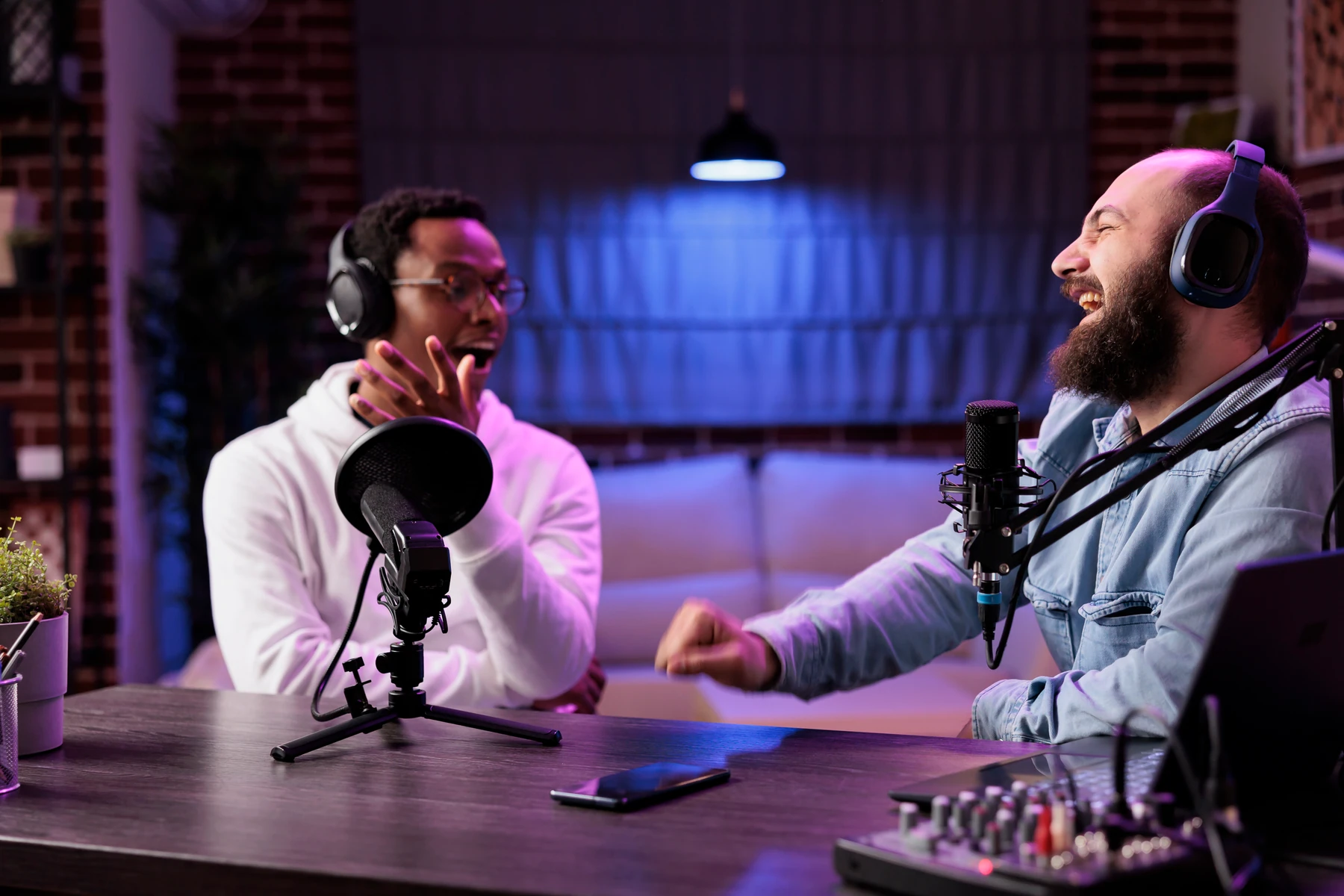
Bring the discussion to a new listening audience
Start with your episode file and choose the language your next listeners use. Speaker matching keeps the people in an interview or discussion distinct. Download and review the translated episode, then share it through your usual podcast hosting workflow.
Explore audio dubbingKeep the people in the discussion distinct
Speaker matching helps preserve the distinction between speakers in an interview or discussion. Optional VTT captions provide a written reference alongside the translated episode.
Explore speaker labels in a transcriptKeep control of the version you share
Download the translated episode, listen through the result, and publish it through your usual hosting workflow. You can also share the translated file with collaborators for review.
Share an episode with your reviewersHow to translate a podcast
Upload the source media
Choose a supported MP3, WAV, M4A, MP4, MOV, or WebM file up to 1 GB. Use content you own or have permission to process.
Choose output options and check usage
Select the target language, speaker matching, and optional VTT captions. Review the duration and translation-minute charge before starting.
Review and download
The job runs server-side and stays in Translate history. When it finishes, listen to the result, download the media and captions, or dub again into another language.
Use cases
Bring it into the work you already do.

Expert interviews
Bring a recorded expert discussion to listeners in another language.
Explore the use case
Learning episodes
Offer a spoken lesson or educational episode in another language.
Explore the use case
Company podcasts
Prepare an episode that colleagues in other regions can follow.
Explore the use caseTrusted by 2,000 teams
Across 134 countries
From multilingual meetings to everyday teamwork. Hear from the people using JotMe.
 G2
 Chrome Web Store
“JotMe streamlines our multilingual meetings, ensuring seamless collaboration in our fast-paced work environment.”


“This bilingual feature streamlines note-taking at work, saving time and boosting efficiency in both languages.”


“Essential for non-fluent speakers; simplifies complex meetings with real-time translation and accurate transcriptions.”

 Upwork
“As my job involves translation and bridging cultures, I have found this tool as a game changer to my daily work.”


“Japanese was once a mystery to me, but this product made it clear and accessible with contextual understanding.”


“The translation we've needed for years – now a reality with JotMe!”

What formats and usage should I check?
- Media input
- MP3 · WAV · M4A · MP4 · MOV · WebM
- Maximum size
- 1 GB
- Usage
- 20× media duration in translation minutes, rounded up
- Example
- A 3-minute file uses 60 translation minutes
Upload MP3, WAV, M4A, MP4, MOV, or WebM files up to 1 GB. Caption output is optional. Check the target-language list in the dubbing tool.
View usage detailsHow do I translate a podcast?
Upload your source media file in JotMe, choose the destination language and output options, and review the usage estimate. Start the job, then check and download the translated result.
Can I paste a YouTube or podcast link?
The verified JotMe workflow is uploading a local media file. Direct YouTube URL import, Spotify integration, and RSS feed processing are not established by this workflow.
Can I download captions separately?
Yes. Enable Include captions before starting to produce VTT captions alongside the dubbed media. The finished job offers media and caption downloads.
Does speaker matching mean perfect voice cloning or lip sync?
Speaker matching helps keep speakers distinct in the dubbed output. It is not a guarantee of perfect voice identity, studio-quality performance, or lip synchronization.
How many minutes does dubbing use?
Dubbing uses translation minutes at 20 times the media duration, rounded up to a whole minute with a minimum charge of one minute. A 3-minute recording uses 60 translation minutes. The app shows the charge before starting.
Can I close the window while it processes?
Dubbing runs server-side and stays in Translate history. The job can continue while you work elsewhere; return to the history to review its status and result.
Is my content processed online?
Yes. JotMe processes content online, including in the desktop app. Review the privacy guide and your organization’s requirements for the material you plan to use.
What does 20× dubbing usage mean?
A one-minute recording uses 20 translation minutes; three minutes uses 60; ten minutes uses 200. The app reads the duration and shows the charge before you confirm. Dubbing usage differs from transcription usage.