Руководства
23 лучших голосовых переводчика для вашего ПК, Android и iPhone

Taka Shirasu
October 13, 2025
.avif)
Updated 2026: This article was originally published in 2025 and updated on April 14, 2026 to reflect how voice translator apps have actually evolved. We reviewed newly added features and real-time translation performance to keep the list relevant. The updated list includes tools like JotMe, Google Meet Translation, Microsoft Teams Translation, Zoom Translated Captions, Webex Real-Time Translation, Talo, and more.
Search for "voice translator app" on the App Store or Google Play, and you will land in a sea of 500+ results. As of April 13, 2026, Semrush reports a global volume of 7,500 for this keyword, and Ahref’s data indicates that users around the world are moving away from Google Translate and are now looking for solutions for specific use cases.
Every SaaS blog publishes its own "top 10 list," and most of them repeat the same five apps without any real testing. The result is a buyer who downloads three apps, gets frustrated with each app's accuracy, and gives up on the category.
But we have built this guide differently. Over the past 20 days, our team here at JotMe has tested more than 50 voice translator apps across desktop, mobile, browser, and dedicated hardware. We used them in actual Zoom calls with our Korean customers, Google Meet sessions with our researchers from Europe, in-person conversations during travel when one of our English-speaking content leads traveled to Thailand, and live events with multilingual audiences. The 32+ apps that made this final list are the ones that held up under real conditions.
Whether you run multilingual team meetings, host international events, attend English-language lectures, travel across language lines, or pitch clients in three countries, there's a voice translator app in this guide built for your use case.
TL;DR: 32+ Best Voice Translator Apps at a Glance
Best Voice Translator App for Meetings and Web Conferencing
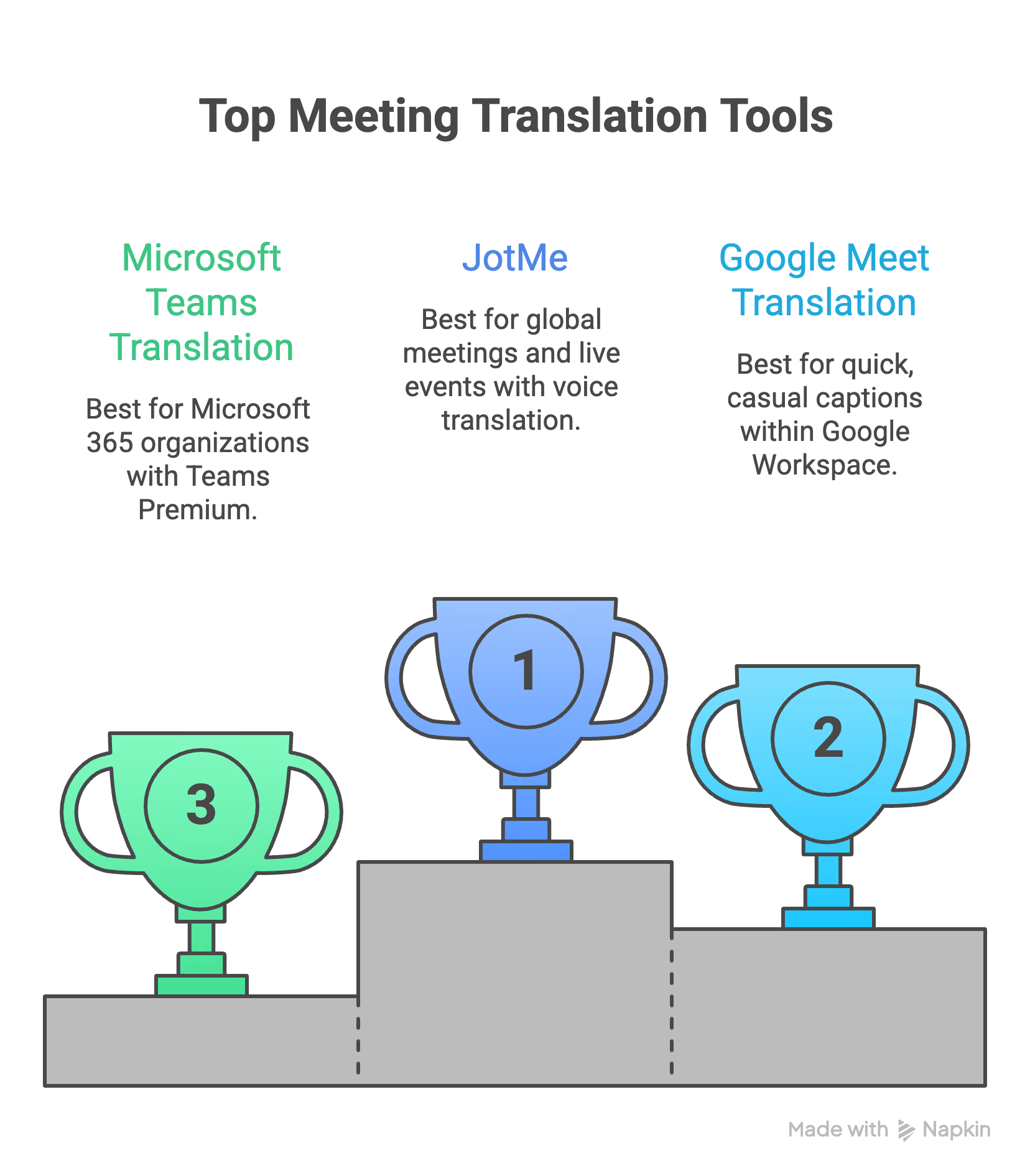
- JotMe: Best voice translator app for global meetings, events, and live events.
- Google Meet Translation (Gemini): Best for teams already in Google Workspace who need quick, casual captions.
- Microsoft Teams Translation: Best for organizations standardized on Microsoft 365 with Teams Premium.
- Zoom Translated Captions: Best for Zoom-heavy teams that want translation without a third-party tool.
- Webex Real-Time Translation: Best for large enterprises already using Webex for global meetings.
- Talo: Best for teams that prioritize data privacy with SOC 2 and ISO 27001 compliance.
Best Voice Translator Apps for iPhone and Android
- JotMe Mobile: Best voice translator app for iPhone and Android. Continuous, context-aware live translation with the $50 prepaid plan for travelers.
- Google Translate: Best free voice translator app for travel with 133 languages and offline mode.
- Apple Translate: Best for iPhone users who value privacy and on-device translation.
- Microsoft Translator: Best free alternative for business users and for translation in China without a VPN.
- DeepL: Best for professionals translating emails and texts where translation quality matters most.
- iTranslate: Best for travelers who want translation integrated into WhatsApp, iMessage, and Instagram.
- Papago: Best for Korean, Japanese, Chinese, Vietnamese, Thai, and other East and Southeast Asian languages.
- Notta: Best for teams who prioritize transcription and AI summaries over live translation.
- SayHi Translate: Best free, no-frills voice translator for casual two-way conversations.
- Transync AI: Best for users who prioritize translation speed with near-zero latency.
- Baidu Translate: Best free voice translator app for Mainland China without VPN access.
- Soniox App: Best for bilingual and multilingual environments where speakers switch languages mid-sentence.

Best Voice Translator Devices (Dedicated Hardware)
- Timekettle WT2 Edge / X1 Interpreter Hub: Best premium translator earbuds and handheld hub for frequent international travelers.
- Pocketalk S Plus: Best standalone translator device with built-in cellular data and a visual touchscreen.
- Vasco V4: Best for European travelers with free lifetime internet in 200+ countries.
- Langogo Genesis: Best pocket-sized professional translator with simultaneous interpretation mode.
- Fluentalk T1 Mini: Best budget-friendly dedicated translator with two-year global data included.
Best Voice Translator Apps for PC and Mac (Desktop)
- JotMe Desktop: Best voice translator app for MacBook and PC.
- DeepL Voice: Best for European language pairs with native Microsoft Teams integration.
- Wordly: Best for enterprise events, conferences, and large multilingual webinars.
- Maestra AI: Best for content creators who need voice cloning alongside real-time translation.
- Boostlingo AI Pro: Best for healthcare, legal, and customer support teams needing AI plus human interpreter access.
- Interprefy: Best for large-scale hybrid conferences with simultaneous interpretation.
- KUDO AI: Best for enterprise events with AI interpretation across 200+ languages and human interpreter fallback.
Best Voice Translator Apps Online (Browser-Based)
- JotMe Chrome Extension: Best voice translator app online for Google Meet with premium accuracy.
- Boostlingo AI Pro Chrome Extension: Best browser option for industry-specific terminology with custom glossary support.
What Is a Voice Translator App?
A voice translator app captures spoken audio, transcribes it into text, translates it into a target language, and outputs the result either as readable text or as synthesized speech. The process happens in seconds, allowing two people who speak different languages to hold a conversation without pausing for a human interpreter.
The technology behind voice translator apps combines three core systems:
- Automatic speech recognition (ASR) to convert speech into text
- Machine translation (MT) to convert text from one language to another, and
- Text-to-speech (TTS) synthesis to output the translation as audio.
In 2025 and 2026, a fourth layer has become standard: large-language-model-based context processing, which reads the full conversation to produce translations that capture tone, intent, and meaning rather than replacing words one by one.
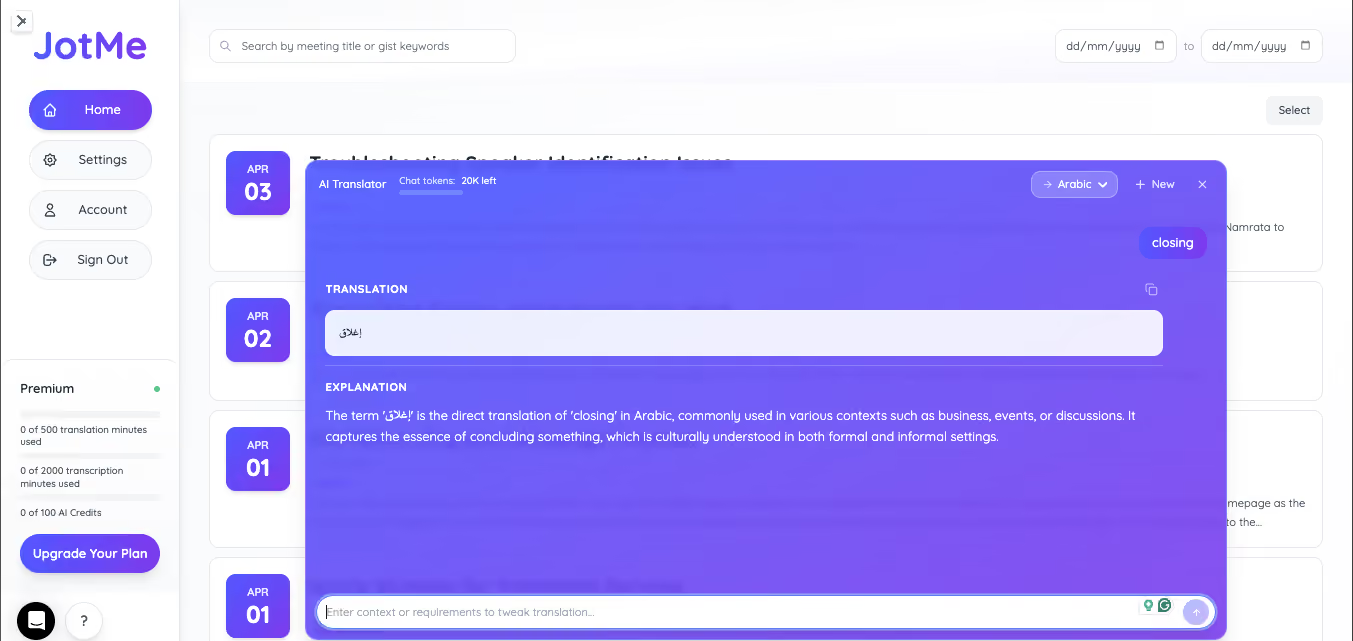
This contextual shift is why voice translation apps are now usable for professional meetings. Older tools like Google Translate used to translate sentences in isolation, which meant a business discussion about "closing" could end up translated as a discussion about shutting a door.
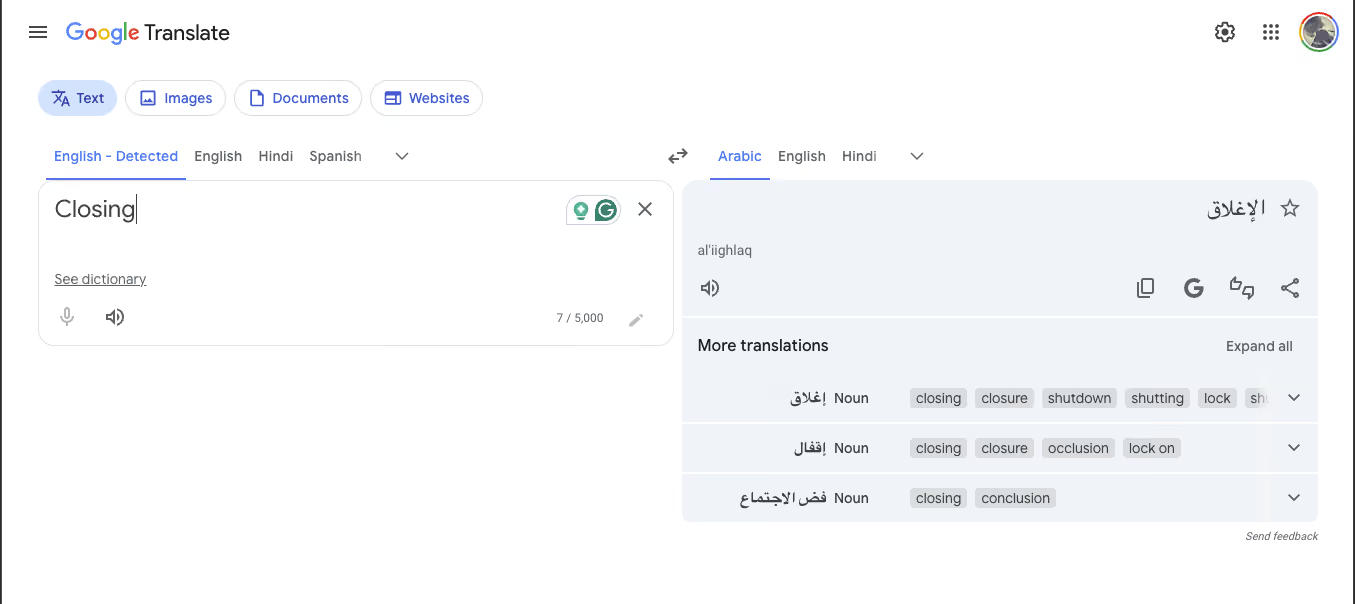
Modern apps, like JotMe here for an example, read the conversation as it unfolds and translate with awareness of what came before and what's likely to come next.
How We Chose the Best Voice Translator Apps?
Before we move forward and dissect each voice translator app in detail, you need to understand that this list was not compiled from press releases or competitor roundups.
Here's the criteria we used to rank the best AI interpreter apps.
1. Accuracy in Real Conversations
We didn't test with demo phrases. We tested with real dialogue, including technical vocabulary (engineering specifications, legal clauses, medical terminology), conversational speed, regional accents, and the mid-sentence corrections people make when thinking out loud.
An app that handles "where is the bathroom" well but breaks on "let's reconvene once we have aligned with legal on the indemnity clause" did not make this list. We also tested how each app handles speaker overlap and the kind of casual interruptions that happen in every real meeting.
2. Speed and Latency
Translation speed matters because delayed translations break the flow of conversation. We measured how fast translations appeared after the source speech, whether accuracy degraded as the conversation sped up, and whether the app held up across a 30-minute session without falling behind. Apps that consistently delivered translations within 2-3 seconds under load got higher marks than apps that started fast but lagged after 10 minutes.
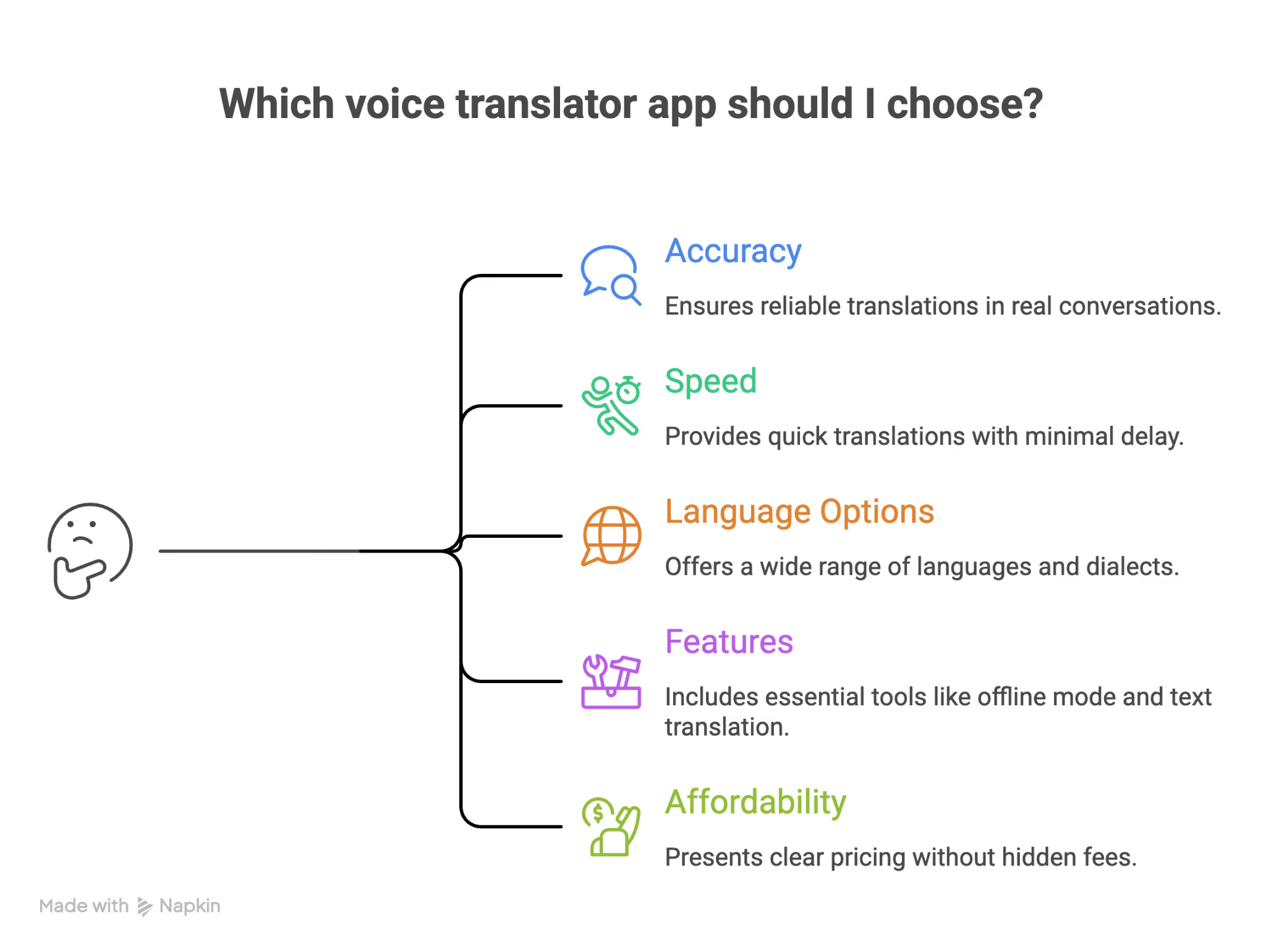
3. Language Options and Depth
The number of supported languages matters less than how well each language actually performs. An app claiming 100+ languages with excellent English-to-Spanish but broken English-to-Vietnamese is weaker than an app that supports 50 languages consistently.
We tested major language pairs (English-Spanish, English-Mandarin, English-Japanese, English-Korean, English-French) and regional pairs (Korean-Vietnamese, Spanish-Portuguese, Japanese-Chinese) to see which apps deliver depth alongside breadth.
As remote and hybrid work become more common, already appearing in 9.57% of new job postings in the U.S. and even higher in global hubs, teams are increasingly distributed across regions and languages. Because of this, consistent performance across multiple language pairs becomes critical for smooth, real-time communication in everyday meetings.
4. Features That Actually Matter
From the feedback and customer discussions, we understood that continuous interpretation matters more to the large enterprises. Another feature that most companies and individuals look for is a bot-free integration with meeting platforms, like Zoom, Google Meet, Teams, and more.
We rewarded apps that solved the core workflow cleanly and downgraded apps that relied on gimmicks like AR camera translation or voice cloning that looked impressive in demos but were unreliable in actual use.
5. Affordability and Pricing Transparency
We looked at the free tier (if any), the price per minute on paid plans, and whether the pricing page made the actual cost clear. Apps with transparent pricing ranked higher than apps that hid their costs behind "contact sales" gates. We also gave credit to pricing models that reflect real-world usage, such as one-time prepaid plans for occasional travelers who do not want a monthly subscription.
Top 6 Web Conferencing Tools With Voice Translation
If you run or attend multilingual meetings, you need a voice translator app built for web conferencing platforms. These six tools handle internal meetings, external client calls, and cross-border team syncs across Zoom, Google Meet, Microsoft Teams, and Webex.
JotMe: Best Voice Translator App for Global Meetings
Best for: JotMe desktop app is best for operations leads, event managers, remote team leads, founders running multilingual client calls, and global SaaS teams.
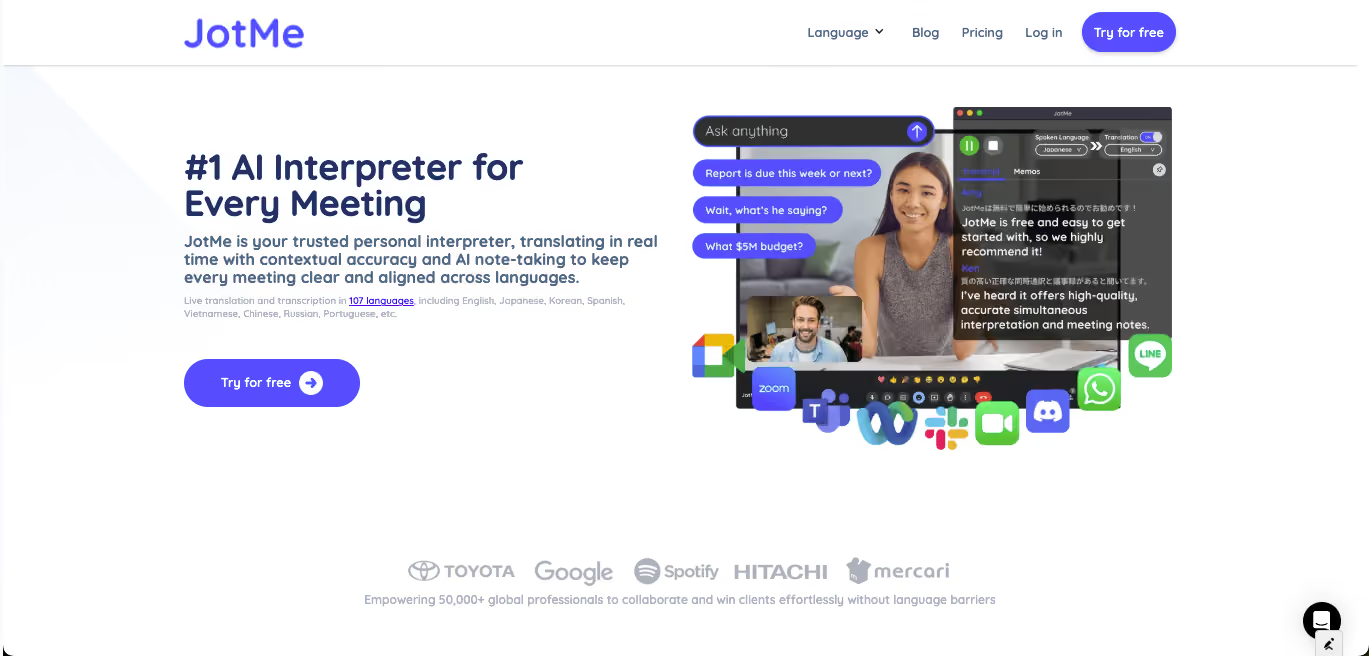
JotMe is the only voice translator app on this list built specifically around the full meeting arc: the setup before the call, the continuous interpretation during the call, and the multilingual AI meeting notes and searchable recall after. It captures audio directly from your system, which means no bot joins the meeting and no participant sees a third-party tool in the call.
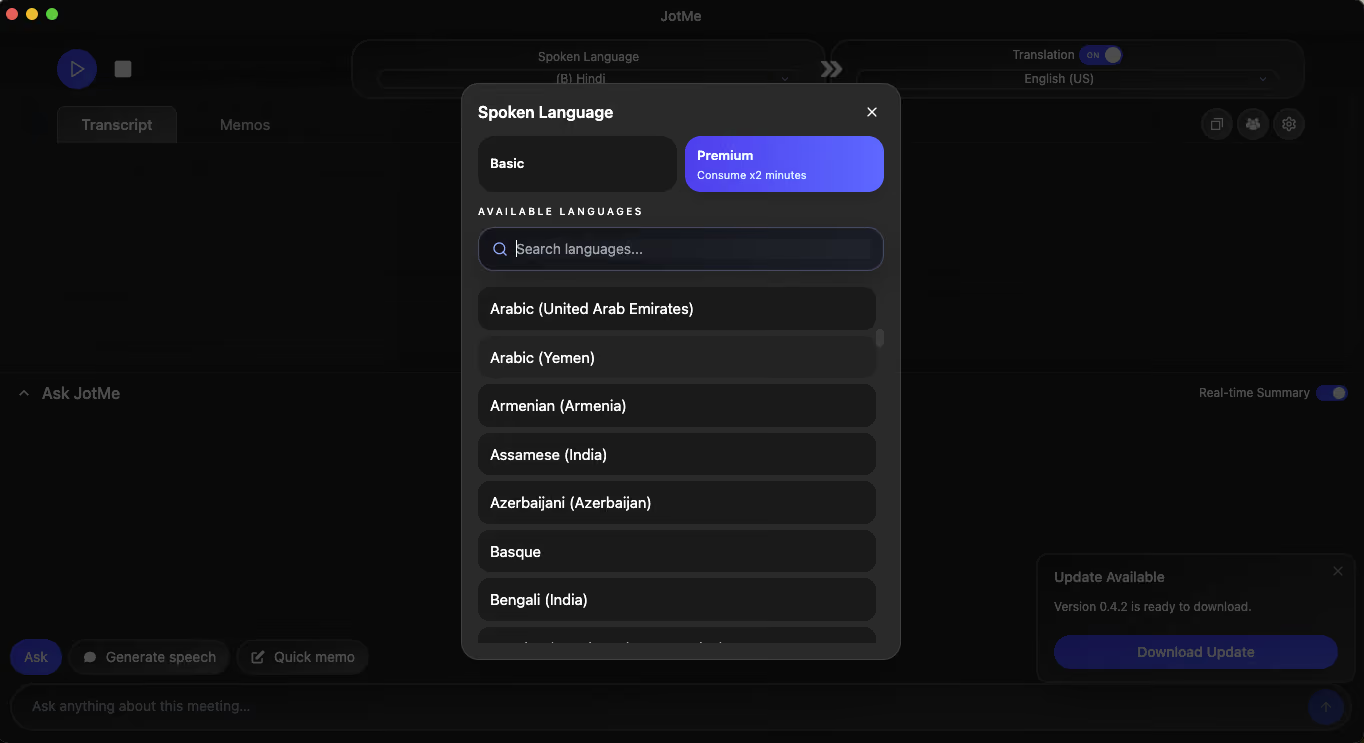
As of April 2026’s version update, JotMe supports 39,800 language combinations for live translation, 200+ languages for spoken language detection, and 21 languages for AI meeting notes. JotMe works across Zoom, Google Meet, Microsoft Teams, Webex, Slack Huddles, Discord, WhatsApp, LINE, and WeChat. The premium spoken language model delivers improved speaker diarization, better accuracy on fast-paced or overlapping speech, and faster, more stable AI live translation sharing when you invite external participants to view the live captions.
Key Features of JotMe
- Continuous, contextual real-time translation across 39,800 language combinations
- Bot-free integration with every major video conferencing platform
- AI meeting notes in 21 languages with searchable post-meeting recall
- Ask JotMe feature for querying what was said in the meeting
- Translation sharing via code, URL, QR code, or subtitle camera
- Custom vocabulary support for industry-specific terminology
JotMe Pricing
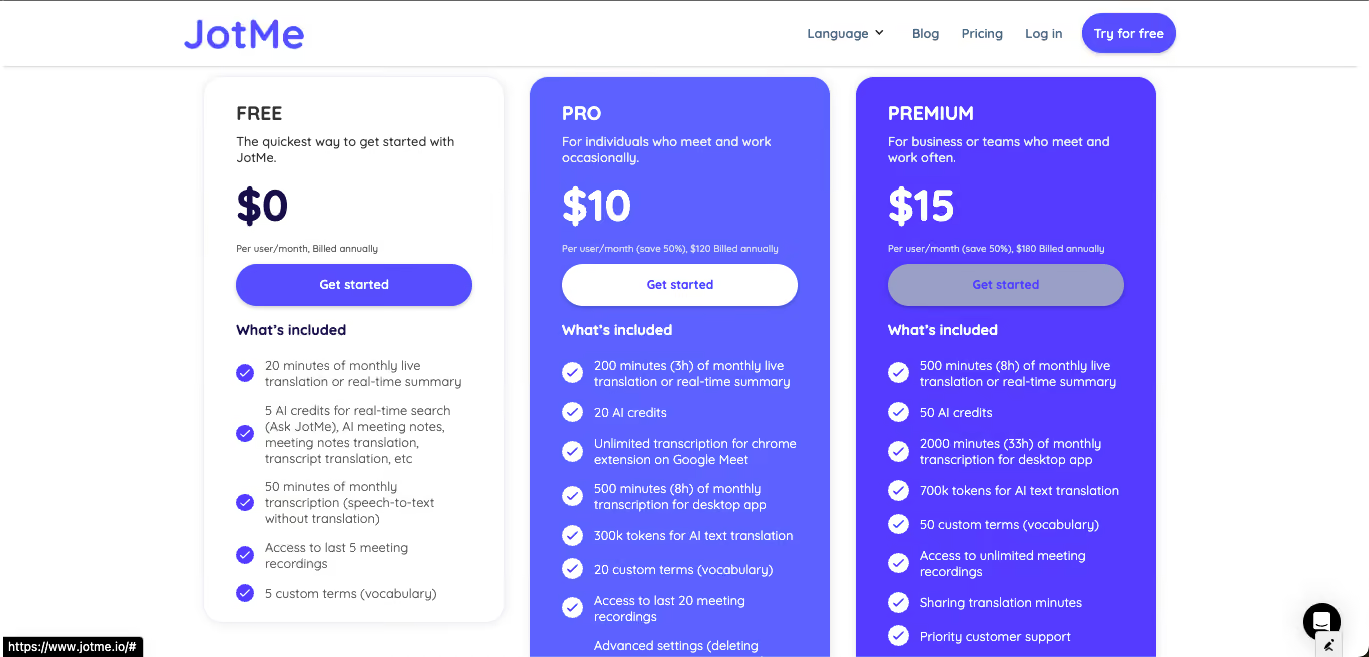
- Free: 20 minutes of translation per month, full feature access
- Pro: $10/month (200 translation minutes, 500 transcription minutes)
- Premium: $15/month (500 translation minutes, 2,000 transcription minutes)
- Mobile prepaid: $50 one-time for 500 minutes across 45 languages
Platforms: Mac, Windows, iPhone, Android, Chrome Extension.
🔗 Download JotMe for Mac and Windows
📩 For inquiries: hey@jotme.io
Google Meet Translation (Gemini)
Best for: Teams already using Google Workspace for short, casual multilingual check-ins. Not ideal for longer meetings where accuracy on technical terms matters.
Google Meet offers translated captions through its Gemini AI integration. It works inside the Google Meet interface without requiring a separate app, which makes it convenient for teams already operating in Google Workspace. The Google Meet Translation is subtitle-based and is built for quick, casual translation rather than deep meeting analysis.
Key features of Google Meet Translation
- Native integration with Google Meet
- Translated captions in the Meet interface
- Fast for short, casual exchanges
Google Meet Translation Pricing
- Included with Google Workspace Business Standard ($14/user/month) and higher tiers.
Microsoft Teams Translation
Best for: Organizations already standardized on Microsoft 365 that need translation inside Teams without a third-party tool.
Microsoft Teams offers real-time voice translation and subtitle transcription as part of Teams Premium. Teams live translation supports 40+ languages and integrates deeply into the Microsoft 365 ecosystem, which makes it the default choice for organizations already committed to Microsoft tools.
Key Features of Microsoft Teams Translation
- Real-time translation in 40+ languages
- Native integration with Microsoft 365 (Outlook, Excel, SharePoint)
- Enterprise-grade security and compliance
- Multi-person conversation mode for up to 100 participants
Microsoft Teams Translation Pricing
- Teams Premium at $10/user/month (additional on top of the base Microsoft 365 license).
Zoom Translated Captions
Best for: Teams running Zoom-heavy workflows who need translation without having to adopt a separate tool.
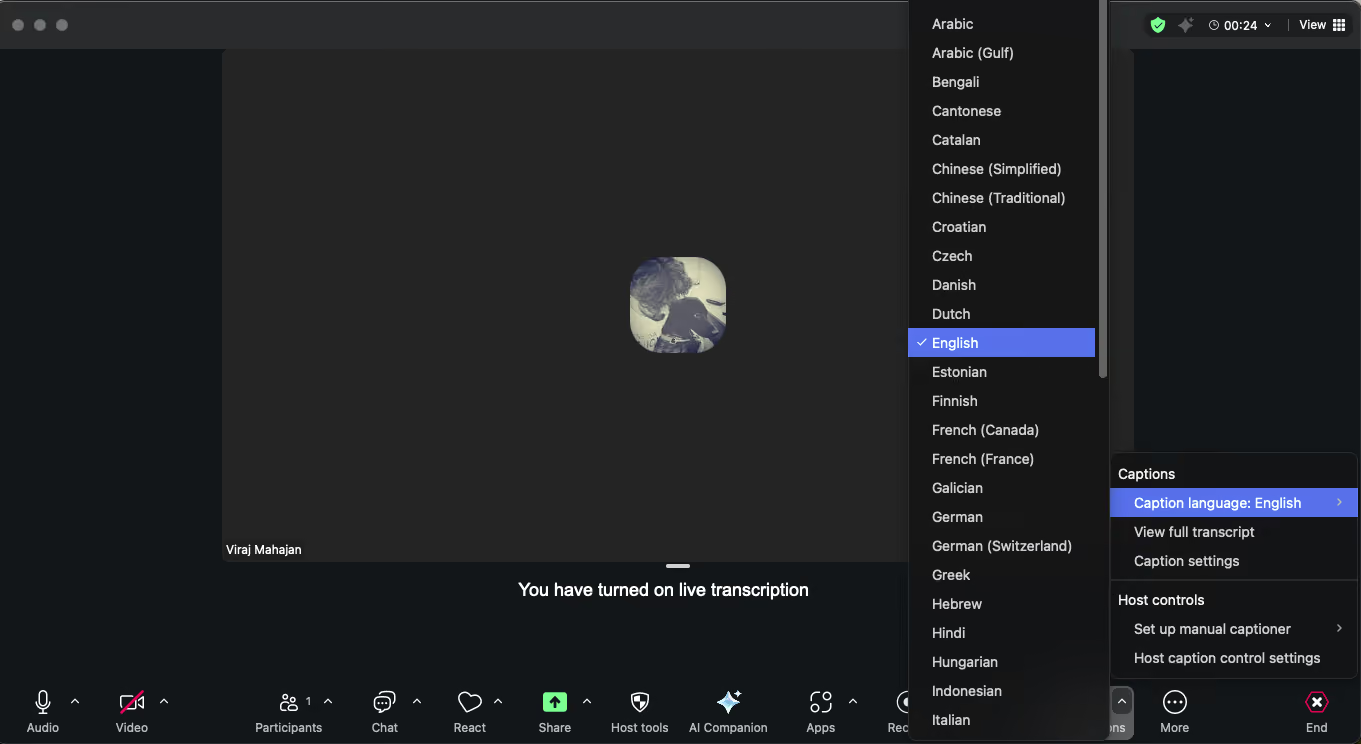
Zoom provides real-time AI-powered translated captions displayed as subtitles during meetings. The feature is useful for webinars and corporate presentations, though it supports a narrower range of languages than JotMe, Google Meet, or Teams.
Zoom AI Companion is a broader AI assistant from Zoom that handles meeting summaries, smart recaps, action item detection, and follow-up email drafting, alongside translation. For teams already paying for Zoom, AI Companion is included at no extra cost on eligible paid plans, which makes it a practical choice if you want to transcribe Zoom and need plus meeting intelligence without adopting a separate tool.
This widespread adoption is reflected in the numbers. According to Statista, Zoom has over 300 million users worldwide, and it holds 55.91% of the market share in the global video conferencing market.
Key Features of Zoom Translation
- Real-time translated captions inside Zoom
- Supports 11 languages currently
- Works on paid Zoom Business accounts
- Zoom AI Companion integration for meeting summaries and action items
Zoom Pricing
- Zoom Business starts at $18.32/user/month, with the translation add-on at an additional $5/month per user.
Webex Real-Time Translation
Best for: Large enterprises already using Webex for global meetings and willing to pay for premium translation quality.
Webex offers AI-powered translation as a premium add-on to its meeting platform. It's used by large enterprises, including Apple and Meta, and supports simultaneous translation for up to five languages, noise cancellation, and customizable subtitle placement. With this functionality, users can show real-time translation in meetings and webinars.
Key Features of Webex Translation
- Translates from 16 source languages into 108 target languages
- Noise cancellation for clearer audio input
- Simultaneous translation for up to five languages
- Customizable subtitle placement and font sizing
Webex Pricing
- Webex Meet starts at $14.50/user/month, with the translation add-on at an additional $30/user/month.
Talo: AI Translator for Video Calls
Best for: Teams that prioritize data privacy and compliance in addition to real-time translation quality.
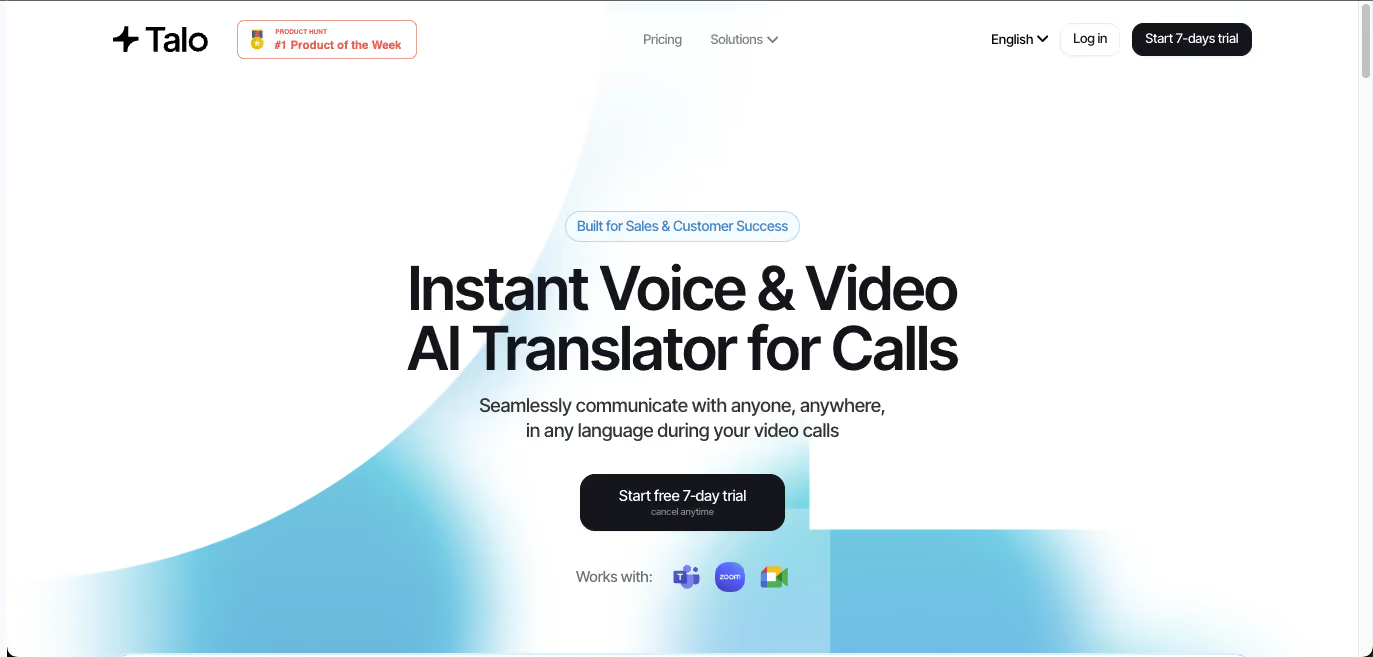
Talo is a newer entrant that integrates with Google Meet, Microsoft Teams, and Zoom through a single AI-powered bot. It supports 60 languages and focuses on data privacy, with SOC 2 and ISO 27001 compliance.
Key Features of Talo
- Single AI bot handles translation across all major video platforms
- 60 languages supported
- No meeting data storage (privacy-first architecture)
- SOC 2 and ISO 27001 compliance
Talo Pricing
- Talo AI’s Starter plan starts at $396, billed annually; Pro plan starts at $960, billed annually; and Team plan costs $4800, billed annually.
Top 12 Voice Translator Apps for iPhone and Android (Free and Freemium)
Now desktop translator apps are great for virtual meetings and events, but if you are on the go, then you need a mobile voice-to-text Android app and iOS app. These 12 apps are the ones that held up in real testing across iPhone and Android.
JotMe Mobile: Best Voice Translator App for iPhone & Best Voice Translator App for Android
Best for: iPhone and Android users who need real-time translation for meetings, travel, or in-person business conversations.
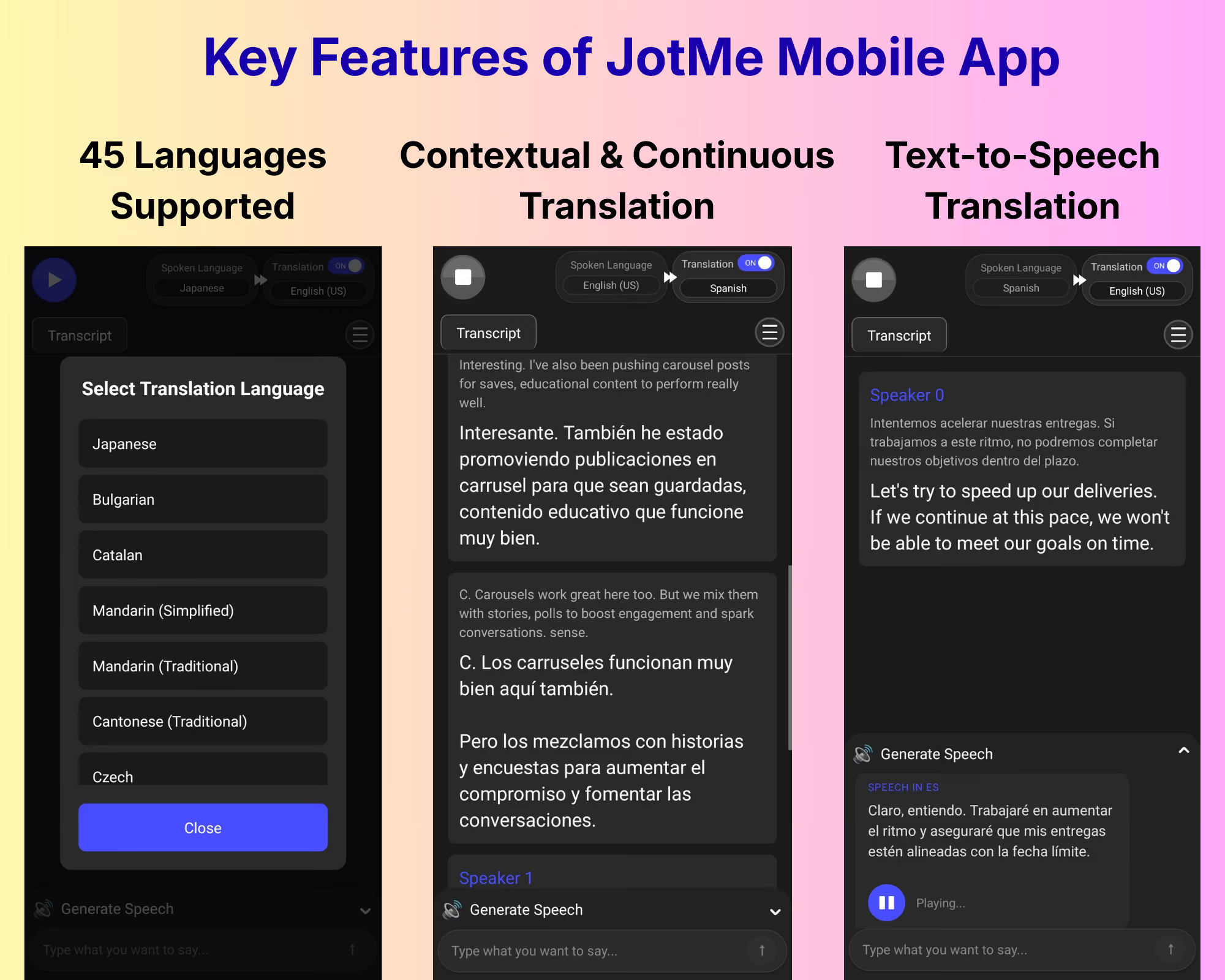
JotMe's mobile app for Android and iOS brings the same contextual translation engine from the desktop app to iOS and Android, with a UX designed for in-person conversations and mobile-first workflows. Its smarter context handling is especially useful in travel situations where you are navigating unfamiliar phrases, regional expressions, and fast-paced dialogue.
The mobile app runs continuously, so you don't have to tap the microphone for every exchange. It also includes the Generate Speech feature, which converts your typed response into natural-sounding speech in the other person's language. This is practical when you are pronouncing words you have never spoken before.
Key Features of JotMe Mobile App
- Continuous, context-aware voice translation across 45+ languages
- Generate Speech for natural TTS output in the target language
- Translation accuracy control (switch between fast and accurate modes)
- Multilingual spoken language mode for conversations with multiple parties
Here is the live video showing how the JotMe mobile application handles continuous translation:
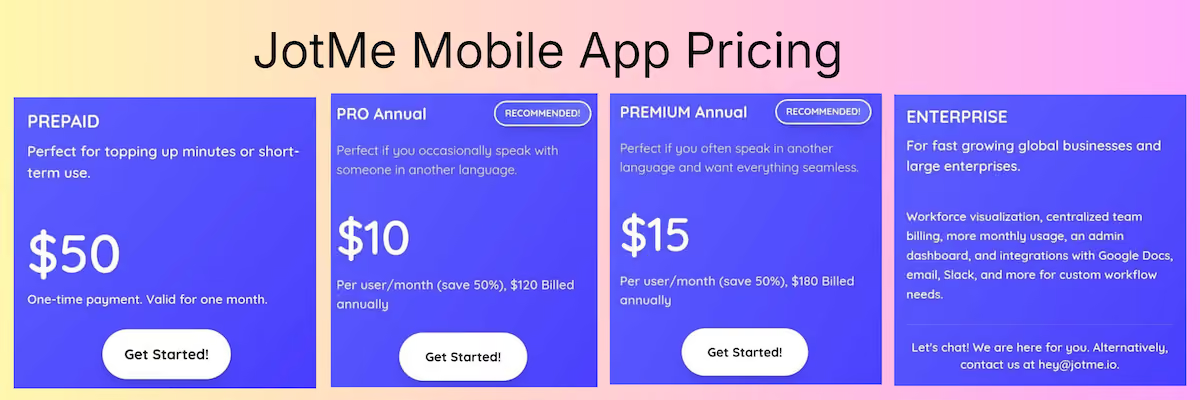
JotMe Mobile App Pricing
- Free: 20 minutes per month with full features
- Mobile Prepaid: $50 one-time for 500 minutes across 45 languages (ideal for travelers and short-term intensive use)
- Pro: $10/month
- Premium: $15/month
Download the JotMe Android and iOS mobile app today!
Google Translate Mobile App
Best for: Travelers and casual users who need broad language coverage without paying for a subscription.
Google Translate remains the default free voice translator app on mobile and is the most widely used translation tool in the world. Its Conversation Mode handles real-time voice exchanges between two speakers, and its camera translation is useful for signs and menus. Google Translate has also introduced new AI-powered live translation and language learning tools, strengthening its position as more than just a basic translation app.
Here is the live video showing how Google Translate handles continuous translation:
Key Features of Google Translate Mobile App
- 133 languages supported for voice translation
- Offline mode for 59 languages (download before traveling)
- Camera translation for text in the physical world
- Conversation Mode for two-way voice exchanges
- Free, with no usage limits
Google Translate Mobile App Pricing: Completely free.
Apple Translate
Best for: iPhone users who value privacy and want a clean, native translation experience without a third-party app.
Apple's built-in translation app is the best choice for iPhone users who want privacy-first, on-device translation. Unlike most voice translator apps that process audio in the cloud, Apple Translate does most of its work locally on the device, which is valuable for sensitive conversations.
Here is the live video showing how Apple Translation handles continuous translation:
Key Features of Apple Translate
- On-device translation for supported languages
- Tight iOS integration (works with Safari, Messages, etc.)
- Offline functionality with downloaded language packs
- Natural voice output with adjustable playback speed
- Can use Live Translation with AirPods 3
Apple Translate Pricing: Completely free, pre-installed on iPhone.
Microsoft Translator
Best for: Business users in the Microsoft ecosystem and travelers heading to regions where Google services are restricted.
Microsoft Translator is a robust multilingual app that supports voice, text, and image translation. Its standout feature is Group Conversation Mode, which supports up to 100 participants joining a shared translation session from their own devices, each reading translations in their preferred language. This functionality also extends into Microsoft Teams, as seen in the interpreter in Microsoft Teams meetings and calls, enabling real-time multilingual communication during live meetings.
Key Features of Microsoft Translator
- 70+ languages supported
- Offline mode with downloadable packs
- Group Conversation Mode for up to 100 participants
- Works in China without VPN (unlike Google Translate)
- Integrates with Microsoft Office apps
Microsoft Translator Pricing
- Free for personal use. Enterprise features included with Microsoft 365 subscriptions.
DeepL
Best for: Professionals translating emails, messages, and longer texts where translation quality matters more than speed.
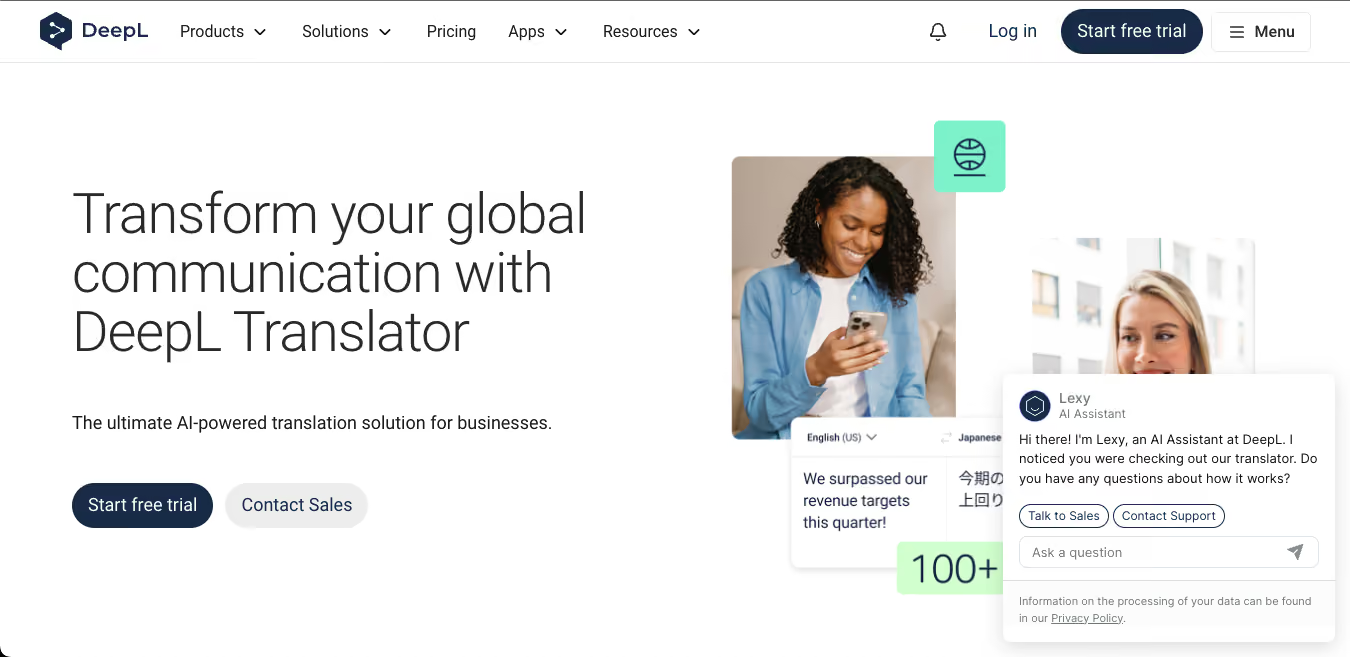
DeepL is best known for text translation accuracy, especially for European languages. Its mobile app includes voice input, and DeepL Voice (separately, on the desktop side) offers real-time meeting translation. For mobile use, DeepL is the go-to app for people who want the most natural-sounding translations.
Key Features of DeepL
- Market-leading accuracy for European language pairs
- Voice input and text-to-speech output
- Alternative translation suggestions
- Favorite translations saved for reuse
DeepL Pricing
- Free tier with limits; DeepL Pro starts at $8.74/month.
iTranslate
Best for: Travelers and learners who want translation integrated into their everyday apps.
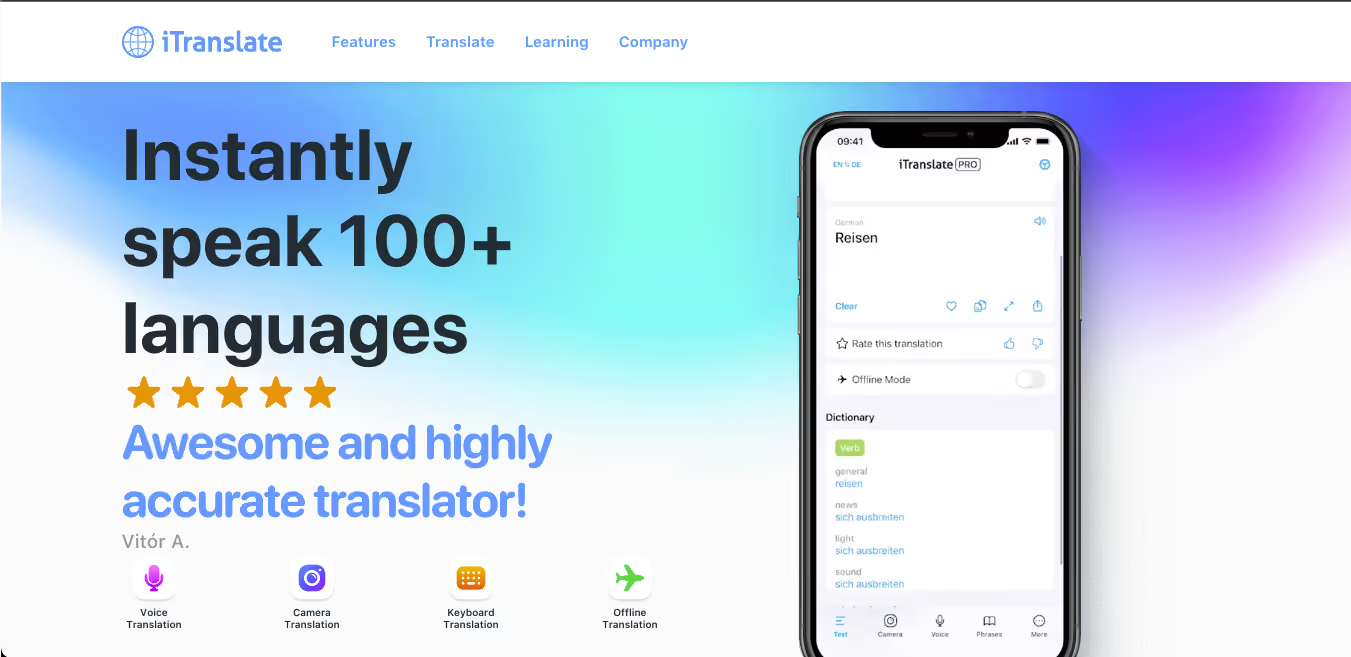
iTranslate positions itself as a voice-first companion for travelers and language learners. It supports 100+ languages, includes a phrasebook with 250+ preset phrases, and offers a keyboard extension for translating directly inside other apps.
Combined, these capabilities make iTranslate one of the best apps for talking to foreigners, especially for real-time conversations and everyday interactions across languages.
Key Features of iTranslate
- 100+ languages with voice translation
- Offline mode with Pro subscription
- Keyboard extension for WhatsApp, iMessage, Instagram
- Phrasebook and flashcards for language learning
iTranslate Pricing
- Free tier with ads and limits. iTranslate Pro at $9.99/month or $99.99/year.
Papago Translation App
Best for: Travelers and users working across East and Southeast Asian language pairs.
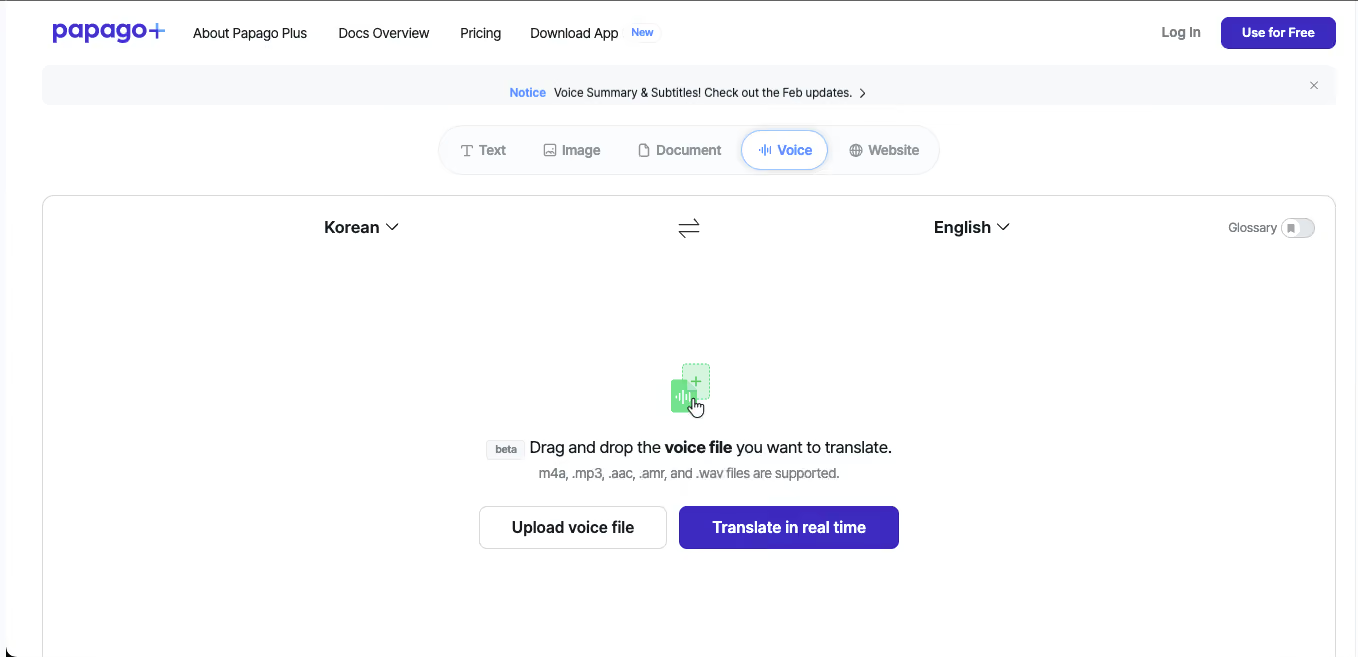
Papago is Naver's translation app and is especially strong for Asian languages, including Korean, Japanese, Chinese, Thai, Vietnamese, and Indonesian. Its translation quality for these language pairs often exceeds Google Translate, which is why it's widely used across Southeast Asia. Papago’s strong performance in Asian language pairs, particularly Chinese, also makes it one of the best English to Chinese translators for everyday and conversational use.
Key Features of Papago
- Text, voice, image, and handwriting translation
- Strong accuracy for Korean, Japanese, Chinese, Vietnamese, Thai
- Clean, minimal interface
- Works in China and regions where Google is restricted
Papago Pricing
- Completely free; Papago Plus provides image translation and costs $8.49 - $25.49/month.
Notta
Best for: Teams who prioritize transcription and summary generation over live real-time translation.
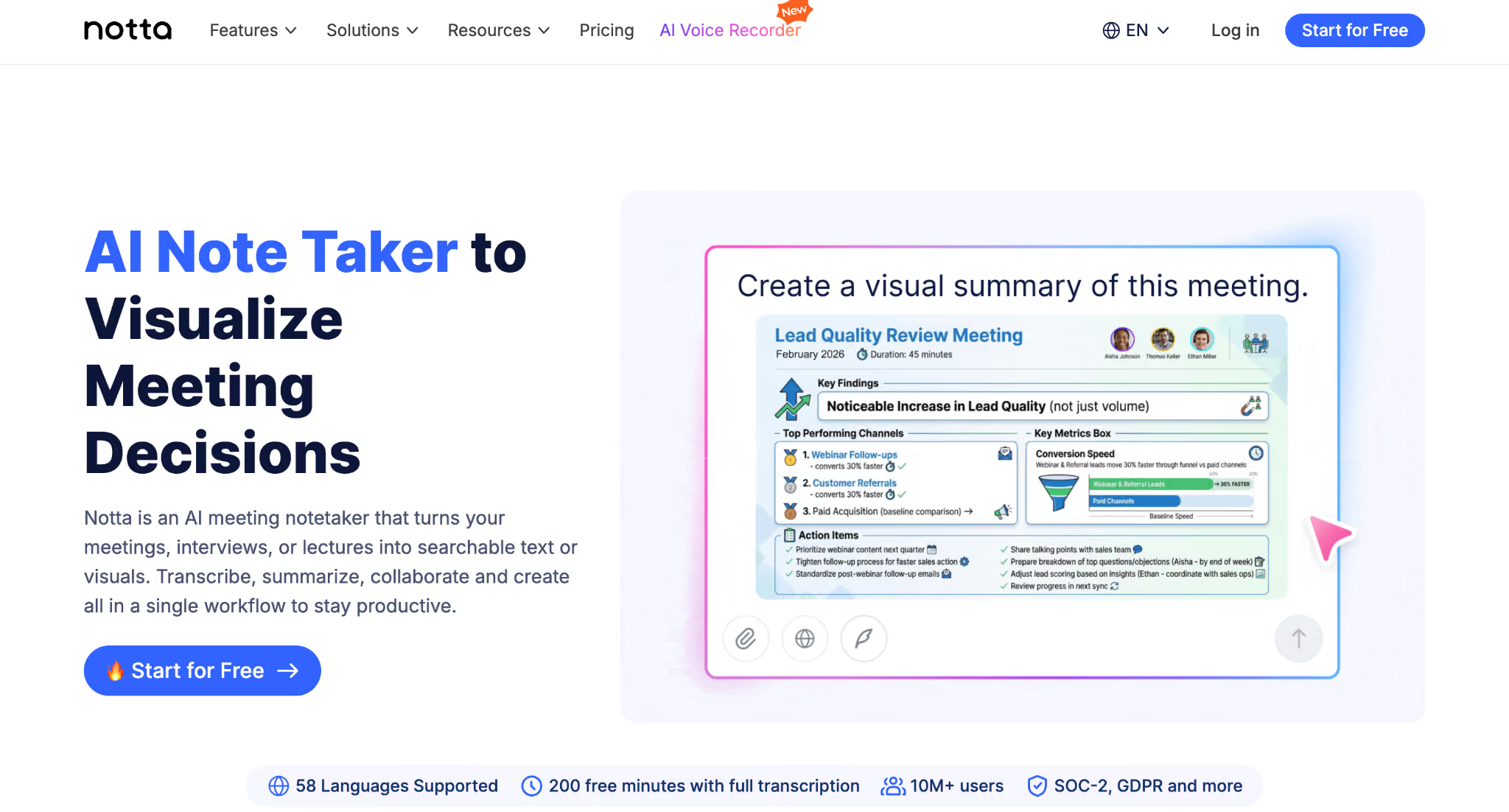
Notta is an AI-powered transcription app with translation layered on top. Its core strength is turning audio (live or recorded) into searchable transcripts and then translating them into 40+ languages. It's built more for post-meeting use than live conversation.
Key Features of Notta
- 40+ translation languages, 58 transcription languages
- AI summaries in 58 languages
- Speaker identification
- Integrates with Zoom and Google Meet
Notta Pricing
- Free tier available. Paid plans start at $8.17/month billed annually.
SayHi Translate App
Best for: Casual travelers who want a simple, no-frills voice translator without subscriptions.
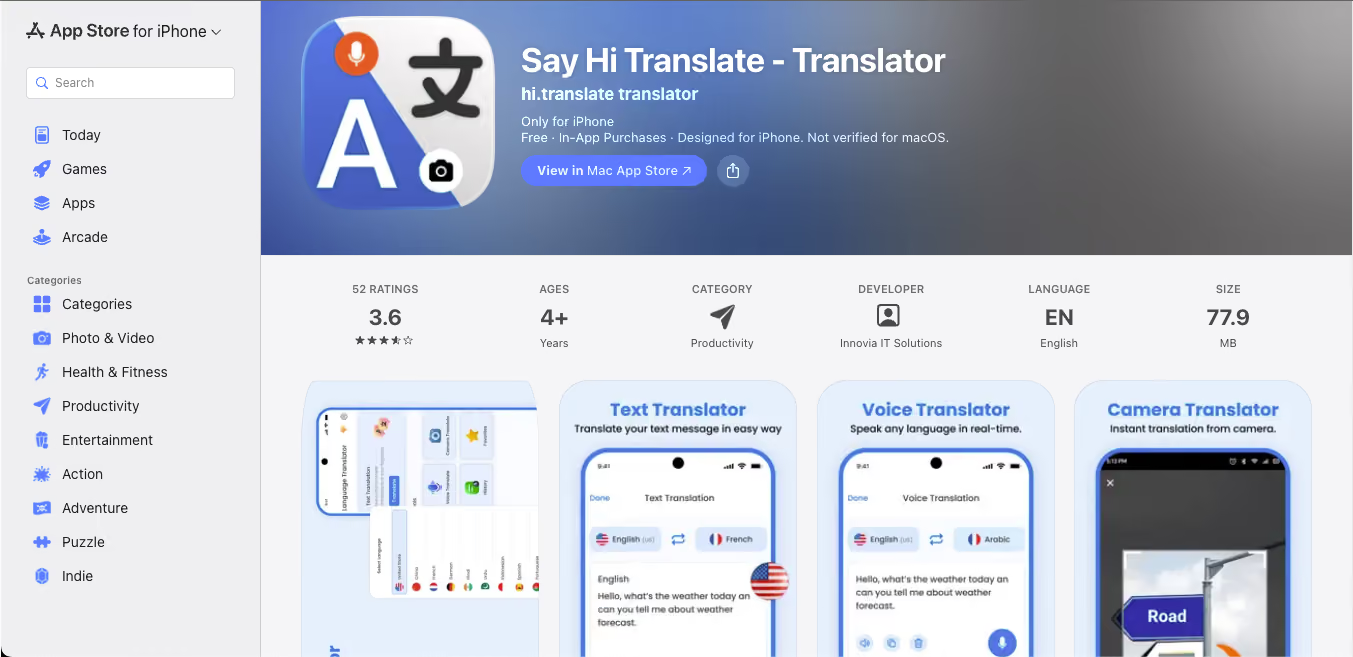
SayHi is a simple, free voice translator app with a clean UI focused on casual two-way conversations. It supports 90+ languages and dialects, handles voice and text, and works well for short in-person exchanges.
Key Features of SayHi
- 90+ languages and dialects
- Male and female voice output options
- Adjustable speech speed
- Completely free
SayHi Pricing: Free
Transync AI Translation App
Best for: Users who prioritize translation speed above all and want a dedicated app for voice-to-voice conversations.
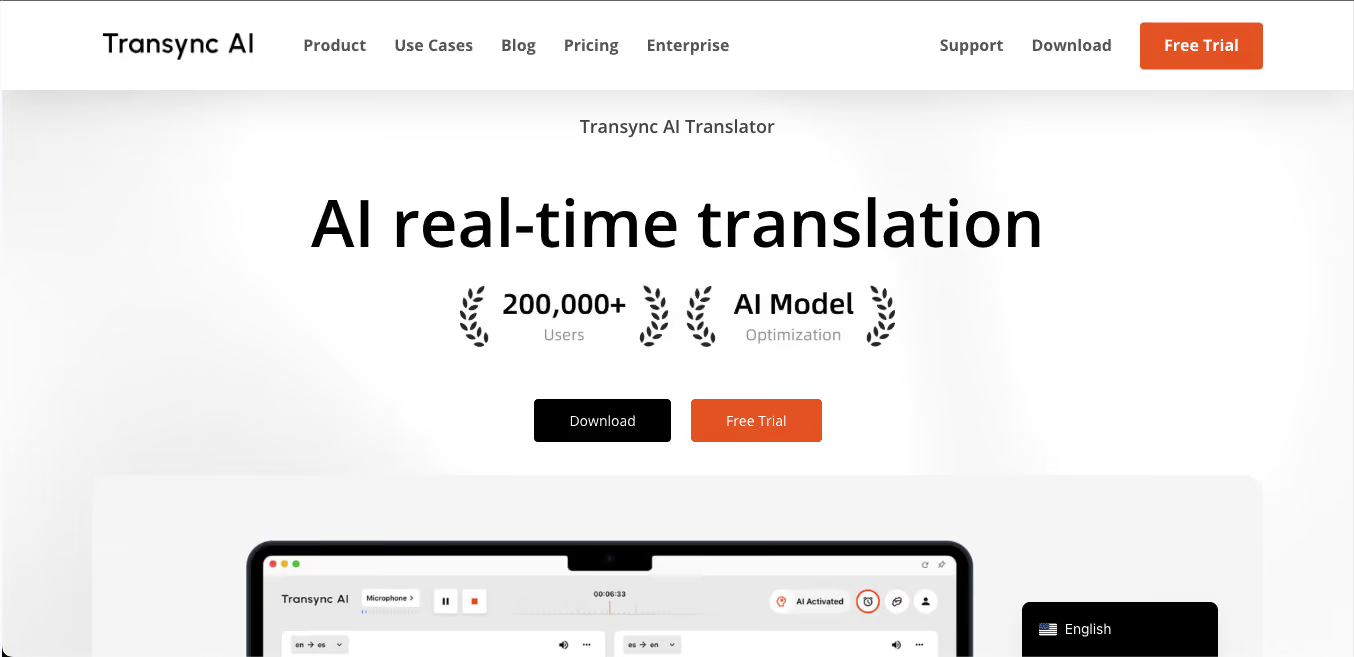
Transync AI positions itself around near-zero latency and a dual-screen display that shows source and translated text side by side. It's newer to the space but has built a strong reputation for speed in live voice-to-voice translation.
Key Features of Transync AI
- Near-zero latency real-time translation
- Dual-screen display for speaker and listener
- 60+ languages supported
- Free 40-minute trial
Transync AI Pricing
- Transync AI Personal Premium plan comes at $8.99/month.
Baidu Translate App
Best for: Travelers and professionals operating in Mainland China or working with Chinese-language content.
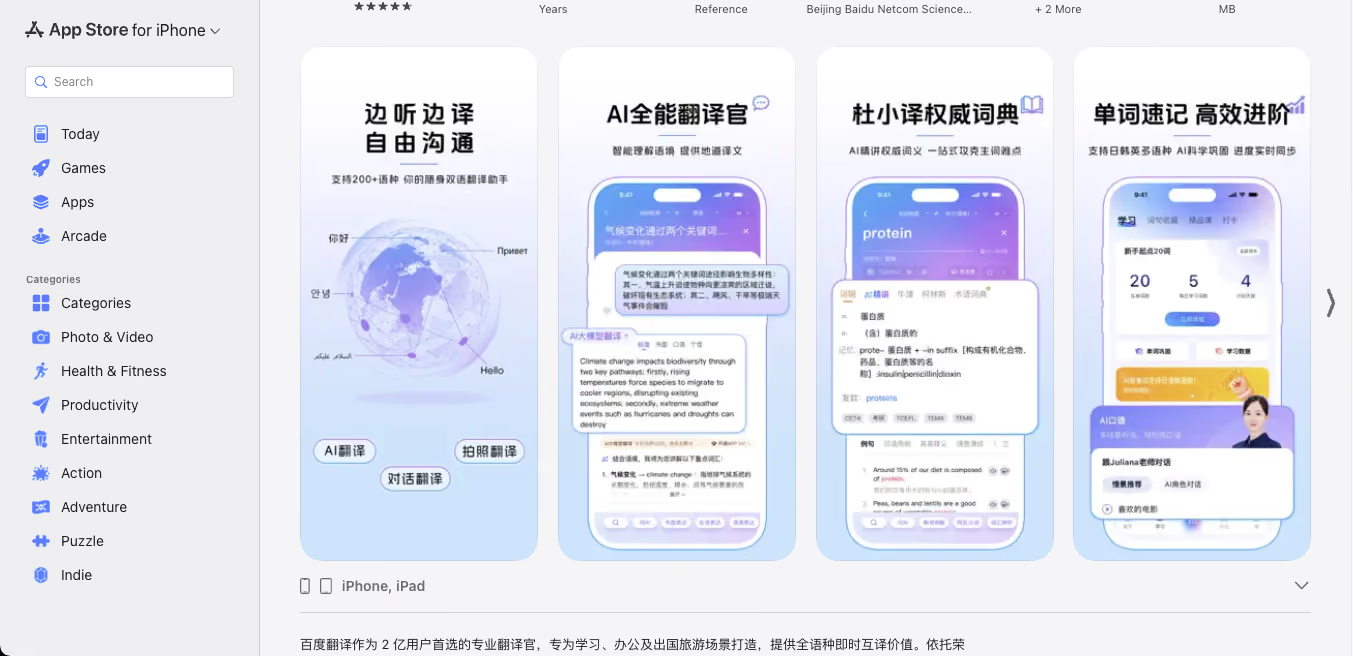
Baidu Translate is the default translation tool for users in Mainland China, where Google services are blocked. It handles voice, text, and image translation and works without a VPN, which makes it essential for anyone traveling to or working in China without reliable Google access.
Key Features of Baidu Translate
- Works natively in China without a VPN
- Voice, text, and camera translation
- Strong accuracy for Mandarin, Cantonese, and regional Chinese dialects
- Offline translation packs available
Baidu Translate Pricing: Free
Soniox App
Best for: Users in bilingual or multilingual environments where speakers naturally switch between languages.
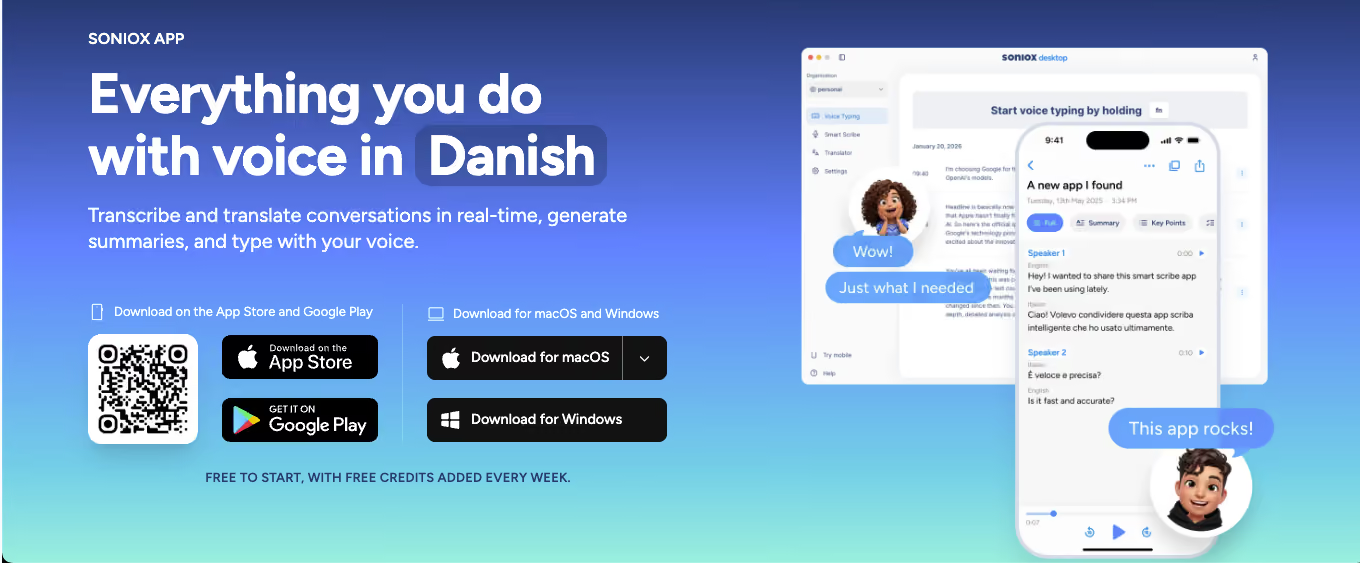
Soniox App is built on next-generation speech AI and supports real-time translation across 60+ languages, including mixed-language conversations where speakers switch mid-sentence. It's one of the few mobile voice translation apps that handles code-switching well, which matters in bilingual households and multilingual workplaces.
Key Features of Soniox App
- 60+ languages with real-time translation
- Handles mixed-language speech (code-switching) natively
- Comes with speaker detection
- Privacy-first: no audio storage, no training on user data
Soniox App Pricing
- Free to start, with weekly free credits. Soniox App’s Pro plan comes at $19.99/month
Top 5 Voice Translator Devices for Travel and In-Person Conversations
Dedicated voice translator devices are purpose-built hardware that handles translation outside of any phone or laptop. These best travel translation apps are useful for travelers who don't want to drain their phone battery, for noisy outdoor environments where built-in microphones struggle, and for two-party conversations where a dedicated device feels less intrusive than passing a phone back and forth.
Timekettle WT2 Edge / X1 Interpreter Hub
Best for: Frequent international travelers and business professionals who want premium translation hardware.
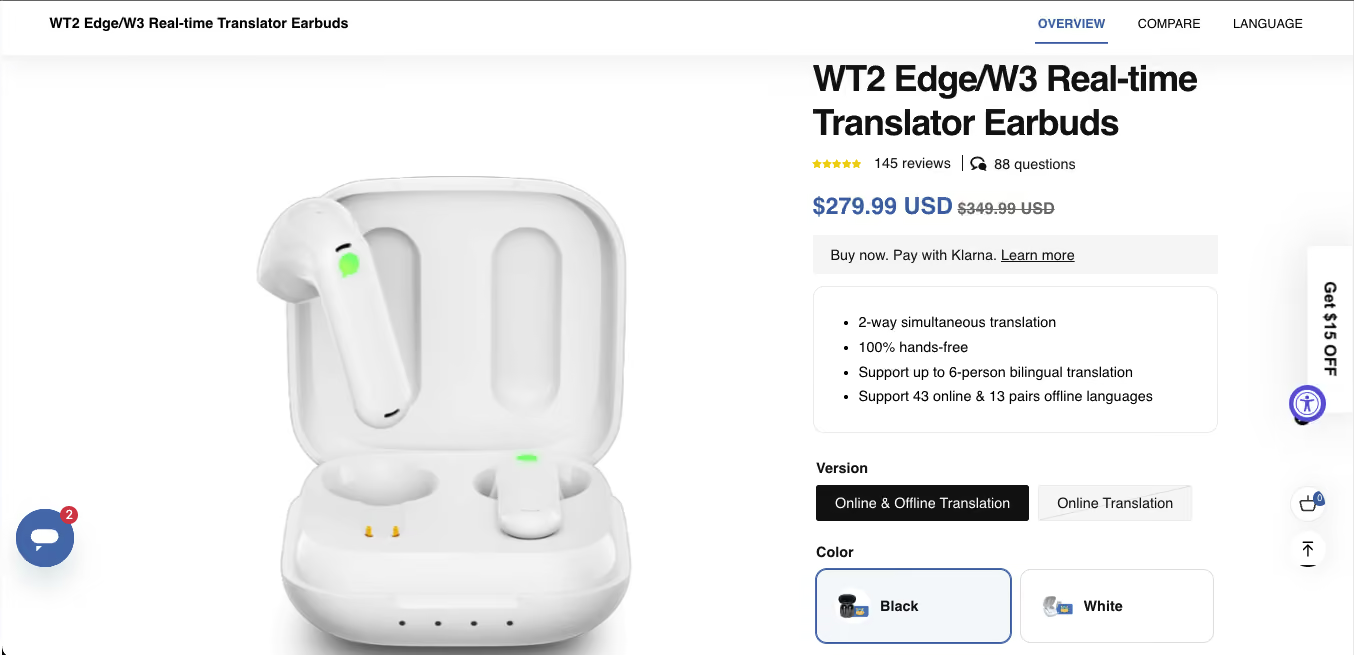
Timekettle is the dominant brand in translator earbud hardware. The WT2 Edge uses two earbuds (one for each speaker) to deliver near-simultaneous bilingual conversation, while the X1 Interpreter Hub is a handheld device with advanced AI interpretation across 40+ languages.
Key Features of Timekettle
- Earbud-based or handheld form factors
- 40+ languages supported
- 0.5-second translation delay in real conversations
- Works offline for core language pairs
Timekettle Pricing
- Timekettle WT2 Edge translation earbuds typically retail for around $279.99 to $349.99. at $329. X1 Interpreter Hub at $699. W4 Pro AI Interpreter Earbuds come at $381.65.
Pocketalk S Plus
Best for: Travelers who want a standalone device with built-in connectivity and a visual screen.
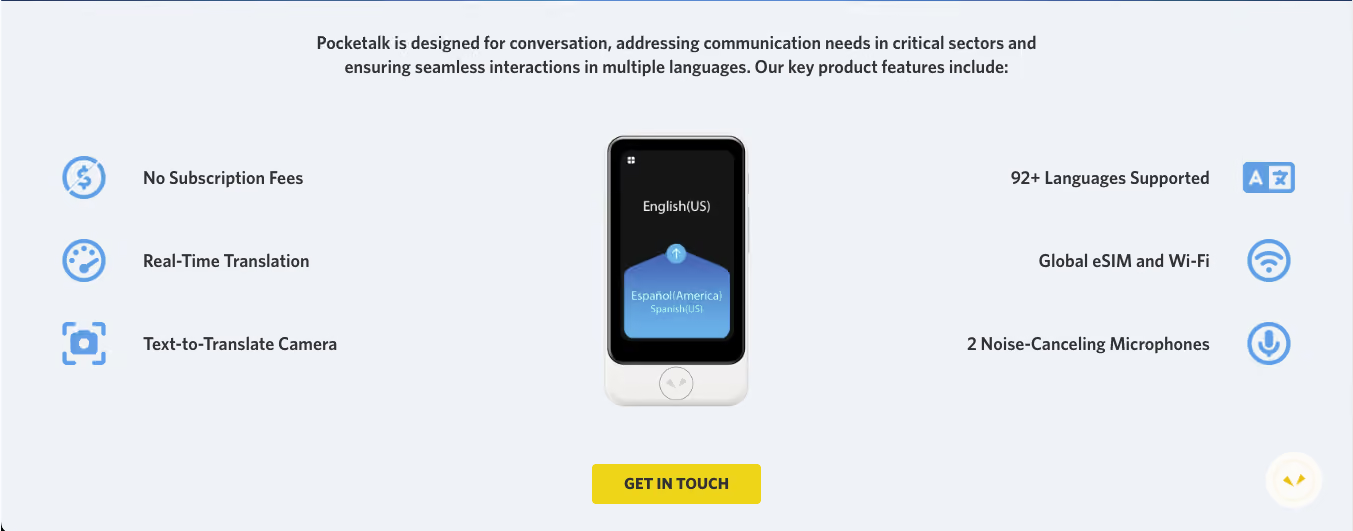
Pocketalk is a widely used standalone translation device with a dedicated screen and cellular connectivity in many models. It's popular with tourism boards, hotels, and hospitality businesses globally.
Key Features of Pocketalk
- 82 languages supported
- Built-in cellular data (no SIM required in many countries)
- Touch screen with visual translation display
- Integrated camera translation for signs and menus
Pocketalk Pricing
- Pocketalk S Plus at around $299; whereas Pocketalk S2 Plus comes at $349.95
Vasco V4
Best for: European travelers and anyone who wants a device that works worldwide without needing to buy SIM cards.
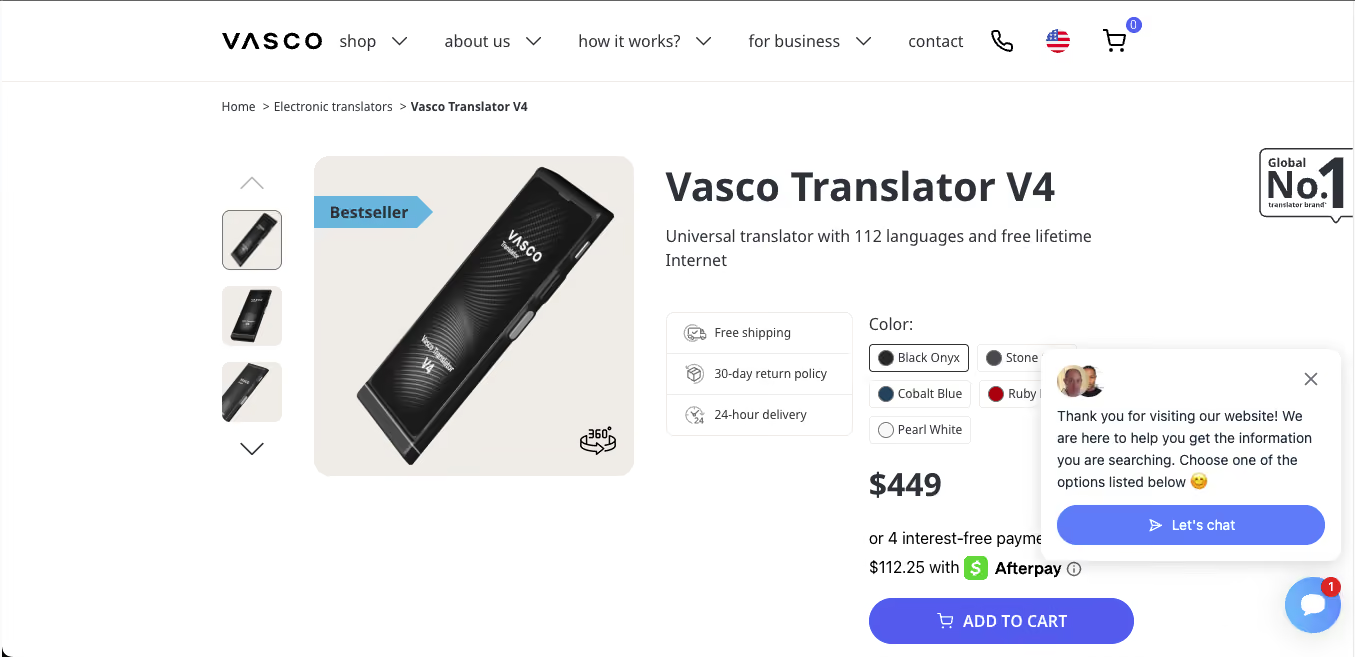
Vasco V4 is a European brand that ships devices with free lifetime internet in 200+ countries, which removes the headache of SIM cards and roaming charges. The V4 supports 108 languages and has a dedicated photo translator for menus and signs.
Key Features of Vasco V4
- 108 languages supported
- Free lifetime internet in 200+ countries
- Photo translator for printed text
- MultiTalk feature for group conversations
Vasco V4 Pricing
- Vasco V4 at around $449.
Langogo Genesis
Best for: Professionals who need a dedicated device for client meetings and presentations abroad.
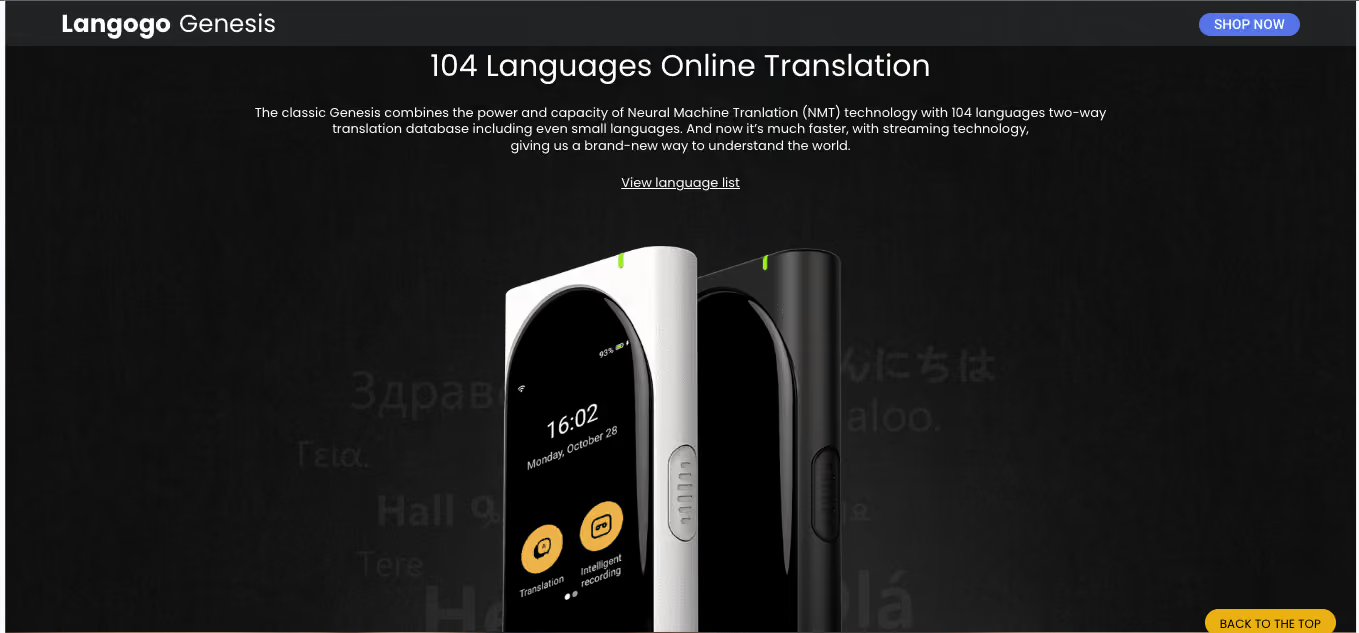
Langogo Genesis is a pocket-sized professional translation device with a 3.1-inch touchscreen and simultaneous interpretation mode for meetings. It translates across 104 languages and includes cloud-based synchronization for translations across devices.
Key Features of Langogo Genesis
- 104 languages with one-button two-way translation
- 3.1-inch touchscreen
- Simultaneous interpretation mode
- Cloud sync across devices
Langogo Genesis Pricing
- Langogo Genesis AI pocket translator is priced at around $249 to $269.
Fluentalk T1 Mini
Best for: Budget-conscious travelers who want dedicated translation hardware without spending on a flagship device.
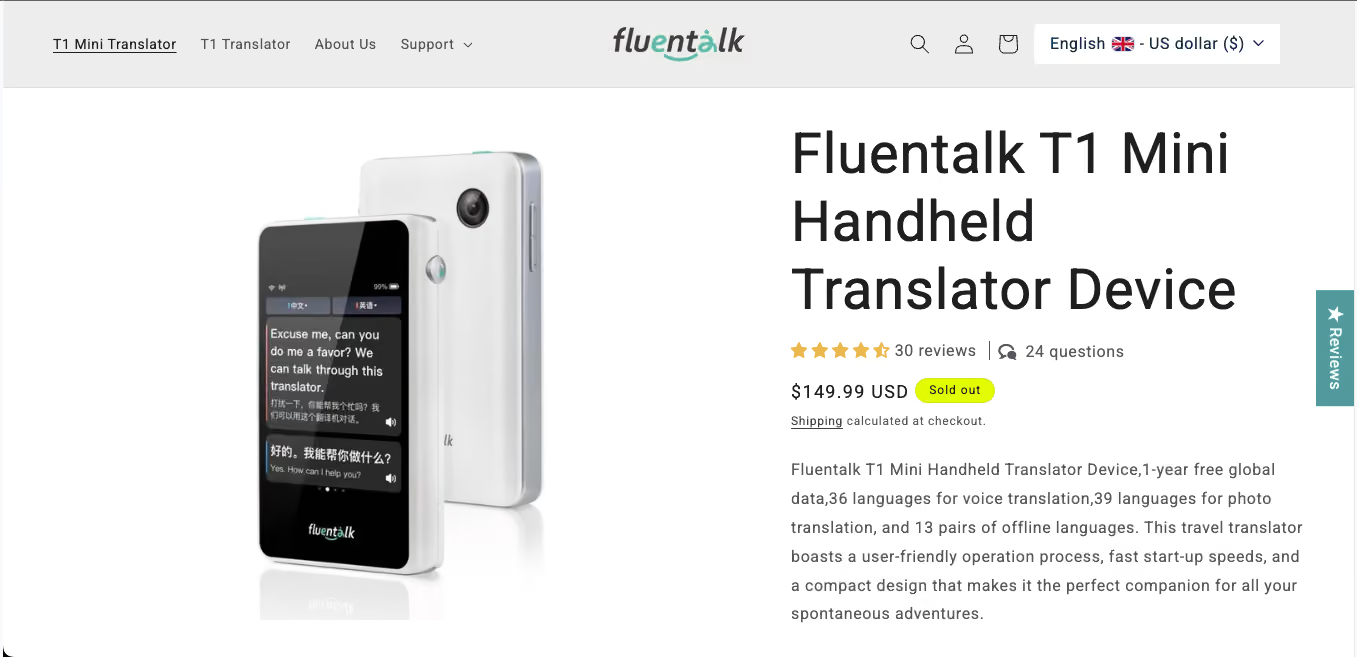
Fluentalk is Timekettle's consumer-focused sub-brand, and the T1 Mini is a compact pocket translator with a small touchscreen and solid offline translation for major language pairs. It's one of the more affordable options in dedicated hardware.
Key Features of Fluentalk
- 36 online languages, 13 offline pairs
- Compact, pocket-sized design
- Photo translation
- Two-year global data included
Fluentalk Pricing
- Around $149.99 [as of April 2026, the product is currently sold out]
Top 7 Voice Translator Apps for PC and Mac (Desktop Software)
Desktop voice translator apps handle the heavier lifting: long meetings, event-scale webinars, multi-hour interpretation sessions, and workflows that integrate with other desktop tools. These seven apps are the strongest desktop options in 2026.
JotMe Desktop: Best Voice Translator App for MacBook & Best Voice Translator App for PC
Best for: Remote team leads, event managers, founders running multilingual client calls, and global SaaS teams working across Mac and Windows.
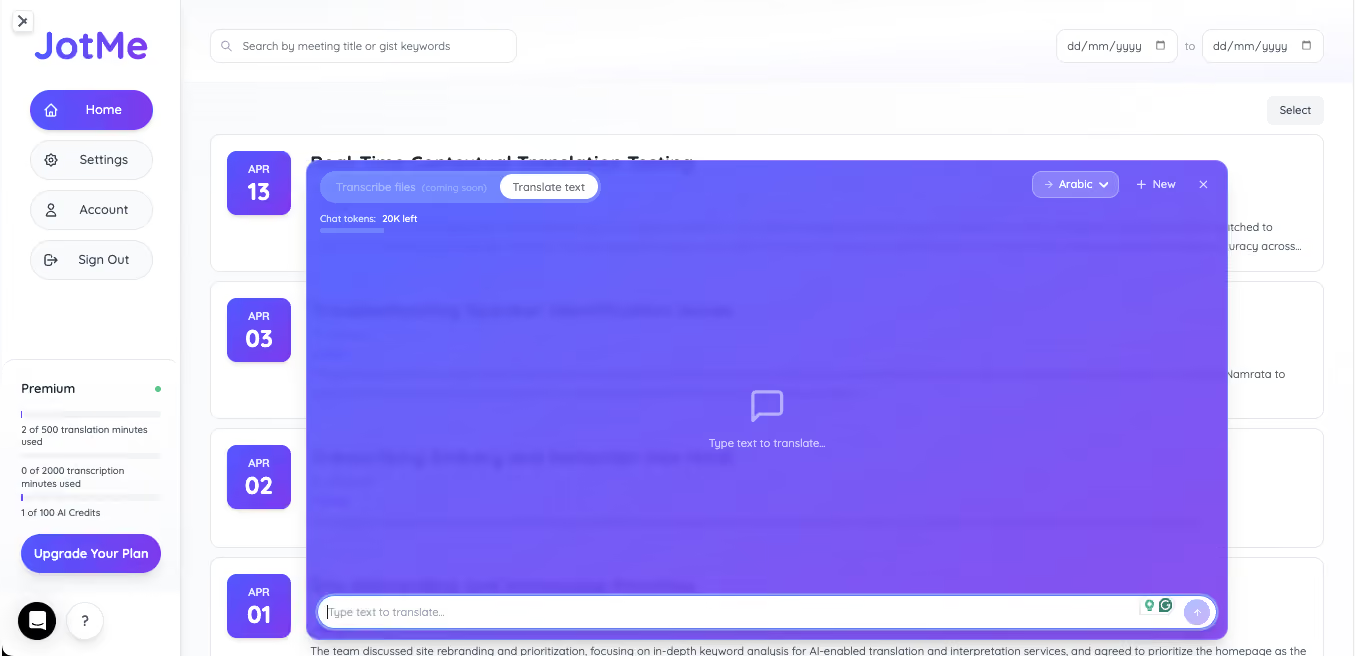
JotMe's desktop app is the most complete voice translator app available for Mac and Windows in 2026. It captures system audio directly, which means it works with any platform your conversation happens on: Zoom, Google Meet, Teams, Webex, Slack Huddles, Discord, WhatsApp Desktop, LINE, WeChat, and even audio playing in your browser.
The premium spoken language model brings improved speaker diarization, faster and more stable translation sharing, and 200+ languages for spoken language detection, which is significantly deeper than any competitor in the desktop space. Combined with AI meeting notes, AI meeting summary in 21 languages, and the Ask JotMe feature for searching what was said during or after the meeting, JotMe is the most comprehensive desktop voice translator app on this list.
Key Features of JotMe
- 39,800 language combinations for live translation
- 200+ languages for premium spoken language detection
- Improved speaker diarization and context handling
- AI meeting notes in 21 languages
- Ask JotMe for post-meeting Q&A and recall
- Translation sharing via code, URL, QR code, subtitle camera
- Real-time summary generation during meetings
- Text-to-text translation built in
- Custom vocabulary support for industry terms
- Bot-free integration with every major platform
JotMe Pricing
- Free: 20 minutes per month, full features
- Pro: $10/month
- Premium: $15/month
- Enterprise plans available
Download JotMe for Mac and Windows
DeepL Voice
Best for: Professionals who prioritize translation quality over language breadth and work within Microsoft Teams.
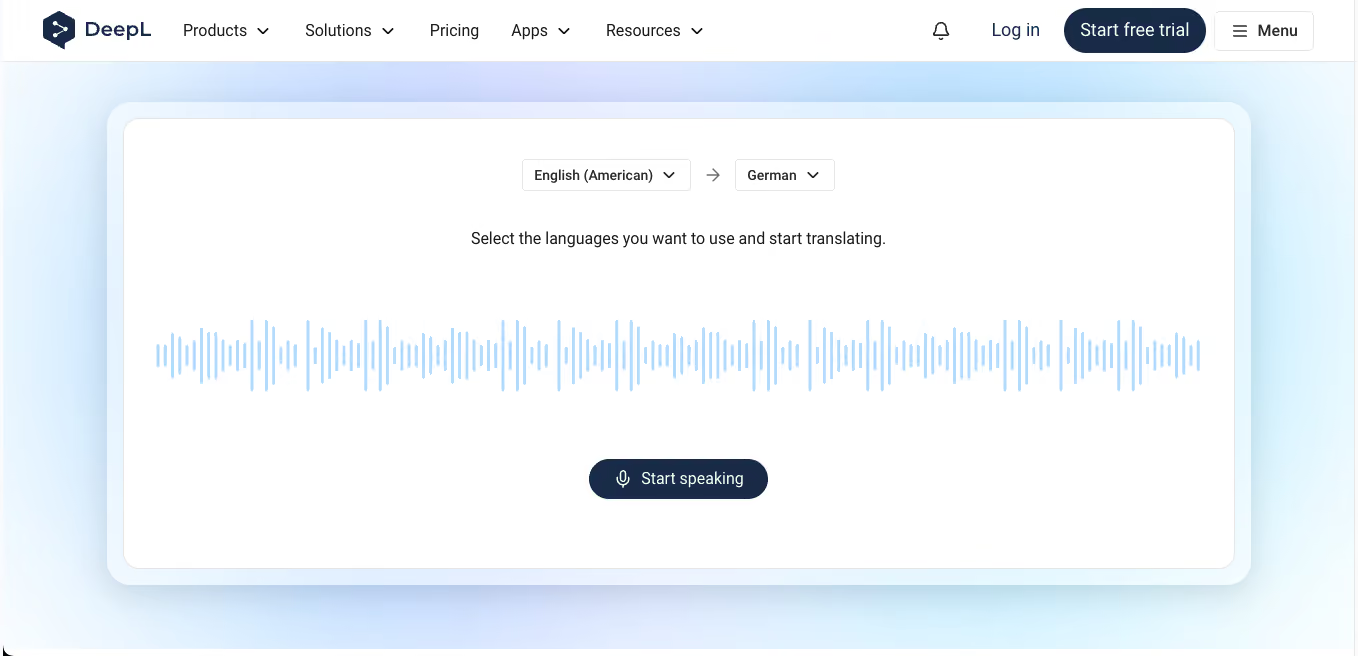
DeepL Voice extends DeepL's reputation for translation accuracy into live voice translation for meetings. It integrates with Microsoft Teams and delivers real-time translated captions. For users already committed to DeepL's translation quality for text, the voice version is a natural extension.
This emphasis on fast, real-time speech processing reflects broader market momentum, with the global speech-to-text API market projected to grow from USD 3,813.5 million in 2024 to USD 8,569.4 million by 2030, at a CAGR of 14.4%.
Key Features of DeepL
- Real-time translation in 30+ languages
- Microsoft Teams integration
- Strong accuracy for European language pairs
- Integrated captions during meetings
DeepL Pricing
- DeepL Pro starts at $8.74/month (billed annually); Voice features are included in higher tiers.
Wordly
Best for: Enterprise event teams, conference organizers, and companies running large internal town halls.
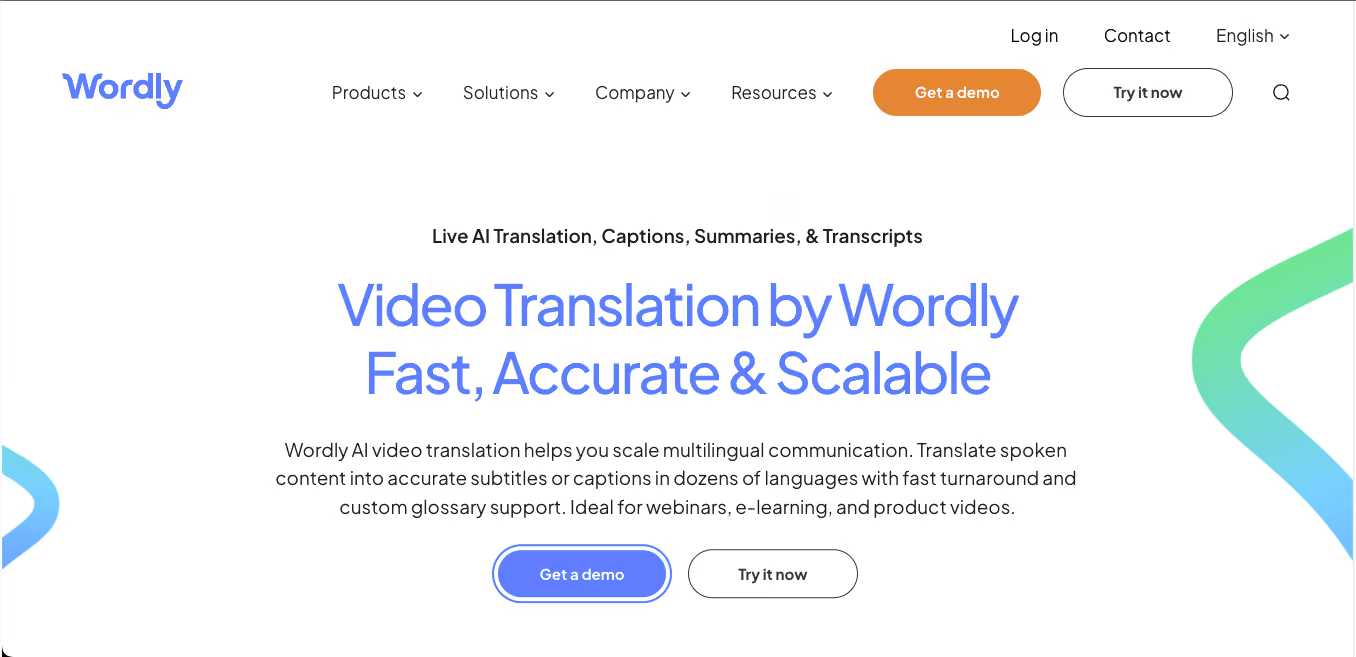
Wordly is built for events and webinars at scale. It delivers live AI translation, captions, and transcripts for conferences, internal town halls, and large multilingual meetings. It's a common choice for enterprise events where reliability and audience-scale language access matter most.
Key Features of Wordly
- Live AI translation across 60+ languages
- Audience captions in each viewer's preferred language
- Transcripts and post-event recordings
- Works with Zoom, Teams, Webex, Google Meet, and streaming platforms
Wordly Pricing
- Custom enterprise pricing based on event size and usage.
Maestra AI
Best for: Content creators, event producers, and teams who need voice cloning alongside real-time translation.
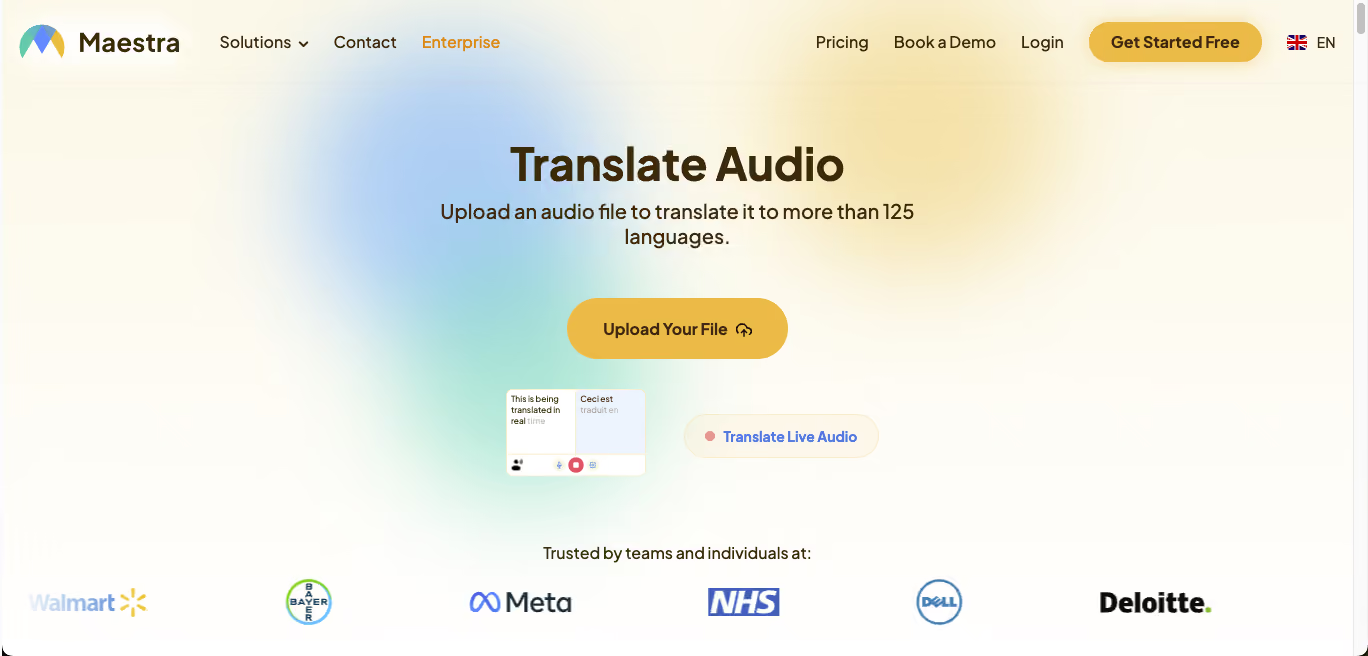
Maestra is a complete multilingual communication platform with live translation, live captions, and AI voice cloning. Its live voice translation supports 125+ languages and includes real-time dubbing with AI voices, which is useful for content production workflows in addition to meetings.
Key Features of Maestra
- 125+ languages for live translation
- AI voice cloning with live dubbing
- Live captions with session sharing via QR code
- Browser-based, no download required
Maestra Pricing
- Free live transcription available. Maestra AI pricing starts at $12 for 60 credits. If you want to go ahead with the monthly subscription plan, the Maestra AI Lite plan starts at $23 for 180 minutes.
Boostlingo AI Pro
Best for: Healthcare, legal, and customer support teams that need both AI translation and access to human interpreters.
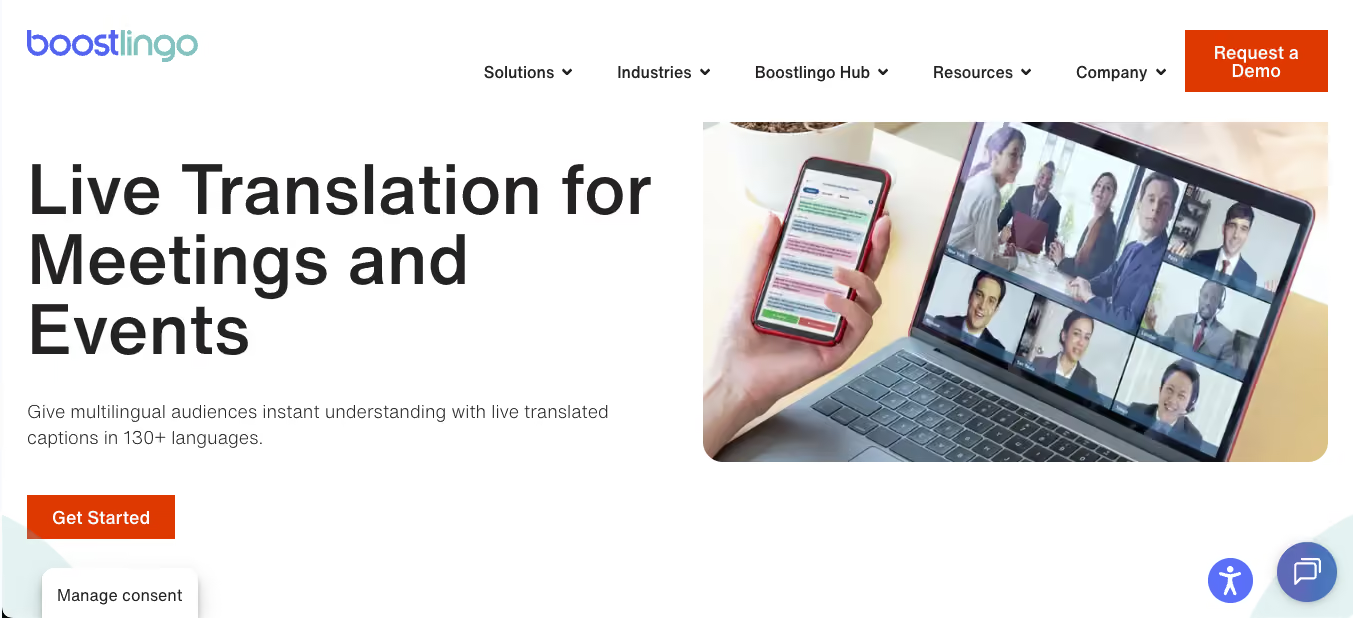
Boostlingo combines AI translation with on-demand access to human interpreters, making it a strong choice for healthcare, legal, and customer support teams where nuance matters and human backup is sometimes required. The platform sits at the intersection of the human interpreter vs AI interpreter debate, giving teams the option to start with AI for speed and cost and escalate to a qualified human interpreter when the stakes require it.
Key Features of Boostlingo
- Live AI captioning in 130+ languages
- Over-the-phone interpretation with qualified human interpreters
- Custom glossary for industry-specific terms
- Chrome extension for Google Meet
Boostlingo Pricing
- Subscription-based, with usage-based plans for enterprise.
Interprefy
Best for: Large-scale event organizers running multilingual conferences and hybrid summits.
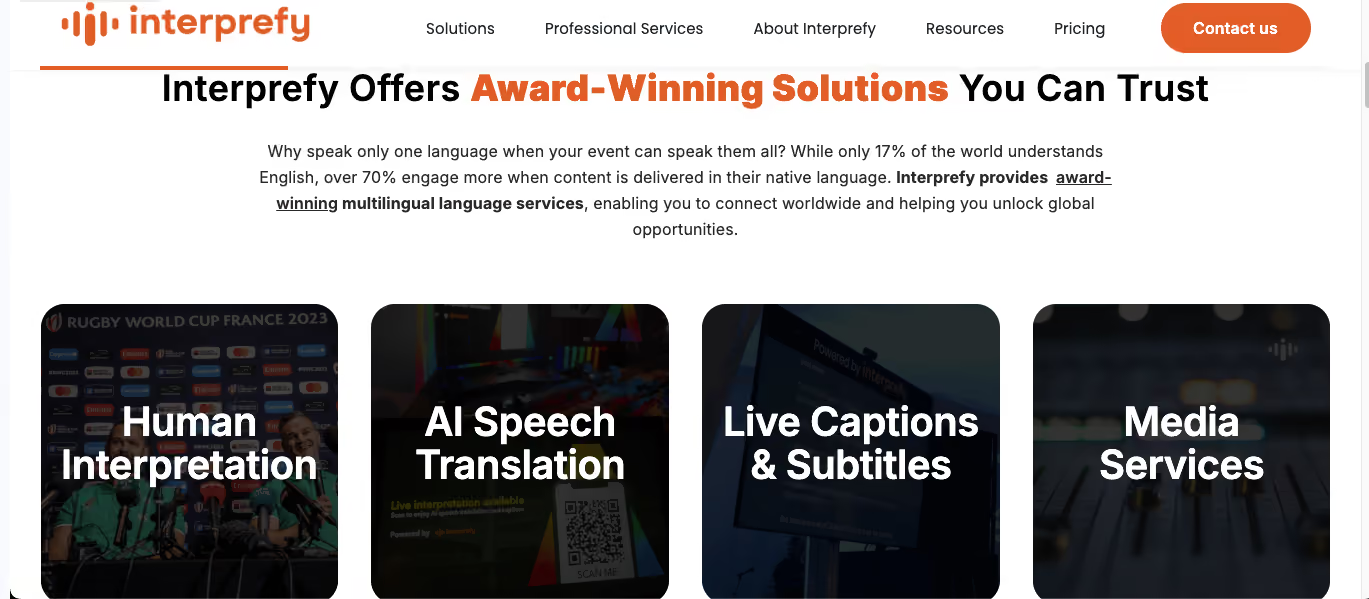
Interprefy is a cloud-based simultaneous interpretation platform designed for large-scale live events and hybrid conferences. It combines AI interpretation with human interpreter options and integrates with every major video conferencing platform. The tool features the cutting-edge RSI technology and AI-powered tools for seamless multilingual communication.
Key Features of Interprefy
- Simultaneous interpretation for conferences and summits
- Hybrid AI and human interpreter workflows
- Integrates with Zoom, Teams, Webex
- Attendee-language selection for hybrid events
Interprefy Pricing
- Enterprise pricing based on event size.
KUDO AI
Best for: Enterprises running high-stakes multilingual events where both scale and accuracy are non-negotiable.
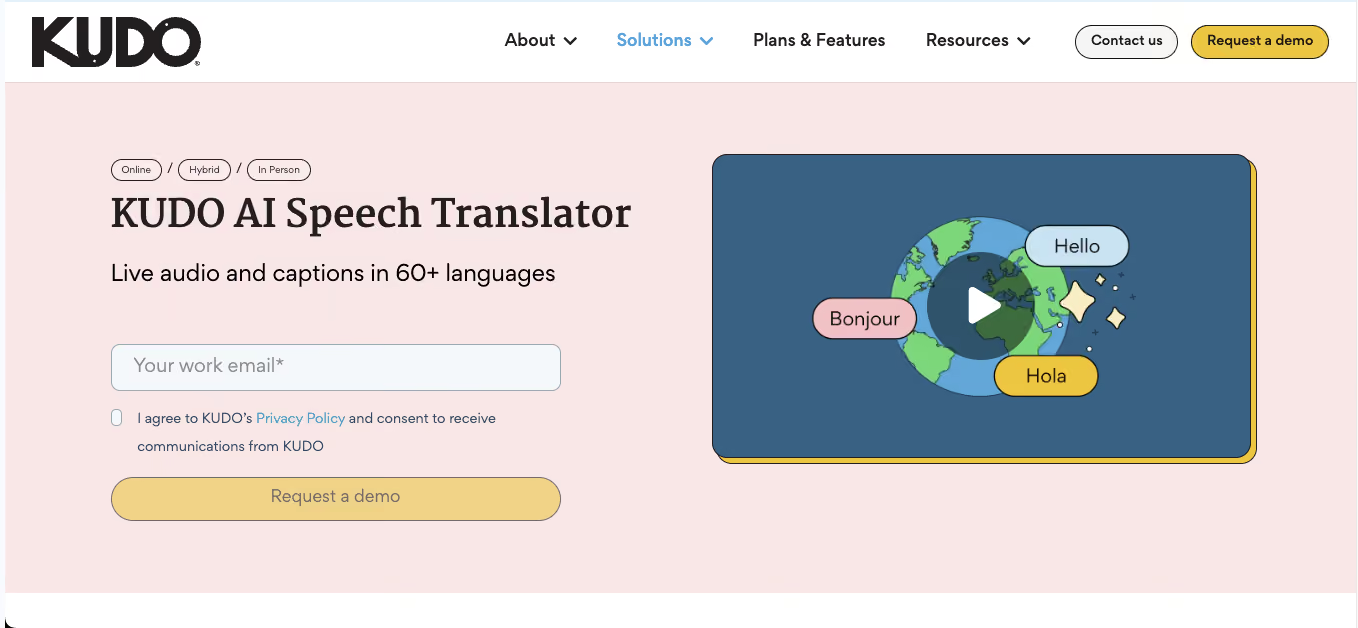
KUDO offers real-time AI interpretation in 200+ languages for enterprise events, with a hybrid option that lets organizers bring in human interpreters when conversations require nuance beyond what AI can deliver.
Key Features of KUDO
- AI interpretation in 200+ languages
- Hybrid AI and human interpreter workflows
- Multilingual Q&A sessions for audience engagement
- Enterprise-grade security and compliance
KUDO Pricing: Custom enterprise pricing.
Top Voice Translator App Online (Browser-Based)
For users who prefer not to install desktop software, browser-based voice translator apps offer real-time translation directly inside Chrome, Safari, or any other modern browser. The following tools are the strongest online options.
JotMe Chrome Extension: Best Voice Translator App Online
Best for: Google Meet users who want top-tier translation without installing desktop software.
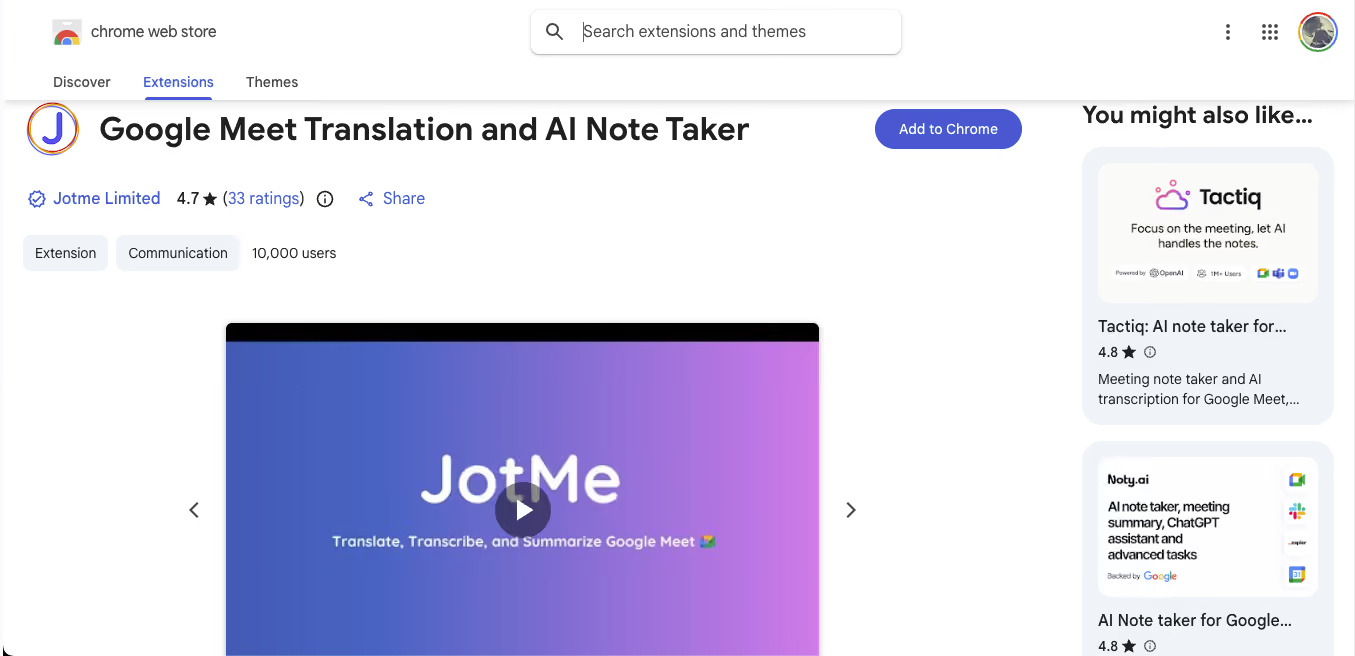
JotMe's Chrome extension brings real-time translation to Google Meet directly in the browser, with multilingual transcription, live captions, and AI meeting notes. It supports 200+ languages for spoken language detection and delivers the same premium accuracy as the desktop app, without requiring any installation beyond a Chrome extension, making it ideal for Google Meet users.
Boostlingo AI Pro Chrome Extension
Best for: Healthcare, legal, and customer support teams on Google Meet.
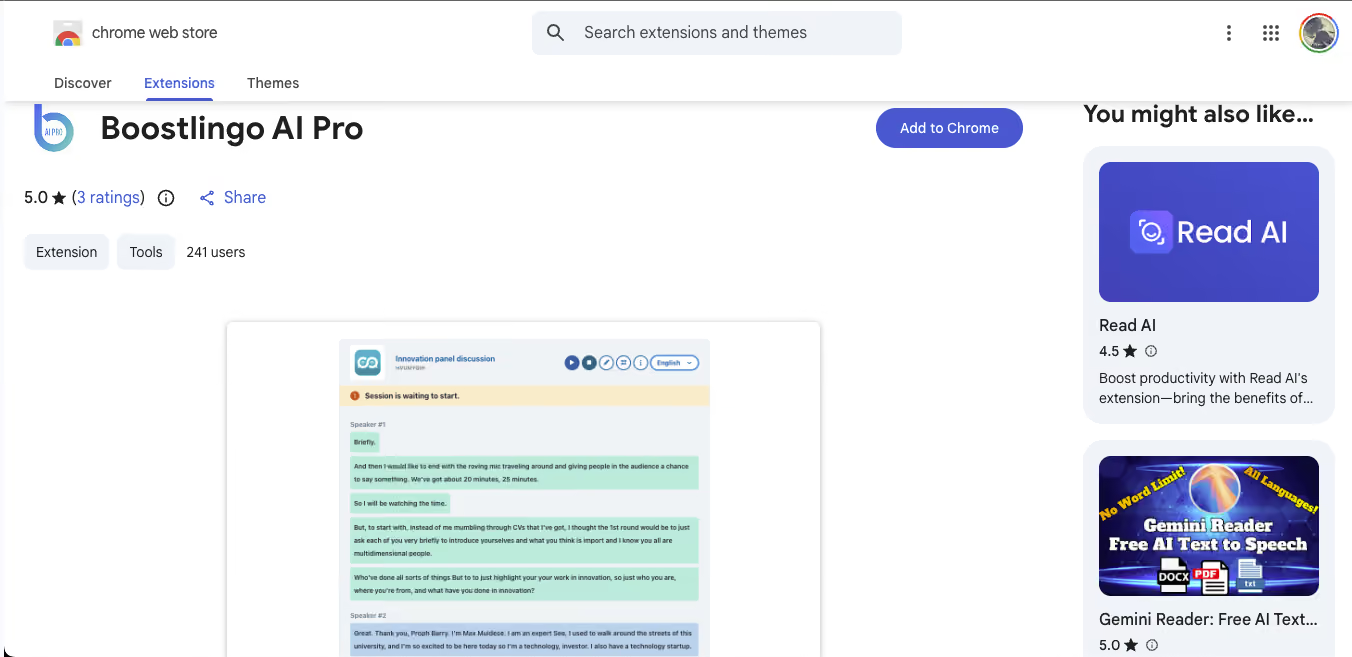
Boostlingo's Chrome extension delivers live captioning in 130+ languages inside Google Meet. Custom glossary support makes it useful for industry-specific terminology that generic translation engines get wrong.
Best Free Voice Translator App: What "Free" Actually Means in 2026
The term "free" gets applied loosely across the voice translator app category. Before you download anything, it helps to understand what you're actually getting. Free voice translator apps fall into four distinct buckets, each with different trade-offs.
Completely free (with limitations): Google Translate is the clearest example. It's free, supports 133 languages, works offline for 59 languages, and has no usage caps. The trade-off is that it's built for casual use, not professional meetings, like JotMe.
Apple Translate is completely free for iPhone users and works offline in its supported languages. Microsoft Translator is free for personal use across 70+ languages. SayHi Translate is also free with 90+ languages and two-way voice conversations. These apps don't require a credit card, don't cap usage, and don't try to upsell you mid-conversation.
Freemium with a usable free tier: JotMe offers 20 minutes of translation per month on its free plan, with full access to every feature, including AI meeting notes, AI live translation sharing, and Ask JotMe. That's the most generous freemium plan in this category because you are testing the actual product, not a feature-gated demo.
Free trial that converts to paid: Most enterprise voice translator apps fall into this category. Wordly, KUDO AI, Interprefy, Boostlingo, DeepL Voice, and Maestra all offer free trials, but these usually require a credit card upfront and automatically convert to paid plans. These are useful for evaluation but are not practical "free" options for ongoing casual use.
Regionally free alternatives: Some voice translation apps are free only in specific regions or are practical only in specific regions. For instance, take Baidu Translate as an example. Baidu is the best free voice translator app in Mainland China, where Google services are blocked. Papago is a strong free option across East and Southeast Asia, particularly for Korean, Japanese, Vietnamese, Thais, and Indonesian.
The recommendation:
- For casual travel and one-off translations, Google Translate is the best completely free voice translator app.
- For meetings and professional use, JotMe's 20-minute free tier is the most usable freemium plan because you get the full feature set rather than a demo.
- For Mainland China, Baidu Translate is the reliable free choice.
- For iPhone users who prioritize privacy, Apple Translate handles most everyday needs for free with on-device processing.
Which Voice Translator App Should You Choose?
With 32+ options across six categories, the right choice depends entirely on what you're trying to do. Here's the quick decision framework.
For most professionals running multilingual work, the answer is JotMe across desktop, mobile, and Chrome. For specific edge cases like enterprise events, regional restrictions, or content production, one of the specialized tools in this guide is a better fit.
How to Choose a Voice Translator App: 5 Factors That Actually Matter
Different apps are built for different jobs. A tool that works for a traveler ordering coffee will not work for a product manager running a Zoom call in three languages.
Here are the five factors that matter most when making the choice between different voice translator apps:
1. Continuous interpretation vs. push-to-translate. Most free voice translator apps, like Apple Translate and even Google Translate for that matter, require you to tap a microphone, wait for the translation, then tap again for the response. This breaks the flow of any conversation longer than two sentences. The best voice translator apps for meetings and events should run continuously, listening to the full conversation and translating as it happens.
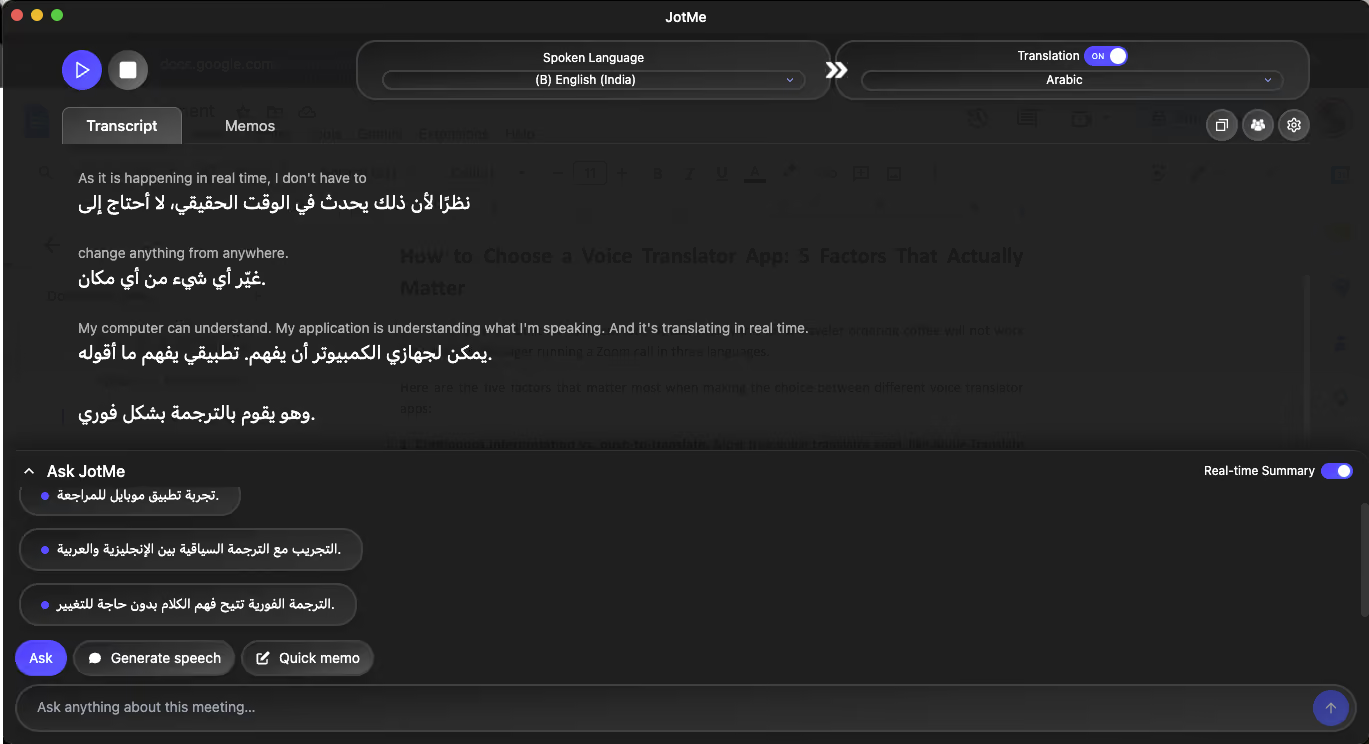
2. Context accuracy over language count. We have all seen such applications that claim to support 100+ languages, but when it comes to translation, most complex languages still don't get translated. So, when you are choosing a voice translator app, it is recommended to look for apps that use premium spoken language detection with improved speaker diarization.
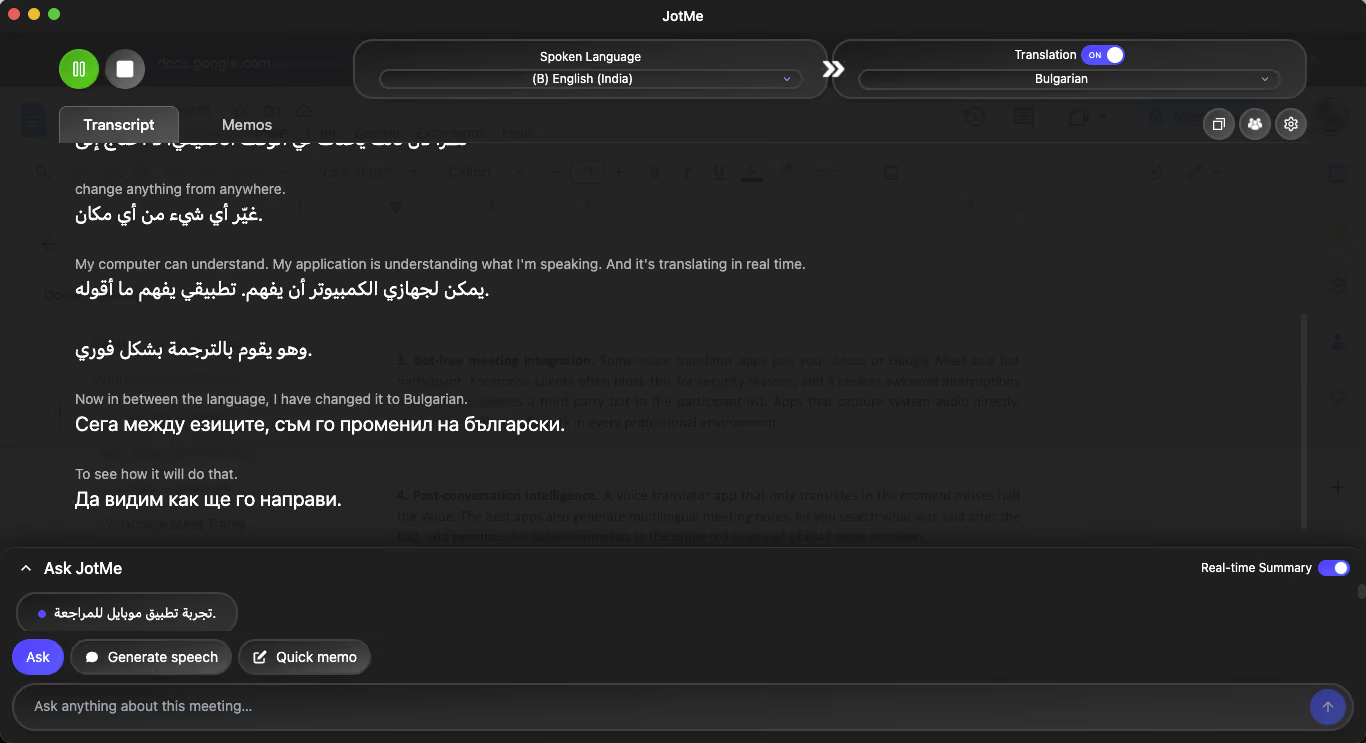
3. Bot-free meeting integration. Some voice translator apps join your Zoom or Google Meet as a bot participant. Enterprise clients often block this for security reasons, and it creates awkward interruptions when everyone sees a third-party bot in the participant list. Apps that capture system audio directly, without joining the call, work in every professional environment.
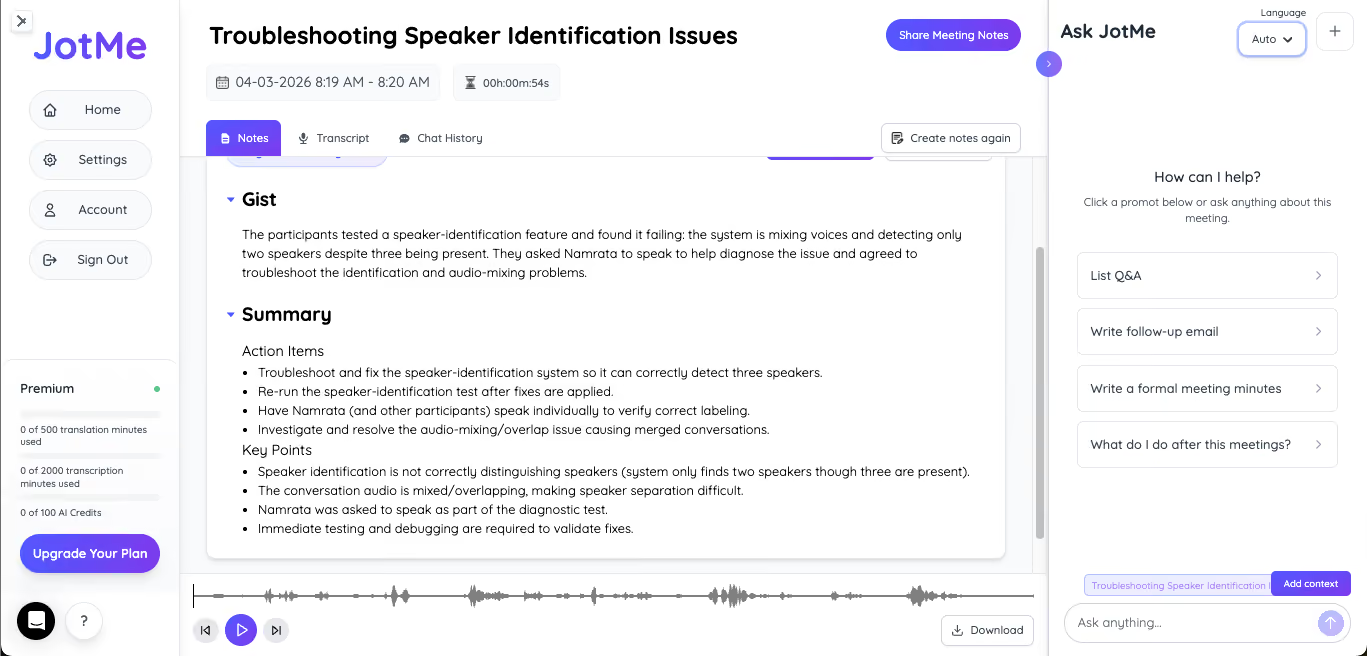
4. Post-conversation intelligence. A voice translator app that only translates in the moment misses half the value. The best apps also generate multilingual meeting notes, let you search what was said after the fact, and produce shareable summaries in the preferred language of each team member.
For instance, JotMe supports 21 languages for AI meeting notes, which is enough to cover most global team configurations.
5. Pricing model clarity. Voice translator apps fall into four pricing buckets: completely free with limits, freemium with a usable free tier, subscription-based, and one-time prepaid. If you're looking specifically for a free voice translator app, know that "free" can mean different things in this category. We dedicated a full section later in this guide to unpacking what's actually free and what isn't.
Why JotMe Is the Best Voice Translator App for Business and Professional Meetings
JotMe is the only voice translator app on this list built specifically for professional meetings, client calls, and multilingual team workflows. Here's what separates it from every other app in this guide.
- JotMe supports 39,800 language combinations for live translation.
- Premium spoken language detection covers 200+ languages.
- AI meeting notes are generated in 21 languages, and product localization is supported in 21 languages.
As you can see from these latest features, this is not a marketing number; it reflects the depth required to handle real global business communication, where conversations often include three or four languages in a single meeting.
The premium spoken language model delivers improved speaker diarization, which means JotMe can identify who is speaking even when voices overlap or participants are on different audio setups. In addition to this:
- Translation sharing is faster and more stable with the premium model, which matters when you are sharing live translation with external participants via URL, QR code, or subtitle camera.
- Smarter context handling delivers accurate translations on fast-paced or jargon-heavy conversations where generic translation engines fall apart.
As you can notice from the list, JotMe is the only app in this guide that covers the full meeting arc:
- Before the meeting, setup takes under a minute: install the app, select your spoken and translation languages, and you're ready.
- During the meeting, JotMe runs continuously in the background, capturing system audio without joining the call as a bot.
- After the meeting, you get multilingual AI meeting notes in 21 languages, searchable transcripts, and the Ask JotMe feature for querying what was said without scrolling through a full recording.
JotMe further works across Mac, Windows, iPhone, Android, and as a Chrome extension. It captures audio from any platform your meeting happens on, including Zoom, Google Meet, Microsoft Teams, Webex, Slack Huddles, Discord, WhatsApp, LINE, and WeChat. If your meeting plays audio on your computer or phone, JotMe can translate it.
Get started with JotMe today and experience seamless, real-time translation built for global business communication.
Last updated on
April 17, 2026
Follow us on social media: