






Перевод iMessage
Переводите голосовые сообщения iMessage и звонки, которые вы начинаете из «Сообщений», на 200+ языков. Живые субтитры, ваш собственный клонированный голос и транскрипты, которые остаются сохранёнными.
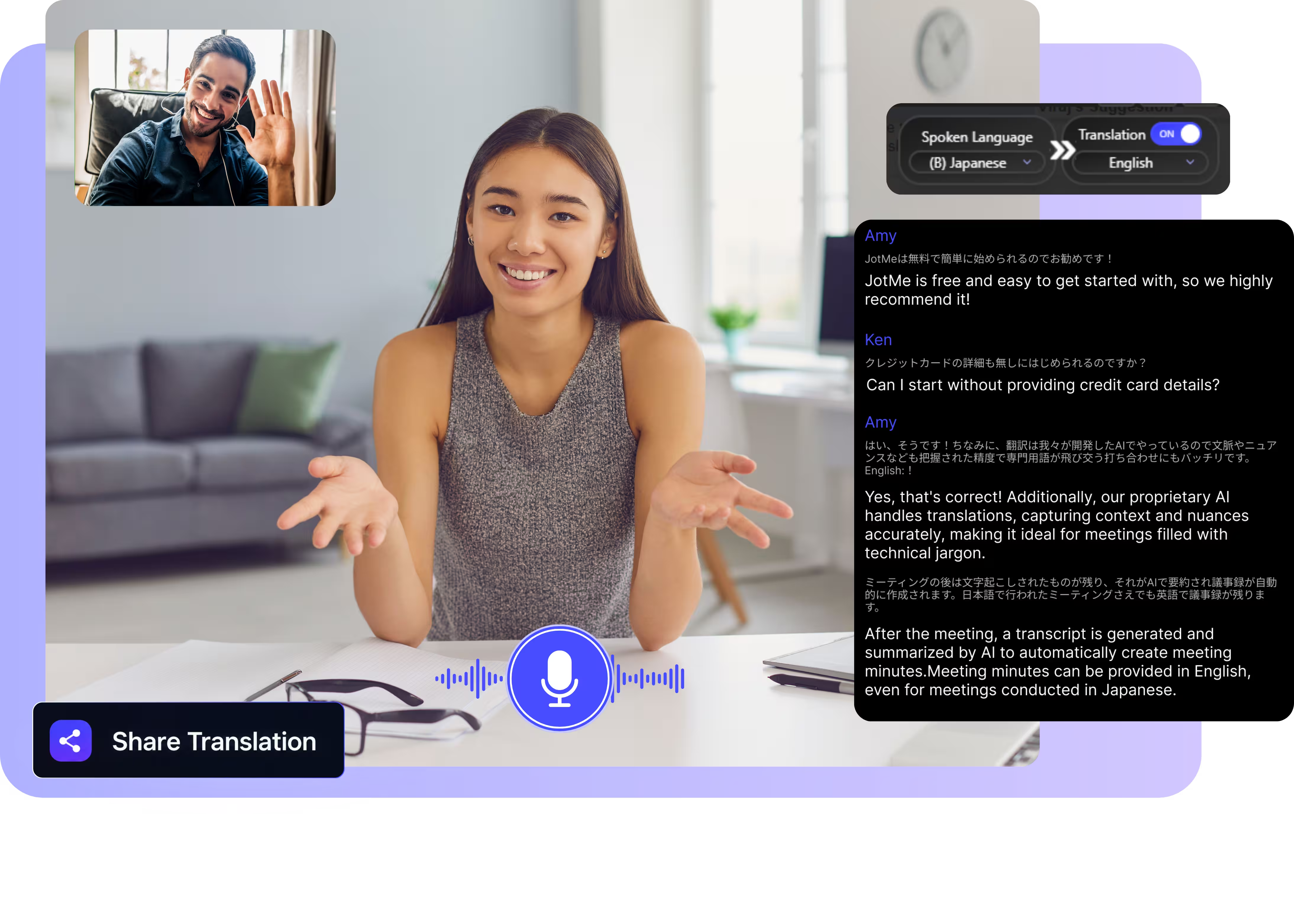
Переводите голосовые сообщения iMessage и звонки, которые вы начинаете из «Сообщений», на 200+ языков. Живые субтитры, ваш собственный клонированный голос и транскрипты, которые остаются сохранёнными. Откройте полную демо.
Нам доверяют 2 000 команд и 500 000 специалистов в 134 странах


















Настоящий перевод для iMessage, дальше текста
Голосовые сообщения, звонки и 200+ языков, до которых встроенный перевод Apple не дотягивается.

Учитывает контекст, максимально точно
JotMe переводит с учётом контекста и сохраняет точность имён, сленга и семейных сокращений. Каждая строка звучит так, как человек и хотел сказать.

Голос-в-голос вашим собственным голосом
Слушайте перевод, произнесённый вашим собственным клонированным голосом, с самым быстрым клонированием голоса из доступных сегодня. Ваши слова, ваш голос, другой язык.

200+ языков — вживую или из записи
Переводите на 200+ языков — вживую во время звонков на Mac либо из голосовых сообщений и аудиозаметок, которые вы загружаете.

Ваш перевод сохраняется
JotMe сохраняет транскрипт и перевод в вашей панели, так что голосовое сообщение, прослушанное один раз, остаётся читаемым и позже.

Без бота, без настройки
JotMe работает на вашем Mac и захватывает звук локально. Собеседник просто говорит — с любого устройства, которое держит в руках.

Свой словарь и автоопределение языка
Добавляйте имена, места и собственные замены, чтобы держать точность высокой на важных для вас словах. JotMe определяет язык речи автоматически, так что вам не нужно задавать его вручную.
Как перевести аудио и звонки iMessage
Два пути: загрузите голосовое сообщение или примите звонок на Mac и переведите его вживую.
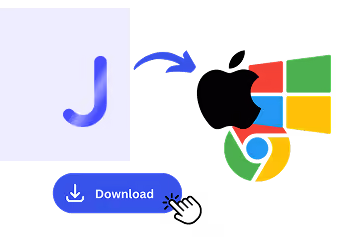
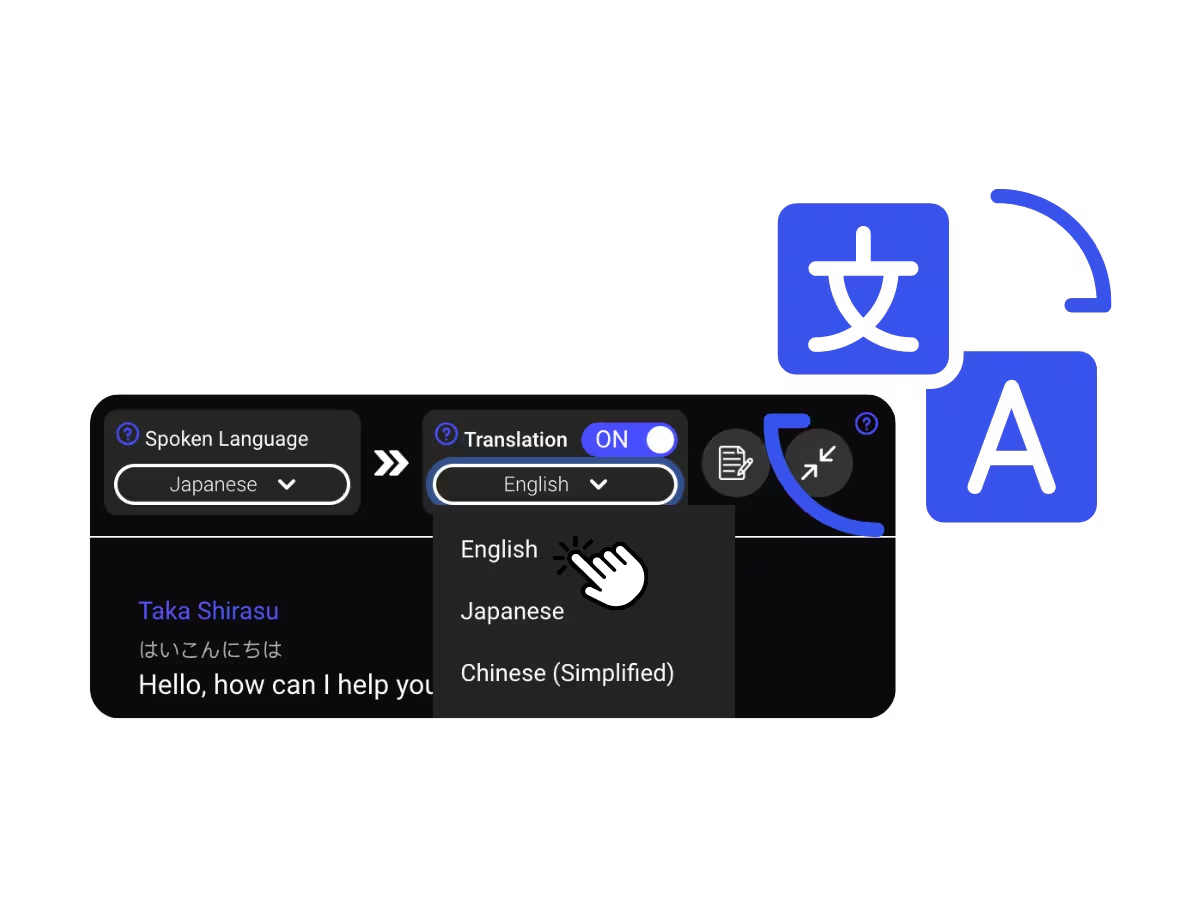
1. Скачайте приложение для Mac или загрузите голосовое сообщение
Выберите язык, который хотите читать или слышать. На экране появляются точные живые субтитры, а перевод голос-в-голос звучит по мере того, как говорит каждый.
2. Задайте язык речи
Выберите язык, на котором говорят, например русский. Если собеседники переключают языки, выберите мультиязычный режим.
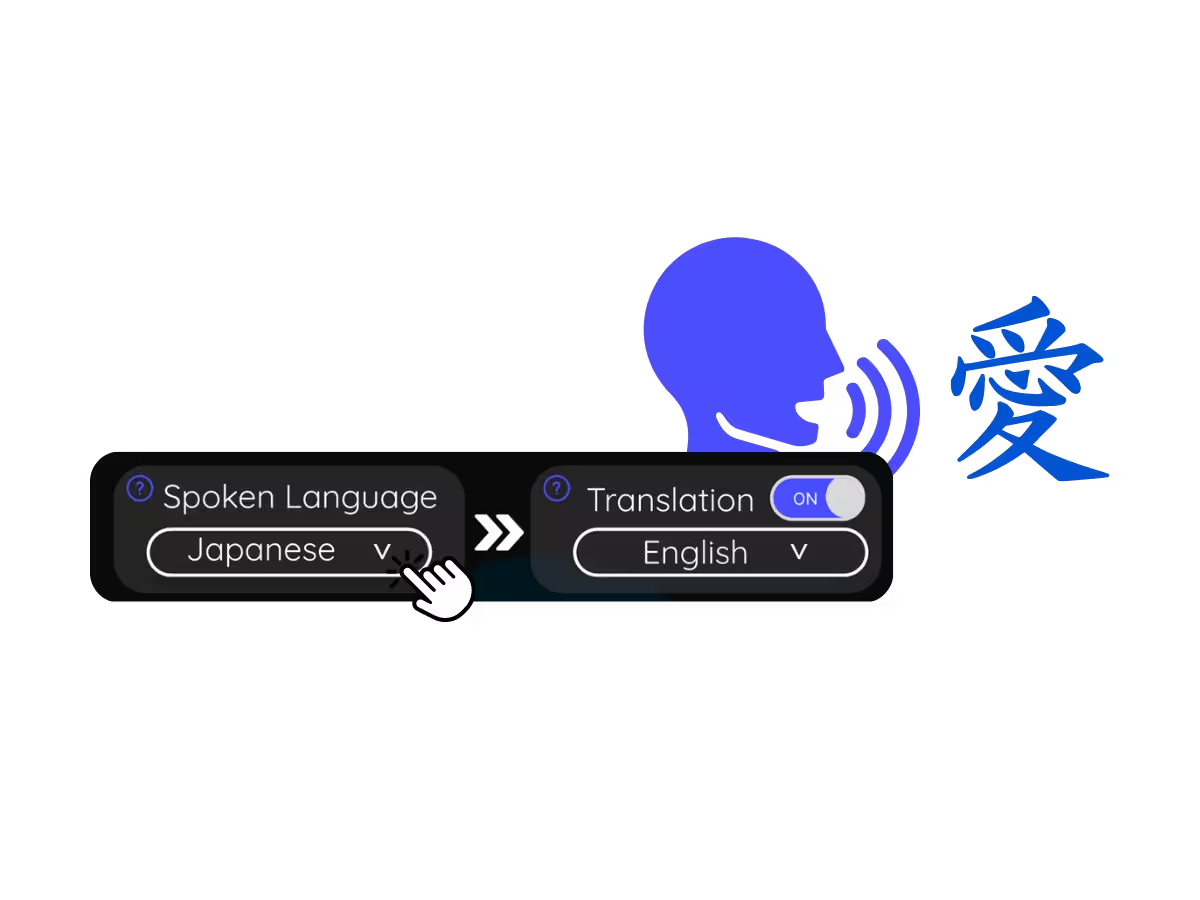
3. Задайте язык перевода
Выберите язык, который хотите читать или слышать. На экране появляются точные живые субтитры, а перевод голос-в-голос звучит по мере того, как говорит каждый.
Для чего используют перевод iMessage
От трёхминутного голосового от мамы вашего партнёра до долгого созвона, чтобы наверстать новости, — JotMe приводит обе стороны к одному языку.

Голосовые, которые не переслушать
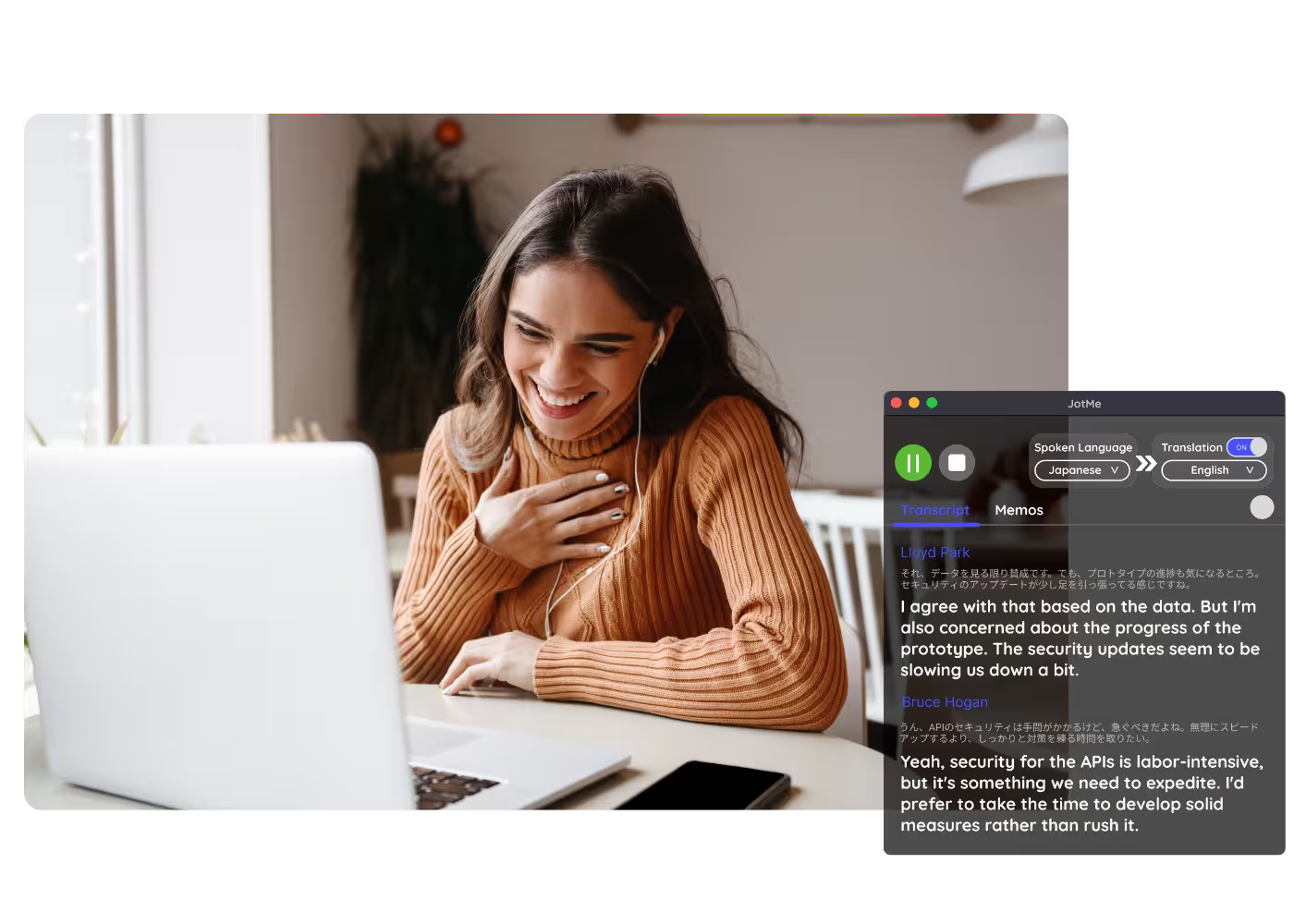
Звонки из «Сообщений» переводятся вживую на вашем Mac, так что разговор течёт на обоих языках.
Семья и партнёры за границей
Звонки из «Сообщений» переводятся вживую на вашем Mac, так что разговор течёт на обоих языках.
Аудиозаметки и записи
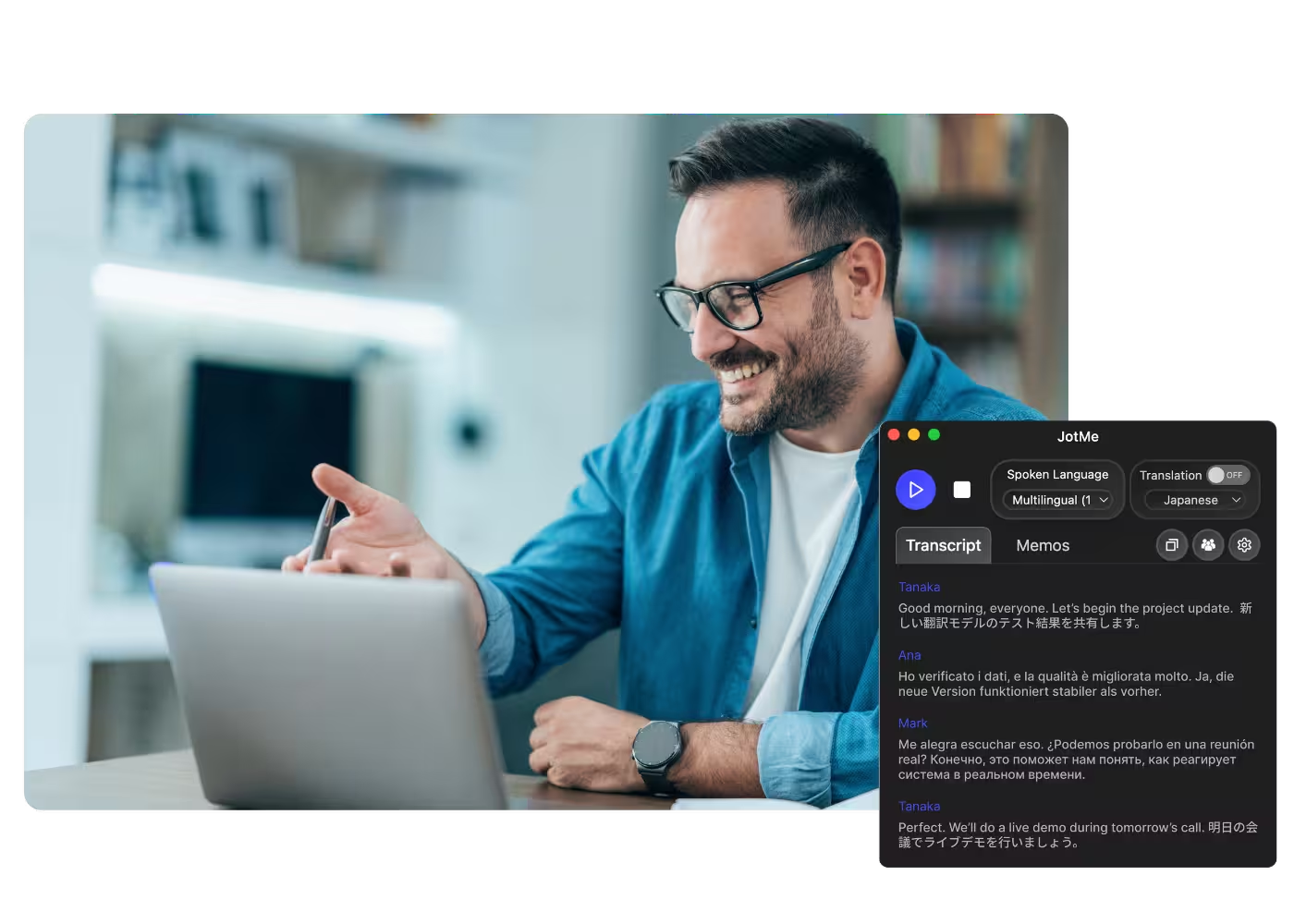
Загрузите аудиозаметки или сохранённое аудио в Аудио в текст и получите транскрипт с переводом.
Вебинары и обучение
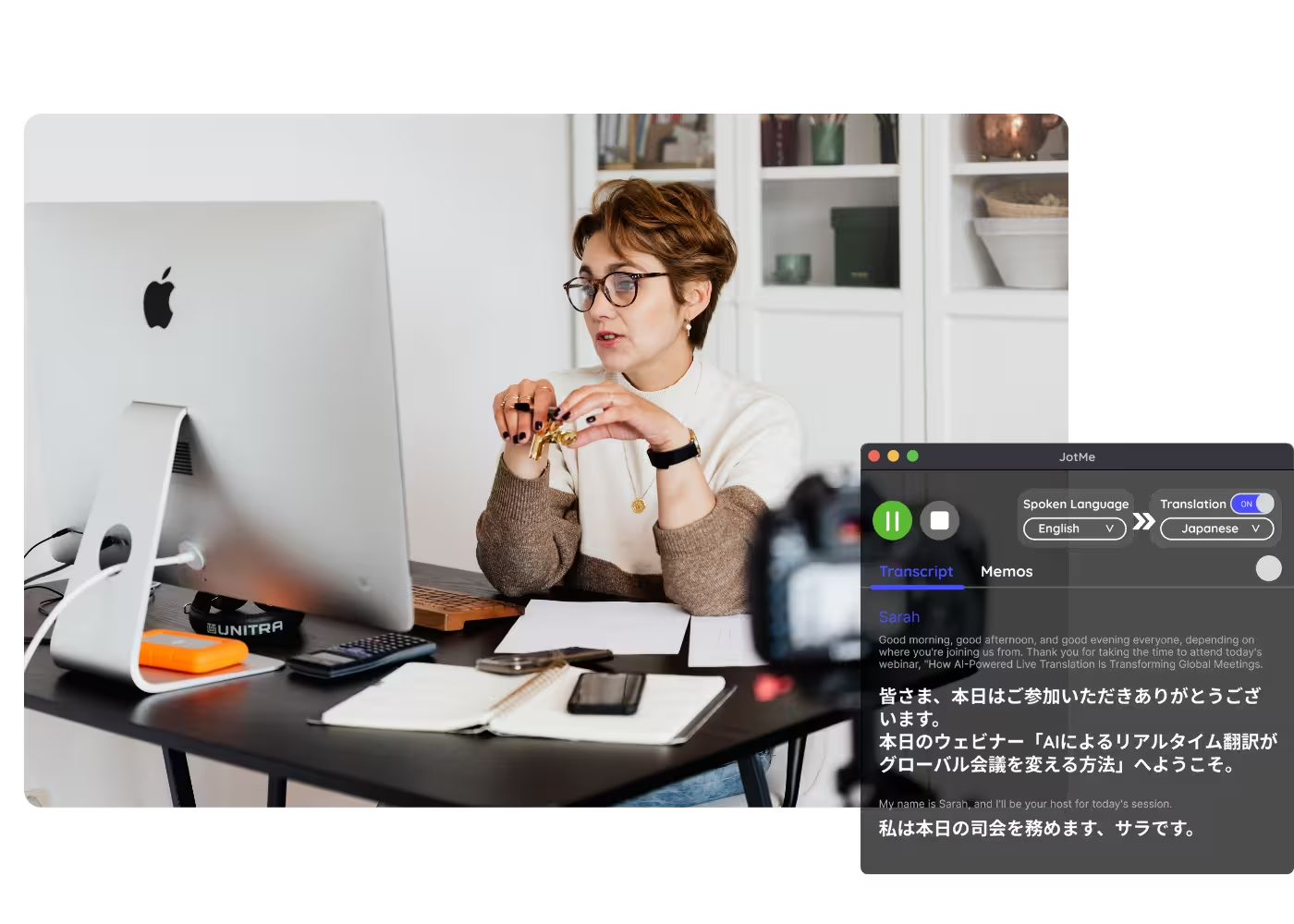
Делитесь живым переводом с участниками через URL, QR-код или субтитры на камере, чтобы участники на компьютере и в браузере следили за ним на своих экранах.
Посмотрите в действии
Смотрите, как JotMe переводит звонок вживую с контекстной точностью — от первой фразы до последней.
500 000+ специалистов проводят встречи и мероприятия с JotMe
Посмотрите, как пользователи закрывают многоязычные операционные пробелы с помощью JotMe.








Часто задаваемые вопросы
Все, что нужно знать о проведении встреч и мероприятий с помощью JotMe.
Да. Сохраните голосовое сообщение и загрузите его в Аудио в текст. JotMe расшифрует речь и вернёт точный перевод на 200+ языков.
«Живой перевод» Apple охватывает текстовые сообщения на ограниченном наборе языков и на новых устройствах. JotMe закрывает аудиосторону: голосовые сообщения и живые звонки, на 200+ языков, с транскриптами, которые остаются у вас.
Да. Бесплатный тариф JotMe включает минуты живого перевода, и карта не нужна. Перейдите на платный, когда понадобится больше минут.
JotMe переводит с учётом вашего профиля, вашего словаря, темы разговора и постоянной памяти беседы, подпитывающей каждую строку, так что точность растёт по ходу, а имена и сленг встают на место.
Да. JotMe хранит транскрипт и перевод в вашей панели, чтобы вы могли просмотреть, скопировать и поделиться ими после разговора.
Да. Звонки из «Сообщений» идут через FaceTime, и JotMe переводит их вживую на вашем Mac. Полную настройку смотрите на странице перевода FaceTime.
Живой перевод сегодня показывается субтитрами, а быстрый режим может озвучивать переводы. Голос-в-голос вашим собственным клонированным голосом с самой быстрой ИИ-моделью перевода.
Heading

Понимайте каждое сообщение — голосовое или текстовое
Голосовые сообщения точно расшифрованы и переведены, звонки с живыми субтитрами на вашем Mac, на 200+ языков. Языки, которые Apple оставляет за бортом, — покрыты.