






Перевод Signal
Превращайте голосовые и видеозвонки Signal в точные живые субтитры и ИИ-клонированный голос на 200+ языках. Ведите звонок на Signal Desktop — ничего не добавляется в звонок, и второй стороне ничего не нужно устанавливать.
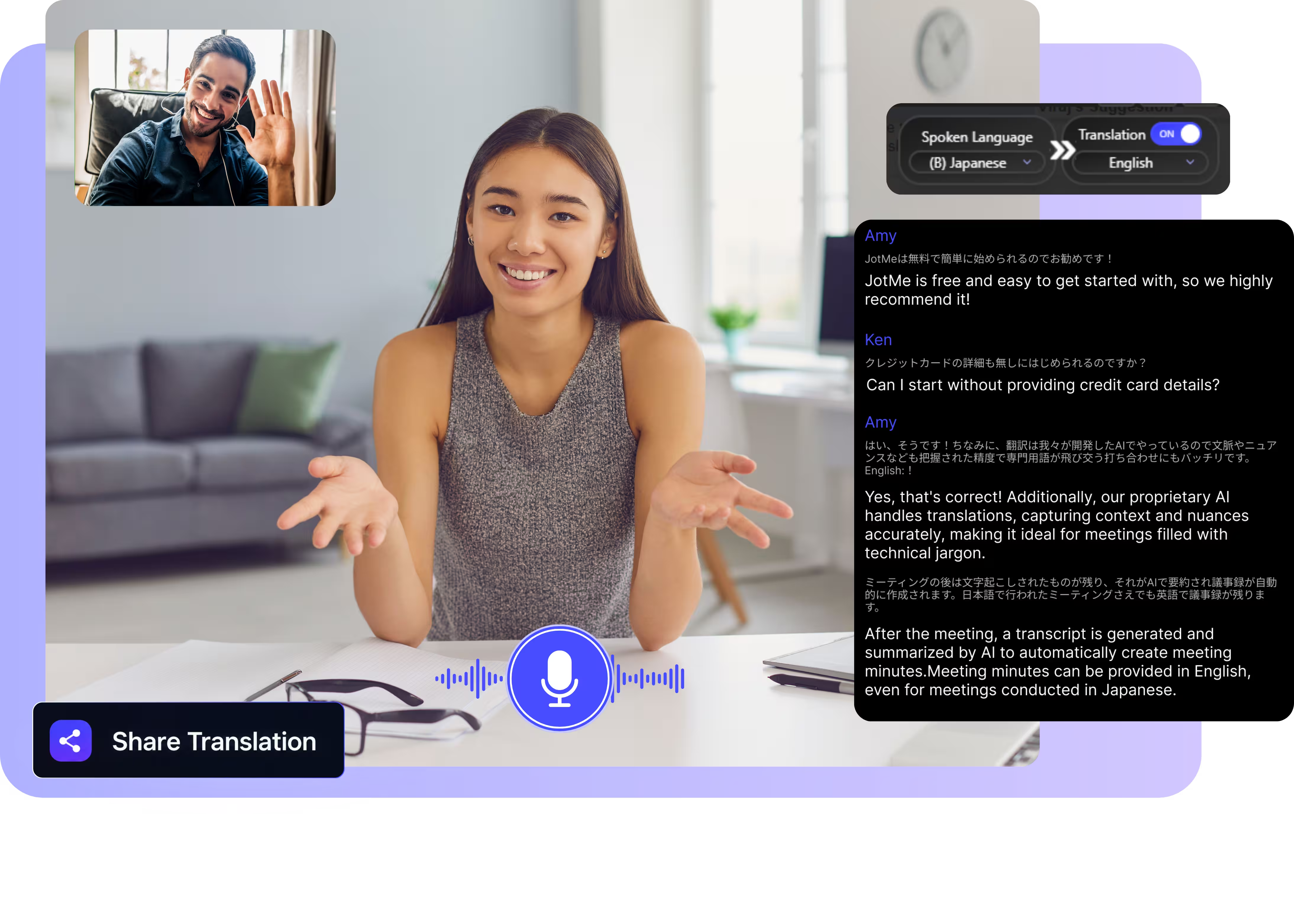
Выберите модель и языки, нажмите старт и начинайте говорить. Скачайте десктоп-приложение и ведите звонки Signal на своём компьютере. Открыть полную демо.
Нам доверяют 2 000 команд и 500 000 специалистов в 134 странах

















Точный перевод звонков Signal в реальном времени
Всё, что нужно, чтобы говорить на разных языках в Signal.

Учитывает контекст, предельно точно
JotMe переводит с учётом контекста и сохраняет точность имён, названий мест и специальных терминов. Каждая строка читается именно так, как имел в виду говорящий.

Voice-to-voice вашим собственным голосом
Слушайте перевод, озвученный вашим собственным клонированным голосом с самым быстрым клонированием голоса из доступных сегодня. Ваши слова, ваш голос, другой язык.

200+ языков, вживую или из записи
Переводите звонки Signal на 200+ языков — вживую на Signal Desktop или из голосовых сообщений и записей, которые вы загружаете.
Ваш перевод сохраняется
После каждого звонка JotMe сохраняет транскрипт, перевод и заметки в вашей панели управления, поэтому длинное интервью остаётся доступным.

Без бота, без настройки
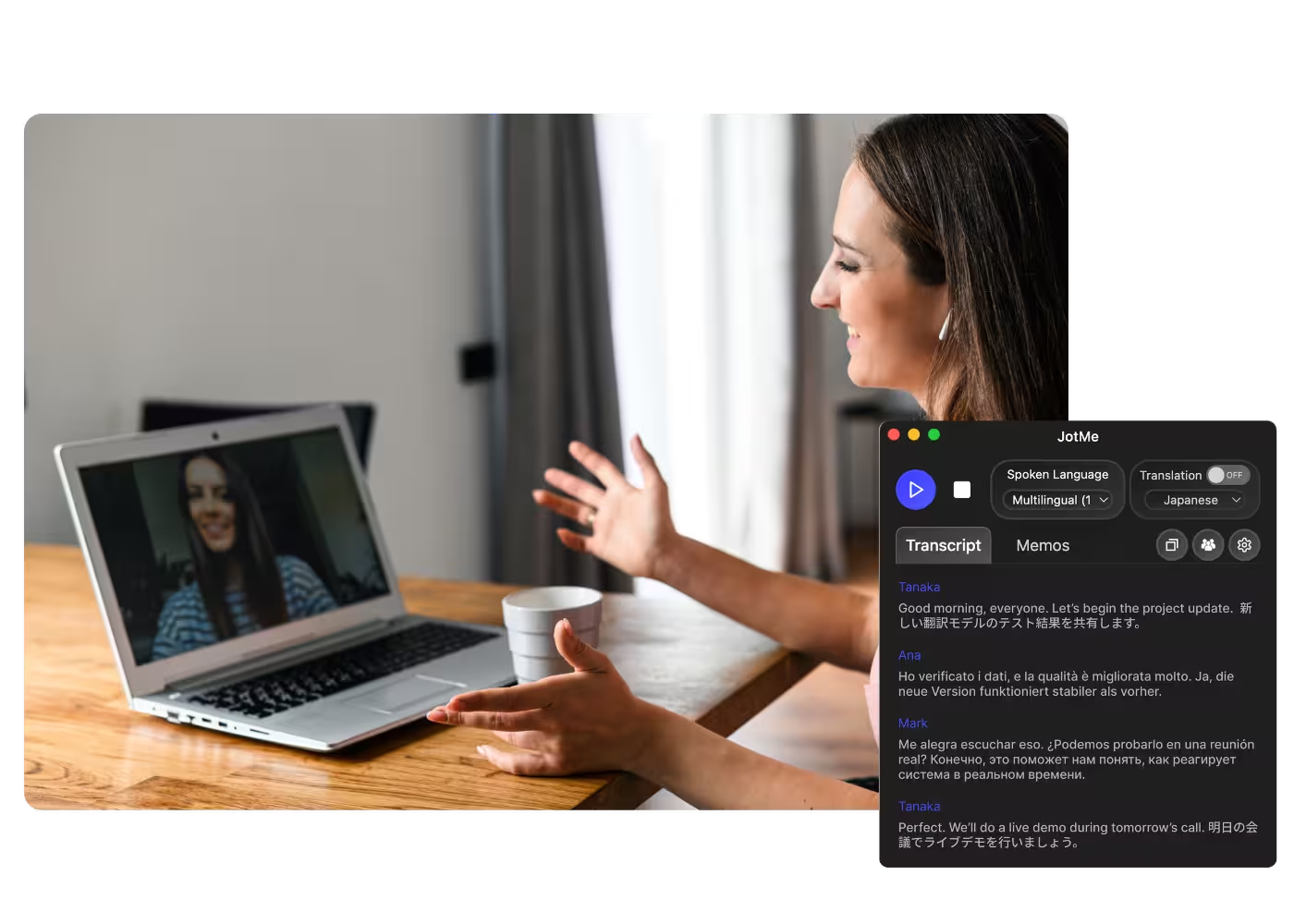
JotMe захватывает звук только на вашем компьютере. Ничто не присоединяется к звонку, ничего не добавляется в ваш чат Signal, и второй стороне ничего не нужно устанавливать.

Пользовательский словарь и автоопределение языка
Добавляйте имена, названия мест и собственные замены, чтобы сохранять высокую точность на лексике вашей работы. JotMe определяет язык речи автоматически, поэтому вам не нужно задавать его посреди звонка.
Как перевести звонок Signal
Три шага, меньше минуты, и второй стороне ничего не нужно устанавливать.
1. Скачайте десктоп-приложение или загрузите голосовое сообщение
Установите JotMe для Mac или Windows примерно за 30 секунд и ведите звонок Signal на Signal Desktop. Вместо этого у вас голосовое сообщение? Загрузите его, чтобы получить точный транскрипт и перевод.
2. Задайте язык речи
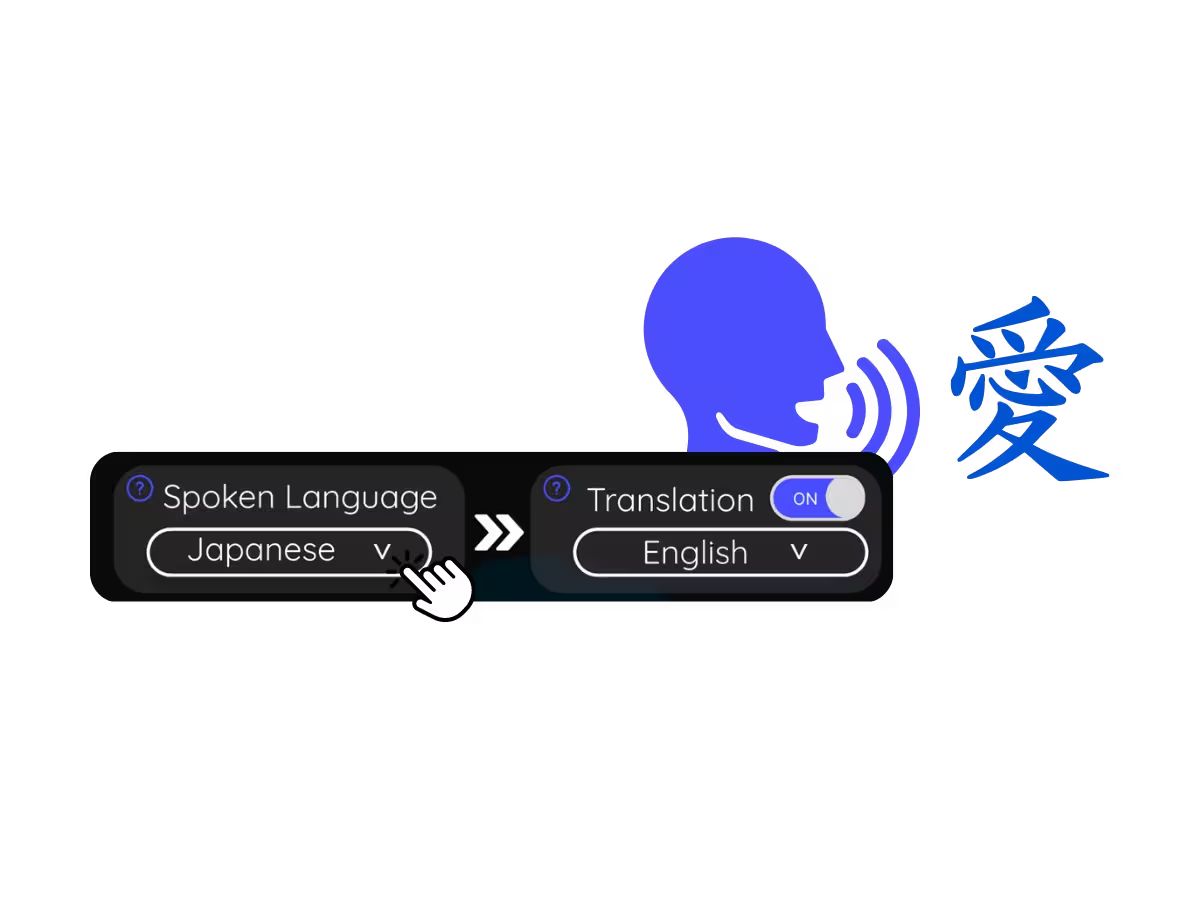
Выберите язык, на котором говорят в звонке, например арабский. Если участники переключаются между языками, выберите многоязычный режим.
3. Задайте язык перевода
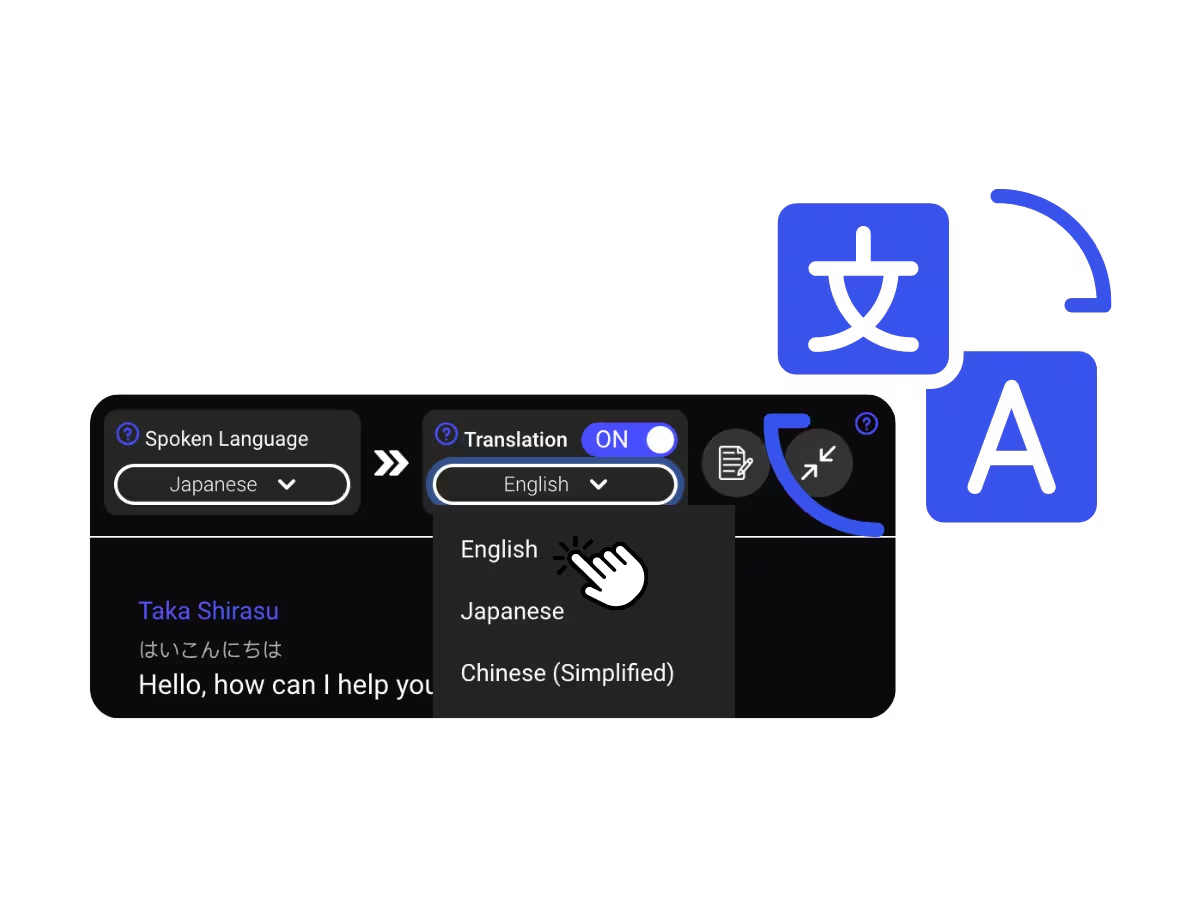
Выберите язык, который хотите читать или слышать. Точные живые субтитры появляются на экране, а перевод voice-to-voice звучит по мере того, как говорит каждый.
Для чего используют перевод звонков Signal
Три шага, меньше минуты, и второй стороне ничего не нужно устанавливать.
Деликатная работа на разных языках
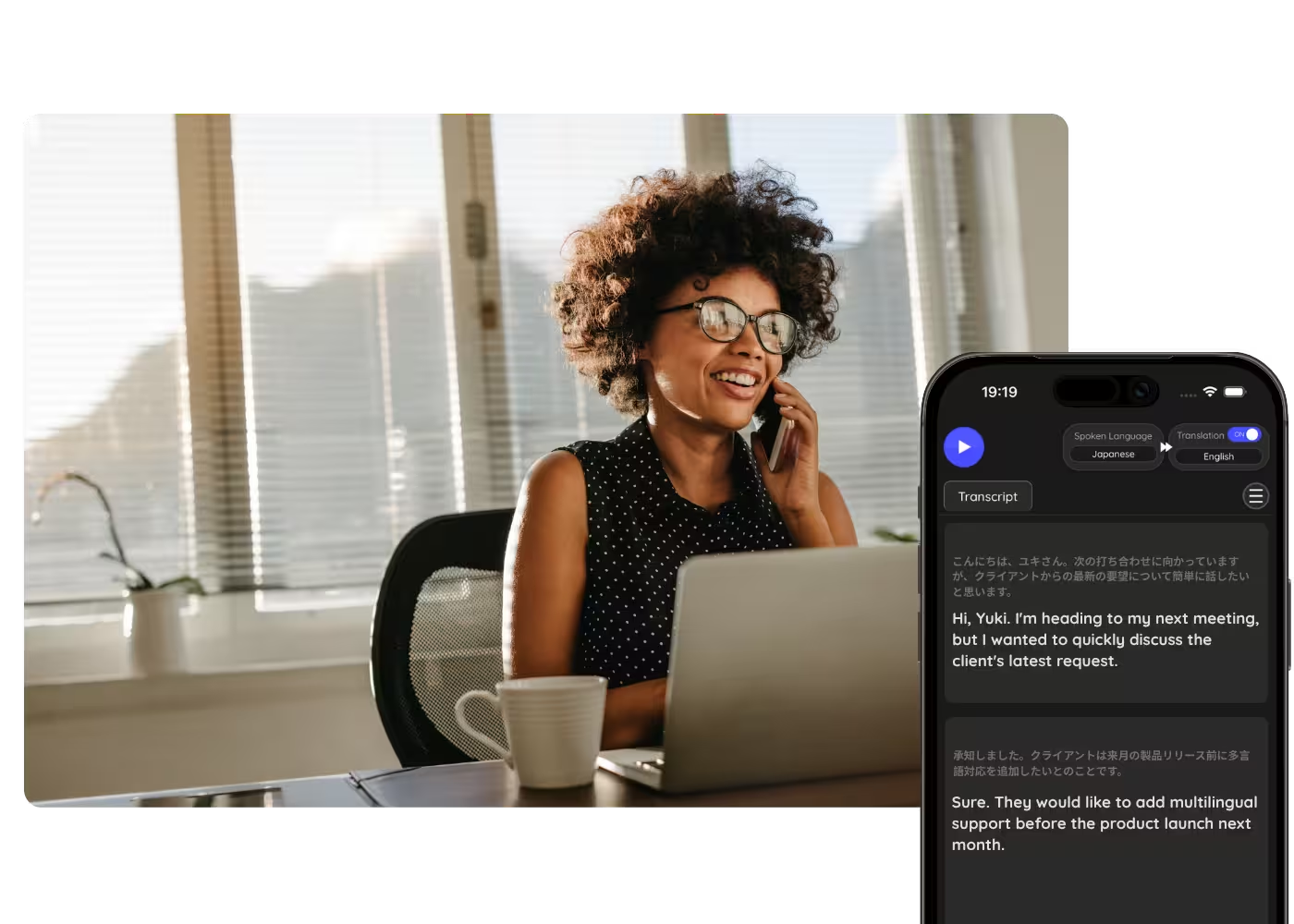
Журналисты, исследователи и NGO, берущие интервью у источников на другом языке — с переводом по мере того, как те говорят.
Семья и друзья за рубежом
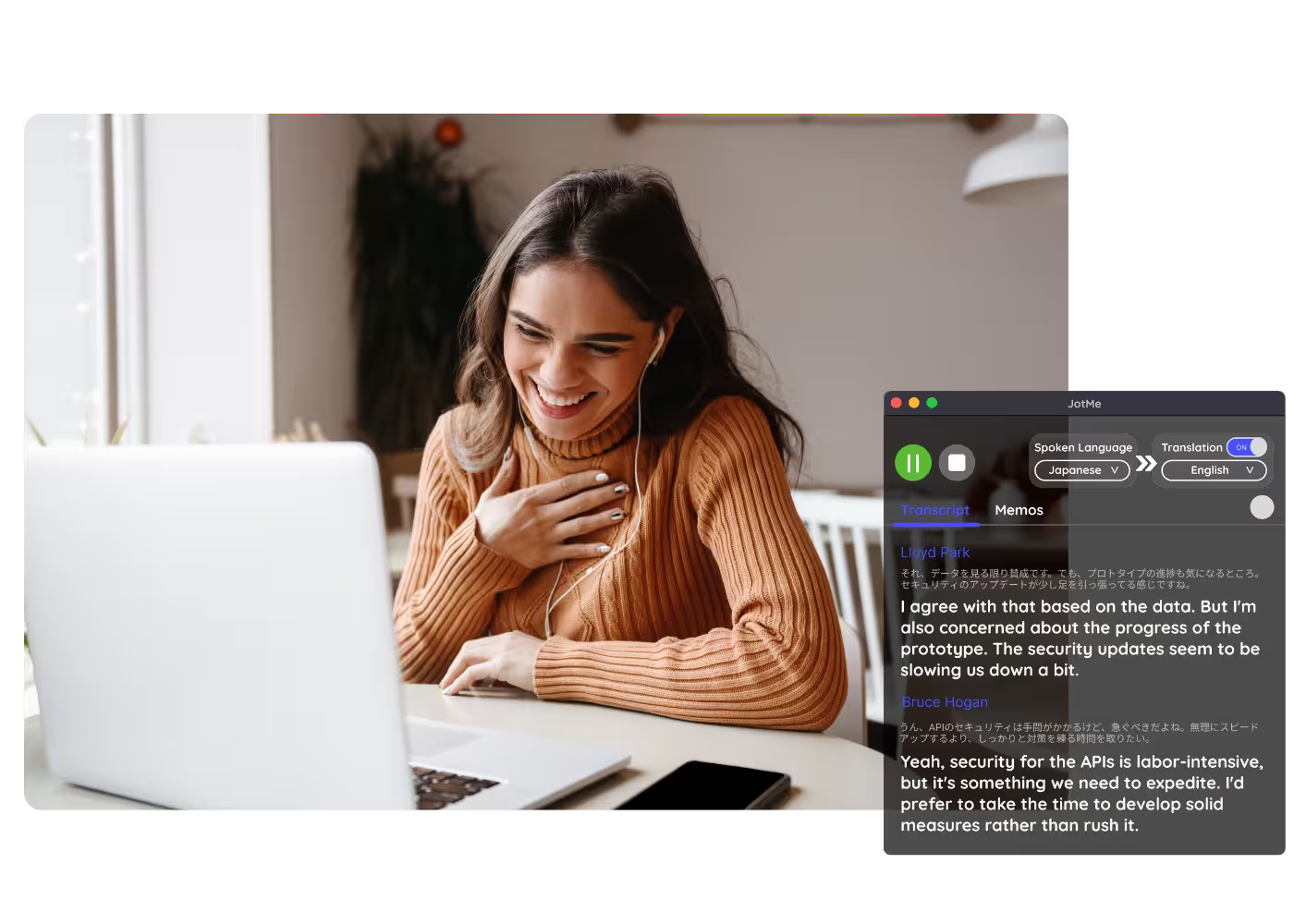
Звонки с людьми, выбравшими Signal, — понятные в реальном времени, без переключения приложений.
Голосовые сообщения и записи
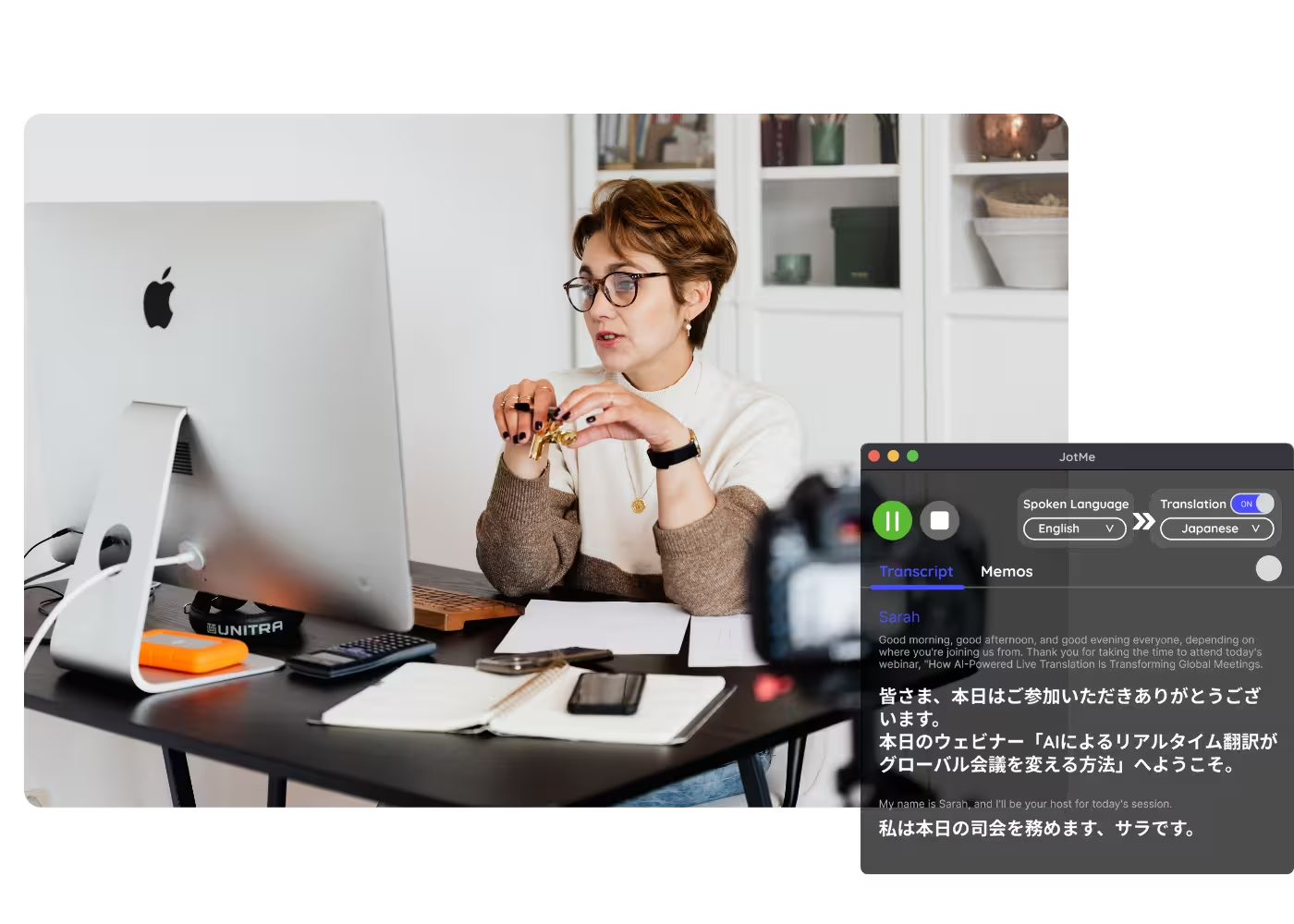
Загружайте голосовые сообщения или записи Signal в Аудио в текст и получайте транскрипт вместе с переводом.
Вебинары и обучение
Делитесь живым переводом с участниками через ссылку, QR-код или субтитры на камере, чтобы участники на десктопе и в браузере следили за ним на своих экранах.
Посмотрите в действии
Смотрите, как JotMe переводит звонок Signal вживую — с контекстной точностью от первой фразы до последней.
500 000+ специалистов проводят встречи и мероприятия с JotMe
Посмотрите, как пользователи закрывают многоязычные операционные пробелы с помощью JotMe.






Часто задаваемые вопросы
Все, что нужно знать о проведении встреч и мероприятий с помощью JotMe.
У самого Signal нет функций перевода. JotMe переводит звонок с вашей стороны: ведите его на Signal Desktop и читайте точные живые субтитры на 200+ языках или слушайте перевод вашим собственным клонированным голосом.
Нет. JotMe захватывает звук локально на вашем компьютере. Ничто не присоединяется к звонку, и шифрование Signal между вами и собеседником остаётся нетронутым. ИИ JotMe обрабатывает захваченную речь в облаке, чтобы создать перевод.
Да. Бесплатный тариф JotMe включает минуты живого перевода, и банковская карта не требуется. Переходите на платный тариф, когда понадобится больше минут.
JotMe переводит с учётом вашего профиля, вашего пользовательского словаря, текущей темы и постоянной памяти звонка, питающей каждую строку, поэтому точность растёт по ходу звонка, а имена и специальные термины передаются верно.
Да. JotMe хранит транскрипт и перевод в вашей панели управления, поэтому вы можете просматривать, копировать и делиться ими после встречи.
Да. Сохраните голосовое сообщение и загрузите его в Аудио в текст. JotMe расшифрует его и переведёт транскрипт на выбранный вами язык.
Живой перевод сегодня отображается в виде субтитров, а быстрый режим может озвучивать переводы вслух. Voice-to-voice вашим собственным клонированным голосом с самой быстрой ИИ-моделью перевода.
Heading

Говорите в Signal на любом языке
Точные живые субтитры и ваш собственный голос во время звонков Signal, транскрипты сохраняются после, на 200+ языках. В сам звонок ничего не добавляется.