





全ての会議・イベントに使えるデスクトップアプリ
高精度なリアルタイム音声翻訳、多言語文字起こし、会議の録音、AI議事録・ノートテイカー、カスタム用語、PDF・文書翻訳、多言語メッセージ、AI音声入力キーボード。
対面の会話に対応するモバイルアプリ
高精度なリアルタイム翻訳と、AIによる翻訳音声の生成。iPhone・Android対応。
Google Meet向けChrome拡張機能
高精度なリアルタイム翻訳、ライブ文字起こし、ノートテイカー、AI議事録。

Chrome
に追加
に追加

Your JotMe for Mac download is on its way. Follow the three quick steps below to finish setup and start using AI live translation, transcription, and meeting notes across every call on your computer.
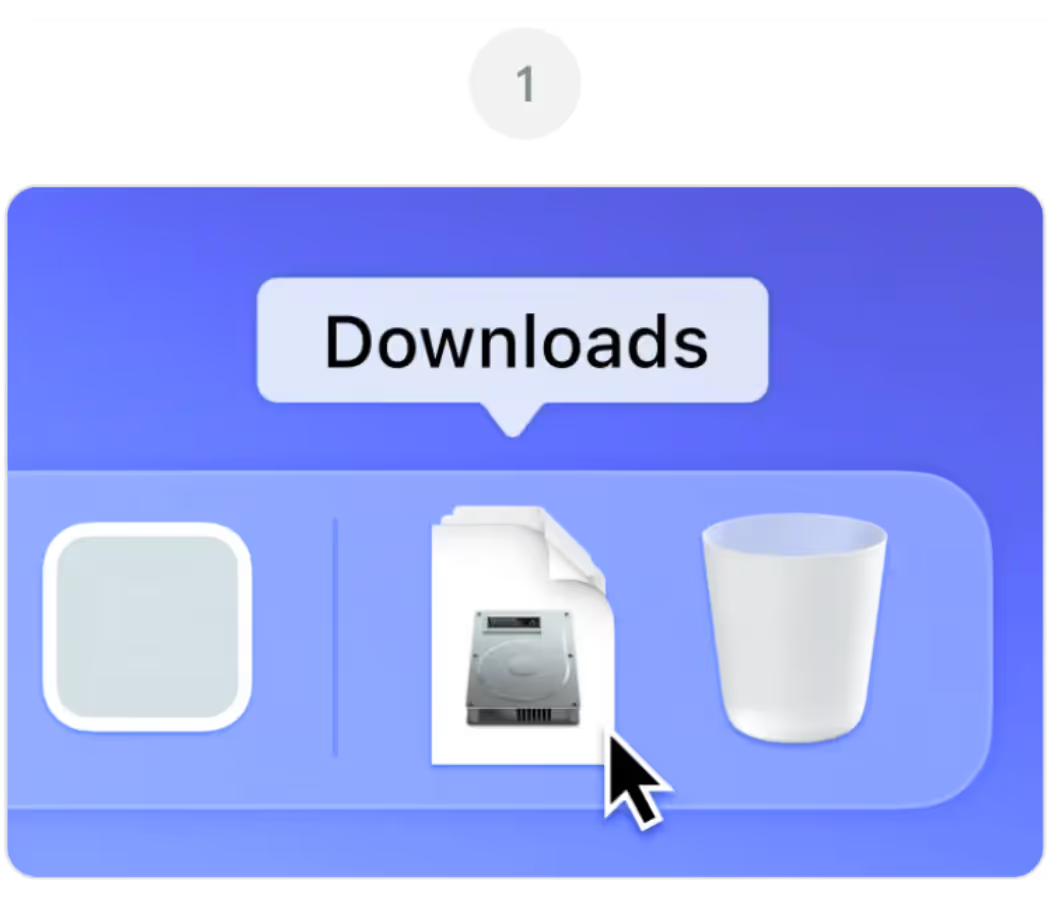
ダウンロードフォルダからJotMe.dmgを開いてください
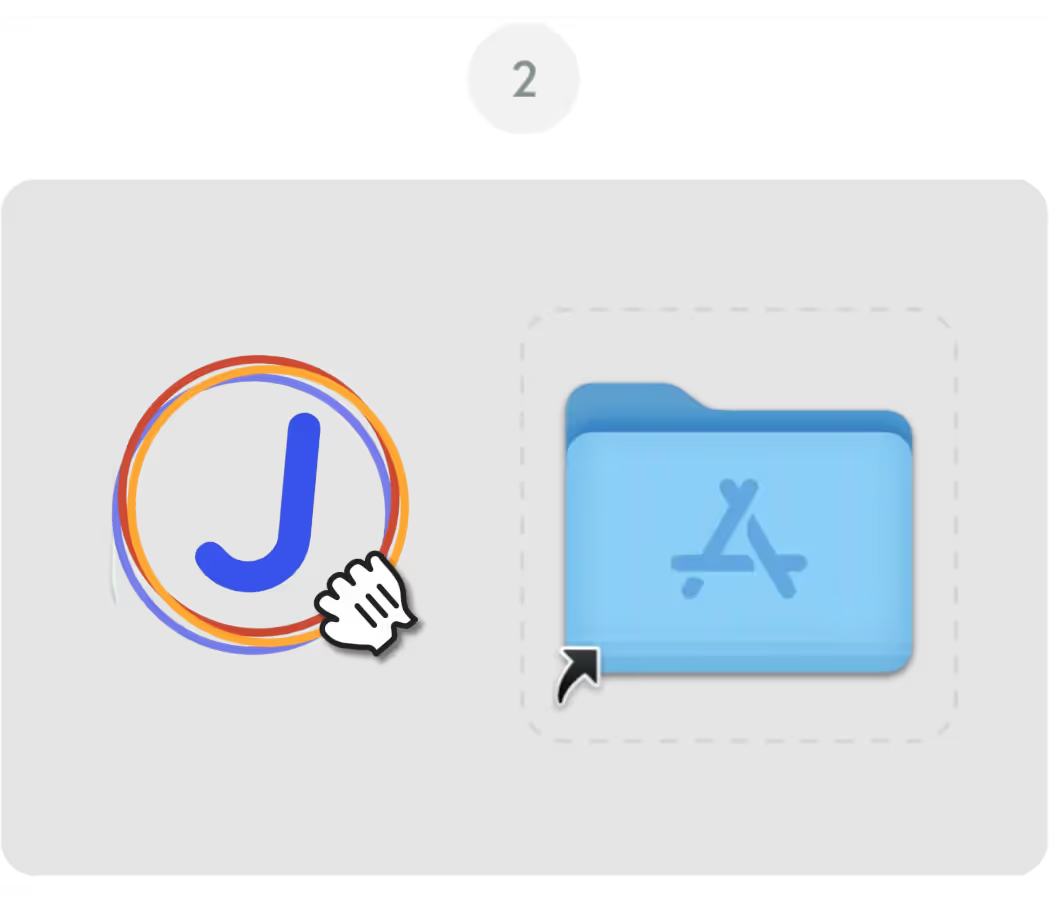
JotMeアイコンをアプリケーションフォルダにドラッグしてください
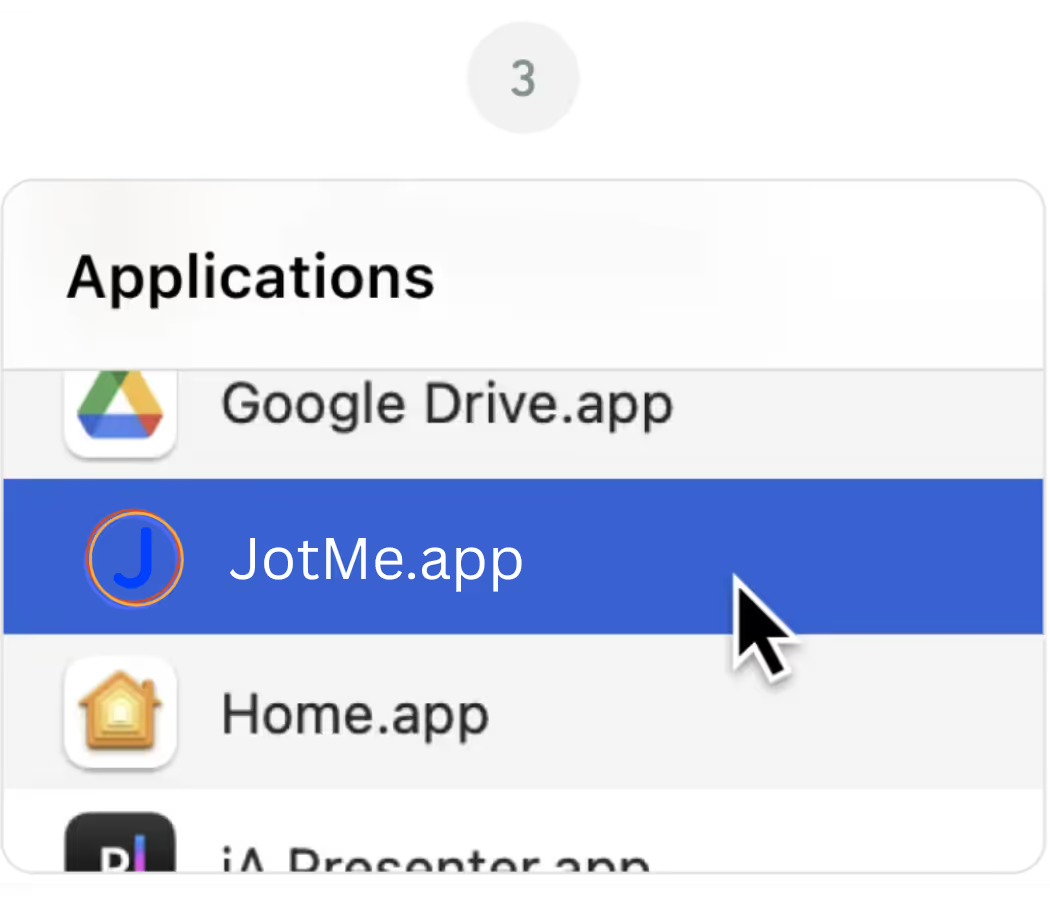
アプリケーションフォルダからJotMeアプリを開いてください
.avif)
If the latest version of the JotMe Mac file didn't download automatically, click the "Download Again" button on this page. Check your browser's download settings if the issue continues, and make sure pop-ups and downloads from jotme.io are allowed.
The main JotMe download on this page is built for Apple Silicon Macs (M1, M2, M3, M4, and later). If you're on an older Intel-based Mac, use the Download for Intel Mac option instead for the best performance.
If macOS shows a message about an unidentified developer, go to System Settings, then Privacy & Security, and click "Open Anyway" next to the JotMe entry. This is a standard macOS security prompt and only happens on the first launch.
Yes. On first launch, JotMe will ask for microphone and screen recording permissions so it can capture meeting audio and provide live translation, transcription, and AI meeting notes. You can manage these anytime under System Settings, Privacy & Security.
Yes. The JotMe Mac app and the JotMe Chrome extension share the same account and dashboard, so you can switch between the desktop app for Zoom and Teams and the Chrome extension for Google Meet without losing your transcripts or settings.
