







Zoom翻訳
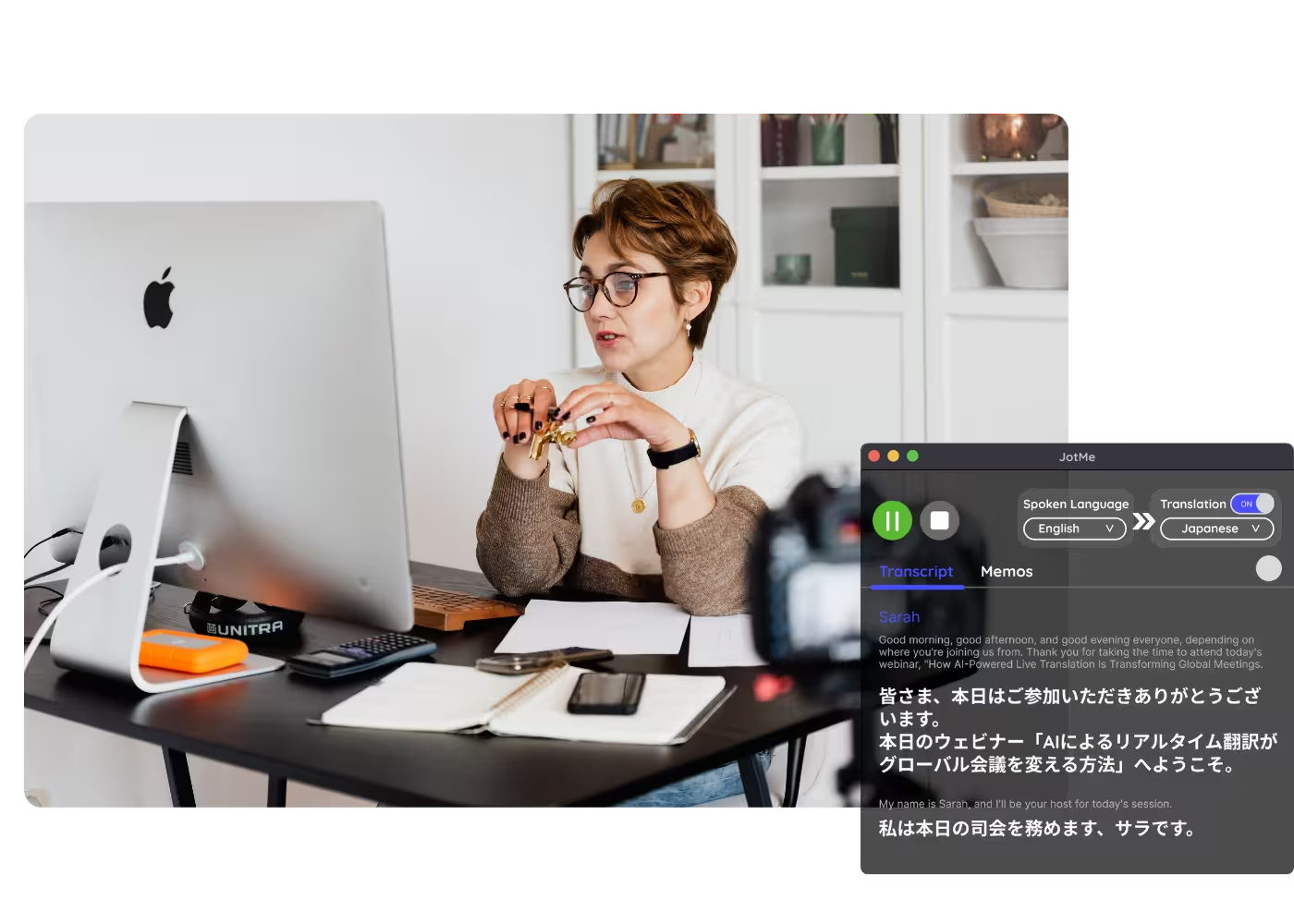
Zoom会議を200以上の言語へリアルタイム翻訳。翻訳字幕でも、自分の声のままのAI音声でも。ライブ中はもちろん録画のアップロードにも対応し、業界用語まで正確にとらえる文脈理解型のAI翻訳です。
Free plan. No credit card required.
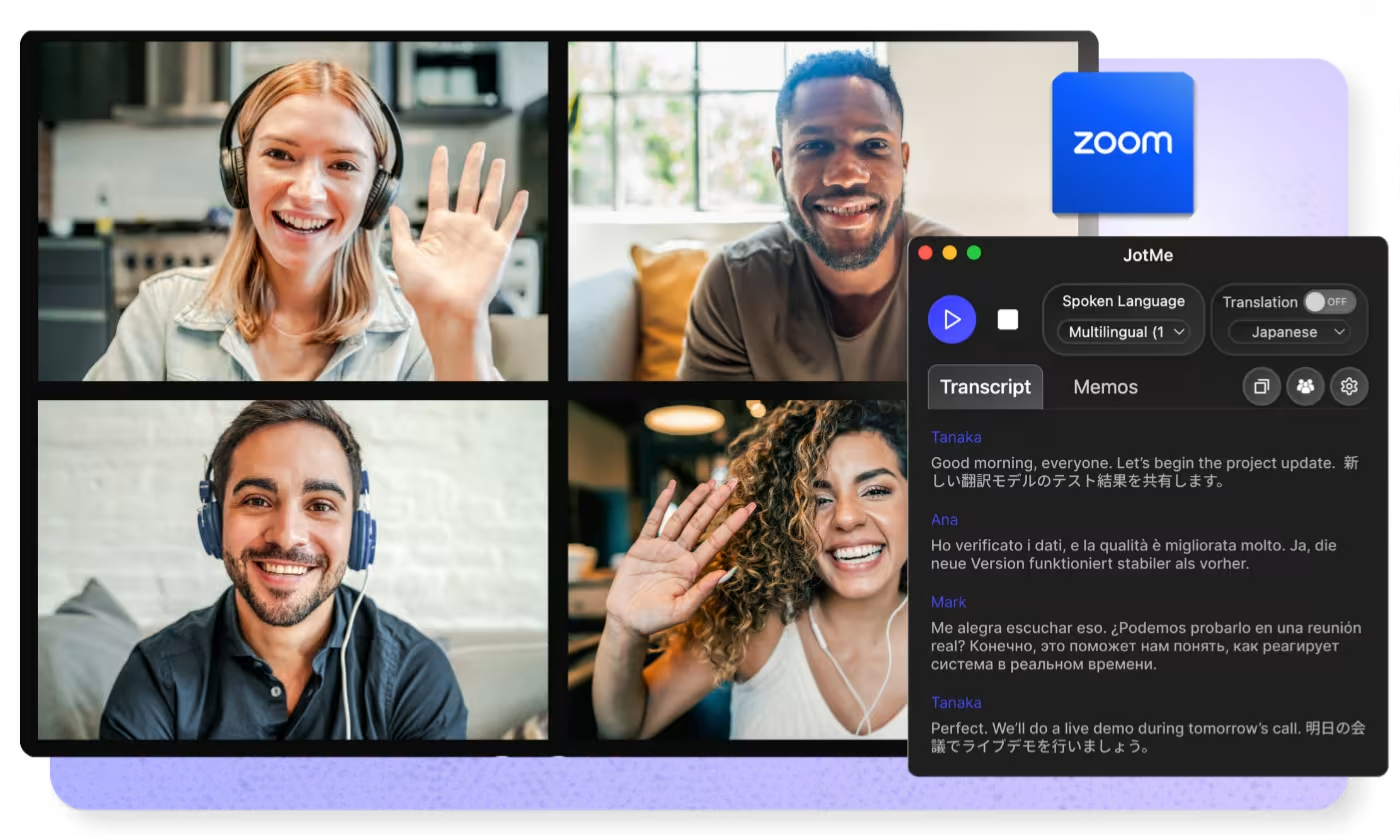
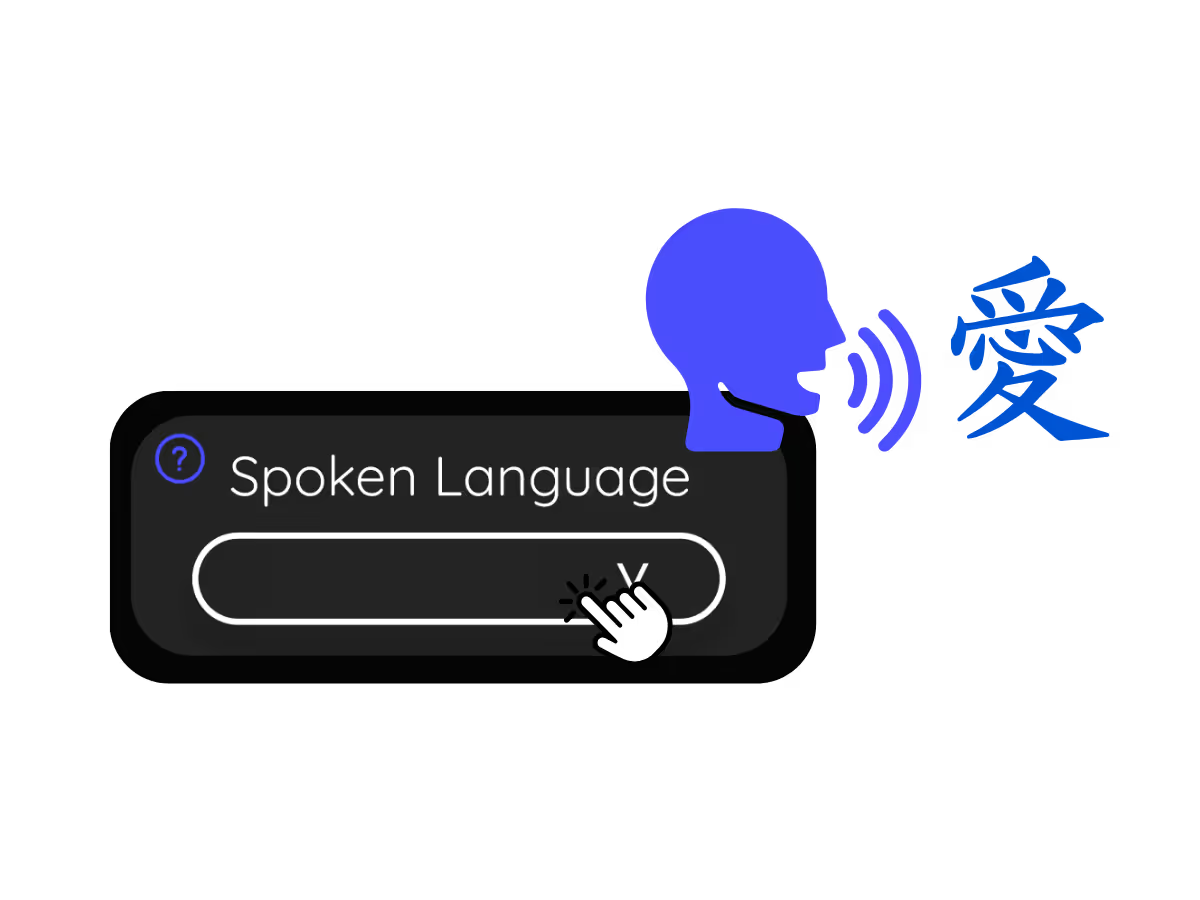
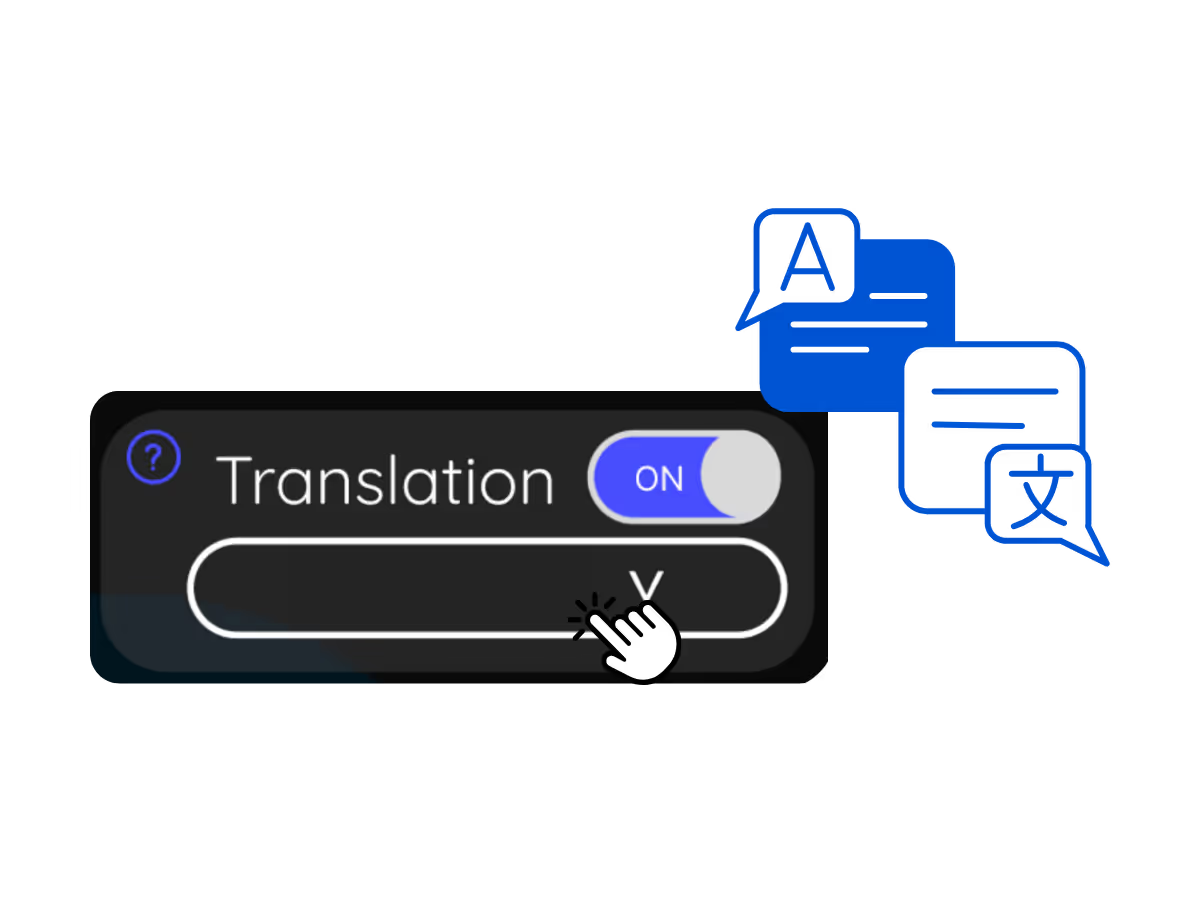
モデルと言語を選んで開始を押し、あとは話すだけ。JotMeのAIは会話が進むほど翻訳の精度を高めていきます。フルデモを開く。
134か国・2,000チーム・50万人のプロフェッショナルに利用されています



.avif)





.avif)


.avif)


.svg)
評価 4.7/5


GDPR準拠
.avif)
SOC 2 Type II (進行中)
正確なリアルタイム翻訳字幕と、自分の声のままのAI音声翻訳
Zoomでの正確なライブ翻訳と、その共有に必要な機能をすべて。
.avif)
文脈を理解する、圧倒的に正確な翻訳
JotMeは言葉ではなく「意味」を翻訳します。話し手が誰か、チームが何に取り組んでいるか、会議でここまで何が話されたか、登録したカスタム用語、直前の発言とのつながり——一文ごとにこれらすべてを踏まえて翻訳するため、スラングや専門用語も正確に訳されます。
.avif)
自分の声のままの音声翻訳(ボイスクローン)
翻訳を自分の声を再現したクローンボイスで再生できます。100以上の言語に対応し、現在利用できる中で最速のボイスクローンです。あなたの言葉を、あなたの声で、別の言語に。

200以上の言語に対応——ライブでも録画でも
Zoom会議を200以上の言語・39,000以上の言語ペアに翻訳。日本語からスイスドイツ語まで、会議中のリアルタイム翻訳にも、録画のアップロード翻訳にも対応します。
ボット不要・ホスト設定不要、翻訳の共有も
JotMeはあなたのパソコン上で動き、音声をローカルで取得します。ボットが会議に参加することはなく、ホストのZoomプランや設定にも左右されません。翻訳の共有もリンク・QRコード・カメラ映像への字幕表示から選べ、字幕でも音声でも共有できます。
.avif)
カスタム辞書と言語の自動検出
業界用語や独自の言い換えを登録して、翻訳の精度をさらに高められます。話されている言語は自動で検出されるため、会議の途中で設定し直す必要もありません。
Zoomでリアルタイム翻訳を使う方法
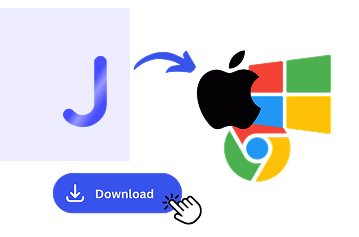
3ステップ、1分以内。Zoomの設定変更もボットの招待もホストの許可も不要です。録画済みの会議はアップロードして翻訳できます。
Zoom翻訳はこんな場面で使われています
毎日のスタンドアップから全社会議まで。JotMeは参加者全員を会話の輪に入れます。
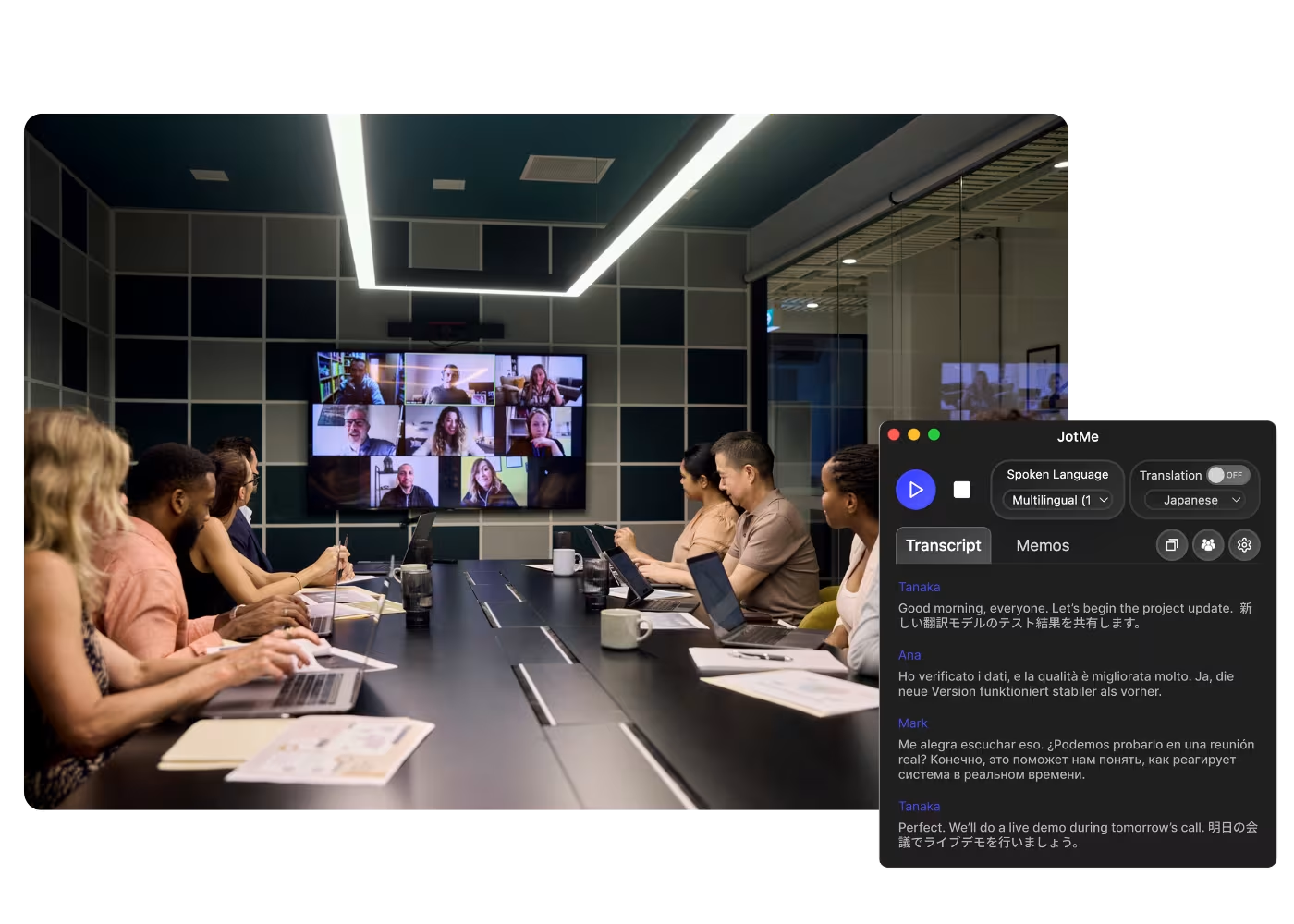
グローバル全社会議・チームミーティング
本社からの重要な発表を自分の言語でリアルタイムに把握。要約を待たずに、その場で発言できます。
.avif)
海外顧客との商談・クライアント対応
相手が別の言語で話していても、要件や懸念をひとつ残らず把握し、自信を持って応答できます。
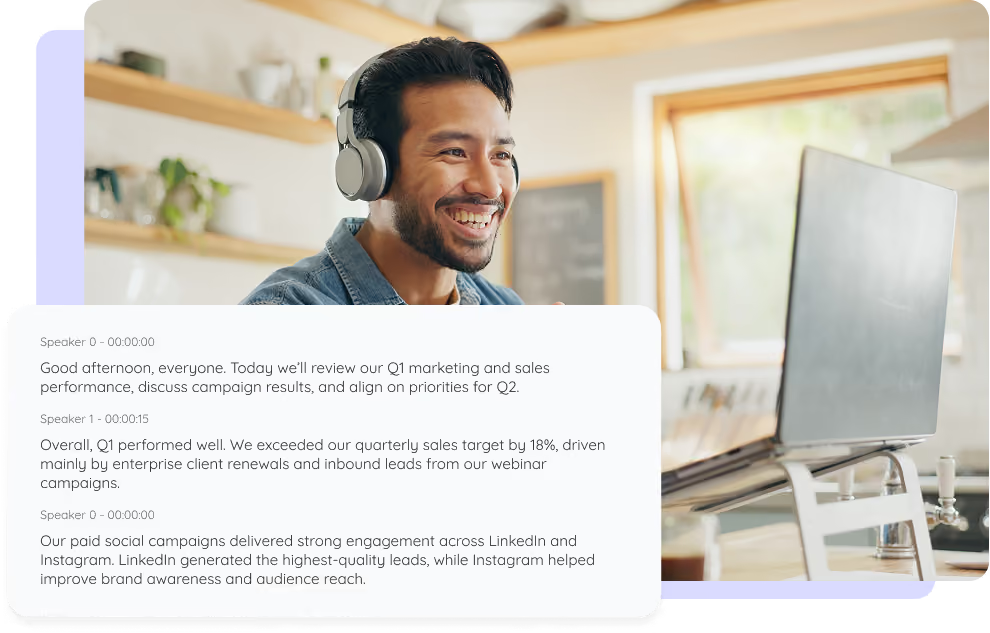
実際の動作を見る
JotMeがZoom会議をライブで、また会議後に翻訳する様子をご覧ください。文脈をとらえた翻訳精度と、カスタム用語の登録から参加者への翻訳共有まで、Zoom翻訳へのフル対応にご注目ください。
50万人以上のプロフェッショナルが、JotMeで 会議・イベントをスムーズに進行
JotMeが多言語コミュニケーションのギャップ解消にどのように役立っているかをご覧ください。
4.7/5の評価

4.7/5の評価
「私の仕事は翻訳と異文化間の橋渡しなので、このツールは日々の業務に革命をもたらすものだと感じています。」

アダムス
オペレーションスペシャリスト / Tiktok
「日本語はかつて私にとって謎でしたが、この製品は文脈を理解した上で、それを明確で分かりやすいものにしてくれました。」

スタマティス
コンサルタント / Deloitte
「JotMeは多言語会議を効率化し、テンポの速い職場環境でのスムーズな共同作業を保証してくれます。」

セザール
プログラムマネージャー / Amazon
「このバイリンガル機能は、仕事での議事録作成を効率化し、時間を節約し、両言語での効率を高めてくれます。」

ユースケ
営業部長 / NTT
「流暢でない話者にとって不可欠なツールです。リアルタイム翻訳と正確な文字起こしで、複雑な会議を簡素化してくれます。」

ジェシー
ソフトウェアフリーランサー
「長年求めていた翻訳ツールが、JotMeでついに実現しました!」

エルストン
CEO兼創業者 / Tiny.host
「私の仕事は翻訳と異文化間の橋渡しなので、このツールは日々の業務に革命をもたらすものだと感じています。」
アダムス
オペレーションスペシャリスト / Tiktok
「日本語はかつて私にとって謎でしたが、この製品は文脈を理解した上で、それを明確で分かりやすいものにしてくれました。」
スタマティス
コンサルタント / Deloitte
「JotMeは多言語会議を効率化し、テンポの速い職場環境でのスムーズな共同作業を保証してくれます。」
セザール
プログラムマネージャー / Amazon
「このバイリンガル機能は、仕事での議事録作成を効率化し、時間を節約し、両言語での効率を高めてくれます。」
ユースケ
営業部長 / NTT
「流暢でない話者にとって不可欠なツールです。リアルタイム翻訳と正確な文字起こしで、複雑な会議を簡素化してくれます。」
ジェシー
ソフトウェアフリーランサー
「長年求めていた翻訳ツールが、JotMeでついに実現しました!」
エルストン
CEO兼創業者 / Tiny.host

よくある質問
JotMeで会議やイベントを運営するために必要な情報がすべてここにあります。
Zoomでリアルタイム翻訳はできますか?
はい、JotMeを使えばできます。どのZoom会議でも、文脈を理解するAIが200以上の言語へライブ翻訳し、画面に字幕として表示します。ボットは参加せず、ホスト側で有効にする設定も一切ありません。
Zoom翻訳は無料で使えますか?
はい。JotMeの無料プランにはライブ翻訳の利用時間が含まれており、クレジットカードの登録も不要です。時間が足りなくなったらアップグレードできます。
JotMeのZoom翻訳はどのくらい正確ですか?
JotMeは5つの文脈レイヤー——ユーザープロフィール、業務コンテキスト、会議内容のリアルタイム記憶、カスタム用語、直前の発言とのつながり——を踏まえて翻訳します。会議が進むほど、翻訳の精度は上がっていきます。
翻訳した字幕は保存できますか?
はい。文字起こしと翻訳はダッシュボードに保存され、会議後に見直し・コピー・共有ができます。
ZoomでJotMeが対応している言語は?
200以上の言語の音声を文字起こしし、200以上の言語へ翻訳できます。広東語・中南米スペイン語・スイスドイツ語のような地域バリエーションにも対応しています。対応言語ページで全リストをご覧ください。
翻訳は字幕ですか?音声ですか?
ライブ翻訳は200以上の言語で字幕表示され、ファストモードでは読み上げも可能です。さらに音声翻訳(ボイス・トゥ・ボイス)は、自分の声を再現したクローンボイスで100以上の言語に対応します。
Zoomを同時通訳のようにライブ翻訳する、いちばん簡単で確実な方法がJotMeです
翻訳できる言語
ブルガリア語
カタルーニャ語
中国語(簡体字
中国語(繁体字)
広東語(繁体字)
チェコ語、デンマーク語
オランダ語
英語(米国)
英語(イギリス)
英語(オーストラリア)
英語(ニュージーランド)
英語(インド)
エストニア語、フィンランド語
フランス語
フランス語(カナダ
ドイツ語
ドイツ語(スイス
ギリシャ語
ヒンディー語
ハンガリー語
インドネシア語
イタリア語
日本語
韓国語
ラトビア語
リトアニア語
マレー語
オランダ語(フラマン語)
ノルウェー語
ポーランド語
ポルトガル語
ポルトガル語(ブラジル)
ポルトガル語(ポルトガル)
ルーマニア語
ロシア語
スロバキア語
スペイン語
スペイン語(ラテンアメリカ)
スウェーデン語
タイ語
トルコ語
ウクライナ語
ベトナム語

すべてのZoom会議を、自分の言語で
リアルタイム音声翻訳、文字起こし、通訳、AI議事録により、重要な会話を言語を越えて理解・共有できるようにします。