

如何在桌面应用程序上实时翻译微信通话?
了解如何在桌面上实时翻译微信通话。打开微信和 JotMe,选择语言,然后开始通话进行翻译。


作者
Viraj Mahajan is a seasoned B2C SaaS writer with over 15 years of experience crafting high-impact content for global brands. As an SEO business consultant, he specializes in developing performance-driven strategies that blend storytelling with search intent. When he's not dissecting the latest in digital marketing or SaaS trends, you'll find him lost in world cinema, exploring offbeat destinations, or spending time with his two dogs.
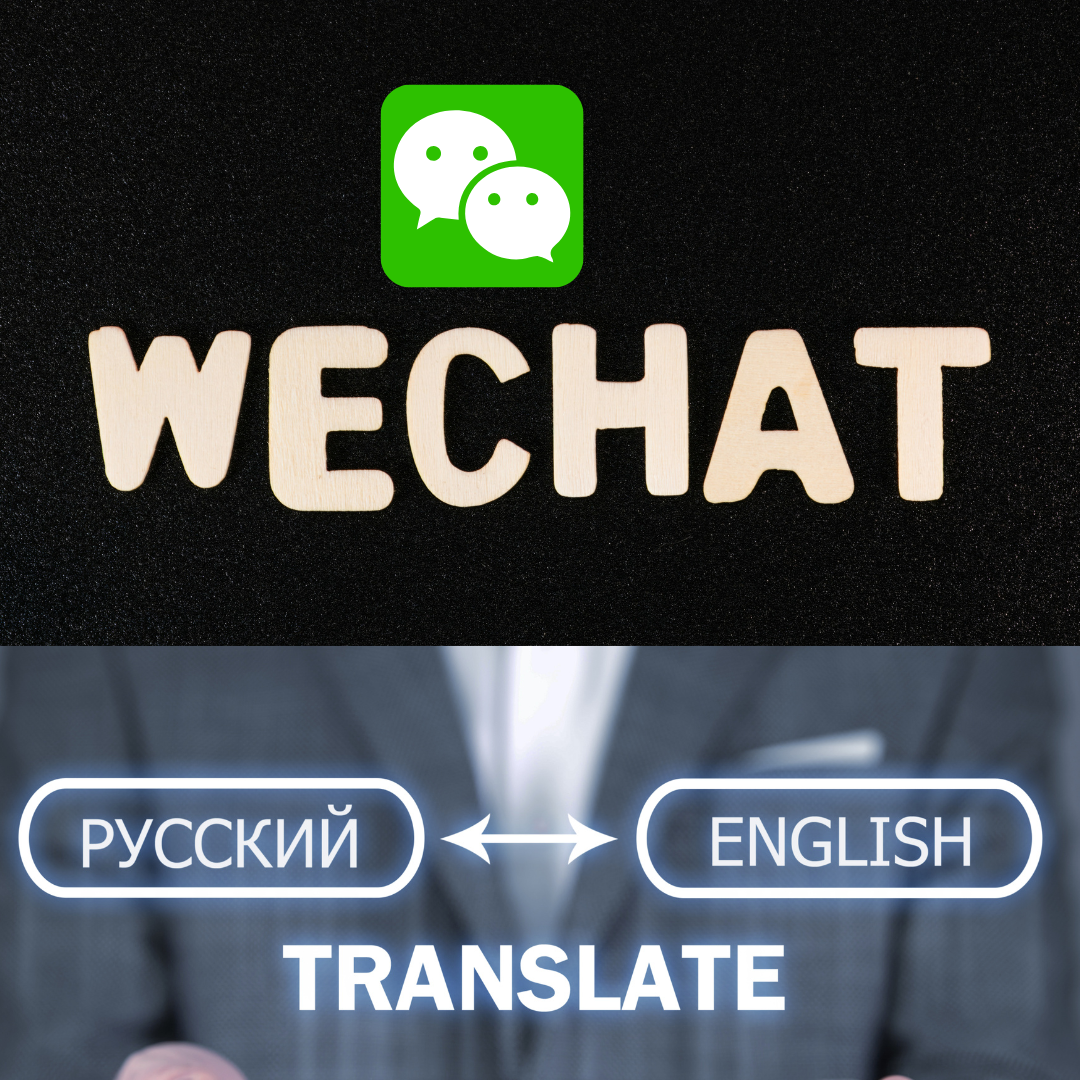
了解如何在桌面上实时翻译微信通话。打开微信和 JotMe,选择语言,然后开始通话进行翻译。

使用 JotMe 等实时翻译工具,在 Zoom 会议中将日语实时翻译成英语。

使用第三方 AI 实时翻译工具(如 JotMe)在 MS Teams 会议中进行实时翻译,该工具提供 45 种语言的实时翻译。
对比 QuillBot 和 JotMe 的俄语转英语翻译:语境准确性、自定义语气、翻译解释、网页快捷键、价格及语言学习体验。
使用 JotMe 获取 Bitrix24 会议的实时翻译。即时翻译通话、获取 AI 见解并共享多语言会议记录。

了解如何在 Netflix 上启用实时字幕翻译,并以任何语言欣赏您最喜爱的节目。开始无限制观看!

了解 JotMe 的实时土耳其语到英语转录如何改善文档并支持欧洲联邦的包容性跨境会议。

了解如何在 JotMe 的微软团队会议中毫不费力地将日语翻译成英语。

要在 Microsoft Teams 中获取实时字幕,请使用 JotMe 等第三方工具,从 45 种语言中进行选择,然后开始吧!

使用 JotMe 的 AI 转录功能捕捉和转录 Slack Huddle。学习如何设置和使用 JotMe 获取即时、准确的会议记录。

您可以使用 JotMe 等第三方工具在 Teams 会议中获得准确的实时转录,它提供 45 种语言的实时转录!

To transcribe your Zoom meetings in real time, use third-party tools like JotMe. Simply select the spoken language of the meeting, and JotMe will instantly start the live transcription as you speak.