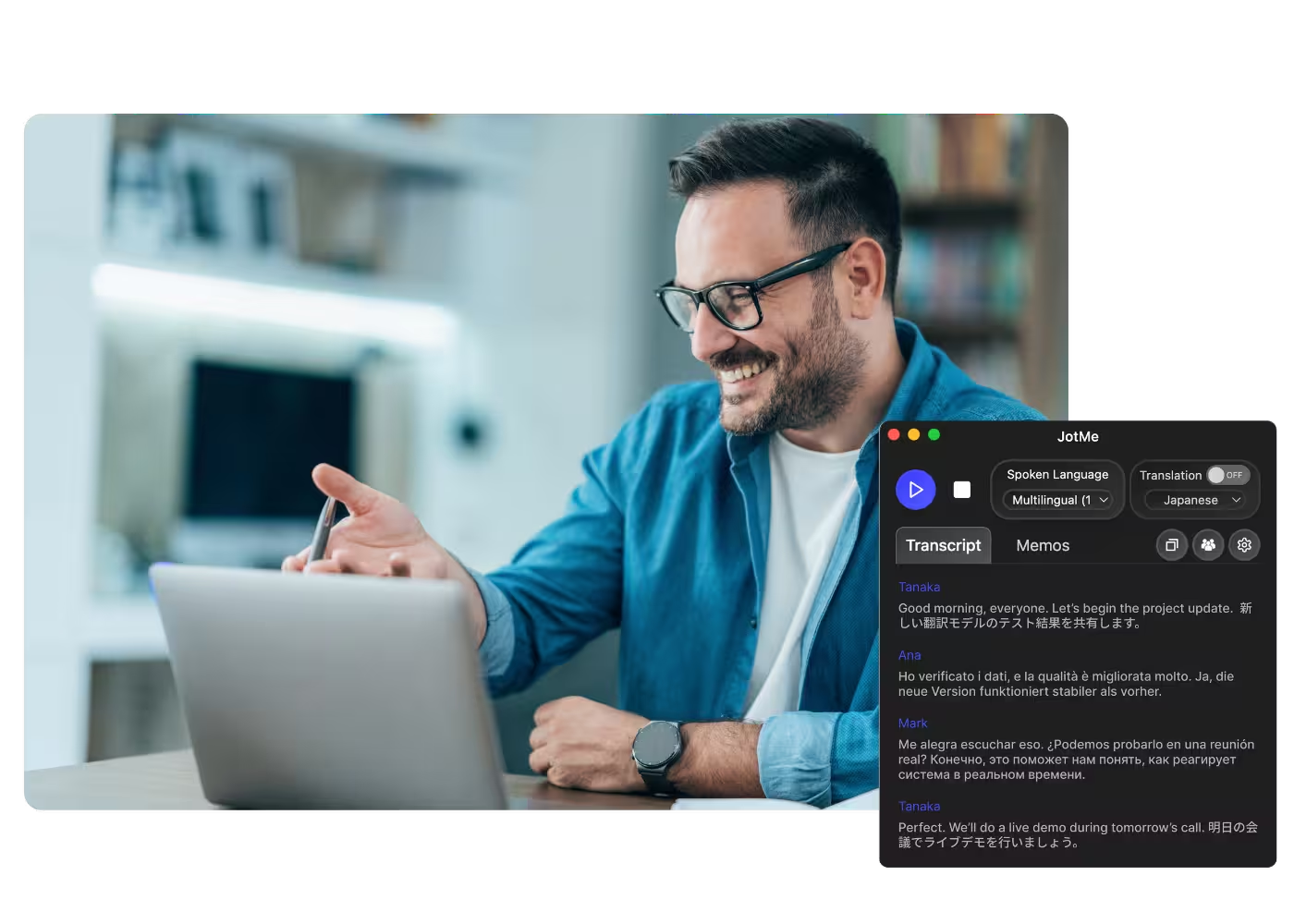
适用于电脑上所有通话的桌面应用

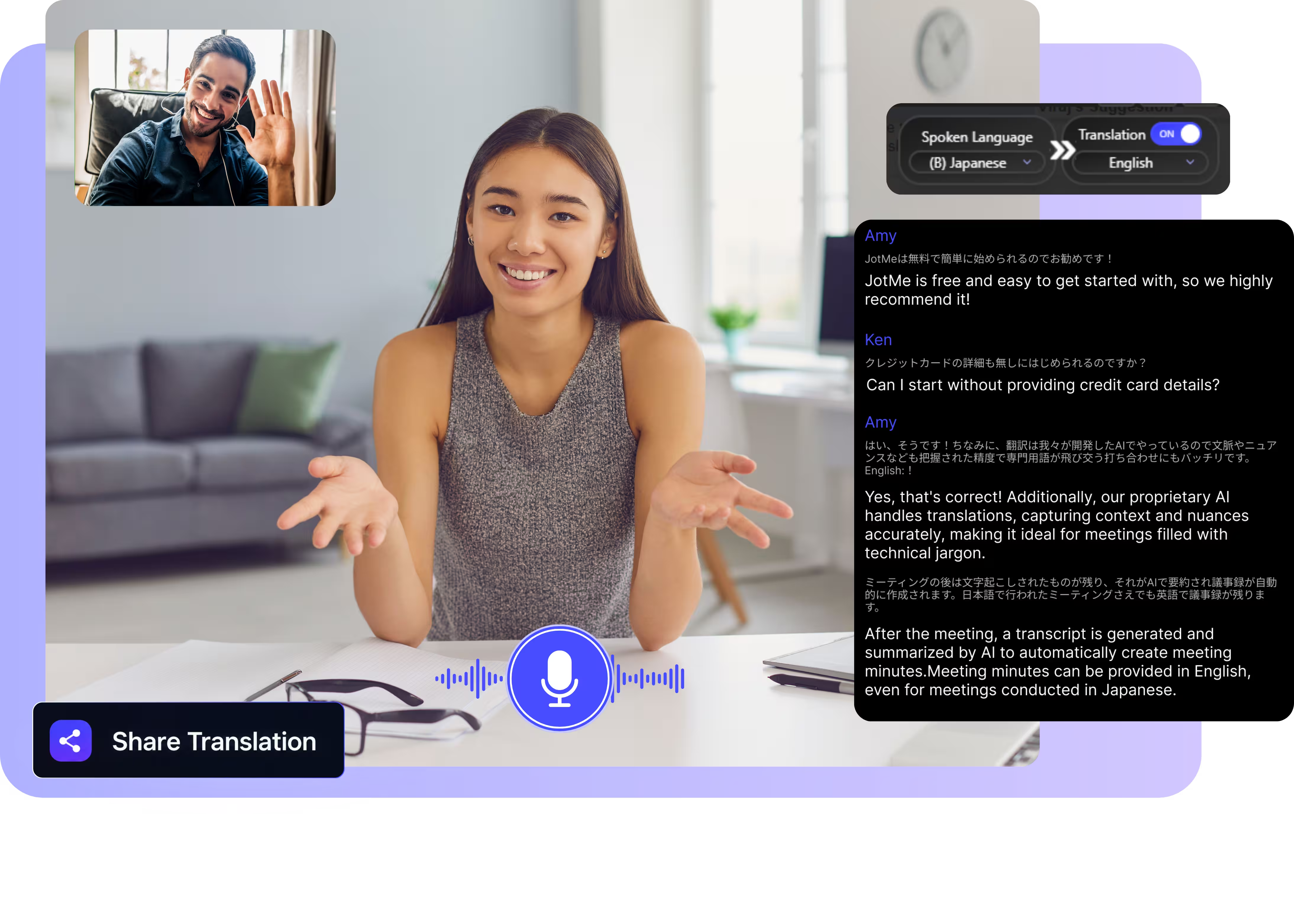
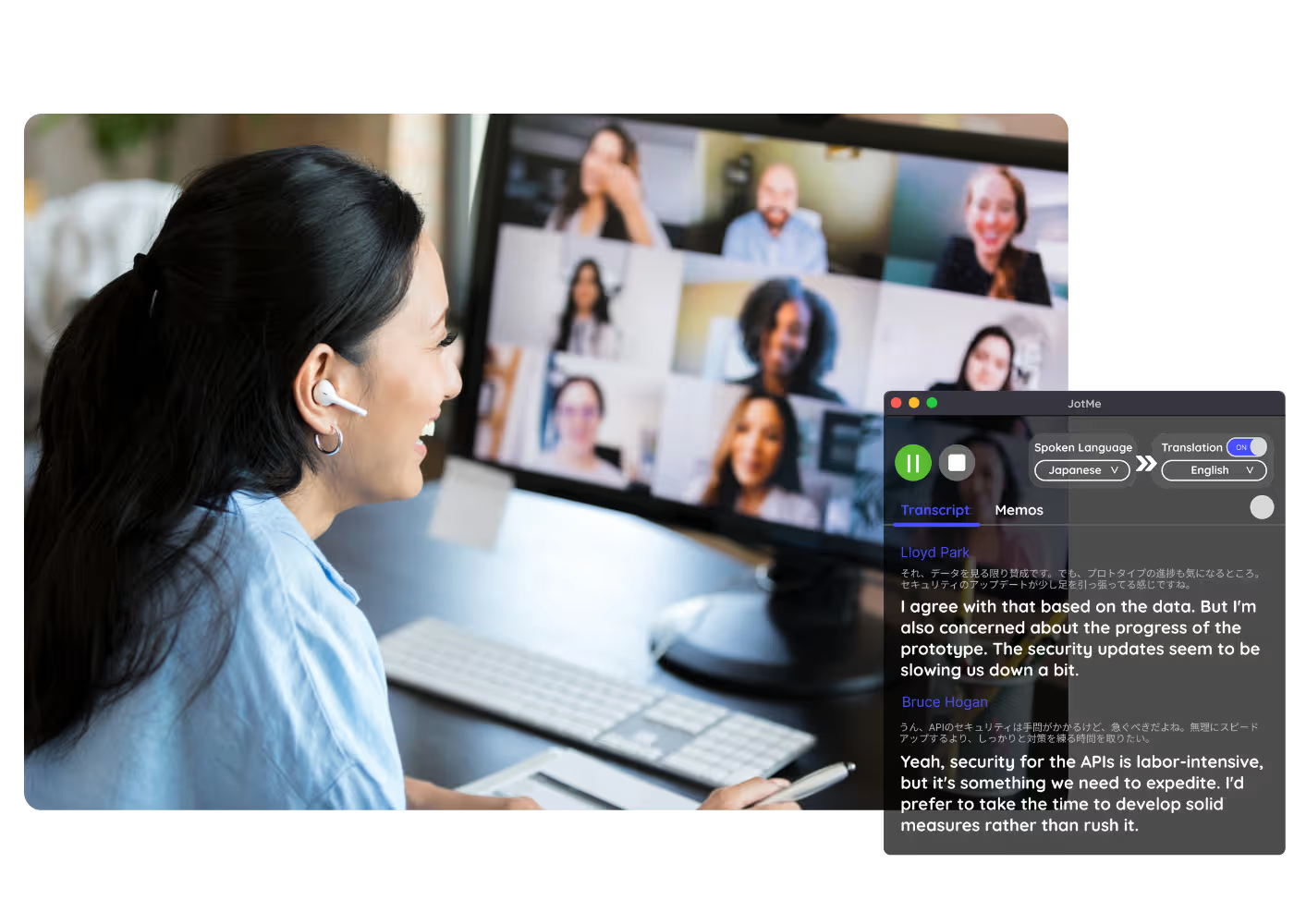
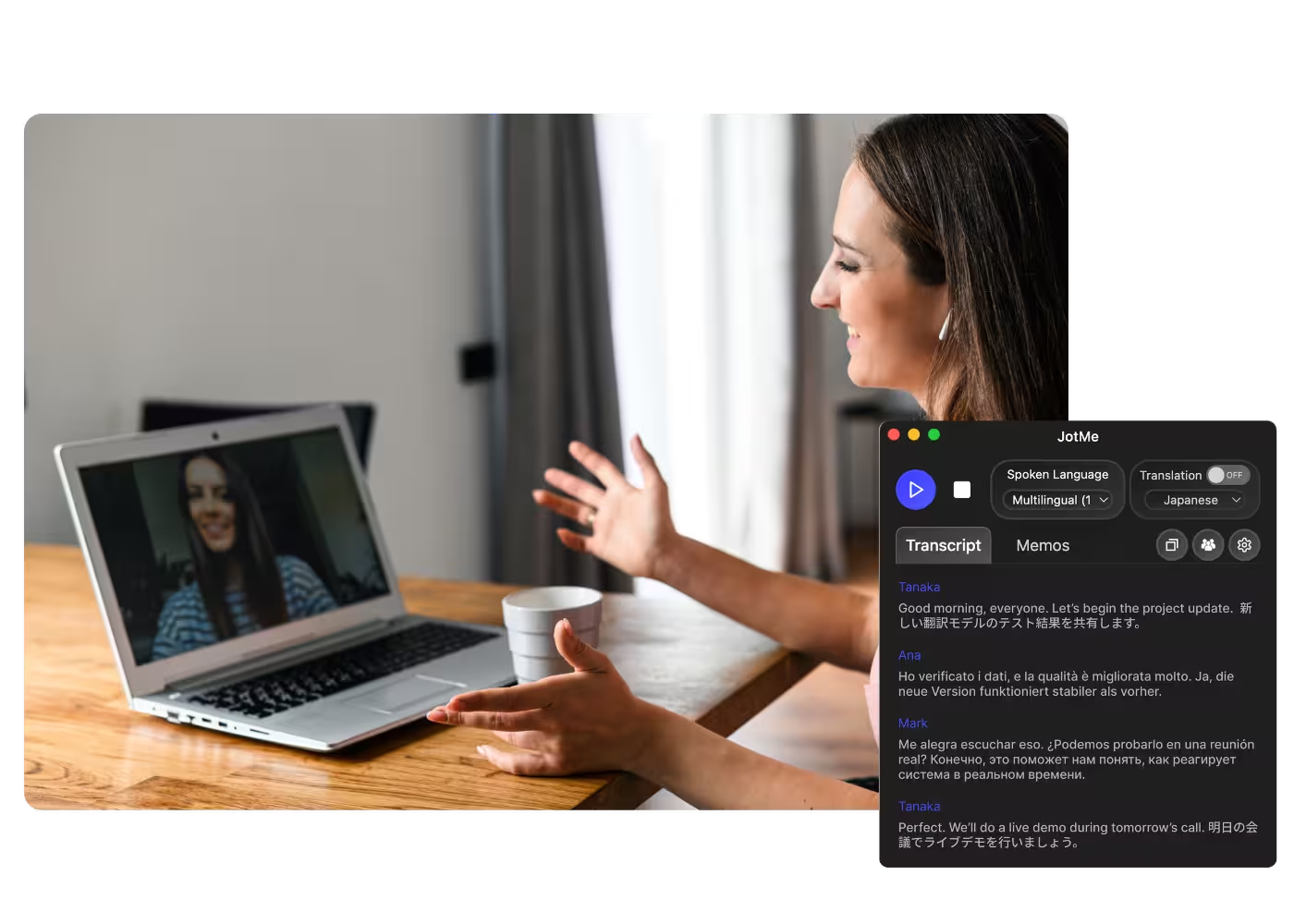
多语言语音转文字、实时语音翻译、AI 会议纪要、AI 搜索、实时摘要、自定义词汇、音频录制等功能。

适用于面对面对话的移动应用

适用于 iPhone 和安卓系统的实时翻译和 A面向 iPhone 与 Android 的实时语音翻译和 AI 语音生成。I 语音生成。

面向 Google Meet 的 Chrome 扩展程序

实时语音转文字、实时语音翻译、AI 会议纪要。
添加到
Chrome
可立即试用

X (Twitter) Translation

Translate X Spaces, live broadcasts, and videos into your language as they play. X translates posts; JotMe translates the audio for accurate captions, across 200+ languages.

免费套餐。无需信用卡。

Select model, languages, click start and join a Space on x.com. JotMe picks up the audio and translates it live on your screen. Open the full demo.

已被 134 个国家的 2,000 个团队和 50 万名专业人士信赖使用

评分 4.7/5
符合 GDPR 规定
SOC 2 Type II(进行中)

Real translation for X, from the audio

Spaces, broadcasts, and videos in any language, understood live.

Context-aware, ultra-accurate

JotMe translates in context and keeps tickers, project names, and community shorthand accurate. Captions read the way the speaker meant them.

Voice-to-voice in your own voice

Hear the translation spoken in your own cloned voice with the fastest voice cloning available today. Your words, your voice, another language.

200+ languages, live or from a recording

Translate X audio across 200+ languages, live while you listen on desktop or from a saved video you upload.

Your translation is saved

JotMe saves the transcript and translation to your dashboard, so a Space you caught once stays searchable afterward.

No bot, no setup

Spaces carry no captions to translate. JotMe listens to your computer's audio and translates the speech directly, speaker by speaker.

Custom dictionary and auto language detection

Add handles, tickers, and custom replacements to keep accuracy high on niche vocabulary. JotMe detects the spoken language automatically, so you never set it mid-Space.

How to translate an X Space or video

Three steps, under a minute, and it works on any audio playing on X.

STEP 1

1. Download the desktop app, or upload a saved video

Get JotMe for Mac or Windows in about 30 seconds and open x.com in your browser. Saved a video instead? Upload it for an accurate transcript and translation.

STEP 2

2. Set the spoken language

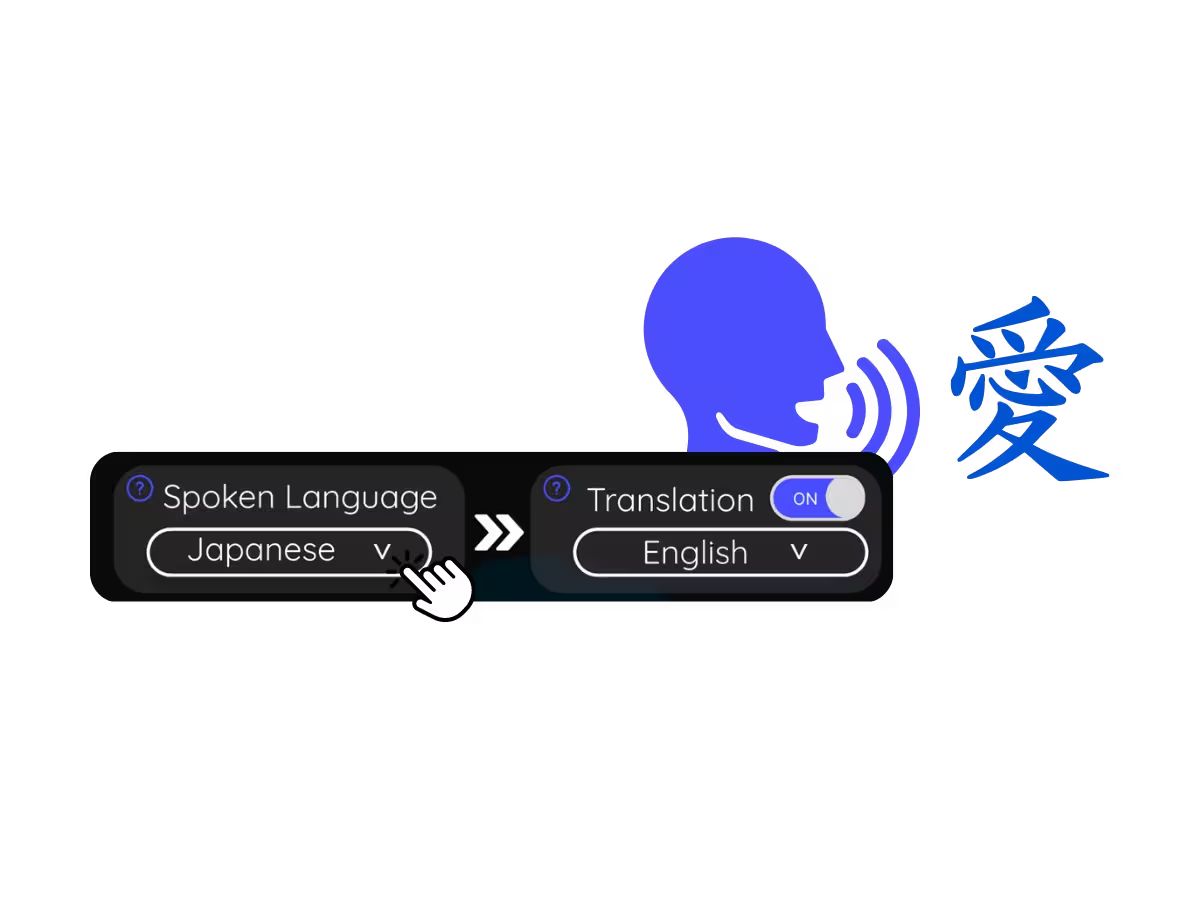
Choose the language being spoken, for example Japanese. If speakers switch languages, pick multilingual mode.

STEP 3

3. Set your translation language

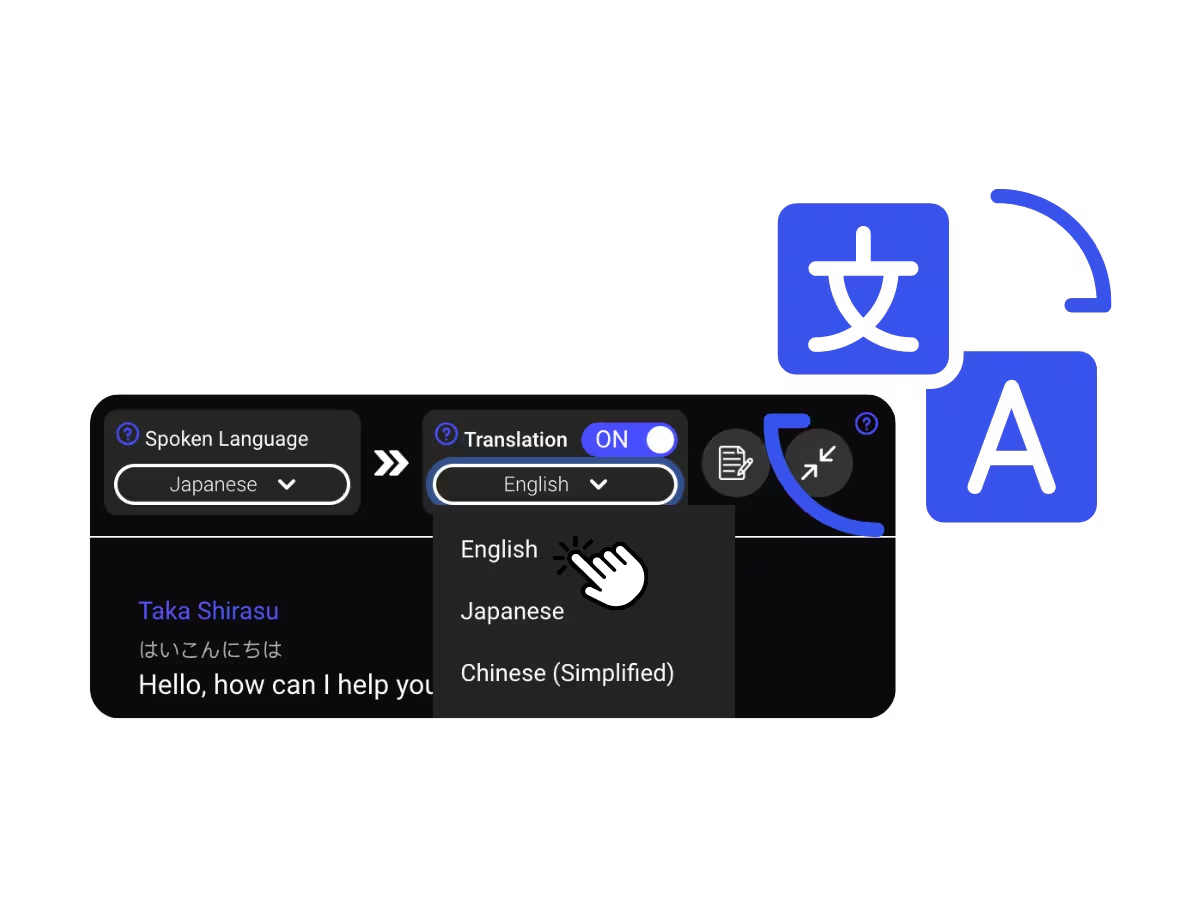
Pick the language you want to read or hear. Accurate live captions appear on your screen, and voice-to-voice translation plays as each person speaks.

What people use X translation for

From a crypto Space hosted in another language to a founder's broadcast you need today, JotMe opens up the global timeline.

Foreign-language Spaces

Monitor what founders, officials, and communities say in global Spaces without waiting for recaps.

Analysts & researchers

Monitor what founders, officials, and communities say in global Spaces without waiting for recaps.

Saved videos & recordings

Upload a saved X video or recorded Space to Video to Text and get the transcript with its translation.

Webinars & training

Share live translation with attendees via URL, QR code, or on-camera subtitles so desktop and browser participants follow along on their own screens.

See it in action

Watch JotMe translate an X Space live, speaker by speaker, straight from the audio.

50 万多名专业人士使用 JotMe 顺畅运营会议和活动

了解用户如何借助 JotMe 弥合多语言运营中的沟通差距,并取得实际成果。

评分 4.7/5
评分 4.7/5
“我的工作涉及翻译和文化交流,我发现这个工具彻底改变了我的日常工作。”
亚当斯
运营专员 / TikTok
“日语对我来说曾是一个谜,但这款产品通过上下文理解使其变得清晰易懂。”
斯塔马蒂斯
顾问 / 德勤
“JotMe 简化了我们的多语言会议,确保在快节奏的工作环境中实现无缝协作。”
凯撒
项目经理 / 亚马逊
“这项双语功能简化了工作中的笔记记录,节省了时间,并提高了两种语言的工作效率。”
佑介
销售经理 / NTT
“对于非流利使用者来说至关重要;通过实时翻译和准确的转录简化了复杂的会议。”
杰西
软件自由职业者
“我们多年来一直需要的翻译工具——现在通过 JotMe 变成了现实!”
埃尔斯顿
首席执行官兼创始人 / Tiny.host
“我的工作涉及翻译和文化交流,我发现这个工具彻底改变了我的日常工作。”
亚当斯
运营专员 / TikTok
“日语对我来说曾是一个谜,但这款产品通过上下文理解使其变得清晰易懂。”
斯塔马蒂斯
顾问 / 德勤
“JotMe 简化了我们的多语言会议,确保在快节奏的工作环境中实现无缝协作。”
凯撒
项目经理 / 亚马逊
“这项双语功能简化了工作中的笔记记录,节省了时间,并提高了两种语言的工作效率。”
佑介
销售经理 / NTT
“对于非流利使用者来说至关重要;通过实时翻译和准确的转录简化了复杂的会议。”
杰西
软件自由职业者
“我们多年来一直需要的翻译工具——现在通过 JotMe 变成了现实!”
埃尔斯顿
首席执行官兼创始人 / Tiny.host

常见问题解答

关于使用 JotMe 举办会议和活动,您需要了解的一切。

Can I translate an X Space in real time?

Yes. Join the Space on x.com and JotMe translates the speech into accurate live captions in your language as people talk, speaker by speaker.

Does X translate Spaces or videos?

X translation covers posts and text, and Spaces and video audio stay untranslated. JotMe covers the audio side across 200+ languages, live or from uploads.

Is X translation free?

Yes. JotMe's free plan includes live translation minutes, and no credit card is required. Upgrade when you need more minutes.

How accurate is the X translation?

JotMe translates with your profile, your custom dictionary, the topic of the room, and a running memory of the audio feeding every line, so accuracy climbs as it plays and jargon and tickers land correctly.

Can I save the translated captions?

Yes. JotMe stores the transcript and translation on your dashboard, so you can review, copy, and share them after the meeting.

Can I translate a recorded Space or saved video?

Yes. Upload the recording to Video to Text and JotMe transcribes the speech and translates the transcript into the language you pick.

Is the translation captions or voice?

Live translation is shown as captions today, and fast mode can speak translations aloud. Voice-to-voice in your own cloned voice with the fastest translation AI model.

Heading

You can translate
Bulgarian
Catalan
Mandarin (Simplified
Mandarin (Traditional)
Cantonese (Traditional)
Czech, Danish
Dutch
English (US)
English (UK)
English (Australia)
English (New Zealand)
English (India)
Estonian, Finnis
French
French (Canada
German
German (Switzerland
Greek
Hindi
Hungarian
Indonesian
Italian
Japanese
Korean
Latvian
Lithuanian
Malay
Dutch (Flemish)
Norwegian
Polish
Portuguese
Portuguese (Brazil)
Portuguese (Portugal)
Romanian
Russian
Slovak
Spanish
Spanish (Latin America)
Swedish
Thai
Turkish
Ukrainian
Vietnamese

Listen to X in any language

Spaces and videos translated accurately from the audio, across 200+ languages. The global conversation, minus the barrier.