Guides
17 Best Event Management Software Tools for In-Person Events in 2026

Lovely Mangla
September 1, 2026
The 17 best event management software tools for in-person events in 2026 are **Whova, Cvent, EventMobi, Swoogo, Swapcard, Accelevents, Bizzabo, Eventbrite, Ticket Tailor, RSVPify, zkipster, Slido, Mentimeter, Pigeonhole Live, JotMe, Wordly, and Interprefy**.
These event management tools cover registration, ticketing, check-in, attendee engagement, networking, event apps, and live translation. This guide compares their best use cases, pricing, strengths, limitations, and fit for events with up to 200 attendees.
Below, we break down each tool so you can choose one platform or build a practical software stack without paying for features you do not need.
Key Takeaways
- Best overall: Whova is a strong all-in-one choice for conferences that need registration, an attendee app, networking, and onsite engagement.
- Best for complex event programs: Cvent works well for organizations managing recurring events with detailed registration, onsite operations, integrations, and reporting.
- Best for simple ticketing: Eventbrite and Ticket Tailor are practical choices for public events where ticket sales, registration, and check-in are the main priorities.
- Best for audience engagement: Slido, Mentimeter, and Pigeonhole Live add live Q&A, polls, quizzes, and other interactive features without requiring a full event platform.
- Best for live translation: JotMe adds live translation and translated voice to in-person events through a shared screen, browser URL, or QR code, making it useful for multilingual conferences, seminars, panels, and workshops.
- Best for dedicated AI translation: JotMe and Wordly are designed for organizations that need recurring AI-powered translated captions and audio across events and meetings.
- Best for human and AI interpretation: Interprefy combines AI speech translation and captions with professional human interpretation for high-stakes multilingual events.
- For events up to 200 people: You may not need one large event platform. A combination such as registration + engagement + JotMe for language access can be more practical and cost-effective.
Best In-Person Event Software at a Glance
Note: Pricing and product information were checked on August 26, 2026. Vendors can change plans, limits, fees, and included features. Confirm the final quote before committing an event budget.
What Counts as In-Person Event Management Software
In-person event management software is any digital product that helps an organizer plan, deliver, or measure a physical event. A full platform may cover the event website, registration, emails, check-in, badges, mobile agenda, networking, sponsors, and reporting. A specialist tool may handle one job, such as live polling or translated captions, much better than an all-in-one suite.
That distinction matters because an all-in-one label does not guarantee that every module is equally strong. It can also lead a small team to buy a large system just to solve two problems. If registration and ticket scanning are the only serious requirements, a focused ticketing tool may be the cleaner purchase. If the event has multiple tracks, sponsors, exhibitors, and a networking program, consolidating those workflows can save far more time than it costs.
For an in-person event, the software usually falls into five practical categories:
- Event platforms: Registration, websites, agendas, communications, apps, onsite tools, and reporting in one system.
- Ticketing and registration: Sign-up forms, ticket sales, payments, capacity, confirmation emails, and entry scanning.
- Guest and check-in management: Invitations, guest lists, seating, badges, arrival tracking, and walk-ins.
- Audience engagement: Questions, polls, quizzes, surveys, reactions, and session feedback.
- Language access: Live captions, subtitles, translated voice, and interpretation for multilingual attendees.
No event organizer gets a prize for forcing all five categories into one platform. The goal is a reliable event, not software monogamy.
How We Selected In-Person Event Software
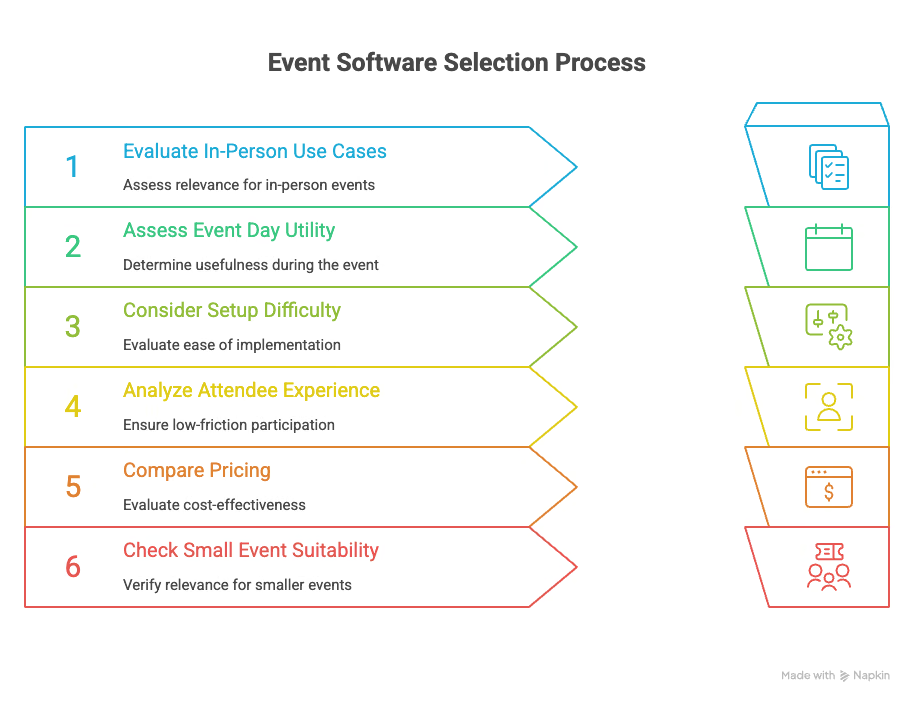
We evaluated each event management software and event software option based on the practical problems it can solve for an in-person event, not simply the number of features listed on its website. The goal was to identify which tools are genuinely useful before, during, and after an event, particularly for teams managing events with up to 200 attendees.
Here is what we looked at:
- What the software actually manages: We prioritized tools with a clear in-person use case, such as registration, ticketing, check-in, attendee management, agendas, networking, audience engagement, or live language access. Tools designed mainly for virtual events were not treated as full in-person solutions.
- How useful it is on event day: We looked at the functions organizers and attendees actually need once the doors open, including QR check-in, badge printing, agenda updates, attendee communication, live Q&A, polling, networking, captions, and translation.
- How difficult it is to set up: A powerful platform is not automatically a better choice if a small team needs extensive training or weeks of preparation. We considered the setup effort, configuration requirements, and operational complexity involved in getting each tool ready for a live event.
- How much work it creates for attendees: We considered whether attendees can join through a browser or QR code, or whether they need to create an account, download an app, or use additional hardware. Lower-friction event management apps and browser-based tools have an advantage when they can deliver the same experience without unnecessary steps.
- What you actually pay: We compared published pricing where available and clearly marked products that require a custom quote. We also considered per-ticket fees, annual commitments, minimum spends, and usage-based costs because the cheapest-looking software is not always the cheapest option for a real event.
- Whether it makes sense for smaller events: Some event management platforms are built for enterprise event programs rather than one-off events. We included major enterprise tools when they offer capabilities worth knowing about, but we also considered whether their pricing, implementation requirements, or feature depth make sense for an event with up to 200 attendees.
- What the software does not do: Every tool has a boundary. A ticketing platform may not provide networking, a polling tool may not manage registration, and a translation platform may not handle check-in. We highlight these gaps so you can see whether you need one complete platform or a combination of specialized event software.
The result is not a universal ranking from first to worst. It is a list organized around fit. The best option depends on the work your event actually requires.
17 Best Event Management Software Tools for In-Person Events
Here is the detailed description of each event management software tool so you can understand each and make the right choice:
1. Whova: Best for Conference Apps and Attendee Networking
Best for: Conferences, associations, expos, and multi-session events that want registration, an attendee app, and networking in one platform.
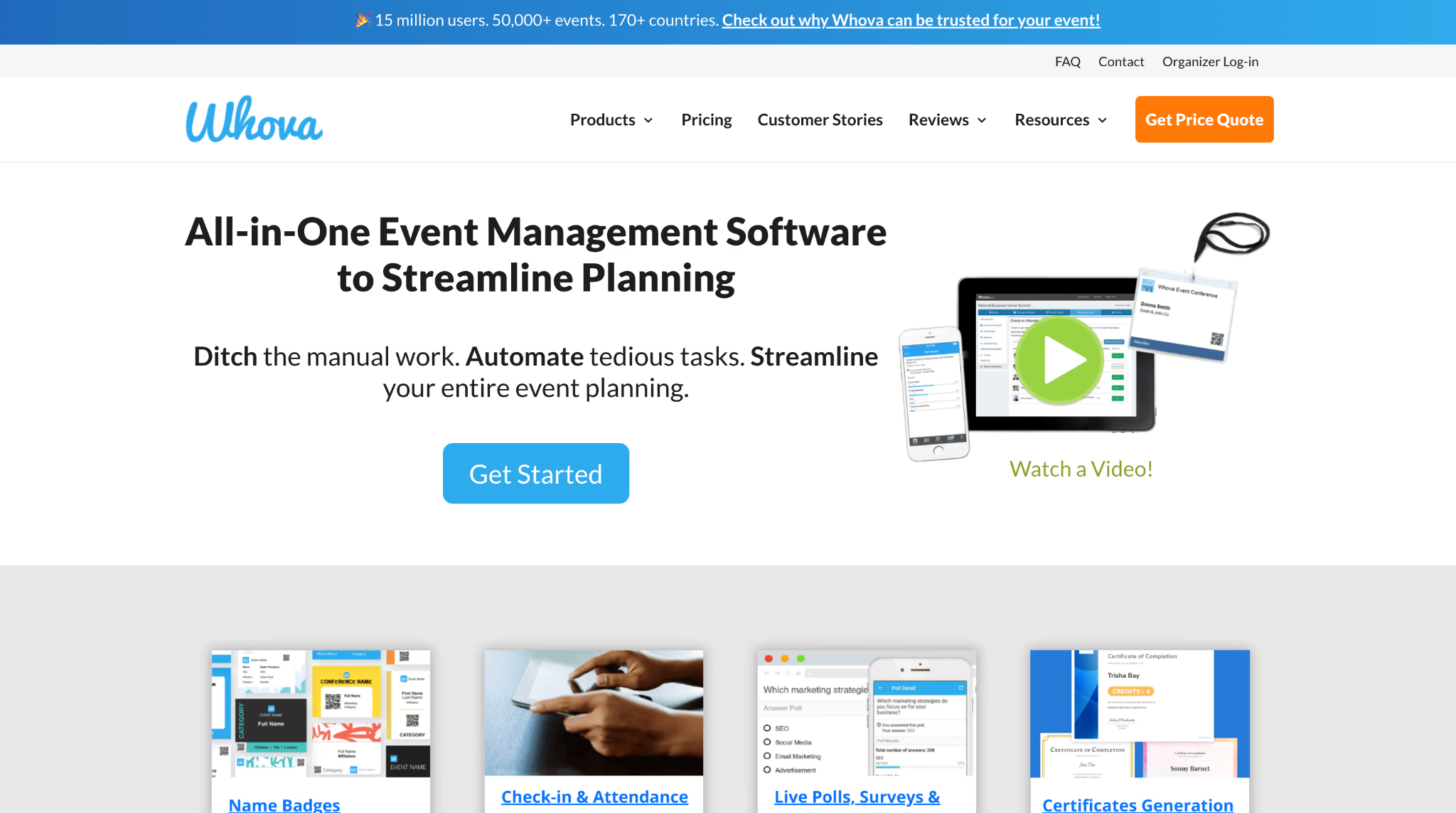
Whova combines event registration, agenda management, attendee communication, check-in, badges, surveys, gamification, and a mobile event app. Its strongest in-person argument is the attendee layer: people can build personal agendas, receive updates, find other attendees, participate in discussions, and continue conversations around the event program.
That breadth is useful when the event experience extends beyond buying a ticket and finding a chair. It also means Whova may be more platform than a simple seminar needs. Pricing is quote-based and varies by event size and selected features, so organizers must speak with Whova before comparing the real total against smaller tools.
Choose Whova when the app, networking, and session experience are central. If you only need ticket sales and door scanning, start with a narrower product.
2. Cvent: Best for Complex and Repeatable Event Programs
Best for: Organizations managing many events, detailed registration rules, onsite operations, marketing data, and reporting requirements.
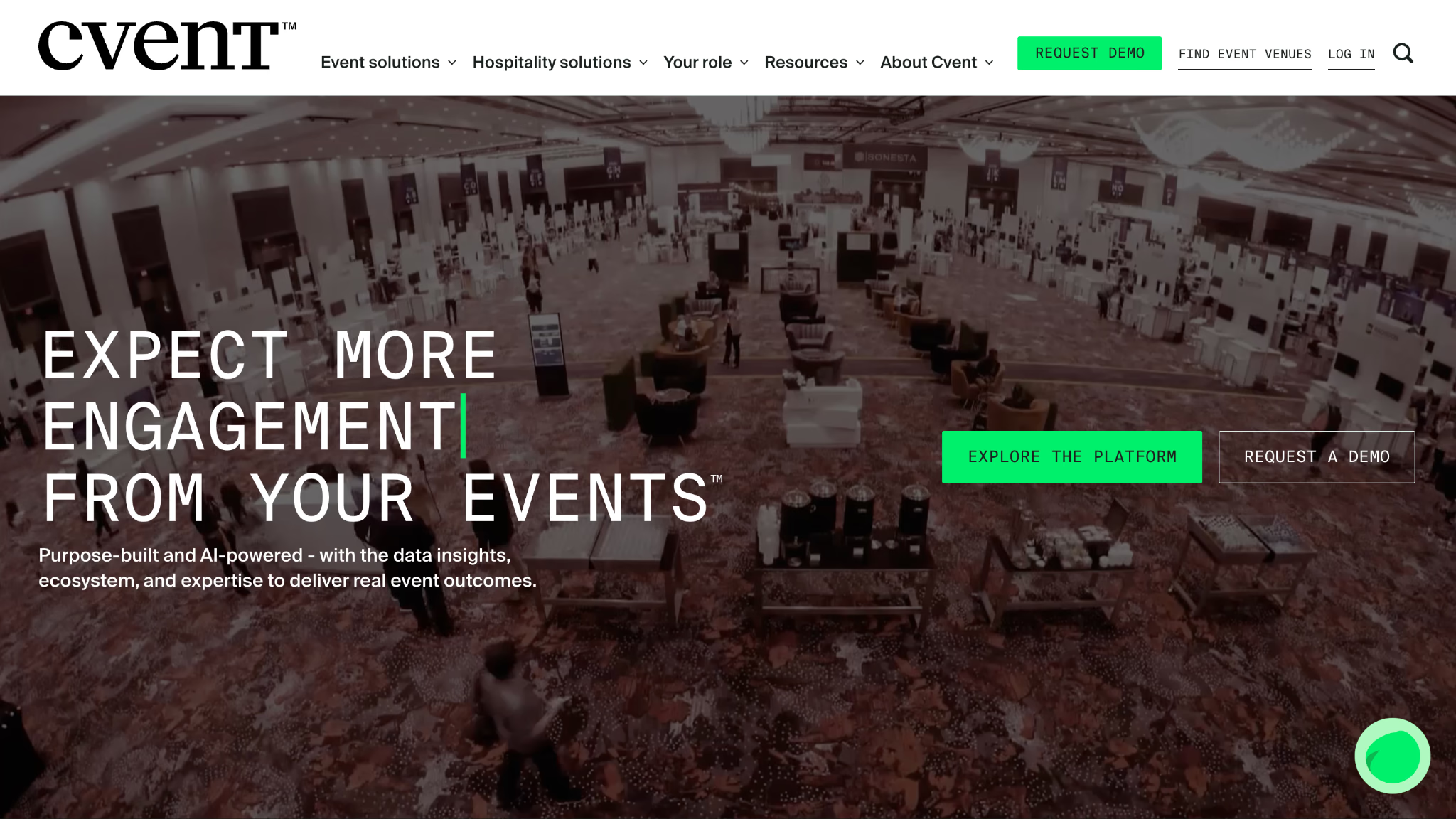
Cvent covers a wide event lifecycle: websites, registration, attendee management, mobile experiences, appointments, surveys, check-in, badge printing, venue sourcing, integrations, and analytics. Its in-person platform is built for teams that need consistent processes across recurring meetings as well as larger conferences.
The tradeoff is proportional to that depth. A small organization holding one 120-person event can end up evaluating an enterprise system designed to manage an entire event portfolio. Cvent uses quote-based pricing, although it also offers a trial and a PayGo route for launching events through the trial environment.
Cvent belongs on the shortlist when governance, integrations, reporting, and repeatability matter more than self-service simplicity. For an occasional small event, compare the implementation effort as carefully as the feature list.
3. EventMobi: Best for Modular Event Apps and Onsite Tools
Best for: Professional event teams that want to combine registration, an event app, check-in, badges, engagement, and reporting without buying every module at once.
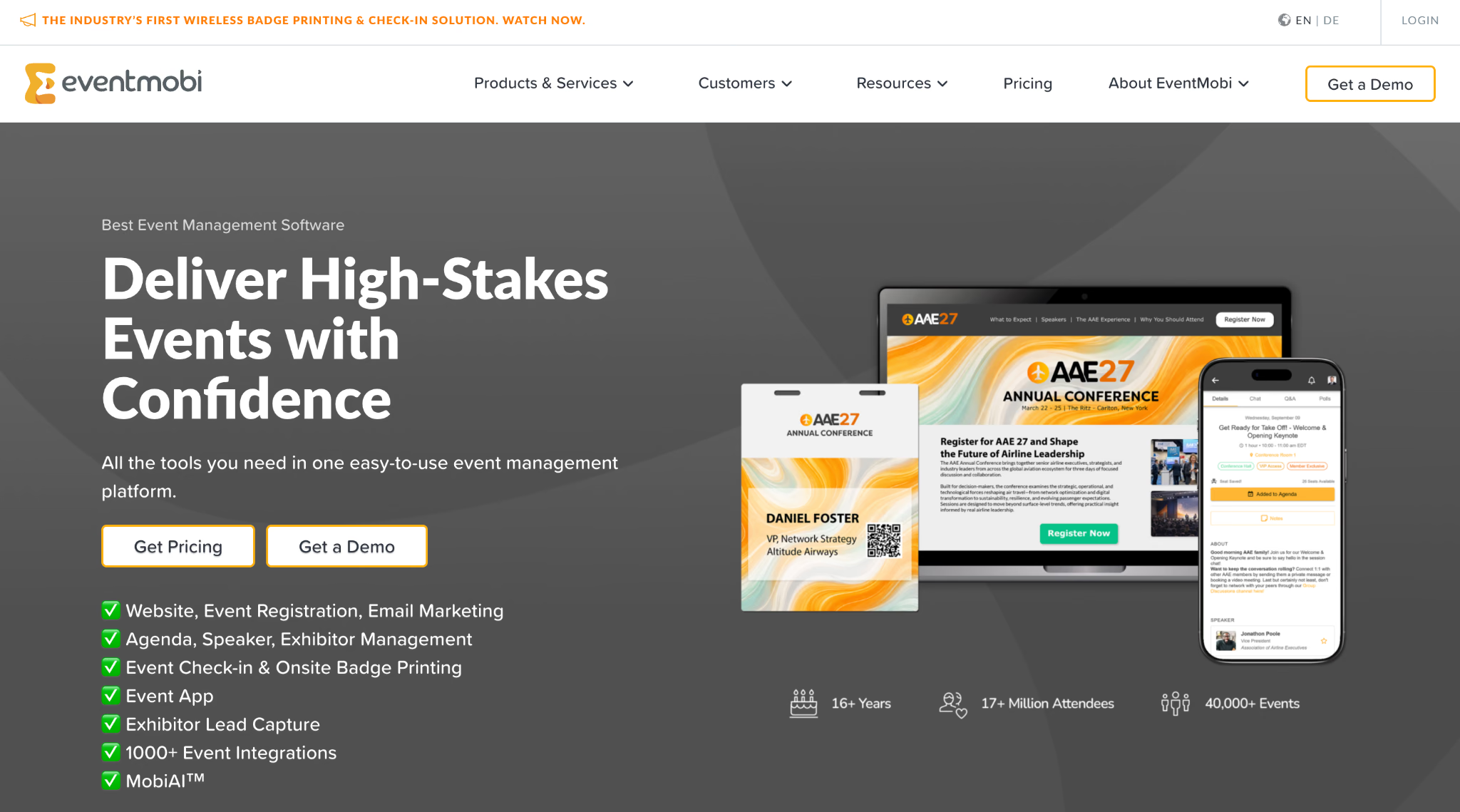
EventMobi provides event websites and registration, mobile apps, check-in and badge printing, interactive maps, networking, gamification, lead capture, polls, surveys, and analytics. The platform is modular, so an organizer can select the parts needed for a particular event rather than treating every feature as mandatory.
EventMobi publishes unusually useful starting prices for this category. Its pricing page lists per-event pricing from $3500 and annual pricing from $7900, with the final amount affected by attendance and selected products. That makes budgeting easier, but it also places the platform above the price range of a casual workshop or community gathering.
EventMobi fits teams running a professional conference experience with branding and onsite requirements, especially when a mobile event app is important.
4. Swoogo: Best for Repeatable Branded Registration
Best for: Event teams running multiple branded in-person events and needing flexible registration logic.
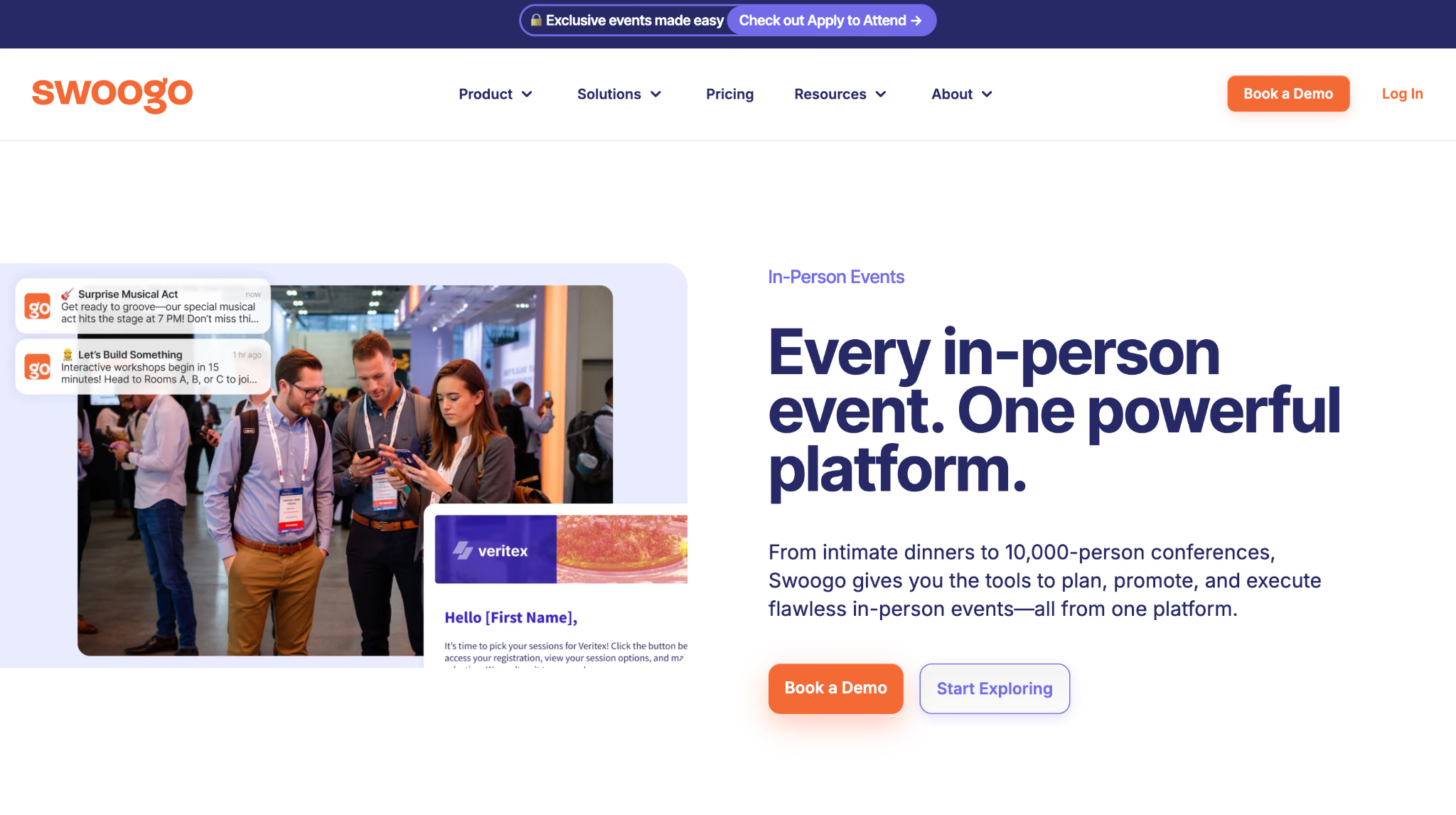
Swoogo focuses on event websites, registration, attendee data, privacy, integrations, and reusable processes for live and virtual events. Its registration tools support conditional logic, different attendee personas, pricing strategies, and customized journeys, which is valuable when speakers, sponsors, staff, and attendees should not all receive the same form.
Swoogo prices by platform users rather than by event or registration volume. Its published Professional plan is $11,800 per year for unlimited events and registrations, while Enterprise pricing is customized. Optional products such as onsite services and a mobile app can increase the final cost.
Swoogo makes sense for a team running a calendar of events. It is difficult to justify for one small conference unless the registration workflow is unusually complex. The honest comparison is annual program value, not the cost of one event.
5. Swapcard: Best for Trade Shows and Exhibitor Value
Best for: Trade shows, associations, conferences, and media events where networking, exhibitors, and measurable commercial outcomes matter.
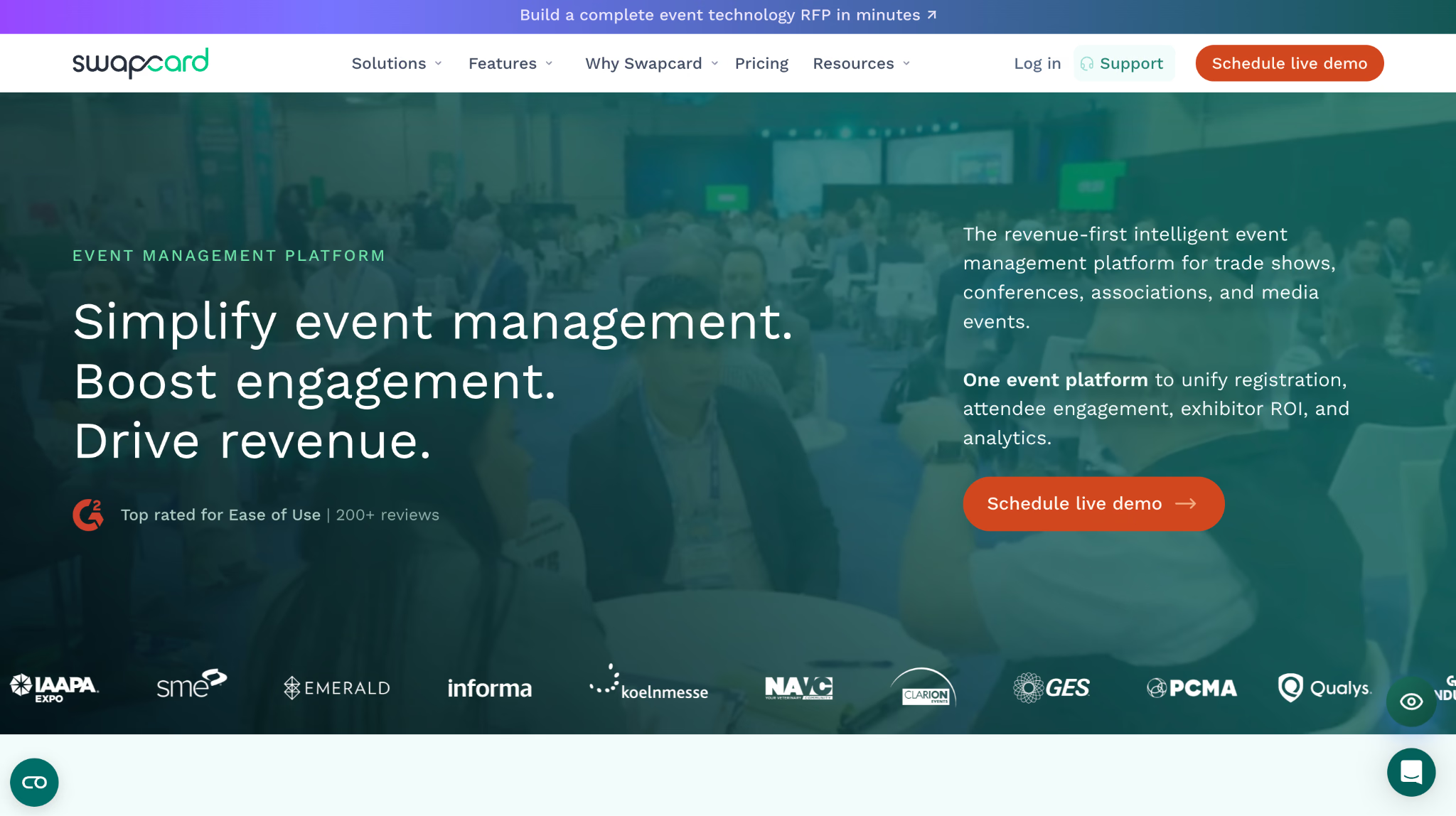
Swapcard combines registration, an event app, attendee networking, matchmaking, exhibitor tools, lead capture, monetization, and analytics. It positions the platform around event revenue and exhibitor return, rather than treating exhibitors as a logo directory attached to the agenda.
For an in-person trade show, that orientation is useful. Attendees can discover relevant people and exhibitors, while organizers can connect activity data to sponsor and exhibitor reporting. For a simple internal workshop, much of that value disappears because there is no marketplace or exhibitor program to support.
Swapcard does not publish a simple self-service price for the complete platform. Expect a sales conversation and a quote shaped by the event program. Shortlist it when networking and exhibitor outcomes are first-class requirements.
6. Accelevents: Best for Connected Conference Operations
Best for: Conferences and trade shows that want registration, check-in, badge printing, an event app, exhibitors, and lead capture in one system.
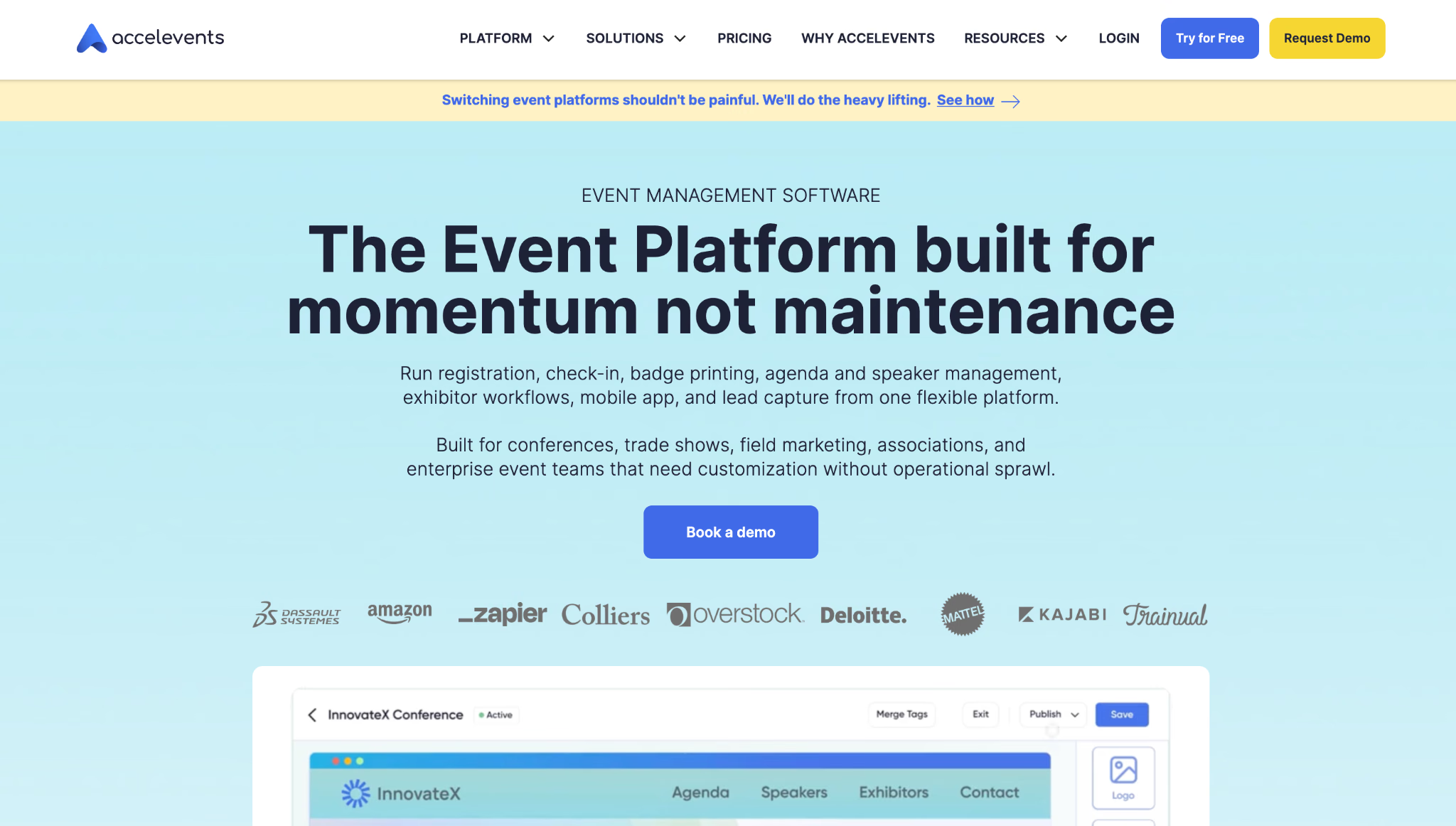
Accelevents is an all-in-one platform for in-person and hybrid events. Its current product covers registration, ticketing, onsite check-in, badge printing, agenda and speaker management, mobile apps, exhibitor workflows, lead capture, and reporting. This reduces the number of systems an operations team must reconcile before and after the event.
Choose Accelevents when the onsite workflow and exhibitor layer justify a connected platform. If the event has no exhibitors, badges, or lead capture, calculate how much of the package would sit unused.
7. Bizzabo: Best for B2B Event Portfolios
Best for: B2B organizations managing multiple in-person, virtual, and hybrid events with a shared data and reporting model.
Bizzabo provides registration, event websites, email campaigns, mobile apps, onsite services, networking, analytics, and portfolio management. Its in-person offering also includes badge and check-in options, equipment packages, and onsite support for teams that do not want to assemble the physical setup alone.
Bizzabo is a credible option for a corporate event portfolio. It is usually the wrong starting point for a small team planning one isolated conference and trying to keep software spending lean.
8. Eventbrite: Best for Public Ticketed Events
Best for: Public workshops, classes, performances, community events, and conferences that benefit from an established event marketplace.
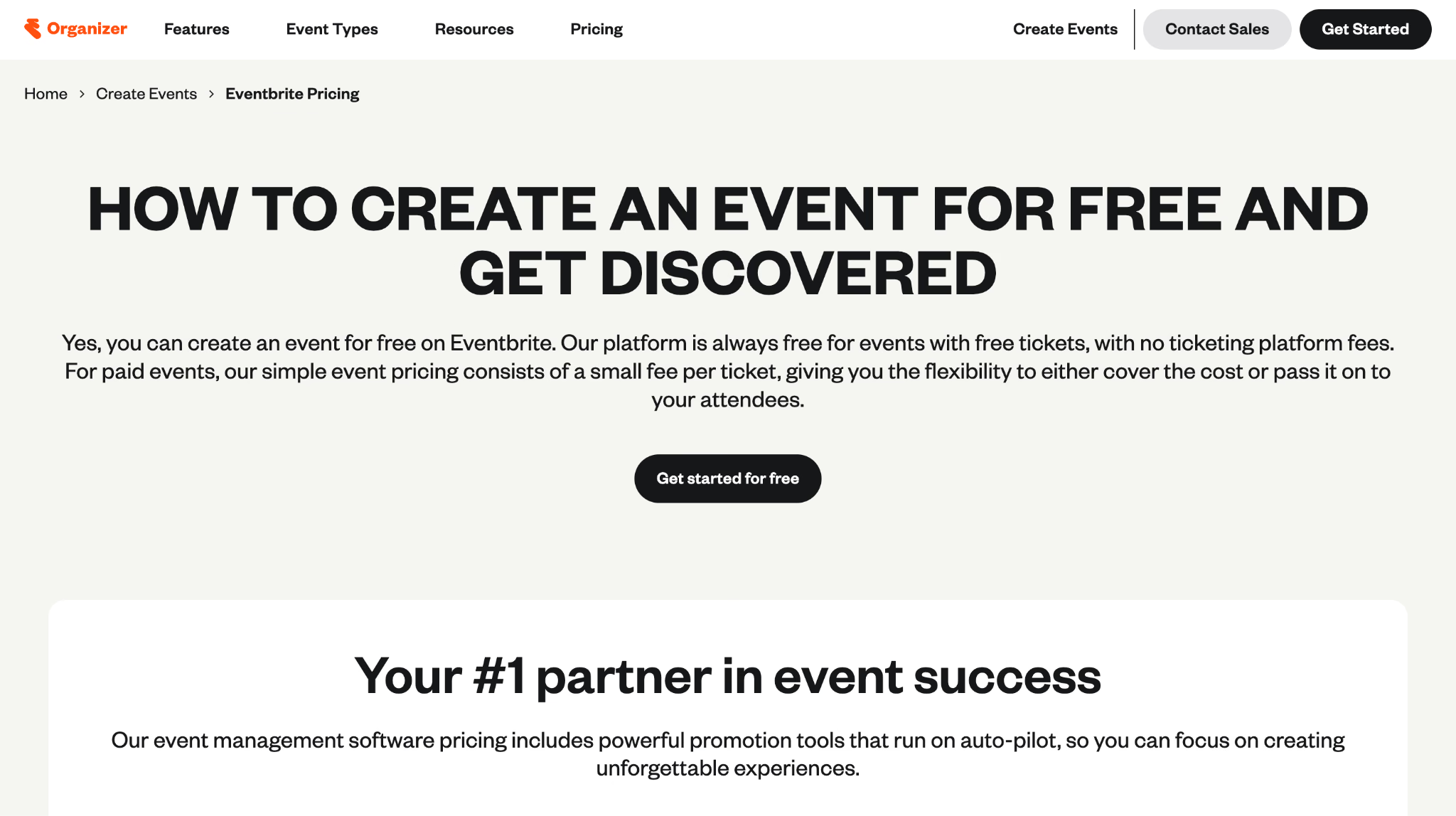
Eventbrite makes it easy to publish an event page, sell tickets, collect attendee information, send organizer communications, and scan entrants with its mobile Organizer app. Its discovery marketplace is the differentiator. People can find an event while browsing Eventbrite, which a private registration form cannot reproduce by itself.
Organizers can publish unlimited free events without a platform charge. Paid events carry service and payment-processing fees that vary by market and ticket configuration, so check the local pricing page instead of copying a fee from another country.
Eventbrite is a strong self-service choice when promotion and ticket sales are the main jobs. It is less suitable when the organizer needs complex conference agendas, exhibitor management, deeply controlled branding, or private invitation logic.
9. Ticket Tailor: Best for Straightforward, Low-Overhead Ticketing
Best for: Organizers who want a branded online box office, flat platform fees, and a free check-in app without an annual event-platform contract.
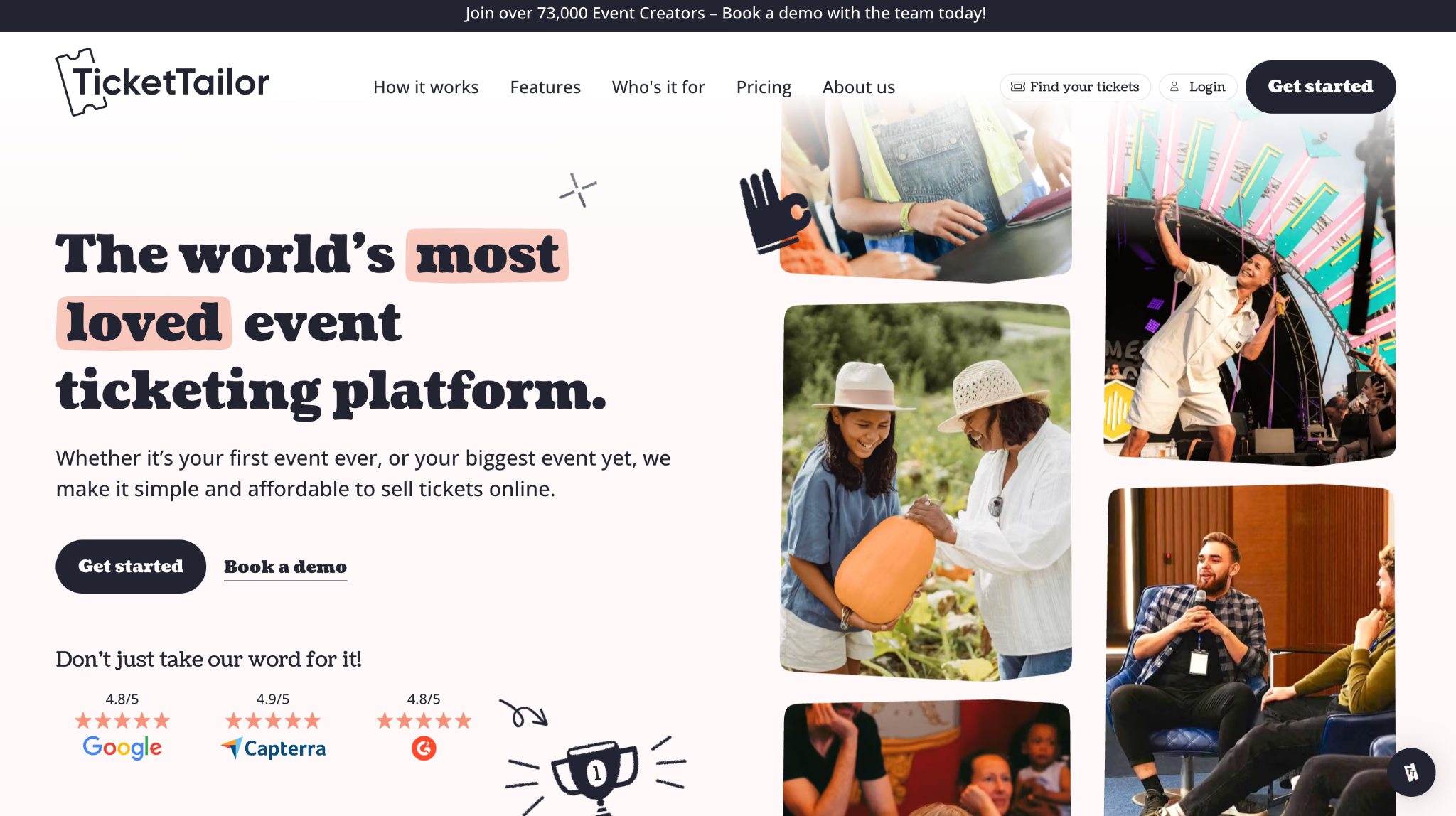
Ticket Tailor handles event pages, ticket sales, custom questions, discount codes, timed entry, reserved seating, embedded checkout, attendee communication, and door scanning. Instead of taking a percentage-based platform fee, it charges a flat fee for each paid ticket. Free events also receive a generous free-ticket allowance.
That model is easy to understand and can protect the margin on higher-priced tickets. Ticket Tailor also connects directly to the organizer's chosen payment processor, which can improve cash flow compared with waiting for a platform payout.
It remains a ticketing product, not a complete conference operating system. Pair it with separate engagement or language-access tools when the in-room experience needs more than admission and attendance tracking.
10. RSVPify: Best for Branded and Private Registration
Best for: Corporate events, galas, private gatherings, invitation-led events, and teams that need more control over guest data than a public ticket marketplace provides.
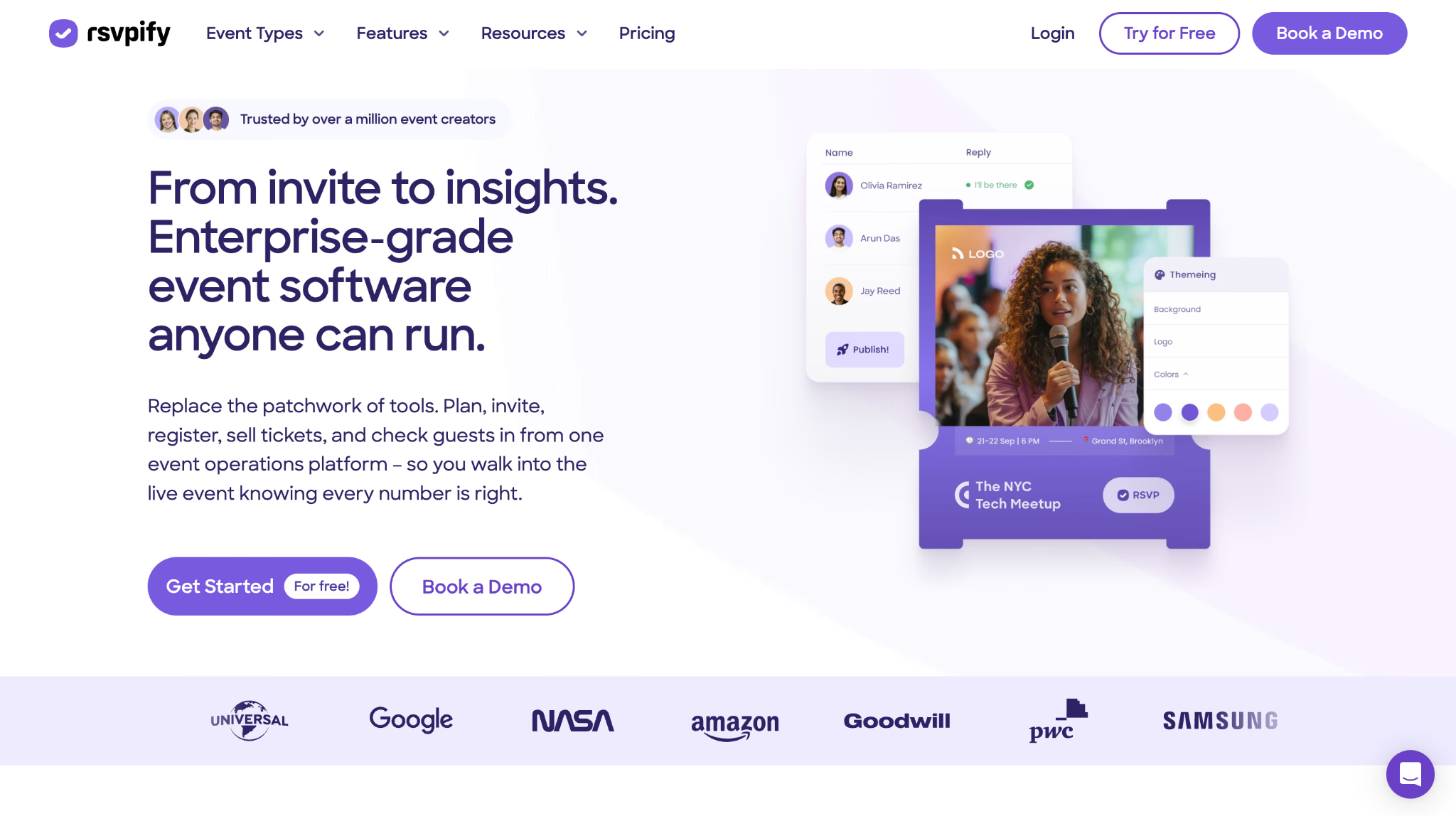
RSVPify combines registration forms, invitations, ticketing, guest lists, event communications, seating, badges, appointments, reporting, and check-in. Organizers can use custom questions and logic, create private or invite-only experiences, and collect details such as meal preferences without bending a generic ticket checkout into shape.
RSVPify offers a free plan for simple registrations and paid tiers for branding, analytics, ticketing, and more advanced workflows. Ticketed events also have transaction charges, so the relevant comparison is the total fee at the expected ticket price and volume.
It is a good middle ground when Eventbrite feels too public, and an enterprise platform feels excessive. It does not replace a full multi-track conference app or a specialist audience-engagement system.
11. zkipster: Best for Guest Lists and Polished Check-In
Best for: VIP events, launches, galas, luxury events, and invitation-led gatherings where the arrival experience matters.
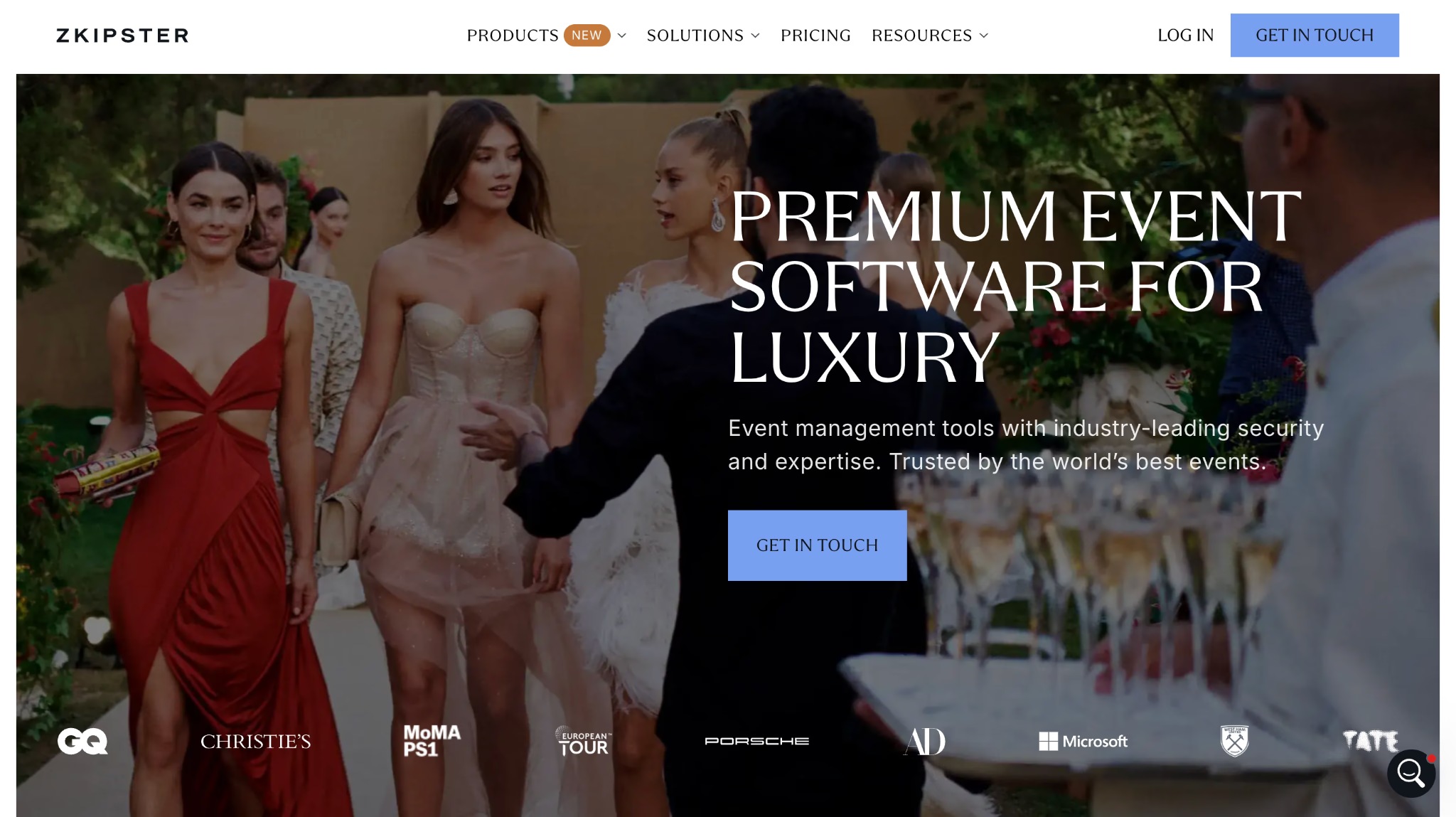
zkipster centers on guest management: contact lists, invitations, forms, communication, seating, payments, check-in, and attendance insights. Its check-in apps support QR codes and save activity locally when venue Wi-Fi drops, then synchronize the data when the connection returns. That is a practical event-day feature, not a decorative checkbox.
The product is strongest when the organizer cares about who has arrived, where guests sit, how staff recognizes them, and how guest history carries into future events. It is not designed to replace conference agendas, audience polling, translation, or an exhibitor platform.
Pricing requires contacting the company. For a straightforward public event, basic ticketing may be enough. For a carefully managed guest list and front door, zkipster solves a more specific problem.
12. Slido: Best for Fast Q&A and Live Polling
Best for: Keynotes, panels, town halls, workshops, and conferences that need audience questions and simple participation without a full event app.
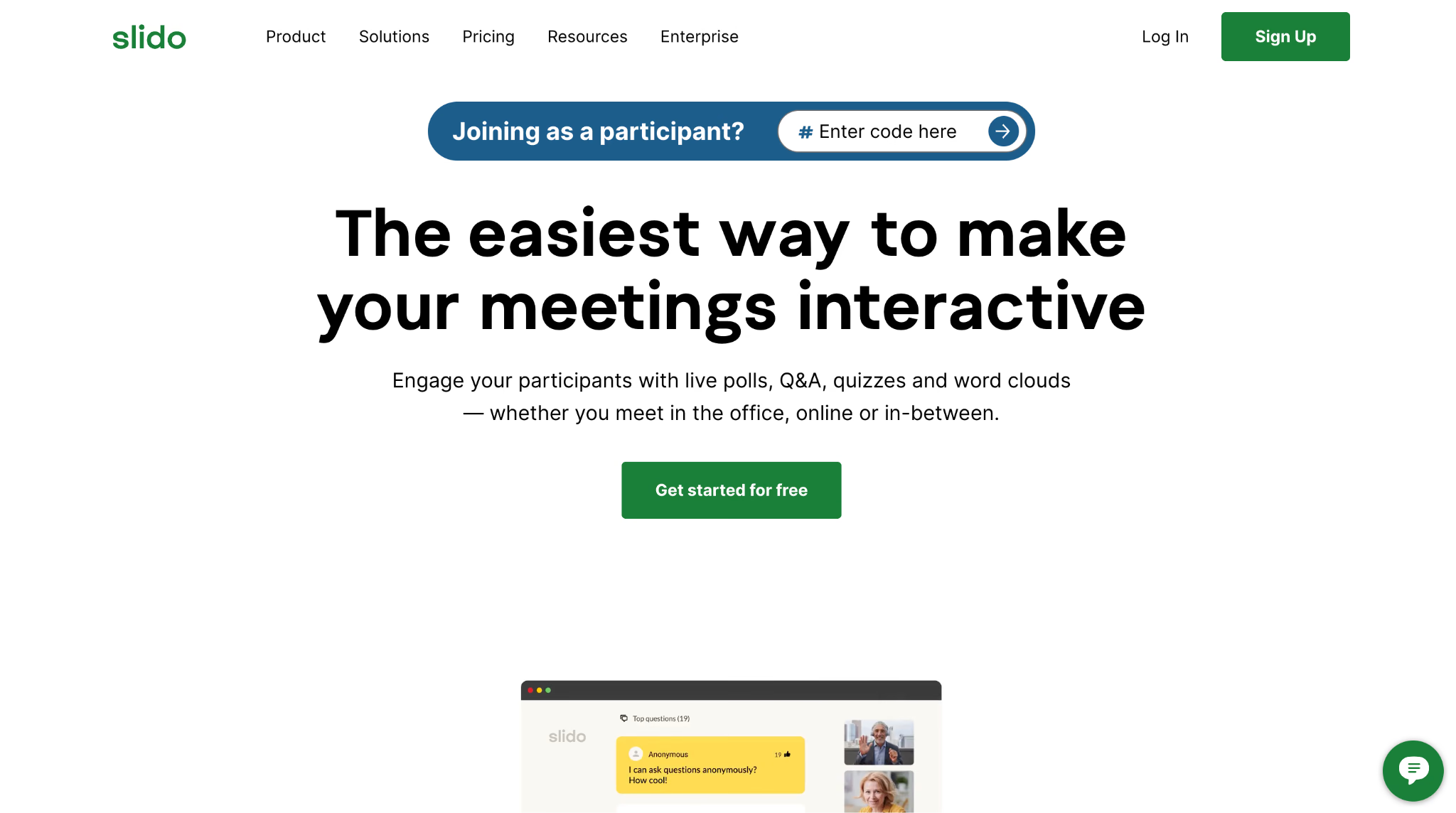
Slido provides live Q&A, polls, quizzes, surveys, word clouds, moderation, analytics, and presentation integrations. Attendees can join without creating an account or installing an app, which makes it easy to put a joining code or QR code on the opening slide and start collecting responses.
The free plan supports basic use, while paid options add larger audiences and controls such as moderation and data exports. Slido also offers one-time event plans, with conference plans advertised from $60 per event at the time of review.
Slido is deliberately narrow. It will not register attendees, print badges, or manage a venue. That is an advantage when the only missing piece is participation. It is a limitation when the event needs a connected attendee record across registration and engagement.
13. Mentimeter: Best for Interactive Presentations
Best for: Workshops, training sessions, internal events, and presenters who want interaction built into the presentation itself.
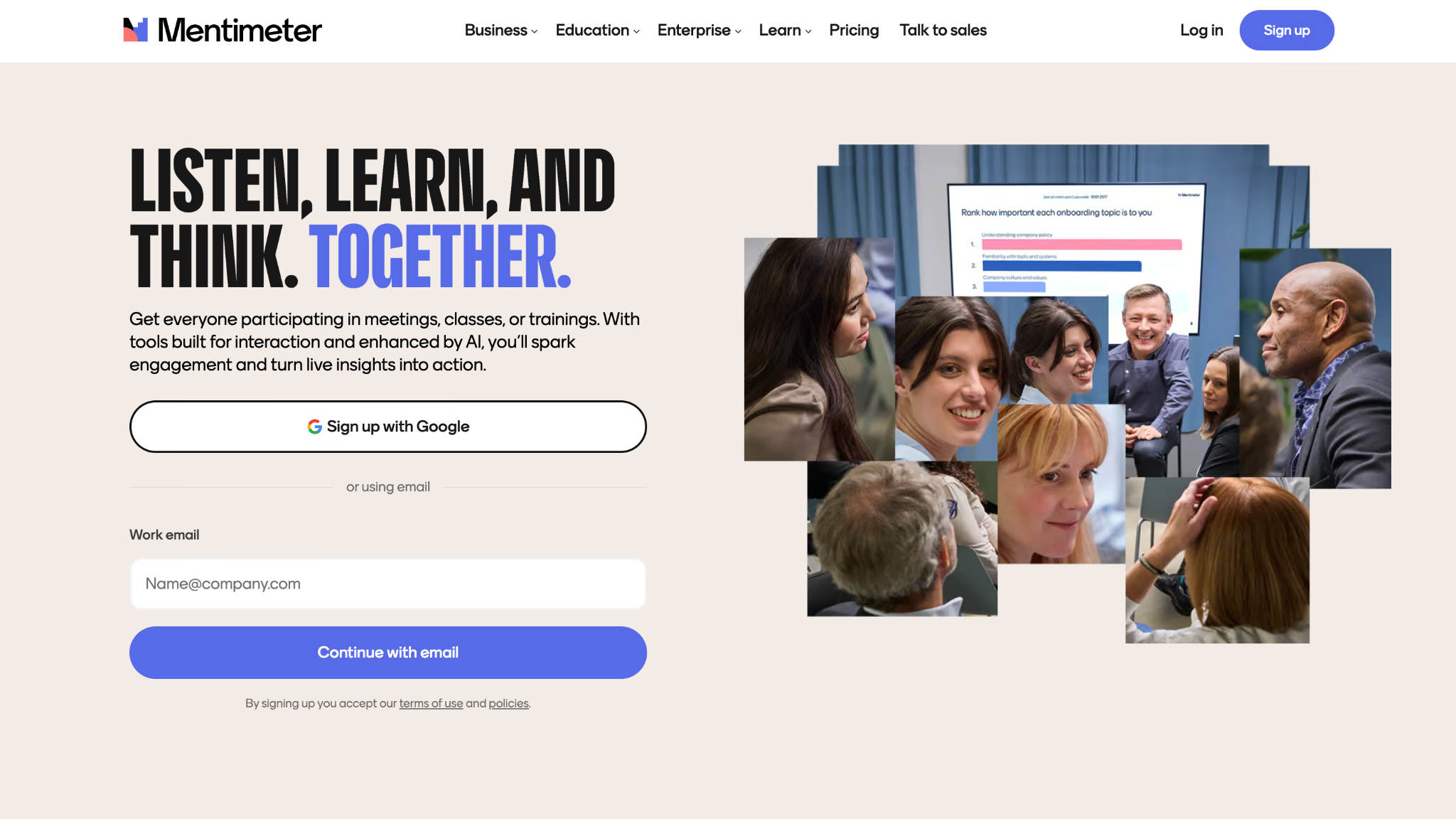
Mentimeter lets a presenter combine content with live polls, rankings, scales, word clouds, quizzes, and Q&A. Participants join from a phone, tablet, or laptop using a code, with no install required. The experience feels closer to an interactive slide deck than a separate event app.
Mentimeter has a free plan, while paid plans are priced per presenter and billed annually. Paid tiers add unlimited participants, imports, exports, branding, collaboration, and stronger live controls. That presenter-based model can suit a small team, but it needs scrutiny when many people must create or deliver sessions.
Use Mentimeter when interaction is part of the presentation design. If attendees mainly need a persistent agenda and networking profiles, choose an event app instead.
14. Pigeonhole Live: Best for Moderated Multi-Session Engagement
Best for: Conferences, town halls, panels, and events that need structured Q&A, polling, surveys, and moderation across an agenda.
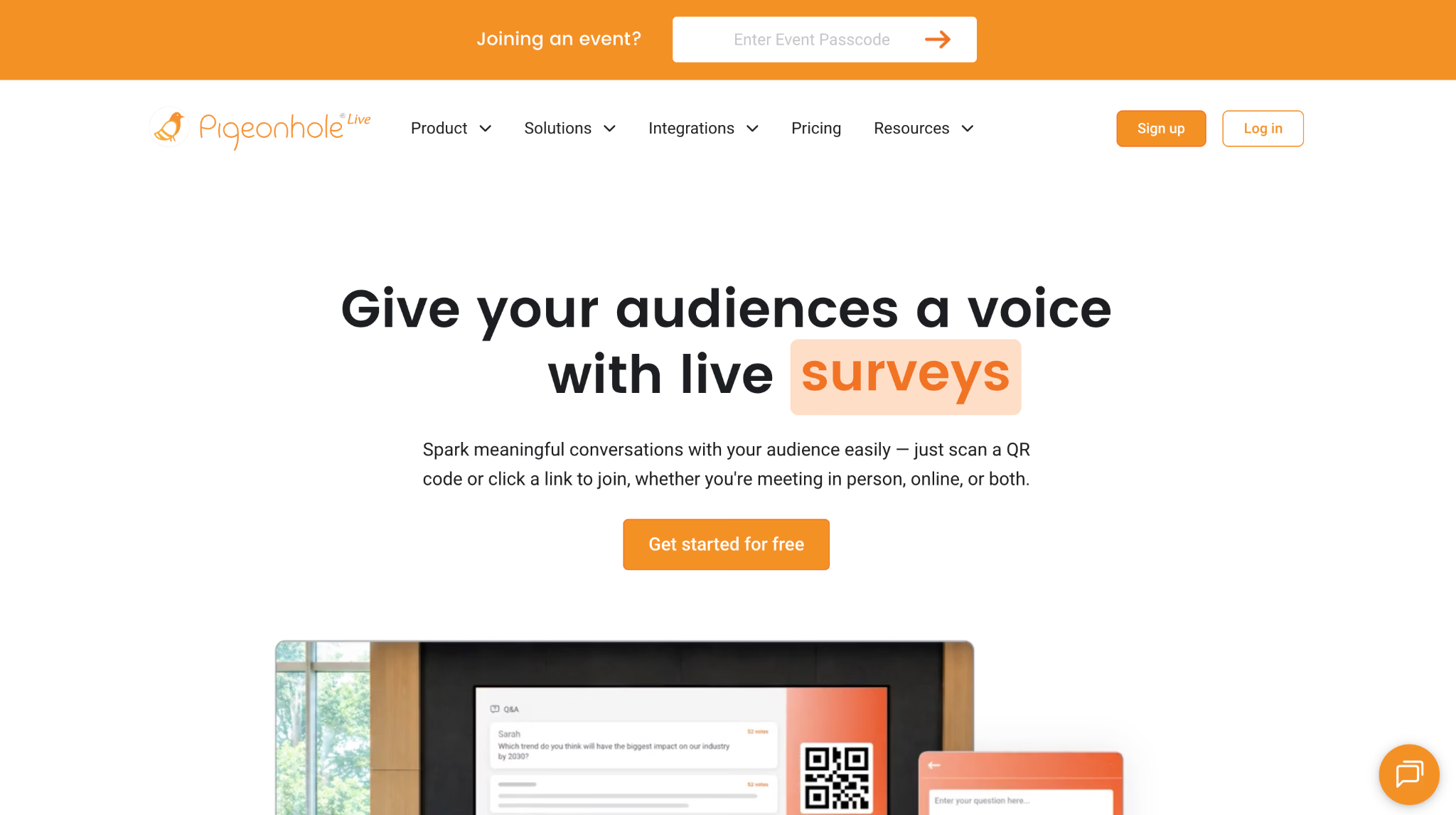
Pigeonhole Live includes Q&A, polls, quizzes, surveys, reactions, chat, word clouds, and agenda tools. Attendees can join onsite by QR code, while moderators review questions and keep each session's interaction separate. That session structure is useful when one event includes multiple panels or tracks.
A free Starter plan covers smaller audiences and core interactive features. Paid plans increase participant and user allowances and add controls such as custom branding, exports, collaboration, and advanced moderation.
Pigeonhole Live is more event-structured than a basic poll maker, but it still does not replace registration, ticketing, or onsite check-in. It is the participation layer of a software pack.
15. JotMe: Best for Live Captions and Translated Voice
Best for: Multilingual conferences, seminars, panels, and workshops where attendees need to read captions or hear translated speech on their own devices.
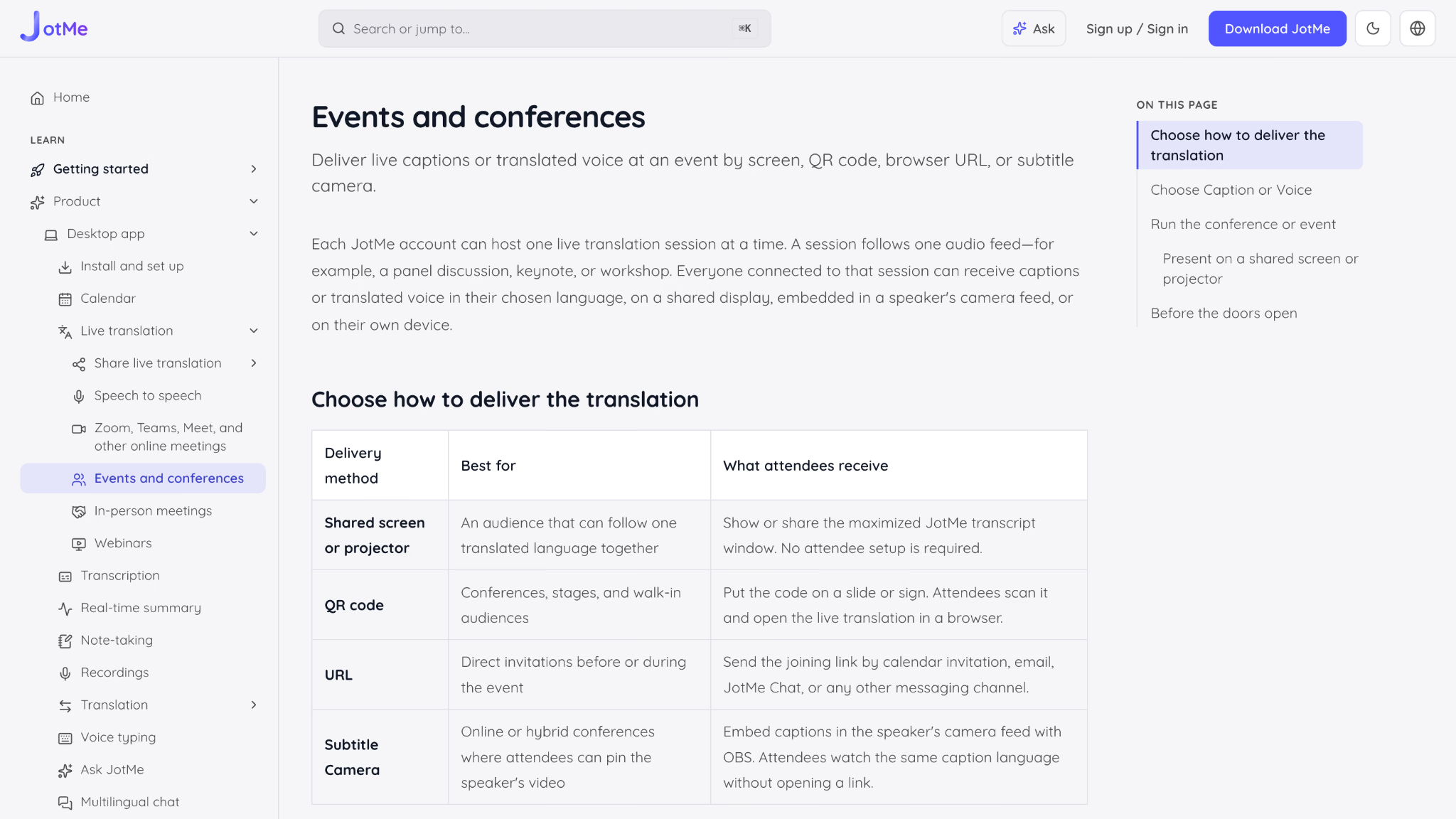
JotMe is a language-access tool rather than a conventional event management platform. A host runs one live translation session for one audio feed, such as a keynote, panel, or workshop. The translation can appear on a shared screen, open from a QR code or browser URL, or display through Subtitle Camera in a video feed. Attendees joining through a link do not need JotMe accounts, and each person can select a receiving language.
Organizers can choose caption delivery or translated voice. Voice plays on each attendee's device, so headphones or earpieces are essential to prevent the translated audio from feeding back into the event microphone. One account can host one live session at a time, which means simultaneous rooms or stages require additional host accounts and tested audio feeds.
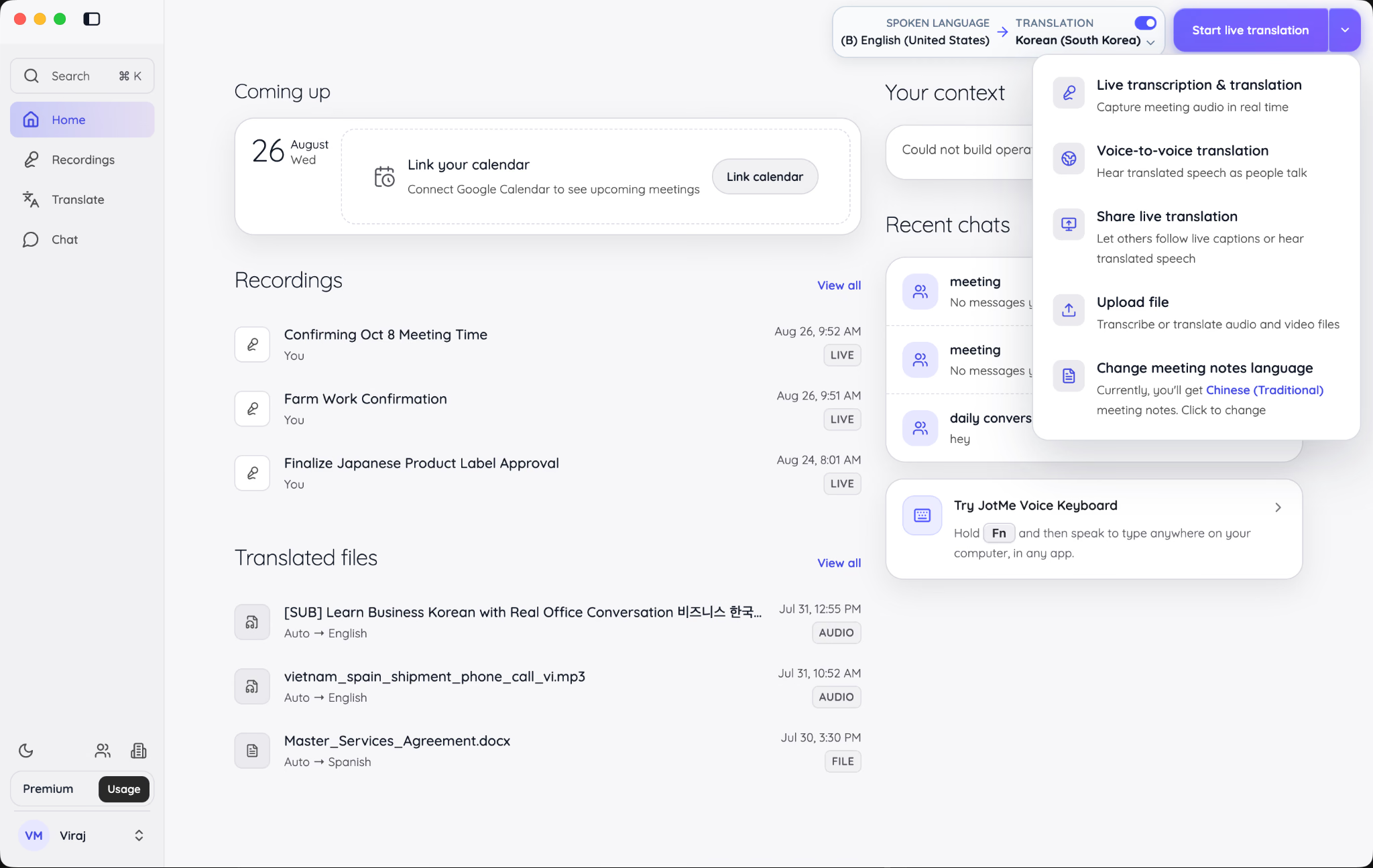
JotMe Desktop includes a dedicated Share live translation workflow for live captions or translated speech.
JotMe's event pricing calculator estimates the needed minutes from the number of hosts, event duration, translation mode, delivery method, and number of people receiving translation on their devices. Basic captions use a 1x minute rate, Premium captions use 2x, and voice-to-voice uses 5x. Device delivery is multiplied by recipients, while a shared display is calculated by language combinations.
For the up-to-200-person segment covered here, JotMe can add multilingual access without replacing the registration or event app already in use. It should be rehearsed with the actual microphone, venue audio, attendee browser flow, and headphones before the doors open.
16. Wordly: Best for Dedicated AI Translation Programs
Best for: Organizations that want live AI captions, translated audio, transcripts, and summaries across meetings and events.
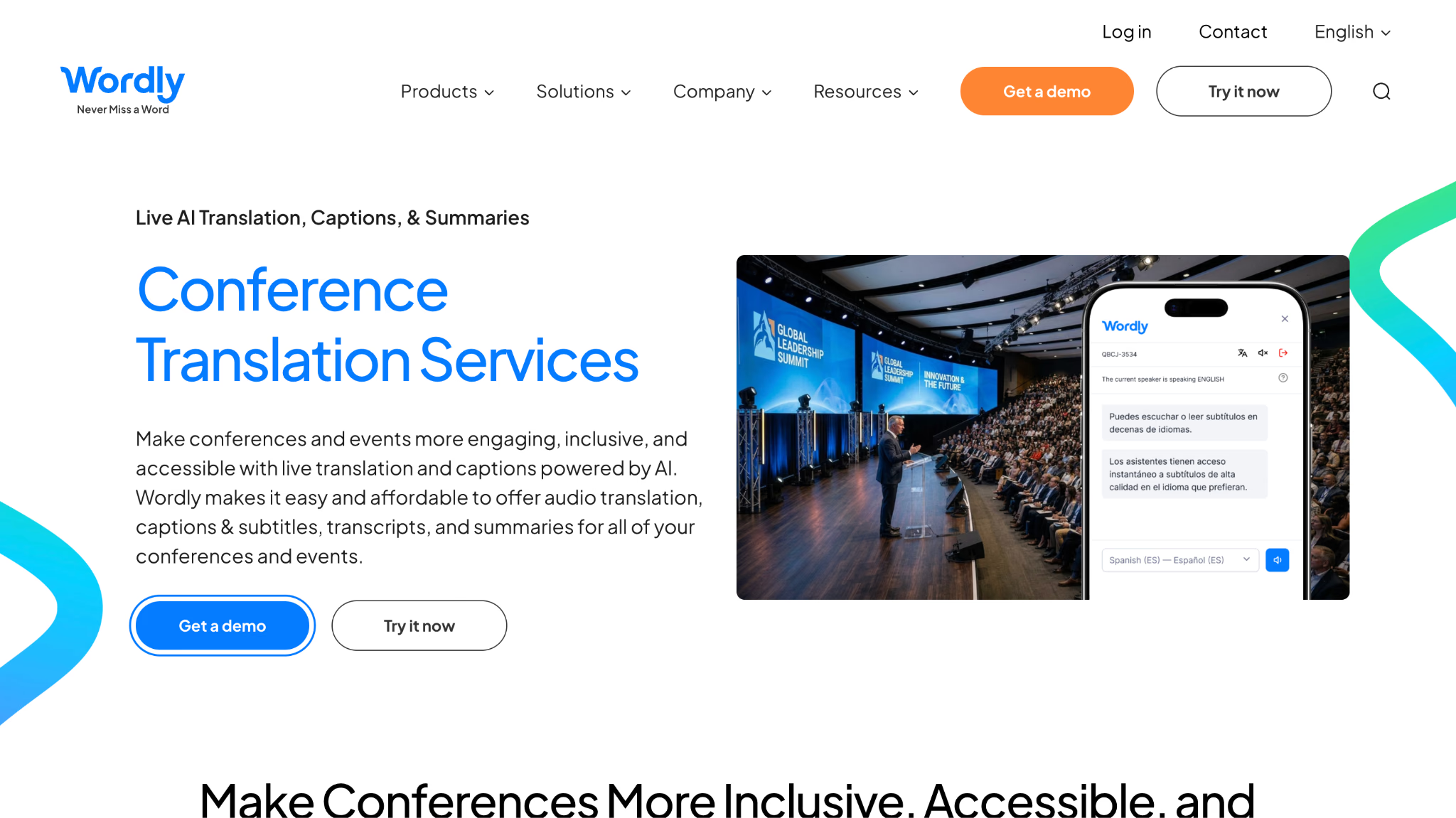
Wordly delivers live translated captions and audio to attendee phones, tablets, or laptops. At an in-person event, attendees can join through a QR code or link and select their language without downloading an app. The platform also supports transcripts, summaries, glossaries, and display options for recurring event programs.
Wordly is a direct language-access platform, not event registration software. Its value increases when an organization needs the same translation workflow across multiple meetings, conferences, and event formats. Full package pricing is not presented as a simple public rate card. Organizations can buy some packages online, while Wordly recommends speaking with its team to select the right option.
Choose Wordly when dedicated AI translation is a recurring requirement. Compare it with lighter self-service options when the need is limited to one smaller event.
17. Interprefy: Best for Combining Human Interpretation and AI
Best for: Enterprise and high-stakes multilingual events that may require professional interpreters, AI speech translation, captions, or a mix of all three.
Interprefy supports remote simultaneous interpretation, AI speech translation, and multilingual captions for in-person, virtual, hybrid, and broadcast events. Attendees can access language channels through a mobile app or browser link, while organizers can connect the service to an existing onsite AV setup.
Its clearest differentiator is the ability to combine human and automated delivery. AI can cover broad informational sessions, while professional interpreters handle content where nuance, risk, or specialized terminology makes human judgment necessary. Interprefy also emphasizes enterprise integrations, security, and managed event support.
Pricing is customized to the event and services. For a small seminar needing only browser captions, the platform may be more service than necessary. For regulated, executive, diplomatic, or highly visible content, its human-plus-AI model deserves consideration.
How to Choose In-Person Software for Up to 200 People
An event with 200 people is large enough for manual processes to become ugly and small enough that enterprise software can consume a ridiculous share of the budget. The right approach is to map the event journey first, then buy software for the points where the journey can fail.
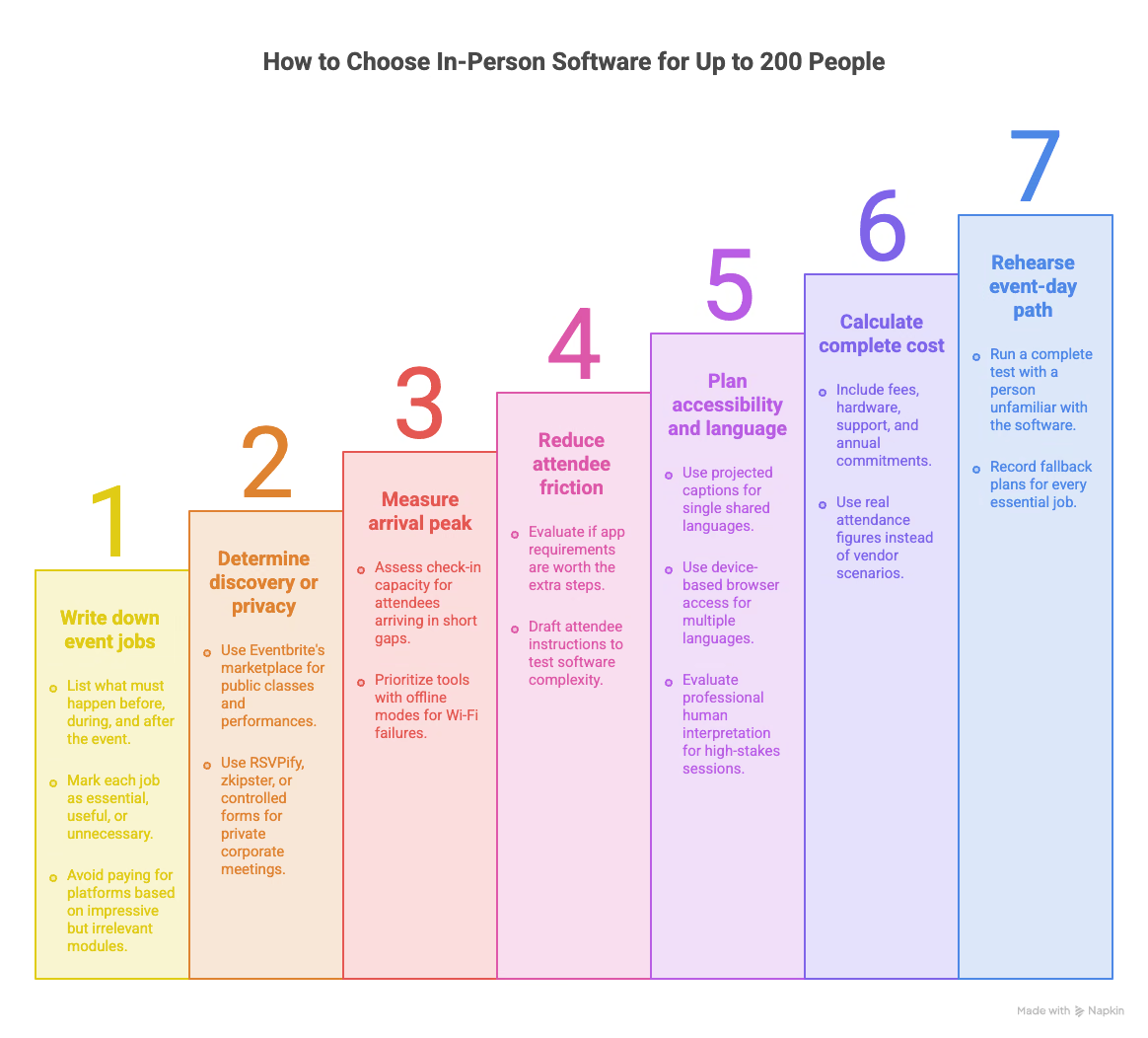
1. Write Down The Jobs Before Naming Products
List what must happen before, during, and after the event. Typical jobs include registration, payment, reminders, check-in, badges, agenda changes, questions, surveys, translation, and follow-up. Mark each one as essential, useful, or unnecessary.
This prevents feature seduction. If exhibitors, appointment booking, and lead capture are irrelevant, do not pay for a platform because its demo makes those modules look impressive.
2. Decide Whether The Event Needs Discovery or Privacy
Public classes, performances, and community events may benefit from Eventbrite's marketplace. Corporate meetings, VIP dinners, and invitation-only programs usually need branded or private registration instead. RSVPify, zkipster, or a controlled form inside an event platform may fit better.
The wrong choice can create real friction. A private guest should not feel as if they are buying a ticket to a local comedy night, and a public workshop should not be hidden behind an invitation workflow nobody can find.
3. Measure The Arrival Peak, Not Only Total Attendance
Two hundred attendees arriving across an hour is manageable. Two hundred attendees walking through the same doors during a ten-minute gap is a check-in problem. Consider how many entrances, scanning devices, staff members, walk-ins, badges, and payment exceptions must be handled at once.
Also ask what happens when Wi-Fi fails. A check-in tool with an offline mode can be more valuable than ten additional marketing features.
4. Reduce Attendee Friction on Purpose
Every attendee-facing tool adds a step: download an app, create an account, enter a code, scan a QR code, allow notifications, or find a link. Sometimes the app is worth it because it carries the agenda, networking, and updates. Sometimes it is dead weight for a two-hour seminar.
Write the attendee instructions before buying. If the instructions take a full page, the software pack may be too complicated.
5. Treat Accessibility and Language as Event Infrastructure
Do not leave captions or translation until the guest list is closed. Language delivery affects microphone selection, audio routing, screens, signage, attendee devices, headphones, rehearsal time, and the number of live sessions required.
For one shared translated language, a projected caption display may be simplest. If attendees need different languages, device-based browser access is more flexible. Organizers planning multilingual conferences can also review how to translate live conferences for practical guidance on setting up real-time translation.
For translated voice, plan headphones and prevent audio feedback. For legal, medical, diplomatic, or other high-stakes sessions, evaluate professional human interpretation and understand the difference between simultaneous vs. consecutive interpretation instead of assuming AI is sufficient.
6. Calculate The Complete Cost
The visible subscription price is only one part of the budget. Include ticket fees, payment processing, implementation, event apps, onsite hardware, badge stock, scanners, support, staff time, translation usage, and any minimum annual commitment.
A $15,000 annual platform can be economical across 30 events and absurd for one. A per-ticket tool can be cheap at 80 registrations and surprisingly expensive at 2,000. Use your real attendance and ticket price, not the vendor's favorite scenario.
7. Rehearse The Event-Day Path
Run one complete test using the venue network, actual host laptop, microphones, check-in devices, projector, joining links, and attendee phones. Include one person who has not seen the software before. They will find the instructions your planning team has unconsciously memorized.
Record the fallback for each essential job. Keep an exported guest list, printed joining instructions, spare charging cables, backup audio options, and a named person responsible for stopping or switching a tool when something fails.
Building a Practical In-Person Software Pack
One platform can reduce handoffs, but a small pack of focused tools is often cheaper and easier for an event of up to 200 people. The rule is simple: give each product one clear job and avoid collecting attendee data in five disconnected places.
Pack 1: Public Paid Workshop
- Ticket Tailor or Eventbrite: Ticket sales, confirmation, capacity, and entry scanning.
- Slido: Questions and quick polls during the workshop.
- JotMe, when needed: Live captions or voice to voice translation for multilingual attendees.
This pack stays self-service. The organizer should put the Slido and JotMe joining instructions on the opening slide and in the room, rather than expecting attendees to search their inboxes while a speaker waits.
Pack 2: Private Corporate Event
- RSVPify: Branded invitations, registration questions, guest communication, and attendance data.
- zkipster: Use when the arrival, seating, or VIP-recognition process needs stronger onsite control.
- Mentimeter: Interactive presentations and workshop exercises.
- JotMe: Browser live translation or translated speech for multilingual teams.
RSVPify and zkipster overlap in places, so many events will need one, not both. Add zkipster only when guest and check-in operations justify it.
Pack 3: Multi-Session Conference
- Whova or EventMobi: Registration, agenda, attendee app, updates, and networking.
- Pigeonhole Live: Add it when panels require more advanced moderation or session-specific interaction than the main platform provides.
- JotMe, Wordly, or Interprefy: Select the language-access layer according to event size, delivery method, risk, and need for human interpreters.
Pack 4: Enterprise Event Program
- Cvent, Bizzabo, Swoogo, Swapcard, or Accelevents: Core event operations selected according to the program's registration, onsite, exhibitor, and reporting needs.
- Slido or Pigeonhole Live: Specialist engagement when the core platform's tools do not meet the session format.
- A dedicated language-access platform: JotMe for a simpler live translation workflow, Wordly for recurring AI translation programs, or Interprefy when human interpretation and managed enterprise support are required.
The best pack is not the one with the most logos. It is the one your team can rehearse, explain, operate, and recover when the venue decides to test your patience.
How Should Organizers Test Event Software Before Event Day
Use the real venue network and equipment. Complete a registration, scan the ticket, update the agenda, submit a question, join captions from a phone, test translated voice with headphones, and export the data needed afterward. Then disconnect the Wi-Fi or close the host laptop and confirm that the team knows the fallback.
Event management software should make the event easier to operate, not give the planning team seventeen new dashboards to babysit. Start with the attendee journey, buy the fewest tools that cover the essential jobs, and spend the saved time rehearsing the parts that happen live.
If multilingual access is the missing piece, JotMe can add live captions or translated voice to the registration and engagement tools you already use. Review the event setup guide, estimate usage with the event pricing calculator, and test the complete room setup before inviting attendees to rely on it.
Frequently Asked Questions
What is the best software for managing an in-person event?
Whova, EventMobi, Cvent, Swoogo, Swapcard, Accelevents, and Bizzabo are credible full event platforms, but they fit different budgets and operating models. For a small public event, Eventbrite or Ticket Tailor may be enough. For a multilingual seminar, a registration product plus JotMe may be more practical than buying an enterprise suite.
Is there free event management software?
Yes, but free products usually solve one part of the event. Eventbrite does not charge organizers for free events, Ticket Tailor provides a free-event allowance, and Slido, Mentimeter, Pigeonhole Live, and RSVPify offer free entry plans. Check participant limits, branding, exports, moderation, support, and transaction fees before treating a free plan as the complete event setup.
Does event management software include ticketing?
Many full platforms include registration and ticketing, but not every event tool does. Slido, Mentimeter, Pigeonhole Live, JotMe, Wordly, and Interprefy serve engagement or language-access roles rather than ticket sales. Always verify which system owns the attendee record and payment workflow.
Do attendees need to download an event app?
It depends on the product and the experience. Full event platforms often provide a mobile app because it carries agendas, networking, updates, and sponsor content. Browser-based tools can reduce friction for shorter events. JotMe can share live translation through a browser URL or QR code without requiring an attendee account, while Slido and Mentimeter also support code-based browser participation.
What software can provide live translation at an event?
JotMe, Wordly, and Interprefy all support language access for in-person events. JotMe, as one of the best AI speech translation tools, offers live captions or translated voice through a display, URL, QR code, or video subtitle feed. Wordly provides AI captions and audio on attendee devices. Interprefy combines AI speech translation and captions with professional human interpretation. The right choice depends on event scale, language needs, content risk, AV setup, and required support.
Can one event platform handle registration, engagement, and translation?
Some enterprise platforms cover registration and engagement well, but live multilingual delivery is often a separate specialist layer. Even when an integration exists, confirm what attendees see, which system owns their data, how audio reaches the translation product, and who supports the combined setup during the event.
Last updated on
September 5, 2026
Follow us on social media:
![JotMe — Is Google Translate Accurate? [2026 Test]](/_webflow-assets/0d0512afc7b037d74dff536f22fed08f.avif)