







Google Meet Transcript Translation
Turn any Google Meet into a transcript translated into your language, from the live call or a recording you upload, with context-aware accuracy that keeps domain terms right. Translate the record once the meeting is done.
Free plan. No credit card required.
.avif)
Drop in a Google Meet recording video and JotMe returns the transcript, with speakers and timestamps. Translate it for subtitles. Open the full demo.
Trusted by 2,000 teams and 500,000 professionals in 134 countries at



.avif)





.avif)


.avif)


.svg)
Rated 4.7/5


GDPR Compliant
.avif)
SOC 2 Type II (In Progress)
Translated transcripts for every Google Meet
Everything you need to share what was said, in any language.
.png)
Context-aware, ultra-accurate
JotMe translates meaning, not words. Every line considers who is speaking, what your team is working on, what has been said so far in the meeting, your custom terms, and how the sentence connects to the last one. Slang, jargon, and technical words come out right.

Works after the meeting
The meeting already wrapped? Upload the recording, or open a JotMe transcript on your dashboard, and translate the meeting transcript into your language in one click.

200+ languages, live or from a recording
Translate Meet transcripts into 200+ target languages, from the live call or the recording you upload afterward.
Your translation is saved
Transcript, translation, and notes are saved to your dashboard after every call, so nothing disappears when the meeting ends.
No bot, no setup
JotMe captures Meet captions in your browser or audio on your computer. No bot joins the call, and there is nothing for anyone else to install or enable.
.png)
Custom dictionary and auto language detection
Improve accuracy with industry-specific terms and custom replacements. JotMe also detects the spoken language automatically, so you never set it by hand.
How to translate a Google Meet transcript
Three steps, under a minute. No Meet settings, no bot invite, no host approval. Already have a recording? Upload it instead.
STEP 1
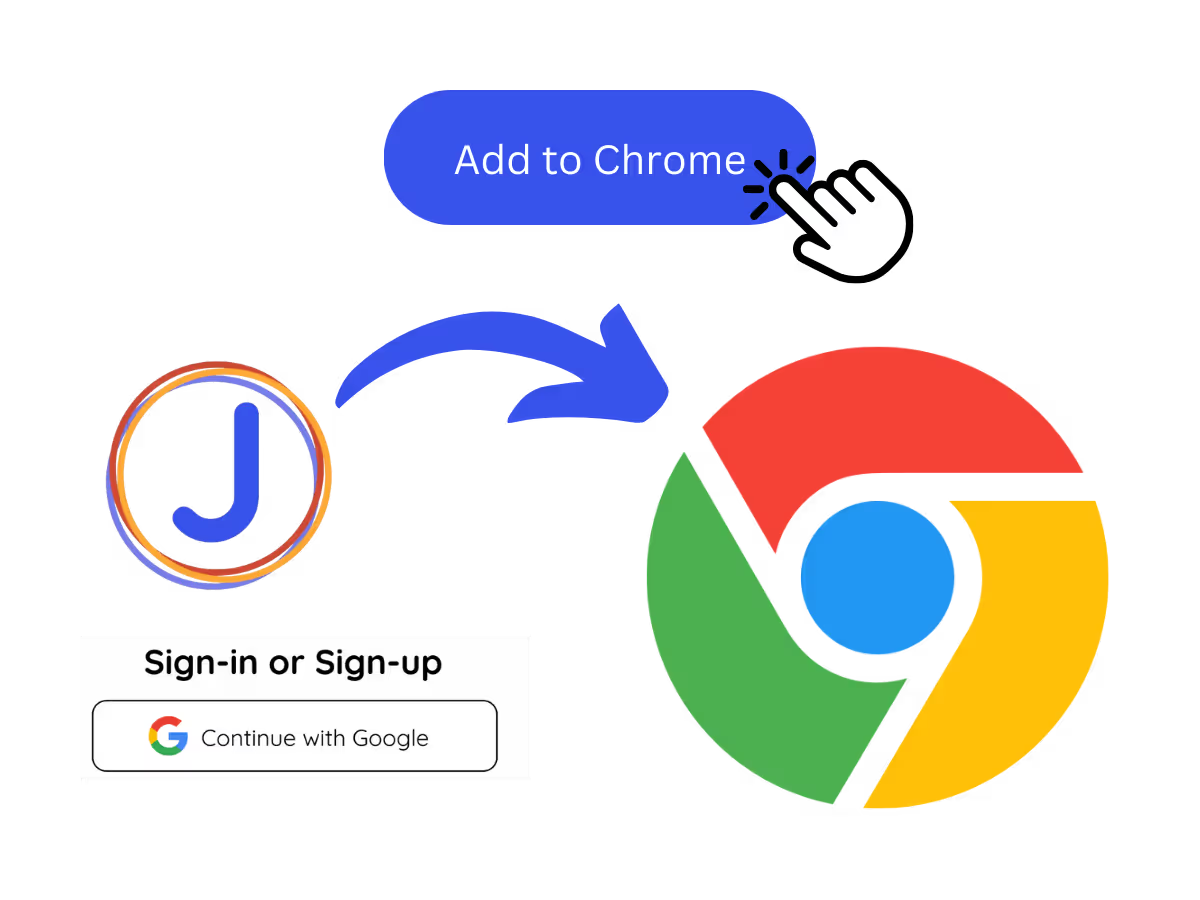
1. Add the Chrome extension, or upload your Meet recording
Add JotMe to Chrome or get the desktop app. Already have a recorded Meet? Upload it and JotMe builds the transcript, ready to translate.
STEP 2
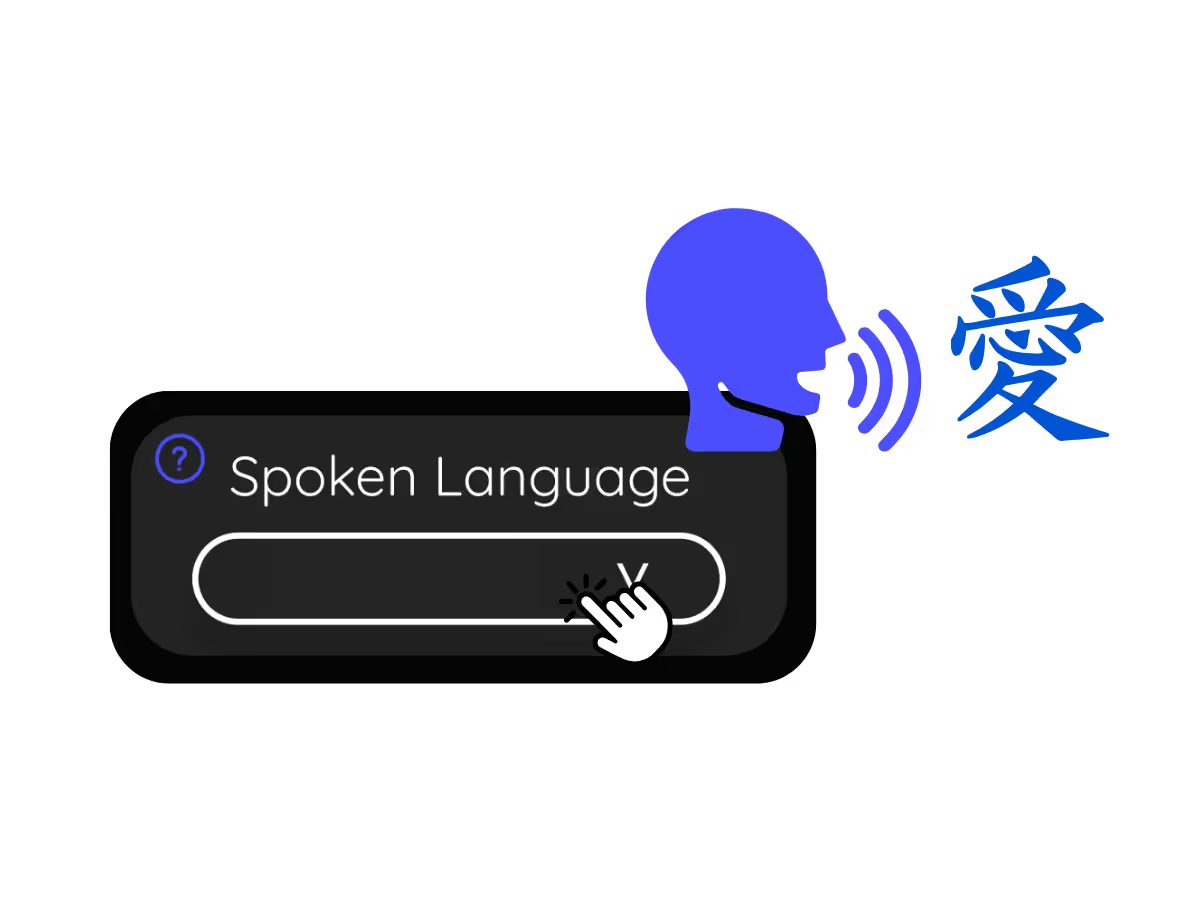
2. Set the spoken language
Choose the language being spoken in the meeting, for example Japanese. If people switch languages, pick multilingual mode.
STEP 3
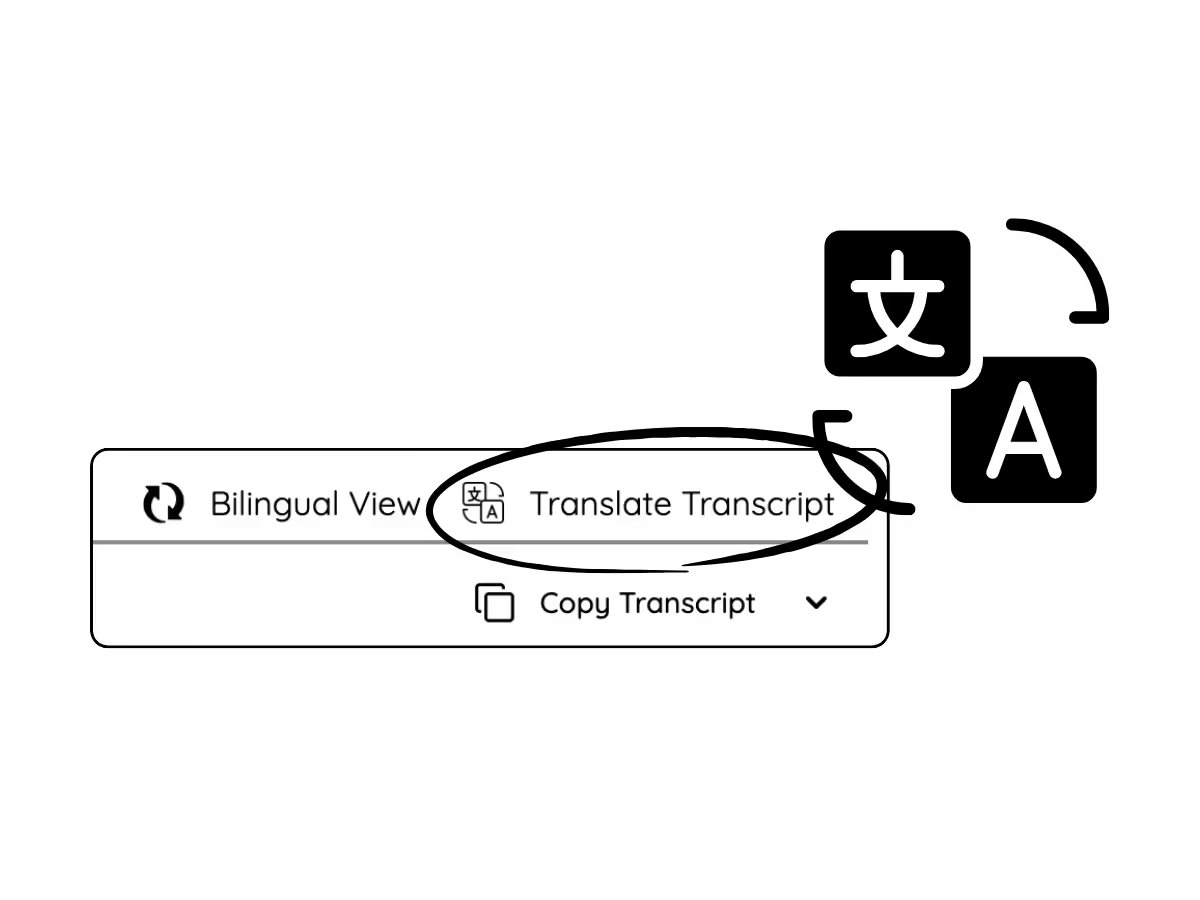
3. Translate the transcript
Open the meeting on your dashboard and translate the transcript into your language. Domain terms keep their professional meaning, so the translated record reads right.
What teams use Meet transcript translation for
From daily standups to all-hands, JotMe keeps every attendee in the conversation.
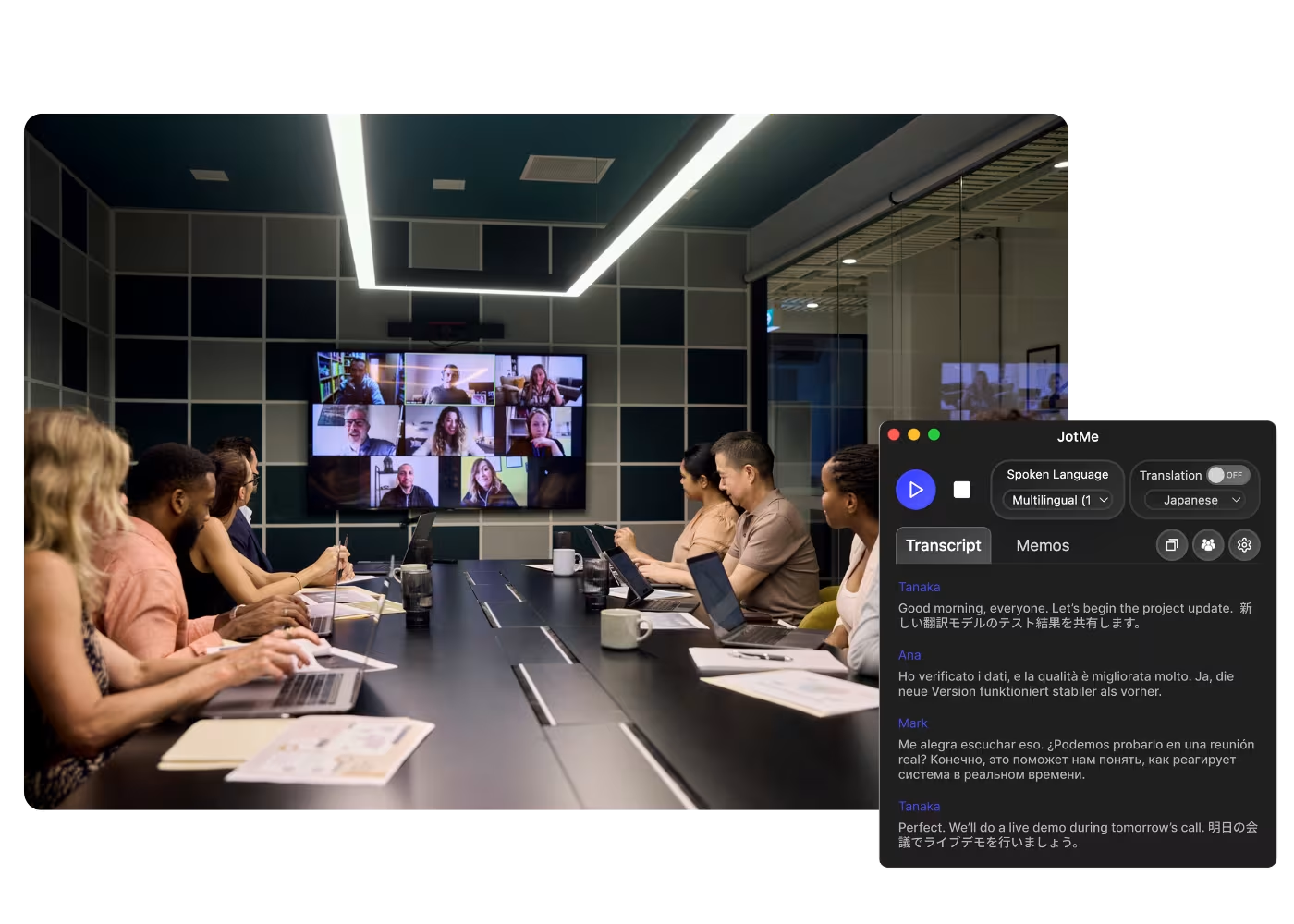
Global all-hands & team meetings
Follow announcements from HQ in your language and speak up without waiting for a recap.
.avif)
Sales & client calls
Catch every requirement and objection when customers speak another language, and reply with confidence.
.avif)
Recorded Meet meetings
No time to run it live? Upload the recording to Audio to Text or Video to Text, get the transcript, and translate it accurately into your language, no need to have been in the call.
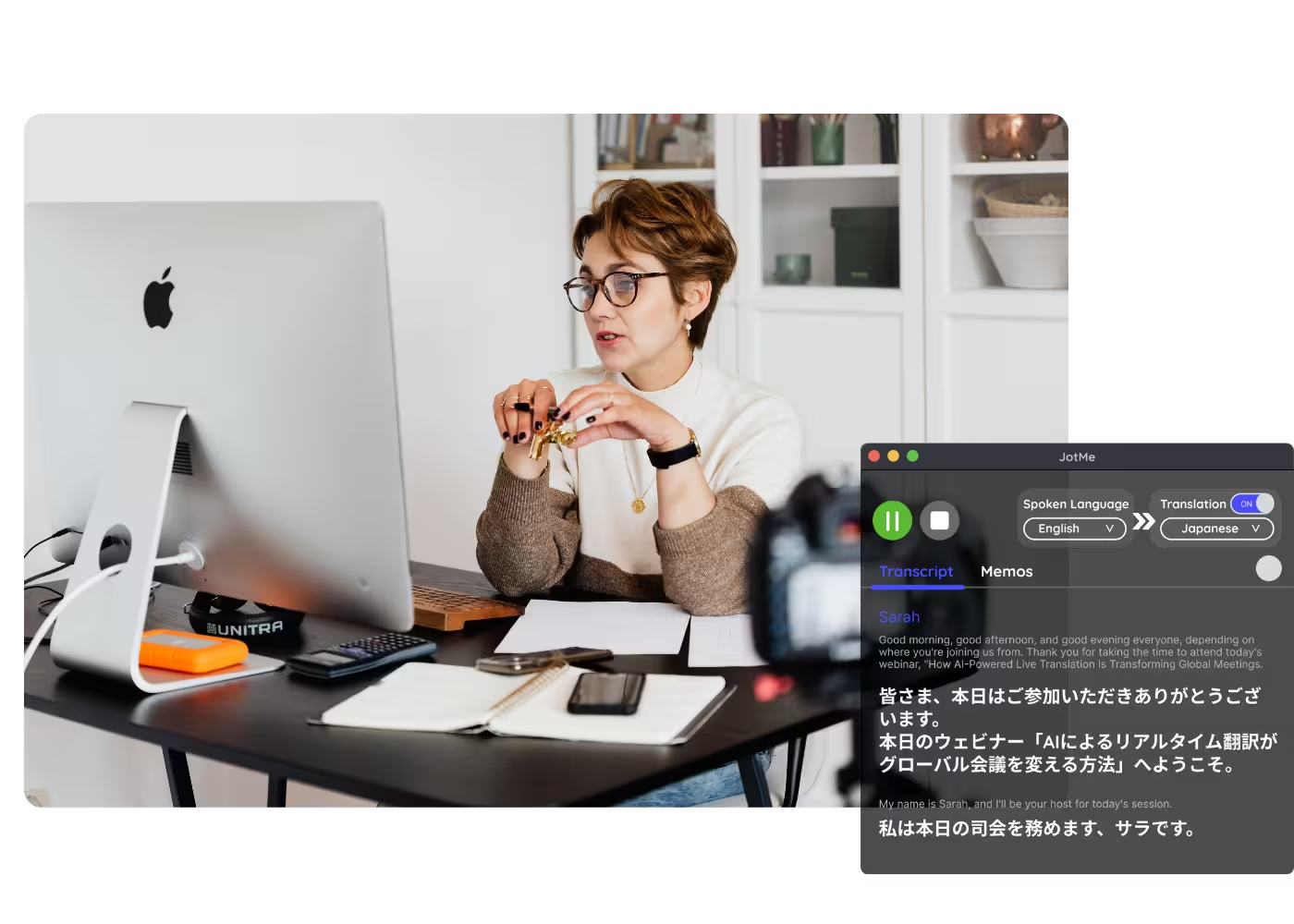
Webinars & training
Share a translated meeting record with everyone who needs it, so attendees and stakeholders read the session in their own language after it ends.
See it in action
Watch a Google Meet become a transcript, then flip it into another language on the dashboard.
500,000+ professionals run meetings and events smoothly with JotMe
See how they’re seeing results with JotMe in bridging multilingual operational gaps.
Rated 4.7/5

Rated 4.7/5
"As my job involves translation and bridging cultures, I have found this tool as a game changer to my daily work."

Adams
Operations Specialist / Tiktok
"Japanese was once a mystery to me, but this product made it clear and accessible with contextual understanding."

Stamatis
Consultant / Deloitte
"JotMe streamlines our multilingual meetings, ensuring seamless collaboration in our fast-paced work environment."

Cesar
Program Manager / Amazon
"This bilingual feature streamlines note-taking at work, saving time and boosting efficiency in both languages."

Yusuke
Sales Manager / NTT
"Essential for non-fluent speakers; simplifies complex meetings with real-time translation and accurate transcriptions."

Jesse
Software Freelancer
"The translation we've needed for years – now a reality with JotMe!"

Elston
CEO & Founder / Tiny.host
"As my job involves translation and bridging cultures, I have found this tool as a game changer to my daily work."
Adams
Operations Specialist / Tiktok
"Japanese was once a mystery to me, but this product made it clear and accessible with contextual understanding."
Stamatis
Consultant / Deloitte
"JotMe streamlines our multilingual meetings, ensuring seamless collaboration in our fast-paced work environment."
Cesar
Program Manager / Amazon
"This bilingual feature streamlines note-taking at work, saving time and boosting efficiency in both languages."
Yusuke
Sales Manager / NTT
"Essential for non-fluent speakers; simplifies complex meetings with real-time translation and accurate transcriptions."
Jesse
Software Freelancer
"The translation we've needed for years – now a reality with JotMe!"
Elston
CEO & Founder / Tiny.host

Frequently asked questions
Everything you need to know about running meetings and events with JotMe.
Can I translate a Google Meet transcript?
Yes. JotMe transcribes the meeting, live or from an uploaded recording, and translates the transcript into 200+ languages on your dashboard.
Can I translate a transcript from a recording?
Yes. Upload the recording to Audio to Text or Video to Text, and JotMe transcribes it and translates the transcript into the language you choose.
Is Meet transcript translation free?
Yes. JotMe's free plan includes live translation minutes, and no credit card is required. Upgrade when you need more minutes.
How accurate is the transcript translation?
JotMe translates with five layers of context: your user profile, your operational context, real-time memory of the meeting, your custom terms, and how each line connects to the last, so the translated transcript stays accurate. It reads true to what was said.
Can I save the translated captions?
Yes. JotMe stores the transcript and translation on your dashboard, so you can review, copy, and share them after the meeting.
What languages can transcripts be translated into?
JotMe translates Meet transcripts into 200+ target languages, including regional variants like Cantonese, Latin American Spanish, and Swiss German. See the full list on the available languages page.
Is the translation captions or voice?
Live translation shows as captions, and fast mode can speak it aloud. Voice-to-voice uses your own cloned voice in 100+ languages.
Heading
You can translate
Bulgarian
Catalan
Mandarin (Simplified
Mandarin (Traditional)
Cantonese (Traditional)
Czech, Danish
Dutch
English (US)
English (UK)
English (Australia)
English (New Zealand)
English (India)
Estonian, Finnis
French
French (Canada
German
German (Switzerland
Greek
Hindi
Hungarian
Indonesian
Italian
Japanese
Korean
Latvian
Lithuanian
Malay
Dutch (Flemish)
Norwegian
Polish
Portuguese
Portuguese (Brazil)
Portuguese (Portugal)
Romanian
Russian
Slovak
Spanish
Spanish (Latin America)
Swedish
Thai
Turkish
Ukrainian
Vietnamese

Every Google Meet, readable in any language
The transcript of every Google Meet, translated into the language your team reads, from live calls or uploaded recordings. Transcript translation the whole team can use.