Getting work done across languages used to mean keeping track of several separate conversations.
Someone speaks, and you get a live translation. Someone shares a file, and you wait for a translated version. A question comes back in another language, so you open another tool. Somewhere along the way, the translation loses the context that made the original clear.
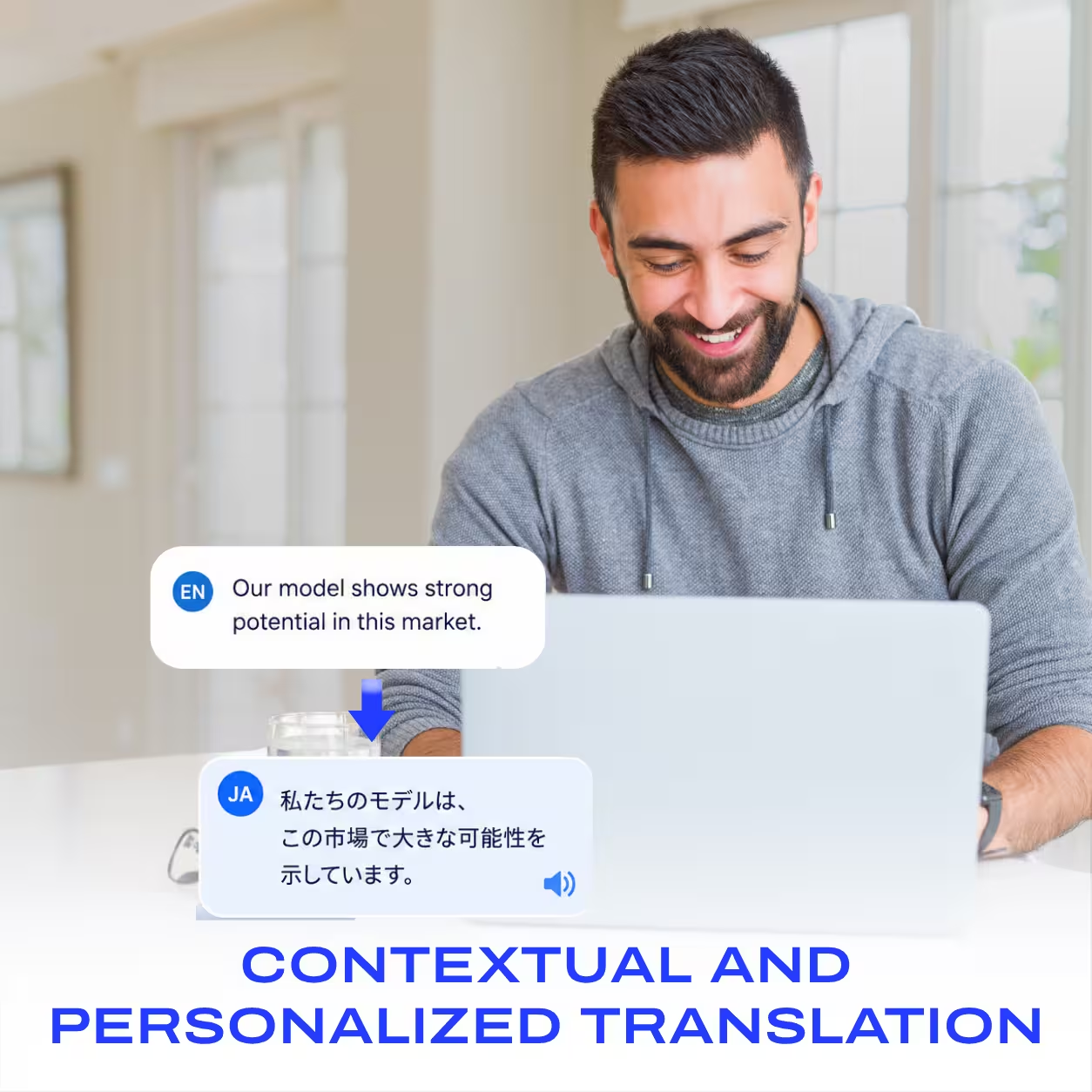
What if everyone could simply work in the language they know best, while AI handled the translation around them?
That is the idea behind JotMe’s multilingual messaging workspace: a shared place for translated conversations, working files, and the decisions that connect them.
JotMe brings multilingual chat, document and media translation, and sharing into the same conversation. Teammates and clients can write in their own languages, review the material they are discussing, and agree the next step without turning every question into another meeting.
A workspace for the work between meetings
Live translation helps people understand one another during a conversation. But work does not stop when the call ends.
A client sends a revised proposal. A colleague shares a screenshot with an error message. A new teammate needs to understand a training video. None of those tasks necessarily needs a meeting. They need a place where the people involved can understand the material and discuss it.
Our multilingual chat workspace brings those tasks together. The message, the file, the question, and the answer can stay in one thread instead of becoming a chain of copied text and disconnected translations.
Multilingual chats that keep the conversation’s context
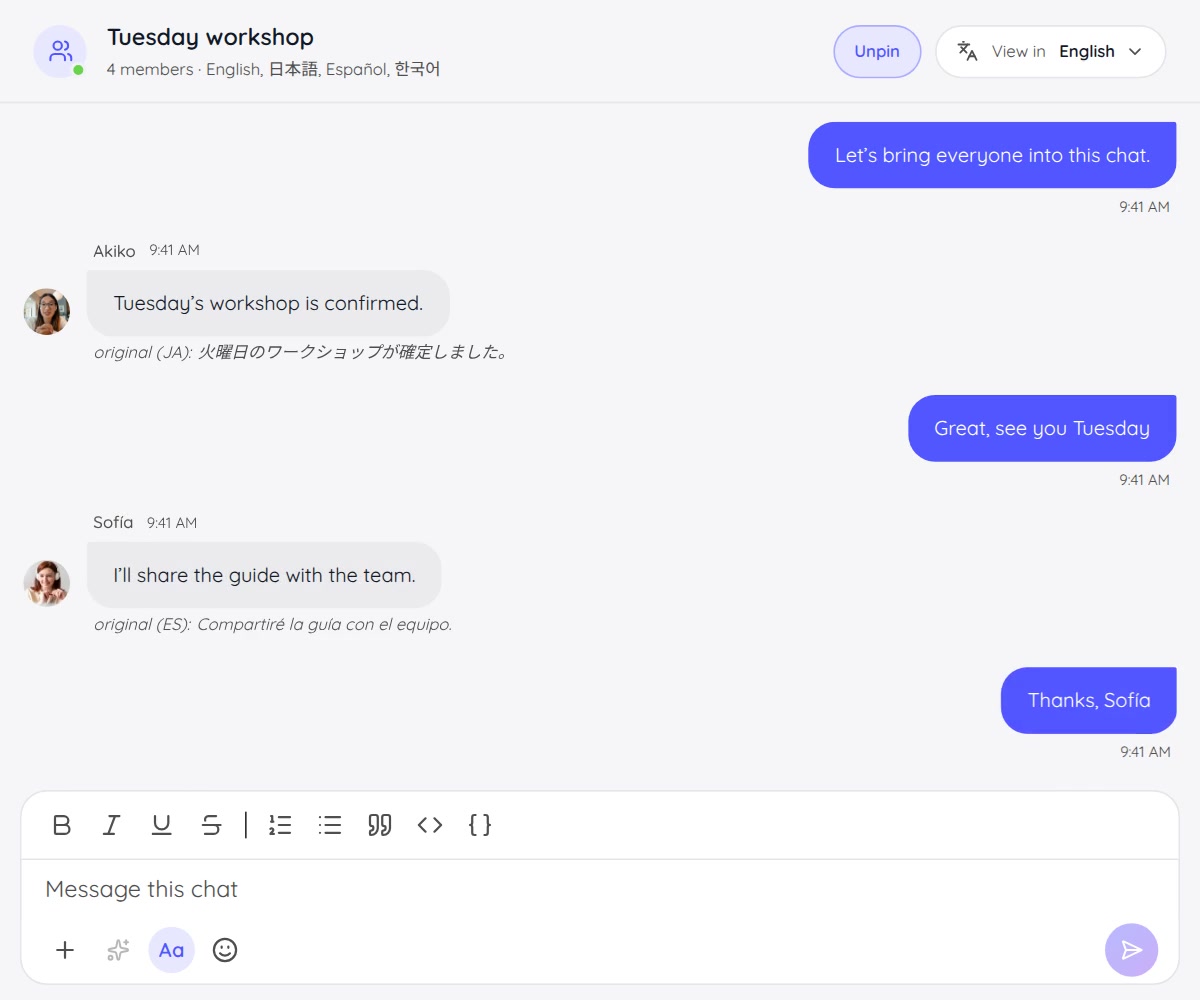
In JotMe, each person chooses the language they want to read. You can write in English while a colleague writes in Japanese and a client follows the same conversation in Spanish.
Incoming messages translate into each participant’s selected reading language. Changing View in changes your view, without changing anyone else’s language. The original message remains underneath the translation when you need to check the wording.
The conversation also has memory. JotMe maintains a summary of what the chat is about and uses it as translation context. You can edit that memory when the project background needs clarification.
Consider a team discussing a product launch. A short reply such as “Use the current version” depends on the earlier discussion: which version, which file, and what has already been agreed. Keeping the exchange in the same thread gives the translation more useful context than an isolated sentence pasted into another tool.
Context helps guide the translation; it is not a reason to stop checking a name, number, or ambiguous instruction. For more on the approach, read how JotMe uses context for translation.
Translate the files you are discussing, inside the chat
A multilingual workspace needs to handle more than messages. Much of the work happens in the material attached to them.
JotMe lets you open Translate on an attachment and choose the language you need. That includes documents, PDFs, screenshots, images, audio, and video.
Review a proposal or contract before sign-off
Share a document with a teammate or client, translate it into the language they read, and discuss the details in the same conversation.
A reviewer can ask about a term or requirement without starting a separate email chain. The team can work through questions before the document is signed. JotMe handles translation and discussion; signing remains part of your usual sign-off workflow.
Learn more about document translation and the in-chat attachment workflow.
Understand a shared screenshot
Sometimes the question is an error message, a diagram label, or an instruction captured on someone else’s screen.
Attach the screenshot, translate the image, and ask the follow-up question in the same thread. The discussion stays connected to the thing everyone is trying to understand.
Follow training in your language
An onboarding video can explain a process well and still be difficult to follow in an unfamiliar language.
With an audio or video attachment, choose the target language and start the dubbing workflow. When processing finishes, the translated result is saved back to the chat message. A teammate can return to the material and ask questions where the team is already talking.
File translation and dubbing do not run automatically on every upload. You choose the translation action and language, and review the usage shown before starting. Longer media can take time to process. See the audio and video translation guide for the workflow and current usage rules.
Share the material and the next step
A useful workspace helps people keep working from the same record.
- Share meeting notes. Bring decisions and follow-up into the chat so people can refer to what was agreed.
- Share translated files. Add a file from your translation history and choose view, comment, or edit access for the chat.
- Prepare for a live conversation. When you are hosting a JotMe session, share a live translation invitation with joining guidance in each person’s reading language. The live link becomes active when the host starts the session.
The workspace can support the work before a meeting, the material used during it, and the conversation afterwards. The point is to make it easier to understand the work and move it forward.
Start with one real piece of work
You do not need to reorganize your whole team to try a multilingual messaging workspace.
- Create a chat for the task. Give it a name that makes the project or conversation easy to recognize.
- Invite the people involved by email. Set their reading languages. Invited teammates or clients can join as guests using the invited email address without creating a JotMe account.
- Bring one question or file. Send an update, attach a proposal, or share a training video. Messages translate automatically; use the attachment’s Translate action when you need a translated file.
- Agree the next step in the thread. Clarify the detail, share the relevant notes or translated result, and keep the discussion with the material.
JotMe’s multilingual chat is available in the desktop app and web app. Check the language options, permissions, and allowances shown in your workflow. In-chat attachment translation uses the chat owner’s applicable credits or minutes; it is not unlimited.
Work in the language you know best
We want translation to fit around the work people are already trying to do.
Ask the question in your own language. Understand the file before you respond. Keep the original wording within reach. Give the conversation enough context to remain useful.
That is what we mean by a multilingual messaging workspace: people working together on the same task, with translation built into the conversation.
Explore JotMe’s multilingual workspace, download JotMe Desktop, or follow the multilingual chat setup guide.
Last updated on
October 30, 2026
Follow us on social media: