





Apple Unveils Its First Touchscreen MacBook Pro With OLED Display

Viraj Mahajan
November 2, 2026
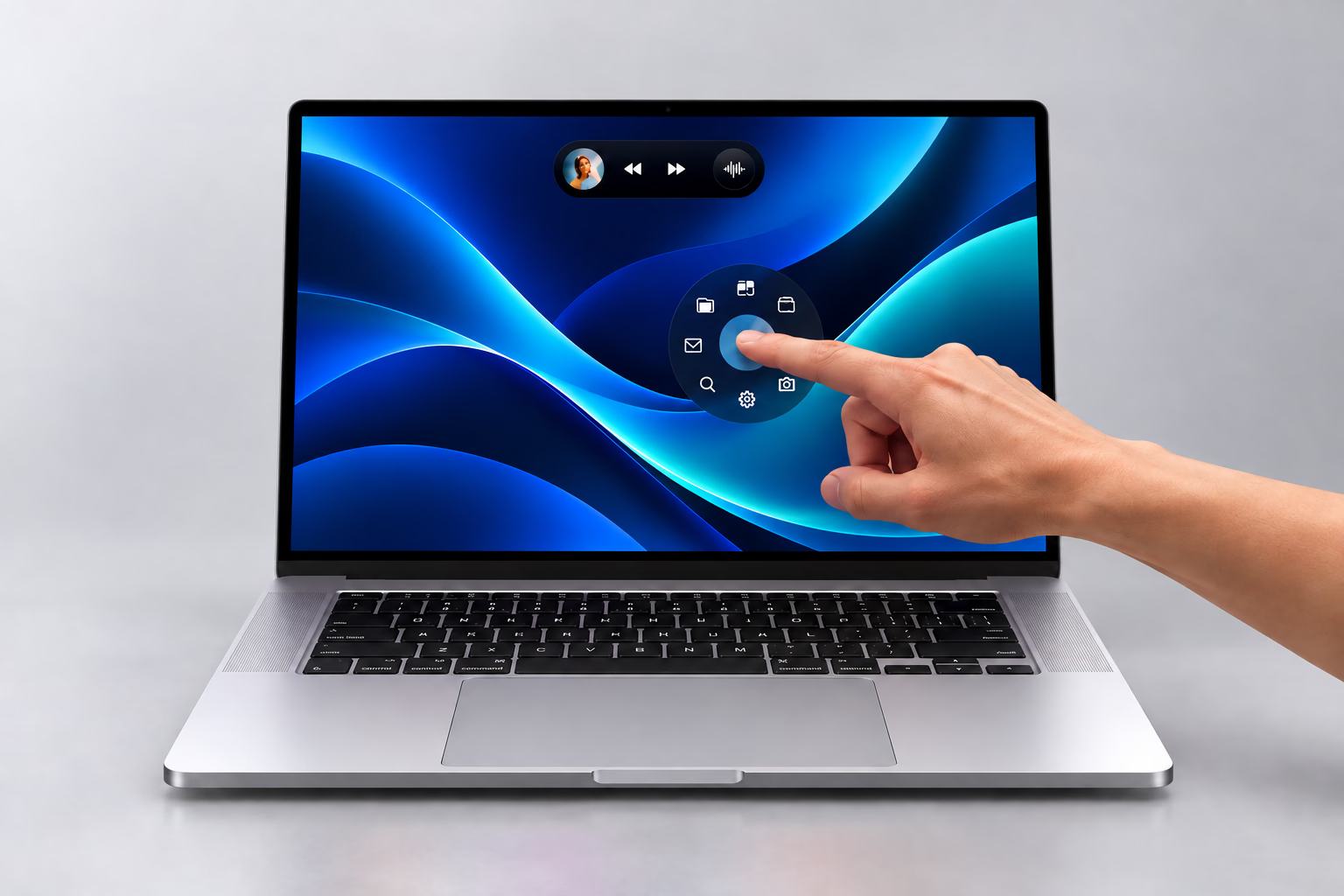
Apple announced its first touchscreen MacBook Pro on Oct. 28, adding a tandem OLED display to 14- and 16-inch laptops powered by M5 Pro and M5 Max chips. Preorders are open, with availability beginning Nov. 6.
The launch gives Mac users another way to navigate desktop software. Early hands-on reports have focused on the display quality and familiar laptop design, while raising questions about the practical limits of touch input.
What Changes With The Touchscreen MacBook Pro
According to Apple’s announcement, the PROLED XDR display supports a variable refresh rate of up to 120 hertz and peak brightness of up to 2,000 nits. Dynamic Island also comes to the Mac, and the laptops run macOS 27.
U.S. prices start at $2,899 for the 14-inch M5 Pro model and $3,399 for the 16-inch M5 Pro model. Buyers should distinguish the preorder period from the Nov. 6 release date.
Apple’s John Ternus promoted the touchscreen launch in an Oct. 28 post on X. His post represents Apple’s announcement messaging.
John Ternus on X, October 28, 2026
What Reviewers Are Saying
Samuel Axon of Ars Technica described the OLED screen as the standout feature after about five minutes with the laptop on a crowded showroom floor. He noticed the lighter design and found the touchscreen behaved much as he expected from a laptop. His report also highlighted the absence of Apple Pencil support. Those observations come from a brief demonstration, rather than an extended product review.
The Verge’s Terrence O’Brien and Antonio G. Di Benedetto reported that some interface elements expand for touch, but smaller controls could still be fiddly. They also observed screen wobble when tapping firmly near the top. Their early impressions were positive about the OLED display, while reserving a more definitive judgment for longer comparisons.
Chance Miller, editor-in-chief of 9to5Mac, posted an Oct. 28 demonstration of playing an onscreen piano on the touchscreen MacBook Pro. The clip illustrates a specific touch interaction; it does not establish how comfortable the screen will be during a full working day.
Chance Miller on X, October 28, 2026
For prospective buyers, the remaining questions include sustained touch ergonomics, battery life in everyday use and the value of the display upgrade. The early showroom reports offer limited evidence on those points.
Live Translation On A Mac
For professionals working with overseas clients or colleagues, meeting software and language support remain practical considerations alongside the hardware. Apple already offers translated captions in FaceTime on compatible Macs when Apple Intelligence is enabled, according to its FaceTime guide. Feature availability depends on language and region.
Apple’s Live Translation features and the Apple Translate app are distinct experiences. A reader looking for an Apple Translate alternative for work calls should compare support for the meeting platform and language pair they actually use.
JotMe As An Apple Translate Alternative For Work Calls
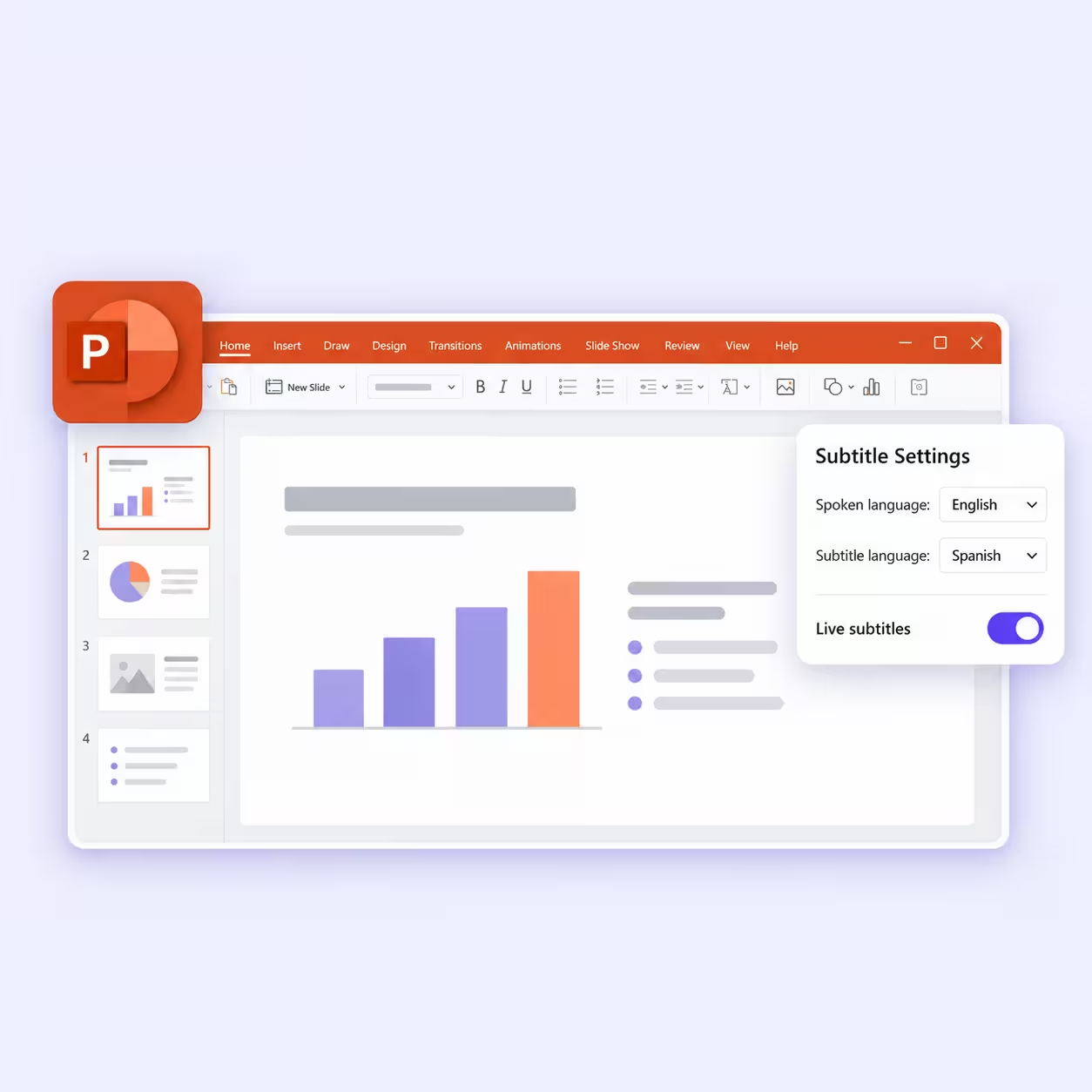
At JotMe, our live translation provides translated captions for meetings on Zoom, Google Meet, Microsoft Teams and Webex. Our Mac desktop app captures system audio, so a meeting bot does not need to join the call. Users select the spoken language and the language they want to read.
For example, an English-speaking project manager could follow a Japanese client’s presentation through translated captions during a Zoom call. That is a potential use of our existing Mac workflow, separate from Apple’s FaceTime translation features.
After the conversation, our AI meeting summary organizes key points, decisions and action items for follow-up. Teams can use the transcript and summary to revisit a discussion and confirm details with participants.
The touchscreen announcement changes how people can interact with a Mac. For multilingual work, the useful software choice still depends on the call platform, supported languages and the records a team needs afterward.
Last updated on
November 2, 2026
Follow us on social media: