









.avif)
.avif)
.avif)
.avif)
Thai AI Meeting Notes
Turn any meeting into clean Thai บันทึกการประชุม with a summary and action items. Works live on Zoom, Meet, and Teams, or upload a recording you already have. No bot joins your call.

134か国・2,000チーム・50万人のプロフェッショナルに利用されています



.avif)





.avif)


.avif)


.svg)
評価 4.7/5


GDPR準拠
.avif)
SOC 2 Type II (進行中)
AI Meeting Notes in Thai
Meetings can sometimes feel disorganized, making it difficult to capture functional notes in real time, especially when you're deeply involved in discussions or facing language barriers. JotMe streamlines this process by summarizing your meetings and notes into clear and accurate action items and key points using AI, in Thai. Need more? JotMe can customize your meeting notes to match any meeting notes template or format, even converting them into professional meeting minutes in Thai. Experience it for free—no credit card required!
Thai meeting notes in three steps
簡単3ステップで!
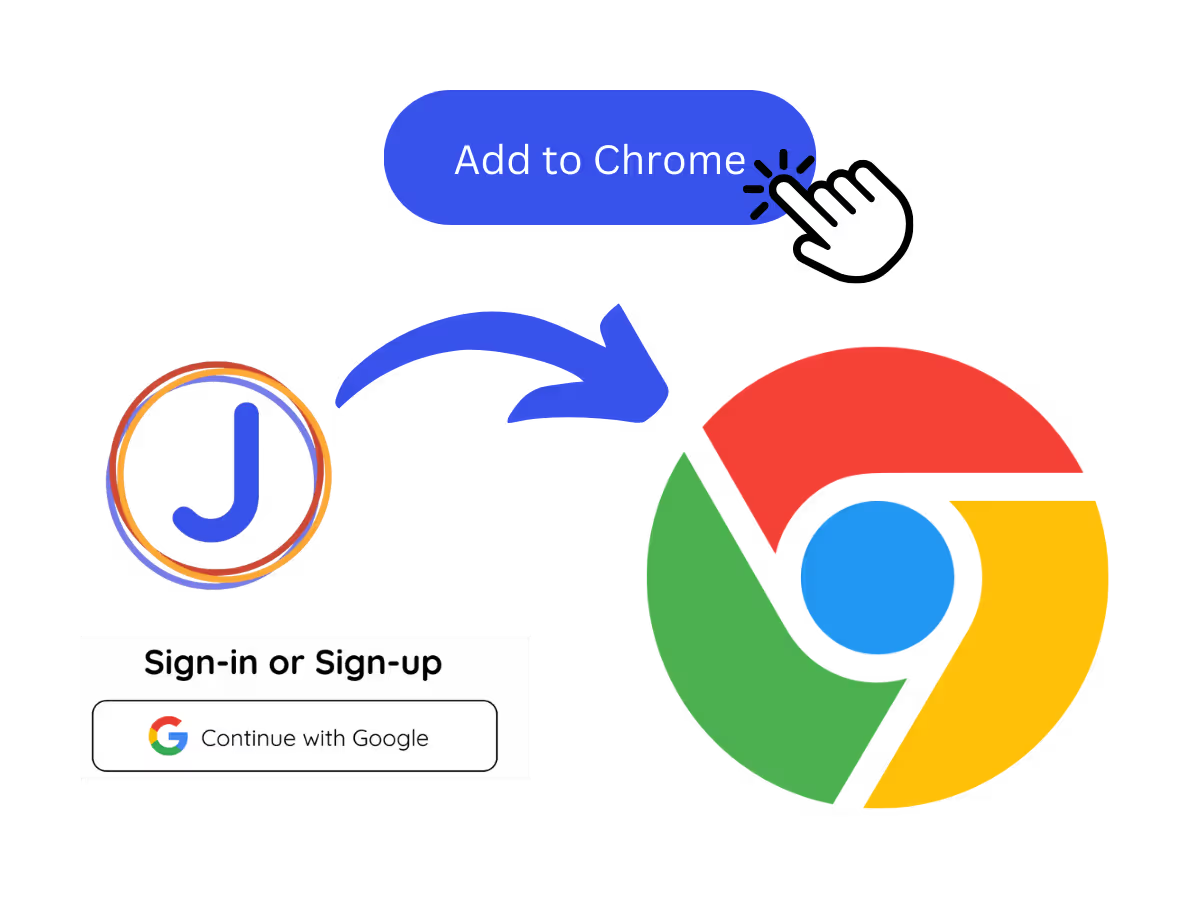
ステップ1
1. In a live meeting
Add JotMe to your call on Zoom, Meet, or Teams, or use it in person, and it captures everything live. No bot joins the meeting.
ステップ2
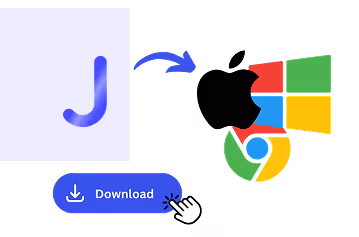
2. Or upload a recording you already have
Already have the audio or video? Upload it to Audio to Text or Video to Text and JotMe transcribes it the same way.
.avif)
ステップ3
3. Set your notes language to Thai (or English)
Pick Thai or English and get the transcript, summary, and action items in that language, whichever path you started from.
.avif)
実際に見てみましょう!
For how Thai teams meet
.avif)
Reporting to global HQ
Turn your Thai meeting into a clean English summary and action items, so your global or Japanese HQ gets the update without anyone retyping บันทึกการประชุม after the call.

Automotive and manufacturing supplier calls
Turn your Thai meeting into a clean English summary and action items, so your global or Japanese HQ gets the update without anyone retyping บันทึกการประชุม after the call.
.avif)
Hospitality and tourism operations
Capture daily briefings, guest service reviews, and operations meetings across hotels and tour teams, with notes everyone can read in Thai.
よくある質問
JotMeでの会議やイベントの開催に関するあらゆる情報。
Is JotMe Thai AI meeting notes feature free?
Capture daily briefings, guest service reviews, and operations meetings across hotels and tour teams, with notes everyone can read in Thai.
How do I use JotMe Thai AI meeting notes feature?
You can use the JotMe AI meeting notes feature by installing the JotMe translation extension, signing up, and starting a meeting. JotMe will automatically transcribe and summarize your meeting notes in Thai based on the notes you take and the meeting transcript.
What is the default format of the JotMe Thai AI meeting notes?
The default format includes the Gist, Action Items, and Key Points from your meeting, allowing you to quickly grasp the essential outcomes and next steps in Thai.
Can I customize my meeting notes template in Thai?
Yes, you can fully customize the format and structure of your meeting notes in Thai to fit your preferred style or professional requirements.
Which languages are supported for AI meeting notes?
JotMe currently supports AI meeting notes in 21 different languages, with the ability to transcribe meetings in 77 languages.
The easiest and most reliable way to store and sort your meeting details in Thai

AI会議メモだけではありません
JotMeは、あなたのメモや会議の議事録からAI会議メモを作成するだけでなく、多言語ワークフローの多くの側面をサポートします。リアルタイム翻訳からバイリンガル議事録まで、当社の多言語AIツールの全製品群をご覧ください。あらゆるニーズに対応します。
.avif)
関連ツールを見る
多言語オペレーションの会議・イベントを、すべてスムーズに
リアルタイム音声翻訳、文字起こし、通訳、AI議事録により、重要な会話を言語を越えて理解・共有できるようにします。



.avif)
