Resources
JotMe voice to voice real-time translation for meetings and events

Taka Shirasu
July 10, 2026

How We Built It
We've spent years building voice-to-voice real-time translation.
From the beginning of JotMe, we believed that speaking naturally across languages would become one of the most important interfaces in global business. But the technology wasn't ready.
- Audio generation was slow.
- Translation couldn't preserve context.
- Voices sounded robotic and unnatural.
- Latency broke the flow of conversation.
- And most importantly, the economics didn't work.
Because of these limitations, we never rolled it out broadly. A handful of forward-thinking enterprise customers were willing to experiment with us, and we had the privilege of building alongside them.
Then everything changed on May 8, 2026, when OpenAI announced GPT-Realtime-2.
For the first time, AI could listen, think, and speak back while you were still talking. Voice interaction stopped feeling like a demo and started feeling like an infrastructure.
But there were still two major problems left to solve if voice translation was going to become part of the operating system for global businesses.
1. Real-Time Operational Context
Translation is not a language problem. It's a context problem.
A translator needs to know who is speaking, what project they're working on, internal terminology, customer names, product names, historical decisions, team structure, and more.
Without context, even the best model makes mistakes. To communicate effectively at work, AI needs access to the same operational knowledge that employees use every day.
2. Audio Distribution
The second challenge was surprisingly practical: how do you deliver translated audio into meetings, events, webinars, sales calls, and customer conversations?
We spent the last month solving these problems. Today, we're making the result available to everyone.
What Does This Technology Mean to Global Businesses?
Technology that previously required custom deployments and minimum annual contracts worth $50,000 or more can now be used by anyone.
But what excites us isn't only the democratization of advanced technology.
For decades, communication across languages has relied on translators, interpreters, and multiple layers of communication. Every handoff introduces delay, misunderstanding, and loss of context.
We believe voice-to-voice translation changes that. People can communicate naturally in their own language while AI handles translation in real time, preserving more of the original intent and meaning behind the conversation.
Perhaps you've seen the back-drawing challenge. One person draws on another person's back, who then tries to recreate it on paper. By the end, the drawing often looks nothing like the original.

Cross-language communication has worked much the same way. Now, for the first time, we're beginning to remove those layers.
Why JotMe speech-to-speech real-time translation?
JotMe is built for work conversations, where AI needs more than words. It needs operational context: product names, customer names, project history, team terminology, and previous meeting notes. That context helps preserve business meaning while conversations are still happening, and translation feels more natural and useful for real work.
JotMe is also platform-agnostic. Whether the conversation happens on Zoom, Google Meet, Microsoft Teams, at an event, in a classroom, or in person, the JotMe desktop app can support the workflow. It supports 100+ spoken input languages and 13 voice output languages: Chinese, English, French, German, Hindi, Indonesian, Italian, Japanese, Korean, Portuguese, Russian, Spanish, and Vietnamese.
Even during speech-to-speech translation, JotMe still shows real-time transcription and text translation. After the meeting, the transcript is saved with AI-generated meeting notes, turning each conversation into part of a multilingual knowledge base your team can search, review, and build on.
How to Use Voice-to-Voice Translation
JotMe voice-to-voice translation is a desktop workflow because it needs to capture audio, route translated speech, and play the AI voice back in real time. In the product, this lives inside Speech-to-Speech AI Translation.
Before using it, select Fast (Audio) in Spoken Language, choose a Fast Translation Language, and then return to the Speech-to-Speech menu.
Voice translation can detect many spoken languages, but translated voice output currently supports:
Chinese (Simplified), English, French, German, Hindi, Indonesian, Italian, Japanese, Korean, Portuguese, Russian, Spanish, and Vietnamese.
Mode 1: Online Meeting
Use Online Meeting when translated voice needs to work inside Zoom, Google Meet, Microsoft Teams, WhatsApp, webinars, sales calls, customer calls, interviews, or internal meetings.
Online Meeting supports three translation directions.
Two-Way
Use this when both sides need voice translation.
- You hear the other participant in your selected language.
- The other participant hears you in their selected language.
- JotMe routes incoming meeting audio and outgoing translated speech separately.
- Best for bilingual meetings, customer calls, negotiations, training sessions, interviews, and support calls.
On Mac, two-way requires BlackHole 2ch and BlackHole 16ch. The meeting speaker is routed through BlackHole 2ch, and the meeting microphone is routed through BlackHole 16ch.
On Windows, two-way uses VB-CABLE and Virtual Audio Cable Line 1. Follow the in-app setup instructions, as JotMe will display the correct devices for your selected mode.
Listening Only
Use this when you only need to hear translated audio.
- JotMe captures meeting or system audio.
- JotMe plays translated speech through your headphones or speakers.
- Your microphone audio will not be transcribed or translated.
On Mac, this uses BlackHole 2ch for audio capture. On Windows, it uses the VB-CABLE capture device.
Speaking Only
Use this when you want to speak in your language and have others hear translated speech.
- JotMe captures your microphone.
- JotMe sends translated speech into the meeting application.
- Other participants' audio will not be transcribed or translated.
On Mac, set the meeting application's microphone to BlackHole 2ch. On Windows, set it to CABLE Output (VB-Audio Virtual Cable).
If the required virtual audio driver is missing, the mode toggle and Start button will remain disabled until the device is detected. After installation, restart your computer.
Mode 2: Other
Use "Other" when audio is not routed through a meeting application.
Microphone Audio
Use this for:
- In-person conversations
- Live events
- Interviews
- Classes
- Booth demonstrations
- Field work
System Audio
Use this for:
- Videos
- Livestreams
- Webinars
- Training materials
- Podcasts
- Any audio already playing on your computer
Other modes do not require virtual audio routing because translated speech is not being sent back into a meeting application.
Mode 3: Sharing
Use Sharing when participants need translation on their own devices.
- Share with URL: anyone can open live translation in a browser.
- Share with Code: another JotMe desktop user can join using a code.
- Display a QR code for quick access.
- Participants can choose their preferred language.
- For eligible Fast and Premium sessions, hosts can enable participant speech-to-speech translation. This consumes 5× translation minutes per participant.
Sharing is useful for events, classrooms, webinars, training sessions, factory tours, customer demonstrations, and multilingual meetings where each participant may prefer a different language.
Where JotMe Voice to Voice Real Time Translation Can be Used?
Multilingual team meetings
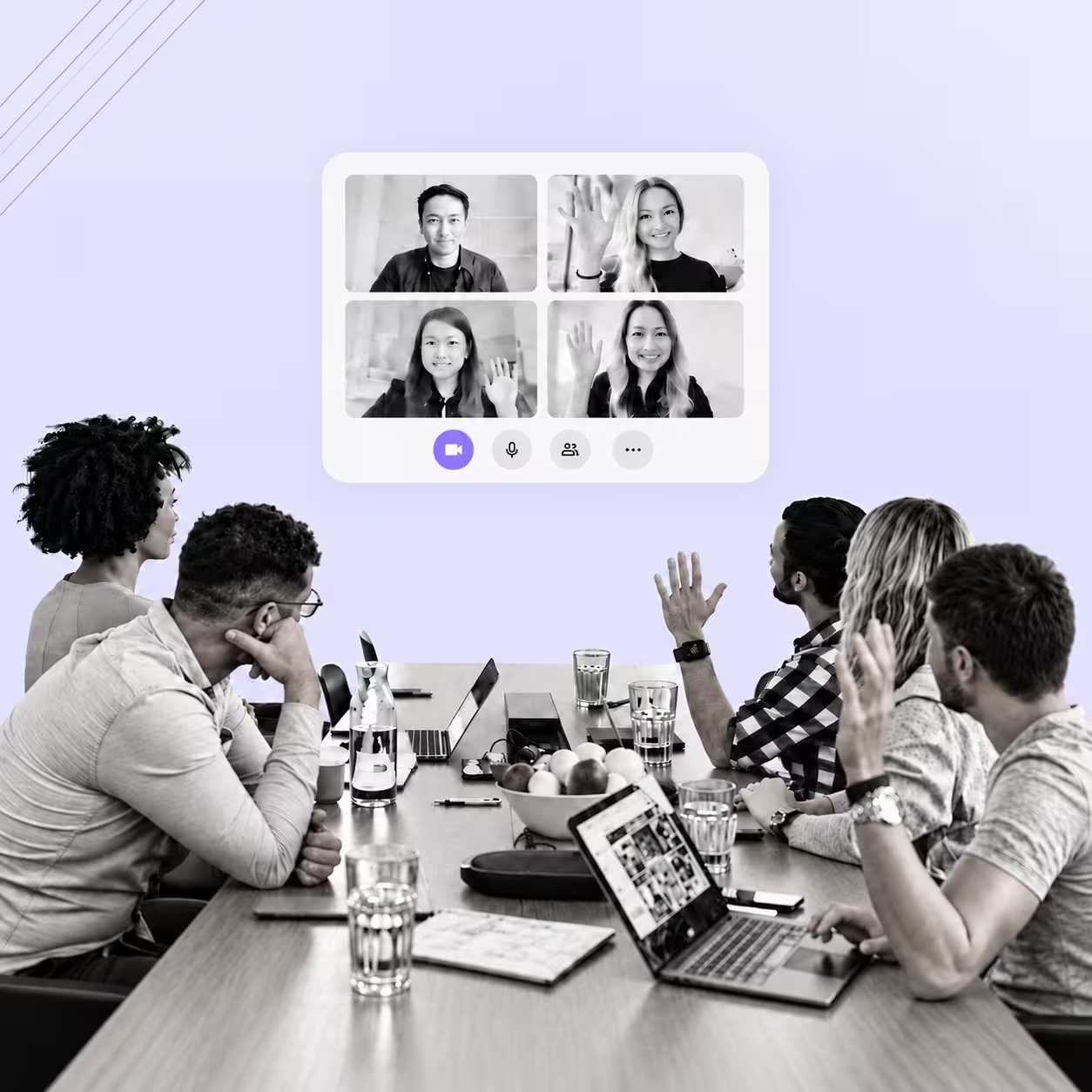
For global teams, the biggest problem is not only language. It is speed. People hesitate, wait for someone to translate, or avoid speaking because they are not confident in the meeting language. Voice-to-voice translation lets each person speak naturally while the rest of the room follows in the language they understand best.
Global sales calls
Sales conversations depend on timing, tone, and trust. Instead of slowing down the call with manual interpretation, teams can speak directly with prospects and customers in their own language while JotMe translates the conversation in real time.
Customer support and success
Support teams often need to understand urgent issues quickly. Voice translation helps customer-facing teams handle escalations, onboarding calls, renewals, and technical troubleshooting without waiting for a human interpreter.
International hiring and interviews
Great candidates do not always interview best in a second language. Voice-to-voice translation makes it easier for hiring teams and candidates to communicate clearly, especially during technical interviews, culture-fit conversations, and global recruiting processes.
Events and webinars
For events, one translated audio channel is rarely enough. With sharing via URL or QR code, attendees can join from their own device and listen in their preferred language, making webinars, panels, and live sessions more accessible.
Education and training
In classrooms, workshops, and internal training, language gaps can quietly leave people behind. Real-time voice translation helps students, employees, and trainees follow complex explanations as they happen.
Manufacturing and supplier collaboration
Factory visits, QA reviews, supplier meetings, and technical training often involve specialized terminology. JotMe’s operational context helps translation stay closer to the actual work, from product names to process details.
Travel and hospitality
Hotels, tour operators, event staff, and guest-facing teams need fast communication across languages. Voice translation can support live guest conversations, vendor coordination, guided experiences, and service recovery moments.
Content review and media workflows
Teams can also use JotMe outside meetings by translating system audio from videos, livestreams, podcasts, training material, or recorded content. This makes multilingual review faster without requiring a full transcription workflow first.
Final
Technologies that change how we work often look deceptively simple once they arrive. We believe voice-to-voice translation is one of them. We're excited to see what you build with it. If you have feedback or would like to discuss an enterprise deployment, reach out to us at hey@jotme.io.
Last updated on
July 29, 2026
Follow us on social media: