Guides
6 Best Tools to Live Translate English to Romanian [Tried & Tested]

Viraj Mahajan
December 10, 2025
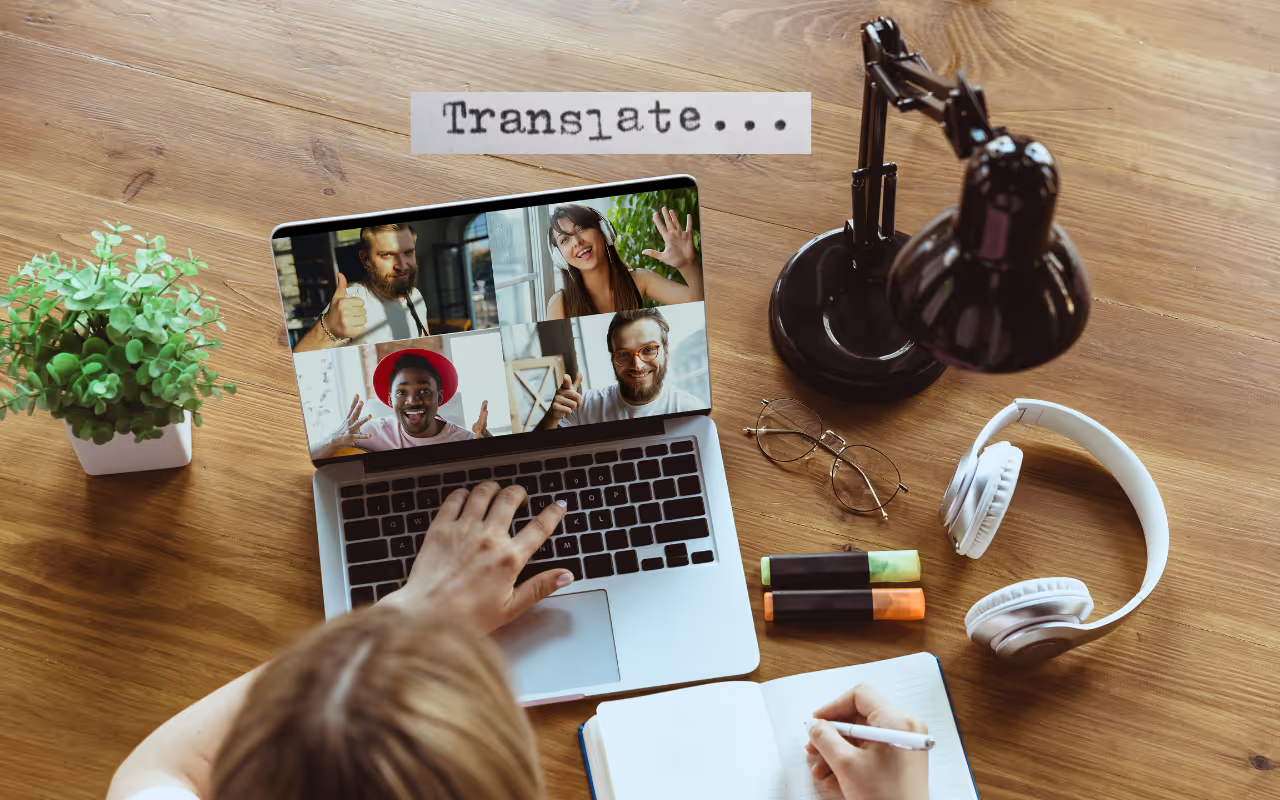
Do your Romanian-speaking colleagues lose track of the English discussion or give inaccurate inputs when meetings move fast, or involve technical jargon? If yes, you need a reliable AI interpreter app like JotMe.
At a time when most live translation apps translate word-for-word, JotMe uses advanced speech recognition to preserve tone, context, and nuance in real time. These translations are instant, so your Romanian-speaking colleagues don’t fall behind. In addition to live translation, JotMe offers features such as AI Chat, real-time summaries, text-to-text translation, and more to streamline your workflow.
Other than JotMe, we have listed five more tools to live translate English to Romanian, and here’s a breakdown of what they offer:
- JotMe charges just $15/month to live translate English into Romanian, provides instant answers to your queries, and generates bulleted summaries of discussions in real time.
- Boostlingo offers translations in 130+ languages and supports live video interpretation, but a Trustpilot user reports, “Customer service was horrible and impossible to get in touch with.”
- DeepL Voice is well-suited for specialized industries that may require custom glossaries for technical terminology, but some G2 users have reported a slight lag in translations.
- Palabra offers no-latency live translations, making it a decent option for fast-paced meetings. However, it struggles with overlapping or complex conversations.
- Maestra AI is known for its clarity in translations, but some G2 users reported that the software didn’t learn new words in a single update.
- Kudo offers flexibility with both human and AI-based translators, making it suitable for in-person, virtual, or hybrid meetings.
How Difficult is the Romanian Language?
Romanian is simpler compared to the likes of Cantonese, Japanese, or Korean. However, it’s a bit different from the languages in the same family (Spanish, French, and Portuguese), and the following are the reasons:
Vocabulary: Romanian vocabulary has quite a few “false friends,” words that look similar to English but have different meanings. For example, the Romanian word “actual” means “current” and not “real.” Not only that, its vocabulary takes many loanwords from various languages. For example, “mașină” comes from Turkish, while “școală” has Greek origins. Literal translators may be confused by such terms and may produce mistranslations.
Idiomatic Expressions: Like any other language, idiomatic expressions can be baffling for word-for-word translators. They translate “to beat the water in the mortar” literally into “A bate apa-n piuă.” Tools like JotMe, meanwhile, are culturally familiar and understand the context, displaying “o activitate fără rost” or “a pointless activity.”
Gendered Agreement: Romanian nouns are also gendered, with masculine, feminine, and neuter genders. The pronouns, adjectives, and articles must agree with the gender and nouns they modify, which can be somewhat tricky with direct translators.
If your translator is struggling with the issues mentioned above, here are some alternatives you can try along with their use cases:
Quick Comparison of English to Romanian Live Translation Tools
Now that you’ve got a brief idea of where you can use these tools to translate English to Romanian, here’s a quick comparison of their features and platform availability:
What is the Best Live Translate From English to Romanian App?
JotMe is one of the best apps to live translate English to Romanian language, as it provides context-based and accurate translations. JotMe has other features on offer, which you’ll learn in detail, and how other apps compare with it:
JotMe
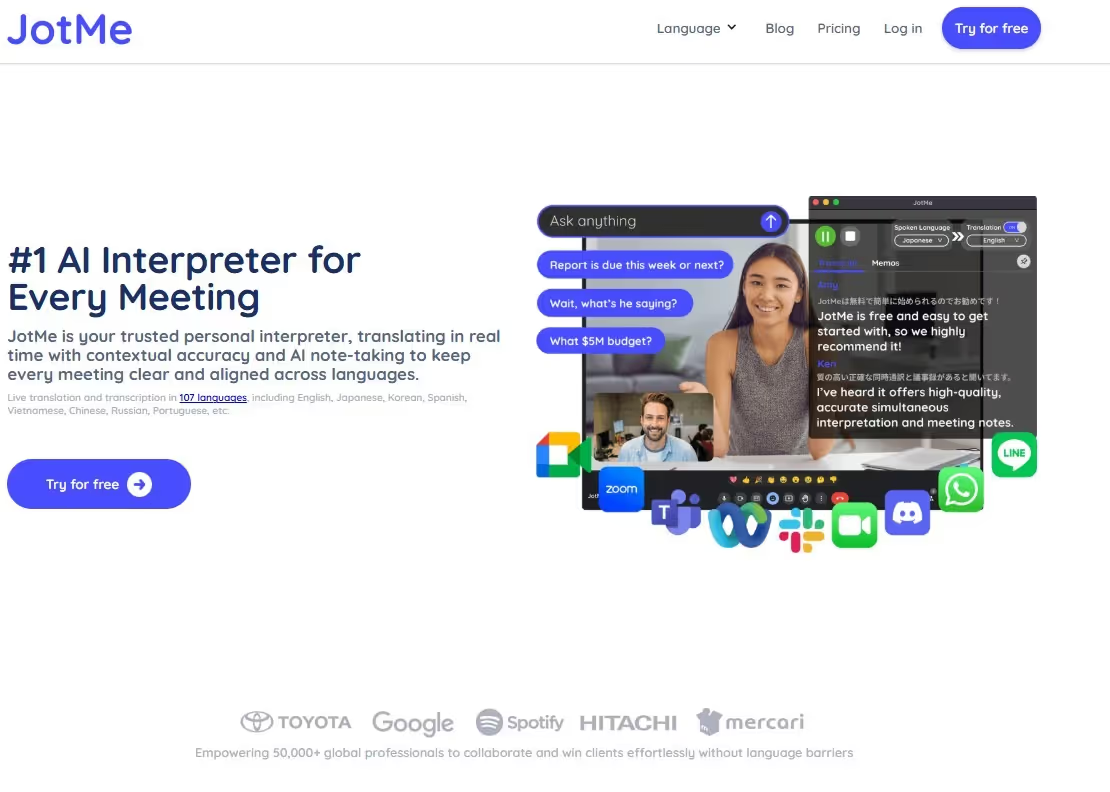
In our weeklong tests of the best apps to translate English to Romanian online, JotMe stood out for its context-based accuracy. Its translation accurately captures the meaning and essence that the speaker intends to convey. Other reasons that make JotMe one of the best live translation apps are as follows:
- No Latency: We were surprised by how quickly JotMe translates English to Romanian. As soon as we tapped “Play” and started conversing, the translation appeared on the JotMe window. This way, our Romanian-speaking colleagues were never off track during conversations.
- Multilingual Translations: Another feature we didn’t find in many apps is the ability to translate up to 10 languages into Romanian. This was helpful during our meetings last week, which included participants from Japan, Korea, Spain, and Romania.
- Handles Technical Jargon: JotMe didn’t struggle during a meeting with Romanian engineers, even when technical jargon was involved. JotMe’s AI Ask also provides instant responses to queries, ensuring all participants stay on the same page.
JotMe will soon offer its English to Romanian translation services on Android and iOS devices. Make sure to sign up here if you want to be one of the first to try the app.
Key Features of JotMe
The key features of JotMe include real-time contextual translation, AI Chat, real-time summary, quick memo, and text-to-text translation. These are detailed as follows:
Real-Time Contextual Translation
Many live translation apps rely on literal translation, which often leads to confusion and misinterpretation. Here’s an example.
Last week in our biweekly meeting, someone said, “Mark emailed saying the old analytics server finally kicked the bucket yesterday.” The literal translation sounds like “Mark a trimis ieri un e-mail în care spunea că vechiul server de analiză a fost în sfârșit dezafectat.” The “kicked the bucket” idiom was comprehended as "decommissioning the server,” while it actually means “the server died/stopped.”
JotMe, on the other hand, uses an advanced speech recognition engine to understand the context, tone, and flow, and translates as “Mark a trimis un e-mail spunând că vechiul server de analitică a cedat definitiv ieri” or “Mark sent an email saying that the old analytics server went down for good yesterday,” which is more accurate and sounds more natural.
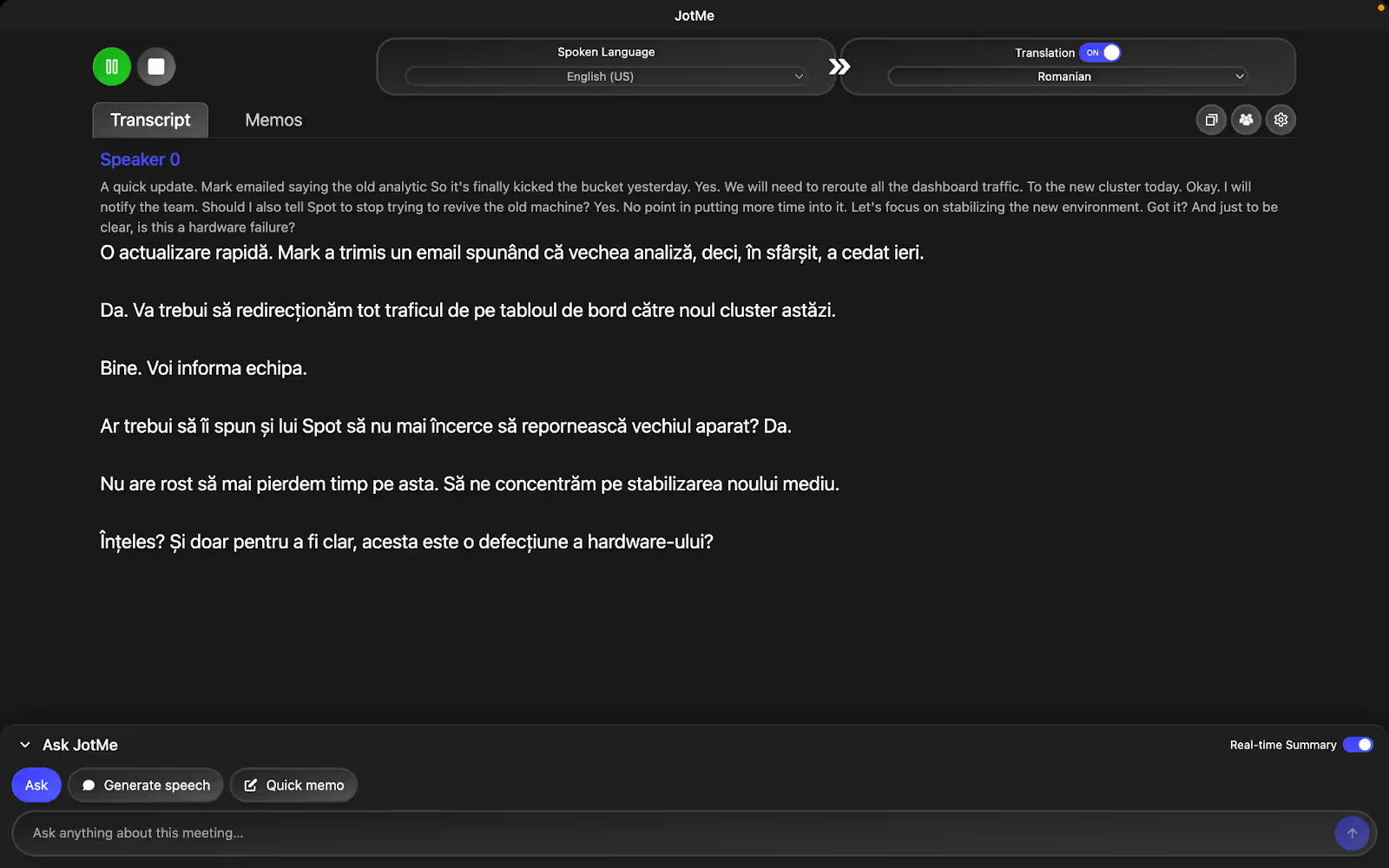
AI Ask
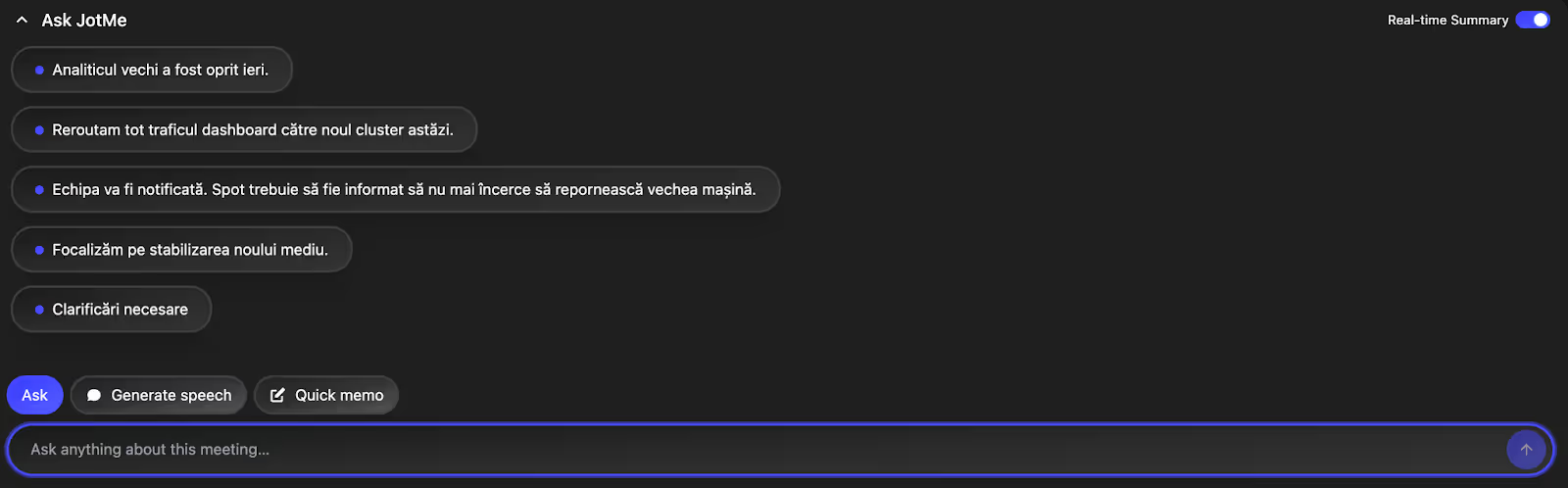
If at any point during the meeting you have a question about the topic, this JotMe feature can help. Just head over to AI Ask, ask the question, and get answers immediately and to the point. This way, you grab onto the information quickly and keep the meeting rolling.

Real-Time Summary
When testing JotMe for English to Romanian translation, we found that it generates quick summaries of discussions in real time. We thought this was a great way to stay in sync with the discussion! We were discussing strategies for the next quarter when one of our Romanian-speaking colleagues became distracted. Rather than asking for an update and interrupting the conversation, he skimmed the bulleted summary that JotMe lists. With a single click, he was able to get in sync with the meeting discussions.
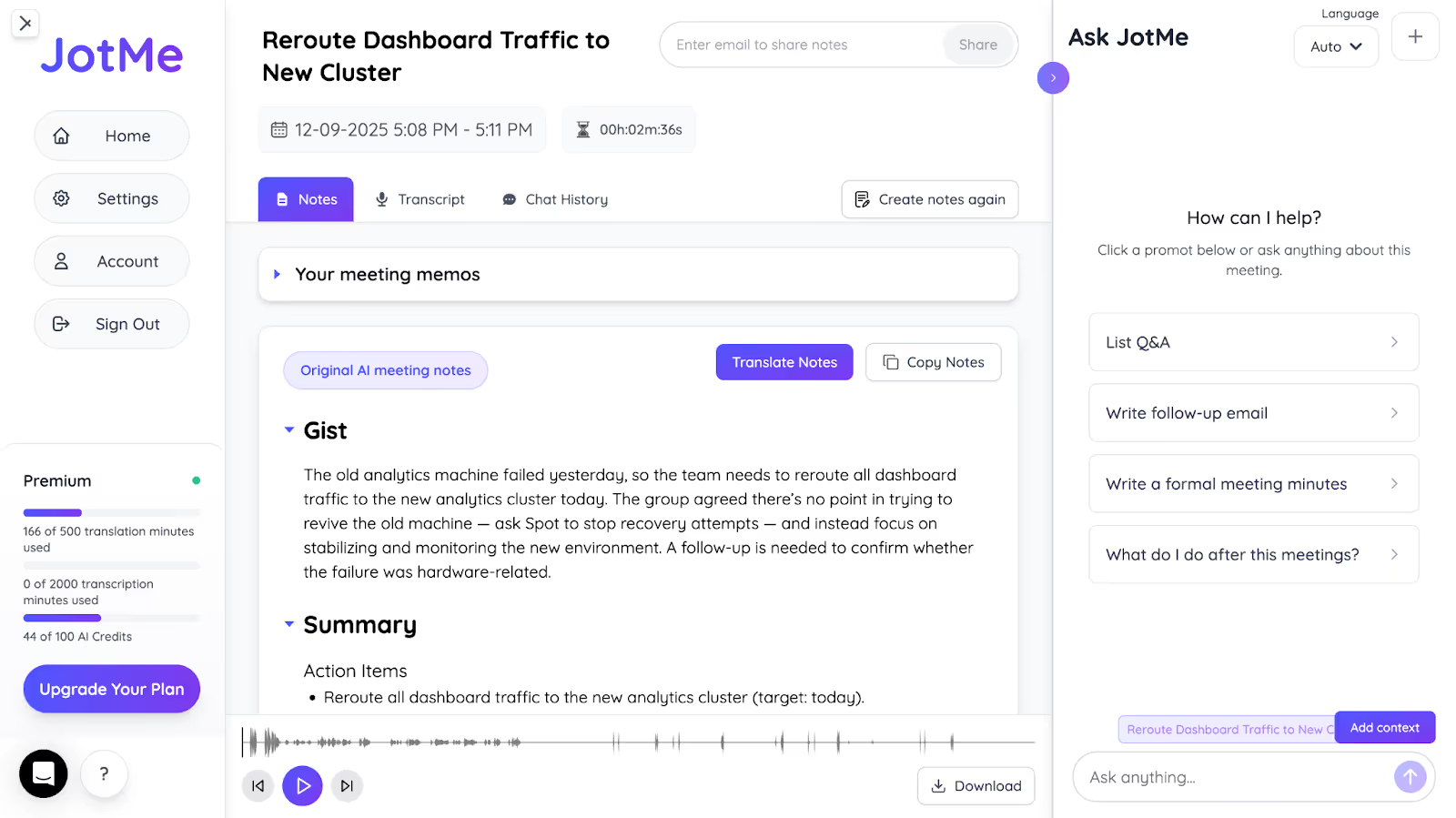
Post Meeting Notes
Taking notes while actively participating in the meetings simultaneously can be stressful. Don’t worry if you use JotMe to live translate English to Romanian in meetings. As soon as the meeting ends, JotMe can be tagged as one of the best AI note takers that capture key points and action items, along with AI summaries. You can even translate these notes and share them with your Romanian-speaking colleagues.
Sharing Translation Minutes
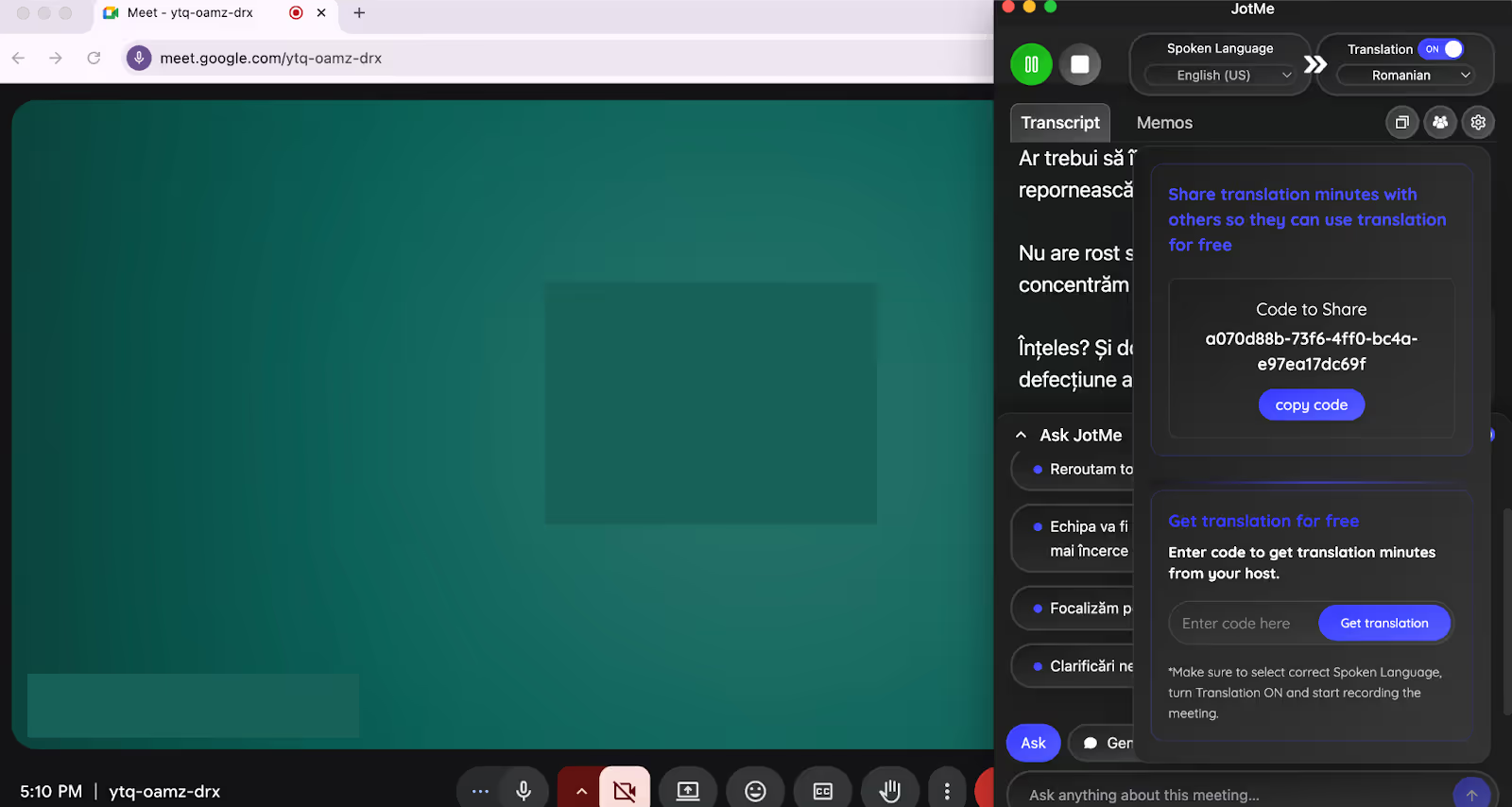
Among the tools we tested, JotMe’s sharing translation minutes feature was our favorite. When the meeting starts, JotMe shares a code. Anyone with this code can live translate English to Romanian and access real-time summaries, AI ask, and every JotMe feature for free. This was especially helpful during our meeting with Romanian-speaking freelancers last week, as they didn’t have a JotMe subscription.
Pricing
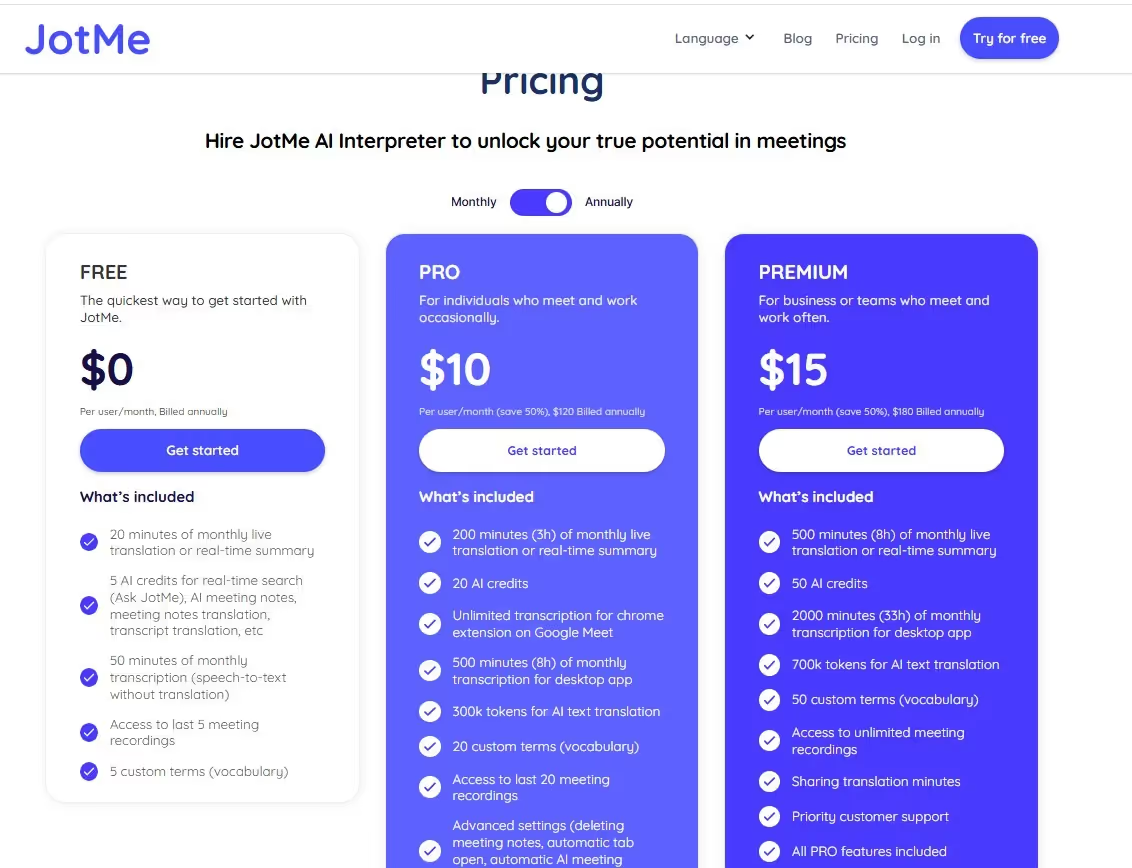
JotMe offers a free monthly plan and two affordable paid plans tailored to your needs: Pro and Premium.
- Free: JotMe lets you live translate English to Romanian for free for 20 minutes per month. You also get 50 minutes of free transcription and 5 AI credits for real-time answers, meeting notes, and more.
- Pro ($10/month, billed annually): You get 200 translation minutes, 500 transcription minutes, and 20 AI credits.
- Premium ($15/month, billed annually): You get 500 minutes of live translation per month, 2000 minutes of translation, 50 AI credits, and access to unlimited meeting recordings.
Pros
- JotMe’s translations are contextually accurate and sound natural.
- Provides translation in 45 languages on desktop and 77 languages in Google Chrome, without inviting bots into meetings.
- Offers a Chrome extension for Google Meet.
Cons
- The tool is available only for desktop use, but the mobile version is launching soon.
Review
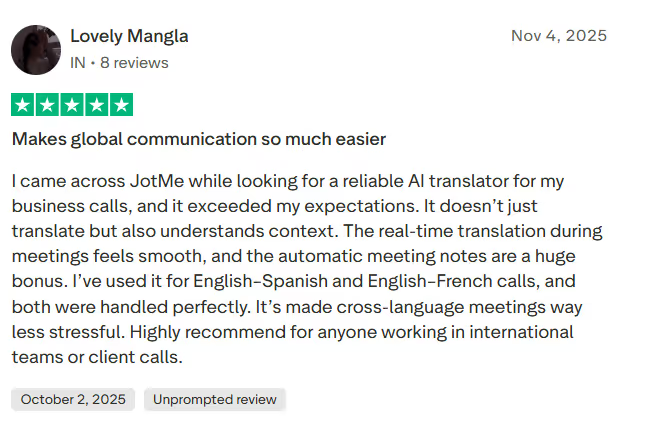
A user on Trustpilot was all praises about how JotMe made their multilingual meetings less stressful. They mentioned that contextual, real-time translations and automated meeting notes are helpful for anyone working on international teams.
Boostlingo
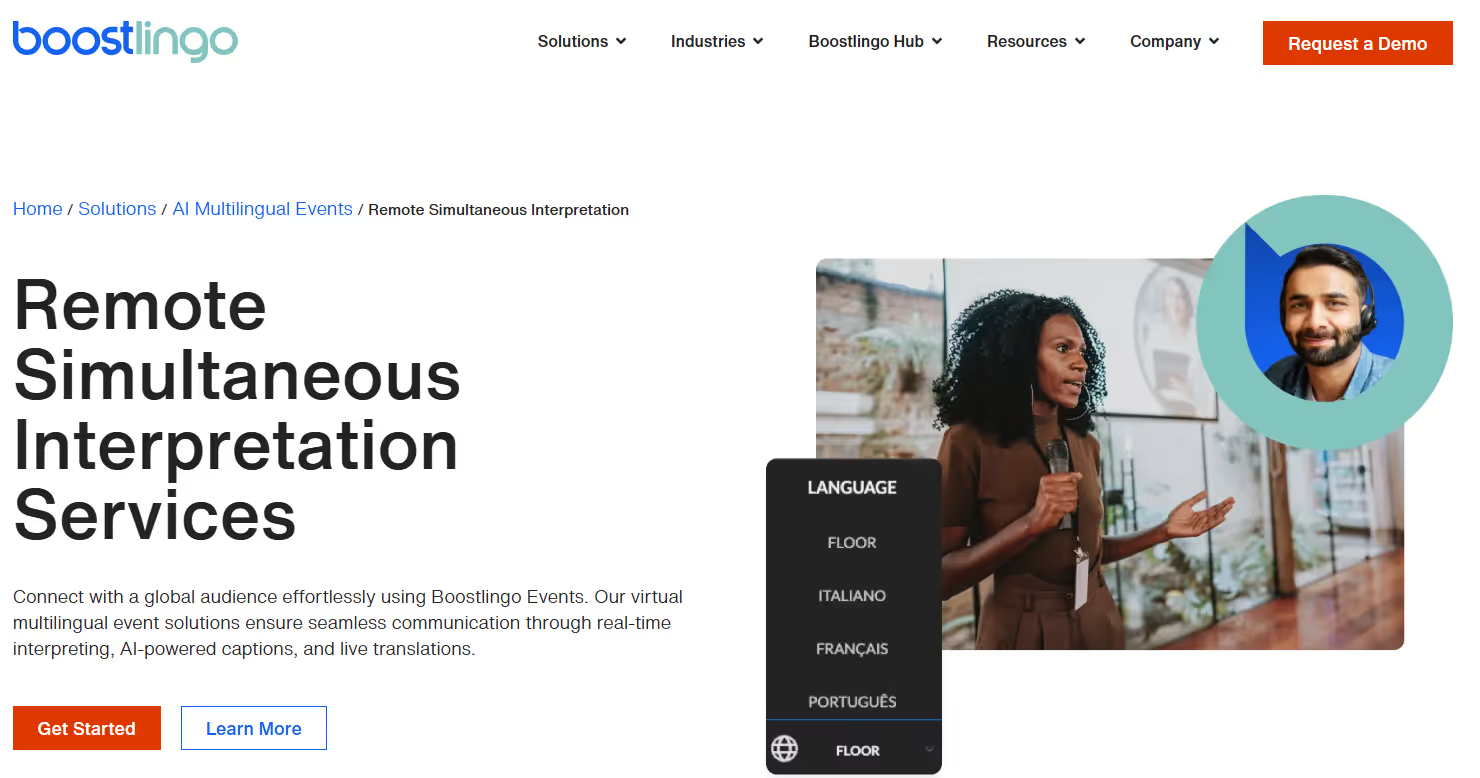
In our tests, Boostlingo emerged as a solid option to live translate English to Romanian. Like JotMe, Boostlingo can translate multiple languages simultaneously. Not only that, it lets you create a custom glossary of industry terms and share translations with your participants. If you host technical meetings with your multilingual team, this feature can be useful. Boostlingo, however, has no transparent pricing policy like JotMe or a free trial. You can only request a demo, which may take a few days.
Pricing
Boostlingo hasn’t published its pricing online, and you must complete a form to request a custom quote.
Pros
- Lets you share translations with the participants.
- You can create a custom glossary for industry-related terms.
Cons
- Boostlingo isn’t transparent about its pricing policy.
- There’s no free monthly plan or trial on offer.
- A user on Trustpilot tagged Boostlingo’s customer support as horrible.
Review
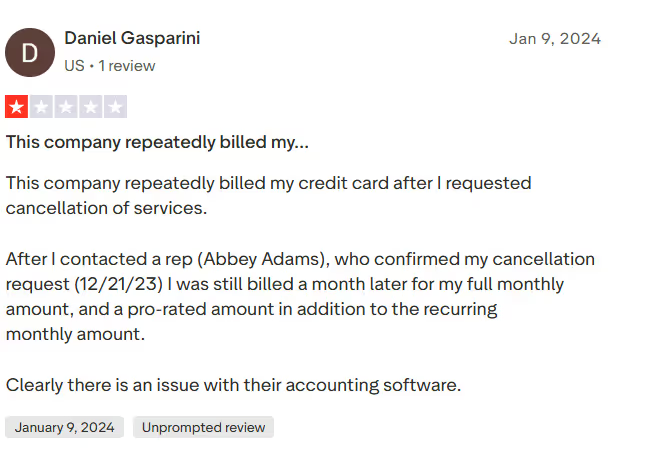
A Trustpilot user reports that the company repeatedly billed their credit card after they requested cancellation of service.
DeepL Voice
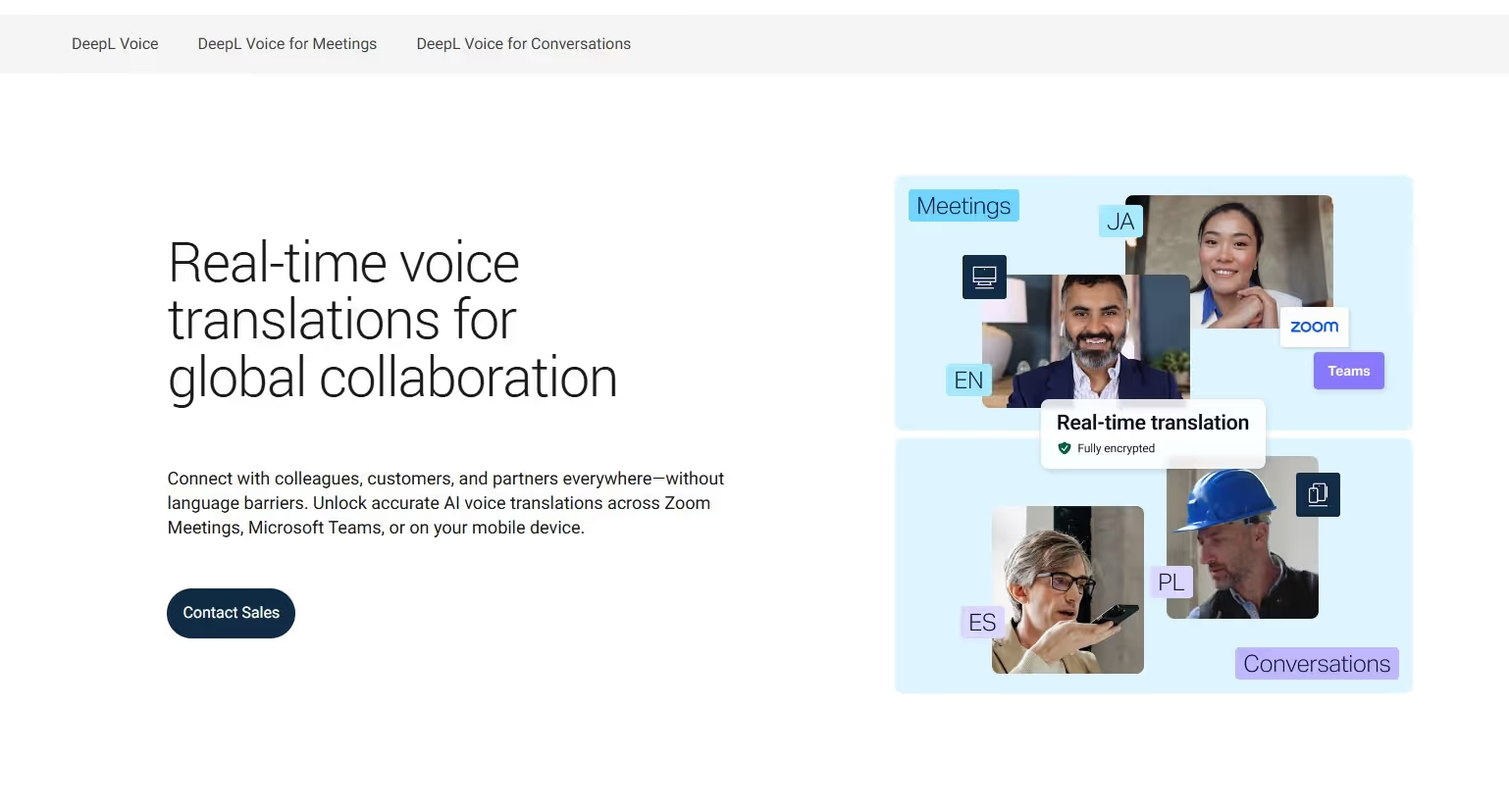
DeepL Voice is another popular app to translate English to Romanian in virtual meetings. It’s often tagged as an accurate translator for meetings, but no free trial or demo was available for us to try it. You must contact their sales team to access the free demo.
However, we found a few features helpful. For one, you can create custom glossaries. You can add terms such as Panou de control (dashboard), Indicator cheie de performanță (KPI), Consultație de control (follow-up), and similar ones, as they may not be translated correctly. It also integrates directly with Microsoft Teams and Zoom to further streamline your translation process. However, unlike JotMe, DeepL voice hasn’t clearly mentioned its plans online.
Pricing
DeepL Voice hasn’t listed its pricing plans on its website, so you'll need to contact its sales team for a custom quote.
Pros
- DeepL Voice lets you create a custom glossary.
- It integrates with video conferencing platforms such as Zoom and Microsoft Teams.
Cons
- DeepL is enterprise-based and not suitable for individuals.
- It doesn’t offer a free trial to its users.
- There is no mention of their pricing plans.
Review
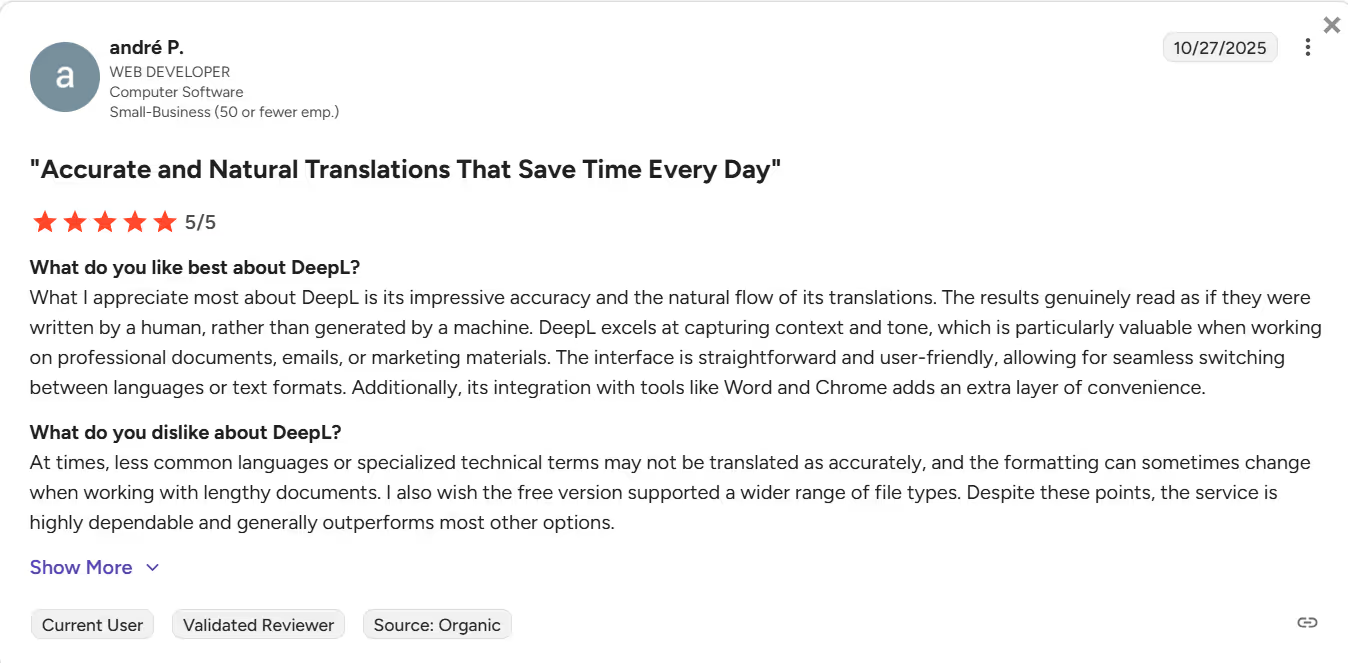
A user on G2 reported that DeepL Voice may not accurately translate less common languages or specialized technical terms.
Palabra
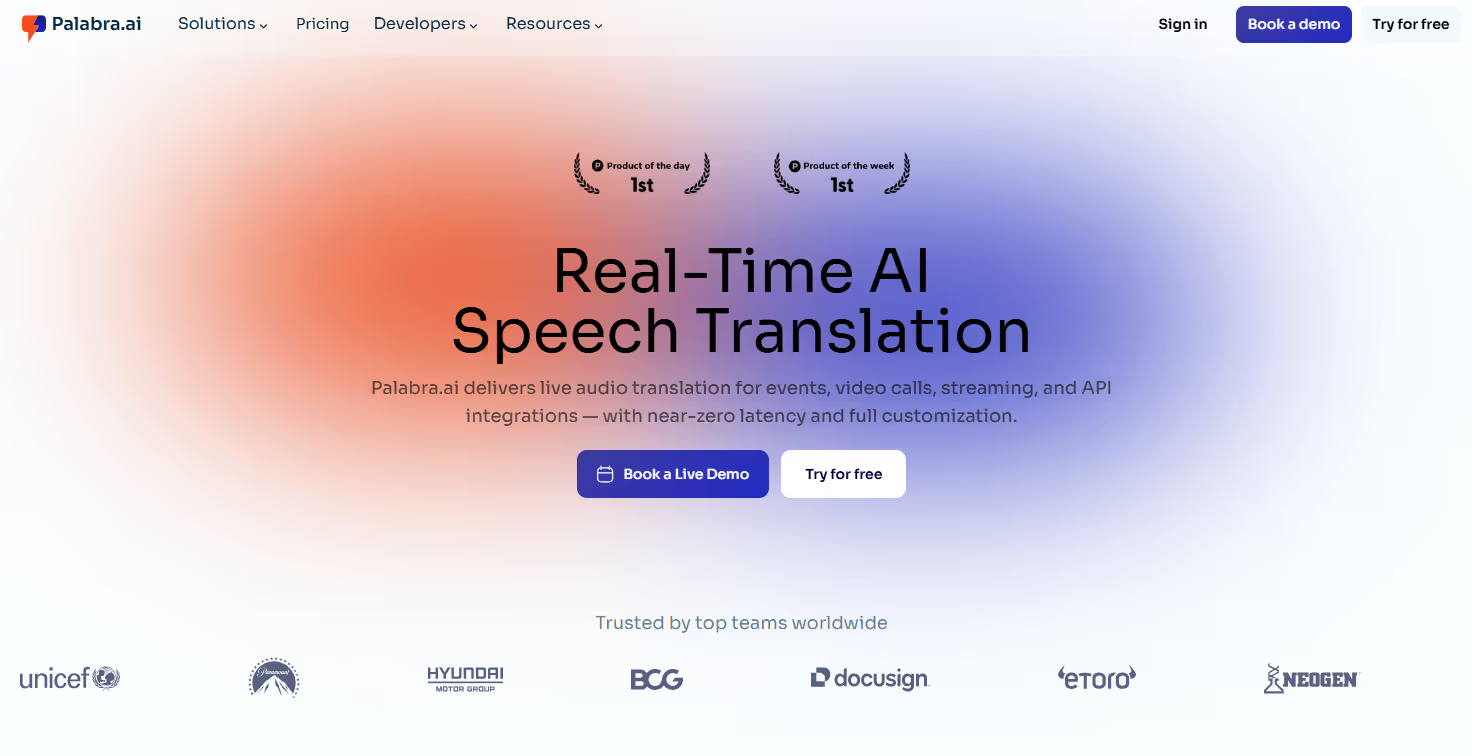
Palabra is a decent app to translate English to Romanian language in live meetings. The interface is simple; we can get started within seconds, and there is minimal latency between conversations and translations. It also handled casual and technical conversations well, maintaining pace while generating accent-sensitive translations. For example, when someone said, “We might want to revisit this later,” Palabra translates to “Este posibil să dorim să revizuim acest lucru mai târziu” instead of “Poate vrem să revedem acest lucru mai târziu,” which is the literal translation.
However, it sometimes struggles with idiomatic expressions, as it translates “Let’s touch base after the call” to “Să atingem baza după conversație (Let’s touch the base after the conversation).
Pricing
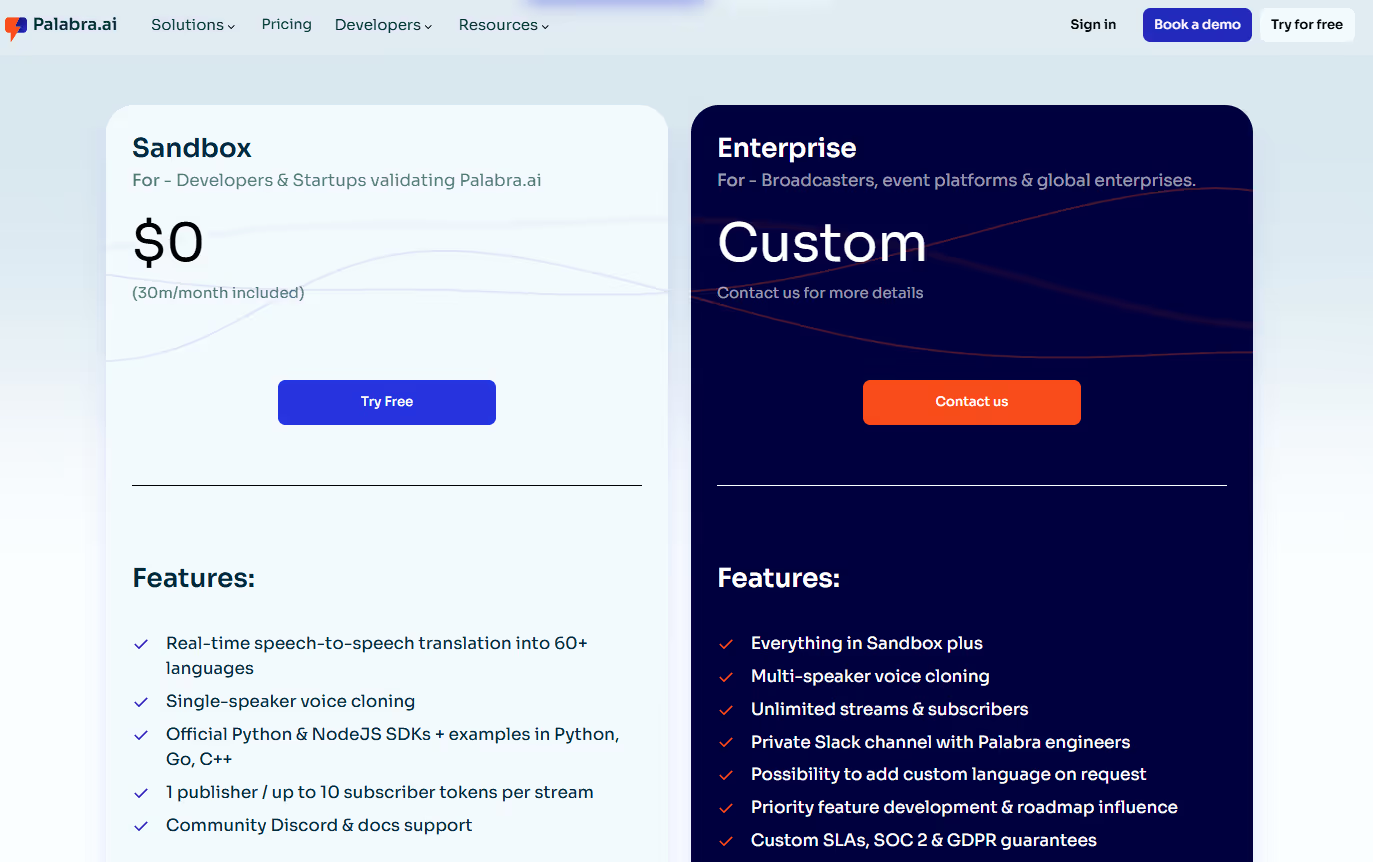
Palabra offers a single premium plan for broadcasters, event platforms, and global enterprises, in addition to its free plan.
- The free plan includes 30 minutes of live translation and access to features such as API integration, single-speaker voice cloning, and more.
- Its Enterprise plan requires you to contact its sales team to get a customized quote.
Pros
- Offers a free monthly plan to try its live translation services.
- Lets you create custom glossaries for consistent translations.
Cons
- It struggles with idiomatic expressions.
- The interface is outdated.
- Non-transparent pricing makes it unsuitable for individuals or small businesses.
Maestra AI
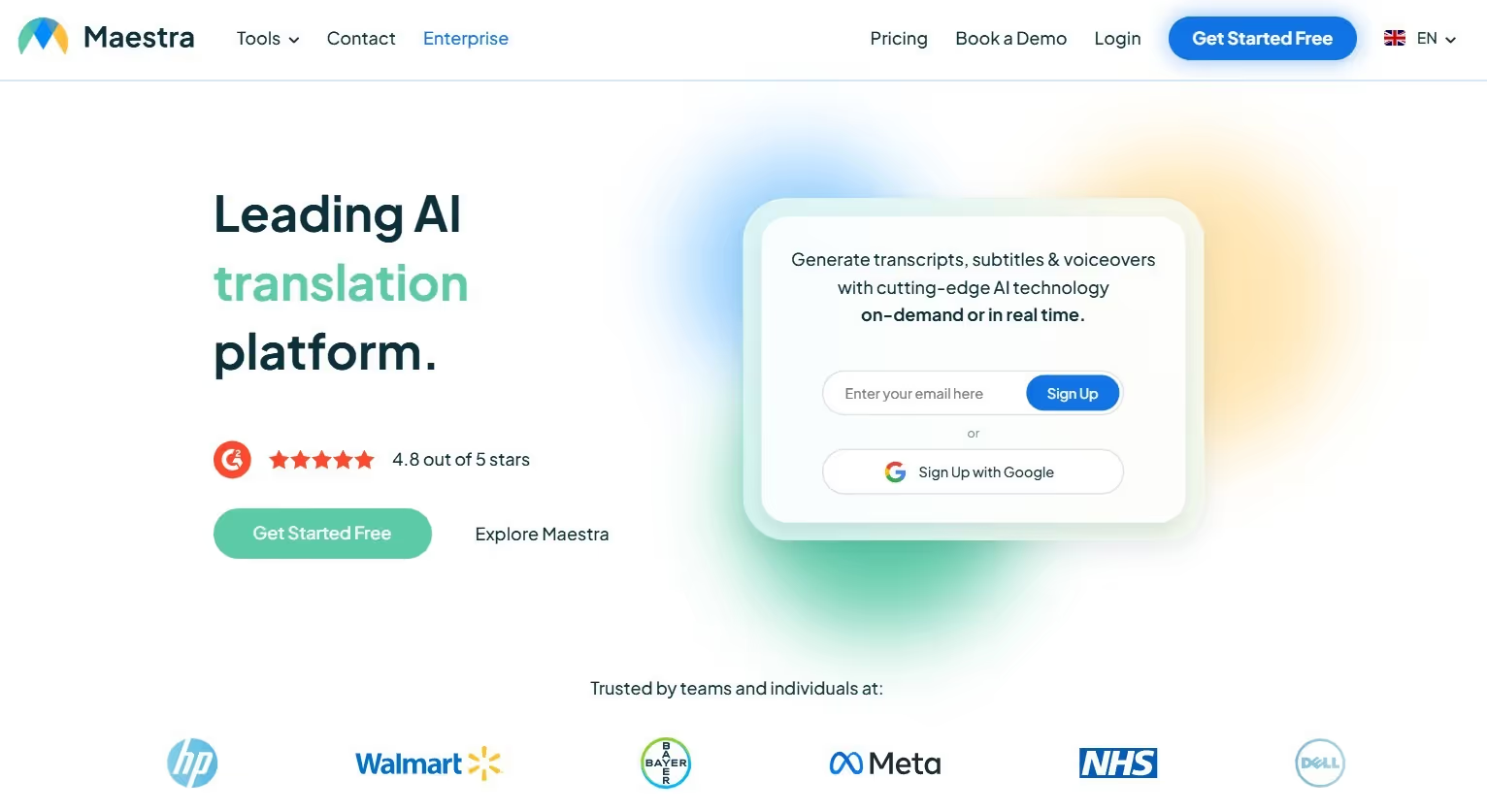
Maestra AI is a live translation app that offers automated transcription, subtitling, and voiceover services. What we liked most about Maestra AI is its team collaboration feature, which lets your team add notes and action items or work on a project together as needed. You can also create custom glossaries, and Maestra AI’s dual-window translation allows you to double-check translation accuracy.
In our testing, the translations were accurate for the most part, but Maestra AI struggles with overlapping dialogue. That’s not the case with JotMe, which handles most conversations well.
Pricing
Maestra offers a free trial and a flexible pricing plan suited to your various live translation needs:
- Basic ($39/month, billed annually): Offers 360 minutes/month of real-time captions with vMix, WebHooks, OBS, and Zoom integration with an AI Summary.
- Premium ($79/month, billed annually): Offers 900 minutes/month of real-time captions and 180 minutes/month of real-time translation.
- Business ($159/month, billed annually): Offers 1800 minutes/month of real-time captions and 360 minutes/month of real-time translation.
Pros
- It lets you create a custom glossary.
- Maestra AI enables your team to collaborate on projects.
Cons
- Its real-time translation subscription isn’t suitable for individuals or small teams.
- A user on G2 reported the dashboard improvement Maestra needs.
- Maestra AI struggles with overlapping dialogues.
Review
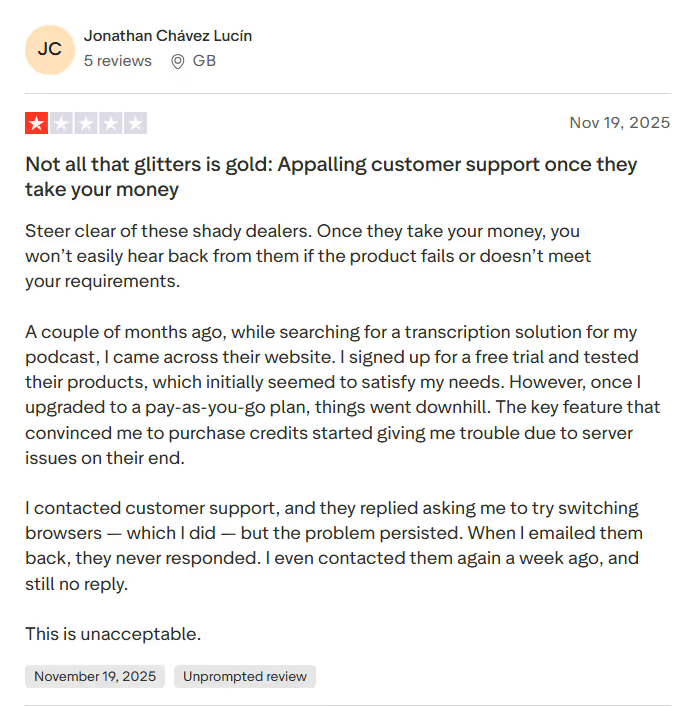
A Trustpilot user was disappointed with the customer service team after receiving no response despite multiple emails.
Kudo
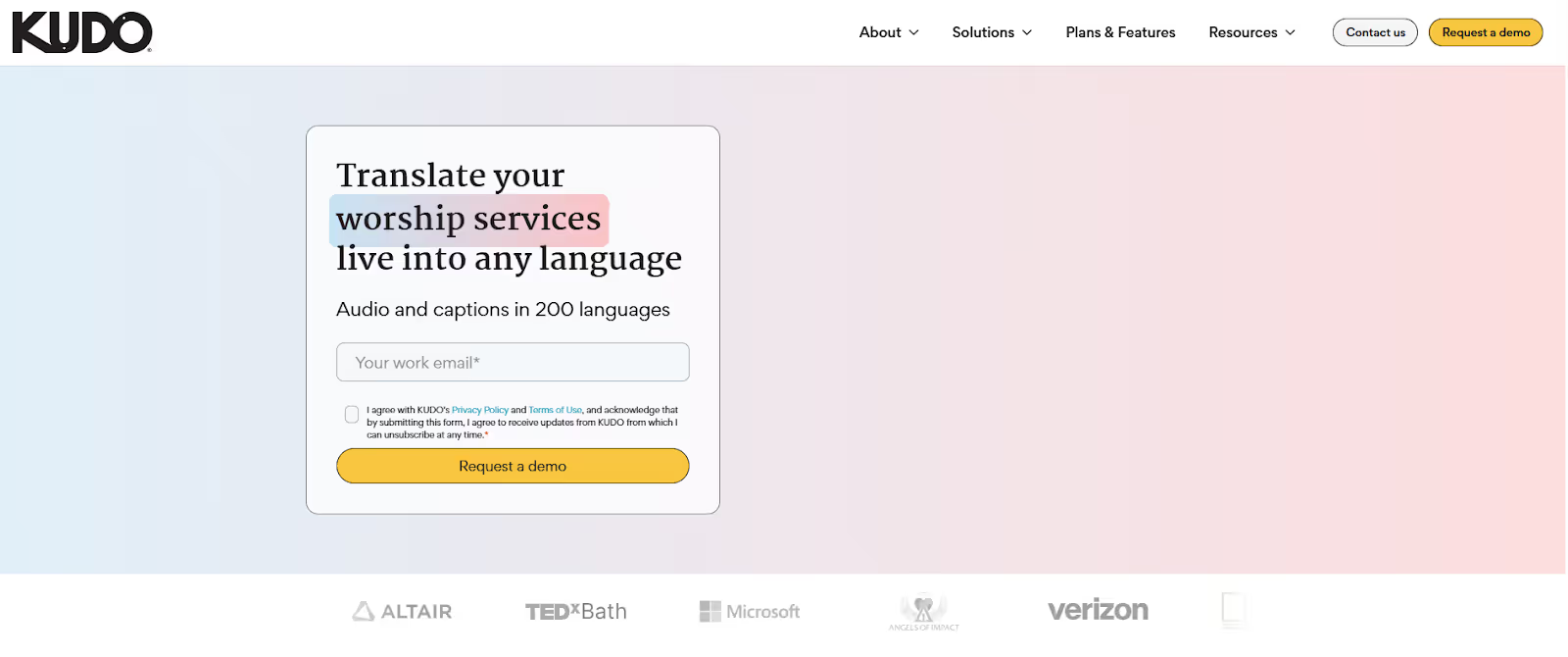
Kudo can be a good app to translate English to Romanian in real time, with access to both AI and live human interpreters. What we liked about Kudo is that it can accommodate several participants at a time, with added support for reports and analytics, a timer, and screen and document sharing. This makes it suitable for large, structured multilingual meetings that require multiple participants, real-time interpretation, and built-in tools to manage the session. However, unlike JotMe, there’s no clarity about Kudo’s pricing policy.
Pricing
Similar to DeepL Voice, Kudo does not list prices for its three-tier plans: Marketplace, Pay As You Go, and Annual Plan.
Pros
- Offers both AI and human translation services.
- Lets you add up to 3,000 users per language.
Cons
- Undisclosed pricing makes budget allocation rather tricky.
- User must contact the sales team for a demo.
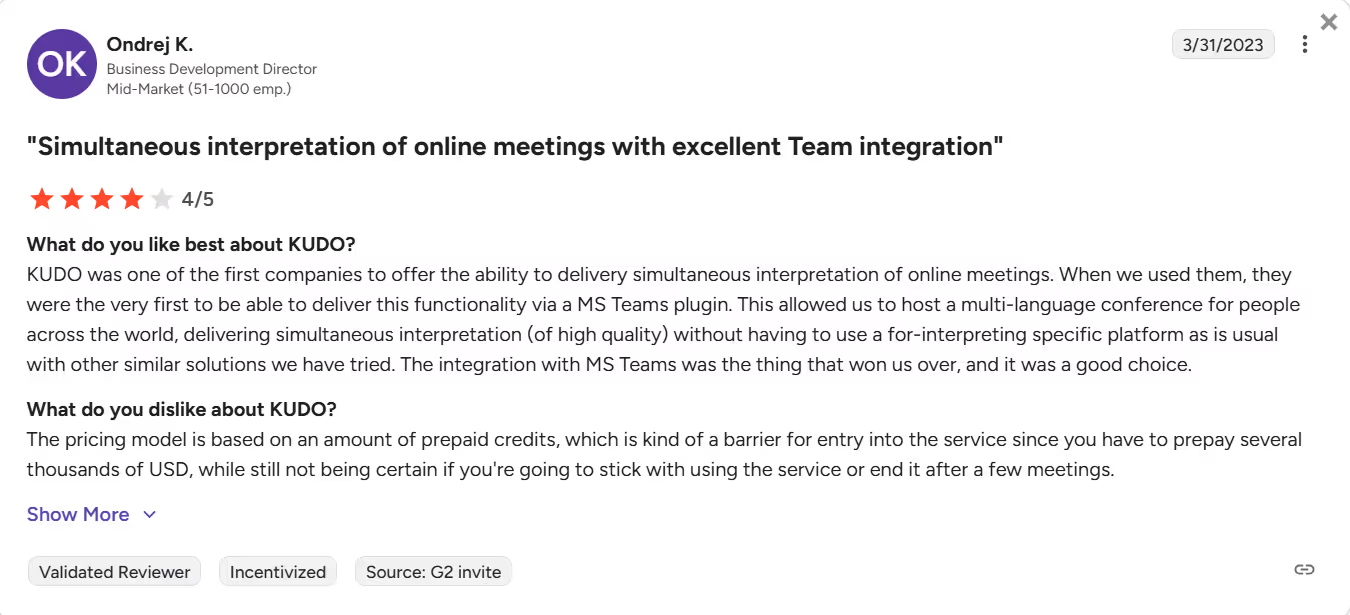
- A user on G2 has felt slowness while using the platform.
Review
A G2 user reported that the amount of prepaid credit Kudo requires is a barrier to entry for the service.
How to Live Translate From English to Romanian with JotMe?
JotMe is one of the best speech translation tools for live translating English into Romanian. Install it on your device and launch it during your online meetings. Go to JotMe’s official website and click “Try for Free” to download JotMe on your Windows or Mac device. Here are the details of the steps involved:
Step 1: How to Join the Meeting Launch Tool?
After installing JotMe, start or join a meeting using a launch tool such as Zoom, Microsoft Teams, or Google Meet. Open the tool, start a new meeting, and invite participants. Then, launch JotMe on your device, and it’ll begin translating as soon as you start conversing.
Step 2: How to Enable English to Romanian Live Translation in JotMe?
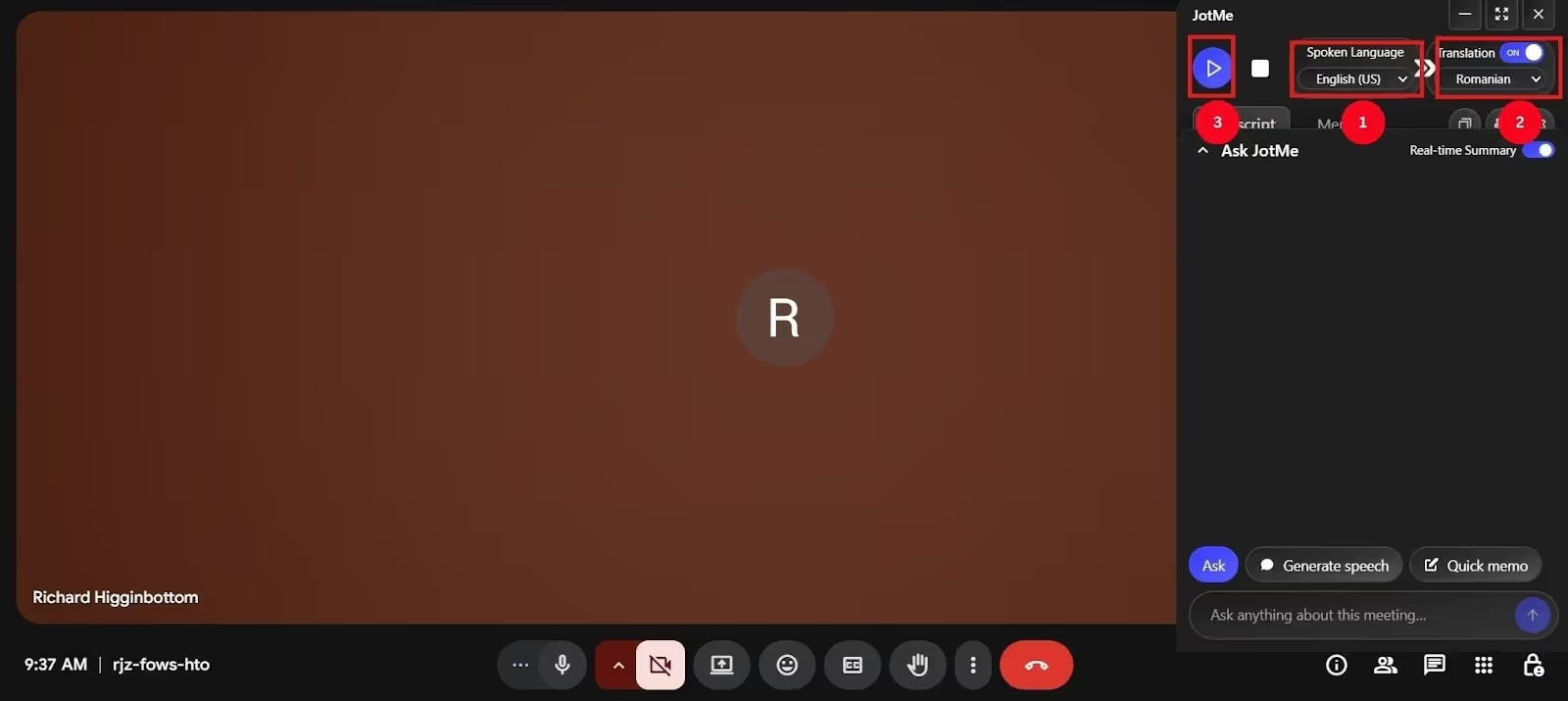
In the top right corner, set the “Spoken Language” to English and “Translation Language” to Romanian from the respective dropdown menus. Click the “Play” button to start the translation.
Step 3: How to Use JotMe Efficiently for Live Translation?
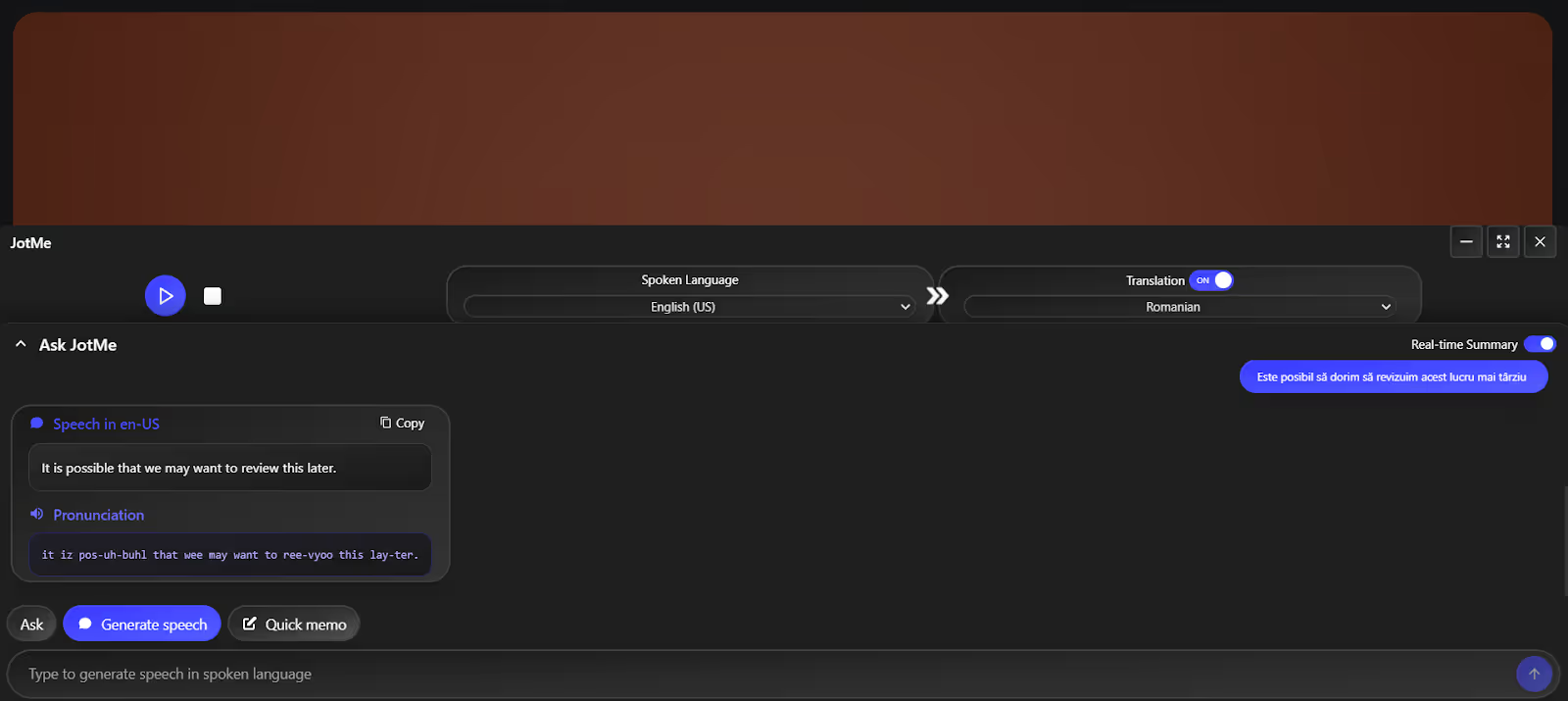
You can also view live translations in the standard caption format by adjusting the window size. At any point, if your Romanian colleagues want to speak in English, they can use JotMe’s “Generate Speech” feature. Here, they can type the conversation in Romanian, and JotMe translates it into English and provides the correct pronunciation. Other than that, access its “Quick Memo” option to jot down key points during meetings.
Conclusion: What is the most accurate Romanian translator?
JotMe is one of the most accurate tools to live translate English to Romanian. When you start speaking, JotMe listens and understands the tone, nuance, and conversation flow to provide a contextually accurate translation. The best part is that the translations appear almost instantly as you speak. Here’s how other apps perform in terms of accuracy:
JotMe not only excels at handling sentences with strong idiomatic expressions, but it also offers a range of other features to streamline your meetings. For instance, you can get instant answers to your questions, receive written summaries, and share meeting details via email. Download JotMe today and see how it streamlines your English to Romanian meetings!
FAQs
Is there an app that translates languages in real time?
Yes, many apps translate languages in real-time, but JotMe stands out as a contextual live translator. It also offers additional features like AI meeting notes, AI Ask, and summaries to streamline your meetings.
Are there online Romanian translators?
Yes, many online Romanian translators can translate your English conversations into Romanian in real time, but JotMe stands out. Its translations preserve the tone and flow of the conversations, so the participants feel as if they are speaking to a native Romanian.
Is DeepL better than Google Translate?
Yes, DeepL is better than Google Translate, and its translations are more accurate and natural-sounding, particularly for European languages such as Romanian. But JotMe does an even better job of accuracy, provides instant answers to your queries, and generates summaries in real-time.
Can voice translator apps translate in real-time?
Yes, many voice translation apps, such as JotMe, can translate in real time. In fact, with advanced speech recognition technology, JotMe understands nuance, tone, and complex industrial jargon to deliver accurate results.
Last updated on
April 14, 2026
Follow us on social media: