Guides
6 Best English to Greek Translation Tools I Tested on My Europe Trip [Detailed Review]

Viraj Mahajan
December 13, 2025

During my recent business trip across Europe, I attended multiple meetings with Greek clients where real-time communication mattered more than perfect grammar. Many apps came up when I searched for the best live English to Greek translation software, but JotMe surprised me with how well it handled fast-paced discussions and preserved the context and tone in translations. This is something where most real-time translation tools mess up.
JotMe isn’t just about accurately interpreting your conversations in real time. It lets you get quick answers to your queries, provides real-time summaries, and even summarizes the entire meeting, which I can share via email. This allowed me to spend less time recording and taking notes, and more on outcomes.
In this guide, I’ll walk you through five more live translator apps I've personally used and how each performed in real-life situations. You’ll also understand why JotMe became my ultimate companion on international business trips.
What are the Common Mistakes in Greek Translation?
Greek isn’t the most complex language in the world, but its different grammar and structure certainly make it a bit tricky to translate. When I was testing live English to Greek translation apps with my Greek-speaking colleagues, here are a few translation mistakes they pointed out:
If you don’t want a translator to mess up your important meetings, choose wisely. Tools like JotMe use advanced speech recognition technology to understand the context and tone of conversations, ensuring translations are accurate and sound natural. Other live translation apps do a decent job as well, so here’s how they compare:
What are the Best English to Greek Live Translation apps?
JotMe, Maestra AI, Google Translate, Palabra AI, Bing Translate, and QuillBot are the best apps for real-time English to Greek translation. Each tool offers something unique but lacks certain aspects I found during testing. Before you dig deep into the reviews, here’s what I and others had to say about these tools:
- JotMe is one of the best live translation apps and offers accurate, natural-sounding, and contextual translations, along with features such as AI Ask, Generate Speech, AI Meeting Notes, and more, for $15/month.
- Maestra AI offers translations in 125+ languages, but a user on Trustpilot says, “their Chrome extension works poorly and takes 5-10 seconds to process a sentence. “
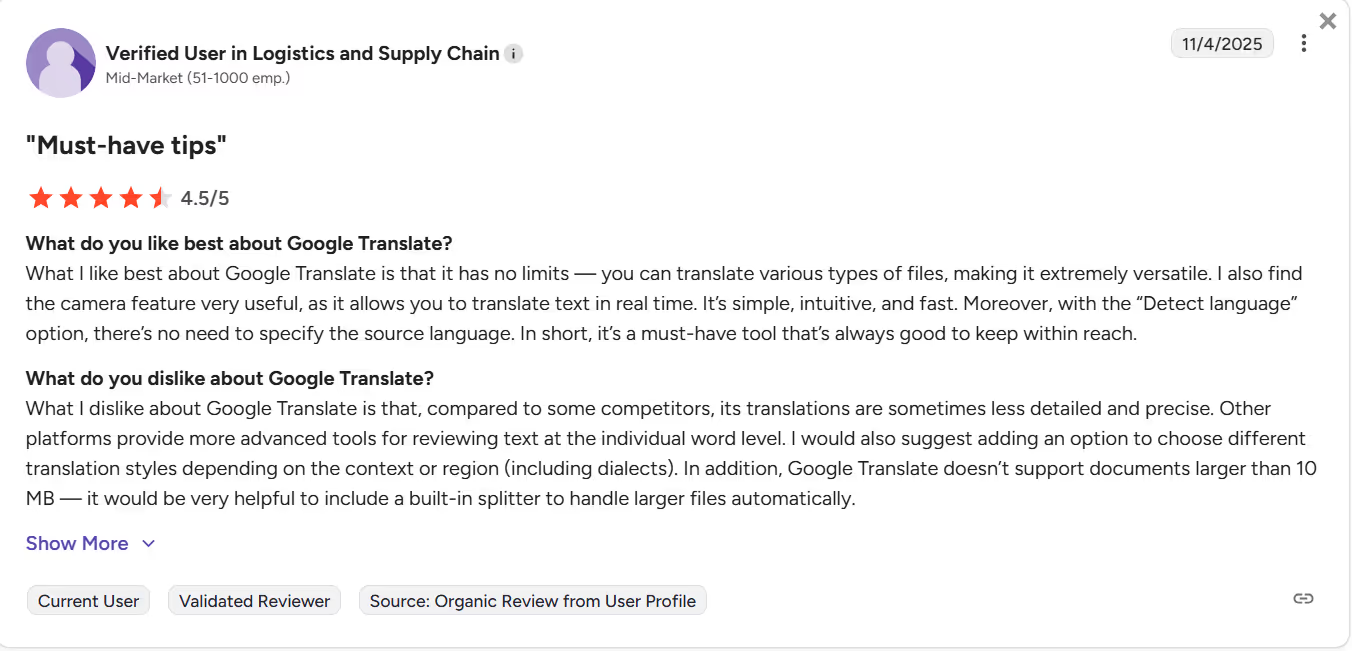
- Google Translate offers quick and free translations in 200+ languages, but a user on G2 says “its translations are sometimes less detailed and precise.”
- Palabra AI offers minimum latency for smooth communication, but it struggles with complex or overlapping conversations.
- Bing Translator offers free real-time translation, but some G2 users express difficulty using its Speak to Translate option.
- Quillbot is your text-to-text translator that helps with writing, grammar corrections, and tone rewrites.
Now let’s help you choose the best tool for your next business trip:
JotMe
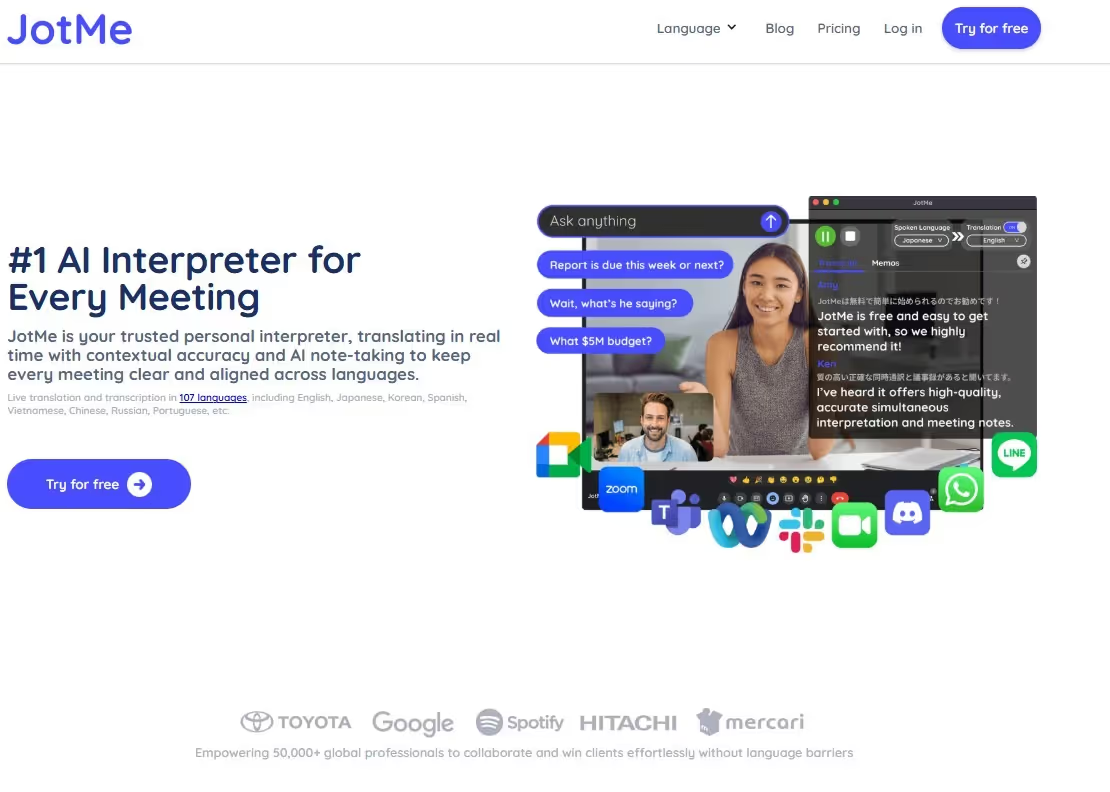
I first tried JotMe when I was required to update my Greek-speaking colleagues about the progress we’ve made regarding the project. JotMe understood the meaning and tone and delivered contextually accurate translations that made sense. Not only accuracy, but the following reasons made JotMe my go-to live translator for my business trip:
- Minimal Latency: Unlike many apps, JotMe can quickly translate English into Greek. There was almost no latency between the discussions and translations, so everyone in the meetings could stay on track.
- No Integration Required: I also loved how you don’t need to integrate JotMe with any third-party platform like Zoom or Microsoft Teams. Just launch it, start talking, and the translated texts appear on the screen instantly. This way, I ensured that every participant in the live presentation was involved and could follow what was said.
- Smart Notes: Another aspect of JotMe that stood out to me was how it helped me to stay organized. It automatically generated meeting notes divided into action items and a summary. I could translate the text and share it with my Greek-speaking colleagues via email.
JotMe will soon launch its mobile app, which I am excited about. This would allow me to perform live English to Greek translation, even on the go.
Features That Set JotMe Apart
The features that stood out to me and I used most on my business trip were contextual translation, AI Ask, Post Meeting Notes, Generate Speech, and sharing translation minutes. These are detailed below:
Real-Time Contextual Translation
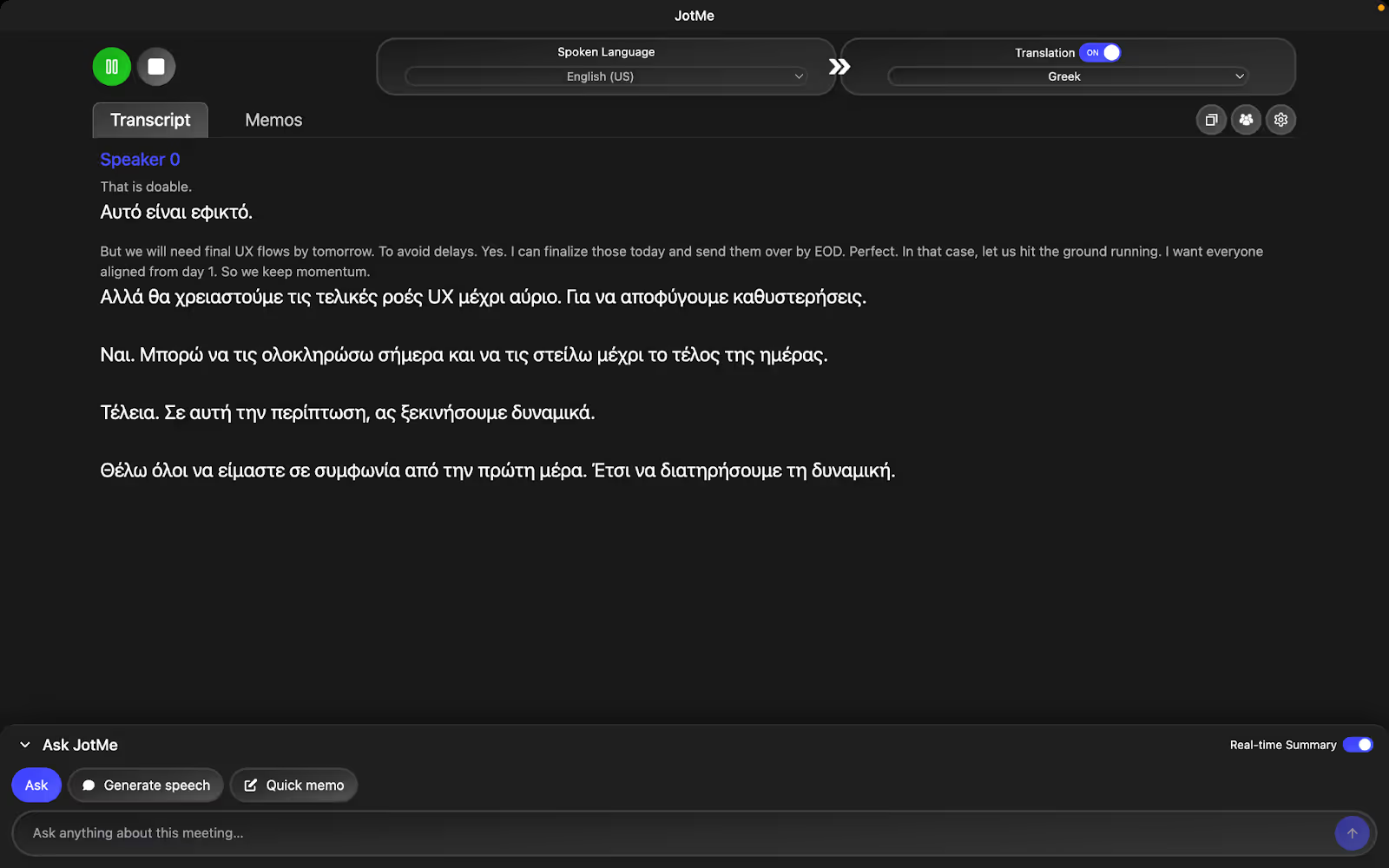
I’m the kind of person who sprinkles idioms in my business presentations, and people usually respond well to it. However, with a literal translator, things can go sideways. Here’s an example:
AI Ask
As my presentation was filled with technical jargon, it was only natural that people had questions. However, rather than raising hands in between or waiting for the presentation to end, they used JotMe’s AI Ask feature. JotMe’s responses were fast and to the point, helping them return to the discussion quickly.

Generate Speech

Text-to-Text Translation
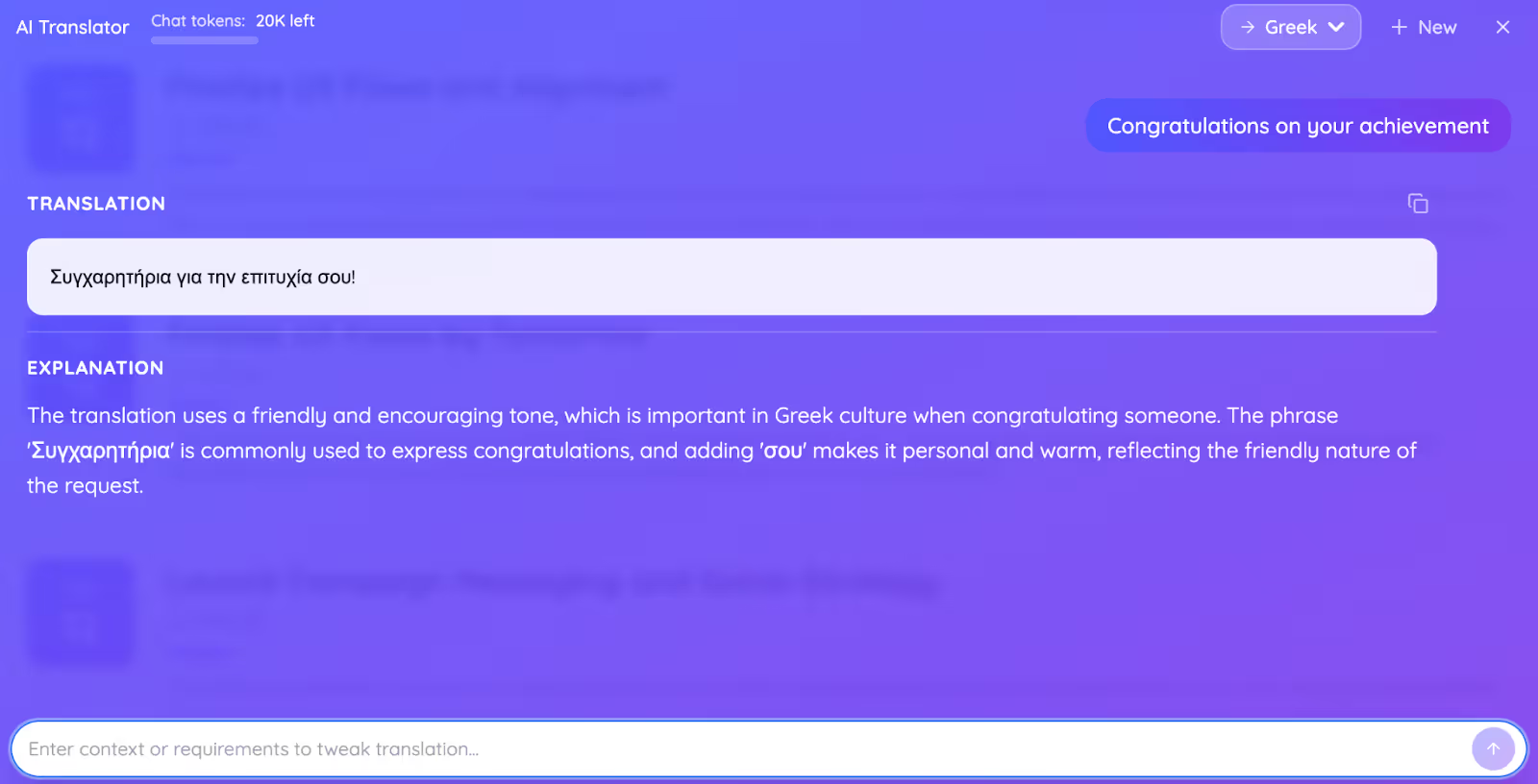
After the presentation, I wanted to congratulate one of my Greek-speaking colleagues for an exceptional performance last quarter. So, I used JotMe to translate the congratulatory message from English to Greek. I typed in a sentence, "Congratulations on your achievement,” and added a request: “Keep it friendly and simple.” I was impressed with the output and the short explanation of why it chose specific wording.
Post Meeting Notes
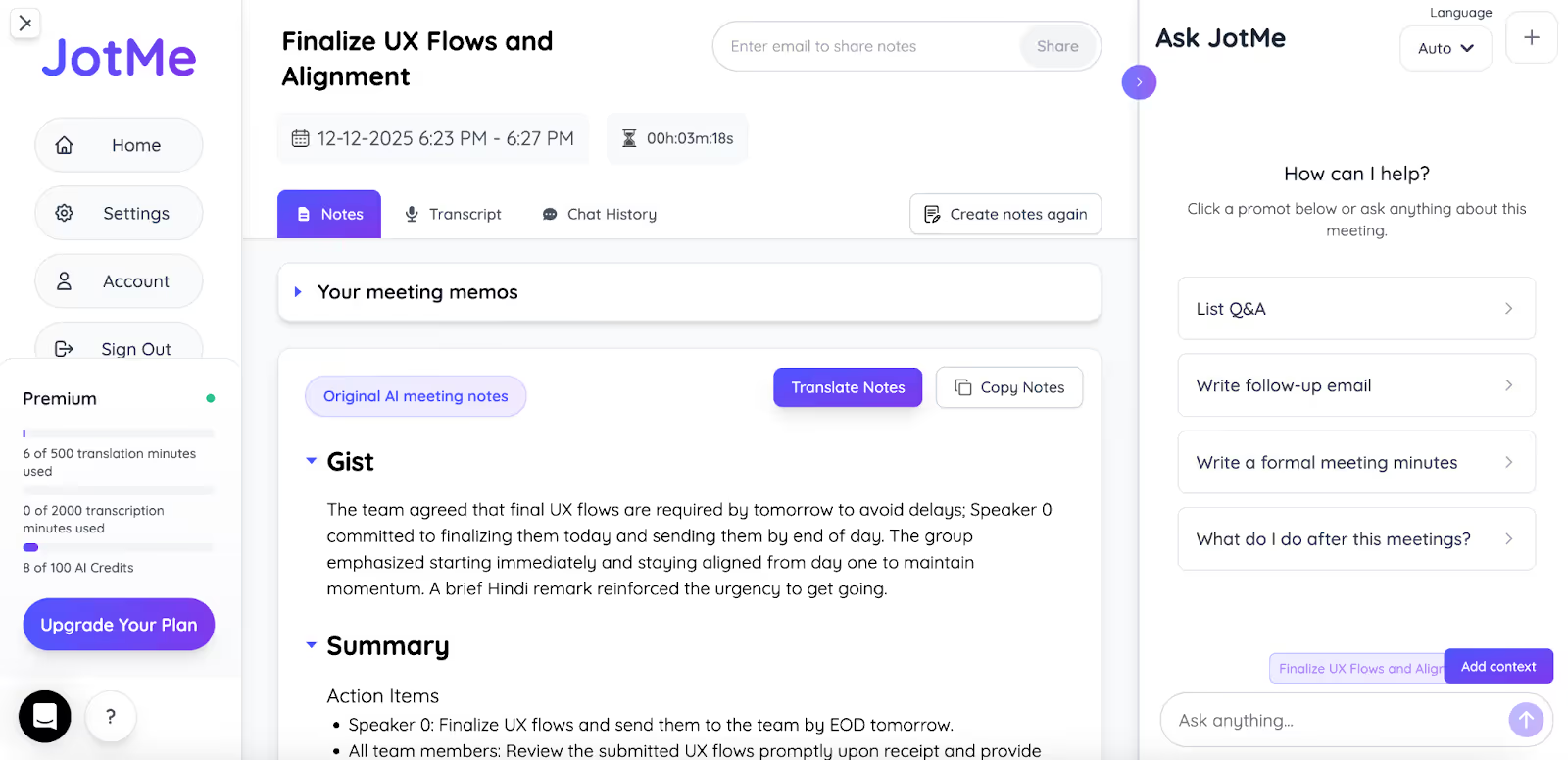
My presentation went for more than an hour, so the chances that some lost the plot at the midway point were high. This is where JotMe emerged as the best AI note-taker. It summarized my narrative into three sections: Action Items, Gist, and Key Points. I then sent the AI Meeting summary to the participants via email, which helped them understand the message and served as a reference point for future discussions.
Sharing Translation Minutes
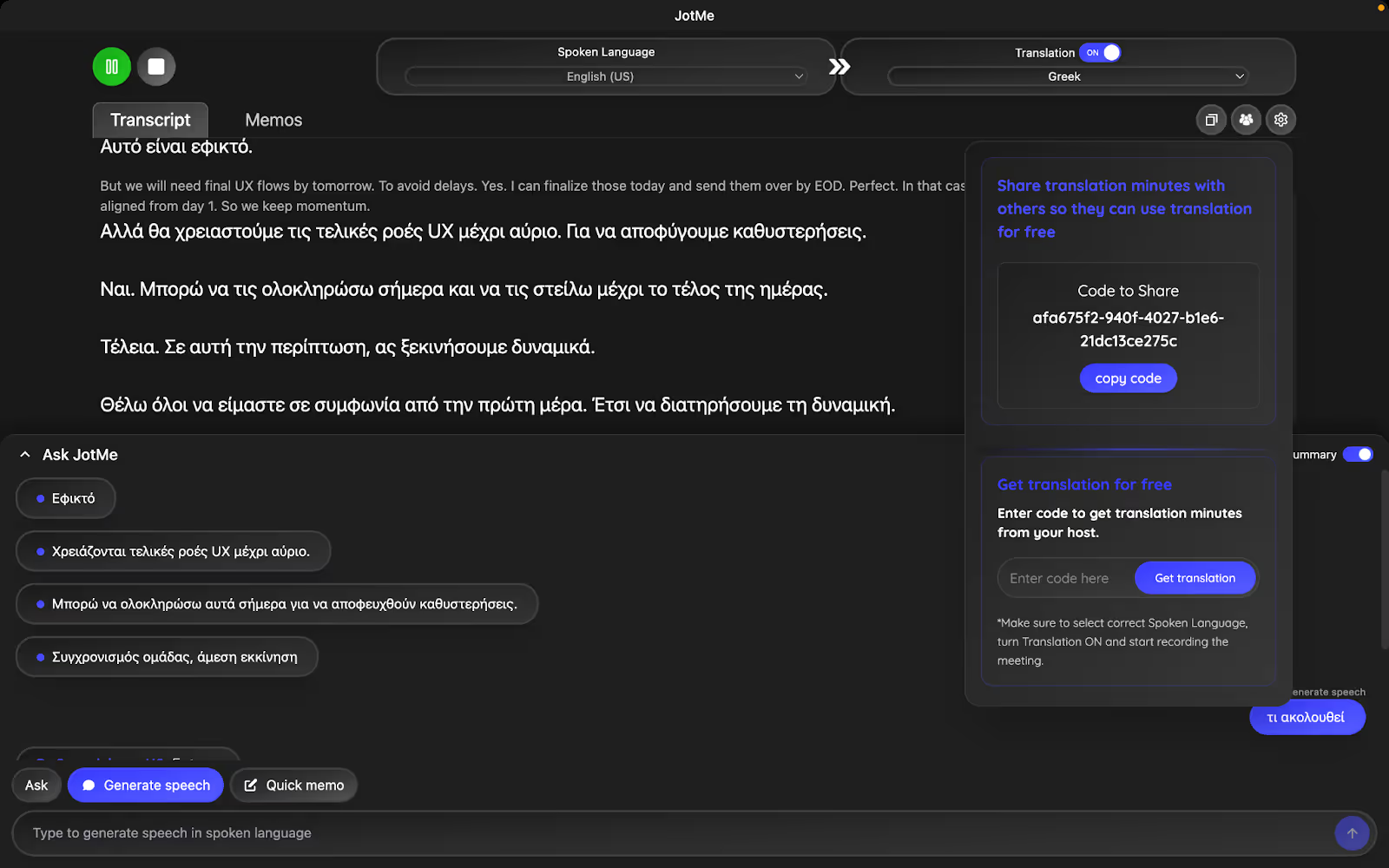
Not everyone at the presentation had the paid JotMe plan. However, with a unique code, they could free translate English to Greek language and get access to summaries and meeting notes. So, I accessed the “People” icon on the right side of the JotMe dashboard, then “Sharing Translation Minutes.” Below that, I clicked the “Get code to share” option and received the code to share with the participants.
Pricing
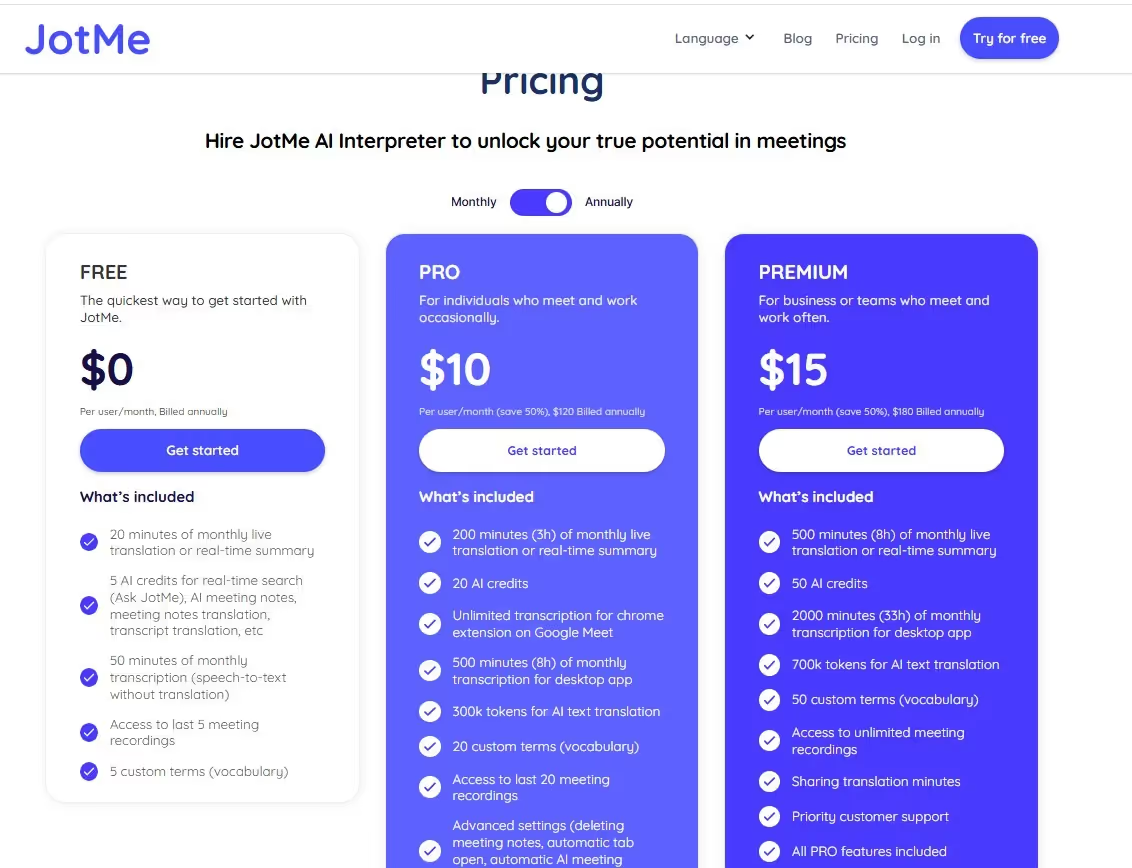
JotMe offers a free plan with 20 live translation and 50 transcription minutes, making it suitable for those who want to try the app before paying. Once it’s exhausted, you can choose between its Pro and Premium plans:
- Pro ($10/month, billed annually): You get 200 live translations and 500 transcription minutes. This plan works well for small-business meetings and live events.
- Premium ($15/month, billed annually): It includes 500 live translation minutes and 2000 transcription minutes, with unlimited access to meeting recordings. It’s suitable for conferences, webinars, and large business meetings.
What I Liked
- You get contextual translations rather than literal word-for-word swaps.
- JotMe provides instant answers to your queries.
- No bot integration for obtrusive translations.
What I Didn’t Like
- JotMe doesn’t support uploading text files or PDFs.
Use Cases
Considering the features JotMe offers, its use case isn’t limited just to business meetings, and these are as follows:
JotMe Review
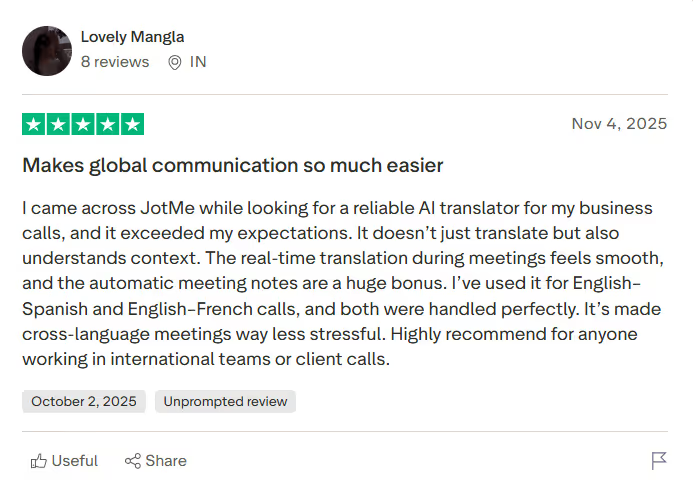
A user on Trustpilot was impressed by JotMe's accurate, context-aware translations. They mentioned that JotMe handled multiple languages simultaneously to make their cross-language meetings less stressful.
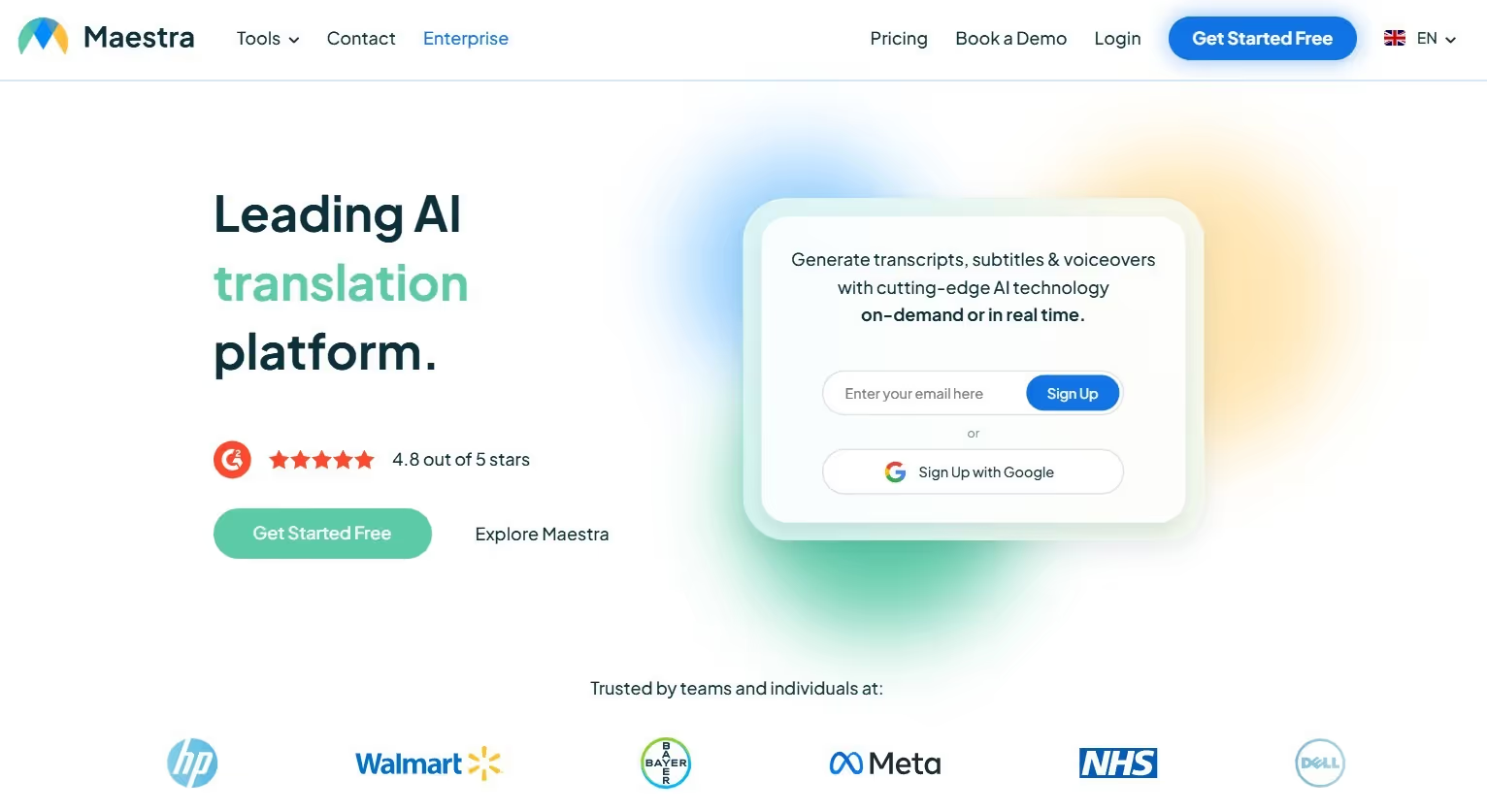
Maestra AI
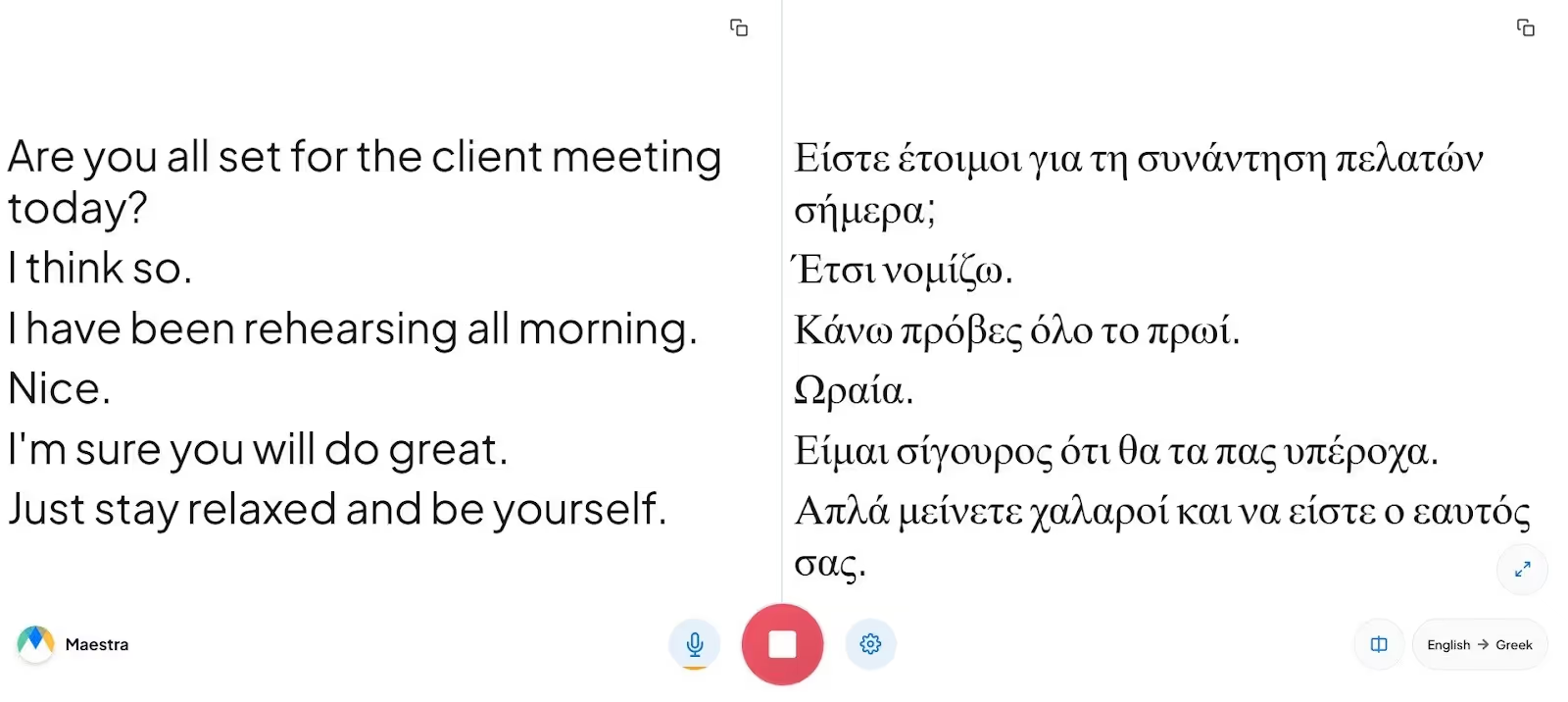
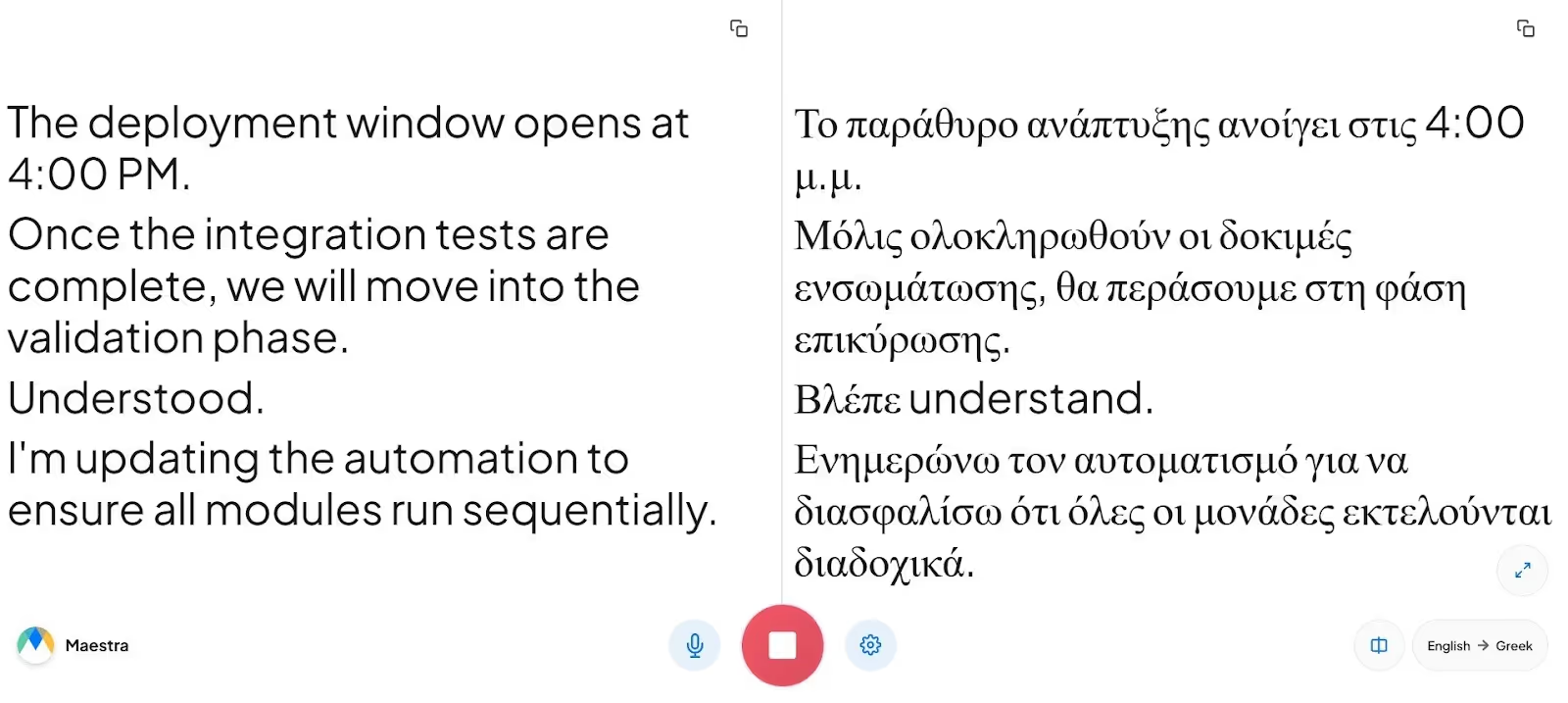
That said, Maestra AI had some useful features. For one, you can share the translations with the participants via a QR code. Secondly, there’s a team collaboration feature that lets your team add notes and action items, or work on a project together. These features, however, are available with a pro plan, so I couldn’t test them.
Pricing
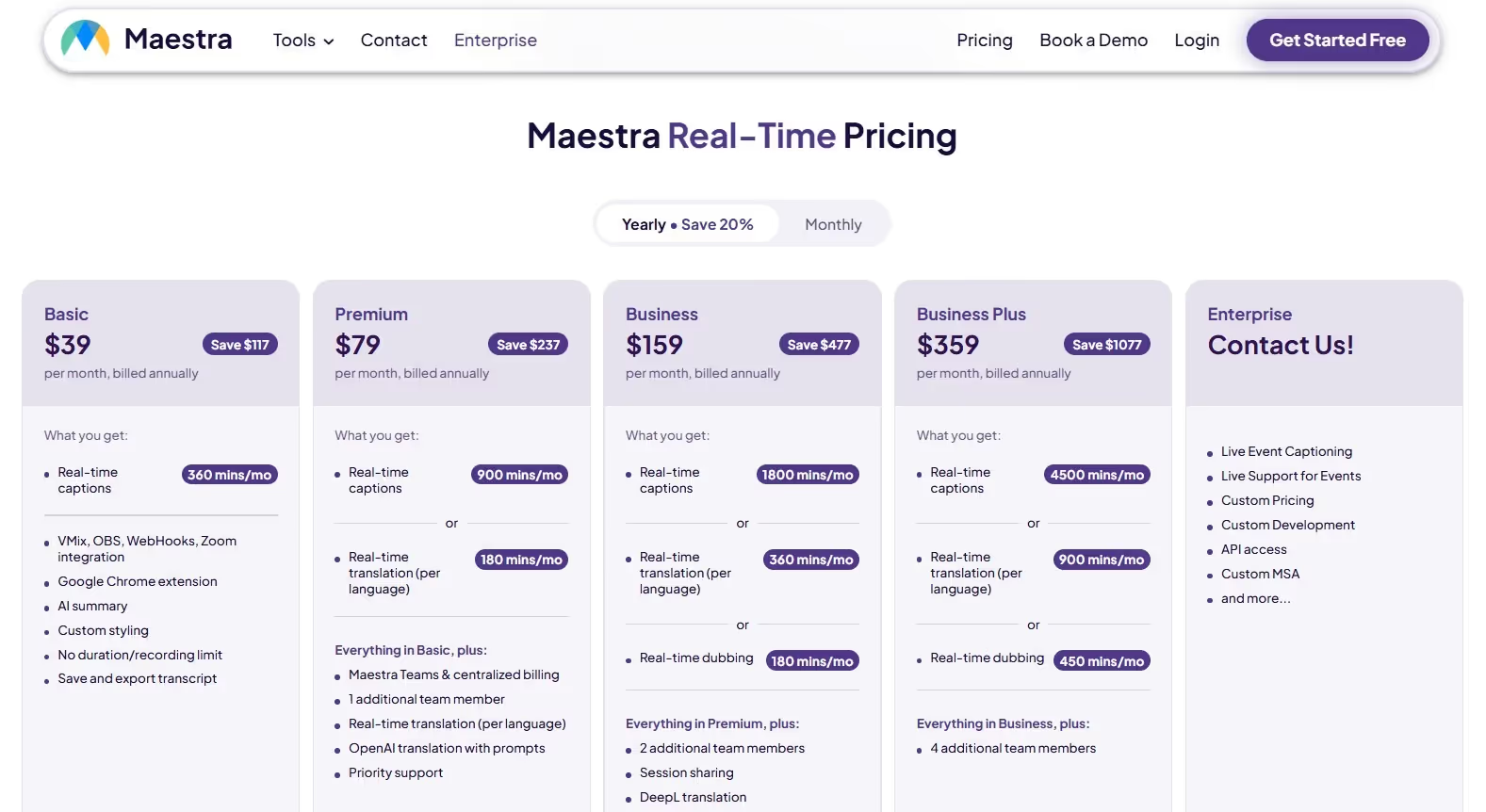
Maestra offers a two-minute free trial and flexible plans suited to your live translation needs:
- Basic ($39/month, billed annually): Offers 360 minutes/month of real-time captions with WebHooks, vMix, OBS, and Zoom integration with an AI Summary.
- Premium ($79/month, billed annually): You get 900 minutes/month of real-time captions and 180 minutes/month of real-time translations in 125+ languages.
- Business ($159/month, billed annually): Provides 1800 minutes/month of real-time captions and 360 minutes/month of real-time translation.
What I Liked
- Its web-based interface makes translations simple.
- Maestra AI lets you share translations via a QR code.
What I Didn’t Like
- It somewhat struggles with technical conversations.
- Its subscription isn’t suitable for individuals or small teams.
- The basic plan doesn’t include a real-time translation feature.
Use Cases
Maestra AI is a decent live English to Greek translation tool whose use case can extend to learning and education.
Review
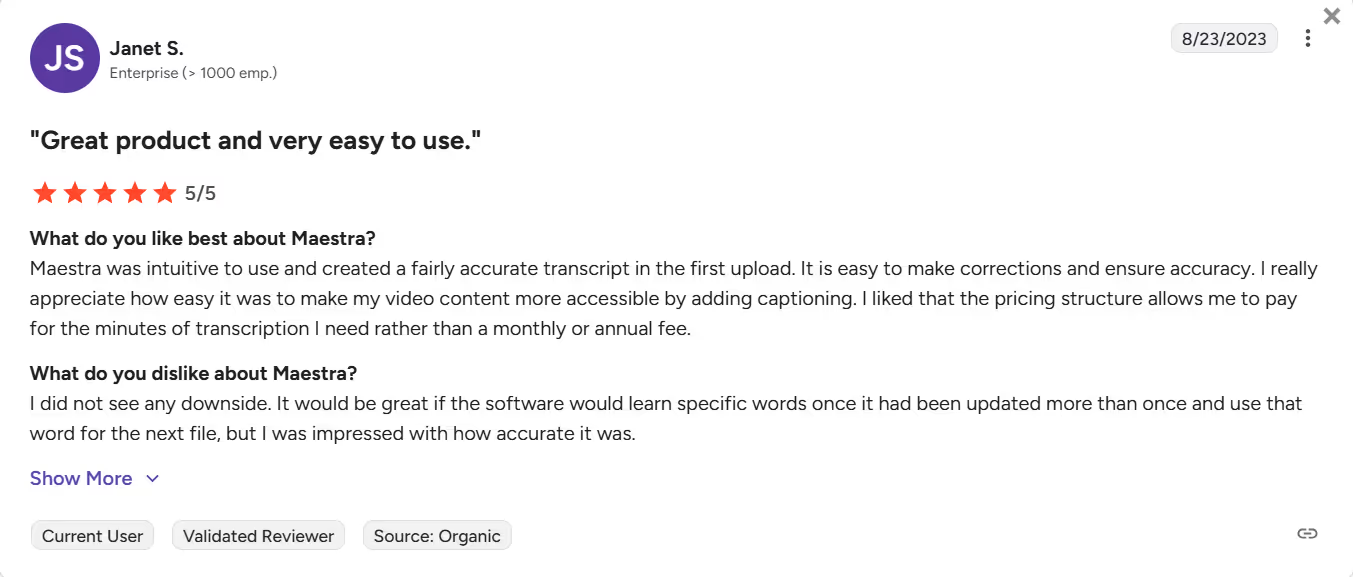
A user on G2 reported that Maestra should learn specific words once they have been updated more than once and use them in subsequent translations to improve accuracy.
Google Translate
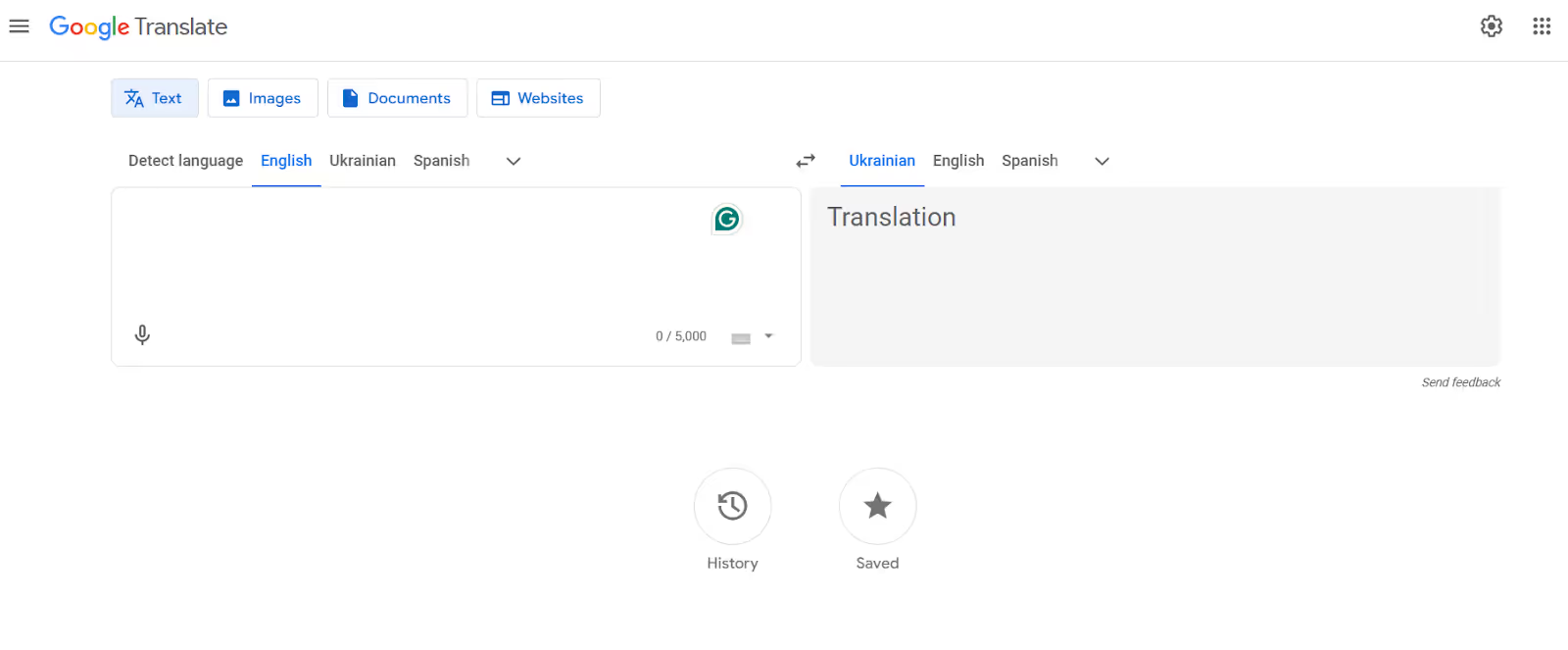
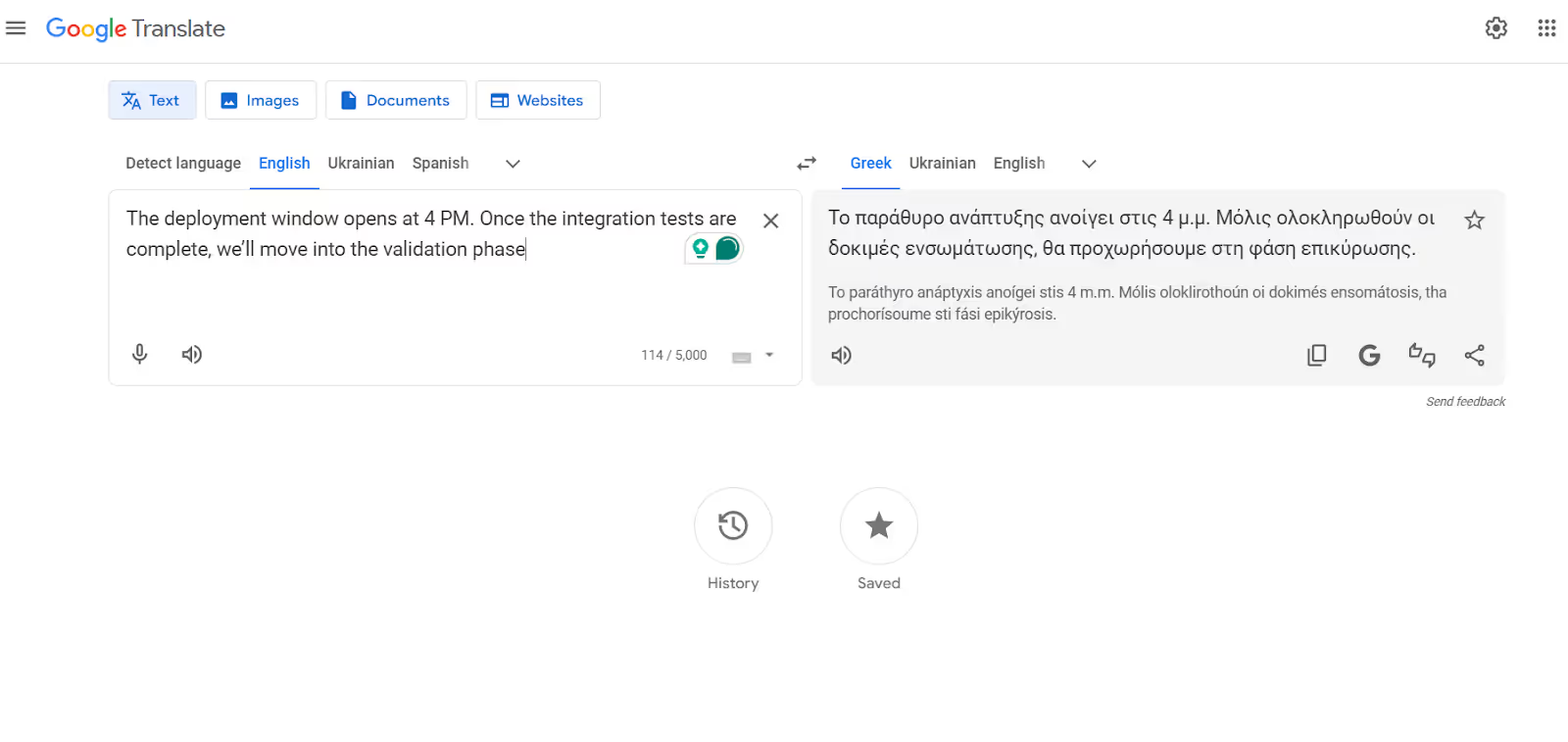
Imagine visiting a Greek restaurant to try the local cuisine, but you don’t know what or how to order. In such scenarios, Google Translate has been my go-to translation tool. It also helps me with everyday communication, such as asking for directions, greeting people, or complimenting others. However, I also tried using Google Translate during my business presentation, and it struggled with tone and context, especially when the conversations involved industry-specific terminology.
Pricing
Google Translate is entirely free to use on the web and mobile. If you use it through the API for business tools, their prices may vary.
What I Liked
- It’s simple and provides instant translations.
- Google Translate is usable on the desktop and mobile.
What I Didn’t Like
- It struggles with conversations involving technical jargon.
- Google Translate doesn’t provide any explanation for the translations.
- It isn’t suitable for fast-paced meetings or other business conversations.
Use Cases
Google Translate is my go-to translation tool for simple conversations. Here’s how it performs in other scenarios:
Review
A G2 user reports that Google Translate’s translations, compared to competitors', are sometimes less detailed and precise.
Palabra AI
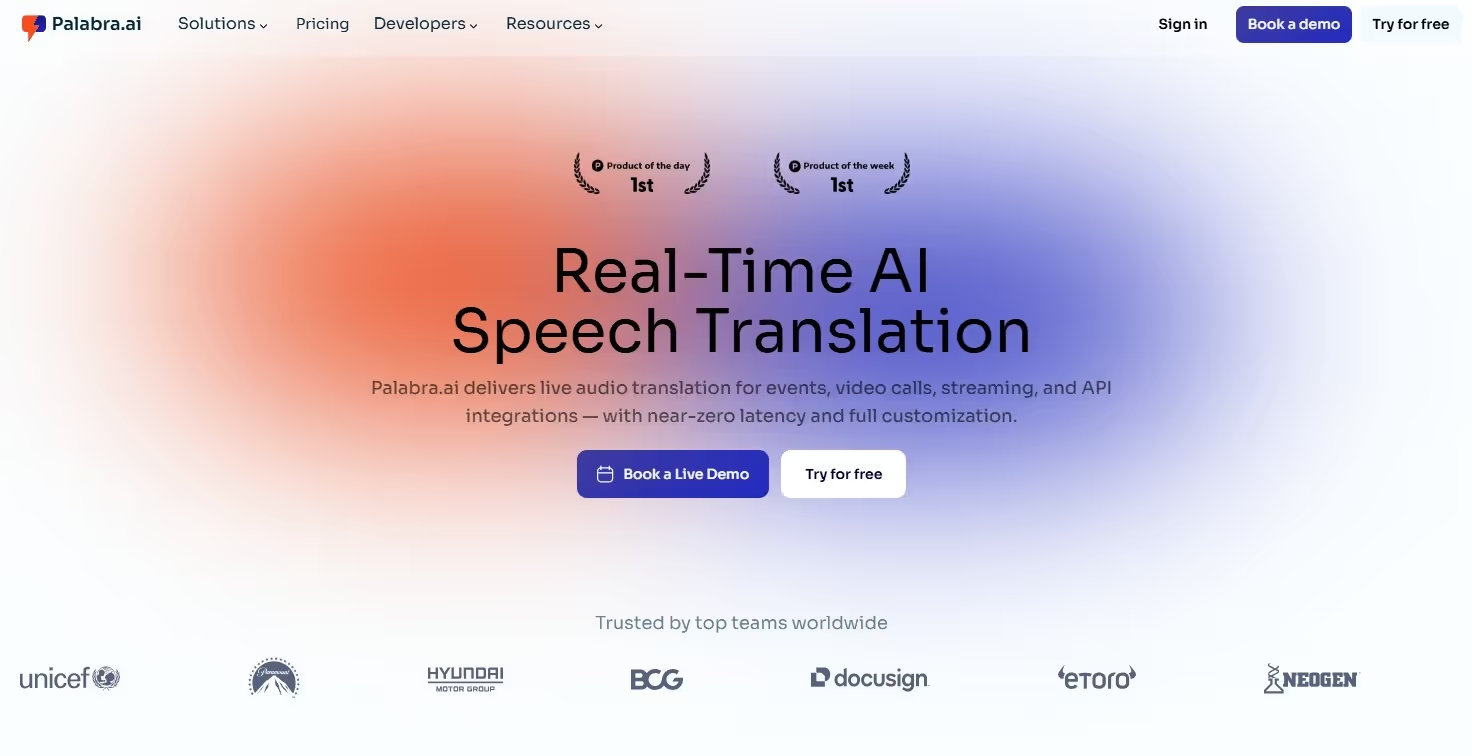
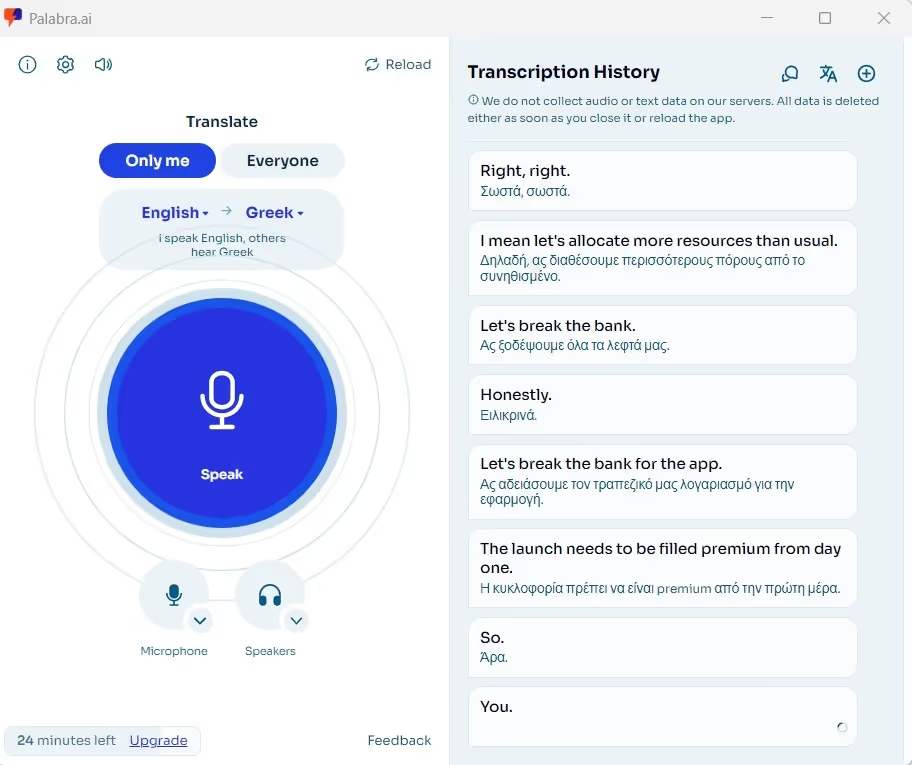
I needed an English to Greek language translator that could translate in real time as I spoke. When I tested Palabra AI during my live presentation, it was clear that its translations were faster than those of most tools. Meanwhile, its accuracy was decent for both casual and business conversations. That’s a good balance the developers have achieved.
Pricing
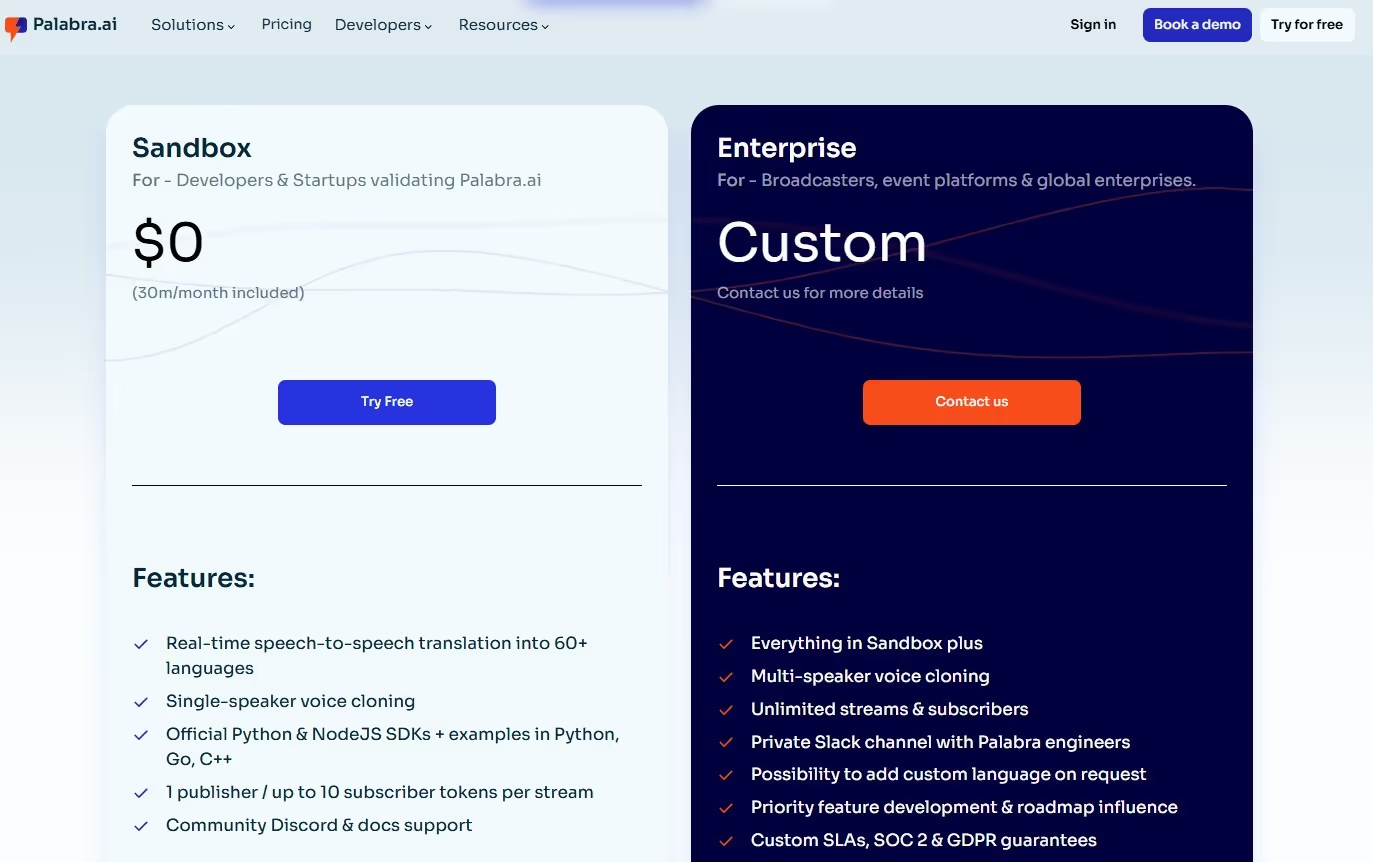
Palabra offers a free 30-minute trial of live translations from English to Greek and other languages. It also offers an enterprise plan and requires you to contact the sales team to obtain a customized quote.
What I Liked
- Its translations are quick.
- Palabra offers a free plan to try its translation services.
What I Didn’t Like
- Palabra translations struggle with conversations involving idiomatic expressions.
- The interface is outdated.
- It hasn’t made its pricing policy public for its users.
Use Cases
Here’s how Palabra performs in various live translation scenarios, such as travel, everyday conversations, and more:
Bing Translator
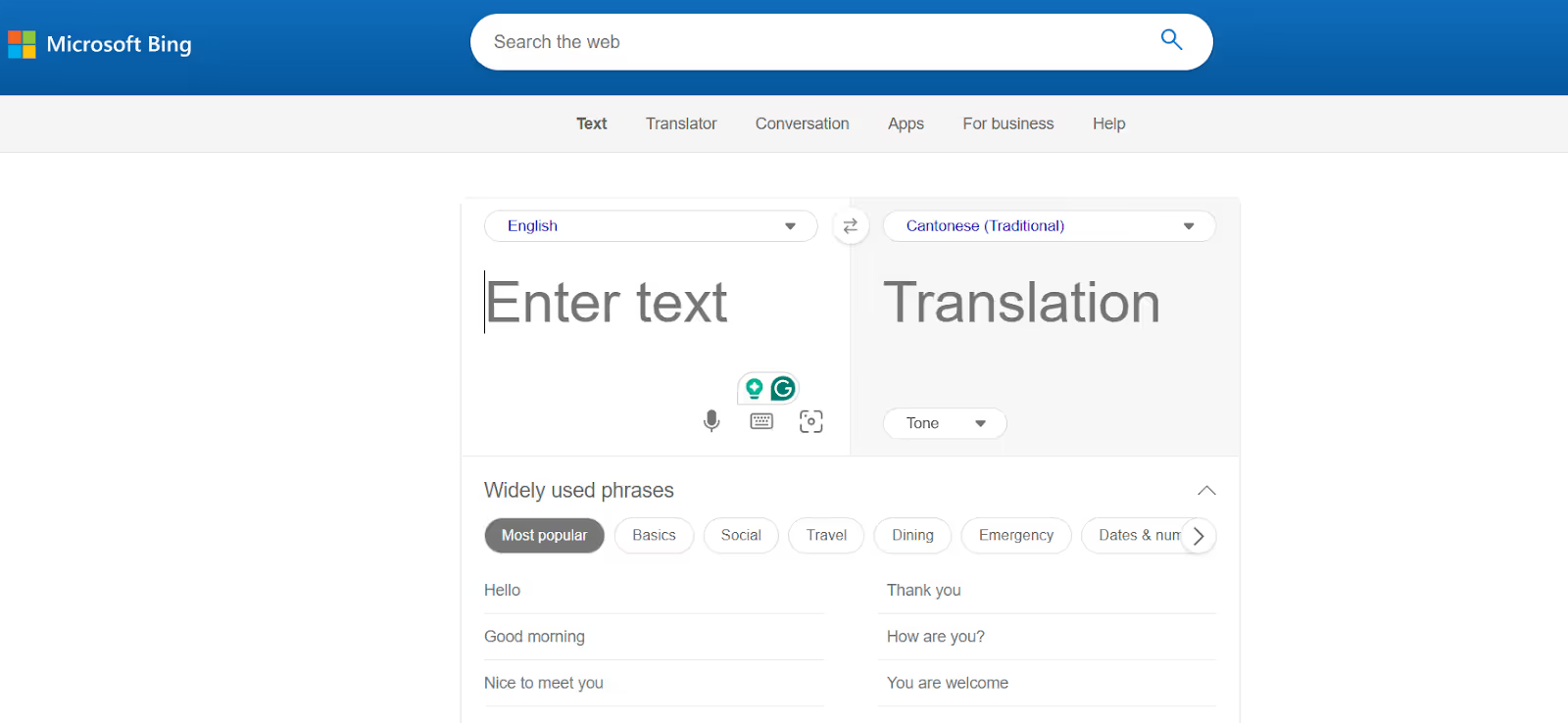
Bing Translator remains my trusted translator for translating emails or project logbooks, or simply chatting with my Greek-speaking colleagues. It’s similar to how Google Translate works. The interface is simple; just press the microphone icon to speak and generate instant translations. The only difference is that I can select the translation tone as standard, casual, or formal.
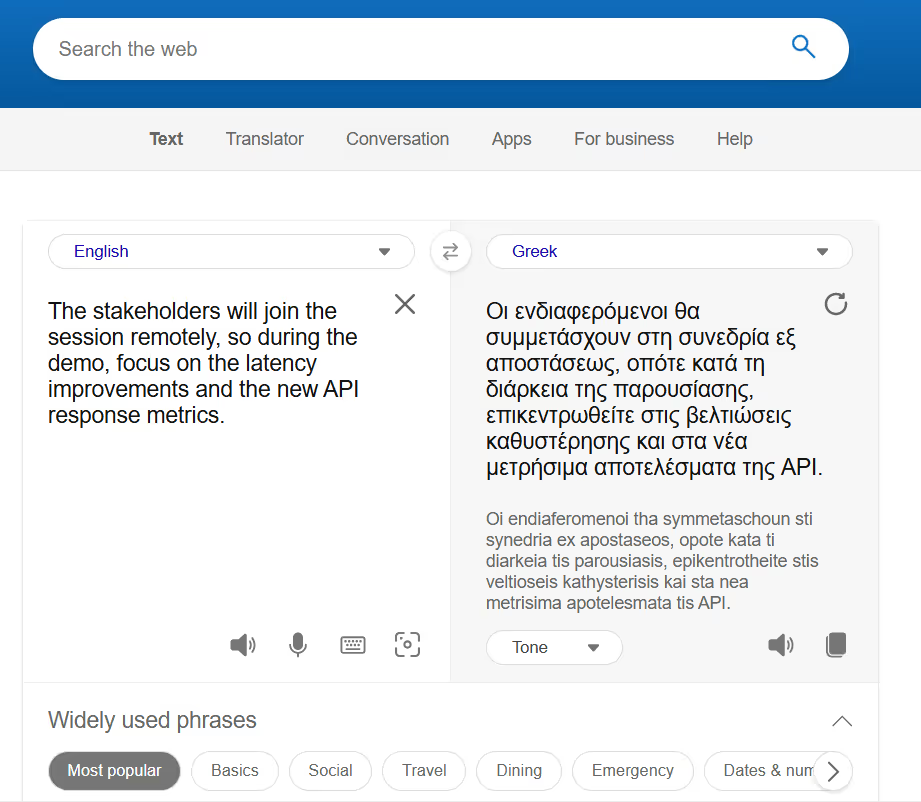
However, Bing Translator struggles with technical jargon, so it didn’t fare well in my conversations with Greek-speaking engineers. The translations had clunky phrasing and moments where I had to clarify what it actually meant.
Pricing
Bing Translator is free to use on desktop and mobile, but there isn’t much information available about their premium plans.
What I Liked
- Bing Translator is free to use and has a simple interface.
- It offers text-to-text translations as well.
What I Didn’t Like
- Its accuracy isn’t great when dealing with technical jargon.
- Its pricing policy isn’t transparent.
- Lacks any advanced live translation features.
Use Cases
Bing Translator can be a decent live translation software for real-life scenarios, and here’s how it will fare:
Review
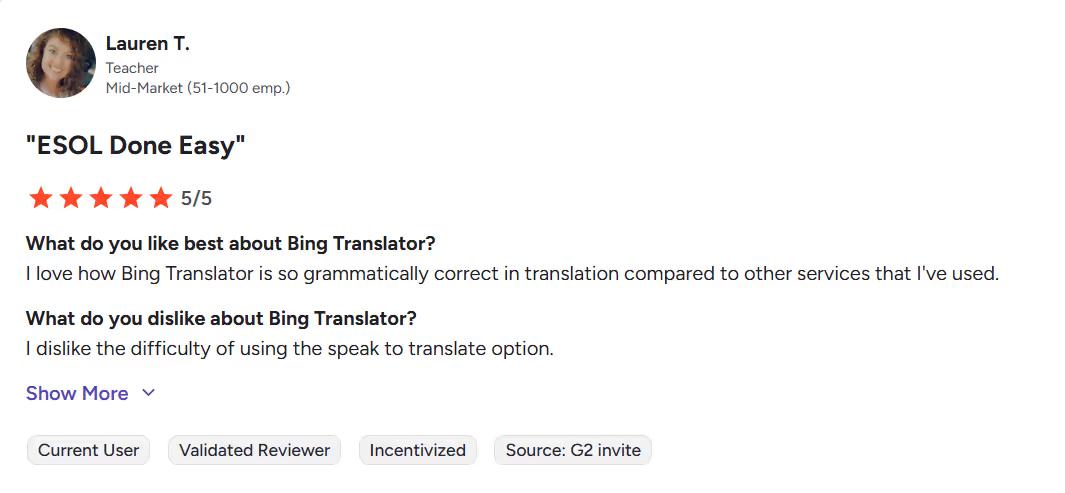
A G2 user has reported difficulty using the "Speak to Translate" option.
QuillBot
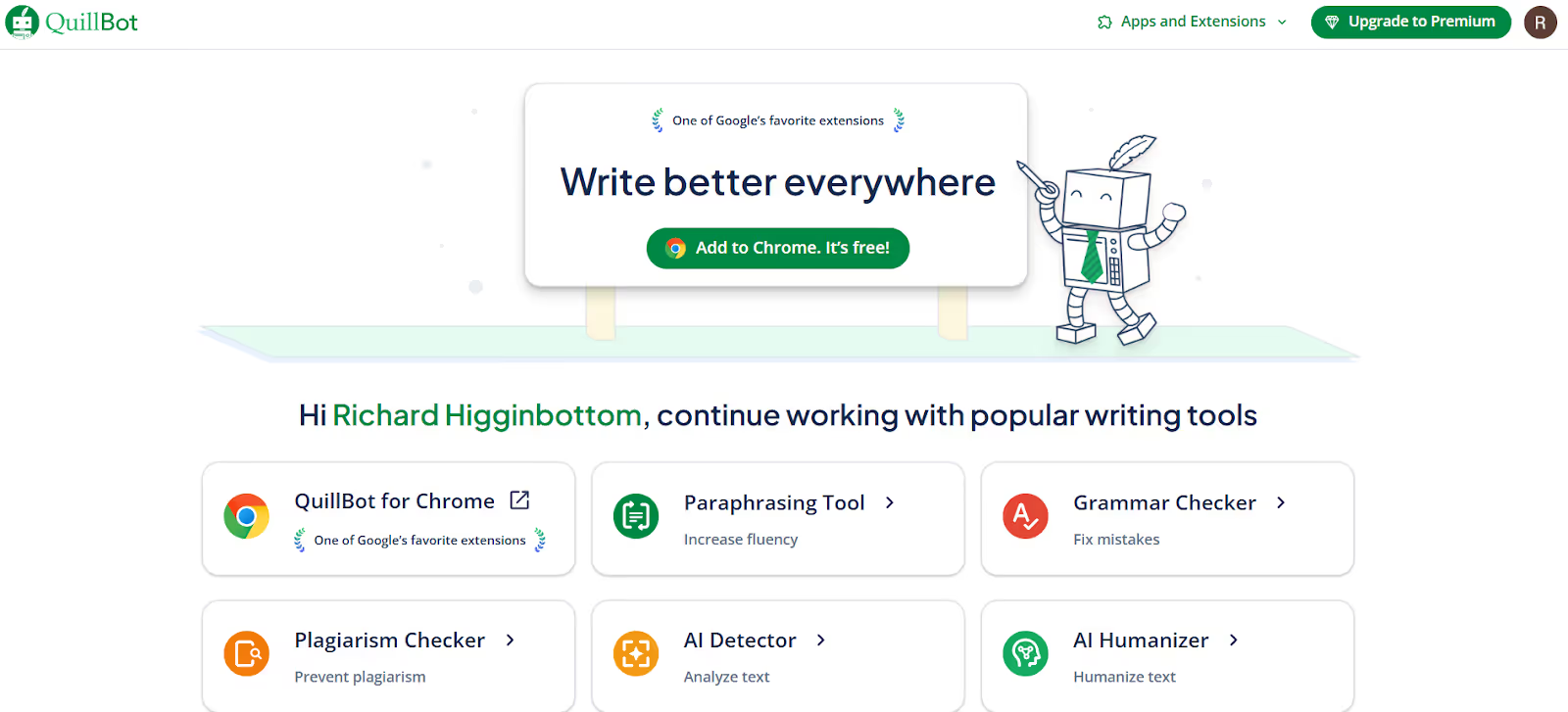
QuillBot isn’t your traditional live translation app, and I used it when I had to send a couple of emails to my Greek-speaking colleagues. It preserved the meaning in translations, and its “simple” and “formal” tone options let me control how the email sounded. I also liked how instant the translations were.
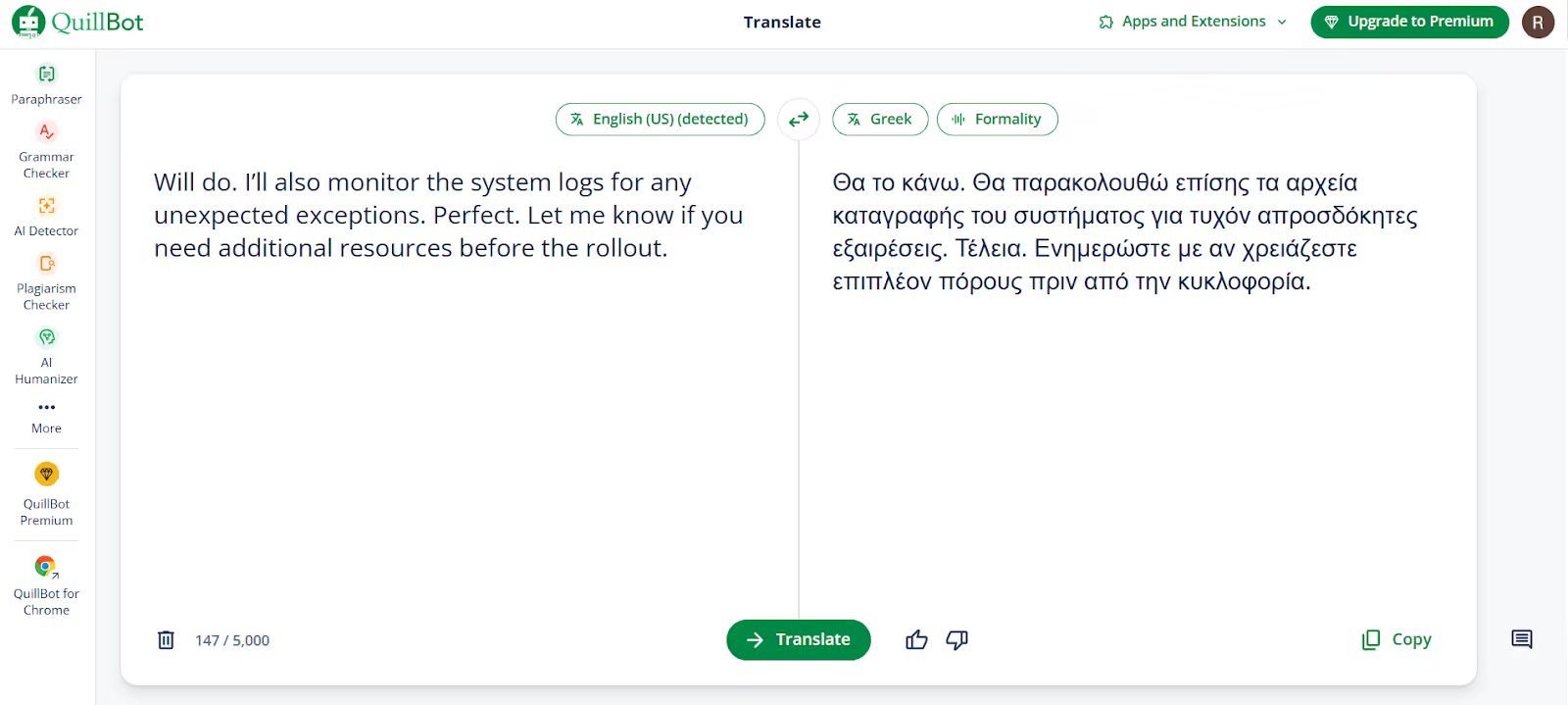
However, I had to work on the output more often to ensure accuracy. This isn’t the case with JotMe, which provides contextual translations and preserves the true meaning of messages. Also, JotMe's tone setting isn’t as restrictive as QuillBot's, and the short explanations it provides are a bonus.
Pricing
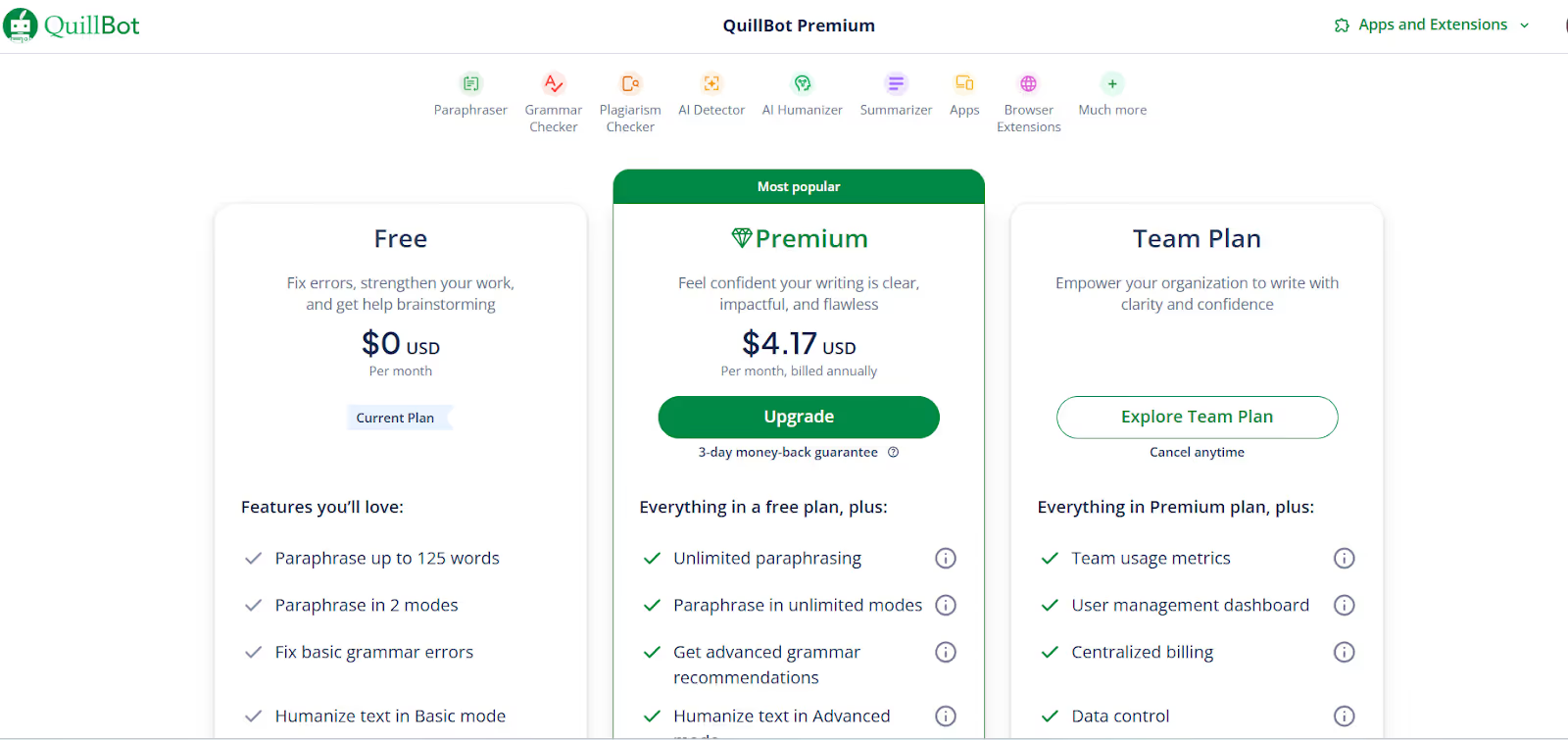
The pricing plans of QuillBot are as follows:
- Free Plan: Basic writing tools and limited paraphrasing. Decent for quick edits and translations.
- Premium Plan ($4.17/month, billed annually): Provides complete access to paraphrasing, summarizing, and advanced writing tools.
What I Liked
- The translations are instant and generated simply.
- It provides the flexibility to choose between a formal and a simple tone.
What I Didn’t Like
- It struggles to translate technical documents or complex jargon.
- The free plan has limitations.
- The translations sometimes feel too robotic.
Use Cases
QuillBot is a text-to-text translator, so its use case is limited compared to other listed tools. Here’s how you can use the tool:
Review
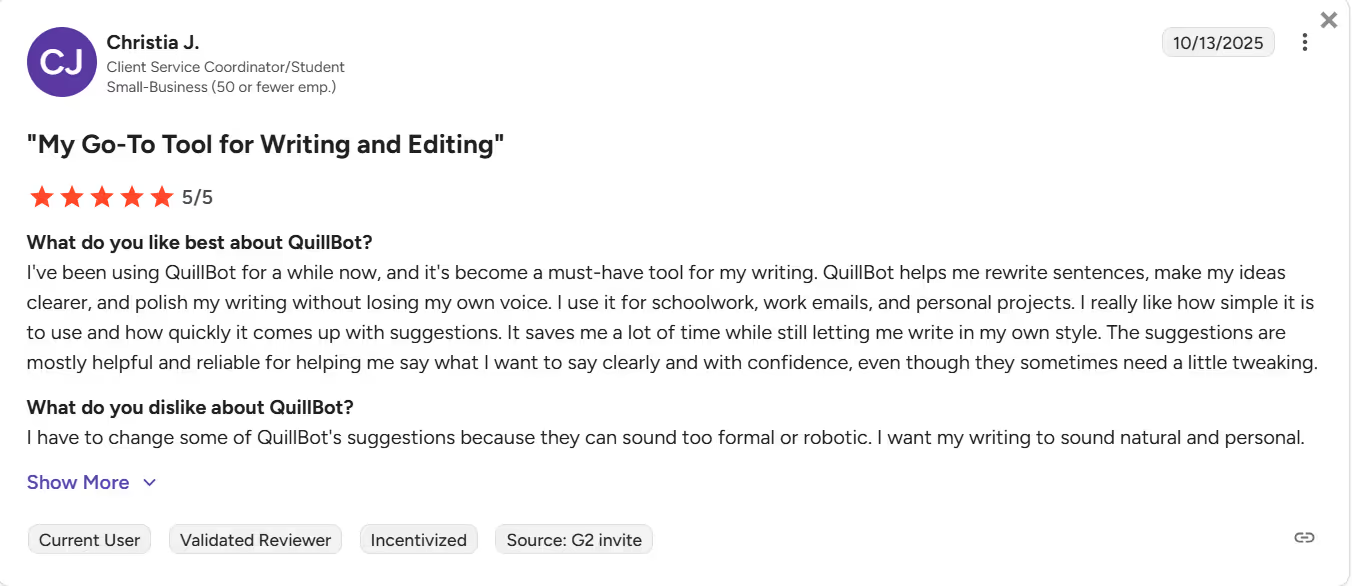
A user on G2 mentioned that they had to change some of QuillBot’s suggestions because they sounded too formal or robotic.
Conclusion: What is the Best Language App for Greek?
Among the tools I tested, JotMe stands out as the best real-time language app for English-to-Greek translation. The interface is simple, the translations are contextually accurate, and it offers additional features such as AI Ask, text-to-text translation, and AI Meeting Summary to streamline your meetings. Here are the situations where JotMe and the other mentioned tools make the most sense:
- JotMe analyzes the tone, context, and nuance of a conversation to provide a translation that preserves its meaning. This makes it suitable for multilingual business presentations, meetings, and other situations where you need accurate translations alongside its other features to streamline the workflow.
- Maestra AI comes close to competing with JotMe and offers accurate translations alongside other advanced features. The speed is great, and it is suitable when translations don’t involve any complex or technical jargon.
- Google Translate works well when you need quick, simple translations on the go. It includes daily communications, understanding the signs, and more during your business trips.
Each app I listed offers a unique set of features, but if you want a one-solution-fits-all translator, then JotMe is the best pick. Download JotMe today and see how easily it fits into your workflow!
FAQs
Is there an app that translates English to Greek?
Yes, many apps can translate English to Greek, but JotMe stands out for its quick and accurate translations. The AI interpreter can instantly translate your English to Greek and offers additional features to streamline your workflow.
Can AI accurately translate English to Greek?
Yes, AI translation tools like JotMe can accurately translate from English to Greek in real time. Its advanced speech recognition technology goes beyond word-for-word replacement and provides accurate translations that account for nuance, context, and domain-specific knowledge.
Is ChatGPT better than DeepL?
No, DeepL is a better translator than ChatGPT in terms of accuracy, especially in business communications. However, if you want an all-in-one live translation app that’s more accurate, faster, and streamlines your meetings with features like AI Ask, real-time summary, AI meeting notes, and more, then go for JotMe.
What is the best free Greek translator?
Google Translate is the best free Greek translator, but it struggles when handling complex terminology. You can opt for JotMe, which provides accurate translation and features like AI Ask, AI Summaries, and more at a minimal cost. It’s much more suitable for fast-paced and highly sensitive business meetings.
Last updated on
April 14, 2026
Follow us on social media: