Guides
10+ AI Tools That Help Remote Teams Work Better Together

Lovely Mangla
December 17, 2025

AI tools are no longer a “thing of the future,” and there's one for almost everything, from marketing to operations, sales, and customer support. Finding the right AI tools for work that actually stick in daily workflows can feel like hunting a needle in a haystack. However, the good news is that after testing hundreds of tools, we found JotMe to be a reliable AI interpreter and live translator for meetings, interviews, etc.
JotMe appears to be a simple AI live translator for cross-border meetings. But, there’s more to it. JotMe can prepare meeting notes, action items, and summaries that are shareable via email or messages. It can also write emails for you, provide answers to your queries, and more. This can reduce meeting overhead, accelerate decision-making, and enable teams to work faster and smarter.
Other AI tools, such as Notion, Lindy, Fireflies.ai, and Jasper, also performed well in our tests. For instance, Notion can create AI agents for your business workflows, while Jasper can curate marketing campaigns. Continue reading to find out more about the best AI tools for work, and why we prefer JotMe over others.
Quick Comparison of Best AI Tools for Professionals in 2026
JotMe is an ultimate productivity tool for teams, featuring contextual translations, AI Ask, AI Meeting Notes, and more. Here’s how it compares to other AI tools:
Best AI Tools for Students, Professionals, & Enterprises
Every knowledge worker does something different, but there are a few common things across the board: remembering what was said in meetings, communicating clearly with teams, managing to-do lists, and writing and managing emails. We have broken down the 10+ AI tools into three categories, and JotMe has managed to fit into each.
Recommended AI Tools for Business Professionals
Meetings are a significant part of modern business. As per Calendly’s The State of Meetings report, nearly half (46%) of professionals have three or more meetings per day. That accounts for almost five hours daily. An app that streamlines meetings can be a major benefit. Before we dive into the best AI tools for business, here is a table comparing them.
JotMe
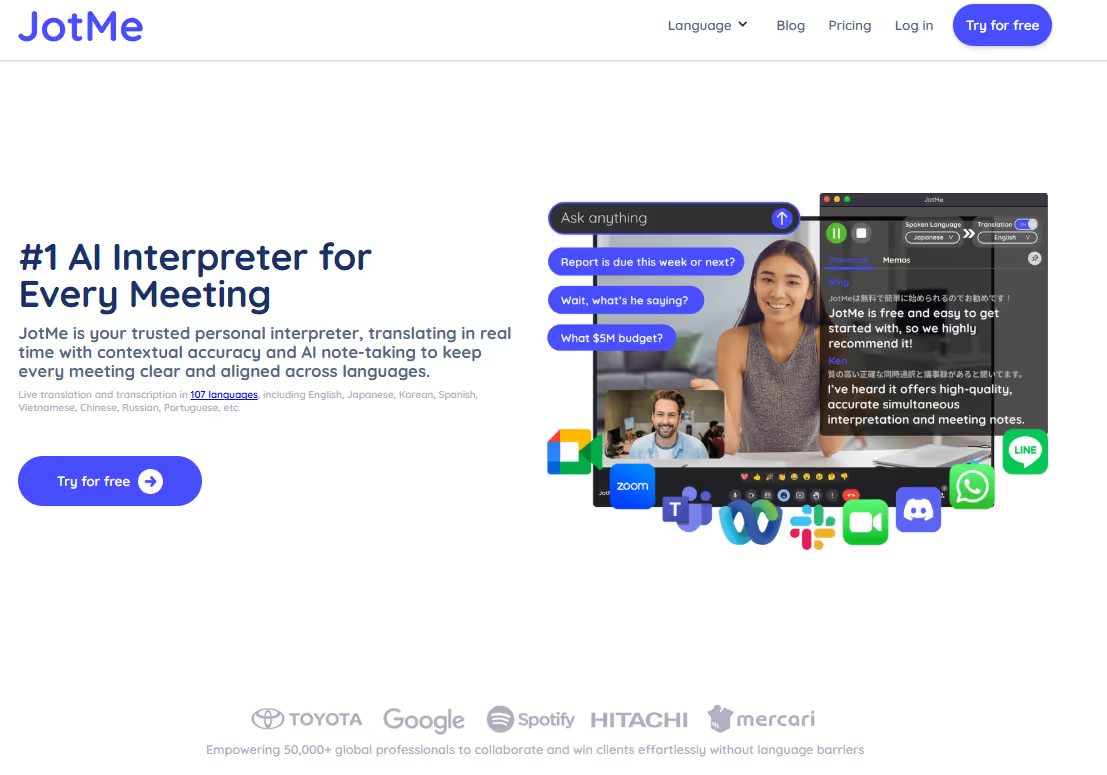
JotMe is an all-in-one virtual meeting assistant that can do much more than just live translate the conversations. It takes notes, answers queries, and provides summaries in real time. We work with professionals around the world and use JotMe alongside, and where it stands out:
Contextual Live Translation
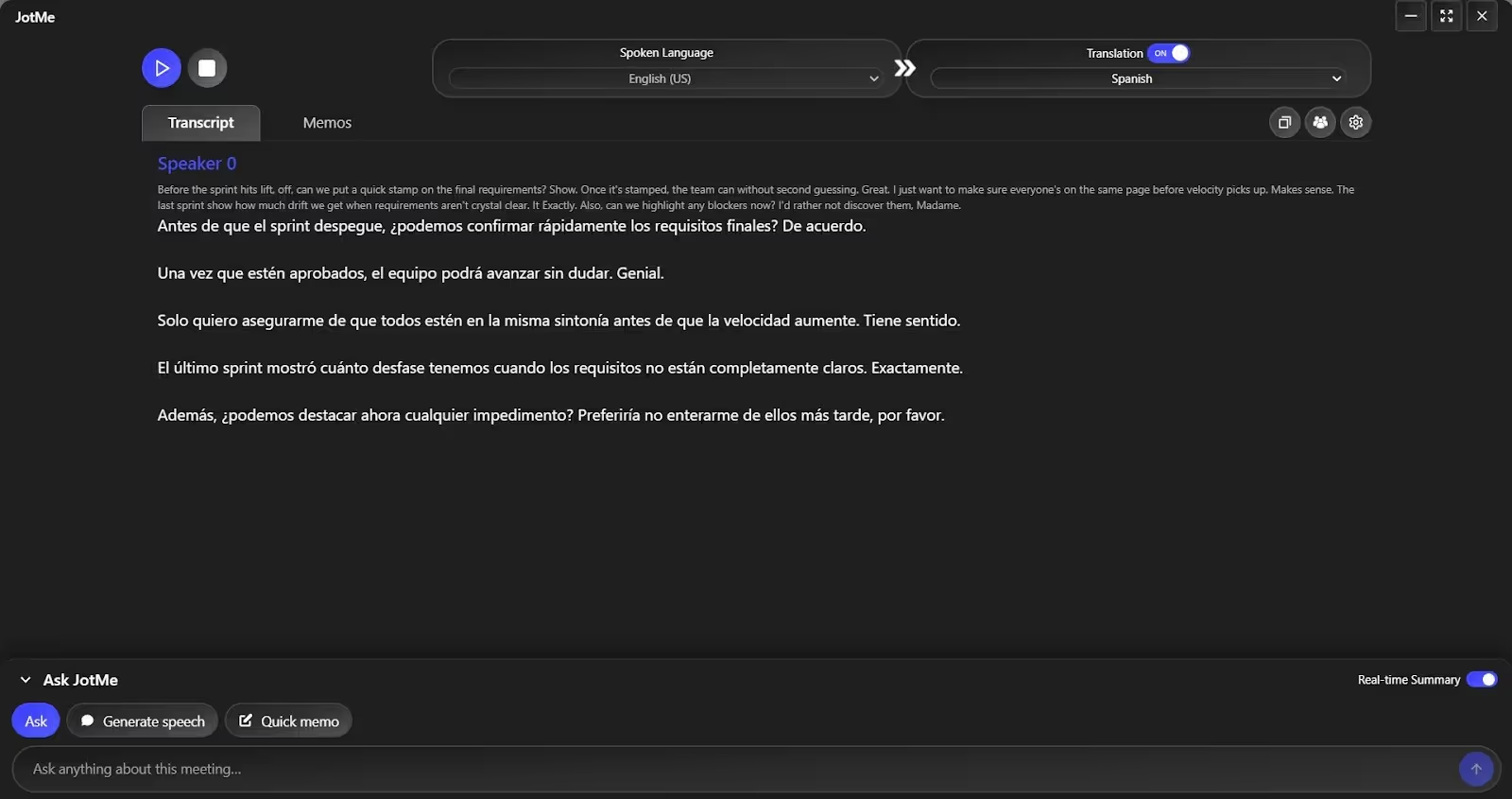
What we loved most about JotMe is its real-time contextual translation. If you’re someone who spends hours on virtual meetings with international clients, you’ll see how JotMe makes it easy. JotMe understands the tone, context, and terminology of the specific field using advanced speech recognition technology and preserves meaning during translation.
Smart Notes
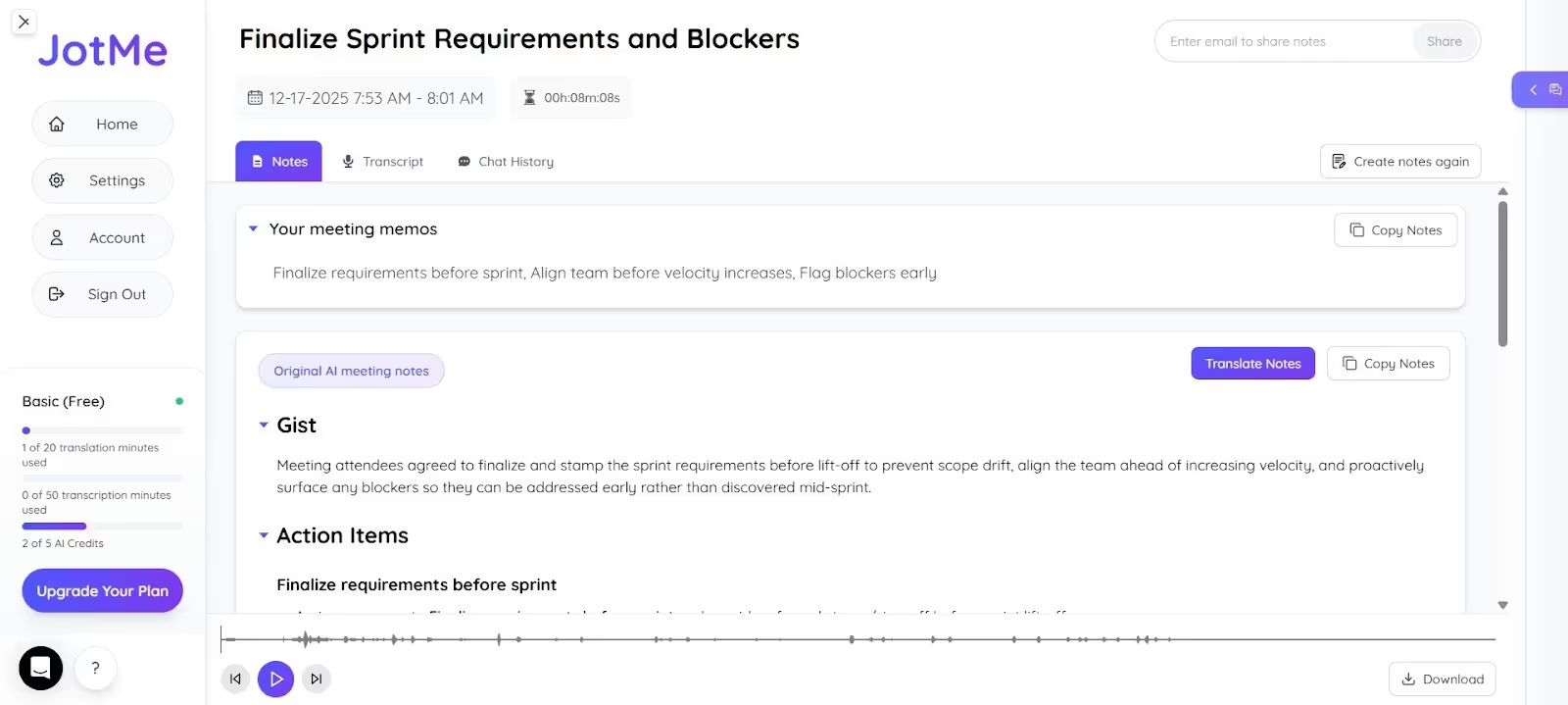
You no longer need to switch between conversations and take notes during meetings. JotMe is one of the best AI note takers that provides a concise summary, action items, and a gist that you can translate and share via email. This helps participants understand the deliverables, and the notes serve as a reference point for the next meeting.
Sharing Translation Minutes
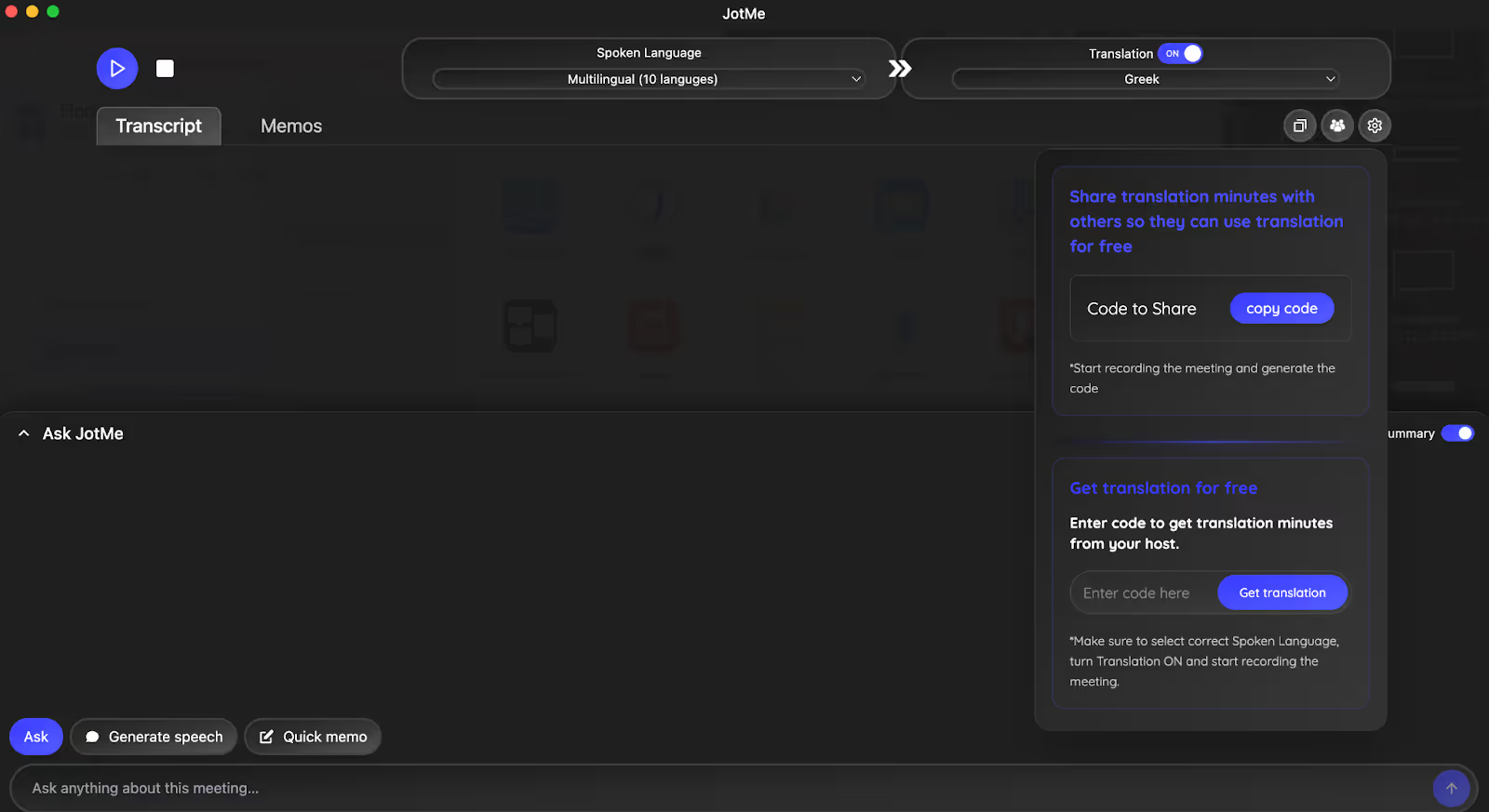
If the meeting participants don’t have the paid plan, JotMe provides access to translation minutes via a unique code. You’ll get access to the code as the meeting begins, which you can share with the participants.
Pull it all together, JotMe can be a reliable personal live translator that can translate your calls, provide notes to keep everyone in sync, and enable you to make critical business decisions.
Review
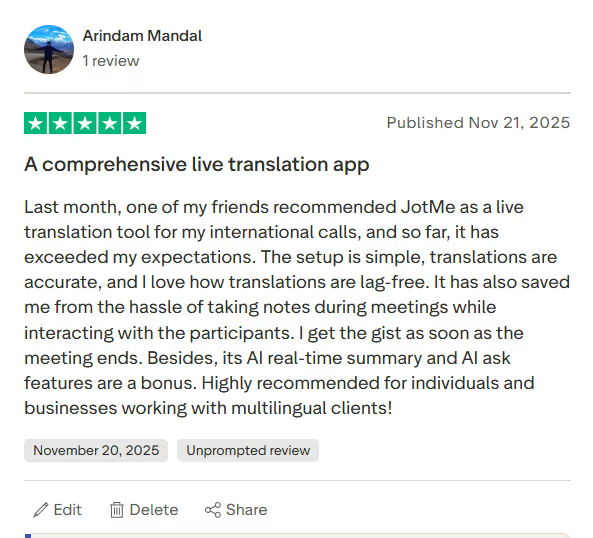
A JotMe user on Trustpilot praises the tool for its fast and accurate translation, which helps them during multilingual meetings.
Lindy
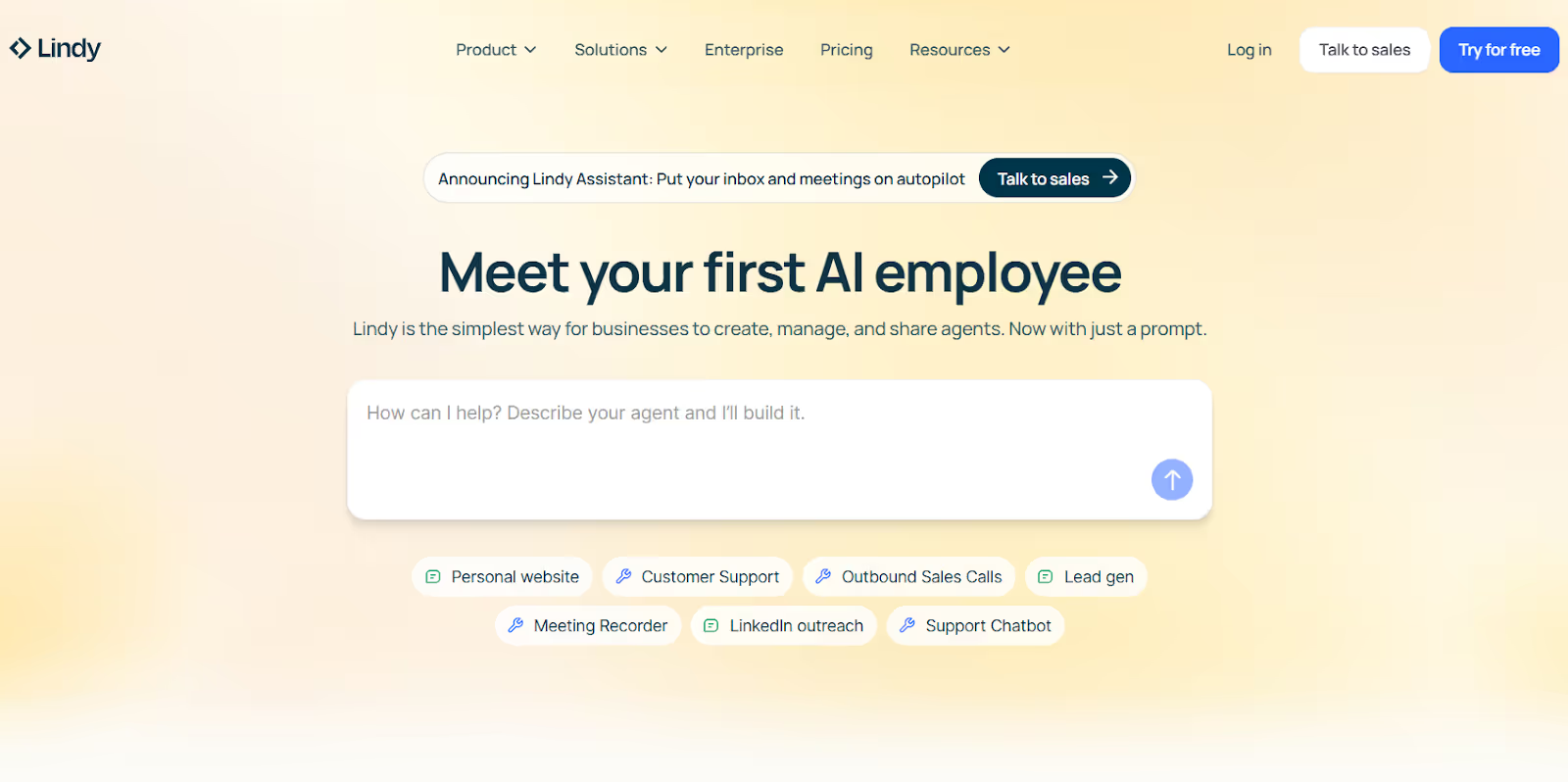
If you want an AI assistant whose capabilities exceed a human's bandwidth, Lindy can be a good choice. It’s an AI agent builder that automates your meetings, sales, customer support, and more, so you can focus on growth instead of busywork. We tried using Lindy last week when we needed an AI agent to automatically respond to emails.
What impressed us was how Lindy requires no scripting or coding. We just chose from the 100+ templates available, and the support agent was ready within minutes. Lindy also supports prompt-based AI agent creation, but missing information or vague instructions can trigger error messages.
Review
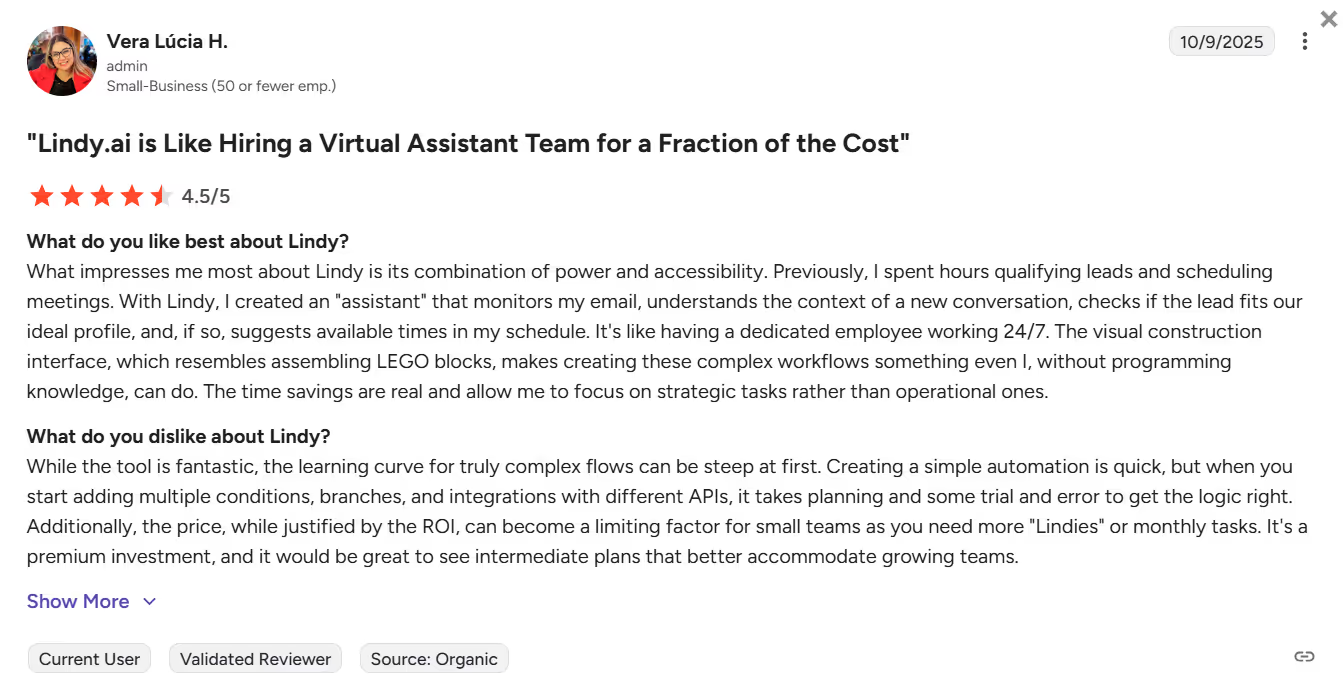
A user on G2 reports that the learning curve for truly complex flows on Lindy can be steep at first, as it takes some planning and trial and error to get the logic right.
Banani
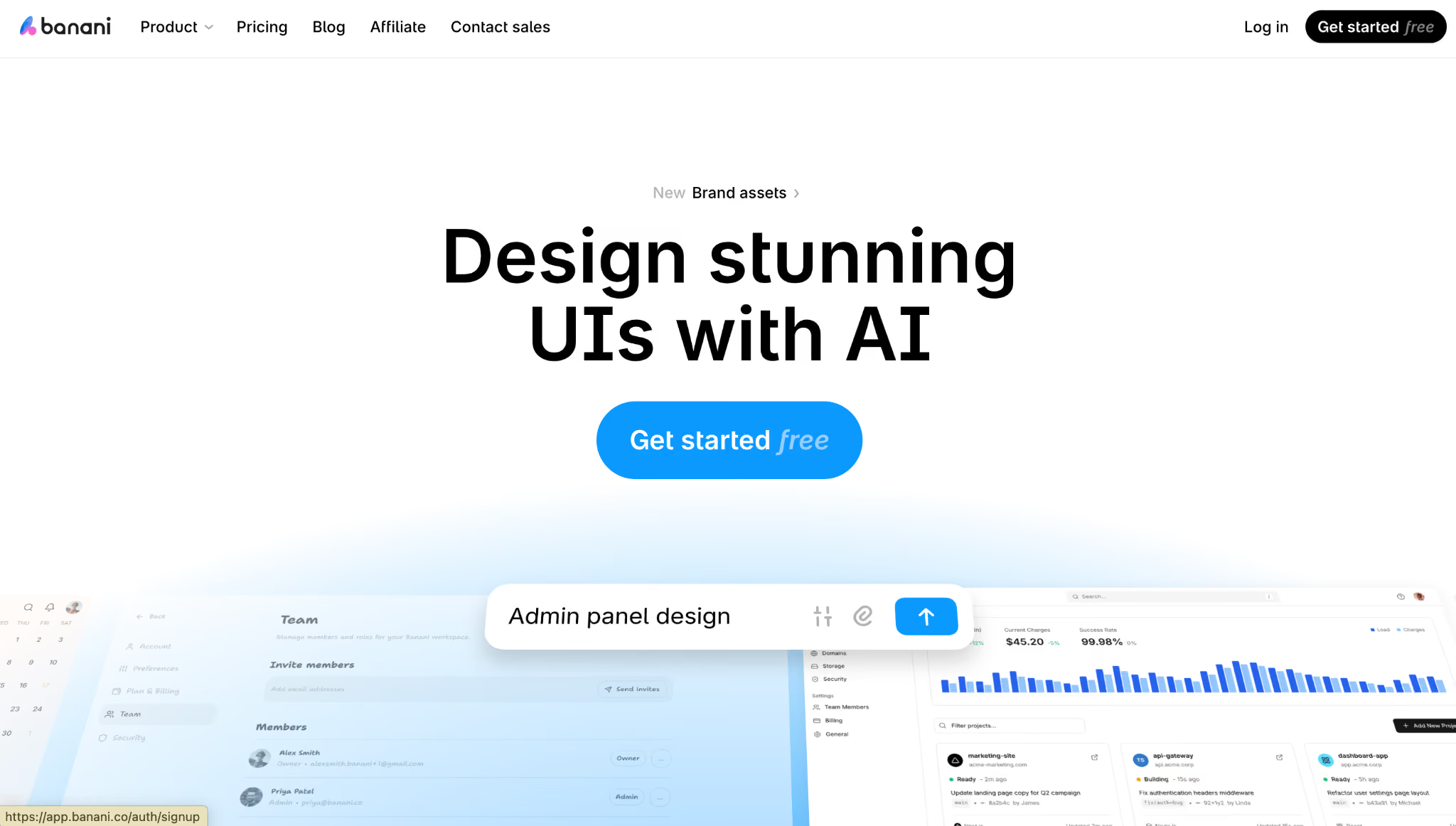
Banani is an AI design platform created for product teams who work a lot on prototypes. It is useful for ultra-fast prototyping during live interviews or async. Banani can design any interface in your design system, or from scratch. Product designers, product managers, and developers use Banani to rapidly translate ideas into high-quality prototypes in a single pass. With seamless Figma integration and support for MCP workflows, Banani helps teams move from concept to testable design much faster, without compromising consistency or quality.
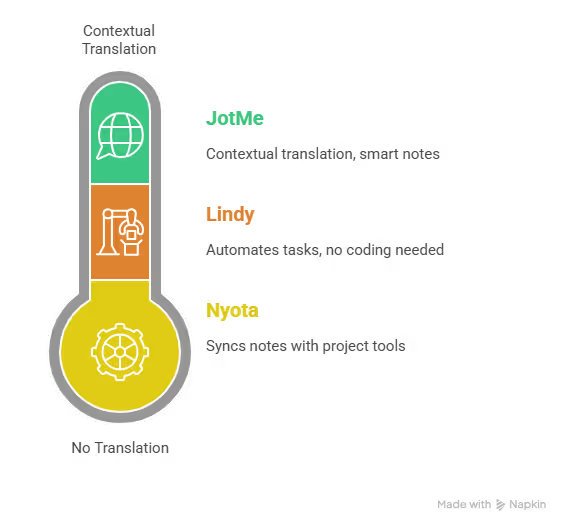
Nyota
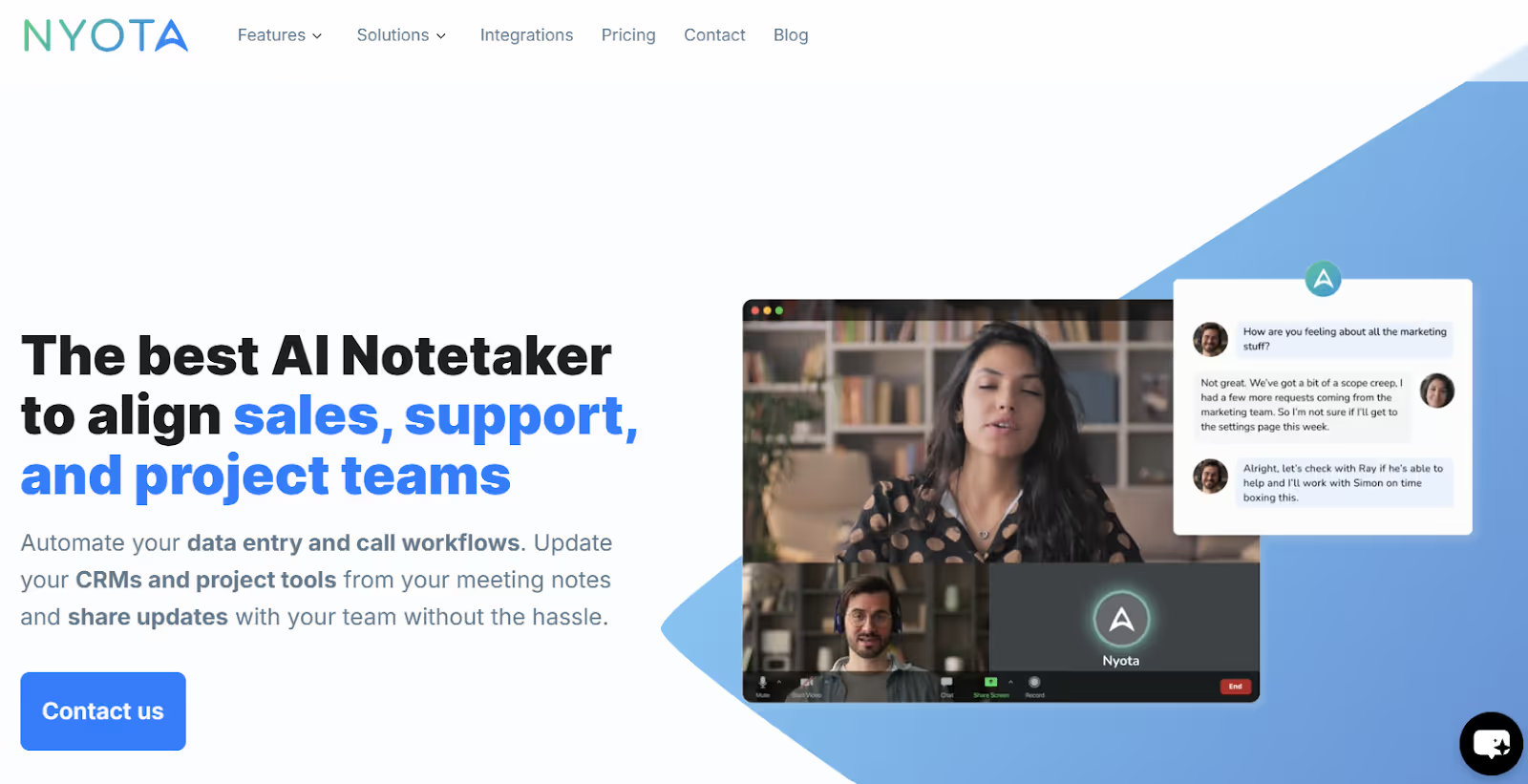
If you have a remote setup and your team struggles to take notes while providing the required feedback, check out Nyota. Unlike JotMe, Nyota does not have a live translation feature. However, we were impressed by how Nyota takes detailed notes and summaries and automatically syncs them with CRMs, project management tools, and internal systems.
Nyota provides quick answers or shares a specific note created directly from the discussion instantly as you ask. Overall, Nyota makes communication and note-taking easier to help you work better as a team. However, there’s no free trial available, so we couldn’t test the features.
Best AI Tools for Marketing Teams
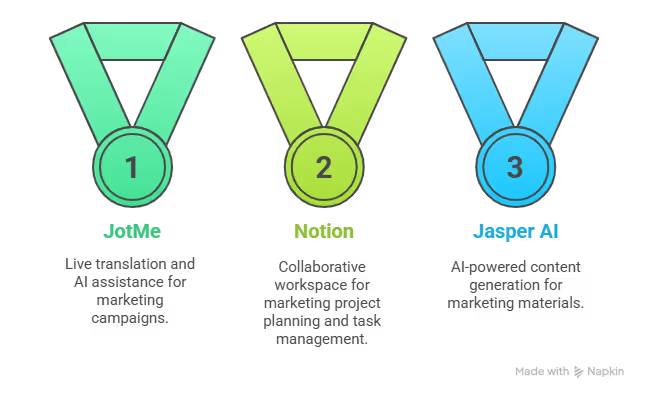
Sending cold emails, managing marketing campaigns, maintaining a to-do list, and more is like juggling multiple balls at once. You misjudge a single one, and all of it will derail at some point. Here, AI tools like JotMe, Notion, and Jasper AI can help, and here’s how:
JotMe
Last week, we wanted to speak with our international clients regarding the new marketing campaign we planned to launch next quarter. During our meeting, we launched JotMe, and it provided translations as soon as our conversations began.
In our testing, we found JotMe to be one of the best live translation apps, supporting over 107 languages (45 on desktop and 77 on the Chrome extension), so no one in the meeting had trouble understanding one another.
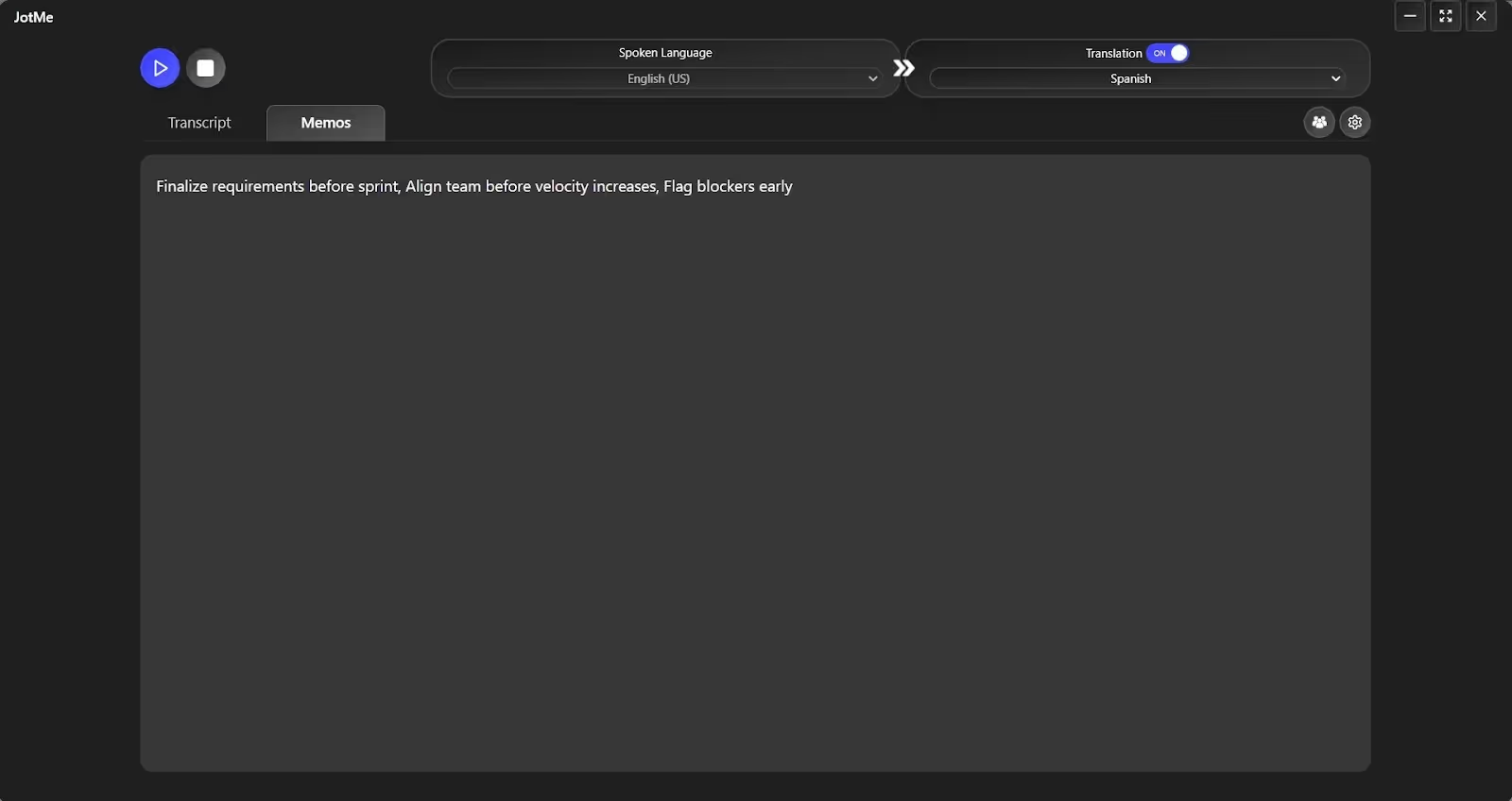
As mentioned earlier, JotMe isn’t limited to live translations; it also generates concise summaries and actionable notes and provides a space to prepare a to-do list. Simply select the Quick Memo option in the JotMe window during live translation and add the key points. We shared them with our clients over email in their preferred languages.
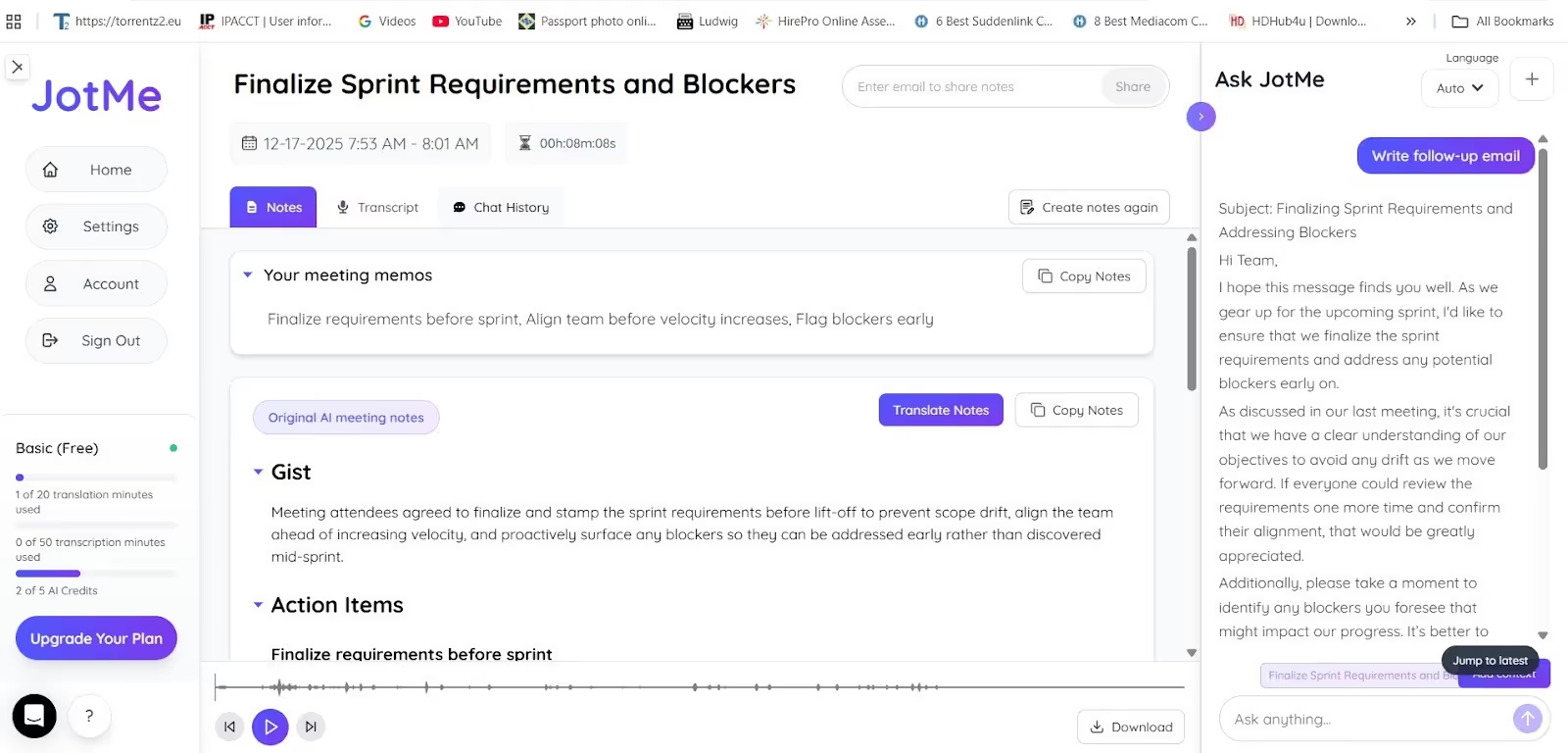
Not only that, based on our discussions, JotMe can help draft emails, briefs, and campaign drafts. This saved us the hard work and allowed us to focus on ideating for the next campaign.
JotMe is currently available on desktop, but if you want to translate live conversations on the go, sign up here to be among the first to try the mobile app.
Notion
We tried Notion when we needed a workspace to outline our goals and initiatives, plan marketing projects, complete tasks, and collaborate seamlessly. Truth to be told, it didn’t disappoint. There are multiple pre-built templates you can use to write new project briefs or outlines, create documents, and connect them to other tasks. You can also add Notion to meetings to capture notes and assign individual tasks to the team.
Creating a workspace keeps tasks organized, keeps teams in sync, and helps meet deadlines. However, creating one in Notion is somewhat complex, and we had to watch several hours of tutorial videos to set it up.
Review
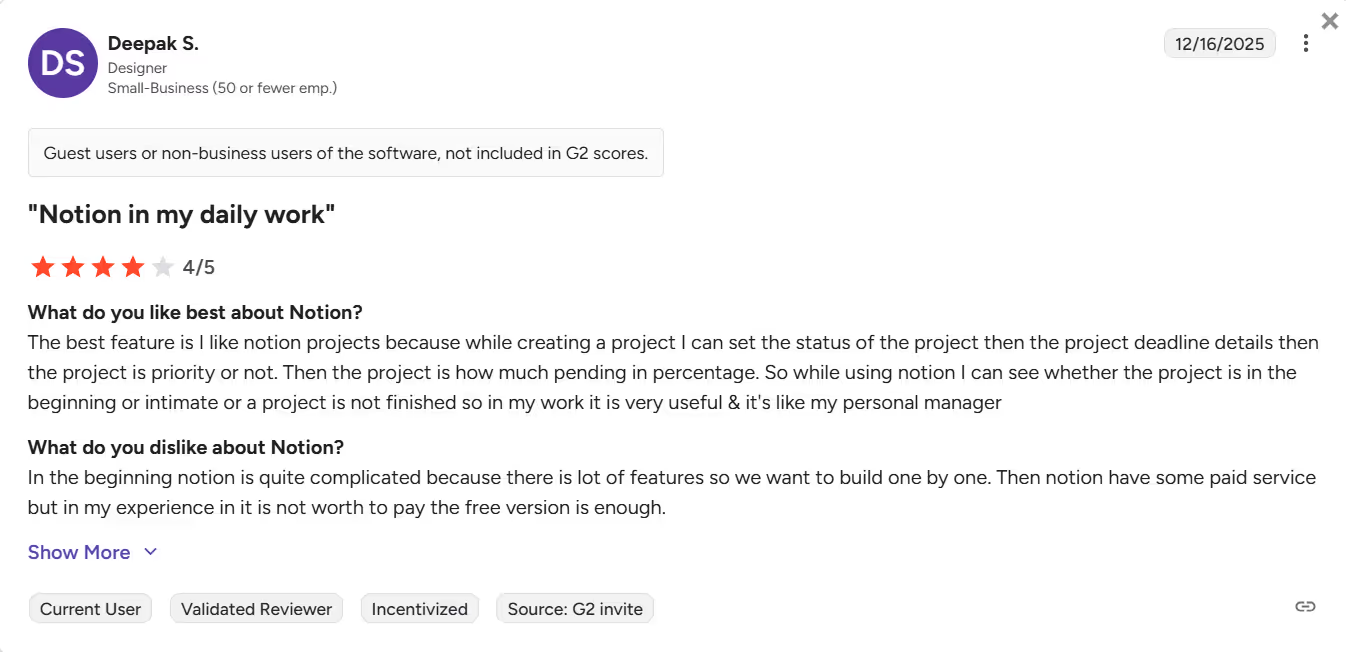
A Notion user on G2 reports that Notion can seem complex at first due to its many options.
Jasper AI
In our last marketing campaign, we wrote landing pages and feature pages, blog posts, SEO pages, and email and campaign content. These took us days to complete.
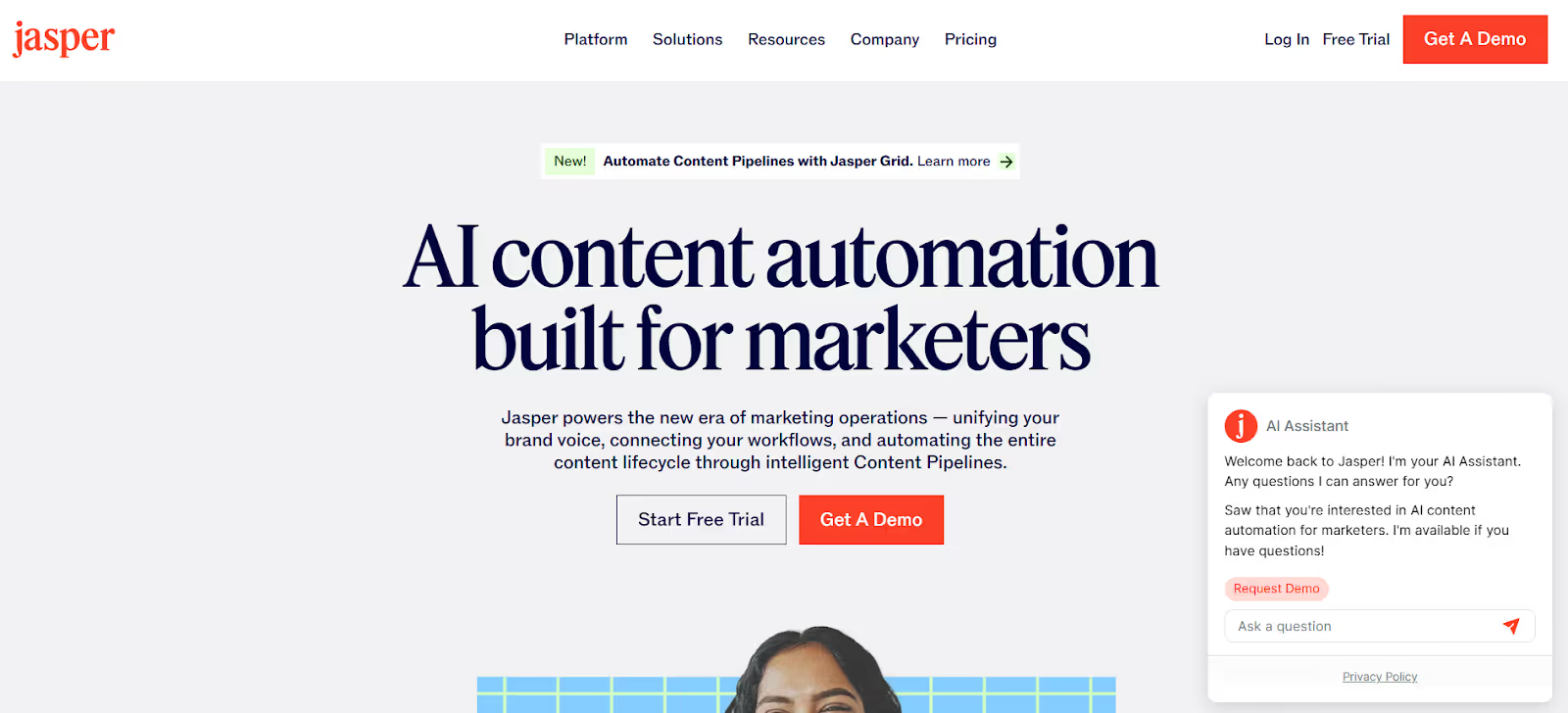
When we searched for AI tools to improve work efficiency, Jasper appeared in the results. The tool promises to generate a report detailing ongoing trends and to create briefs, summaries, and campaign ideas instantly. Not only that, its output is tailored specifically for marketing use cases, and the content is infused with the brand’s unique tone, style, and personality. It has a free trial, but you need a credit card to access it, so we couldn’t test out the features.
Review
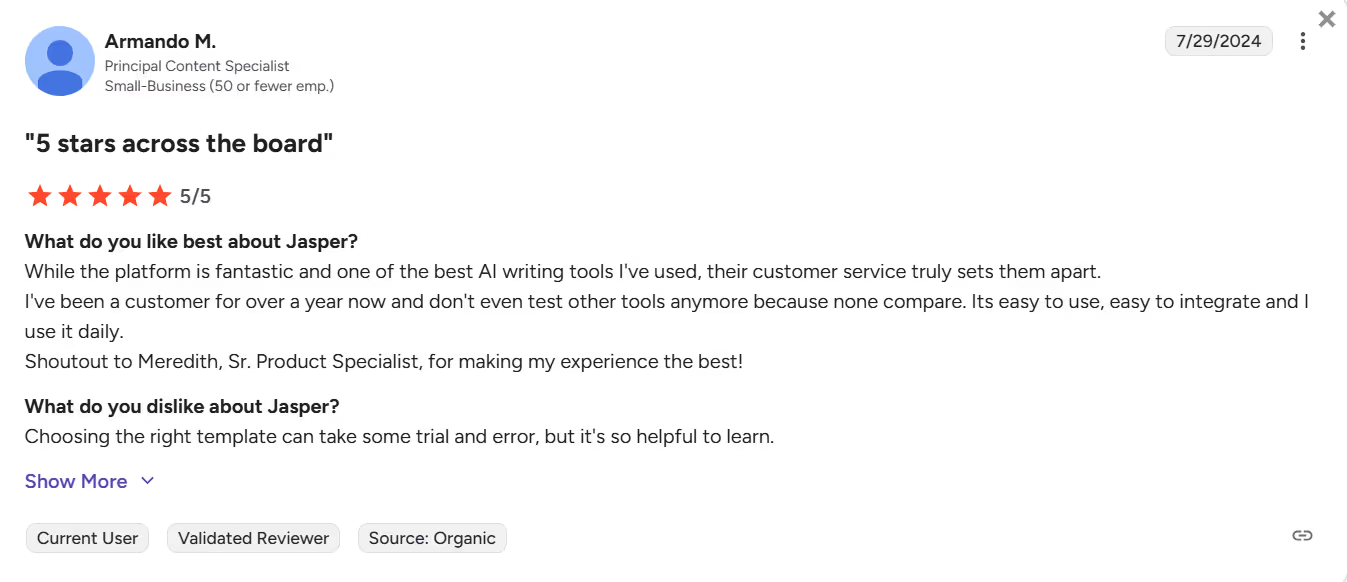
A Jasper user on G2 mentions that choosing the right template takes some trial and error.
Best AI Tools for Enterprises Using AI to Scale
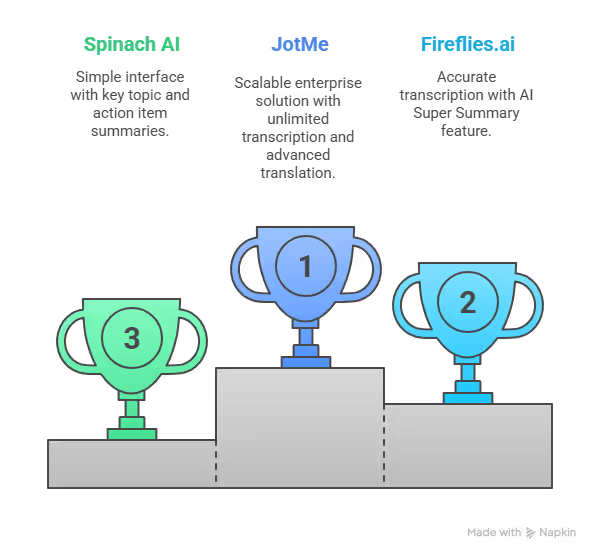
While marketing tools help you in managing campaigns, the best AI tools for enterprises can streamline your entire workflow. JotMe, Fireflies.ai, and Spinach AI are the listed tools, and here’s why:
JotMe
JotMe isn’t limited to individual users or small businesses; it's scalable for large enterprises as well. There’s a separate “Enterprise” plan that provides unlimited monthly transcription, additional translation minutes, and AI credits. This means you can join long meetings, webinars, and interviews without worrying about running out of translation or transcription minutes. The translations are more advanced, and you get access to centralized notes and easy oversight of the meeting dashboard from one admin dashboard.
Fireflies.ai
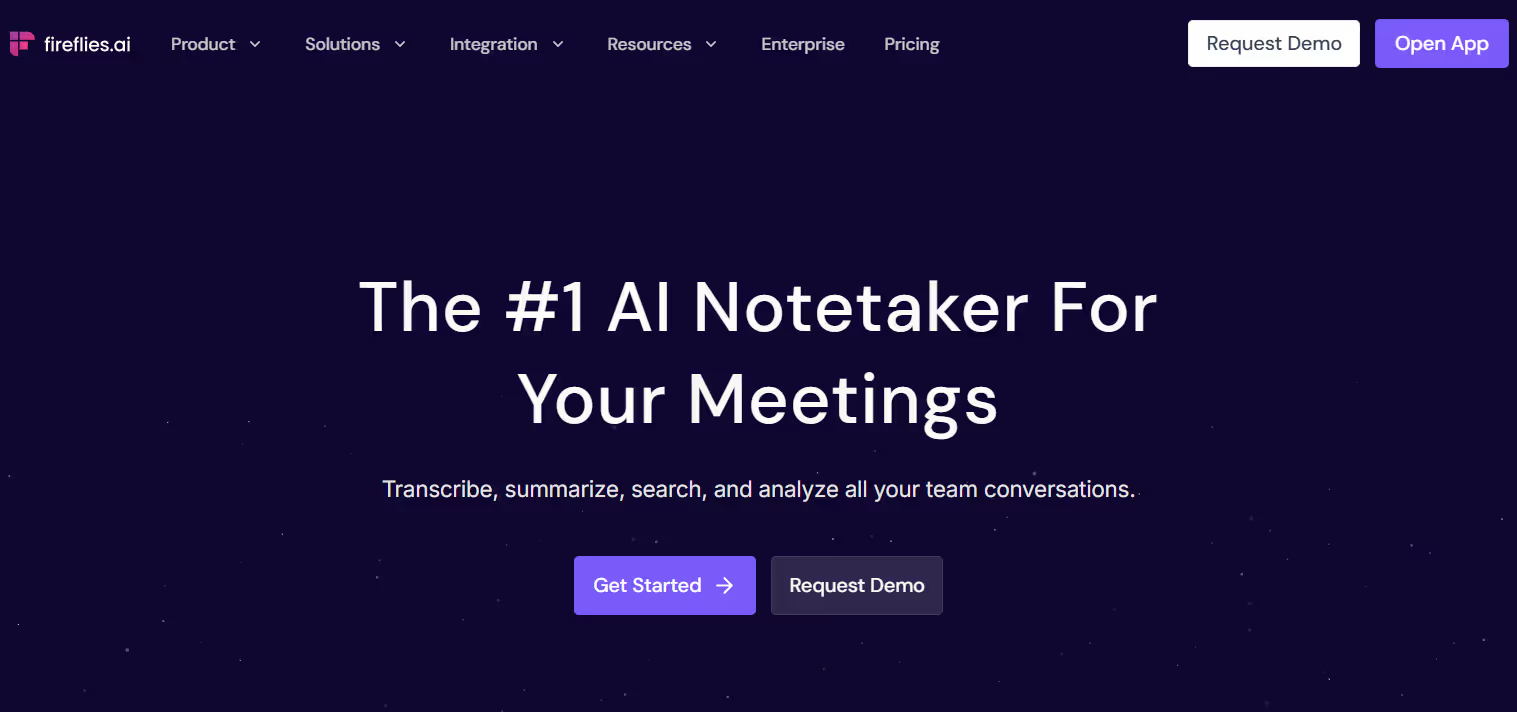
We used Fireflies.ai when we hosted a webinar to walk internal teams through the new product, and found its performance to be decent. It recorded our hour-long Google Meet meeting and transcribed everything discussed. However, it sends a bot to the meeting, which might feel intrusive to some users.
That said, Fireflies.ai’s transcription was accurate, except for a few punctuation errors that required a quick proofread on our end. We also liked its AI Super Summary feature, which lets us create personalized meeting summaries, action items, and notes.
Review
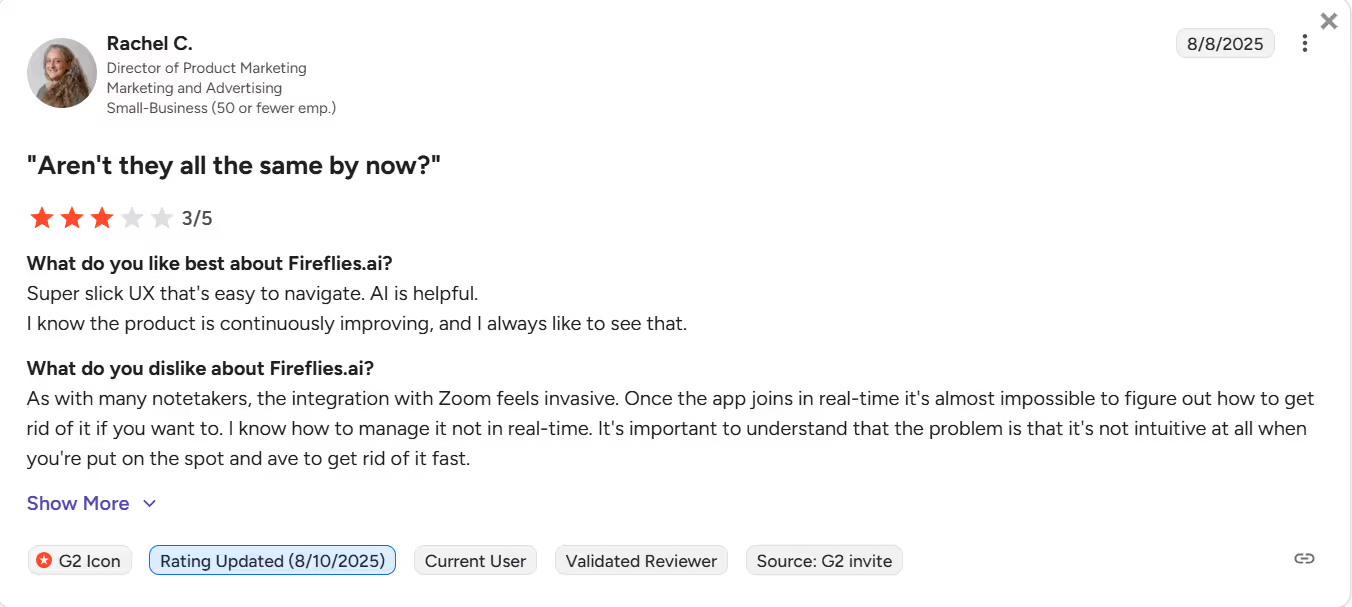
A Fireflies.ai user on G2 reports that integration with Zoom feels evasive, and there’s almost no way to figure out how to get rid of it in real time.
Spinach AI
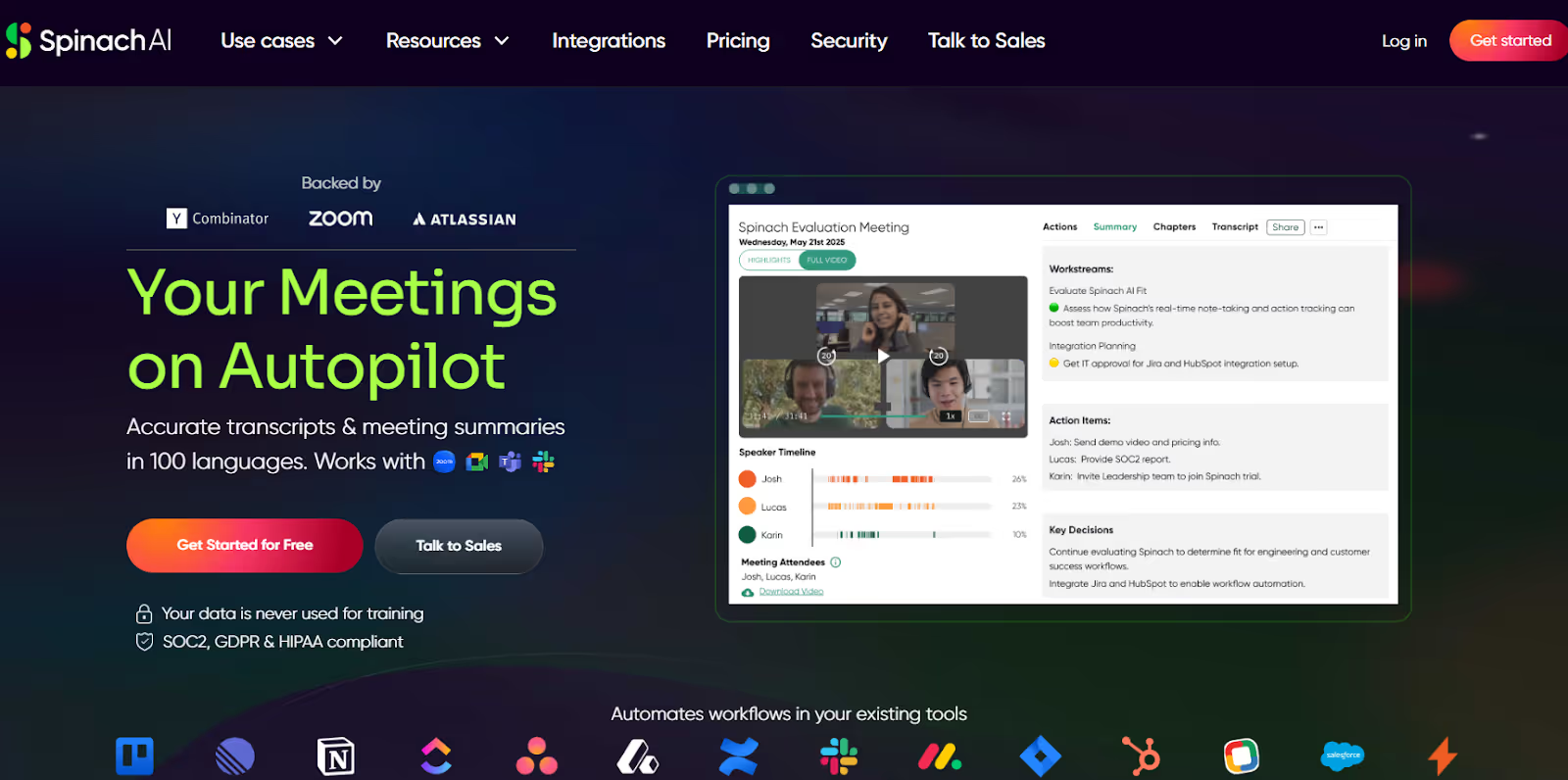
Spinach AI also appeared in our search for the best AI tools for work, and we liked how the tool performed. The interface was simple and, like Fireflies.ai, it joined our biweekly meeting to record the entire conversation. After the meeting, Spinach AI provided a summary divided into key topics, action items, and key decisions, which we shared with the team. This way, everyone knew what was decided and what needed to be done, and no follow-ups were required.
However, Spinach AI lacked any translation feature like JotMe, which most enterprises might need when interacting with international clients.
Review
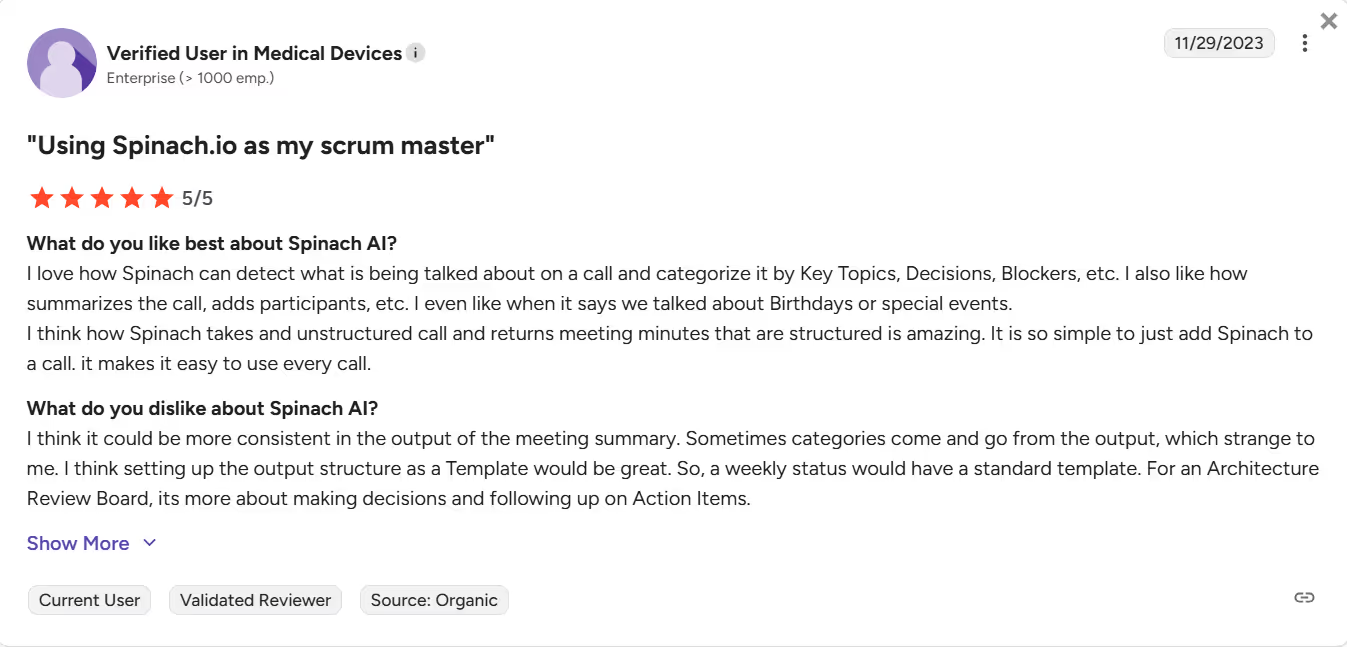
A G2 user reports that Spinach AI could be more consistent in its meeting summary output.
Best AI Tools like ChatGPT for Professionals
AI tools like ChatGPT let you interact with a large language model, ask questions, and receive answers in a conversational style. The best chatbots use advanced reasoning to understand context and respond accordingly. Here’s a tabular comparison of the best ChatGPT-like tools:
JotMe

JotMe’s AI Ask feature isn’t limited to live meetings. You can open JotMe and ask a question, and get instant and accurate answers at any time, so clarity is always a question away.
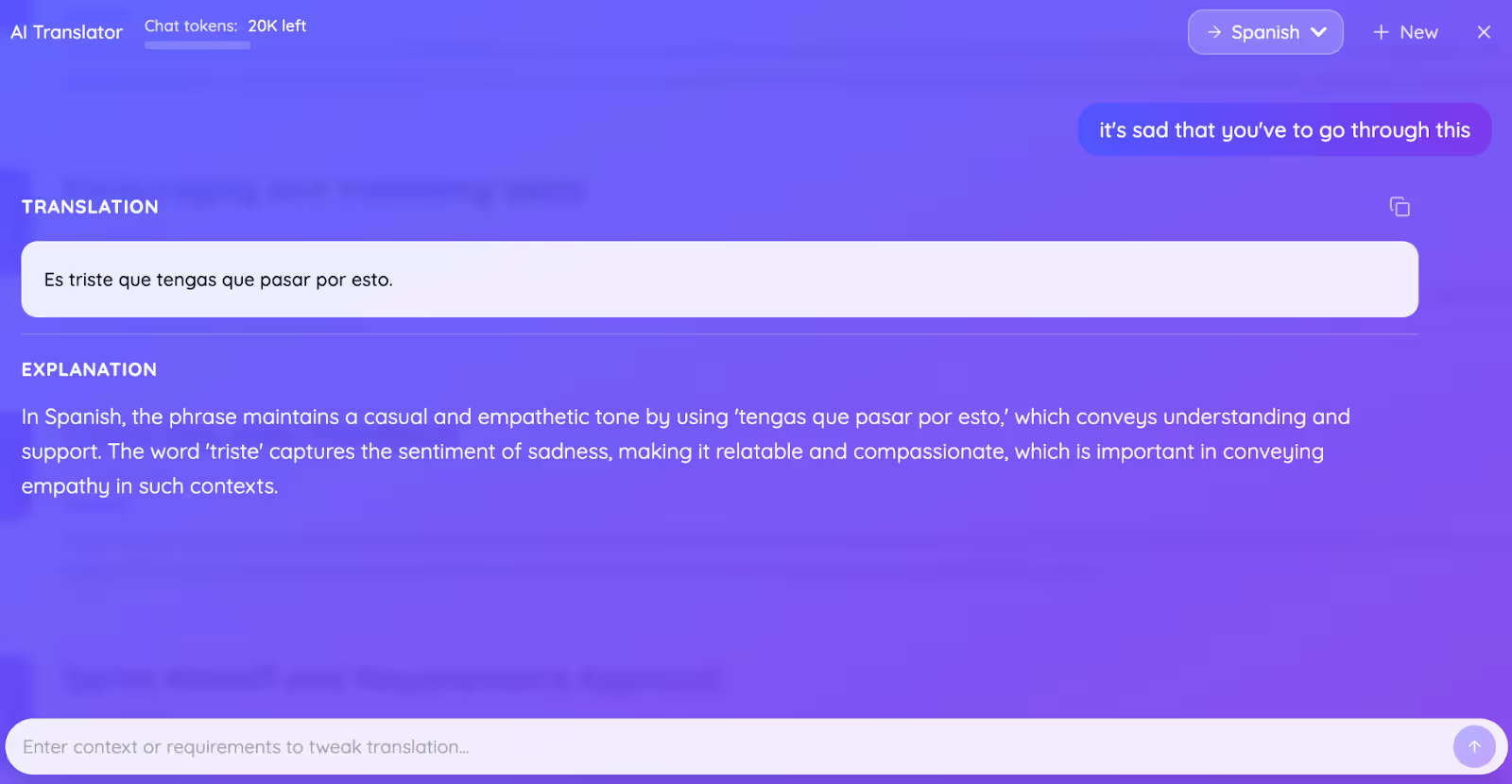
Not only that, but we also loved its text-to-text translation feature. Access its dashboard, enter a sentence, select a language, and JotMe provides an accurate written translation that preserves the meaning and tone. You can also add empathy, humour, or sarcasm, which makes it great for writing emails, announcements, and multilingual messages.
Perplexity AI
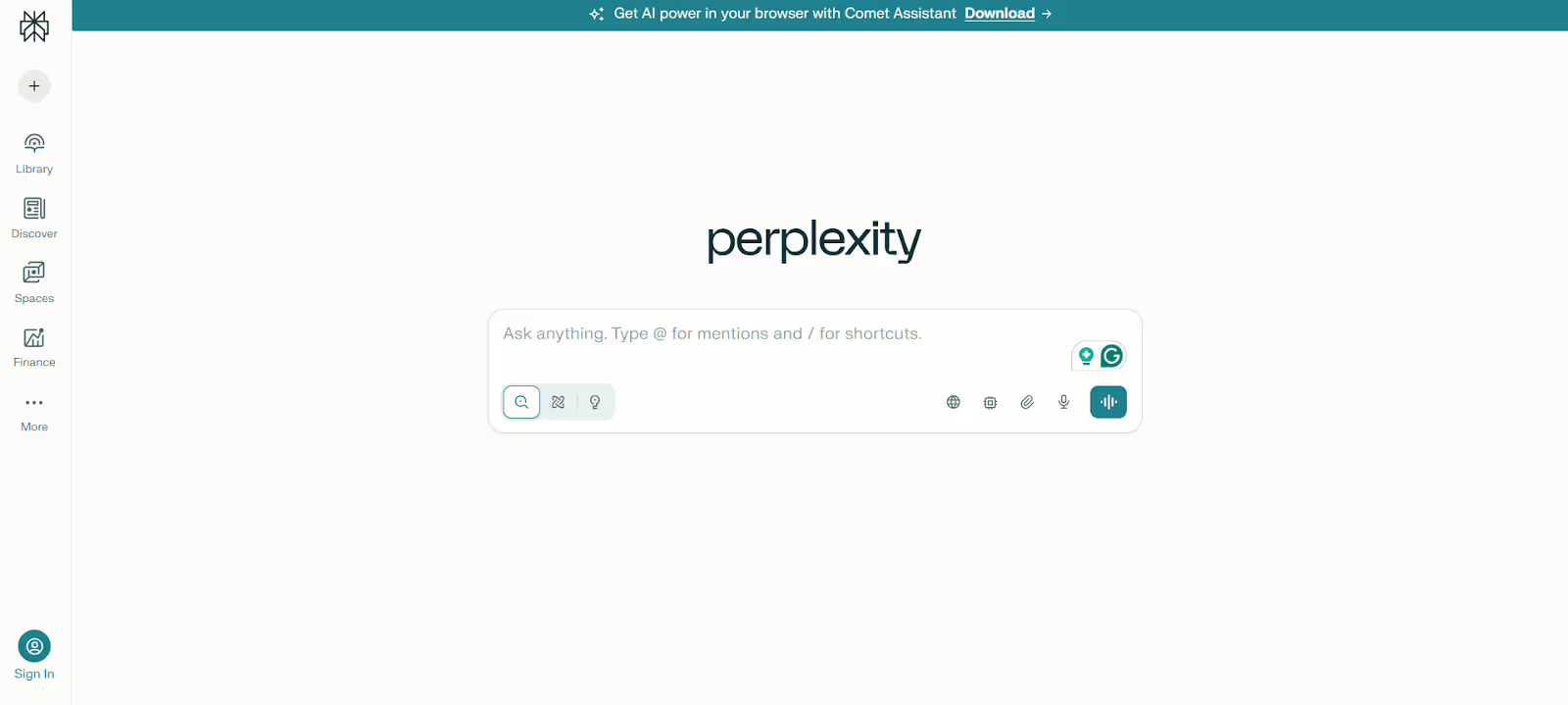
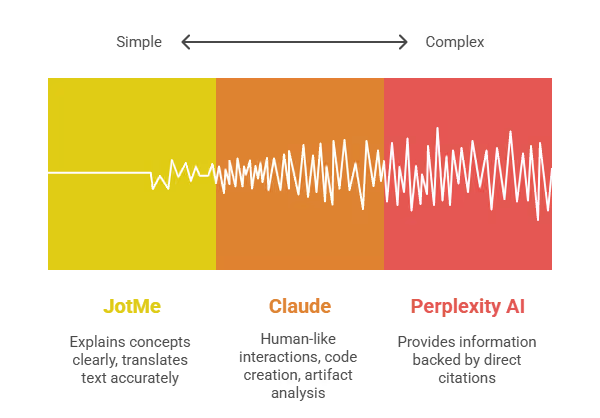
If you are looking for a ChatGPT-like chatbot, Perplexity AI is a name that comes up more often. What we liked about the tool is that it provides information backed by direct citations, which most search engines don’t.
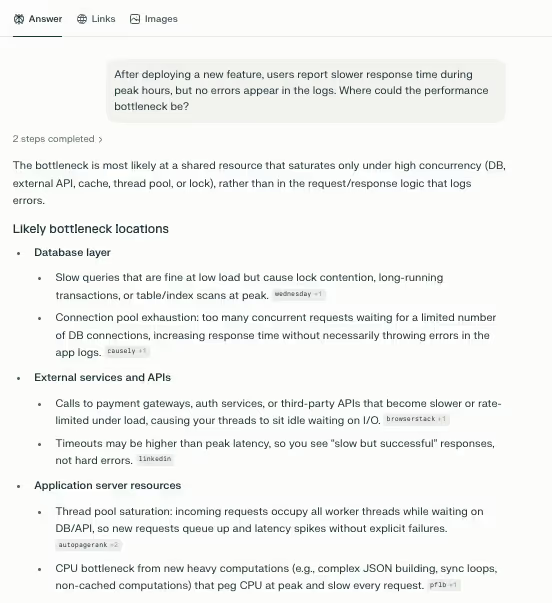
Perplexity AI’s responses are fast, and it handles complex queries as well. For instance, we asked, “After deploying a new feature, users report slower response time during peak hours, but no errors appear in the logs. Where could the performance bottleneck be?” It noted that the issues may be in the database, application layer, or infrastructure and suggested possible troubleshooting methods.
However, when we reached the daily query limit on its free version, Perplexity AI went from providing detailed responses to delivering essential information. Its Pro version addresses that, but the subscription fee may be steep for individuals.
Review
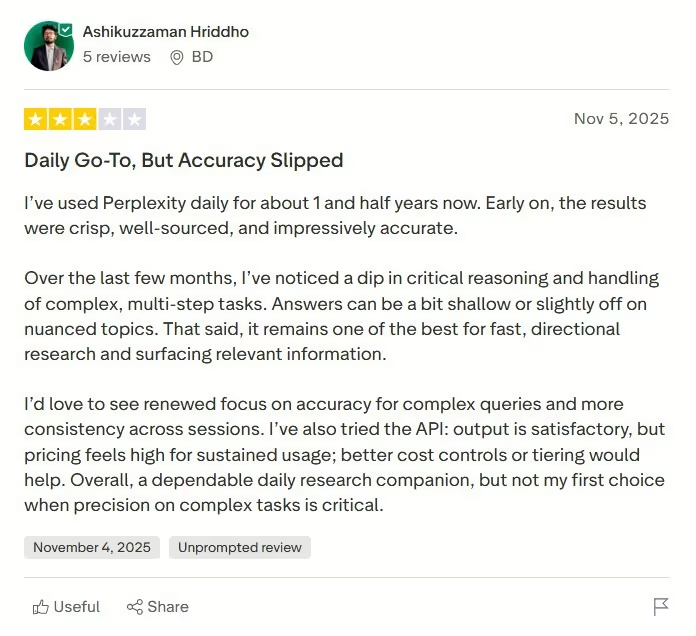
A Trustpilot user notes that Perplexity struggles with critical reasoning and handling complex, multi-step tasks.
Claude

Claude is another AI tool for work efficiency, known for its human-like interactions, code creation, and artifact analysis. If you’re a coder and want simple solutions to your complex reasoning problems, you’ll like how Claude responds. We also generated charts and diagrams and shared them with the team to better understand the complex concepts. However, unlike Perplexity and ChatGPT, it occasionally struggled with complex prompts, including multi-step tasks with intricate requirements.
Best AI Interview Assistant for Interviewers and Interviewees
If you find job interviews stressful, then AI interview assistants can come in handy. Amongst the tools we tested, we found JotMe, Beyz AI, and AIApply to be the most helpful. Here’s a tabular comparison of the tools:
JotMe
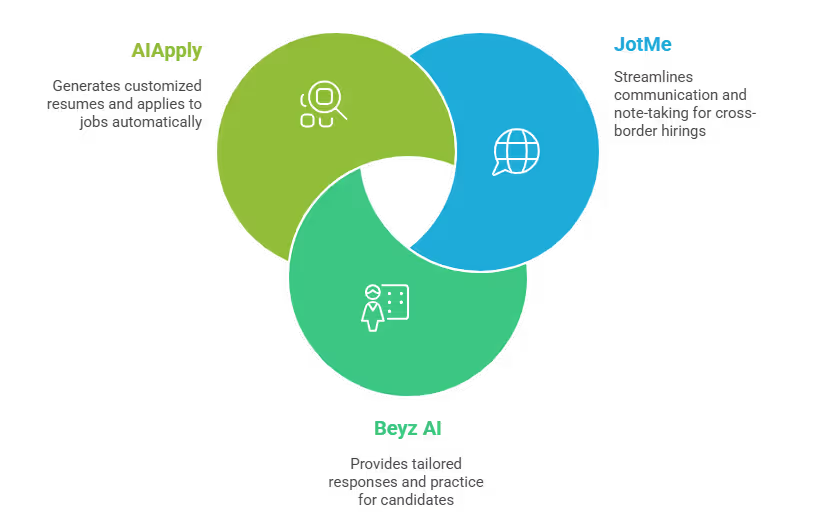
JotMe can be an all-in-one interview assistance app for both interviewees and interviewers. In fact, JotMe has been like our personal assistant for cross-border hirings. Not only does it streamline communication by providing contextually accurate translations, but it also enables us to capture key points and use the post-meeting notes to evaluate the candidate better.
JotMe can also be a great companion for interviewees. They can join multilingual meetings and use AI Ask to clarify interview questions in real time. The best part is that JotMe doesn’t send a bot to the call, so the interview remains natural and uninterrupted. JotMe also provides concise summaries once the interviews are over. This could further help them understand what went wrong and how to improve it.
Disclaimer: JotMe may be used for interview preparation and note-taking only. One must not use it to generate or relay answers during live interviews.
Beyz AI
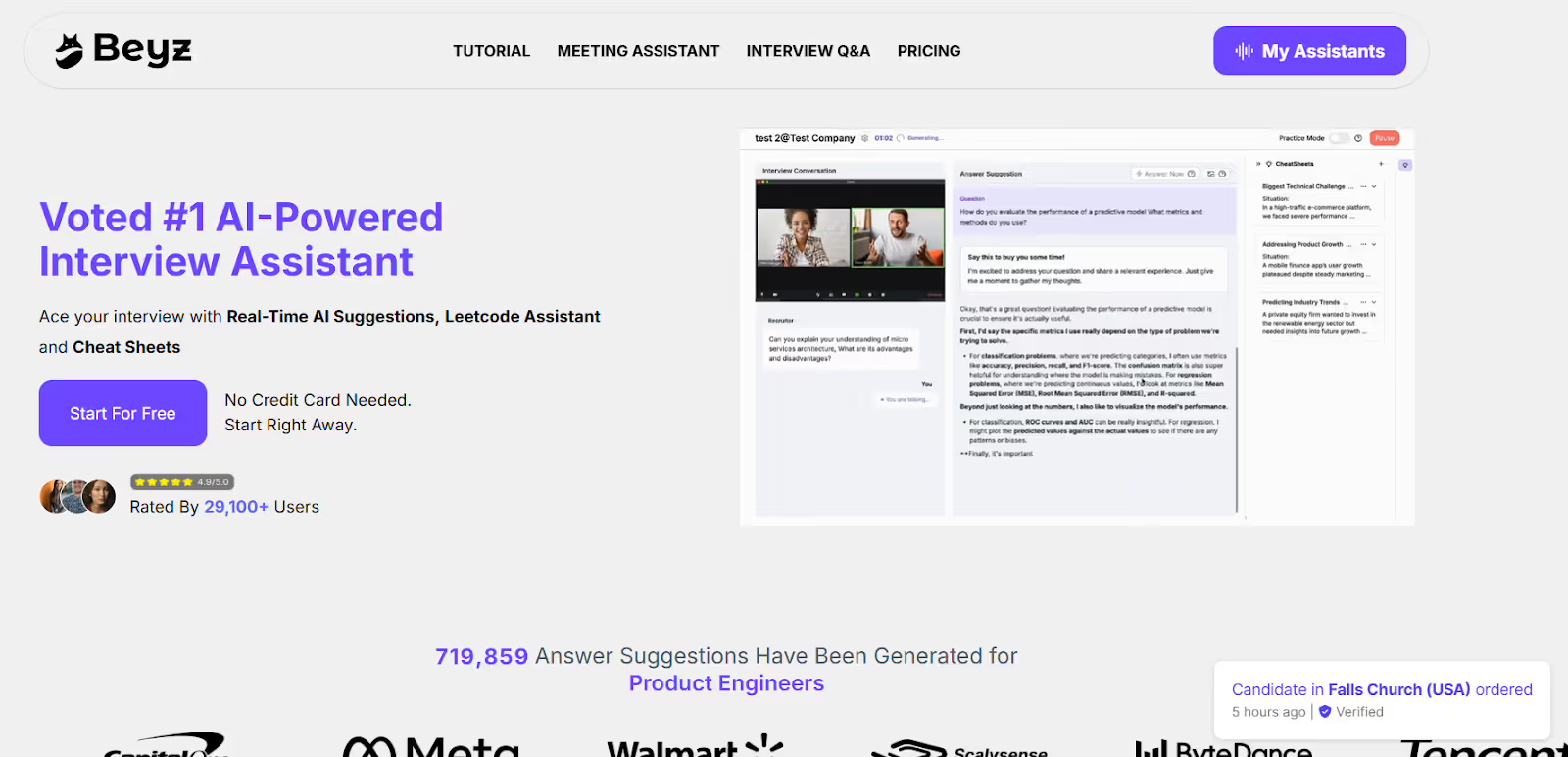
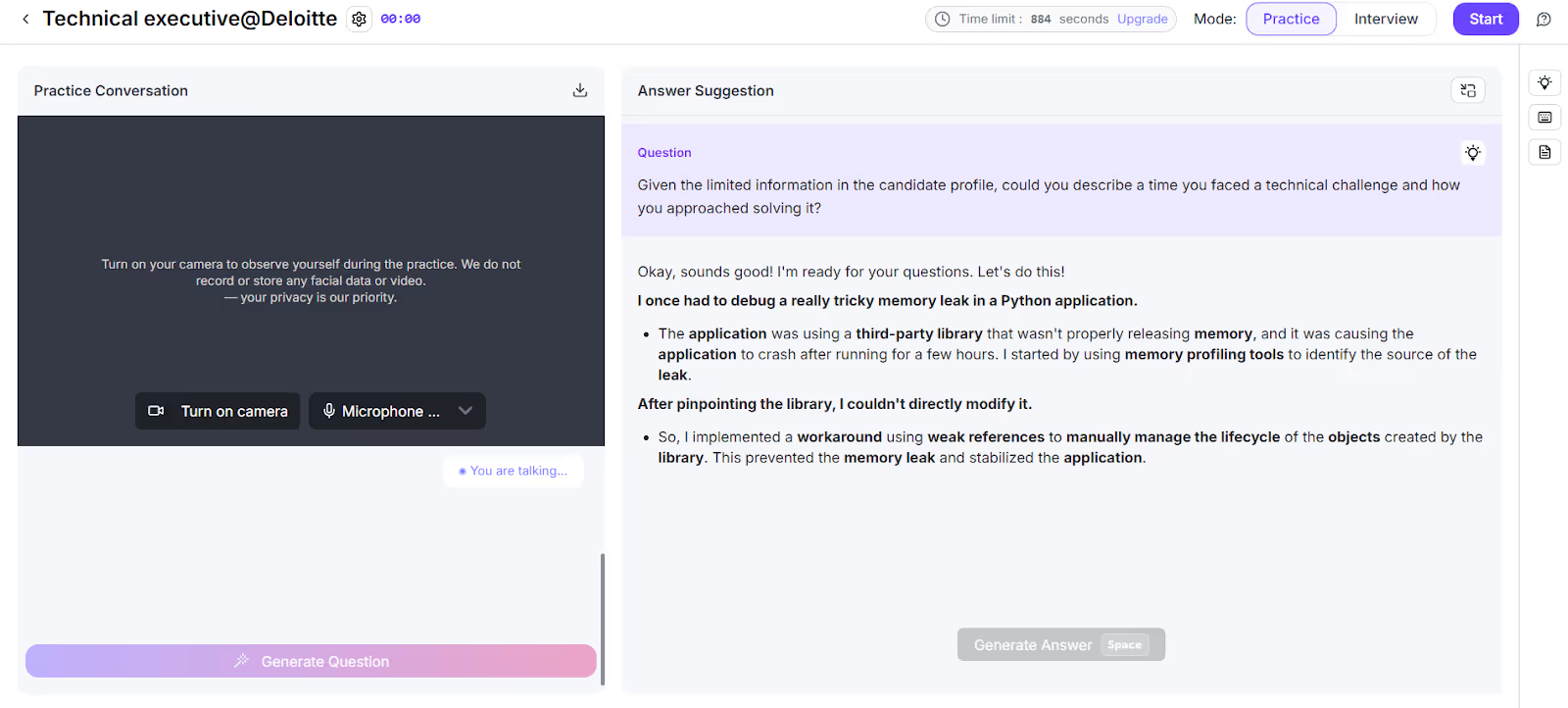
Beyz AI is an interview assistant designed especially for candidates. It integrates with popular video conferencing platforms such as Zoom, Google Meet, Microsoft Teams, and Skype. The interface is simple, and if used right, it can be a great platform to practice for your next job interviews.
As you upload your resume, Beyz AI thoroughly reviews your experience and work history and provides tailored responses. For example, in a mock interview, AI generates a question like, “Could you describe a time you faced a technical challenge and how you approached solving it?” It provided quick responses that detailed the situation and outlined the path to a solution. However, we found the accuracy slightly dips when the questions are a bit complicated or involve logical reasoning.
AIApply
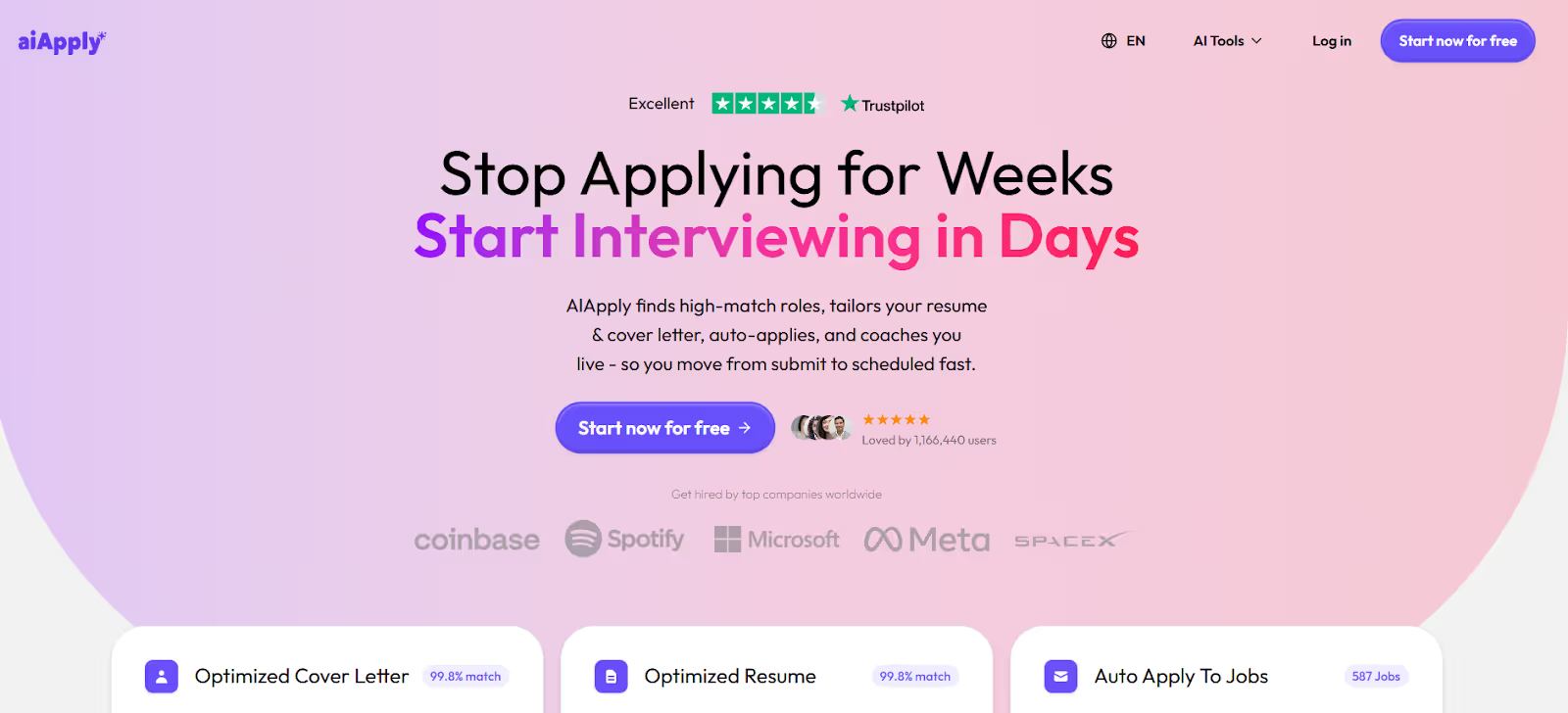
If you want a tool that helps you prepare for interviews and find jobs, AIApply is a good option. We were impressed by the features it offers. For one, it generates customized resumes and cover letters based on your skills and target job descriptions. Then AIApply translates them into your chosen language. Besides, it automatically applies to multiple jobs that match your profile.
Overall, we found AIApply to be a decent tool for graduates, professionals looking to switch careers, and those seeking to improve their interview performance. However, compared with JotMe and other interview assistants, AIApply is priced slightly higher at $12/week (billed monthly).
Conclusion: What is the Best Tool for Team Collaboration?
The best AI tools for work depend on your needs, whether you want them for marketing, business, chatbots, or interview assistants. For instance, Lindy can create AI agents for business operations, while Notion provides a platform to streamline workflows. At the same time, you can use tools like Perplexity AI and Claude as a search engine.
JotMe, however, stands out with its simple interface, contextually accurate translations, and additional features like AI Ask, post-meeting notes, AI summaries, and more. These streamline your workflow, so you can focus more on creative tasks such as ideating your next marketing campaigns, creating a prototype, and more. Use JotMe today to elevate your productivity.
FAQs
Is there an AI tool for Teams?
Yes, many AI tools for Teams record your meetings, transcribe them, and provide curated summaries. However, most send a bot to your Teams meeting. If you don’t want that, JotMe can be your personal AI interpreter. JotMe can streamline your cross-border meetings by providing contextually accurate translations, AI Ask, and a post-meeting summary.
Which tool helps teams coordinate and collaborate?
JotMe helps teams coordinate and collaborate by enhancing communication through accurate live translations and concise meeting notes, key points, and defined action items. This ensures everyone is in sync and clear on next steps, reducing misunderstandings and streamlining the workflow.
What are the collaboration tools the team might find useful?
Tools like JotMe can be a solid collaboration tool that streamlines multilingual meetings with contextually accurate translations and features such as AI Ask, post-meeting notes, and more.
Does Google have a team collaboration tool?
Yes, Google offers team collaboration through its Google Workspace suite, which includes Sheets, Docs, and Slides for real-time co-editing, Google Meet for video conferencing, and Google Drive for shared storage. Google Meet supports live translation, but it’s an evolving feature currently in Beta, and the accuracy isn’t great. If you need contextually accurate translation, meeting summary generation, and related features, consider JotMe.
Last updated on
April 14, 2026
Follow us on social media: