







Google Meet Bilingual Transcript
Every Google Meet becomes a bilingual transcript: the original speech and its translation side by side, line by line, with speaker labels, from live calls or recordings you upload. One accurate record both sides read.
.avif)
Нам доверяют 2 000 команд и 500 000 специалистов в 134 странах



.avif)





.avif)


.avif)


.svg)
Рейтинг 4,7/5


Соответствует GDPR
.avif)
SOC 2 Type II (В процессе)
Transcript & Translation Chrome Extension for Google Meet
Need to verify meeting details or maintain recordings for company compliance in multiple languages? JotMe provides instant access to your bilingual transcripts right after your Google Meet sessions, supporting up to 77 languages. Sign up today for free – no credit card required – and never miss an important detail again!
How to get a bilingual transcript from Google Meet
В 3 простых шага!
ШАГ 1
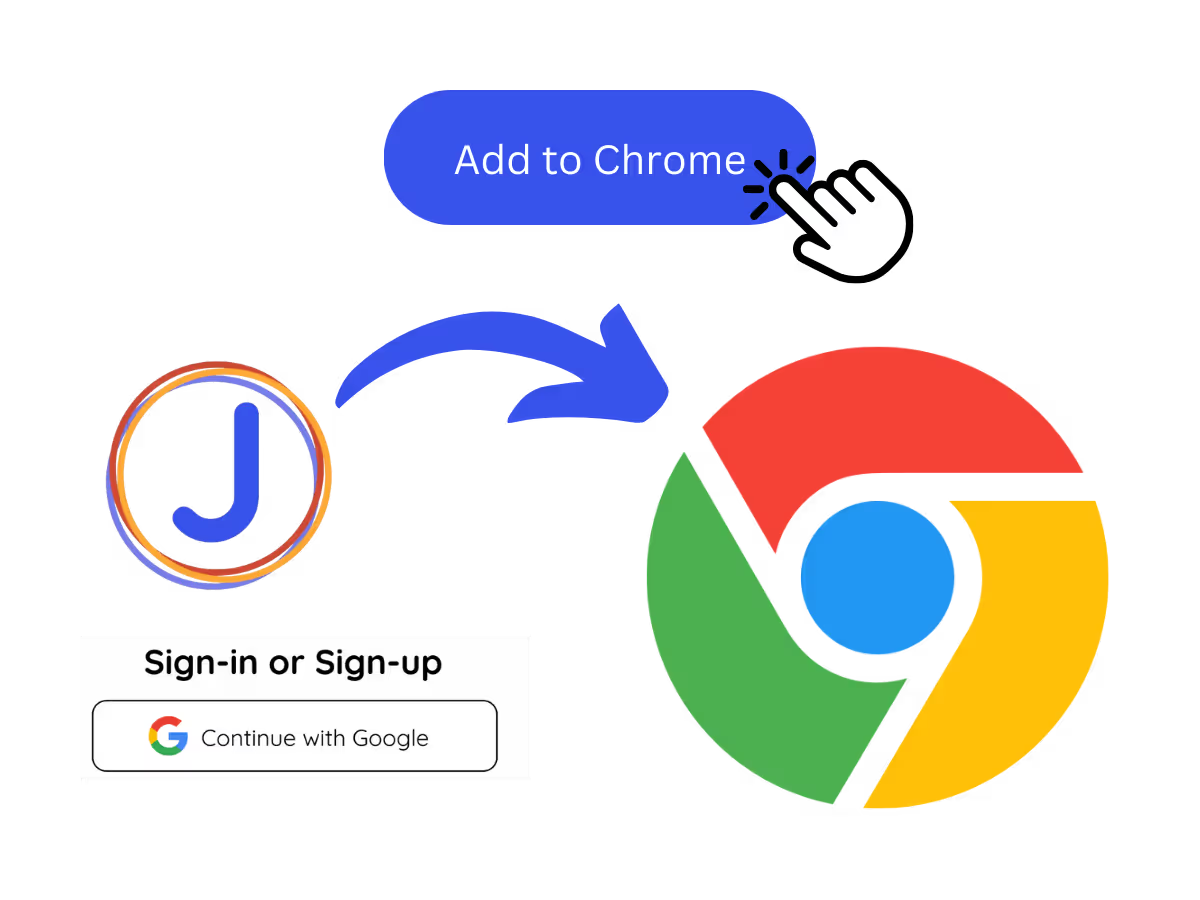
1. Add the Chrome extension, or upload your Meet recording
Add JotMe to Chrome or get the desktop app. Already have a recorded Meet? Upload it for the same bilingual, side-by-side output.
ШАГ 2
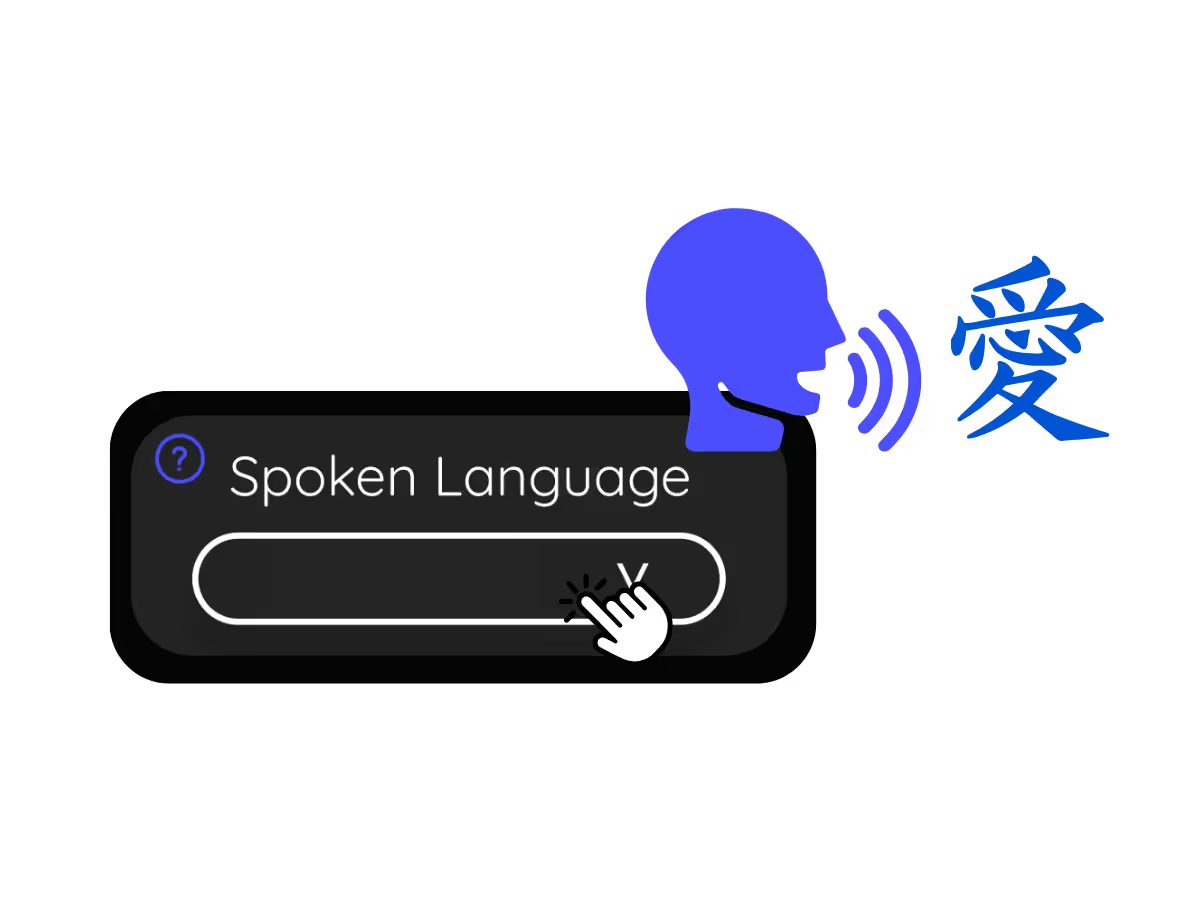
2. Set the spoken language
Choose the language being spoken in the meeting, for example Japanese. If people switch languages, pick multilingual mode.
ШАГ 3
3. Open the bilingual record
The transcript on your dashboard keeps the original and translated text together, ready to review, edit speaker names, and share with both sides.
.avif)
Посмотрите, как это работает!
What teams use bilingual transcripts for
.avif)
Reporting to HQ in another language
Run the meeting in Japanese and hand HQ a Japanese-English meeting transcript they can read, with the original right beside it for anyone who wants to check.

Sales & client calls
Pull exact quotes and commitments from client calls when you need them.
.avif)
Recorded Meet meetings
No time to run it live? Upload the recording and JotMe returns the same accurate bilingual transcript, no need to have been in the call.
Часто задаваемые вопросы
Всё, что вам нужно знать о проведении встреч и мероприятий с JotMe.
Is bilingual transcript free?
Yes! You can upgrade your plan for more translation minutes and AI credit to translate the transcript if needed.
How do I add the bilingual transcript extension for Google Meet?
Install the JotMe Chrome extension to your Chrome browser. Set the language preference to receive transcripts and translations.
Where is the Google Meet bilingual transcript stored?
Transcripts are stored on the dashboard. Access them from the transcription dashboard, Chrome extension popup, or URL.
Can I search for specific words in the bilingual transcript?
Yes! Visit the dashboard and use cmd + F to search for specific words in your transcript.
Which languages are available for Google Meet transcripts and translation?
Transcripts are available in 77 languages, including Japanese, Chinese, Korean, Spanish, Portuguese, French, German, Swedish, Finnish, Arabic, Hindi, Urdu, Turkish, Norwegian, Italian, Burmese, Russian, Filipino, Swahili, Hungarian, and more. Ensure you select the correct language during your Google Meet.
The Easiest and Most Reliable Way to Store and Access Google Meet Transcripts with Translation
Доступный язык
Африкаанс (ЮАР)
Албанский (Албания)
Амхарский (Эфиопия)
Арабский (ОАЭ)
Арабский (Египет)
Арабский (Левант)
Арабский (Магриб)
Армянский (Армения)
Баскский (Испания)
Бенгальский (Бангладеш)
Болгарский (Болгария)
Бирманский (Мьянма)
Каталанский (Испания)
Китайский мандарин (упрощенный)
Китайский мандарин (традиционный)
Нидерландский
Английский
Английский (Австралия)
Английский (Индия)
Английский (Филиппины)
Английский (Великобритания)
Эстонский (Эстония)
Филиппинский (Филиппины)
Финский (Финляндия)
Французский
Французский (Канада)
Галисийский (Испания)
Грузинский (Грузия)
Немецкий
Гуджарати (Индия)
Иврит (Израиль)
Хинди
Венгерский (Венгрия)
Индонезийский (Индонезия)
Итальянский
Японский
Яванский (Индонезия)
Каннада (Индия)
Кхмерский (Камбоджа)
Киньяруанда (Руанда)
Корейский
Латышский (Латвия)
Македонский (Северная Македония)
Латышский (Латвия)
Македонский (Северная Македония)
Малаялам (Индия)
Маратхи (Индия)
Монгольский (Монголия)
Непальский (Непал)
Северный сото (Южная Африка)
Норвежский (Норвегия)
Персидский (Иран)
Польский (Польша)
Португальский (Бразилия)
Португальский (Португалия)
Румынский (Румыния)
Русский
Сесото (Южная Африка)
Сингальский (Шри-Ланка)
Словацкий (Словакия)
Словенский (Словения)
Испанский (Мексика)
Испанский (Испания)
Сунданский (Индонезия)
Суахили
Свати (ЮАР)
Шведский (Швеция)
Тамильский (Индия)
Телугу (Индия)
Тайский (Таиланд)
Венда (ЮАР)
Тсвана (ЮАР)
Турецкий (Турция)
Урду (Пакистан)
Узбекский (Узбекистан)
Вьетнамский (Вьетнам)
Коса (ЮАР)
Тсонга (ЮАР)
Зулу (ЮАР)

MORE THAN BILINGUAL TRANSCRIPT
JotMe not only provides bilingual transcripts but also offers real-time translation and post-meeting tools. Explore our comprehensive suite of multilingual AI tools - from AI translation to AI meeting notes. Automate your work with bilingual transcript and other tasks with JotMe to focus on more impactful tasks, such as decision-making and tackling action items effectively.
.avif)
ИЗУЧИТЕ СВЯЗАННЫЕ ИНСТРУМЕНТЫ
Проводите встречи и мероприятия для многоязычных процессов без лишних сложностей
Расшифровывайте, переводите устно и письменно, превращая каждый важный разговор в контекстные инсайты, чтобы все оставались согласованными на разных языках.
.png)


.png)

.avif)
.avif)
.avif)







