







Google Meet Transcript
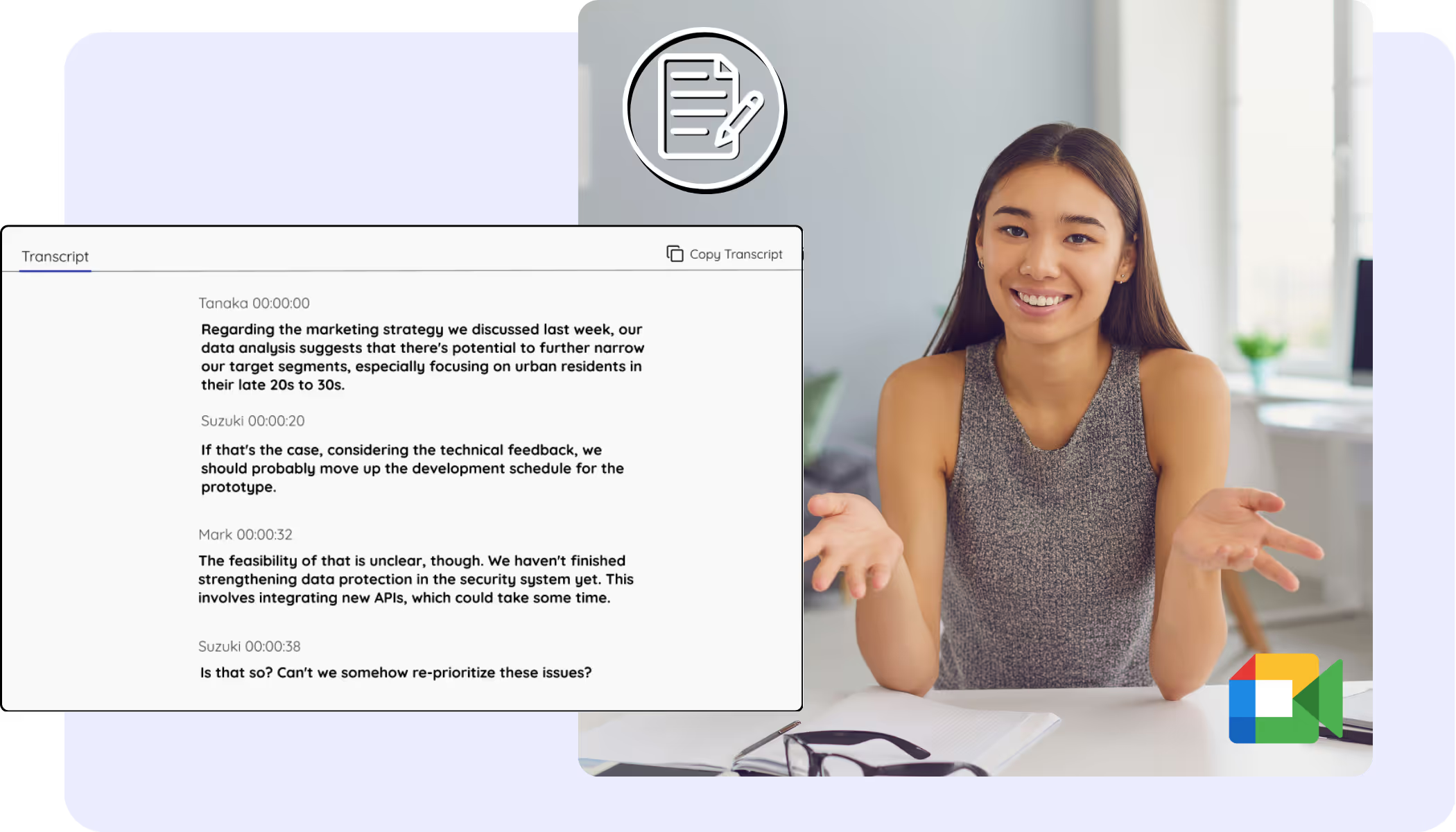
Every Google Meet becomes a clean, accurate transcript with speaker names, saved to your dashboard from live calls or recordings you upload. The Meet captions you always wanted to keep, search, and copy.
134か国・2,000チーム・50万人のプロフェッショナルに利用されています



.avif)





.avif)


.avif)


.svg)
評価 4.7/5


GDPR準拠
.avif)
SOC 2 Type II (進行中)
Transcript Chrome Extension for Google Meet
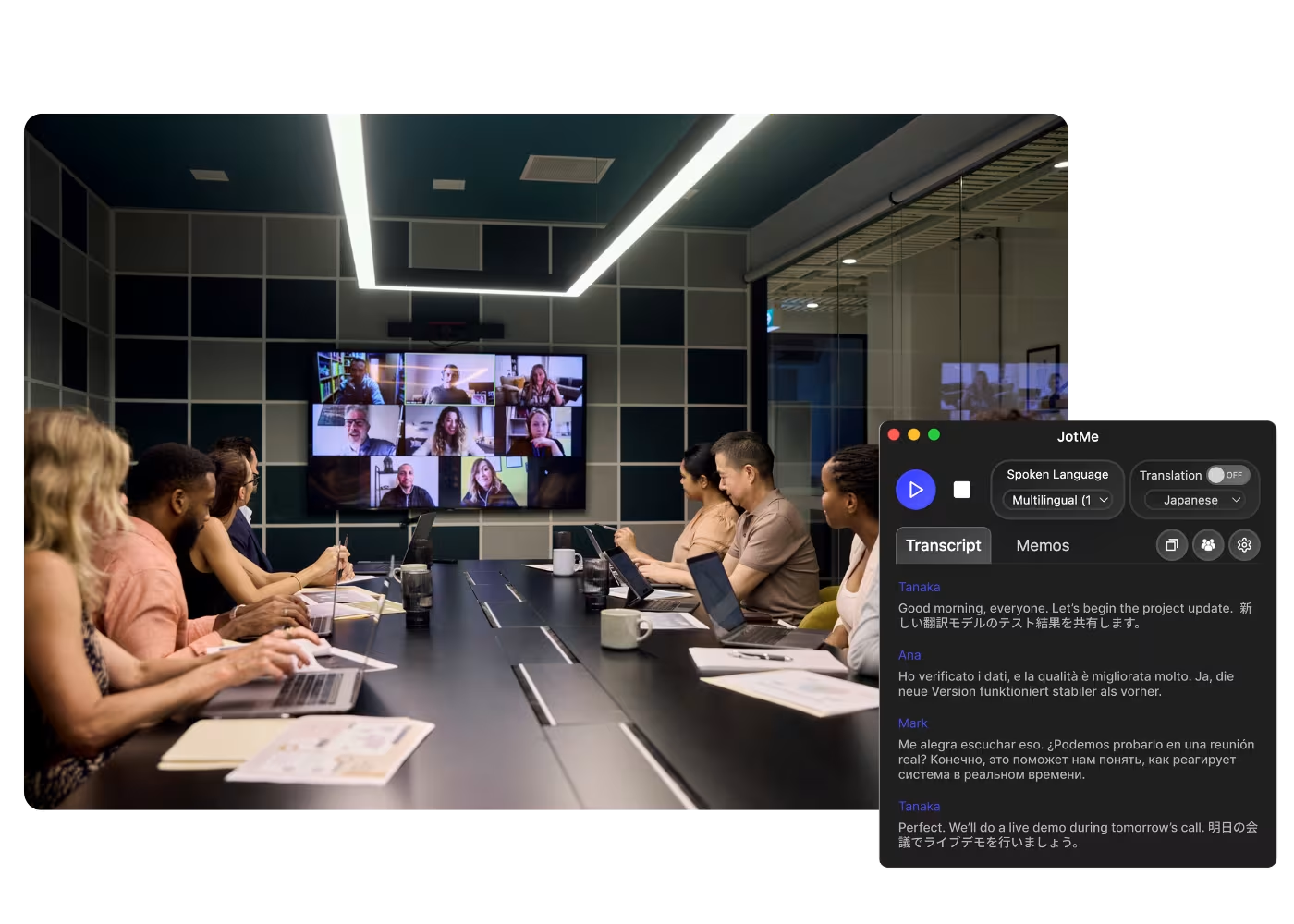
Need to verify meeting details or maintain recordings for company compliance? JotMe provides instant access to your transcripts right after your Google Meet sessions, supporting up to 77 languages. Sign up today for free – no credit card required – and never miss an important detail again!
How to get the transcript of a Google Meet
3つの簡単なステップで!
ステップ1
1. Add the Chrome extension, or upload your Meet recording
Add JotMe to Chrome or get the desktop app in about 30 seconds. Already have a recorded Meet? Upload it for the full transcript with speaker labels.

ステップ2
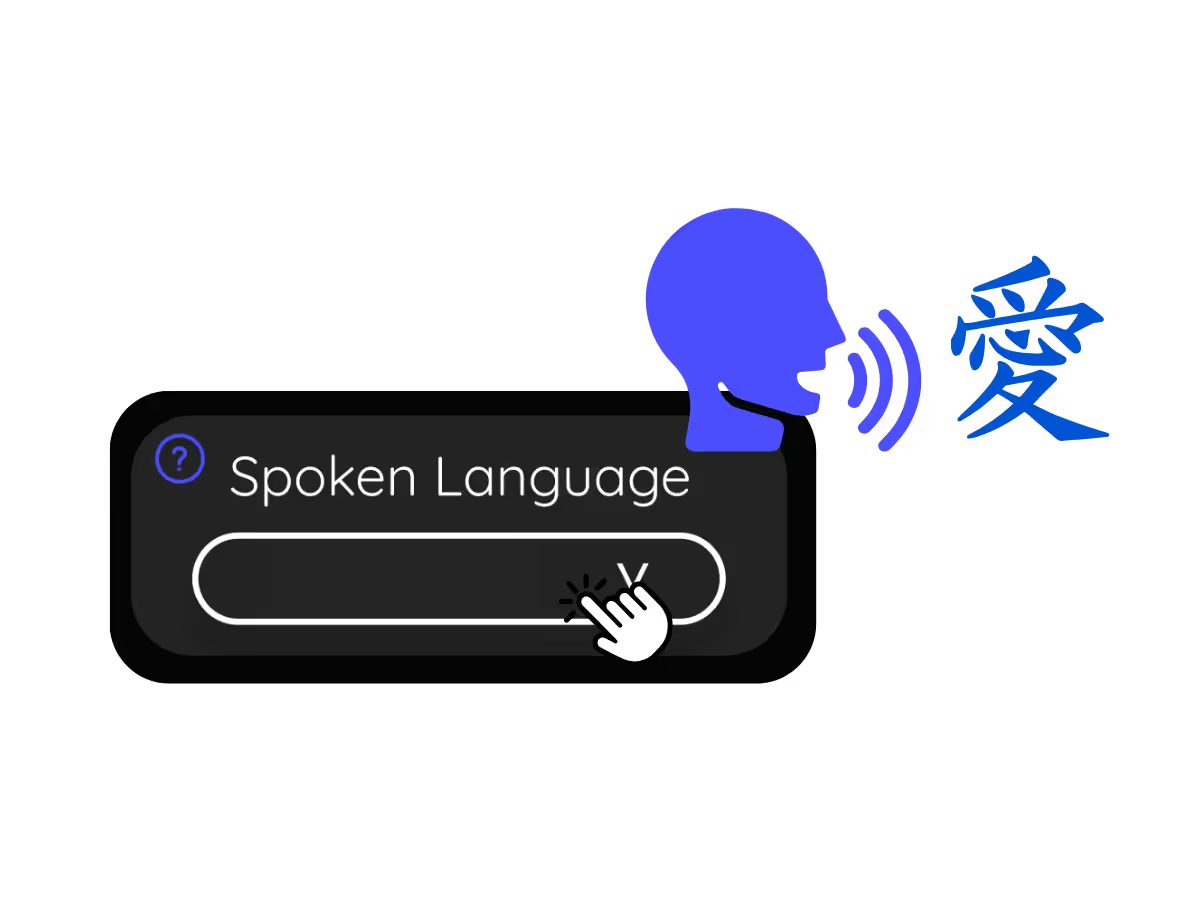
2. Set the spoken language
Choose the language being spoken in the meeting, for example Japanese. If people switch languages, pick multilingual mode.
ステップ3
3. Open your transcript
Your transcript is on the dashboard the moment the call ends, with speaker labels, search, editing, and copy or share one click away.
.avif)
実際に使ってみよう!
What teams use Google Meet transcripts for
.avif)
Global all-hands & team meetings
Every all-hands and team meeting archived as a searchable transcript.

Sales & client calls
Pull exact quotes and commitments from client calls when you need them.
.avif)
Recorded Meet meetings
No time to run it live? Upload the recording to Audio to Text or Video to Text for the transcript of a Meet recording, with speaker labels, an accurate transcript, translation, and AI notes.
よくある質問
JotMeでの会議やイベント運営に関するあらゆる情報。
Is Google Meet transcript free?
Yes, it is free to get started!
How do I add the transcript extension for Google Meet?
Install the JotMe Chrome extension to your Chrome browser. Set the language preference to receive transcripts after your Google Meet sessions.
Where is the Google Meet transcript stored?
Transcripts are stored on the dashboard. Access them from the transcription dashboard, Chrome extension popup, or URL.
Can I search for specific words in the transcript?
Yes! Visit the dashboard and use cmd + F to search for specific words in your transcript.
Which languages are available for Google Meet transcripts?
Transcripts are available in 77 languages, including Japanese, Chinese, Korean, Spanish, Portuguese, French, German, Swedish, Finnish, Arabic, Hindi, Urdu, Turkish, Norwegian, Italian, Burmese, Russian, Filipino, Swahili, Hungarian, and more. Ensure you select the correct language during your Google Meet.
The Easiest and Most Reliable Way to Store and Access Google Meet Transcripts, from Audio to Text.
対応言語
アフリカーンス語(南アフリカ)
アルバニア語 (アルバニア)
アムハラ語 (エチオピア)
アラビア語 (アラブ首長国連邦)
アラビア語 (エジプト)
アラビア語 (レバント)
アラビア語 (マグレブ)
アルメニア語 (アルメニア)
バスク語 (スペイン)
ベンガル語 (バングラデシュ)
ブルガリア語 (ブルガリア)
ミャンマー語 (ミャンマー)
カタルーニャ語 (スペイン)
中国語 (簡体字)
中国語 (繁体字)
オランダ語
英語
英語 (オーストラリア)
英語 (インド)
英語 (フィリピン)
英語 (英国)
エストニア語(エストニア)
フィリピノ語(フィリピン)
フィンランド語(フィンランド)
フランス語
フランス語(カナダ)
ガリシア語(スペイン)
グルジア語(ジョージア)
ドイツ語
グジャラート語(インド)
ヘブライ語(イスラエル)
ヒンディー語
ハンガリー語(ハンガリー)
インドネシア語(インドネシア)
イタリア語
日本語
ジャワ語(インドネシア)
カンナダ語(インド)
クメール語(カンボジア)
ルワンダ語(ルワンダ)
韓国語
ラトビア語(ラトビア)
マケドニア語(北マケドニア)
ラトビア語(ラトビア)
マケドニア語(北マケドニア)
マラヤーラム語(インド)
マラーティー語(インド)
モンゴル語(モンゴル)
ネパール語(ネパール)
北ソト語(南アフリカ)
ノルウェー語(ノルウェー)
ペルシア語(イラン)
ポーランド語(ポーランド)
ポルトガル語(ブラジル)
ポルトガル語(ポルトガル)
ルーマニア語(ルーマニア)
ロシア語
セソト語(南アフリカ
シンハラ語(スリランカ)
スロバキア語(スロバキア)
スロベニア語(スロベニア)
スペイン語(メキシコ)
スペイン語(スペイン)
スンダ語(インドネシア)
スワヒリ語
スワティ語(南アフリカ)
スウェーデン語(スウェーデン
タミル語(インド)
テルグ語(インド)
タイ語(タイ)
ヴェンダ語(南アフリカ)
ツワナ語(南アフリカ)
トルコ語(トルコ)
ウルドゥー語(パキスタン)
ウズベク語(ウズベキスタン)
ベトナム語(ベトナム)
コサ語(南アフリカ)
ツォンガ語(南アフリカ)
ズールー語(南アフリカ)

MORE THAN GOOGLE MEET TRANSCRIPT
JotMe not only provides access to the Google Meet transcripts but also offers translation and post-meeting tools. Explore our comprehensive suite of multilingual AI tools - from AI translation to AI meeting notes. Automate your transcript storing and other tasks with JotMe to focus on more impactful tasks, such as decision-making and tackling action items effectively.
.avif)
多言語オペレーションの会議・イベントを、すべてスムーズに
リアルタイム音声翻訳、文字起こし、通訳、AI議事録により、重要な会話を言語を越えて理解・共有できるようにします。
.png)


.png)
.avif)
.avif)
.avif)







