Guides
6 Best Live AI Subtitle Translators for Videos and Live Streams

Lovely Mangla
January 16, 2026

Watching YouTube or Netflix with auto-translate subtitles can be frustrating. Half the time, the subtitles might feel out of sync with the scene, and it pulls you out of the story. This is why you need a reliable real-time AI subtitle translator like JotMe.
Rather than simply replacing word for word, JotMe uses advanced speech recognition technology to provide context-based, accurate translations in real time. Furthermore, with support for 45+ languages and features such as AI chat, real-time summaries, and AI ask, JotMe ensures you can follow every beat of the video.
Aside from JotMe, we kept an eye on the “so-called” best AI subtitle translator tools, and upon testing them, we’ve sorted out five others that came close. Learn what each tool offers and why JotMe is a reliable choice.
How to Select the Best AI Subtitle Translator?
There’s something amazing about watching the subtitles translate in different languages. The mental “click” is surprisingly satisfying when your brain actively matches meanings across languages.
The AI subtitle translation tools you’ll find here fall into two categories. One that translates your videos live, while others require you to upload the videos. Here’s what we looked into during our research of the best AI subtitle translator generators:
Accuracy: Not to mention, but accuracy matters more than speed. Rather than just swapping word for word, the translation tools must understand the nuance, context, and emotional weight of the scene to provide precise translations.
So, last week, we were watching a YouTube video when the speaker said, “I'm doubting my capabilities as a writer, as a storyteller. In the afternoon, I even had a thought as why did I take this challenge...”
Traditional translation tools translate as:
JotMe, on the other hand, translates to:
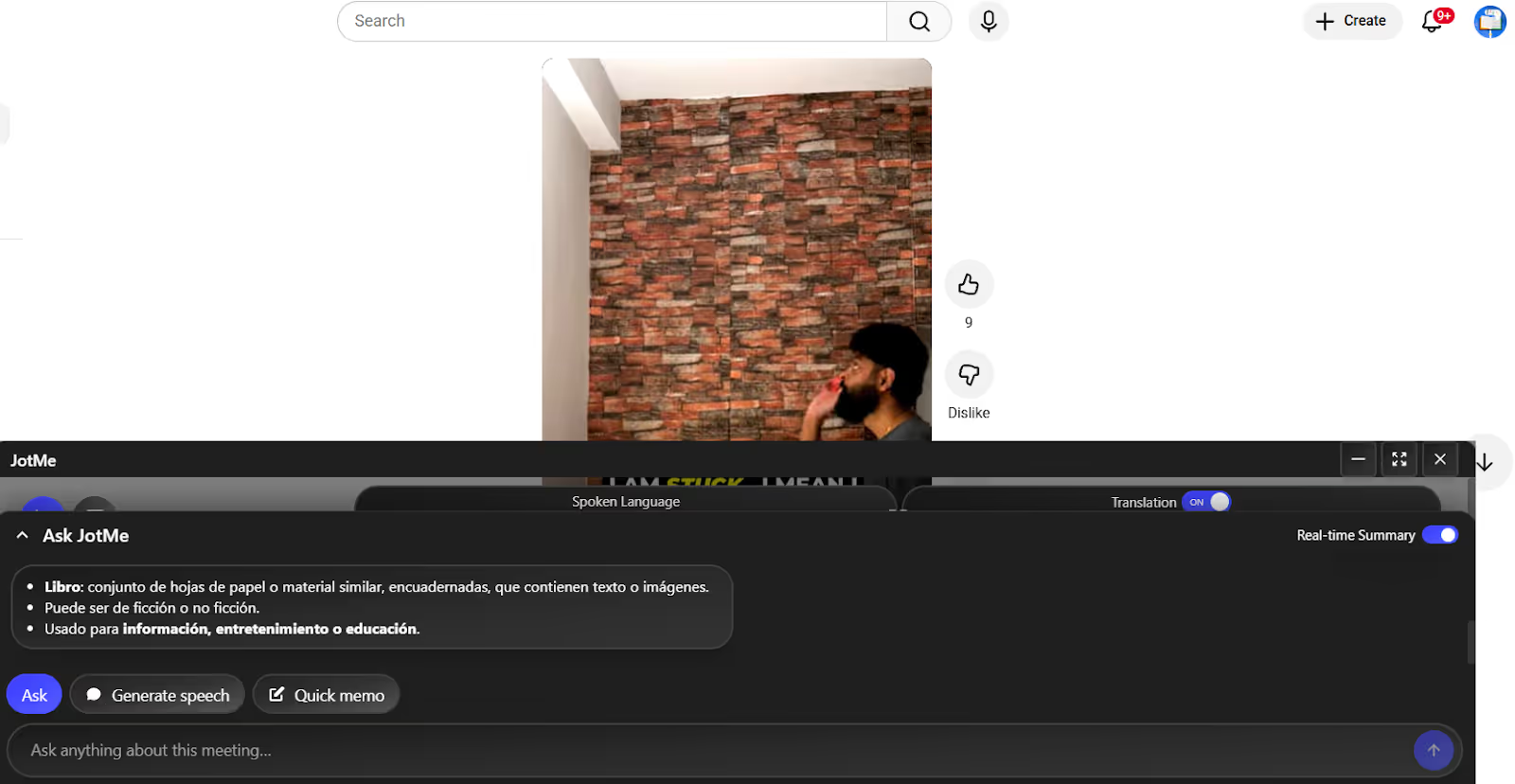
It truly captures the emotions the speaker is going through within its translations. You can also adjust the JotMe window for a much better experience.
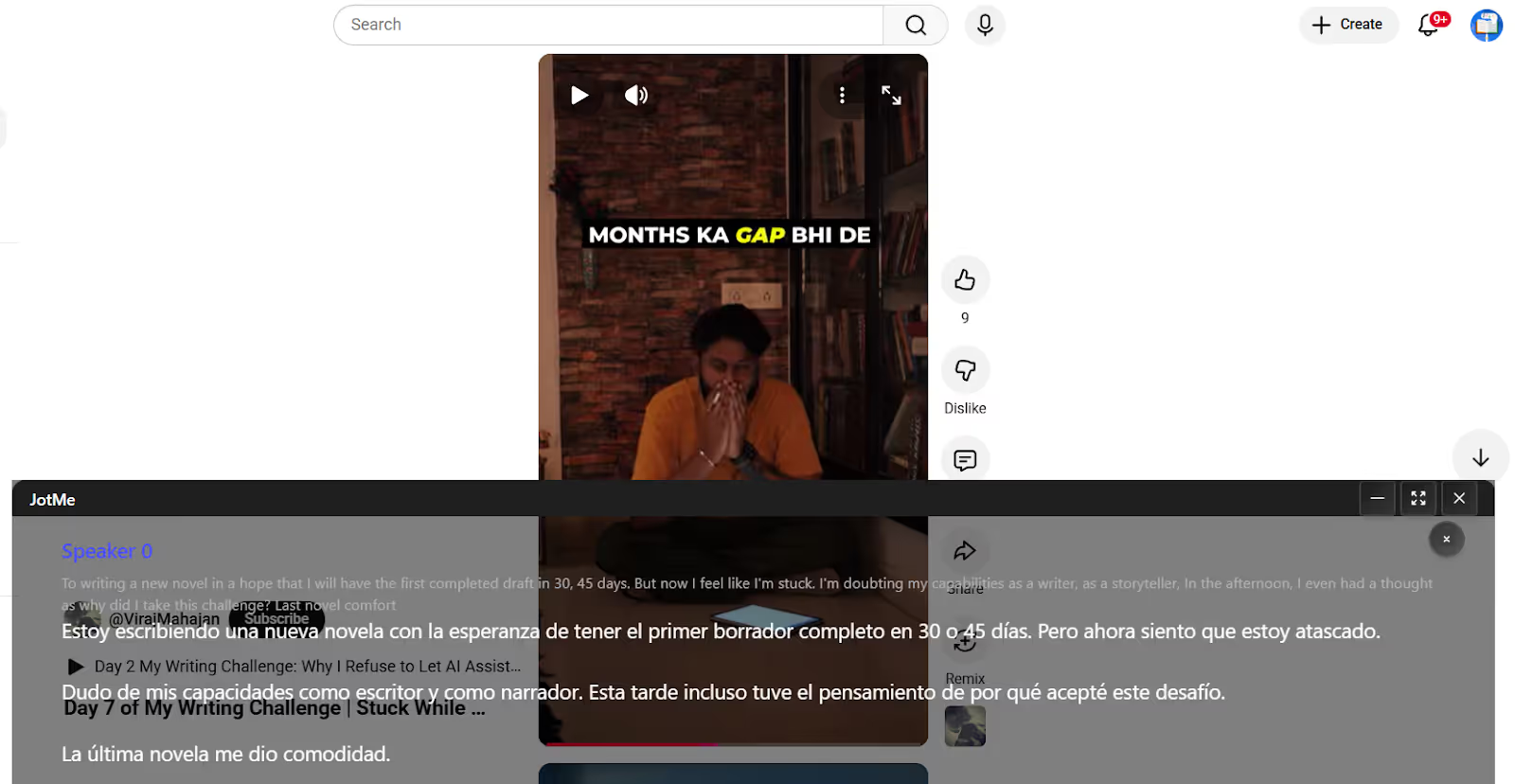
The best tools for anime translation to English, like JotMe, also understand the emotional, cultural, or suggested associations of a word and translate accordingly. Where most traditional translators render “Senpai” as “senior colleague,” JotMe displays “senior,” which is correct.
Languages: Many AI translation tools support only a few primary languages, such as English, Spanish, and French. So, you may miss out on the amazing Japanese, Korean, and other language shows on Netflix and other platforms. For this reason, we reviewed apps that support multilingual translation. JotMe stood out for its live translation in 45+ languages, including less common ones such as Arabic, Latvian, Lithuanian, and more.
Ease of Use: As subtitle translation is new for many, our focus was on tools that even beginners could use. Tools like Wordly claim to be simple to use, but a G2 user recommended going through online tutorials and guidebooks to set it up and use it.
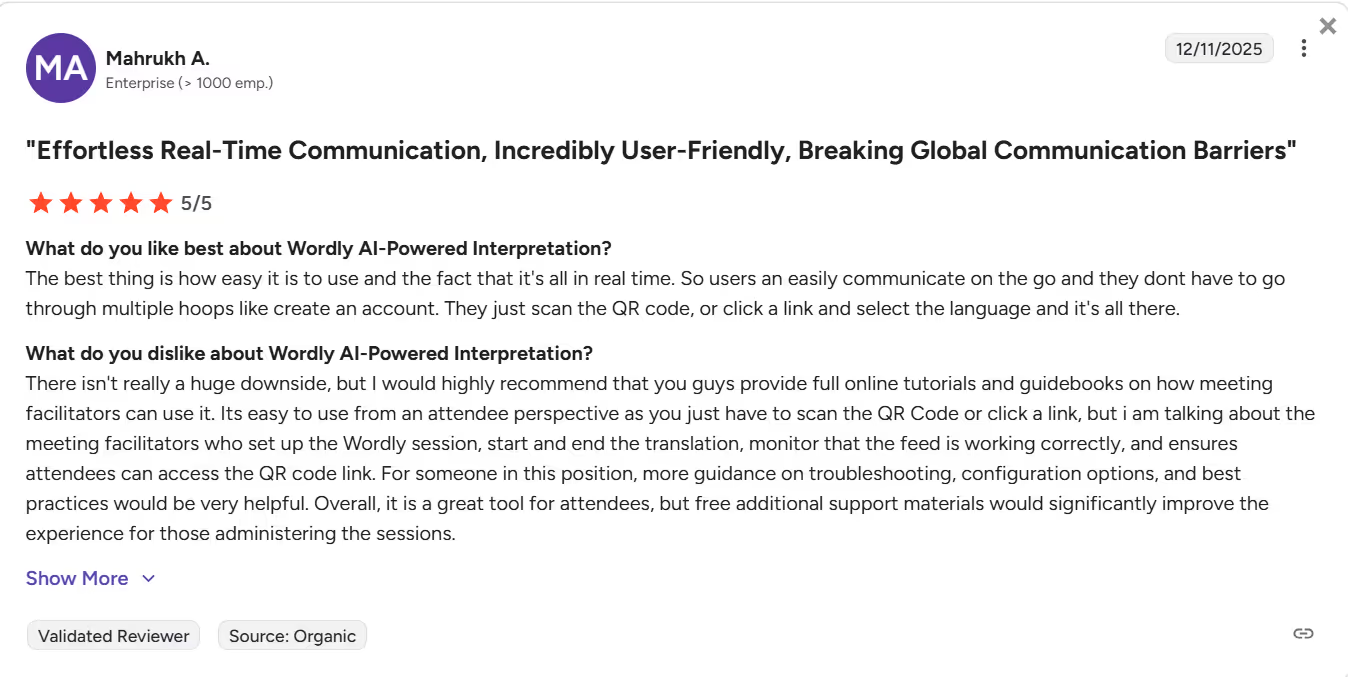
Meanwhile, you just need to install JotMe, select your languages, press Play, and start the video to receive real-time translated subtitles.
Integration Options: When evaluating paid and free AI subtitle translators, we also reviewed their technical capabilities. That is, whether we need to integrate them with video streaming platforms. We loved how you could open JotMe, play the video, and the translated text appeared. No complex setup or integrations were needed.
What are the Best Tools for Translating Subtitles for Videos?
JotMe, Maestra AI, Wordly AI, Google Translate, Rev, and Palabra AI are some of the best AI subtitle translators for videos. Each tool offers something unique, so before we dig deep into each, here’s their brief comparison table:
JotMe: Best for Live Subtitle Translation
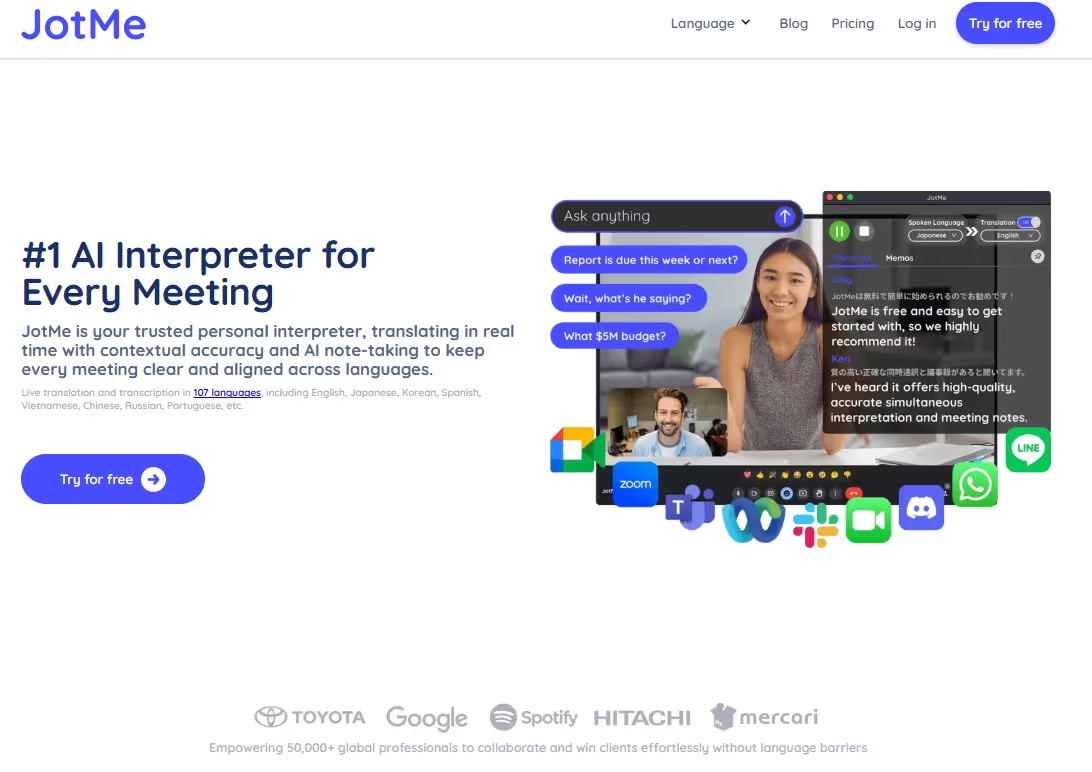
JotMe is our go-to subtitle translator when we watch YouTube videos, podcasts, lectures, or Netflix shows. The reason is its real-time contextual translation. Rather than just throwing words on the screen, it understands the speaker's tone, flow, and emotions to produce a translation that preserves the core meaning. These and other reasons that make JotMe stand out are:
- No Latency: Many real-time translation tools we tested were accurate, but took some time to translate. By the time we got the translation, a new scene would appear. JotMe, on the other hand, offers no latency translations, so we didn’t miss a single dialogue and could stay in pace with the ongoing scene.
- Multilingual Support: JotMe supports real-time subtitle translation in 45+ languages, including English, Japanese, French, Spanish, and more. This way, you can watch shows from around the world without worrying about the language barrier.
- Understand Cultural Nuances: JotMe uses multilingual speech recognition technology to accurately translate cultural terms into the target languages. This way, we never felt “cut off” at any point during the show.
- No-Integration Required: Unlike many apps, JotMe doesn’t require integration with video conferencing platforms like YouTube and Netflix. Launch JotMe, select the languages, and play the video to receive real-time translated subtitles.
JotMe has also launched a mobile app that lets you translate YouTube and Netflix subtitles in real time. Install the JotMe app from the Google Play Store, set the languages, and keep it open in a split-screen with your video streaming platform in another tab to obtain accurate subtitle translations.
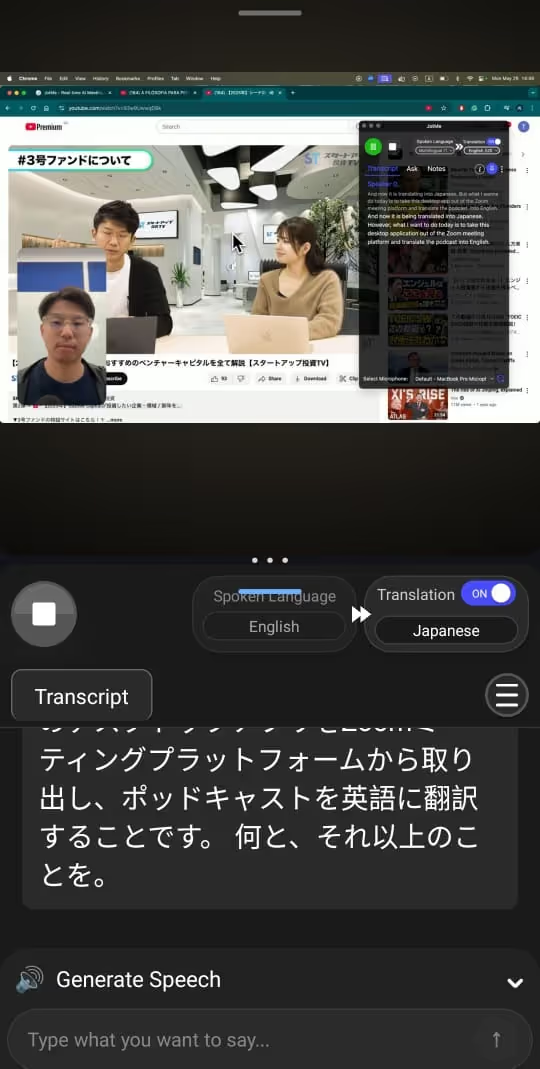
Key Features of JotMe
JotMe stands out as one of the best AI subtitle translators with its real-time contextual translation, easy setup, and the following:
- Live Contextual Translation: JotMe analyzes the entire conversation to understand its tone, context, and meaning, providing accurate translations so you can focus on the video itself. While watching anime, we observed that JotMe captures cultural references and terms in the dialogue and provides translations to make the story more relatable.
- AI Ask: Last week, while watching a foreign show on Netflix, we encountered several culturally relevant terms we didn’t understand. However, rather than searching on Google, we can simply enter a question in the input box, and JotMe replies concisely in real time.
- Real-Time Summary: If you’re watching a long video or a show, JotMe’s real-time summary can be helpful. The bulleted, to-the-point summaries help catch up on missed plot points and refresh the memory of key characters and events.
Pros
- JotMe understands the tone, flow, and cultural nuances to provide contextually accurate translations.
- JotMe provides instant, lag-free subtitle translations.
- No-bot integration for a seamless video streaming experience.
Cons
- JotMe doesn’t support video uploads.
Maestra AI: For Browser-Based Subtitle Translation
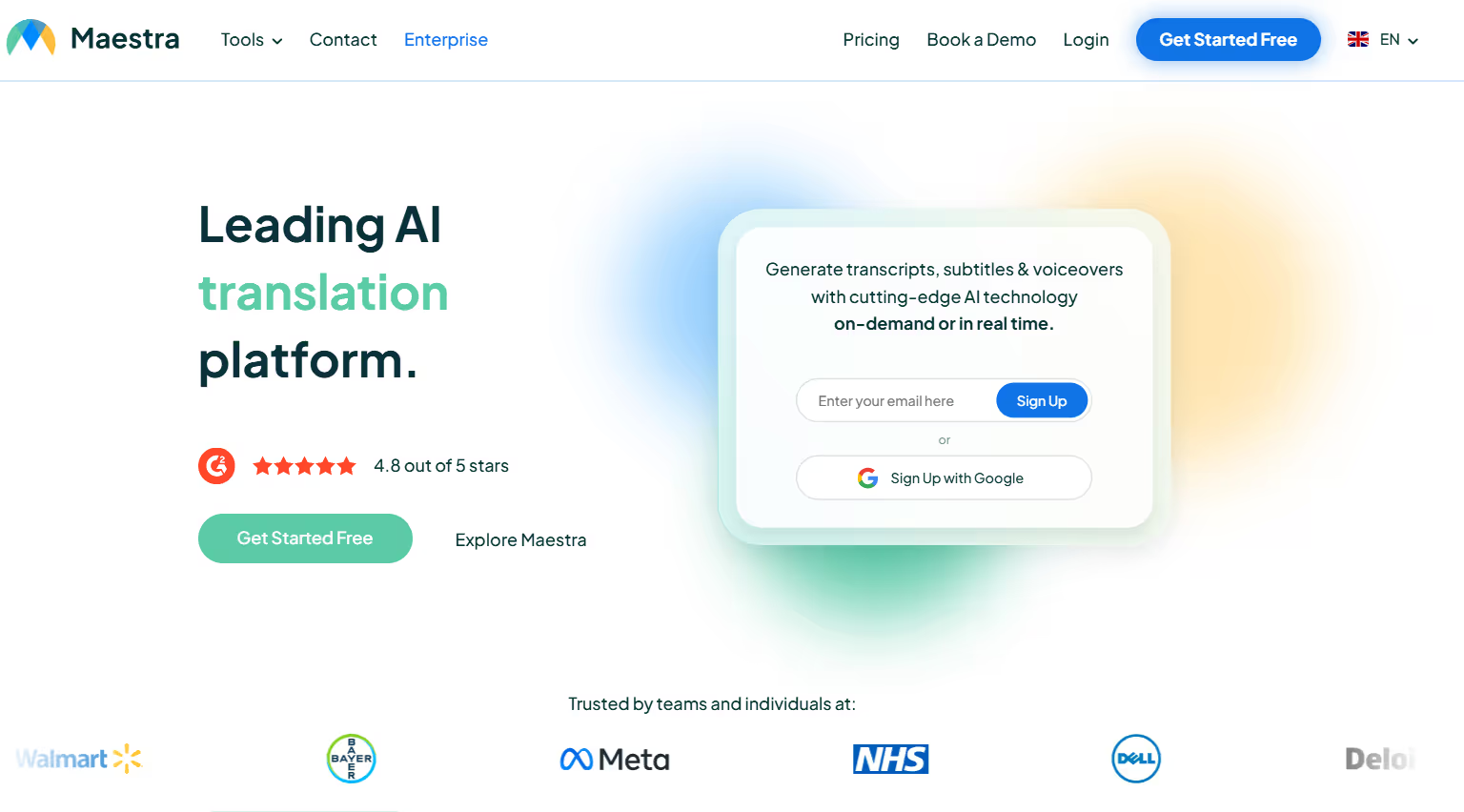
If you want a web-based real-time AI subtitle translator that’s quick and provides accurate translation, Maestra AI can be a good pick. The interface is simple, and you select the languages and play the video to obtain subtitle translations. However, you must keep the browser open next to the video window and repeatedly switch between the scene and translations. It can feel inconvenient at times.
What’s unique is that Maestra offers a subtitling feature that lets you upload videos and generate subtitles in 125+ languages. The feature is handy, but it isn’t suitable for YouTube and Netflix videos.
Regarding accuracy, Maestra AI performs well on podcasts, informational videos, and even tech videos. However, translations of conversations that include cultural references and terms can sometimes be awkward, dismissive, or even confusing for viewers.
Pros
- Simple web-based interface.
- Its translations are shareable via a QR code.
Cons
- It struggles to capture the cultural nuances in a conversation.
- Maestra AI’s basic plan is expensive.
- A user on G2 reported that the translation from another language to English was inaccurate.
DeepL Voice: Live and Accurate Subtitle Translations for Videos
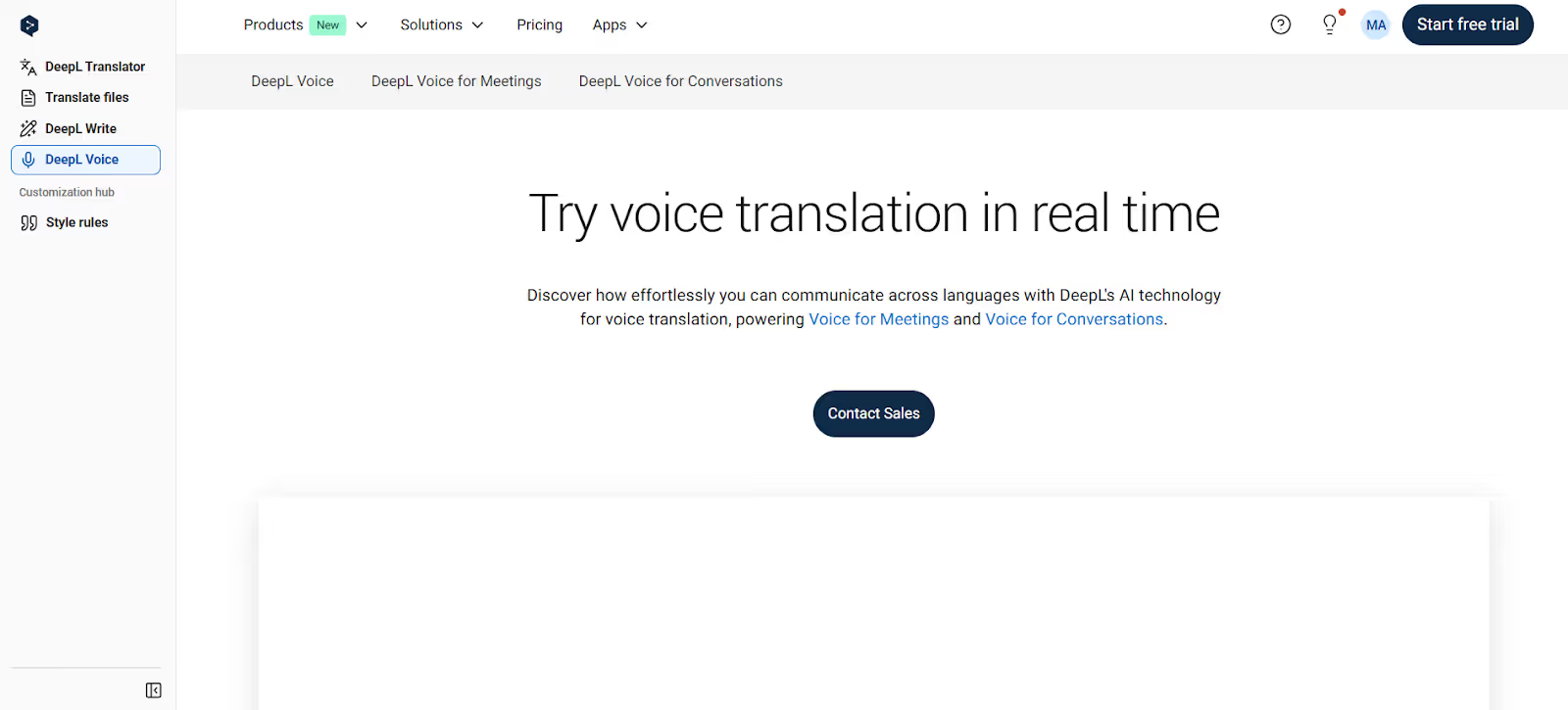
DeepL Voice is a reliable live subtitle translator that is comparable to JotMe in accuracy. The interface is simple, as we selected the source and target languages and played the video to generate translations, which were quick. Throughout the video, the translations kept up, and we understood most of what was discussed. However, in one or two instances, it mistranslated a few cultural terms, which created confusion. Also, unlike JotMe, DeepL Voice isn’t transparent about its pricing policies.
Pros
- DeepL Voice lets you create a custom glossary.
- Its translations are accurate.
Cons
- DeepL Voice struggles with cultural nuances.
- It isn’t transparent about its pricing policy.
- A G2 user recommends adding more languages to DeepL Voice.
Google Translate: Suitable for Quick Translations
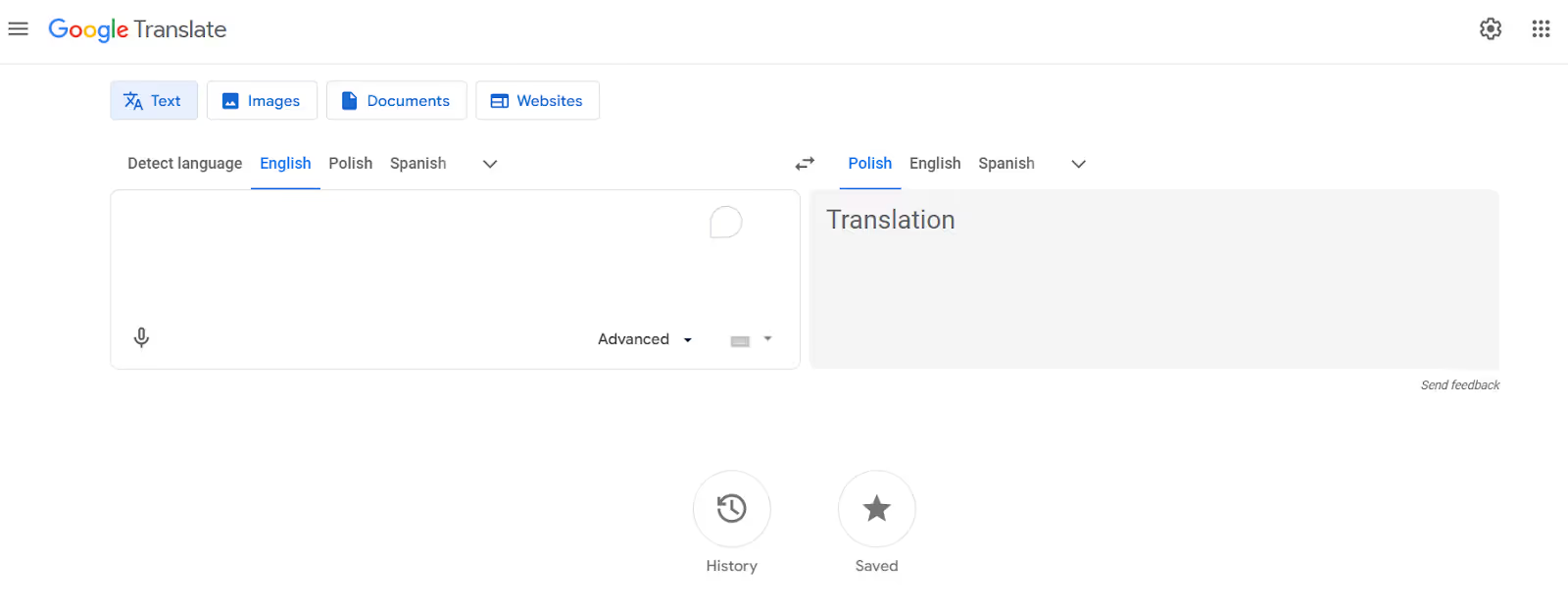
Google Translate was among the first free AI subtitle translators we used, and it remains relevant today. What we loved about the platform is its ease of use. No installations, sign-ups, or integrations are required. Click the microphone icon, play the video, and see the translation appear almost immediately. Moreover, there’s support for 100+ languages, so you can watch videos from around the world without worrying about the language and accent.
Google Translate, however, struggles with dialogues that involve cultural nuances, idiomatic expressions, or complex technical jargon. This makes it mostly suitable for watching simple podcasts and shows.
Pros
- Simple and free to use.
- Google Translate is usable on desktop and mobile.
Cons
- Struggles with conversations involving technical jargon.
- It isn’t suitable for fast-paced videos or shows.
- A user on G2 mentions that Google Translate struggles with idioms, humor, or more complex sentences.
Rev: For professionals with Flexible Budget
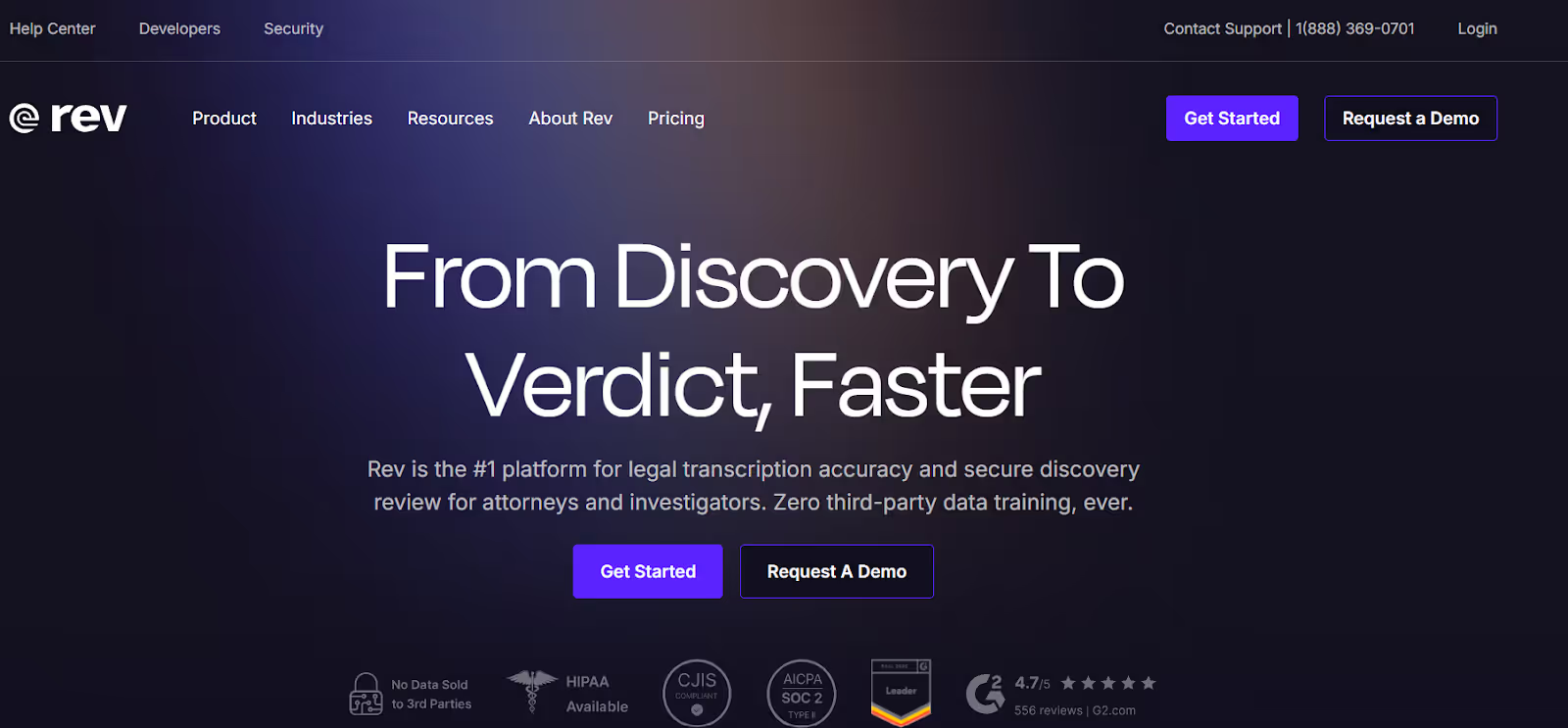
If you have training videos or coursework to translate, Rev can be a decent platform to try. What’s unique is that Rev offers both human and automated subtitle translation services into 37+ languages. This gives you the flexibility to choose between high-accuracy, expert-reviewed translations for sensitive content and fast, cost-effective automated translations when speed matters.
However, Rev’s human translations are expensive, and there’s no free plan, so we couldn’t test out its translation accuracy. According to a G2 user, automated translation accuracy isn’t great, and the software often lags when the video's accent differs.
Pros
- Rev lets you create a custom glossary.
- Its automated translation is fast.
Cons
- No free plan for subtitle translation services.
- Its automated translation isn’t very accurate.
- Rev’s human translation services are expensive.
Palabra AI: For Instant Subtitle Translations
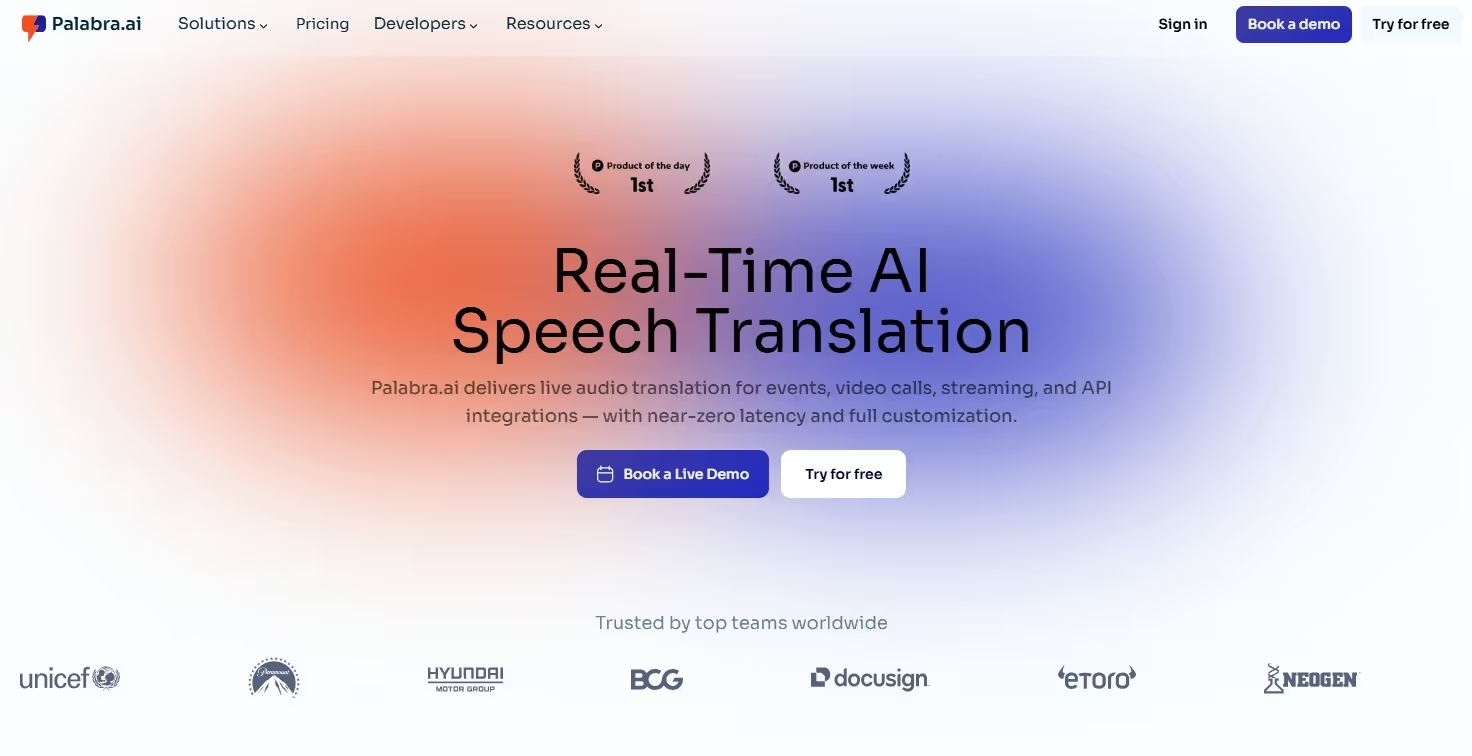
When selecting the best tools for anime translation to English, we came across Palabra AI and were impressed by how instant its translations are. Moreover, in our testing, it comes across as decently accurate. That’s a good balance the developers have achieved.
However, like most paid and free online subtitle translators, Palabra AI sometimes struggles with conversations that involve cultural nuances or idiomatic expressions. That’s not the case with JotMe, which uses advanced speech recognition technology to provide contextually accurate translations.
Pros
- Its translations are quick.
- Palabra offers 30 minutes of free translation to 60+ languages.
Cons
- Its interface is a bit outdated.
- Palabra struggles with culturally-heavy translations.
- There’s no information about its paid plan.
What are the Applications of AI Subtitle Translators?
AI subtitle translators not only streamline your video streaming experience but also support corporate communications, education, and live streaming. These are detailed as follows:
Media and Entertainment: To start, real-time AI subtitle translators like JotMe can serve as your personal AI interpreter for streaming foreign-language shows and videos. Play the video, open JotMe, and watch it with the translated subtitles. The best part about JotMe is its ability to understand the tone, conversation flow, and meaning of dialogues to provide a contextually accurate translation. This is what matters most in real-time anime translation, as well as in other shows and videos. You can also turn these translated moments into short, shareable clips using tools like AI Video Cut, especially when highlighting key scenes for a global audience.
Education and E-learning: AI subtitle translators like JotMe can make learning more inclusive. Whether attending live online classes or recorded lectures, they can keep JotMe open in the sidebar or footer to access real-time translations. That’s not it. JotMe can serve as a personal assistant on standby through its AI Ask feature. If, during the lecture or online session, someone doesn’t understand a term, they can simply type the query, and JotMe provides to-the-point answers instantly. This way, they don’t have to pause the video to search Google or interrupt the educator for clarification.
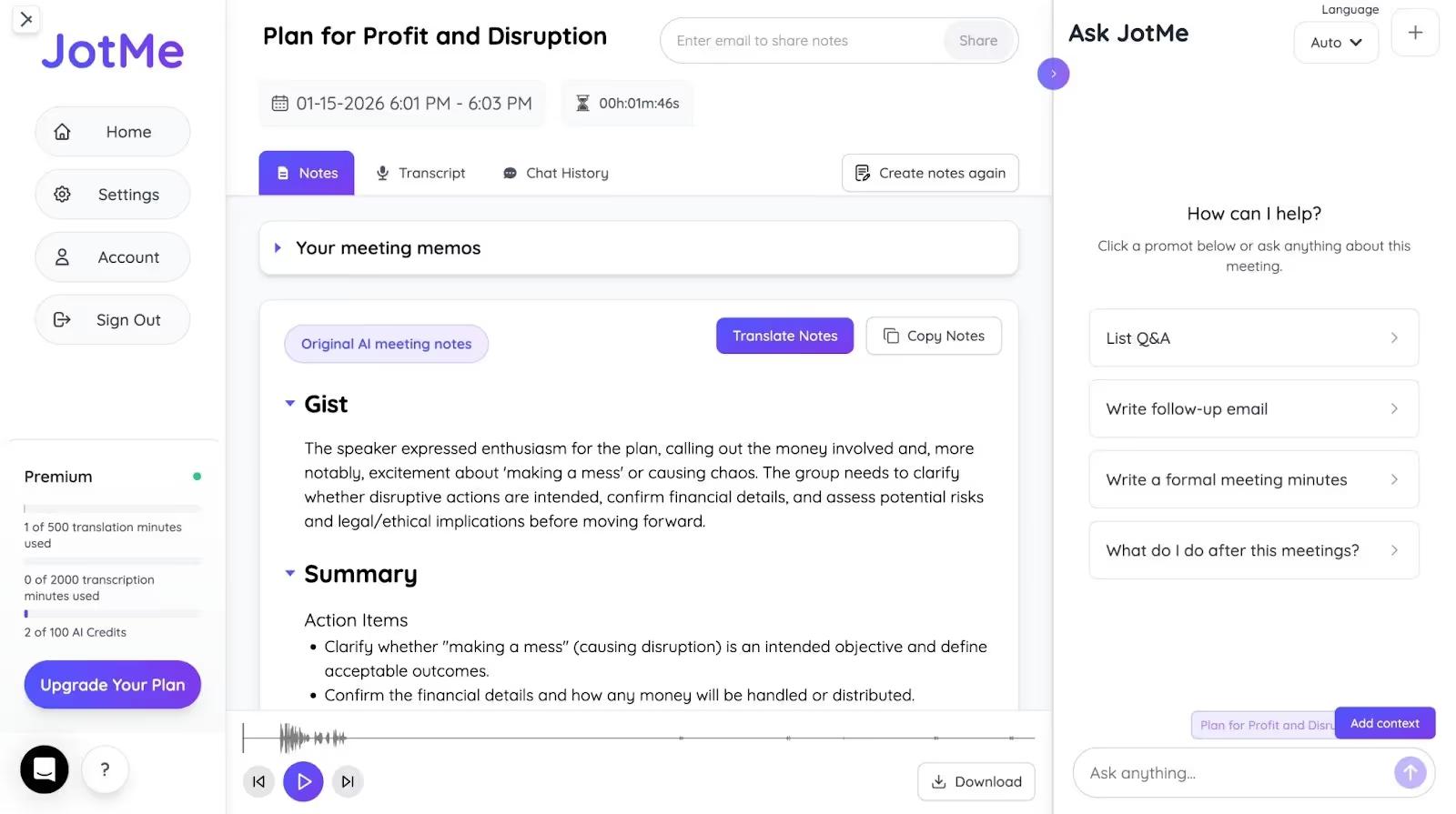
Corporate Communication: Live AI subtitle translators can also be handy for enterprises that onboard people from other countries. Rather than recording training videos in a new language, they can keep live translators like JotMe open, which provide instant, contextually accurate translation. Not only that, as the video ends, JotMe shares concise meeting notes, divided into Summary, Gist, and Action Items. You can ask JotMe to draft an email and send it to your trainees for reference.
Live Streaming: Streamers can use an AI subtitle translator to translate their speech in real time while they play, comment, or interact with viewers during a broadcast. This way, they can reach audiences worldwide.
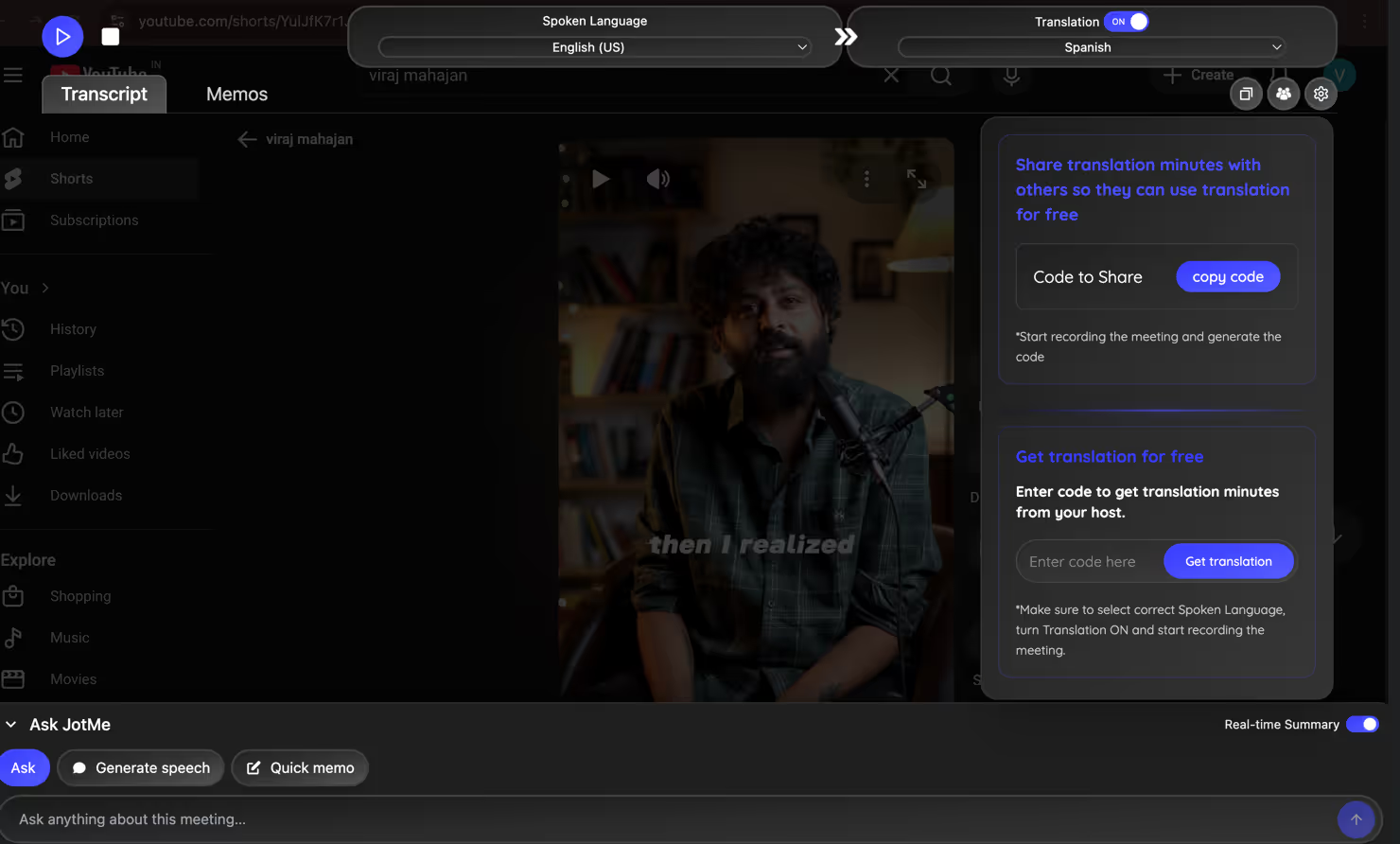
Moreover, if a streamer from another country wants to join the broadcast, JotMe’s shareable translation minutes feature is helpful. You can share the code so they can access the translation and understand what you say, at no cost.
Here’s a brief table to understand how AI subtitle translators like JotMe can help:
Conclusion: What is the Best Subtitle Translator?
The best subtitle translator is the one that understands the dialogue, cultural nuances, and tone, while maintaining pace to preserve the meaning in translation. Among the available tools, JotMe stands out for its no-latency, contextually accurate translations. Regardless of whether you’re looking for subtitle translation in English, Spanish, or any other language, JotMe handles each moment with the right context. Moreover, its other features, such as AI meeting notes and AI Ask, make JotMe suitable for corporate training and educational settings. Try JotMe today and elevate your video streaming experience.
FAQs
Can ChatGPT translate subtitles?
Yes, ChatGPT can translate subtitles, but it operates like a traditional translator and may miss cultural references and nuances. If you don’t want that, try a reliable subtitle translation app like JotMe. It uses advanced speech recognition technology to provide accurate translations that account for context, nuance, and domain-specific knowledge.
How to translate a YouTube video?
You can use live subtitle translation tools like JotMe to translate a YouTube video. Open JotMe, set the languages, press Play, and start the YouTube video. JotMe will analyze the conversations and provide contextually accurate translations almost instantly.
Can VLC auto-translate subtitles?
Yes, VLC has an AI-powered feature for real-time subtitle generation and translation in 100+ languages. Although convenient, it may not accurately capture cultural nuances and idiomatic expressions.
Are YouTube auto-subtitles good?
No, YouTube auto-subtitles aren’t accurate and often confuse viewers. It’s therefore recommended to use a reliable live AI subtitle translator such as JotMe. It provides contextually accurate translation, and it understands the meaning, so you won’t find any translation errors like those in traditional tools.
Last updated on
May 3, 2026
Follow us on social media:
![JotMe — Is Google Translate Accurate? [2026 Test]](/_webflow-assets/0d0512afc7b037d74dff536f22fed08f.avif)