Guides
What are the Best Platforms for Hosting Live Q&A Sessions

Narmada Kajla
December 17, 2025

Running live Q&A during webinars and virtual events is rarely simple. As audience size grows, questions pile up, important points get missed, and engagement drops. Choosing the best platforms for hosting live Q&A helps webinar hosts, SaaS teams, educators, and internal communicators keep questions organized and conversations focused.
The right live Q&A platform makes it easier to manage audience questions, moderate discussions, and involve more participants in real time. This guide compares live Q&A platforms, explains which features matter most, and shows how teams can run clearer and more accessible live Q&A sessions, especially for global audiences.
7 Best platforms for Hosting Live Q&A
Slido, Pigeonhole Live, Vevox, Mentimeter, AhaSlides, Wooclap, and Zoom Webinars are among the most widely used live Q&A platform options for webinars and virtual events. Each live Q&A platform offers a different balance of real-time question handling, moderation, and integrations, helping hosts manage audience questions effectively. The tools below cover a range of use cases, from internal meetings to global conferences.
Slido
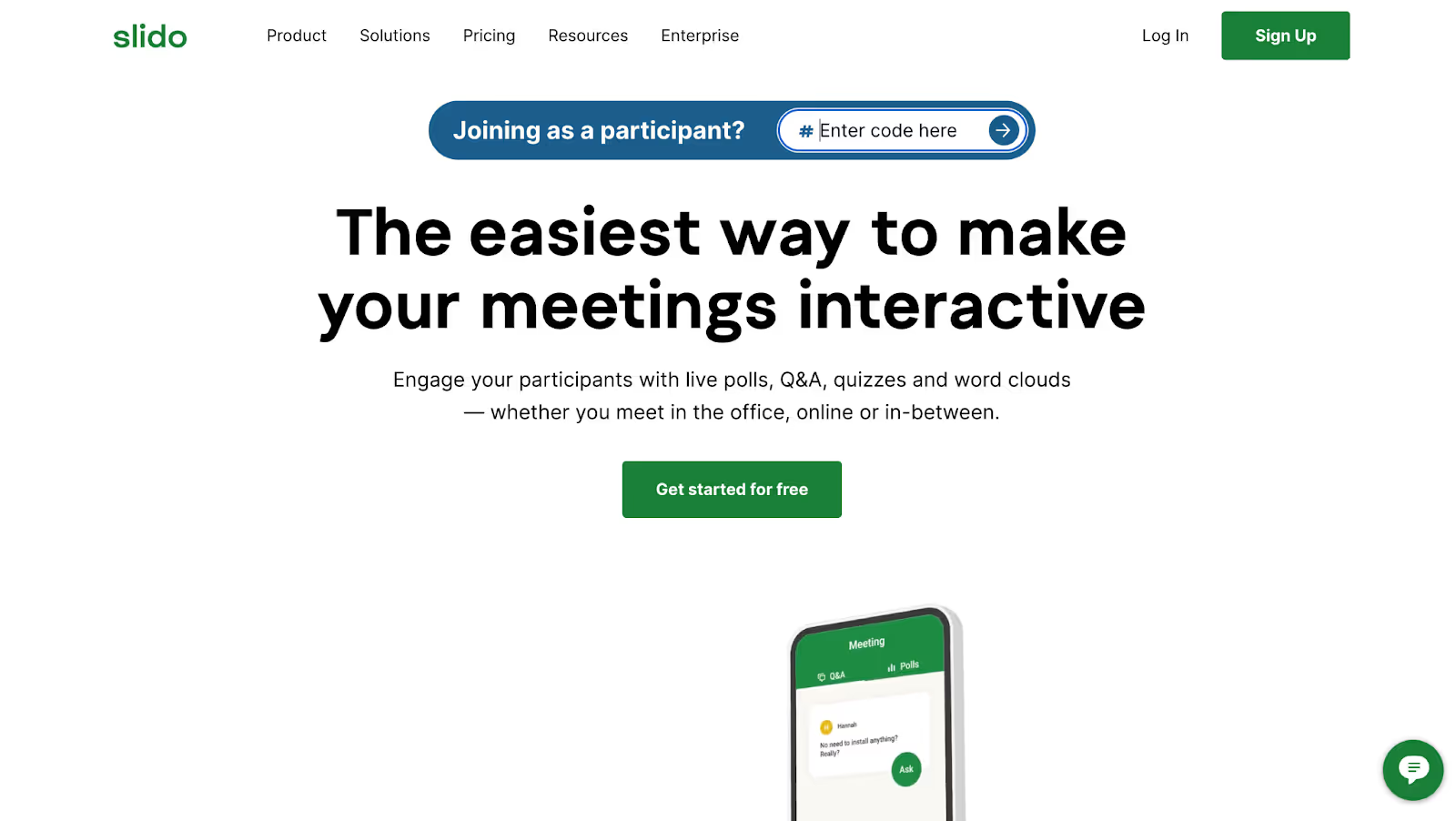
In many all-hands meetings, leaders invite questions, but participation stays low. Employees hesitate to speak up publicly or worry that their questions aren’t important. Slido solves this by allowing people to submit questions anonymously before or during the session, then vote on the ones they care about most. Instead of addressing whoever speaks first, leaders can focus on the questions that matter to the majority. This creates a more democratic, transparent Q&A experience, especially in large or remote organizations.
Key Live Q&A Features
- Real-time question submission with an anonymous option to encourage participation
- An upvoting system where audience members vote on which questions they want answered
- Integrations with PowerPoint, Microsoft Teams, Google Workspace, and Zoom
- Post-event Q&A reports with unanswered questions for follow-up
Strengths
- Anonymous submission increases participation rates because people feel safe asking what's really on their mind.
- Strong integrations mean you don't have to switch between multiple tools.
- Post-event reports help you follow up on unanswered questions and improve future meetings.
Limitations
- Free plan limits polls to 3 per event, though Q&A remains unlimited.
- Advanced features like custom branding need higher-tier subscriptions.
- The platform works best with a dedicated moderator to manage questions effectively.
Pigeonhole Live
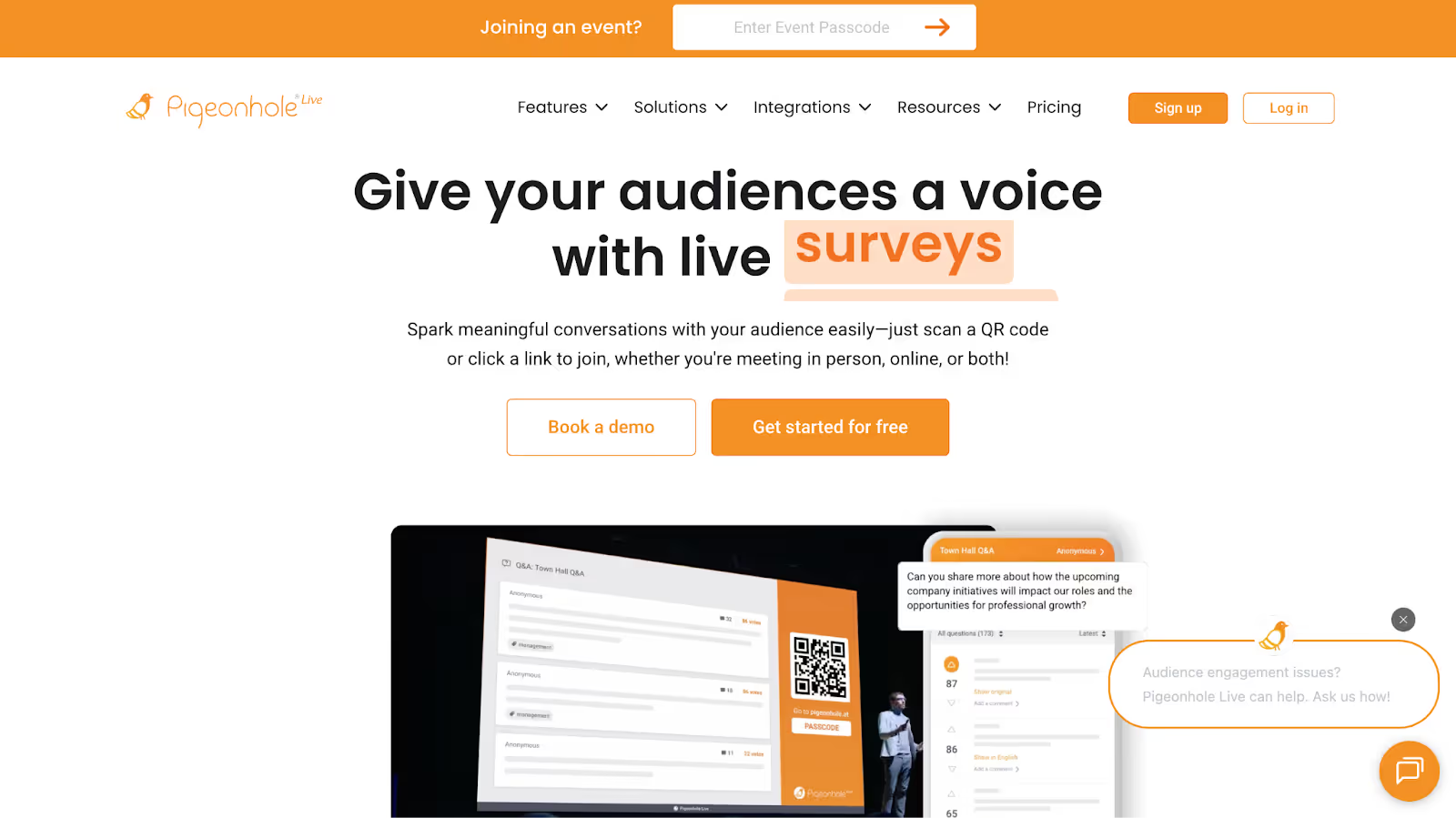
Running a global town hall often means some employees struggle to follow questions asked in another language. Important points get lost, and participation drops. Pigeonhole Live is designed for this challenge, offering real-time AI translation for questions and answers across dozens of languages. Employees can ask and read questions in their preferred language while staying part of the same conversation. For international conferences or global company meetings, this keeps Q&A inclusive, accurate, and aligned across regions.
Key Live Q&A Features
- AI translation supporting 54 languages for real-time question and answer translation
- Multi-language support, where attendees ask and read questions in their preferred language
- Live polls, word clouds, quizzes, and messaging for diverse engagement formats
- Seamless PowerPoint and Google Slides integration for slide-based Q&A
Strengths
- You can run multiple concurrent sessions with different language settings.
- Test mode lets you practice before the real event.
- Comprehensive reporting reveals what your global audience cares about across regions.
Limitations
- The AI translation feature is available only on Enterprise plans
- Setup becomes complex with multi-session events.
- Pricing requires contacting sales, so it's not transparent upfront.
Vevox
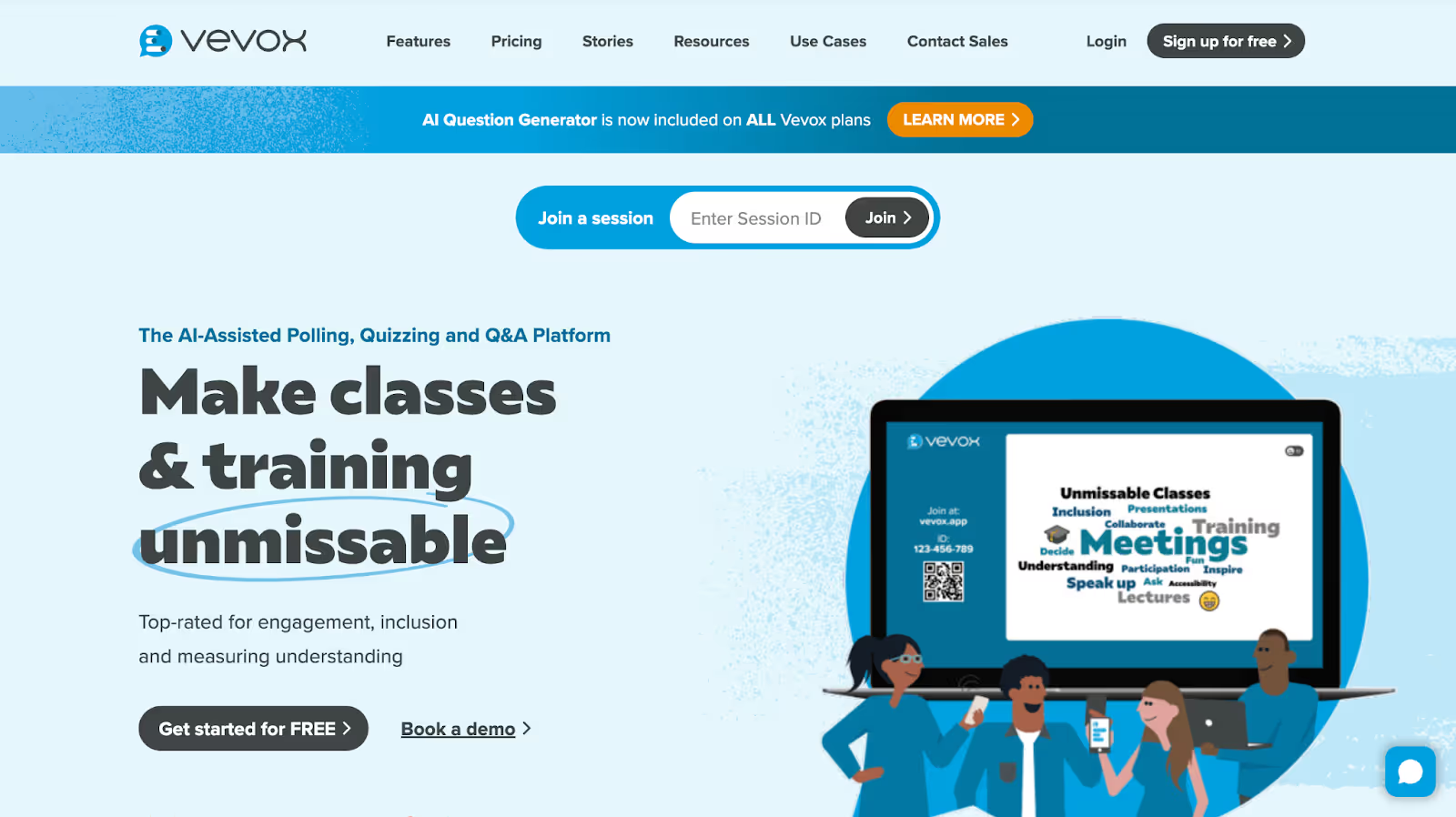
In classrooms and training sessions, many participants stay silent not because they understand everything, but because they fear asking the wrong question. Vevox changes this by making anonymous participation central to the experience. Learners can submit questions, respond to polls, and join quizzes without being identified. This encourages honest engagement and reveals real knowledge gaps. For educators and trainers, Vevox creates a psychologically safe environment where participation reflects understanding rather than confidence.
Key Live Q&A Features
- An AI question helper that generates quiz and poll questions automatically
- Multiple polling types, including word clouds, star ratings, and numeric scales
- Real-time quizzes with leaderboards and timed questions
- Analytics showing participation rates and learning gaps
Strengths
- AI assistance makes it easy to create questions, even if you're not a subject-matter expert.
- Free plan supports up to 100 participants, which is generous.
- You can use it for free and still get solid functionality.
Limitations
- Free plan limited to 100 participants
- Moderation and advanced analytics require a paid subscription.
- Fewer customization options if you want to match your brand colors or logo
Mentimeter
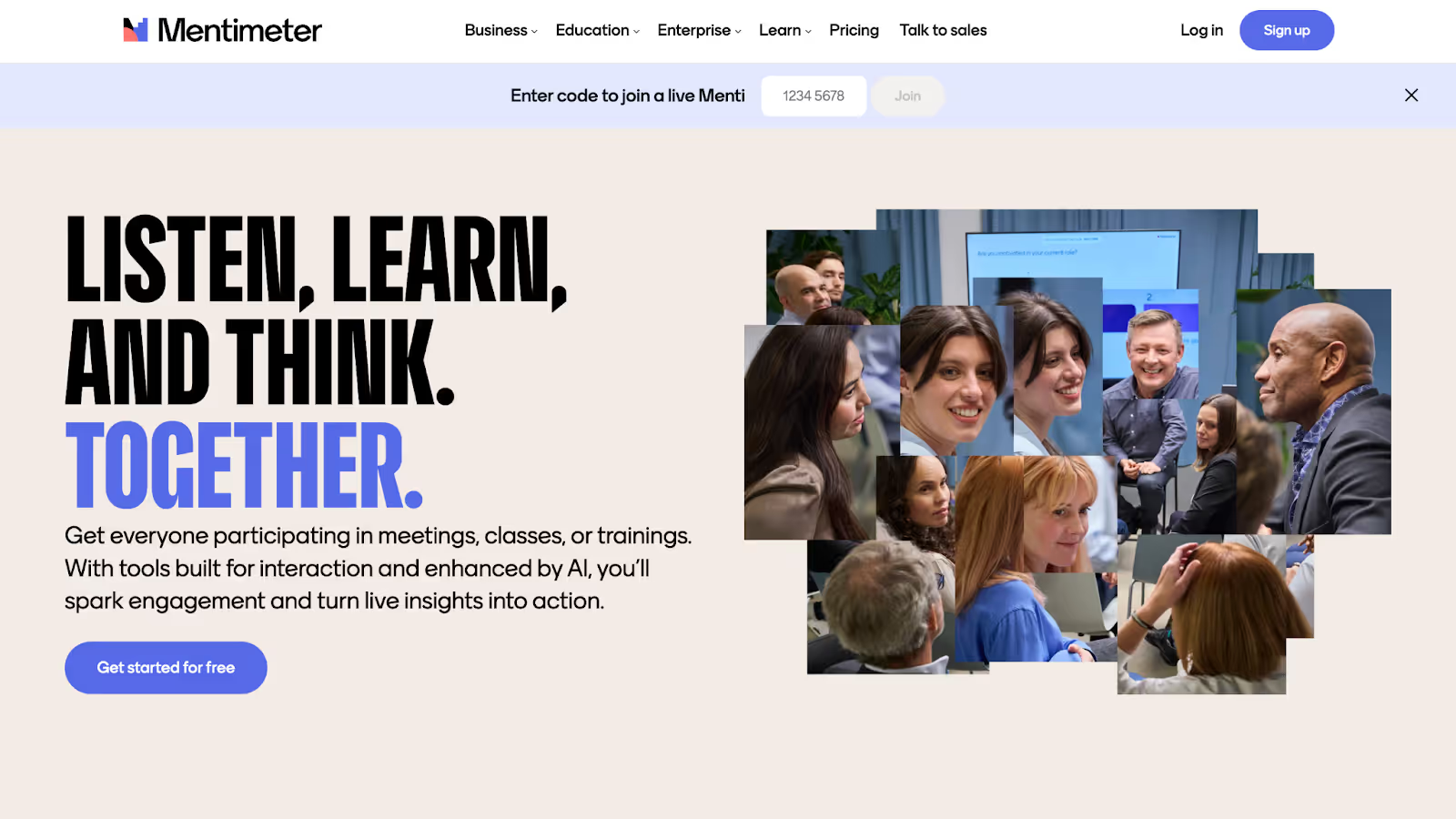
Traditional Q&A breaks down when hundreds of people are watching a presentation. Mentimeter approaches this differently by turning audience input into live visuals like word clouds and charts. Instead of hearing a few individual questions, presenters see collective patterns and concerns in real time. This works especially well for conferences, executive briefings, and keynote sessions where clarity and speed matter. The result is a shared understanding of audience sentiment, not just a list of questions.
Key Live Q&A Features
- Live word clouds that visualize group sentiment and brainstorming results
- Real-time participation tracking showing engagement metrics
- Multiple presentation formats supporting different interaction styles
- Post-presentation analytics showing results and trends
Strengths
- Word cloud visualization is powerful for understanding group sentiment quickly.
- Easy integration with the Microsoft Teams ecosystem
- Real-time metrics show you exactly how many people are participating.
Limitations
- Less comprehensive moderation tools than dedicated Q&A platforms
- Smaller free plan features compared to competitors
- Can't identify individual respondents when using anonymous mode (by design, but sometimes you need to follow up with specific people)
AhaSlides
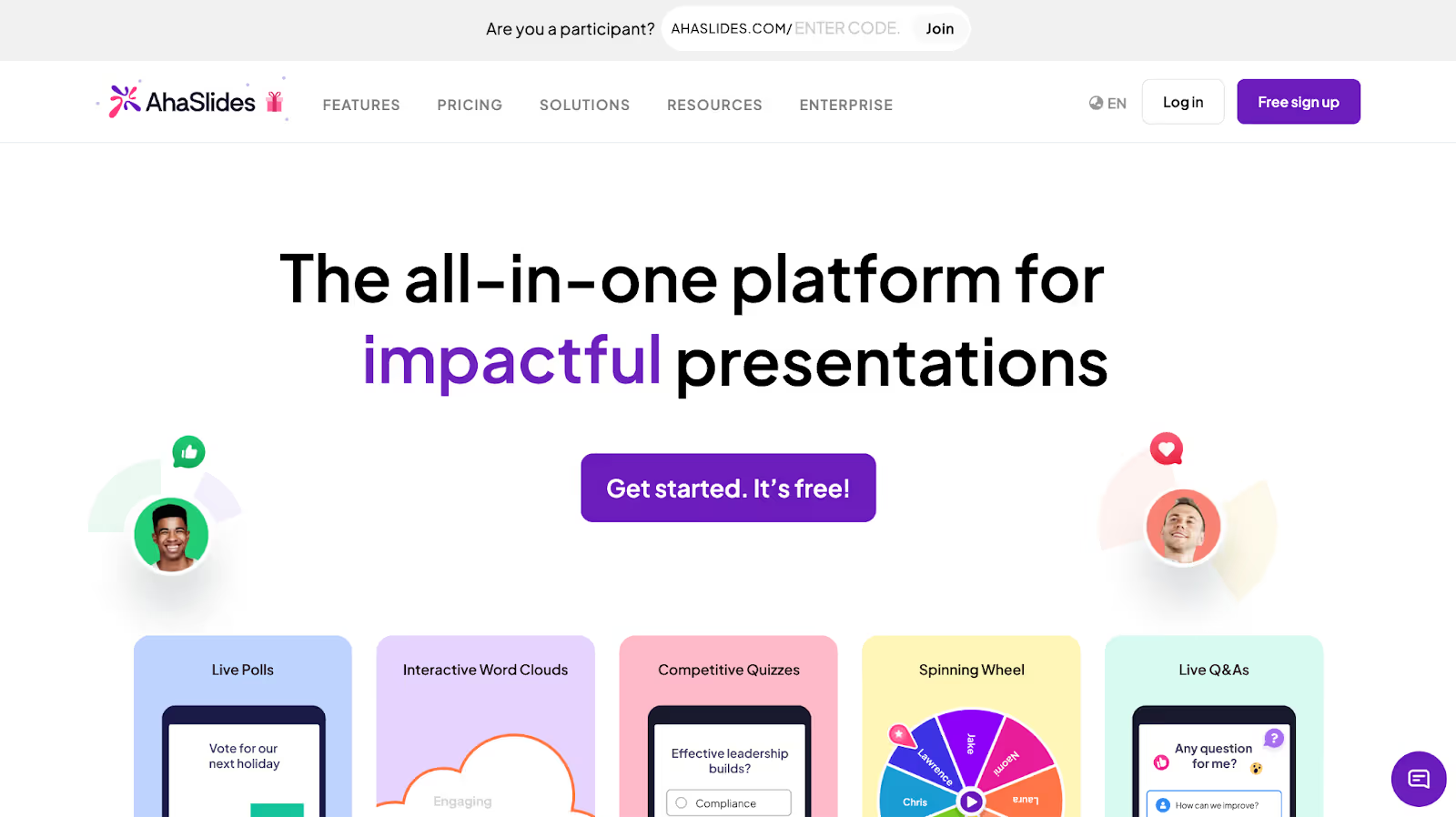
Managing slides, polls, and Q&A across multiple tools often disrupts the flow of a presentation. AhaSlides simplifies this by combining everything into one interactive platform. Presenters build slides with built-in Q&A, quizzes, and polls, all controlled from a single interface. Participants join using their phones, while results appear instantly on the slides. This makes AhaSlides especially useful for trainers, marketers, and consultants who run frequent webinars and want fast setup without sacrificing engagement.
Key Live Q&A Features
- Unlimited quiz and poll questions
- Brainstorming and discussion features are built into the slides.
- Real-time audience participation without needing external tools
- Custom branding options to match your company colors
Strengths
- An all-in-one platform means no tool switching during presentations.
- AI-powered content creation generates entire presentations for you.
- Good for both in-person and remote presentations.
Limitations
- Free plan limits Q&A moderation.
- Not as specialized in Q&A as dedicated platforms
- Customization on the free plan is limited.
Wooclap
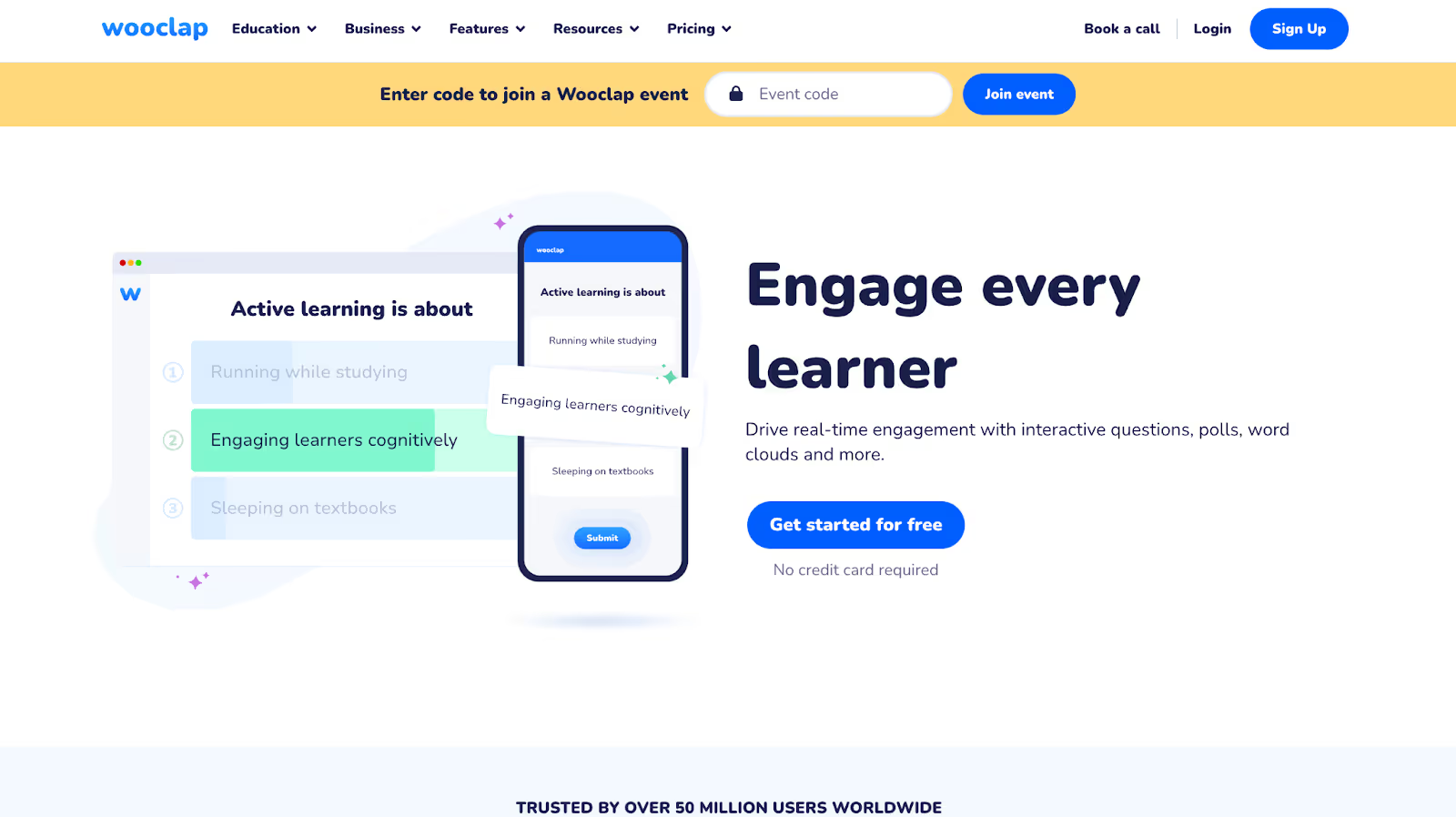
In large lectures or workshops, it’s hard to tell who’s confused and who’s following along. Wooclap addresses this by offering many ways for participants to engage, such as posting questions, upvoting others, ranking answers, or signaling confusion anonymously. Instead of relying on verbal questions, instructors get real-time feedback from the entire group. This allows them to adjust the session as it happens, making Wooclap particularly effective for education and training environments where understanding matters more than presentation flow.
Key Live Q&A Features
- 20+ different question types from multiple choice to open-ended responses
- Message wall where students post questions and upvote ones from others
- Analytics tracking participation and learning gaps
- Works in in-person classrooms, remote sessions, and hybrid formats
Strengths
- An exceptional variety of question types keeps students engaged.
- The message wall creates community discussion, not just Q&A.
- Works offline and online, in hybrid and fully remote modes.
Limitations
- More complex interface than simpler platforms, which can overwhelm casual users
- Steeper learning curve than some competitors
- The moderator interface could be more intuitive.
Zoom Webinars
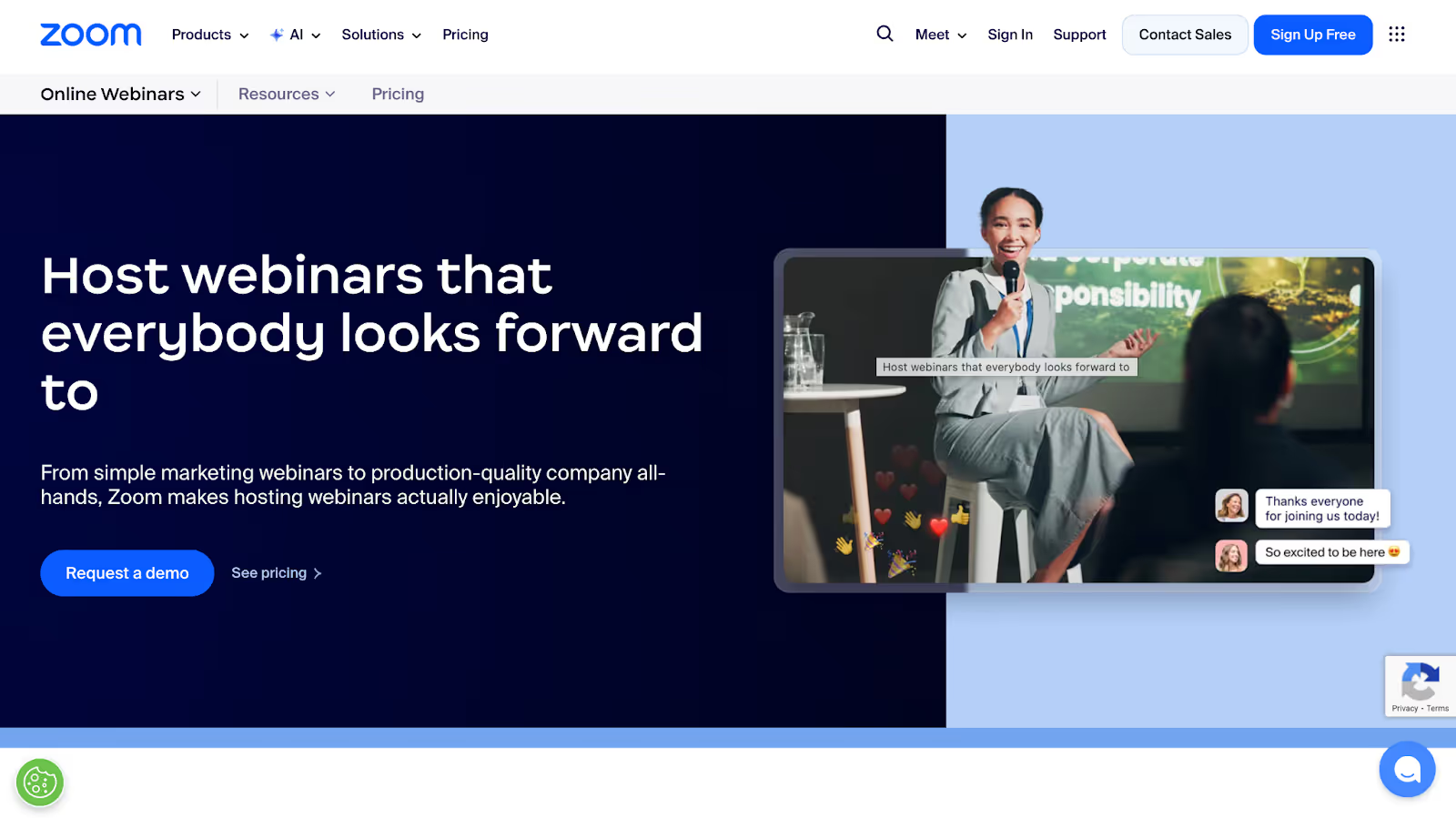
For teams already running webinars on Zoom, the built-in Q&A often removes the need for an additional platform. Participants submit and upvote questions directly inside the webinar interface, without new logins or tools. While the feature set is simpler than that of dedicated Q&A platforms, it covers core needs such as moderation, anonymity, and post-event reporting. Zoom’s strength lies in convenience. Q&A works seamlessly within an environment most audiences already know.
Key Live Q&A Features
- Native Q&A interface within Zoom webinars requiring no separate login
- Anonymous question submission option for psychological safety
- Chat alongside Q&A for multiple interaction modes.
- Post-webinar Q&A reports for documentation and follow-up.
Strengths
- No additional tool setup, Q&A is already there if you use Zoom.
- Works seamlessly with your existing Zoom workflow
- Participants don't need new accounts or logins.
Limitations
- The feature set is less comprehensive than dedicated Q&A platforms.
- Moderation capabilities are more basic than specialized tools.
- Q&A features are available only in the Webinar product, not the standard Meetings
What Features Matter Most in a Live Q&A Platform?
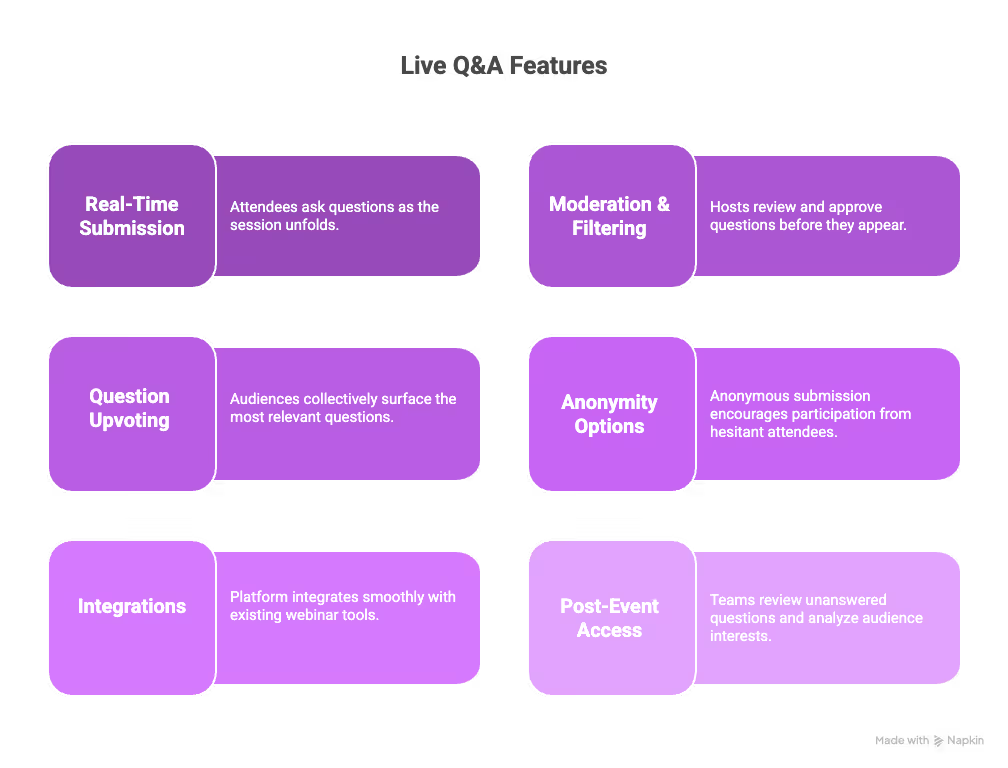
The most effective live Q&A platforms combine real-time question submission, strong moderation, audience prioritization, and seamless integrations to help teams manage audience questions during webinars without losing focus or engagement. These live Q&A moderation features directly impact how clearly questions are handled and how inclusive the session feels.
- Real-Time Question Submission: Real-time question submission allows attendees to ask questions as the session unfolds, rather than waiting for a dedicated Q&A slot. For webinar hosts and educators, this helps capture context-specific questions and manage audience questions in webinars without interrupting the speaker’s flow.
- Moderation & Filtering: Moderation and filtering features let hosts review, approve, or group questions before they appear publicly. For SaaS marketing teams and HR leaders running live Q&A sessions, this prevents duplicate or off-topic questions and ensures the discussion stays relevant, professional, and on schedule.
- Question Upvoting and Prioritization: Upvoting enables audiences to surface the most relevant questions collectively. In large webinars or community events, this live Q&A moderation feature helps presenters prioritize high-impact questions, reduce repetition, and ensure the session addresses what matters most to the majority of participants.
- Anonymity Options: Anonymous question submission encourages participation from attendees who may be hesitant to speak publicly. This is especially valuable in internal company Q&A sessions, HR town halls, and training environments, where sensitive or honest questions improve engagement and overall session value.
- Integrations with Webinar Tools: A live Q&A platform should integrate smoothly with webinar and virtual event tools already in use. For remote teams and marketers, integrations reduce setup complexity, keep workflows efficient, and make it easier to manage audience questions in webinars without switching between multiple systems.
- Post-Event Access to Questions and Answers: Post-event access allows teams to review unanswered questions, analyze audience interests, and share follow-up resources. For educators, community managers, and internal communications teams, this feature extends the value of live Q&A beyond the event and supports better planning for future sessions.
How JotMe Enhances Live Q&A Without Replacing Your Platform?
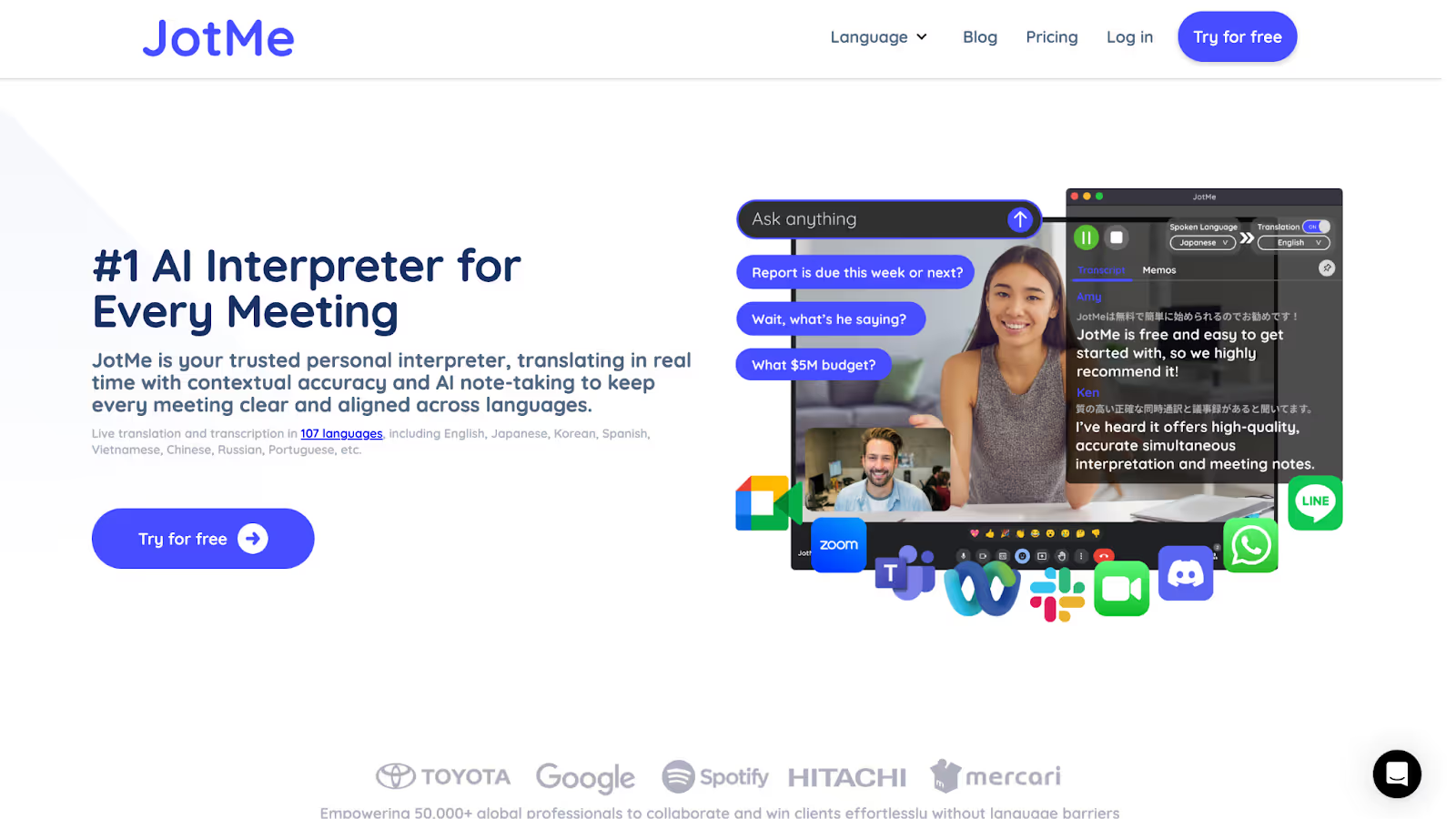
JotMe does not replace your live Q&A platform; it strengthens it by improving how audiences understand questions and answers in real time. As one of the practical tools to make webinars more interactive, JotMe adds live Q&A translation on top of existing webinar and Q&A tools, helping teams run clearer and more inclusive sessions.
- AI Chat for Instant Answers During Live Q&A: During an ongoing webinar or Q&A session, attendees often want quick clarification on a term, concept, or earlier point without interrupting the discussion. JotMe’s AI chat feature allows participants to ask questions related to the current session and receive immediate, context-aware answers.
- Sharing Translation Minutes with Attendees: JotMe lets hosts share translation minutes from a meeting so attendees can access live translation without a JotMe premium account. This makes it easier for all participants to follow Q&A in real time, especially in large webinars where not everyone uses the same tools or language settings.
- Live Q&A Transcription for Real-Time Clarity: During webinars, questions and answers are often spoken quickly and missed by parts of the audience. Live Q&A transcription with JotMe converts spoken questions and responses into readable text instantly. For educators and trainers, this helps attendees follow discussions accurately and review key points without interrupting the session.
- Live Q&A Translation for Multilingual Audiences: For global events, live Q&A translation ensures participants can understand questions and answers in their preferred language. JotMe translates Q&A in real time in 107 languages without requiring bots to join the meeting. This is especially useful for SaaS marketing teams running product webinars for international prospects.
- Multilingual Translation During Q&A: When multiple languages are spoken, conversations can lose momentum. JotMe supports multilingual translation during Q&A, keeping speakers and audiences aligned. HR and internal communications teams can use this to run inclusive town halls where employees participate confidently across regions.
- Searchable Summaries After the Event: After the webinar, unanswered or complex questions often need follow-up. JotMe creates a searchable AI summary and translated notes from the Q&A discussion. Community managers and remote teams can quickly review audience concerns, share insights, and reuse Q&A content for documentation or training.
Instead of switching tabs or searching online, attendees can stay focused on the conversation while getting the information they need. For hosts and presenters, this reduces repeated questions and keeps the live Q&A flowing smoothly, even as audience engagement increases.
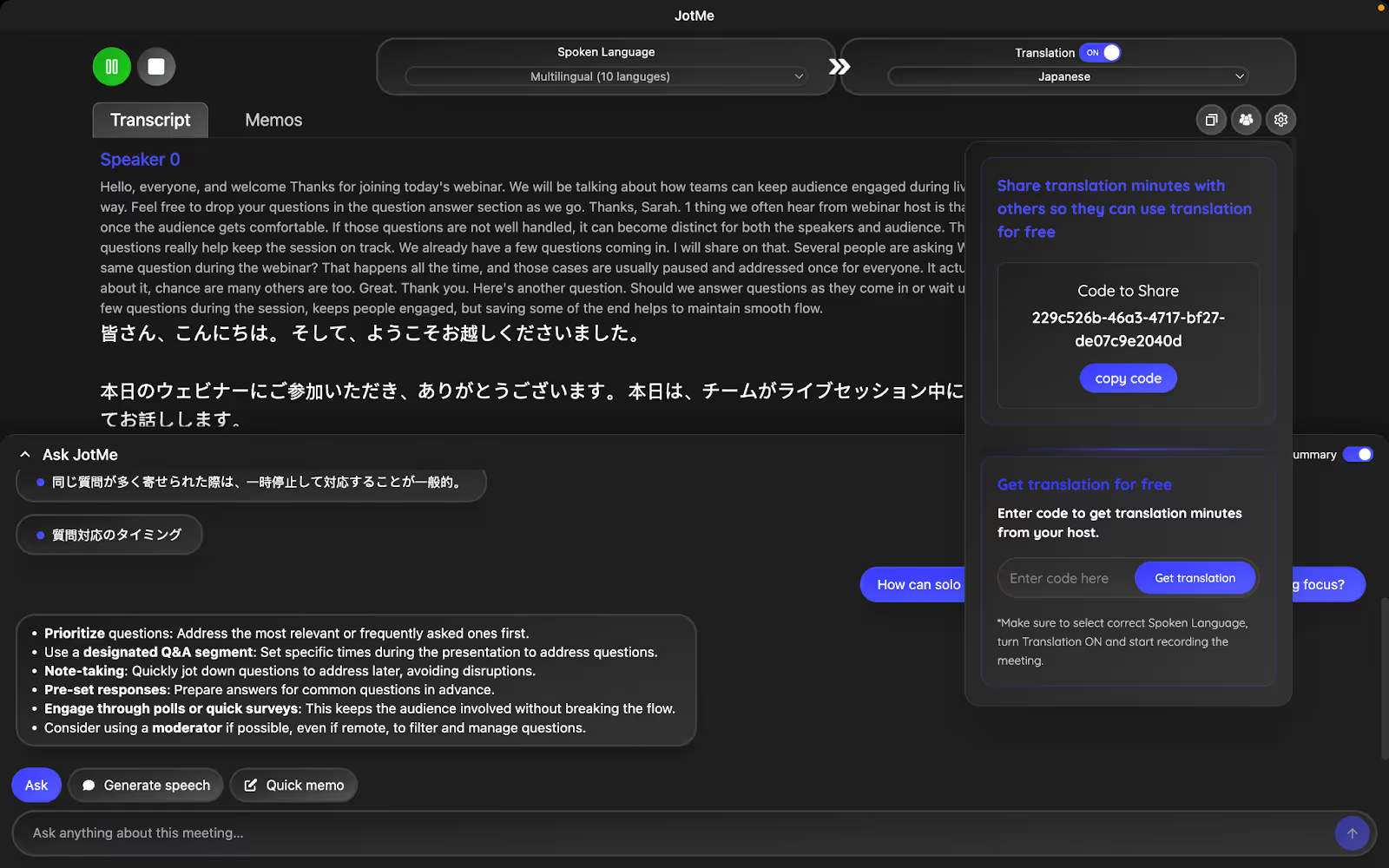
By working alongside your existing webinar and live Q&A platforms, JotMe improves understanding, accessibility, and engagement, without changing how you already host live Q&A sessions.
How to Host an Effective Live Q&A for Webinars and Virtual Events?
Knowing how to host a live Q&A is essential for keeping webinars and virtual events engaging and well-structured. When teams understand how to run live Q&A in webinars with clear processes, they can avoid chaos, surface relevant questions, and create a better experience for both speakers and audiences. The steps below reflect best practices for live Q&A sessions.
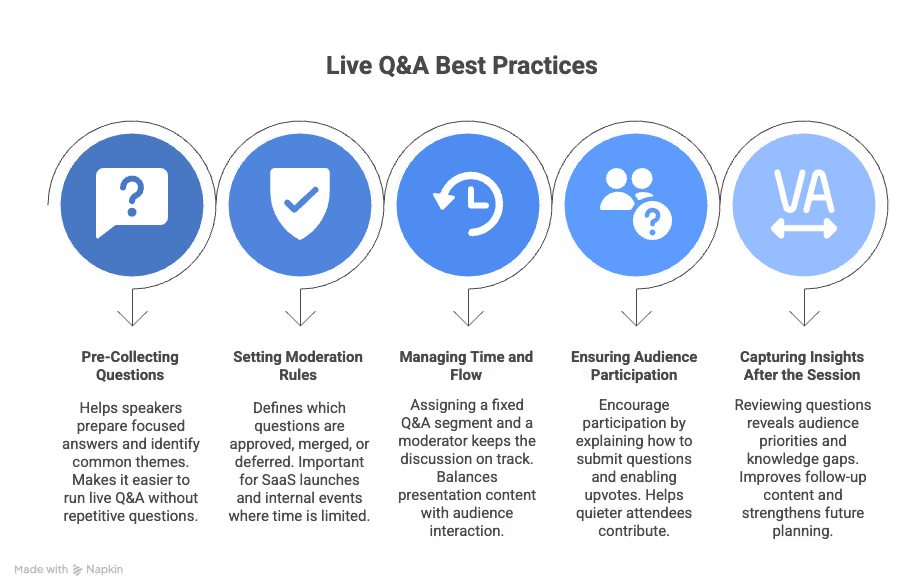
- Pre-Collecting Questions: Collecting questions before the session helps speakers prepare focused answers and identify common themes. For webinar hosts and educators, this makes it easier to run live Q&A in webinars without spending time on repetitive or off-topic questions.
- Setting Moderation Rules: Clear moderation rules define which questions are approved, merged, or deferred. This is one of the most important best practices for live Q&A sessions, especially for SaaS launches and internal events where time is limited and relevance matters.
- Managing Time and Flow: Assigning a fixed Q&A segment and a moderator helps keep the discussion on track. Effective time management helps hosts balance presentation content with audience interaction and prevents live Q&A from overrunning the event agenda.
- Ensuring Audience Participation: Encourage participation by explaining how to submit questions, enabling upvotes, and allowing anonymous entries when appropriate. These tactics increase engagement and help quieter attendees contribute during live Q&A sessions.
- Capturing Insights After the Session: Reviewing the questions asked and the unanswered ones reveals audience priorities and knowledge gaps. For marketing, training, and internal communications teams, this insight improves follow-up content and strengthens future live Q&A planning.