Guides
6 Best English to Dutch Translators for Virtual Meetings [Honest Review]

Viraj Mahajan
December 6, 2025
![JotMe — 6 Best English to Dutch Translators for Virtual Meetings [Honest Review]](/_webflow-assets/5b7770d207ef364606a08ac8a6a5dbfb.avif)
Do translation errors often lead to mix-ups in virtual meetings? In such scenarios, using a reliable live English to Dutch translation software like JotMe becomes crucial.
Using advanced speech recognition algorithms, JotMe captures tone, context, and nuance to preserve the core of the message. This makes the conversation feel natural and native to Dutch-speaking participants. Not only that, JotMe, with features like AI ask, real-time summary, post-meeting notes, and more, positions itself as a comprehensive AI interpreter that streamlines your workflow.
We tested around 20 apps that perform real-time English to Dutch translation and picked six. Here’s what other users and we had to say about these apps:
- JotMe offers real-time translation and transcription for just $15/month and integrates well with virtual meeting platforms like Zoom, Google Meet, and Microsoft Teams.
- DeepL Voice offers live translations in Dutch and 125+ languages. A user on G2, however, says “DeepL lacks integrating context into translation.”
- LiveVoice is a suitable platform for in-person, virtual, or hybrid meetings and provides an option to share live translations with teams.
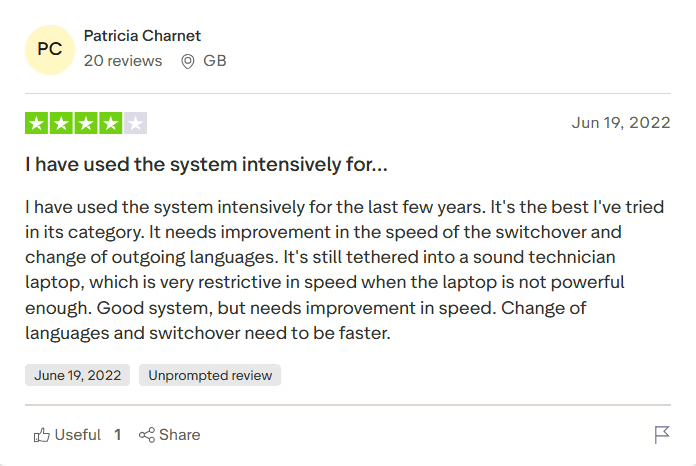
- Interprefy is ideal for international conferences, but a user on Trustpilot feels the speed is a bit restrictive when the laptop is not powerful enough.
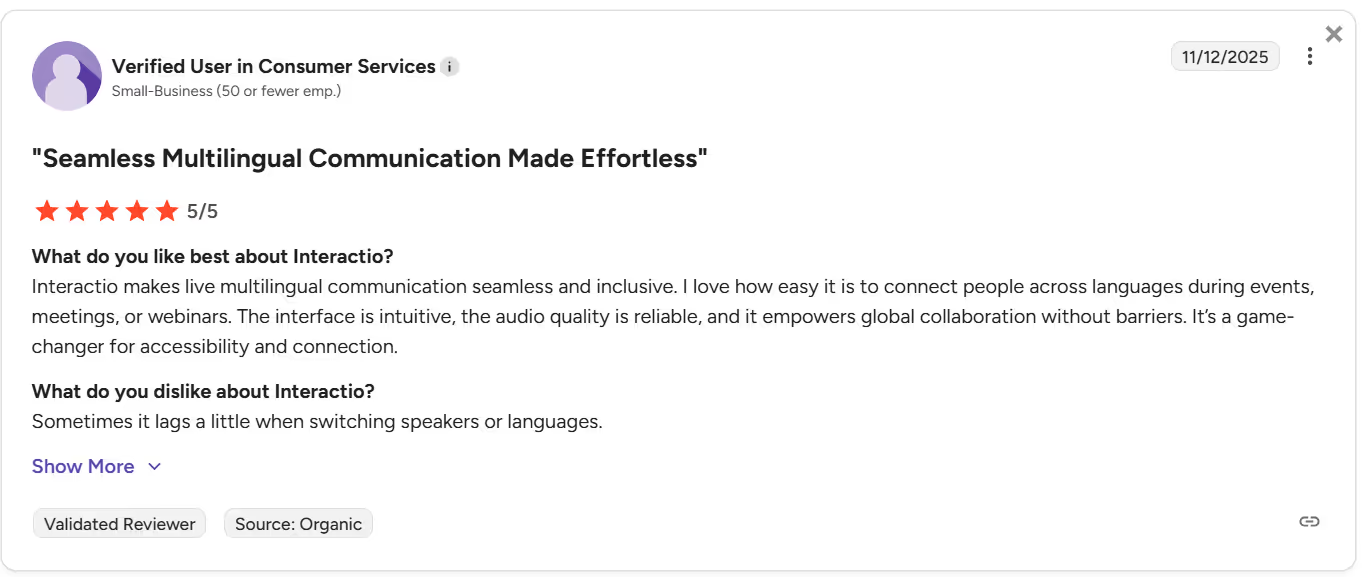
- Interactio seamlessly integrates with your virtual meeting platforms like Zoom and Google Meet, but, according to a G2 user, its setup process could be a bit straightforward.
- Talo offers accurate real-time translations, but a $33/month fee is very high compared to other live translation apps.
Quick Comparison of English to Dutch Live Translation Tools
We conducted detailed tests on some of the best software for real-time English to Dutch translation. Here’s a comparison table of what each has to offer:
What is the Best Live English to Dutch Translation App?
JotMe is one of the best and most reliable live English to Dutch translation apps. Other tools like DeepL Voice, LiveVoice, Interprefy, Interactio, and Talo are also decent options, so let’s find out what each tool has to offer.
JotMe
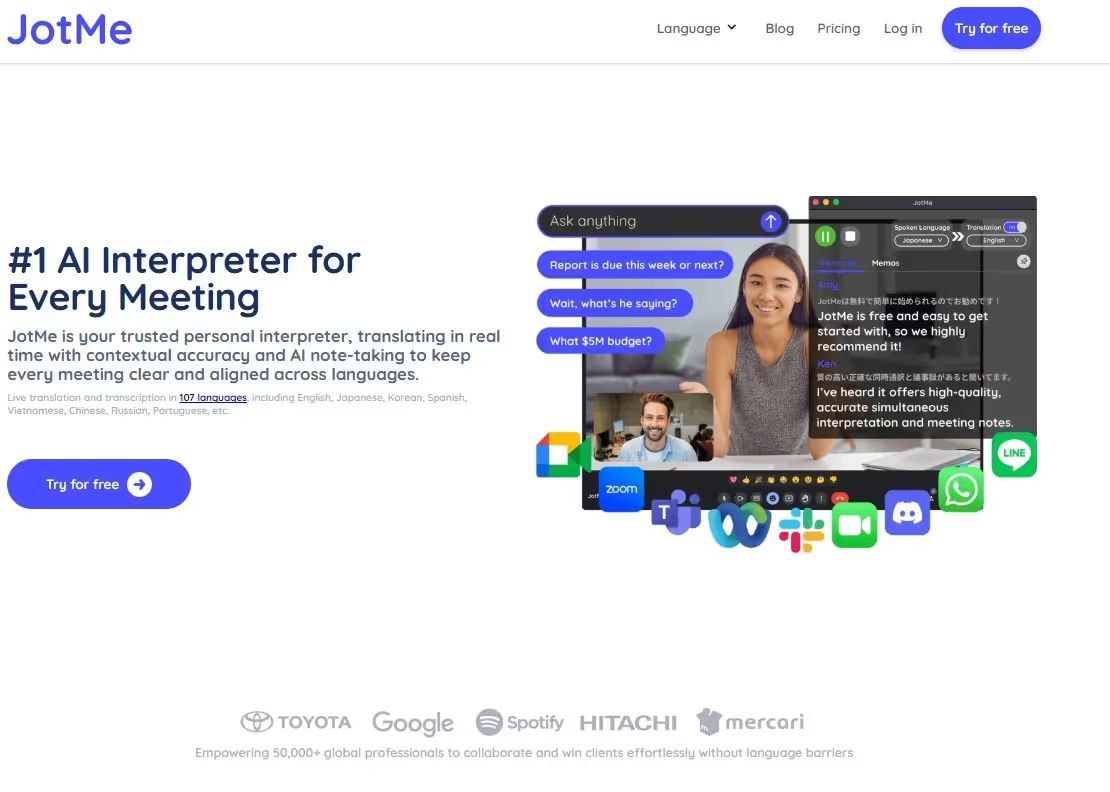
After a few weeks of testing several English to Dutch live translators, JotMe takes the crown for unmatched accuracy and speed. Unlike most apps, it analyzes conversations to understand their tone, context, and nuances, and preserves the true meaning of the conversation. Not only that, here are a few other reasons why JotMe is a suitable AI interpreter for our everyday virtual meetings:
- Simple Setup: We love how easy it is to set up JotMe and integrate it with our virtual meetings. Just launch the app, select your languages, and start speaking to get real-time translations.
- Multi-Platform Compatibility: JotMe is compatible with most video conferencing platforms like MS Teams, Google Meet, Zoom, and others. We could even use it to translate YouTube and Netflix videos in real-time.
- Free Plan: JotMe offers a free plan that lets users access all its live translation features, including contextual translation, AI ask, AI summaries, and more.
- Chrome Extension: If Google Meet is your go-to virtual meeting platform, JotMe even offers a Chrome Extension designed for it. Its setup is simple, and it translates your conversations as soon as the meeting starts.
JotMe is currently only available on desktop, but will soon launch its app for Android and iOS devices. You can sign up here to get added to the wishlist and have a go as soon as it’s live.
Key Features
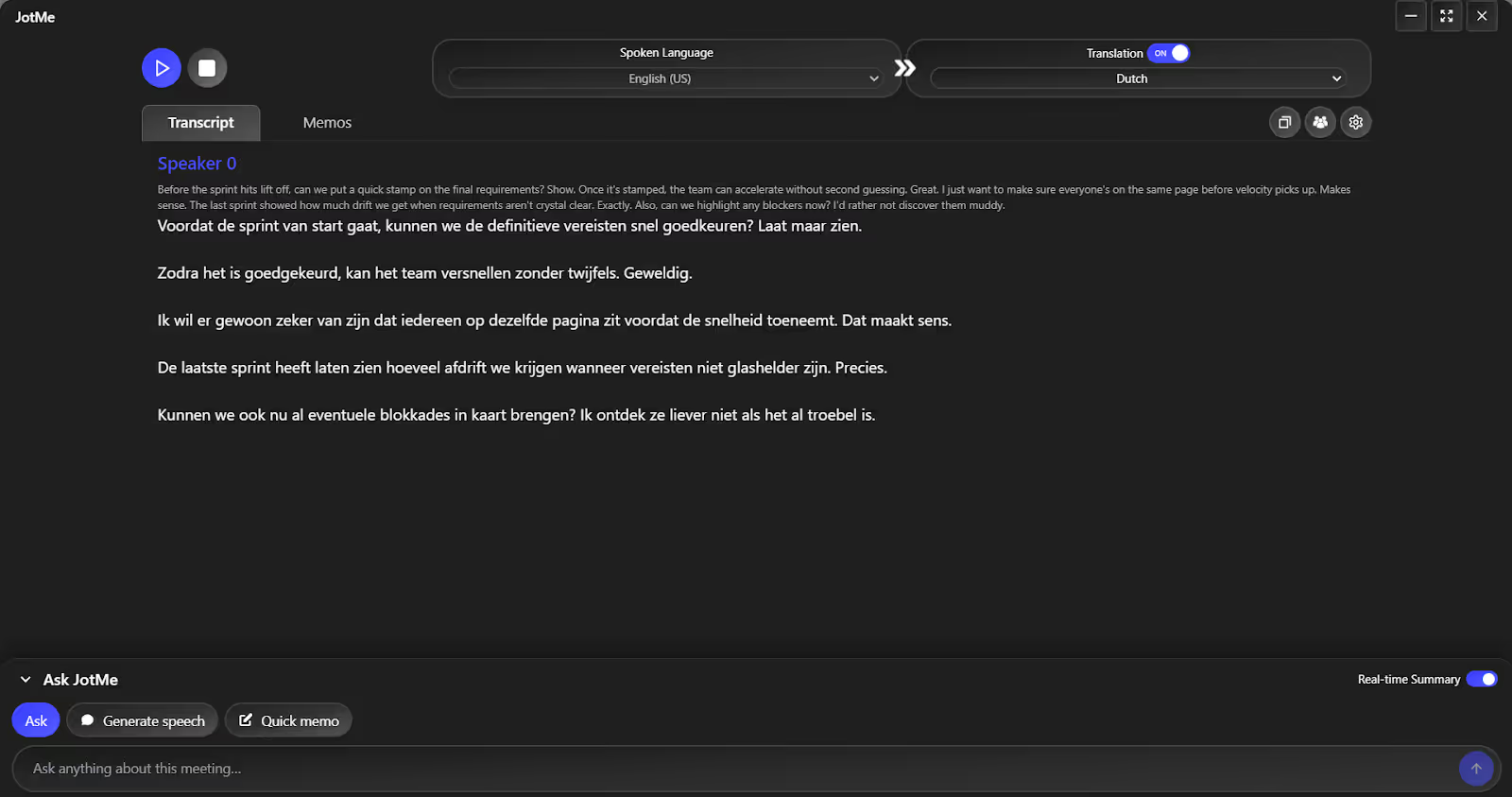
The key features of JotMe include real-time contextual translation, AI ask, real-time summary, post-meeting notes, and text-to-text translation. Let’s explore these features in detail:
Live Contextual Translation
AI Ask
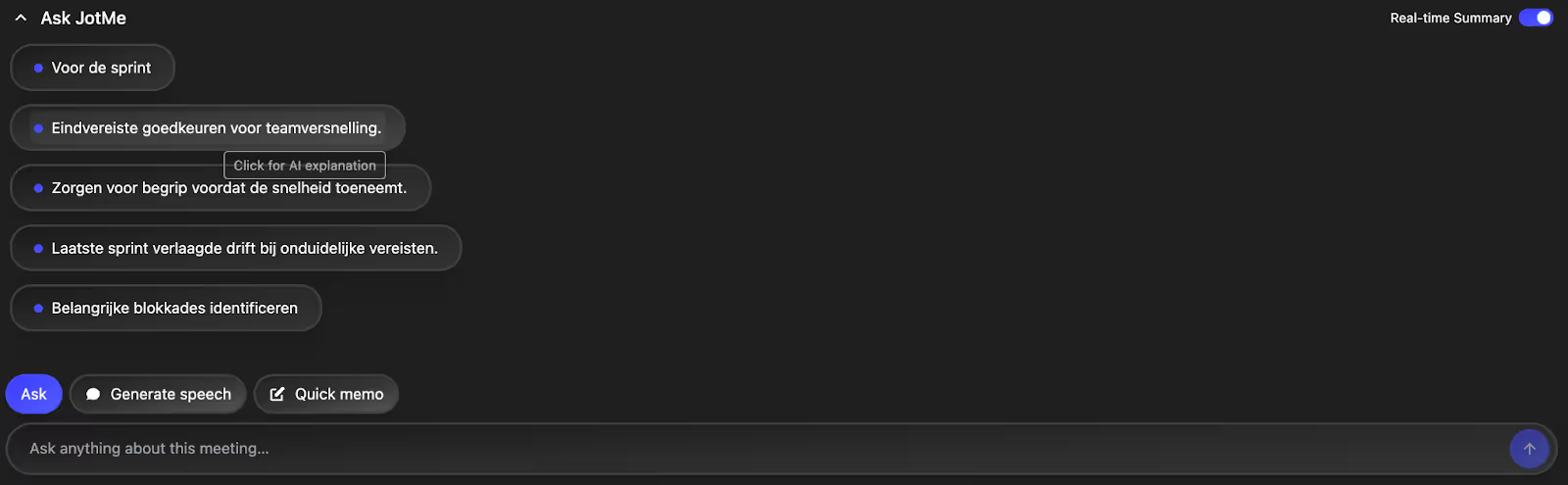
Last week, we were in a Zoom meeting with our Dutch-speaking software developers discussing the next sprint plan, and technical jargon like “velocity,” “capacity planning,” “sprint backlog,” and “dependencies” came up frequently. Rather than switching to Google search to look up a definition, someone asked “what is snelheid?” in the JotMe window. JotMe clearly explained the term in the context of the topic and kept participants in sync without interrupting the conversation.

Real-Time Summary
During our Google Meet call with our Dutch-speaking colleagues, conversations can sometimes move too fast. To ensure no one misses anything important, we toggle JotMe’s real-time summary feature. JotMe generates a concise summary of the discussions in real time, which participants can skim through any time to stay on track.
Text-to-Text Translation
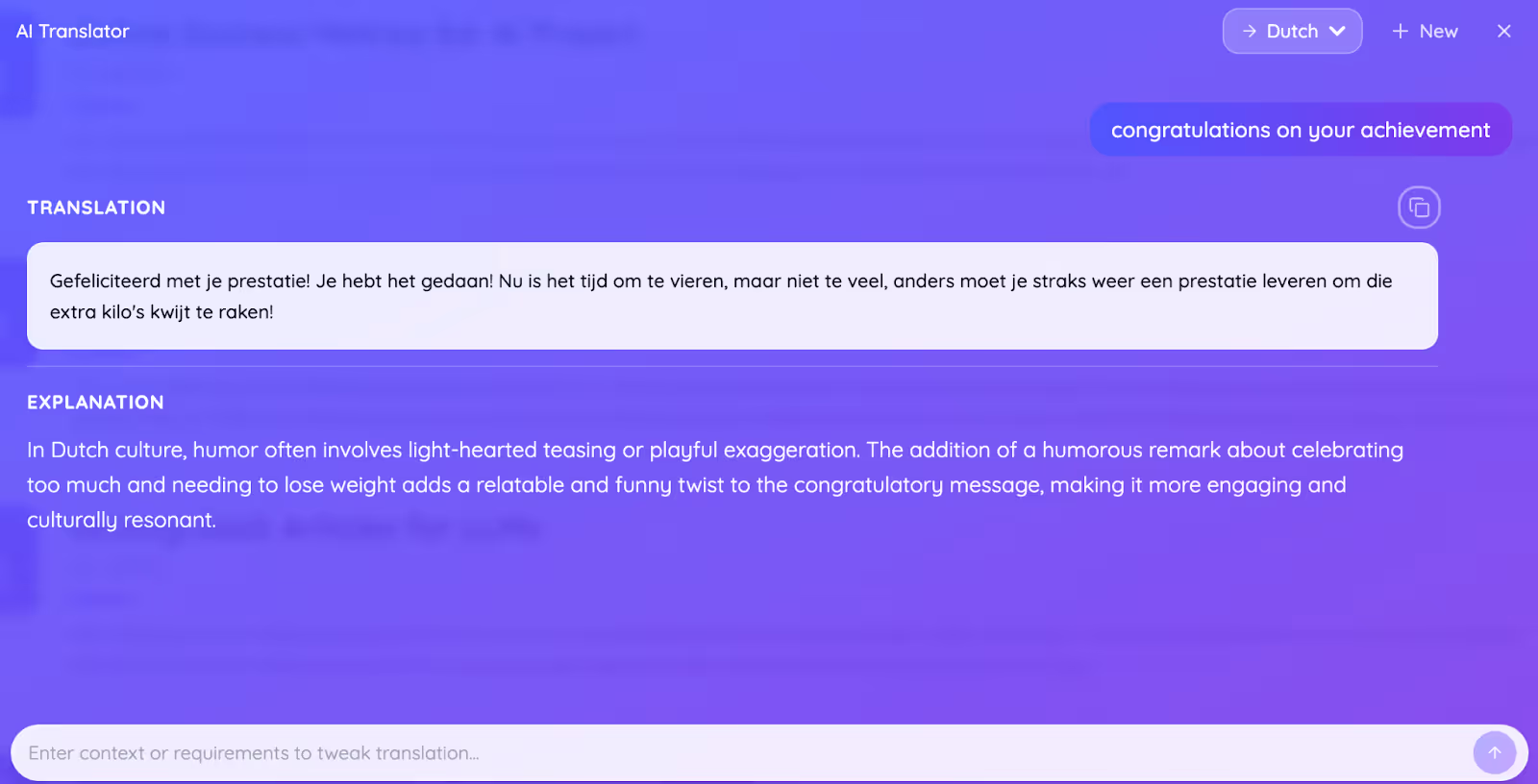
JotMe also supports a text-to-text translation, but with an interesting twist. You can set the tone by just requesting “add a humorous tone,” or “make it sound fancy,” and watch JotMe’s AI translator work its magic. Alongside the translations, JotMe also provides a short explanation to help understand the true meaning of the generated message.
Post-Meeting Summary
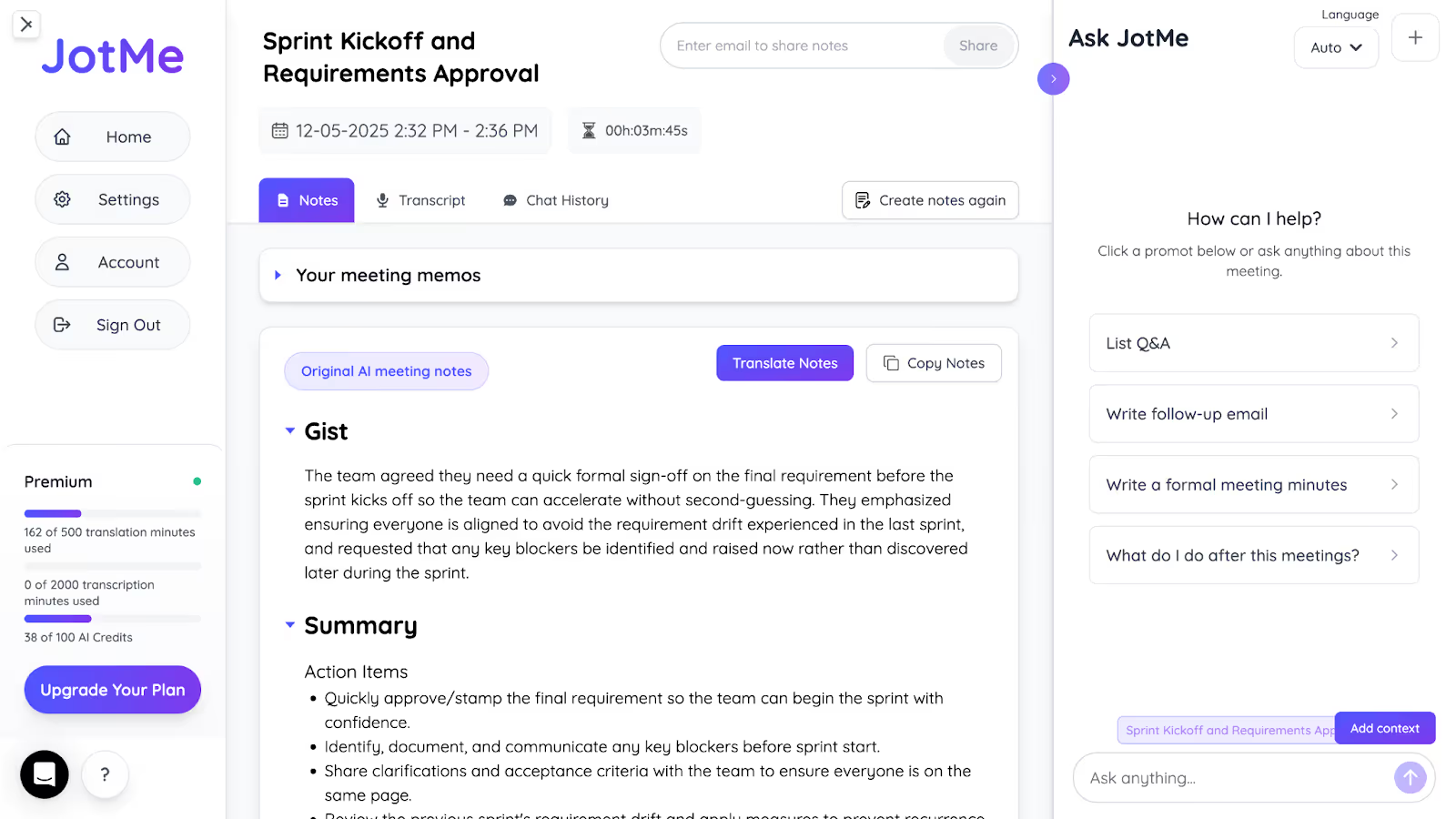
Last week, our manager asked us to share the summary, action items, and quick notes with our Dutch-speaking colleagues. But taking manual notes while actively listening and speaking with the participants was stressful, and we missed some key points. This is where JotMe’s AI meeting summary feature came in. It eliminates stress by taking notes automatically and organizing them into action items, key points, and the overall gist. We translated them into Dutch and shared them with our team via email.
Pricing
JotMe has three pricing tiers for its users: free, Pro, and Premium.
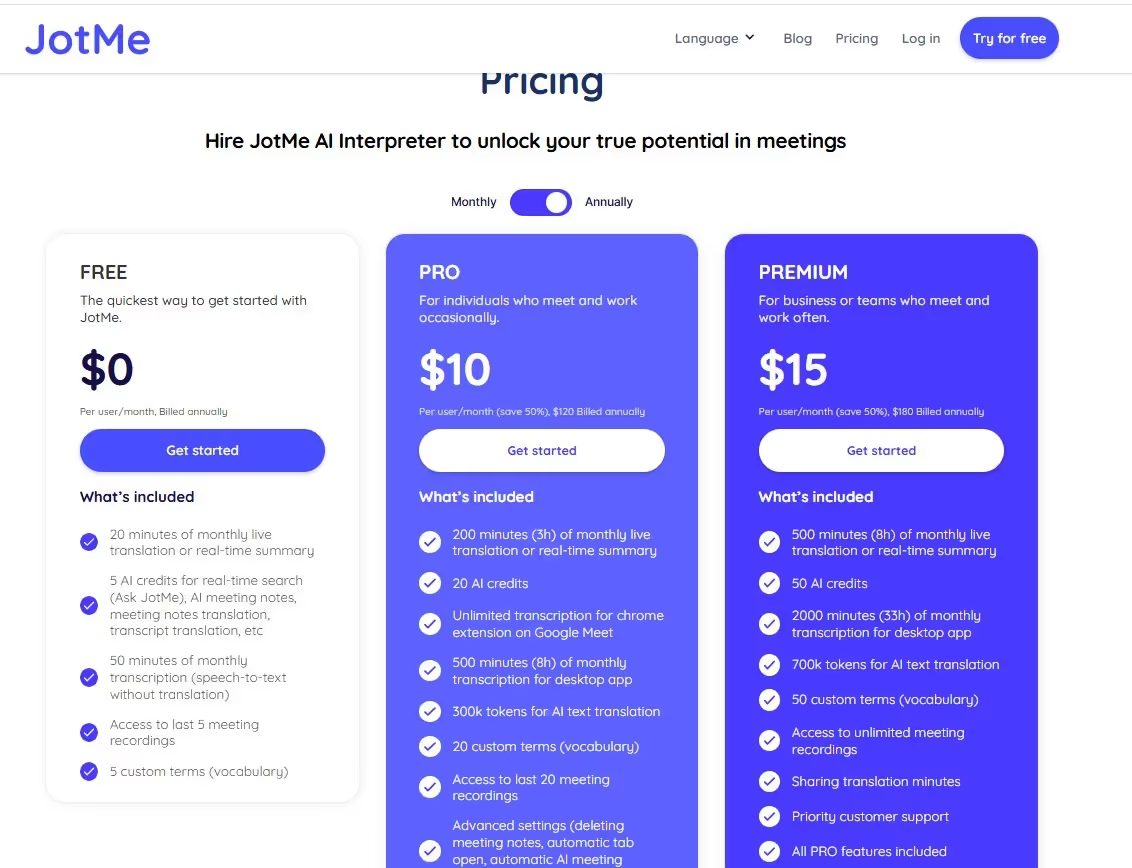
- Free: It offers 20 minutes of free translation and 50 minutes of free transcription per month, and 5 AI credits.
- Pro ($10/month, billed annually): You get 200 translation minutes, 500 transcription minutes, and 20 AI credits.
- Premium ($15/month, billed annually): It offers 500 minutes of translation and 2000 minutes of transcription per month, 50 AI credits, and access to unlimited meeting recordings.
Pros
- JotMe provides contextually accurate translations.
- JotMe lets you share translation minutes with other team members.
- You get a real-time summary of the meeting to stay up to date.
Cons
- JotMe is only available on desktop, but it will launch its mobile app soon.
Review
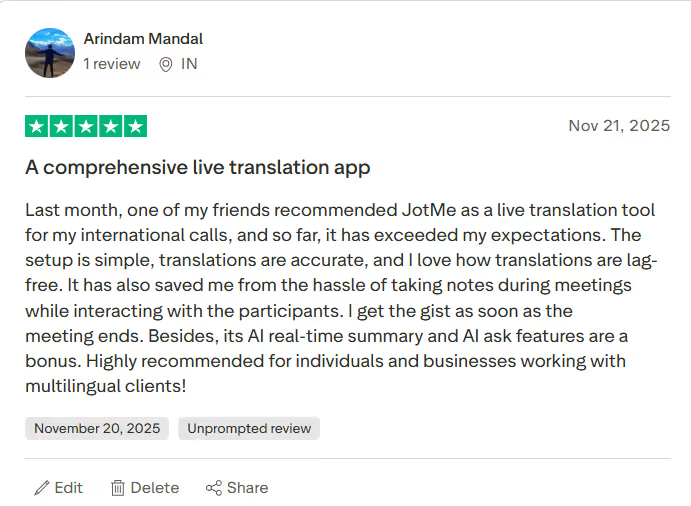
A user on Trustpilot loved how JotMe provides simple, accurate translations and saved him the hassle of taking notes during meetings. Overall, it has been a game-changer for their multilingual meetings.
DeepL Voice
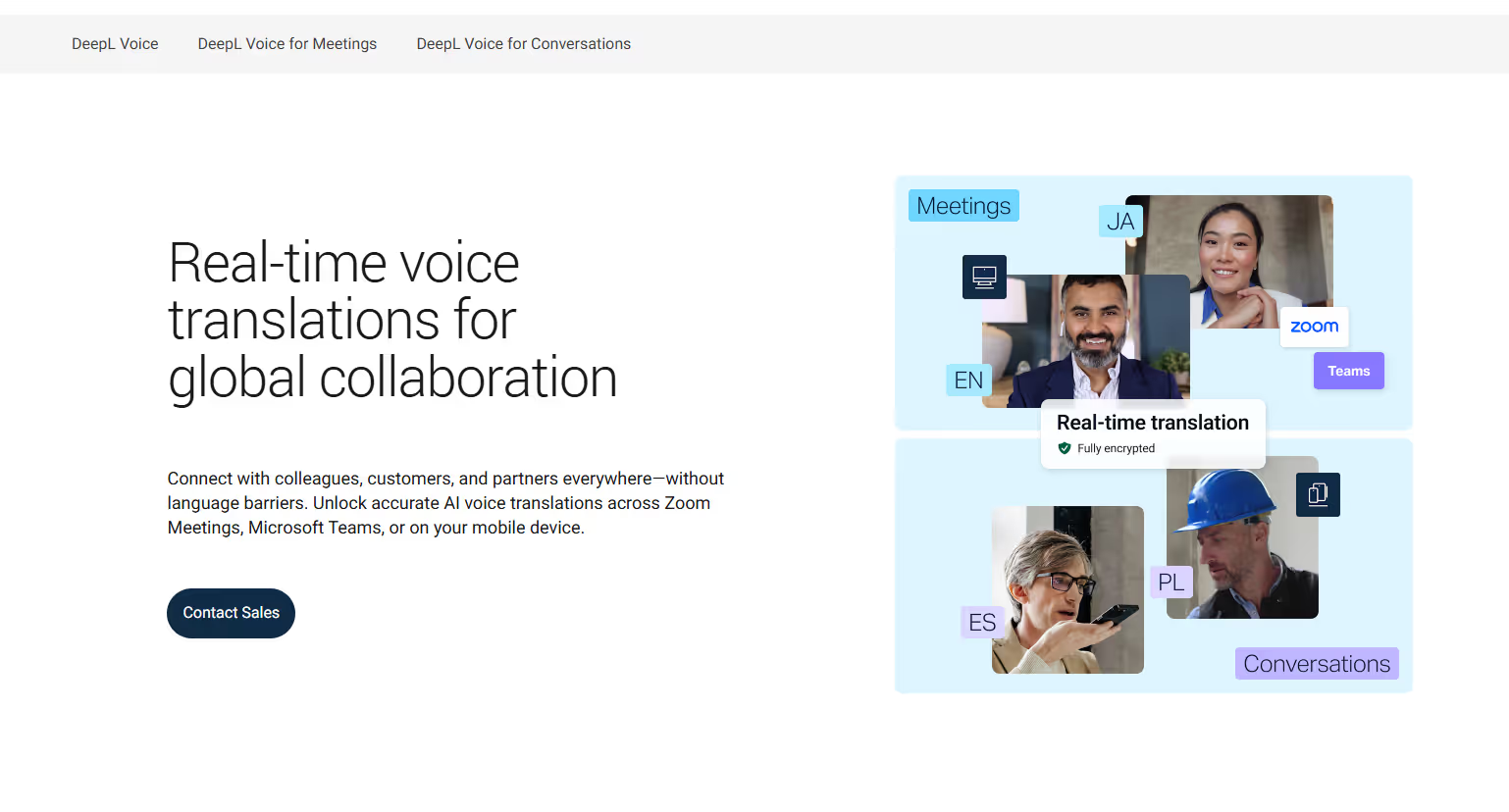
DeepL Voice landed in the top results when we looked up the best English to Dutch live translator on Google. After researching it for some time, we found that it’s a decent live translation software if you use Microsoft Teams or Zoom for your virtual meetings. DeepL Voice integrates with these platforms, and the translations appear as live captions. It also has a custom glossary, where you can add terms such as Mergeverzoek (Merge request), encryptie (encryption), autorisatie (authorization), kwetsbaarheid (vulnerability), and more to improve translation accuracy.
However, unlike JotMe, DeepL doesn’t offer any specialized features, such as sharing translation minutes, so every participant must be enrolled in a premium plan.
Pricing
DeepL hasn’t publicly revealed its pricing plans, so you'll need to reach out to their sales team to request a quote tailored to your needs.
Pros
- DeepL Voice lets you create a custom glossary for an accurate translation.
- It offers integration with video conferencing platforms like Zoom and Microsoft Teams.
Cons
- DeepL Voice isn’t suitable for individuals.
- It isn’t transparent with its pricing plans.
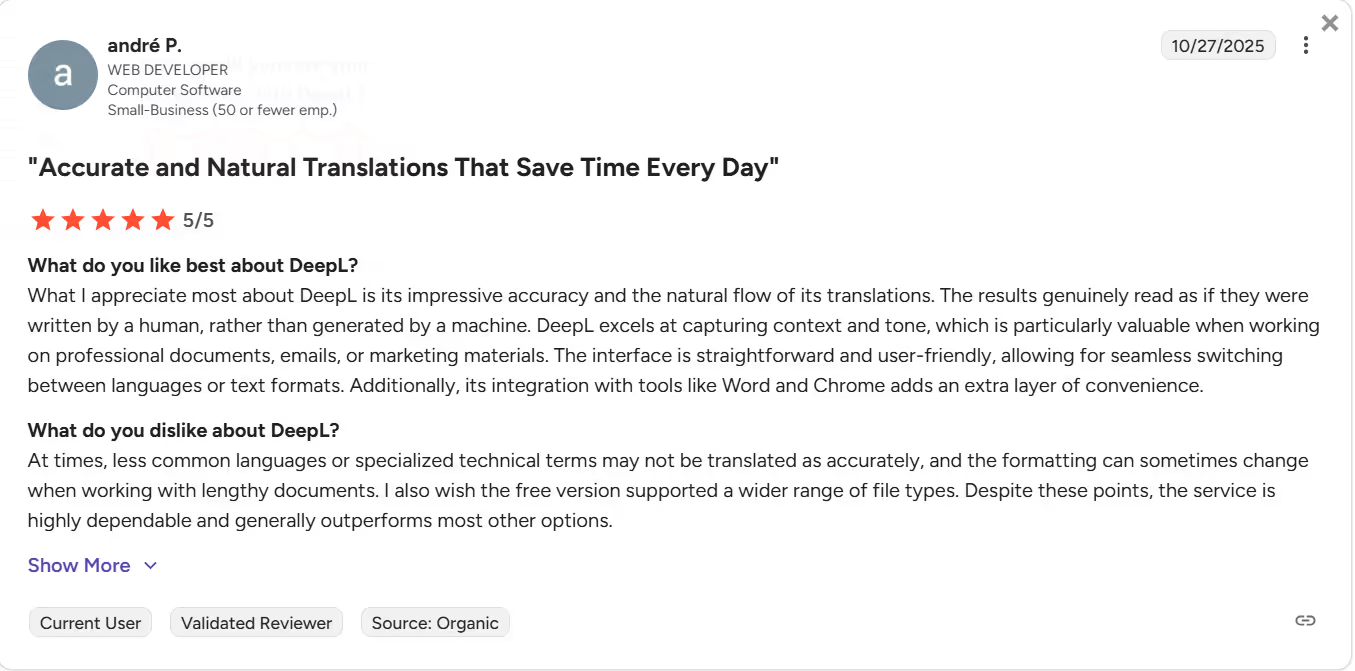
- A user on G2 says DeepL Voice lacks context in its translations.
Review
A user on G2 reported that DeepL Voice sometimes struggles translating specialized technical terms.
LiveVoice
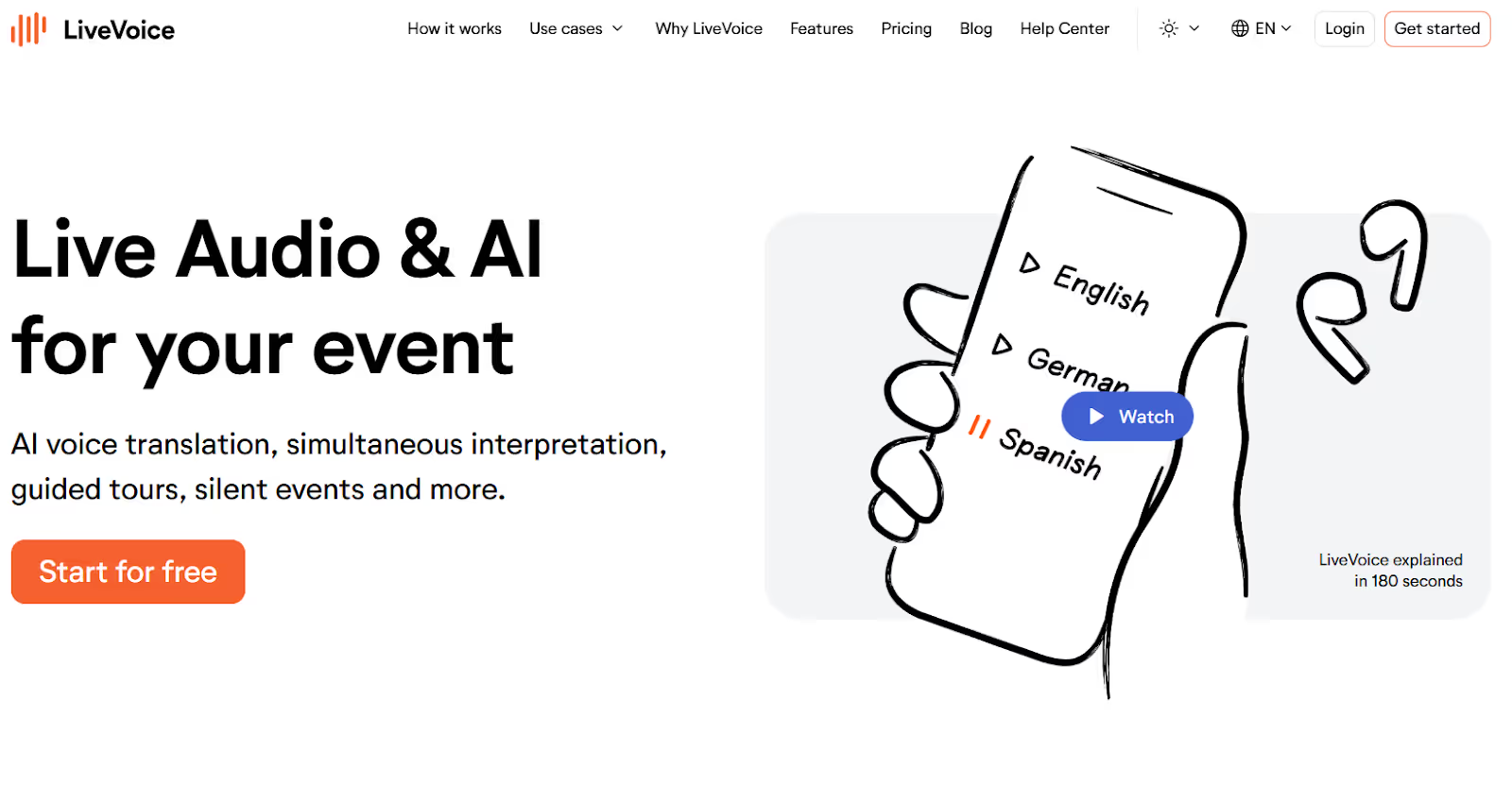
When we were testing the English to Dutch live translation apps, LiveVoice especially caught our eye for its ability to make the translation available to participants. However, setting it up isn’t as simple, and it might take some time to get used to it. Here, you’ll create an event, a channel, and invite your participants. Once you start speaking, participants can access translations in their preferred language for free.
LiveVoice’s live translation, however, requires a subscription that starts at $96/month, and there is no free trial. JotMe, meanwhile, lets users test all its AI-based features for free before subscribing.
Pricing
- Light (Starts at $30/month): LiveVoice offers essential features such as unlimited events and channels.
- Smart (Starts at $48/month): Everything in the Starter plan, alongside additions like recording.
- Pro (Starts at $96/month): Offers all features needed for professional productions, including live remote interpreters, import functionality, and more.
Pros
- Participants can access the real-time translations for free.
- Its basic plan allows unlimited channel creation.
Cons
- Setting up the live translation is a bit complicated.
- Live translation features are accessible in its Pro plan.
- A Trustpilot user found LiveVoice a bit expensive.
Review
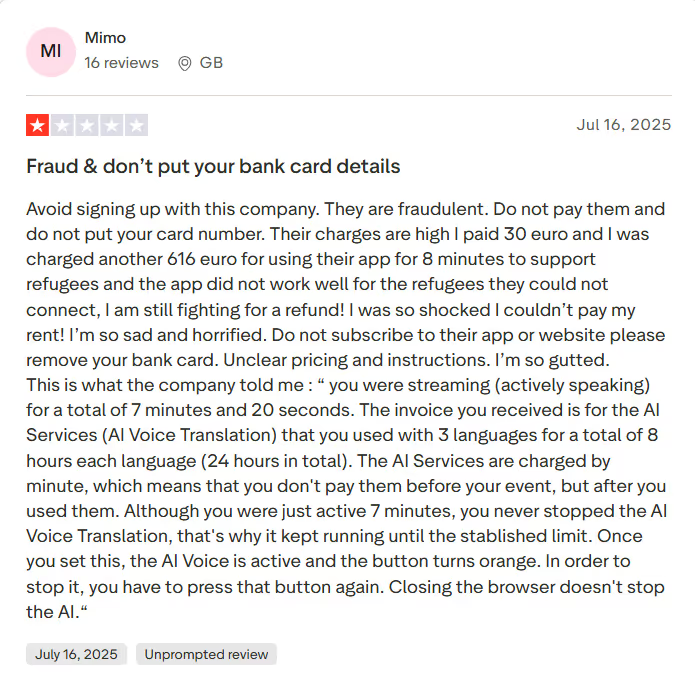
According to a user on Trustpilot, even after paying the subscription fee, he was still charged a pay-per-minute rate, which cost him a lot.
Interprefy
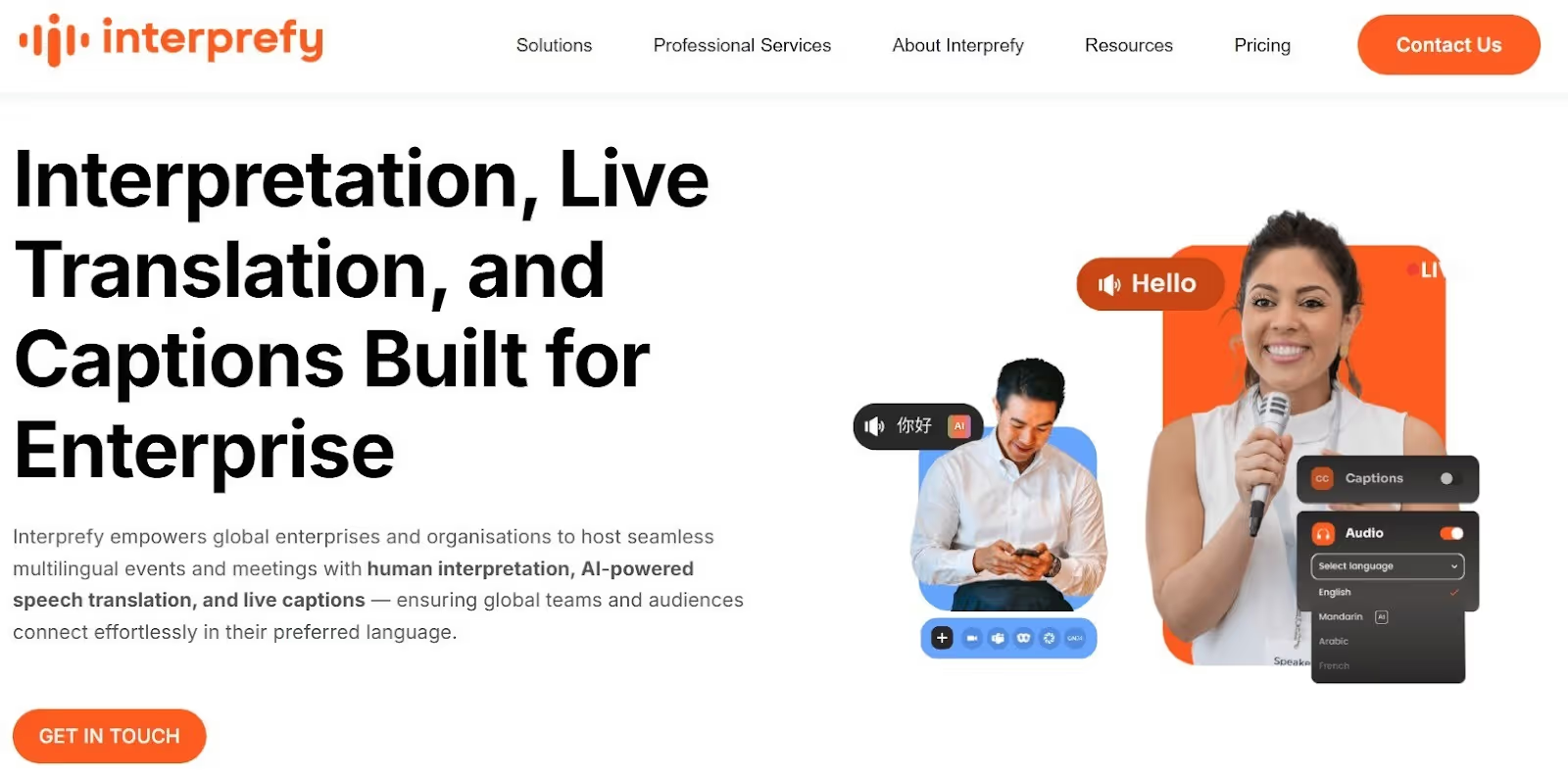
If sharing translation minutes is a priority and LiveVoice gets too tricky, Interprefy can be a good English-to-Dutch live translator. The host can share a QR code that participants can scan on their devices to receive real-time translations in their preferred language. No complex setup is involved!
However, we found some issues with Interprefy. For one, it sends an Interprefy agent to your meetings for real-time translation, which can feel intrusive. Secondly, there’s no free trial, and the platform hasn’t clearly mentioned its exact subscription prices. Meanwhile, JotMe is better than Interprefy with a transparent pricing plan and the ability to live translate without sending a bot to the meeting.
Pricing
Interprefy offers three plans for its users (platform, professional services, and interpreters) to suit various interpretation needs, but hasn’t published the exact fees.
Pros
- Allows you to share the translation with your participants.
- Offers real-time translation in 80+ languages.
Cons
- Interprefy sends an agent to the meetings, which can feel intrusive.
- Its exact prices aren’t mentioned on the website.
- A user on Trustpilot was disappointed by Interprefy’s corporate communication.
Review
A user on Trustpilot reported that Interprefy is very restrictive in terms of speed when the laptop lacks sufficient power.
Interactio
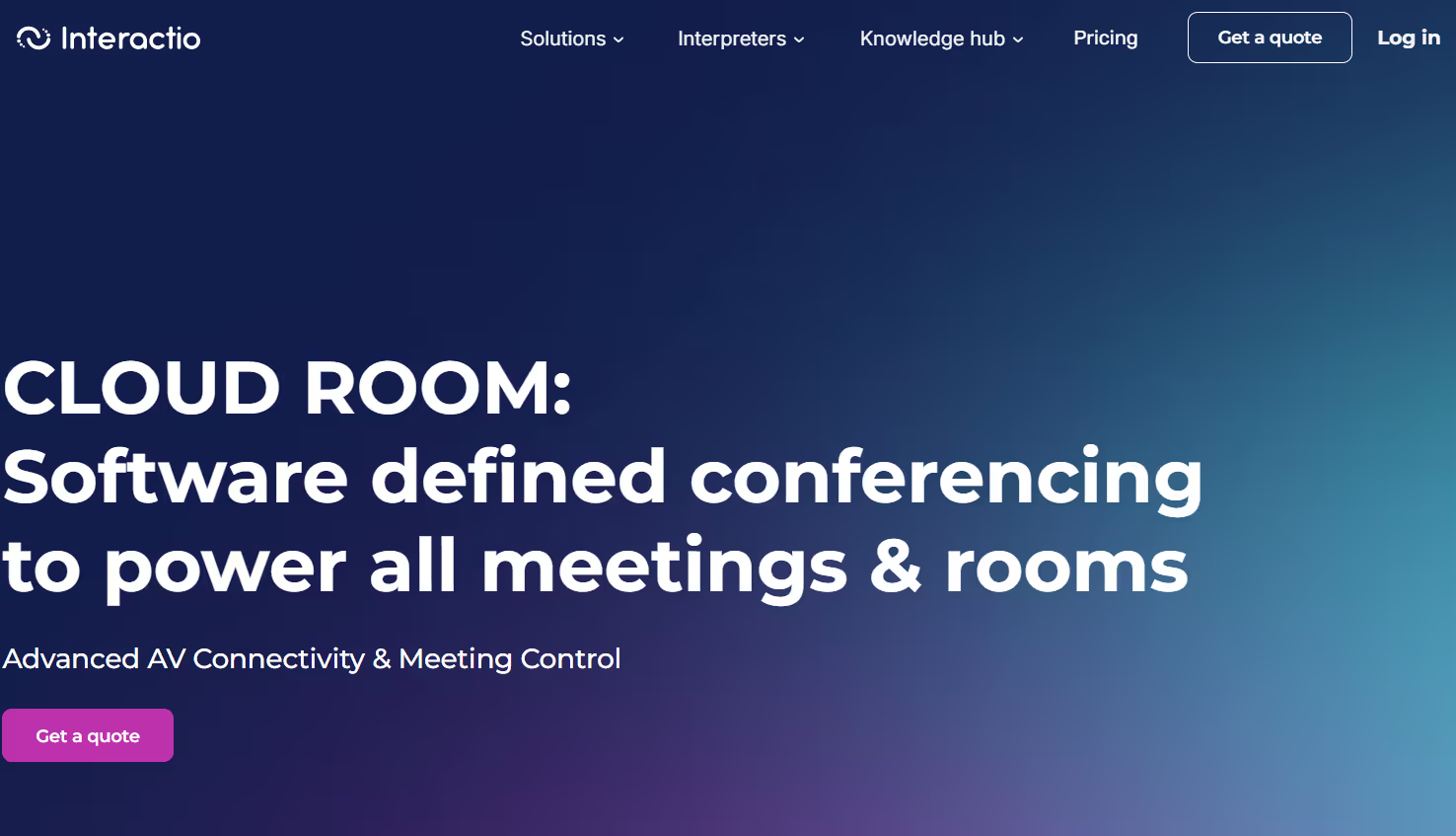
We have seen many prefer human interpreters over AI agents for real-time English to Dutch translation, primarily for accuracy and lower latency. If you’re one of them, Interactio can be a good pick. Regardless of the field or meeting type, Interactio’s human interpreters are well-trained to produce accurate transcriptions. This even includes technical, governmental, or legal interactions.
However, human interpretation services are expensive, so can be Interactio. You must request a quote to get an idea of the charges they incur. At the same time, JotMe offers contextually accurate real-time translation at minimal cost, alongside features such as AI ask, automated summaries, and more.
Pricing
Interactio hasn’t published prices on its website, and you must request a quote from its sales team.
Pros
- Suitable for virtual, on-site, and online meetings.
- Human interpreters provide contextually accurate translations.
Cons
- Interactio isn’t transparent about its pricing plans.
- A G2 user mentions that the setup could have been more straightforward.
- No free trial is available.
Review
A user on G2 was disappointed with Interactio’s performance and reported that it sometimes lags when switching speakers or languages.
Talo
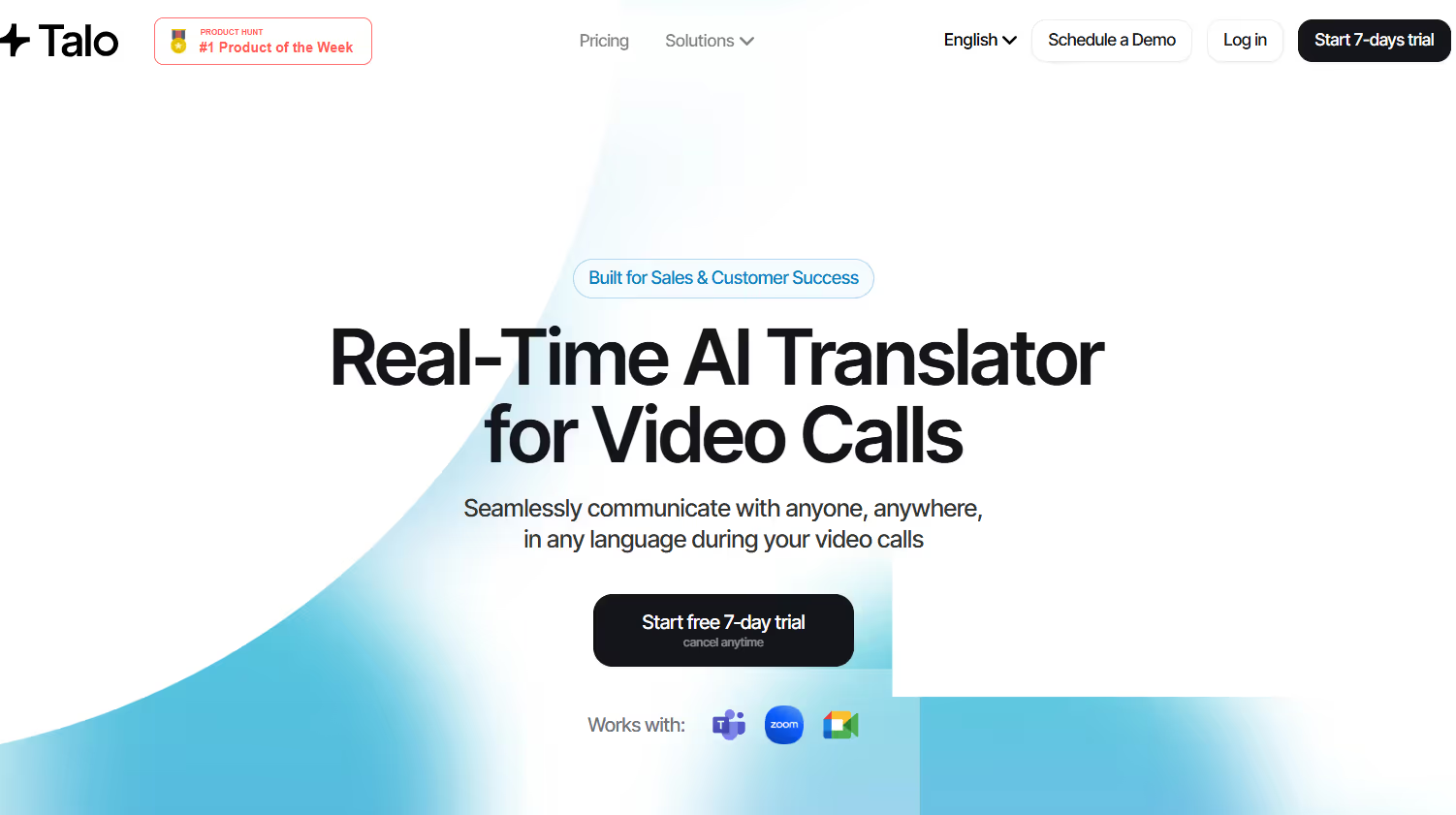
Talo is another tool we liked for live English to Dutch translations. Setting it up is simple, and it listens to every conversation before translating. The translations sound natural, as when someone says “Thanks for flagging this,” it translates to “Bedankt dat je dit aangaf,” which means “Thank you for pointing it out.” That is, Talo understood the meaning and provided translations accordingly.
Talo, however, sends a bot to the meeting, which can feel intrusive, and the clients might be reluctant to share any sensitive information.
Pricing
Talo offers four plans after a seven-day free trial.
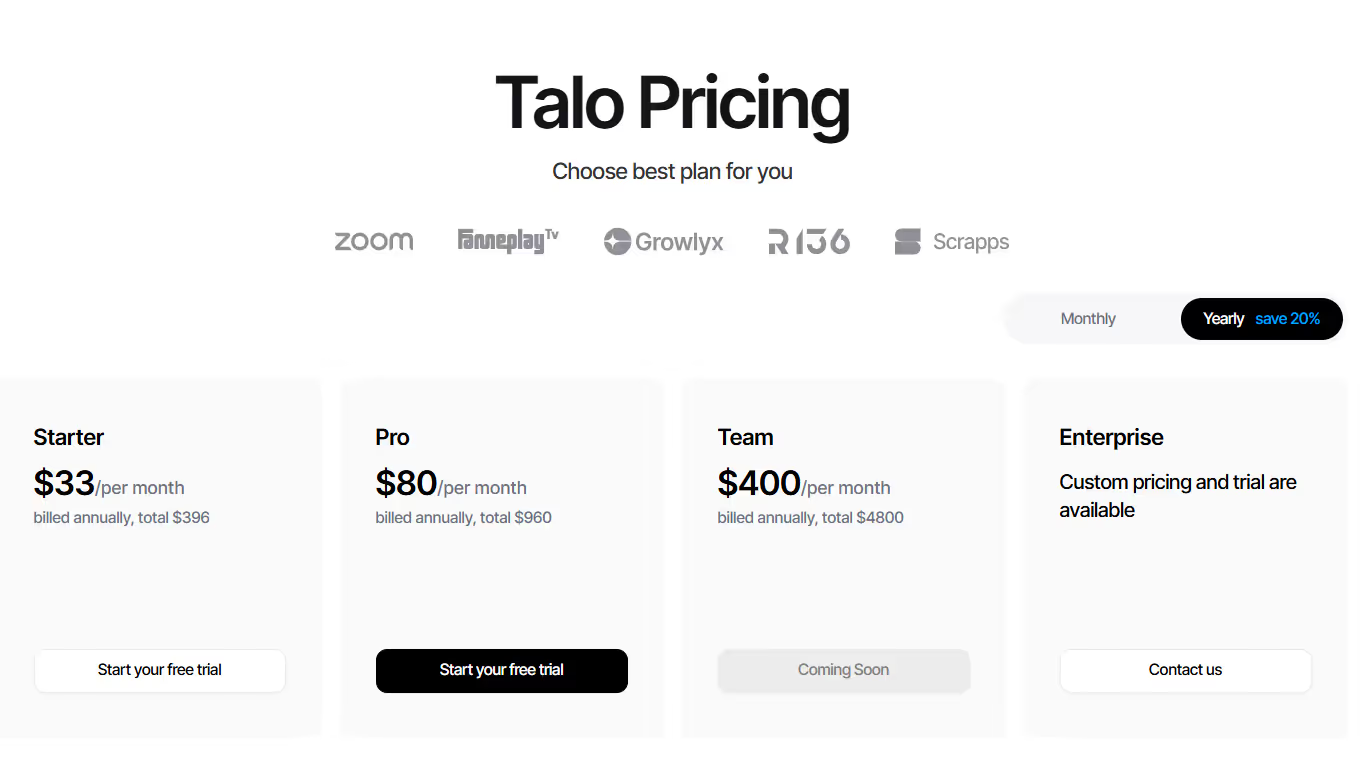
- Starter ($33/month, billed annually): It offers 1140 minutes of live translation per month in 60 languages.
- Pro ($80/month, billed annually): Includes 4800 minutes of live translation per month.
Pros
- Talo’s translations are accurate and sound natural.
- It has an intuitive interface and is easy to set up.
Cons
- Some participants may not like the bots joining the meeting.
- Plans may be expensive for individuals and smaller teams.
- It may struggle with domain-specific terms.
How to Live Translate From English to Dutch with JotMe?
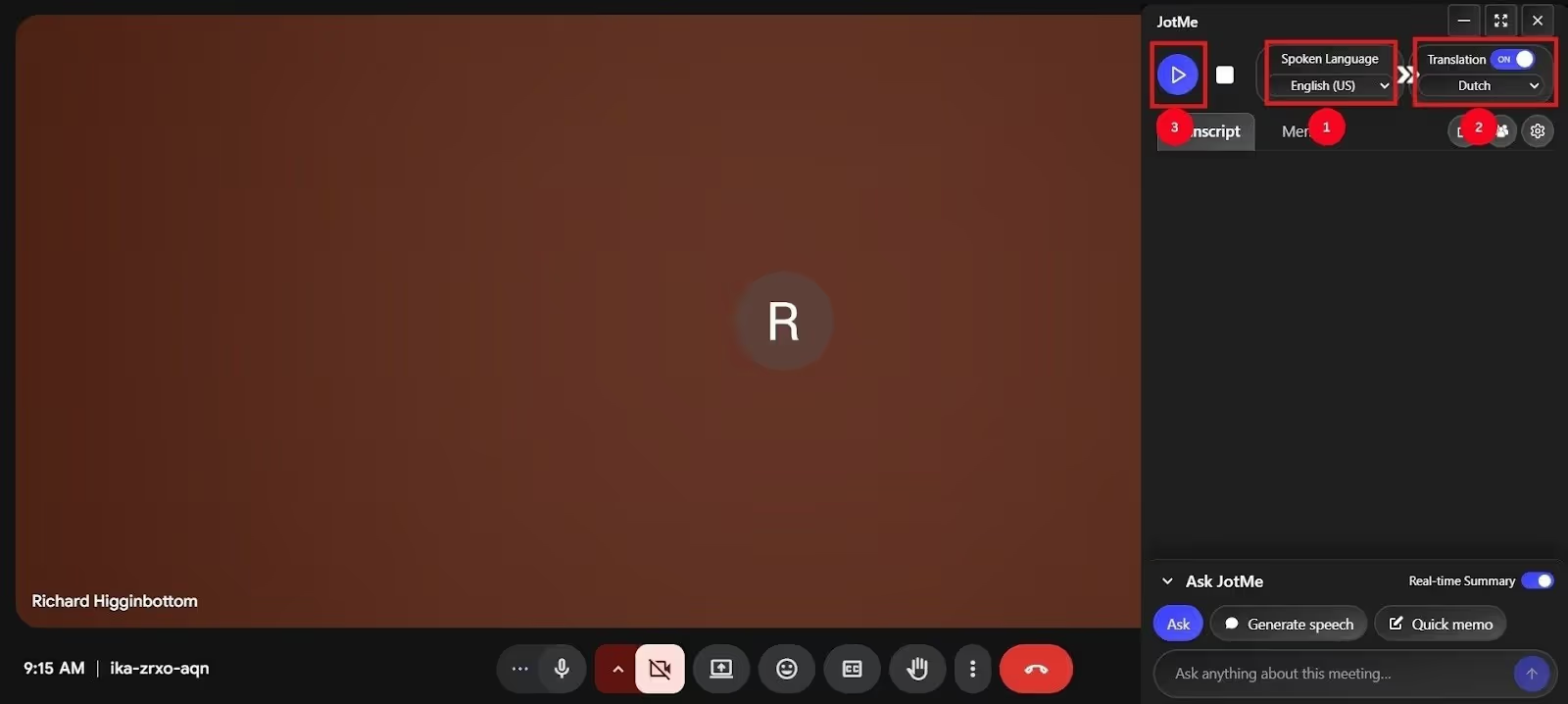
You can use JotMe to perform real-time English to Dutch translation. Install the app, launch it, set the spoken and translation languages, press Play, and start conversing. JotMe will provide contextually accurate translations in real time. Here are the detailed steps:
Step 1: How to Set Up JotMe?
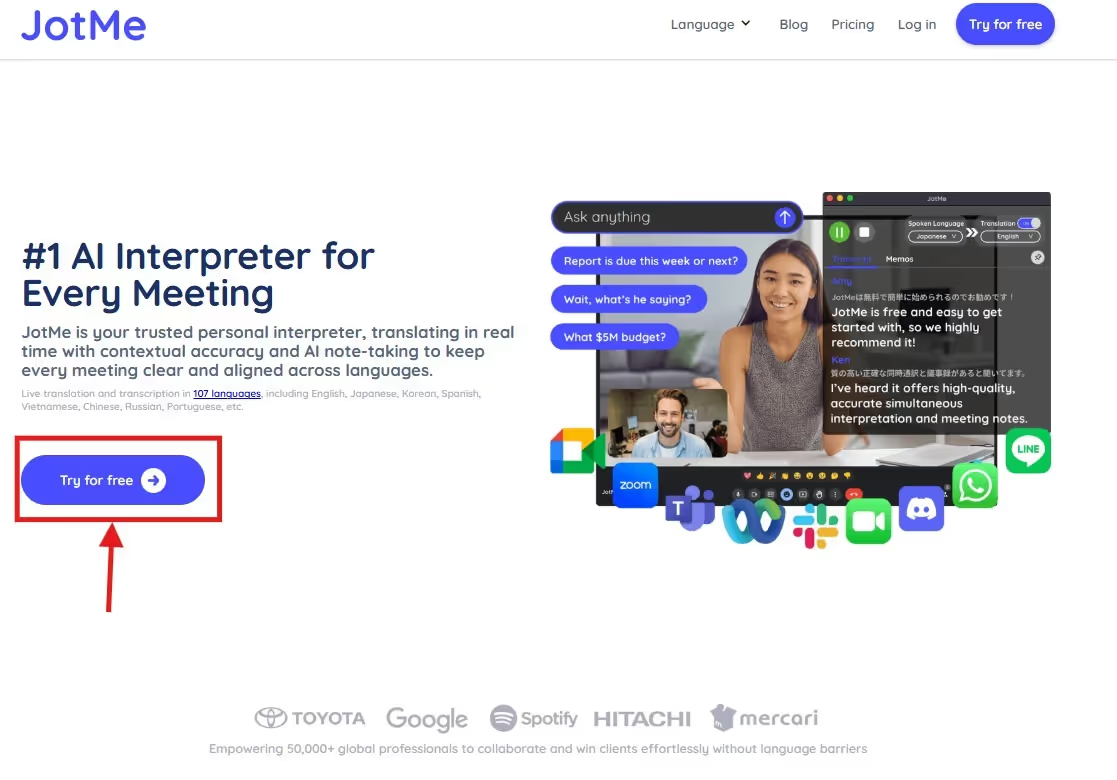
Go to JotMe’s official website and click “Try for free” to download JotMe on your device. The download takes less than a minute, and once complete, open the file and follow the prompts to launch the JotMe app.
Step 2: How to Connect Your Microphone?
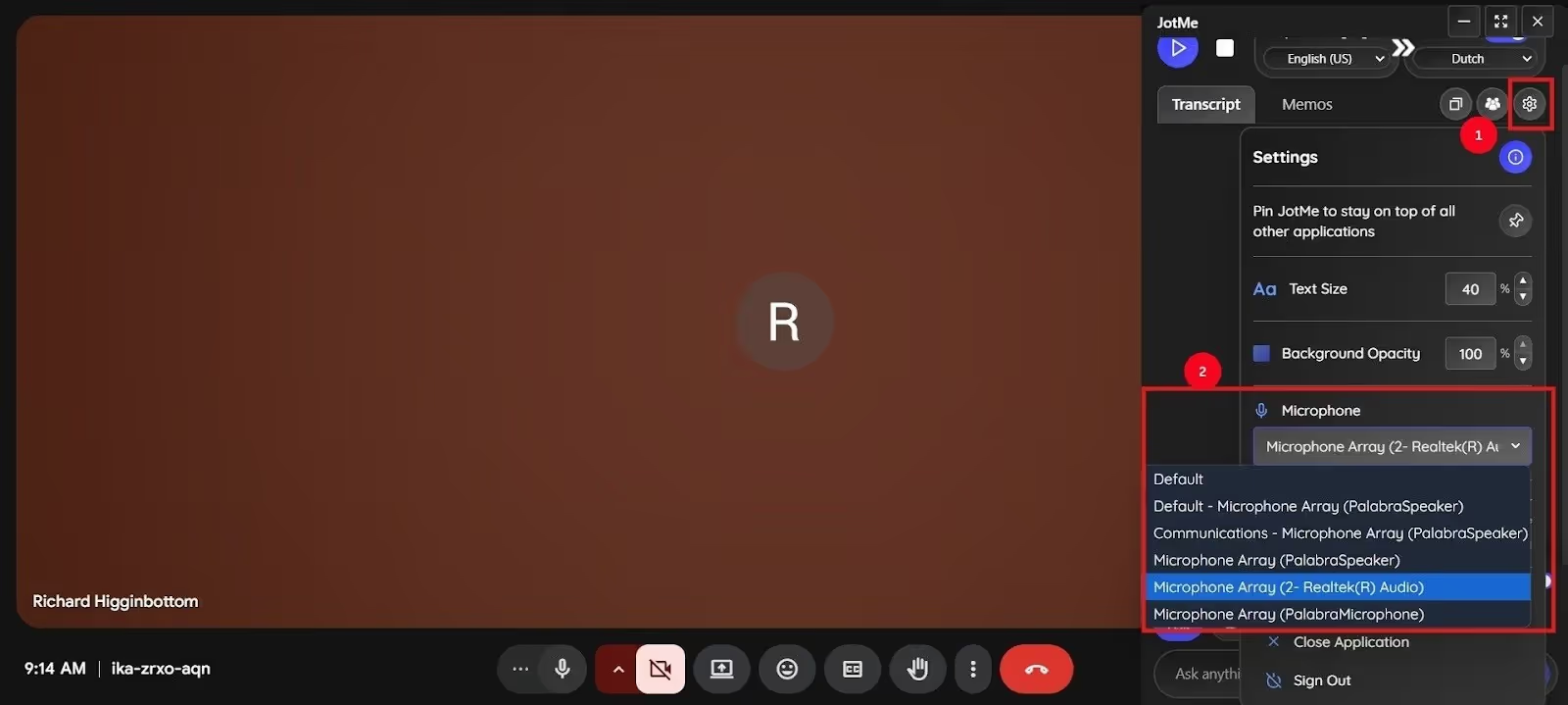
Open the online video conferencing platform and start your meeting. Launch JotMe, and head over to the “Settings” option on the top right corner. Find and click the Microphone Selection box from the dialog panel, and select the microphone you are using.
Step 3: How to Select Languages on JotMe for Live Translation?
Set “Spoken Language” as English and “Translation Language” as Dutch, and click “Play.” Now, start the meeting, and you will see JotMe performing live translations.
Conclusion: Which is the Best English to Dutch Translation Software?
Choosing the best real-time English to Dutch translation software depends on your translation needs, budget, and platform compatibility. Here’s a quick comparison of the tested tools based on ease of use, context handling ability, and for whom they’re best suited:
Among the listed tools, JotMe stands out as a reliable real-time English to Dutch translator. It’s contextually accurate, has a simple setup, and offers features such as AI Ask, post-meeting notes, real-time summaries, and more. So, try JotMe and streamline your virtual meetings today!
FAQs
Which is the best free Dutch translator?
JotMe is the best Dutch translator with a free plan, as it uses advanced speech recognition to deliver accurate, contextually relevant translations. At just $15/month, JotMe also offers features like AI Ask, Post-meeting summary, and more.
Is Google Translate accurate for Dutch?
No, Google Translate employs a word-for-word translation, which would make no sense when complex jargon or idiomatic expressions are involved. If you want a reliable live translator that picks up tone and nuances and understands context to preserve message meaning, consider JotMe.
Is Dutch easy if you know English?
Yes, Dutch is comparatively easy for English speakers due to shared Germanic roots, though there still will be challenges. Learners might get tripped up by more complex Dutch grammar compared to English.
Is DeepL really better than Google Translate?
Yes, DeepL provides much more accurate translations than Google Translate, but it still struggles with complex jargon. If you want better output, try out JotMe. Aside from accurate English to Dutch live translations, it offers features such as AI Ask, real-time summary, Quick Memo, and more.
Last updated on
April 14, 2026
Follow us on social media:
![JotMe — Is Google Translate Accurate? [2026 Test]](/_webflow-assets/0d0512afc7b037d74dff536f22fed08f.avif)