Guides
5 Best English to Cantonese Translators for Live Translations [Expert Review in 2026]

Viraj Mahajan
December 5, 2025
![JotMe — 5 Best English to Cantonese Translators for Live Translations [Expert Review in 2026]](/_webflow-assets/e50cb028886f88bdd3727d2dcc002a6e.avif)
Are your messages getting lost in translation when communicating with Cantonese-speaking colleagues? If so, then a reliable live English to Cantonese translator like JotMe can help.
Cantonese has distinct tonal patterns, grammatical structures, and everyday communication practices, so a literal English to Cantonese translation might sound weird. JotMe, on the other hand, understands the tone and context to provide accurate translations and eliminate awkward pauses in client meetings caused by translation errors. Not only that, it keeps everyone on the same page by providing instant answers to queries and saves time with auto-generated summaries and meeting notes.
Alongside JotMe, we tested several real-time AI translators to streamline our multilingual meetings. Here’s a quick overview of the top 5 English to Cantonese translator apps.
- JotMe provides contextual translation, AI Ask, real-time summary, text-to-text translation, and more for just $15/month.
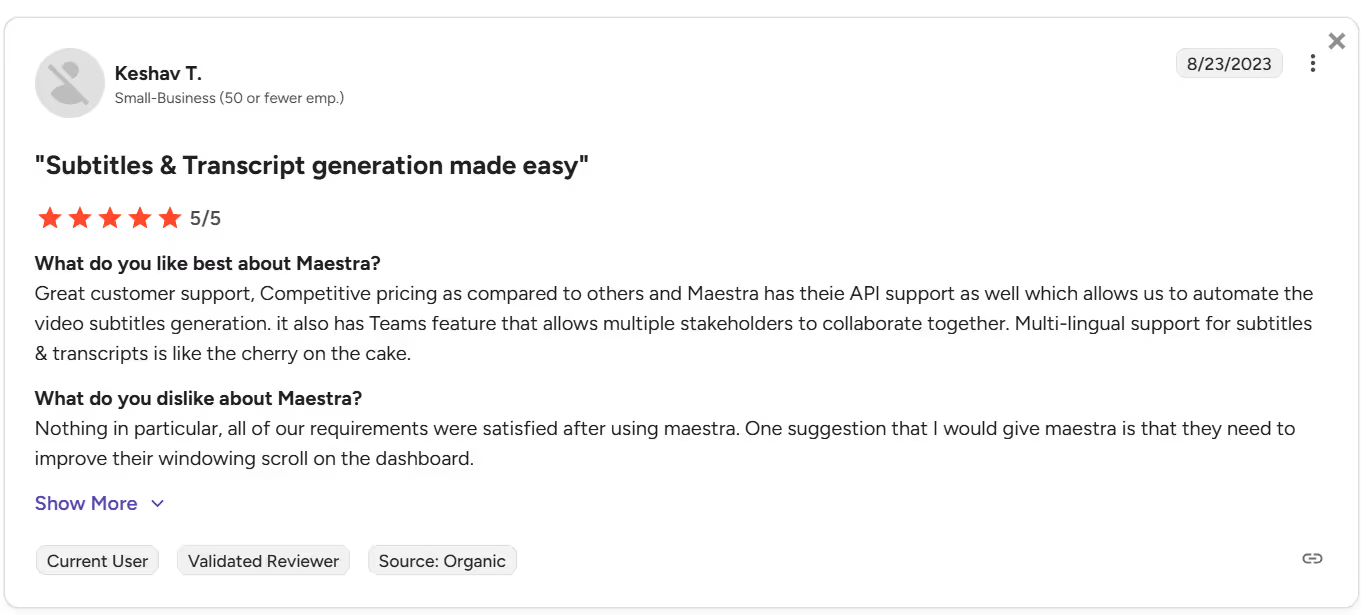
- Maestra AI offers multilingual translation, but some users were disappointed with the interface and said “they need to improve their windowing scroll on the dashboard.”
- Wordly AI offers translation based on hour-based pricing, so, as per some G2 users, “you have to remember to turn off the sessions at the end of the day, or you can cost yourself a lot of money.”
- Kudo is suitable for virtual and in-person meetings, webinars, and conferences, but some G2 users mentioned, “Sometimes with Zoom, there was a bit of a lag.”
- Bing Translator offers real-time translation services, but, according to some G2 users, “translations can sometimes be too strict or literal.”
Quick Comparison of English to Cantonese Live Translation Tools
Before we take you through detailed reviews of the tools, here’s their comparison table based on supported languages and other translation features:
What is the Most Accurate Cantonese Translator?
JotMe is the most accurate English-to-Cantonese live translator, offering real-time summaries and text-to-text translation to boost clarity, speed, and communication flow in multilingual teams. We also tested other AI live interpreters during the meetings with our Cantonese-speaking colleagues to determine which tool does best.
JotMe
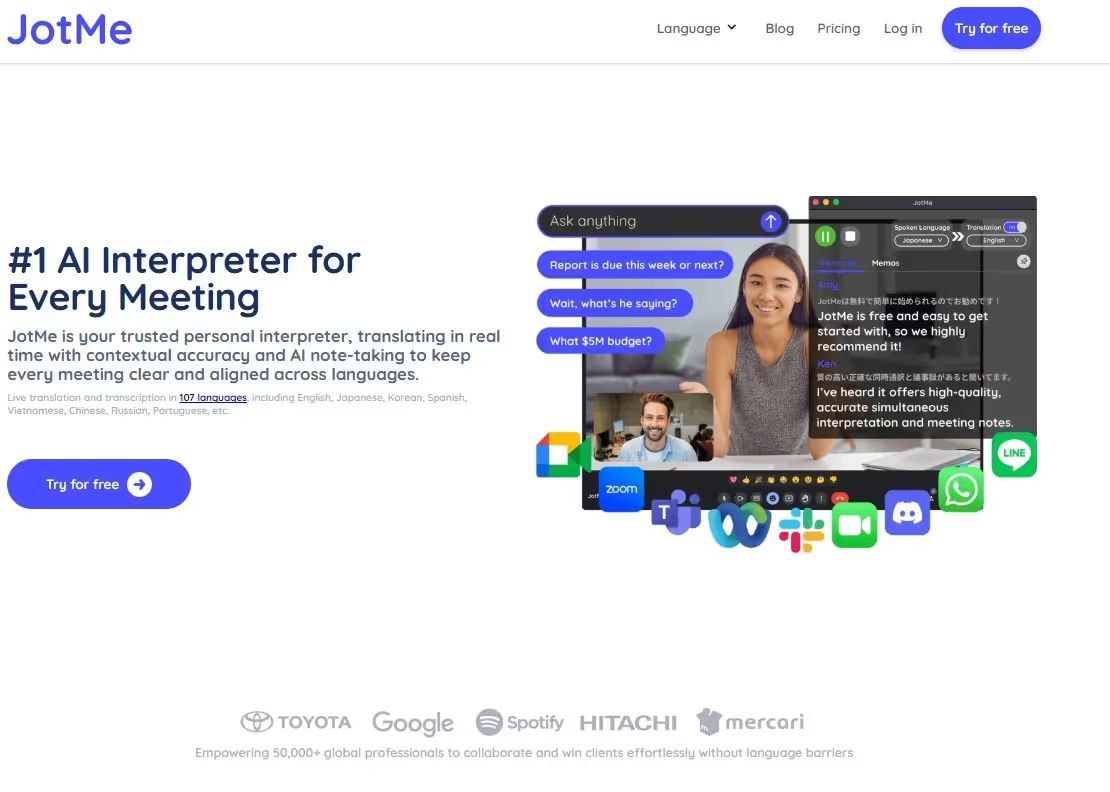
When we tried several English to Cantonese live translators during our Google Meet calls, JotMe stood out above the rest. JotMe carefully listened to our conversations, understood their context, and provided accurate translations in real-time. This allowed our Cantonese-speaking colleagues to jump into conversations and bring fresh, creative ideas to the table. Other reasons that make it stand out for our meetings are:
- Minimal Latency: JotMe starts translating from English to Cantonese as soon as we press “Play” and start our conversations. This means no awkward pauses while waiting for the translator to catch up.
- No-Bot Integration: Instead of sending a bot to your meeting, JotMe translates everything quietly in the background. The meeting can proceed smoothly without any interruptions or awkward moments.
- Multilingual Translation: JotMe can live translate multiple languages into a single language at a time. As a result, during a meeting with our multilingual team comprising Spanish-, French-, and English-speaking colleagues, Cantonese-speaking colleagues didn’t have any issues understanding a word.
JotMe is launching its mobile app very soon. You can sign up here if you want to be one of the users to try out as soon as it’s live.
JotMe Key Features
JotMe offers standout features, such as live contextual translation, AI Ask, quick memo, real-time summary, and translation minutes sharing. Let’s explore these features in detail:
Live Contextual Translation
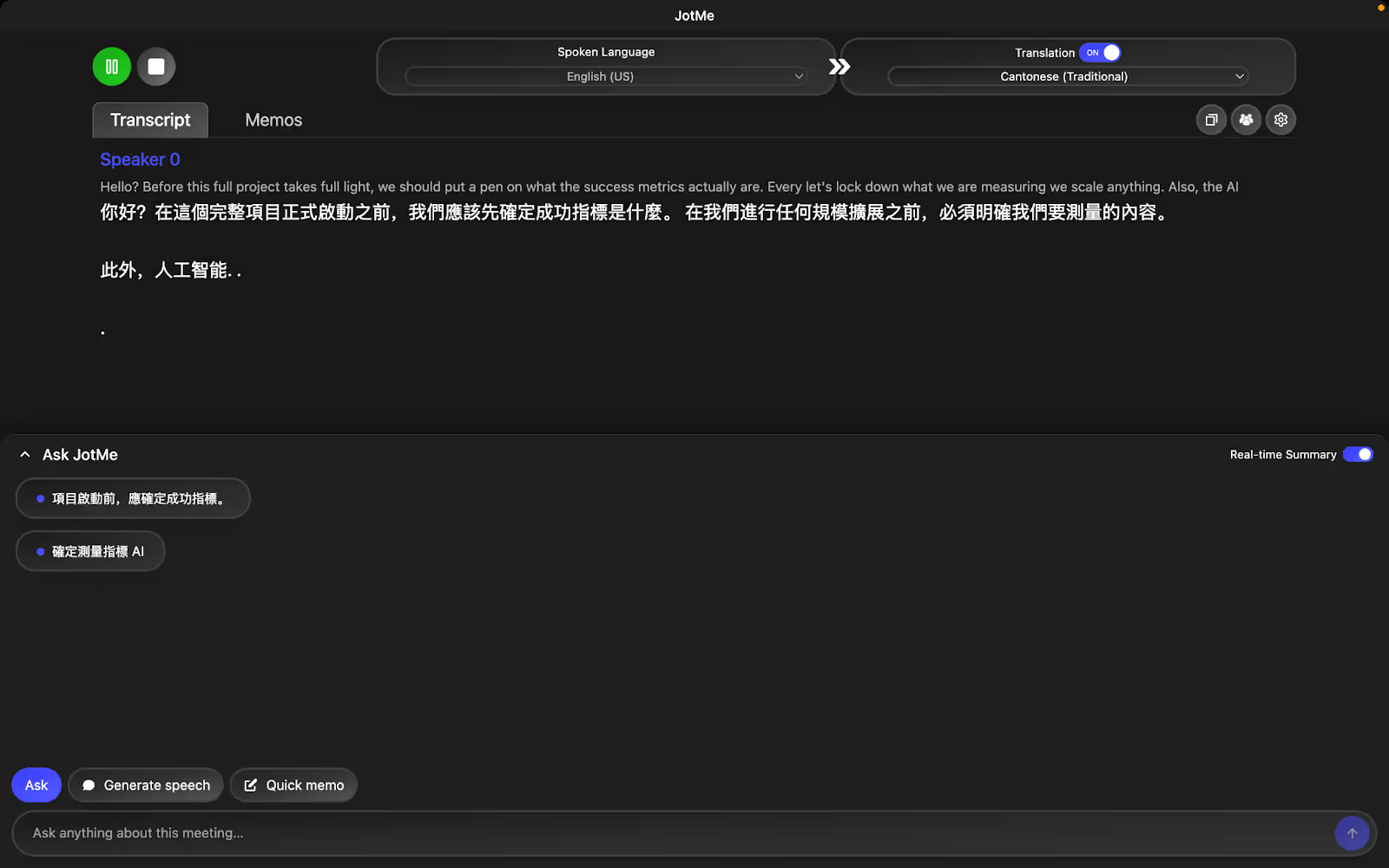
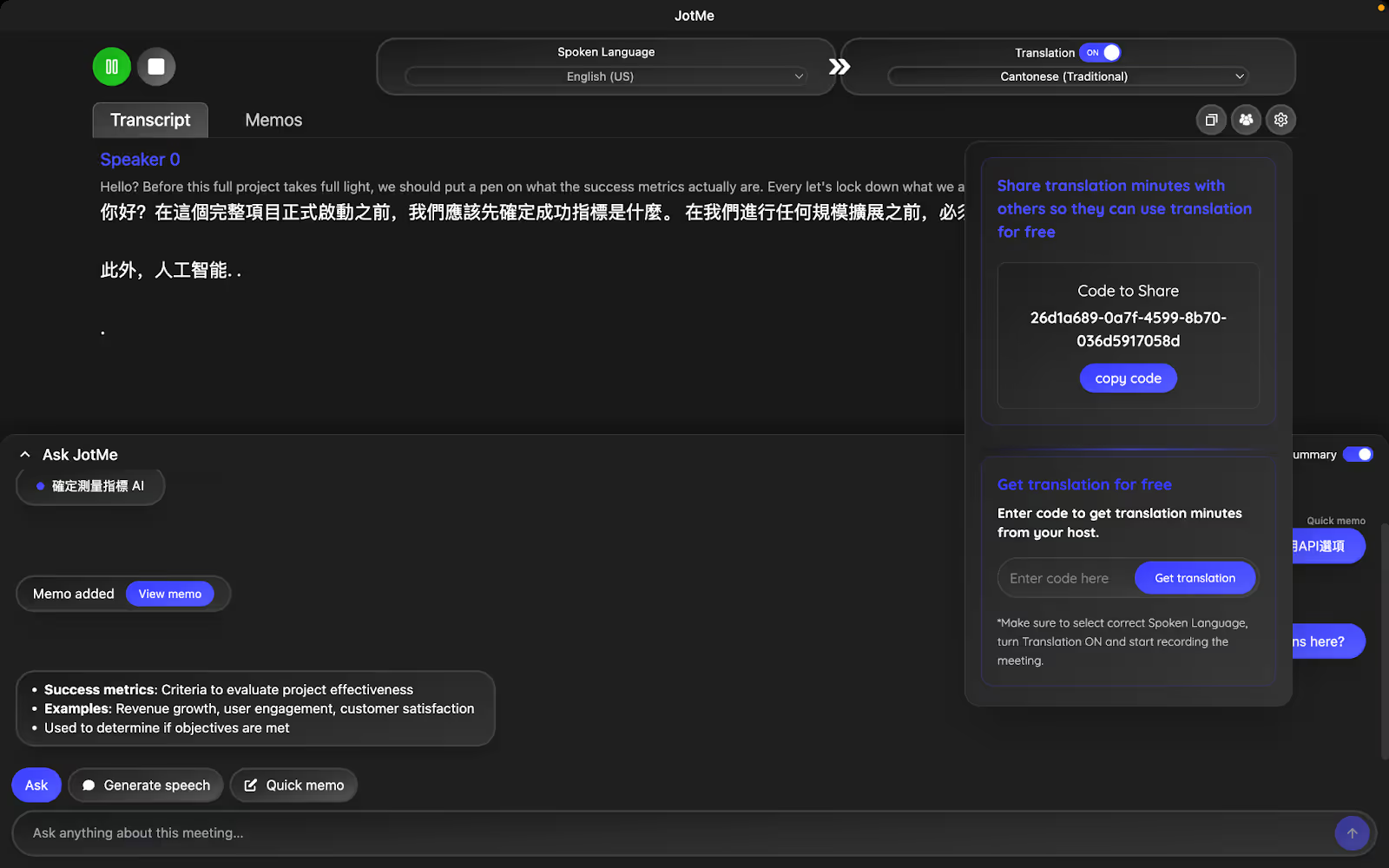
Most live translation tools we tested in Google Meet calls performed word-for-word translation, missed the context, and left our Cantonese-speaking colleagues confused in the end. However, things were different with JotMe. It used advanced speech recognition to capture tone, context, and even industry-specific terms, and provided accurate translations in real time. That’s not it. If you accidentally mispronounce words during a meeting (for example, “fight” for “flight”), JotMe fixes it in the live translation.
The word-for-word translations didn’t interpret “pen” as a metaphor and rendered “we should use a pen to think.” JotMe, on the other hand, understands the context of the discussion and delivers “we should determine exactly.”
AI Ask
At any time during the meeting, do you get stuck on a term or topic, and the conversation continues to move forward? Well, not anymore! JotMe’s AI Ask feature provides instant answers to your queries and helps you stay in sync with the conversations. Just click “Ask JotMe” in the JotMe window and drop your questions at any time during the meeting.

Quick Memo
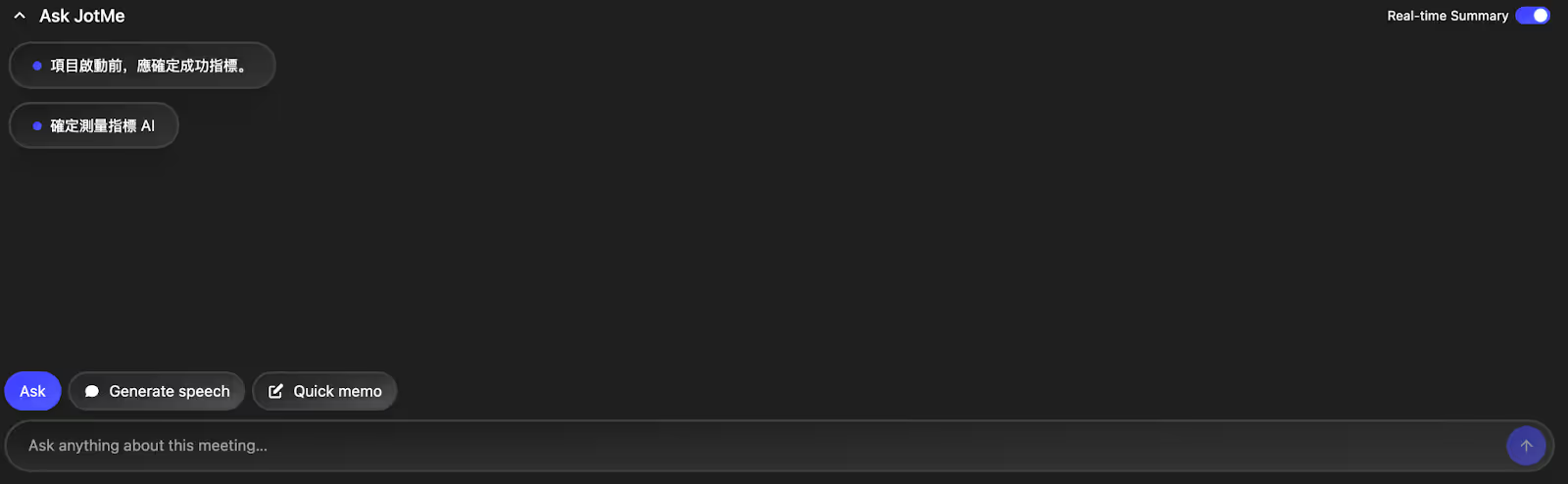
Real-time Summary
Long paragraphs of multilingual transcription and translations can be overwhelming during fast-paced meetings. JotMe makes it better by extracting key insights from discussions and organizing them into a bullet-point summary in real time. Simply toggle the Real-Time Summary and obtain an instant AI meeting summary without waiting for the meeting to end.
Sharing Translation Minutes
Not everyone in your team might have a paid plan to benefit from JotMe. If your team has any such member, simply share the unique code JotMe provides once the session starts. They can enter the code to access live translation, transcription, real-time summary, AI ask, and other JotMe features, and stay aligned with the meeting.
Pricing
JotMe offers a free plan and two paid plans: Pro and Premium.
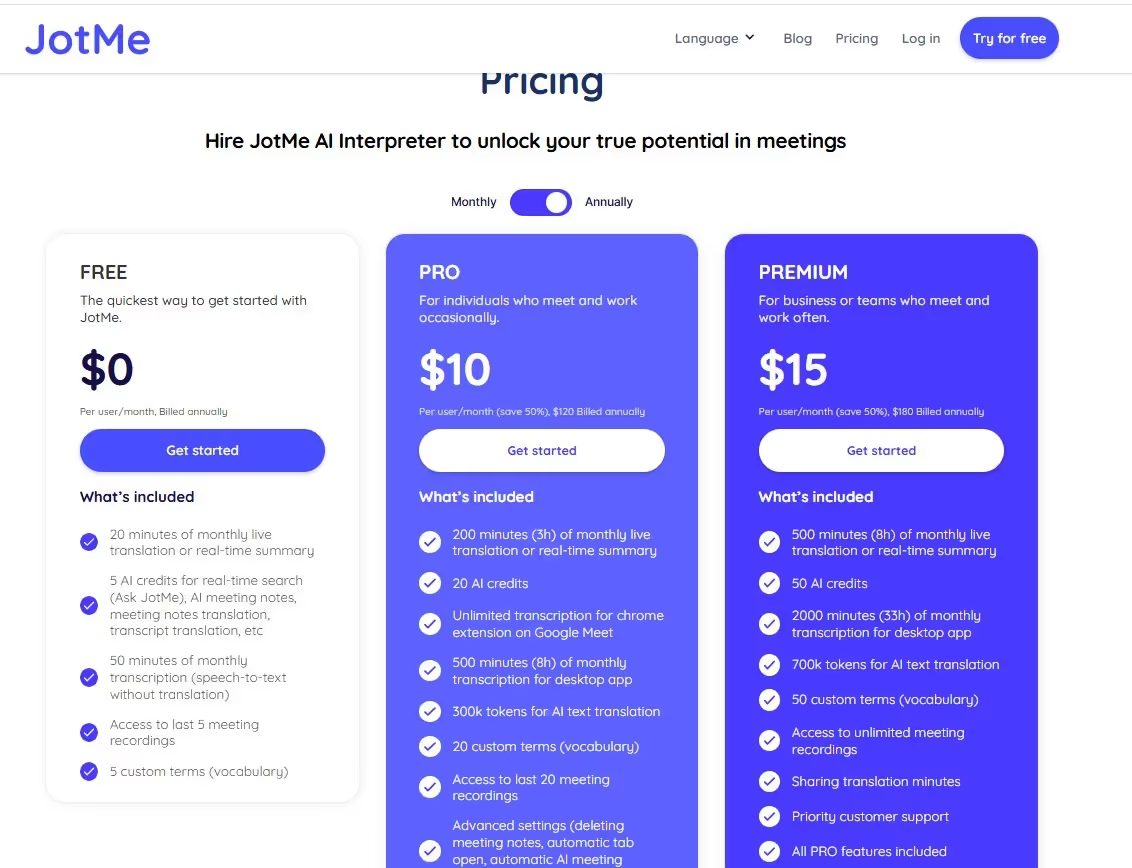
- JotMe’s free plan offers 20 minutes of monthly translation, 50 minutes of transcription, and 5 AI credits for AI ask, AI meeting notes, etc.
- At $10/month (billed annually), you will get 200 monthly translations and 500 monthly transcription minutes, alongside 20 AI credits.
- JotMe’s $15/month (billed annually) Premium plan offers 500 monthly translation minutes, 2000 monthly transcription minutes, and 50 AI credits. You also have access to unlimited meeting recordings.
Pros
- Offers a Chrome extension especially for Google Meet.
- Provides a free monthly plan for the users.
- Offers a contextual translation in 45 languages on desktop and 77 languages on the Chrome extension.
Cons
- The mobile app is launching soon.
Review
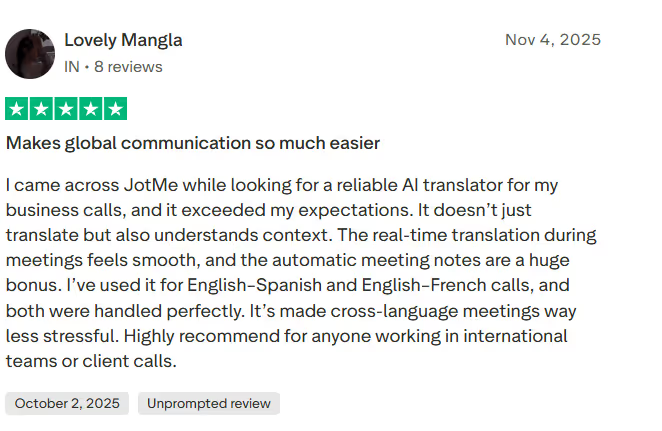
A user on Trustpilot was all praises about how JotMe streamlines their meetings. They were impressed by how smoothly and accurately it translated conversations, making multilingual meetings less stressful.
Maestra AI
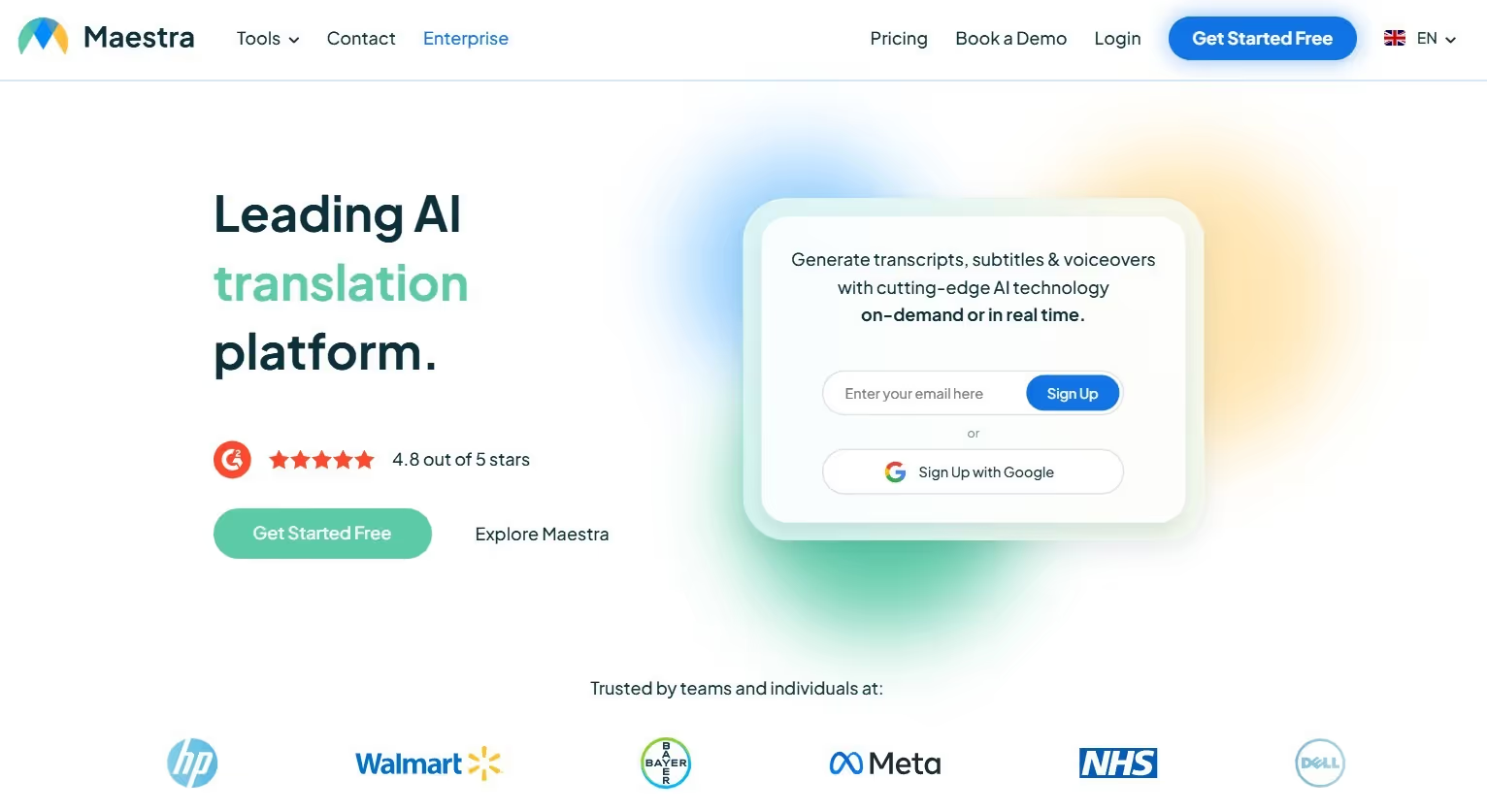
If you host business meetings with Cantonese-speaking engineers or technicians, where technical jargon flies from every direction, Maestra AI can be a reliable English to Cantonese live translator. It lets you build a custom glossary, which is especially helpful in Cantonese translations that often use various loanwords and phrasings. For example, we added terms like 短衝積壓清單 (sprint backlog), 延遲 (latency), 使用者故事 (user story), and others. We also liked its bilingual translation window, where the English conversations and Cantonese translations appear side-by-side.
However, translation accuracy depends on how clearly we speak and doesn’t automatically correct mispronunciations, unlike JotMe.
Pricing
Maestra AI offers flexible pricing plans to cater to different live translation needs:
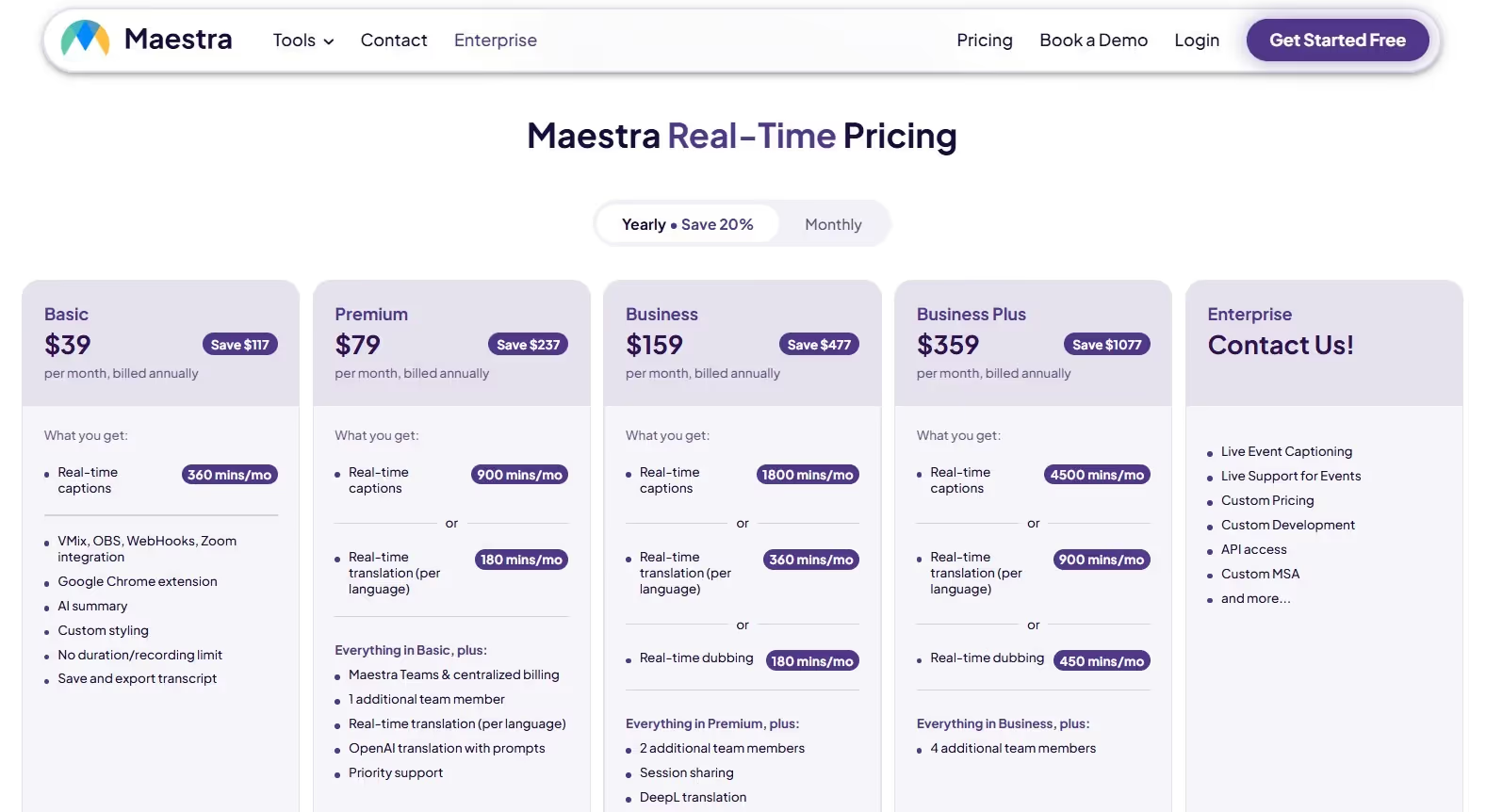
- Maestra’s Basic plan starts at $39/month (billed annually) for 360 minutes/month of real-time captions.
- Maestra’s Lite Plan starts at $79/month (billed annually) for 900 minutes/month of real-time captions and 180 minutes/month for real-time translation.
- Maestra’s Business Plan starts at $159/month (billed annually) for 1800 minutes/month of real-time captions and 360 minutes/month of real-time translation.
Pros
- Lets you create a custom glossary for more accurate translation.
- Multilingual translation in over 125 languages.
Cons
- Its paid plans can be expensive, especially for individual users.
- The accuracy of translation depends on how clearly you speak.
- A user on G2 says the software should learn some words once it’s updated.
Review
Users on G2 feel that Maestra AI should improve its windowing scroll on the dashboard.
Wordly AI
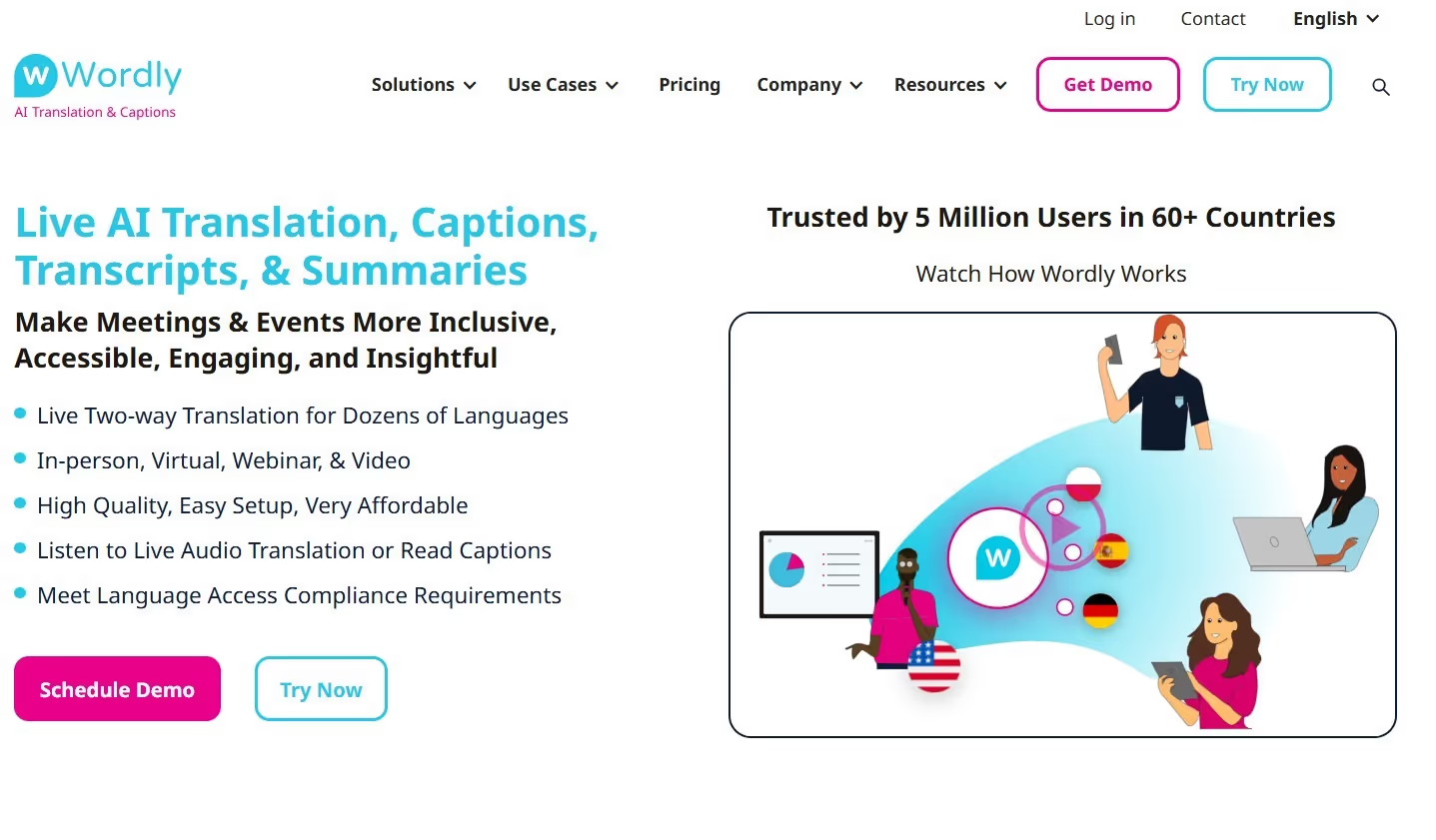
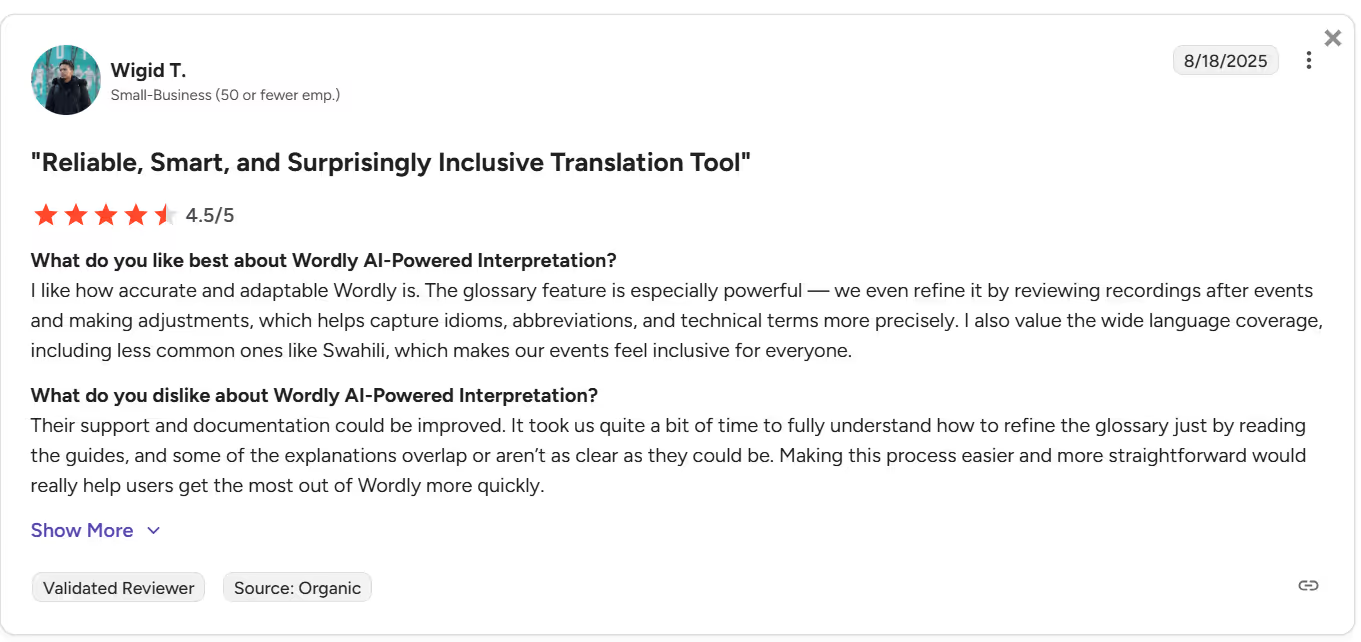
If you want reliable live translation software for online meetings, in-person meetings, or live conferences, Wordly AI can be a good pick. Its ability to support a large number of users in a single session is impressive. Besides, it allows the meeting host to share translations with participants. They just need to scan the shared QR code, select their preferred language, and the translated captions appear on their personal screen.
However, unlike JotMe, Wordly AI hasn’t made its pricing details public. You must also request their sales team to set up a free trial, which, in our case, was scheduled for three days later.
Pricing
Wordly isn’t transparent about the pricing policy, and you must request a quote from their sales team.
Pros
- Suitable for virtual, in-person, and hybrid meetings.
- It lets you share translations with participants.
Cons
- Wordly AI isn’t transparent about its pricing.
- Users on G2 feel the setup is a bit complicated.
- It’s more enterprise-focused and not suitable for individuals or smaller teams.
Review
A user on G2 reported that their support and documentation aren’t straightforward, and it took them some time to understand how to refine the glossary.
Kudo
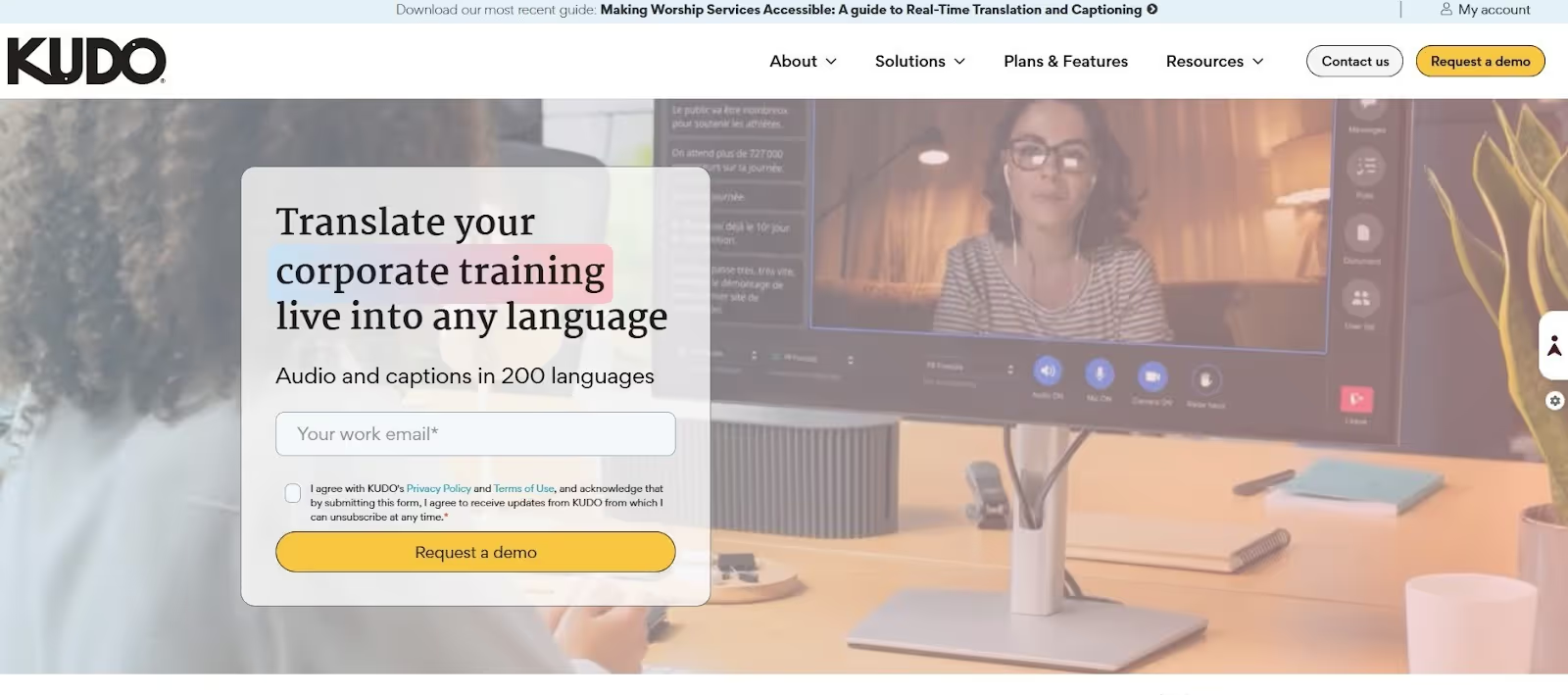
When we were searching for the best English to Cantonese translators, Kudo seemed to be a popular choice for real-time translation and interpreting in multilingual virtual and in-person meetings, webinars, and conferences. The added advantage is its MS Teams plugin and human interpretation services.
Kudo’s human interpretation might be accurate, but having the interpreter join the meeting can feel intrusive, and many clients may be hesitant to share any sensitive information. Also, like Wordly AI, Kudo doesn’t list its public pricing.
Pricing
Kudo isn’t transparent about their pricing policy, and you must request a quote from their sales team.
Pros
- Kudo offers both AI-based and human interpreters.
- You can add up to 3000 attendees to an online event.
Cons
- The pricing plans aren’t transparent, making budget planning difficult.
- You must request a free demo from a Kudo team, as it doesn’t offer a trial.
- A user on G2 feels Kudo’s user interface is very average.
Review
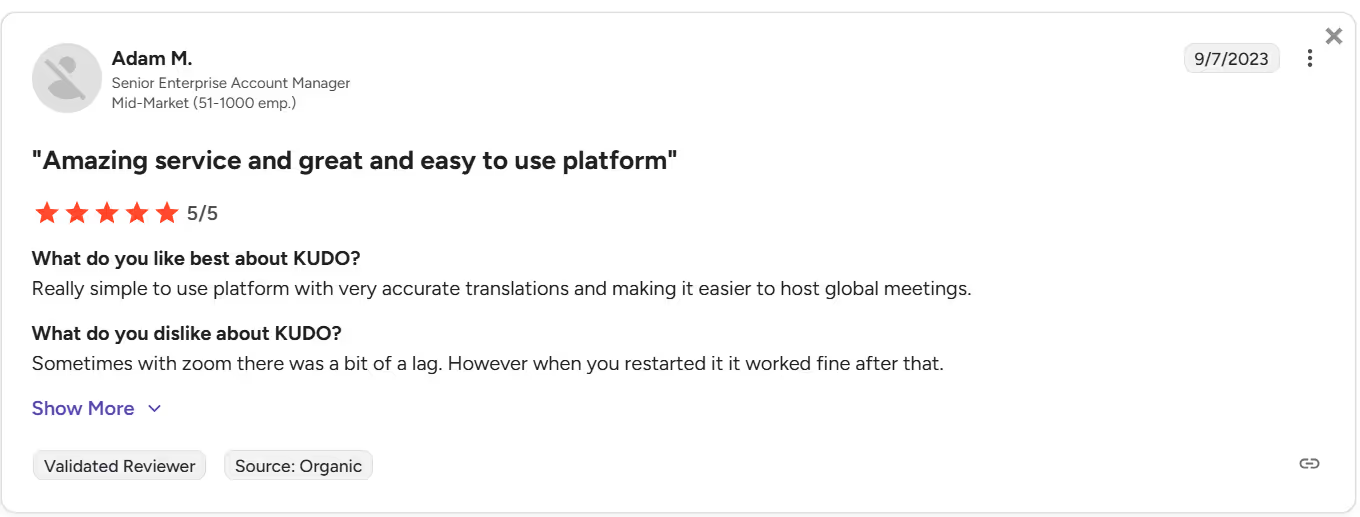
A user on G2 wasn’t happy with how Kudo sometimes lags on Zoom and requires a few restarts to function smoothly.
Bing Translator
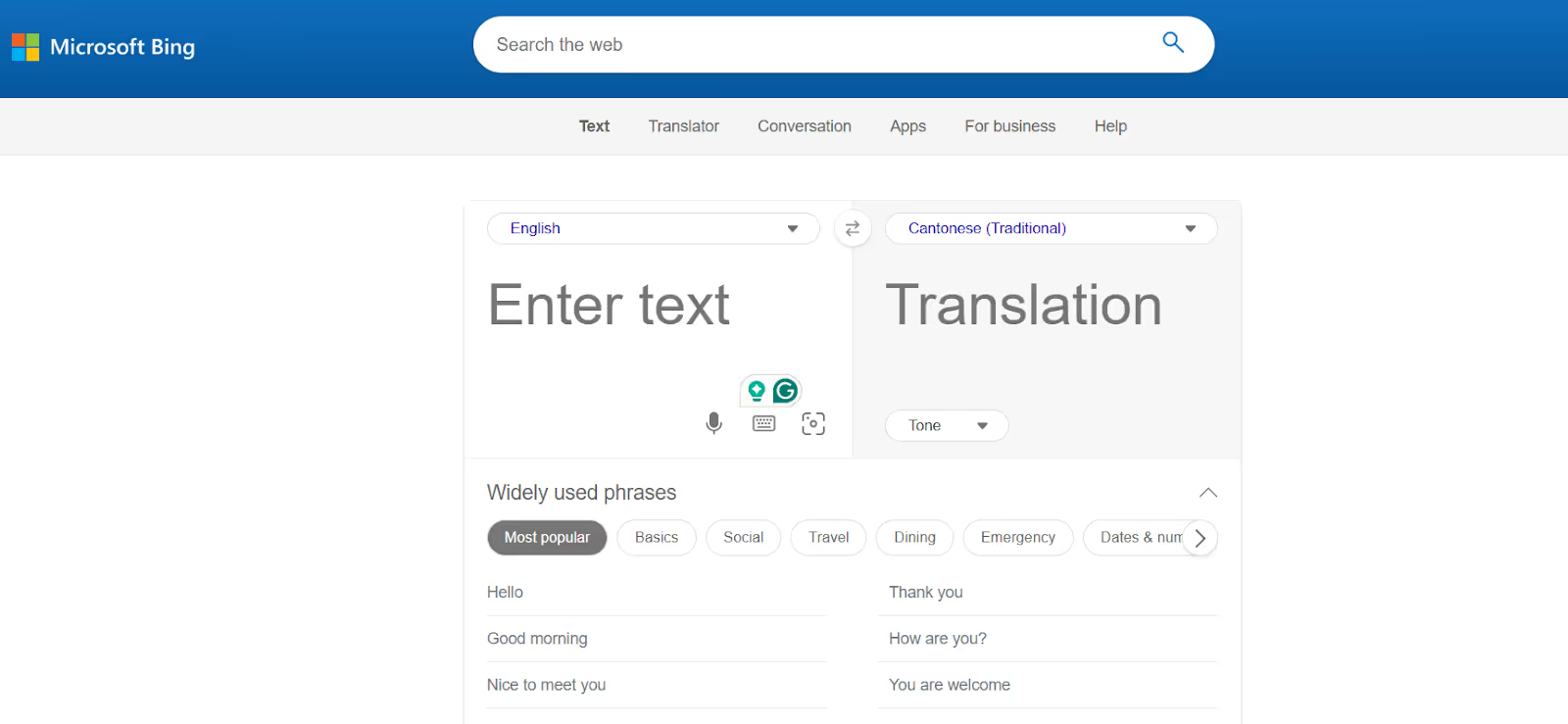
If you’re a Cantonese-speaking student who needs to translate their study notes and coursebooks, alongside their live lectures, Bing Translator can be a decent pick. It supports a plenty of languages, has a simple interface, is free to use, and in our tests, the translations were pretty accurate for general conversations. It, however, struggled with technical jargon like “sandbox environment,” “triage protocol,” and others. It led to clunky phrasing and moments where we had to manually clarify what was actually meant.
Pricing
Microsoft offers a free plan for Bing Translator, but hasn’t been transparent about its premium plans.
Pros
- Bing Translator is free to use and supports 150+ languages.
- Offers text-to-text translations as well.
Cons
- It sometimes struggles with accuracy in technical conversations.
- Lacks any advanced features like AI ask, summary, and more.
- A user on G2 reported that the translation can sometimes become too strict.
Review
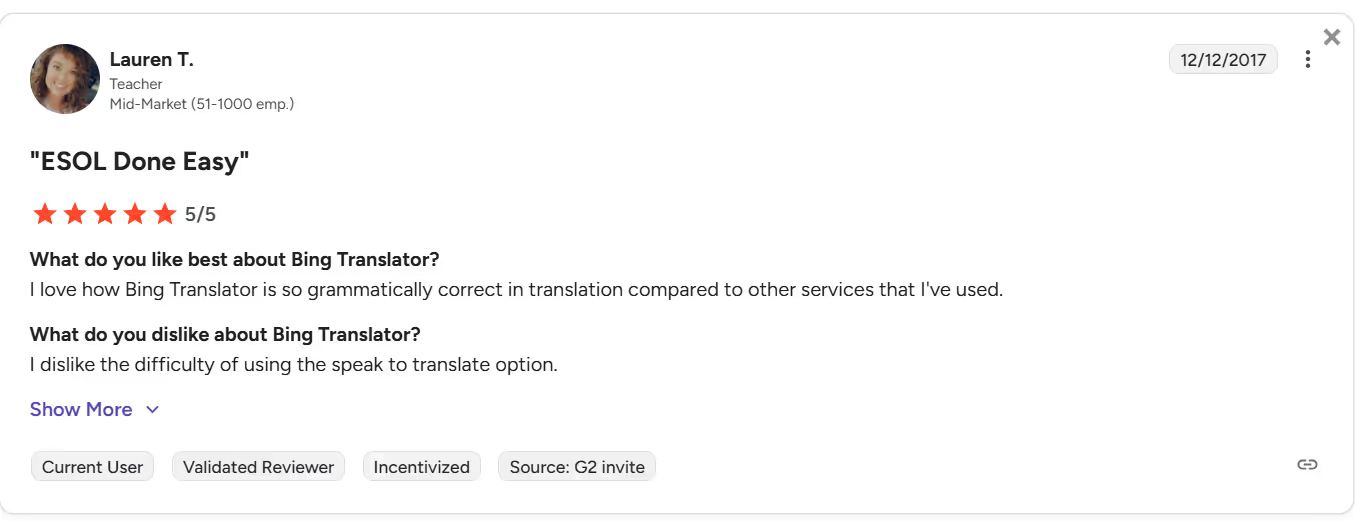
A user on G2 dislikes the difficulty of using the speak to translate option in Bing Translator.
How to Live Translate From English to Cantonese with JotMe?
You can use JotMe to translate live from English to Cantonese alongside your video conferencing platforms, such as Google Meet. Zoom, Webex, and Microsoft Teams. JotMe provides contextually accurate translations so your Cantonese-speaking colleagues stay on the same page without missing any crucial information.
Step 1: How to Install JotMe?
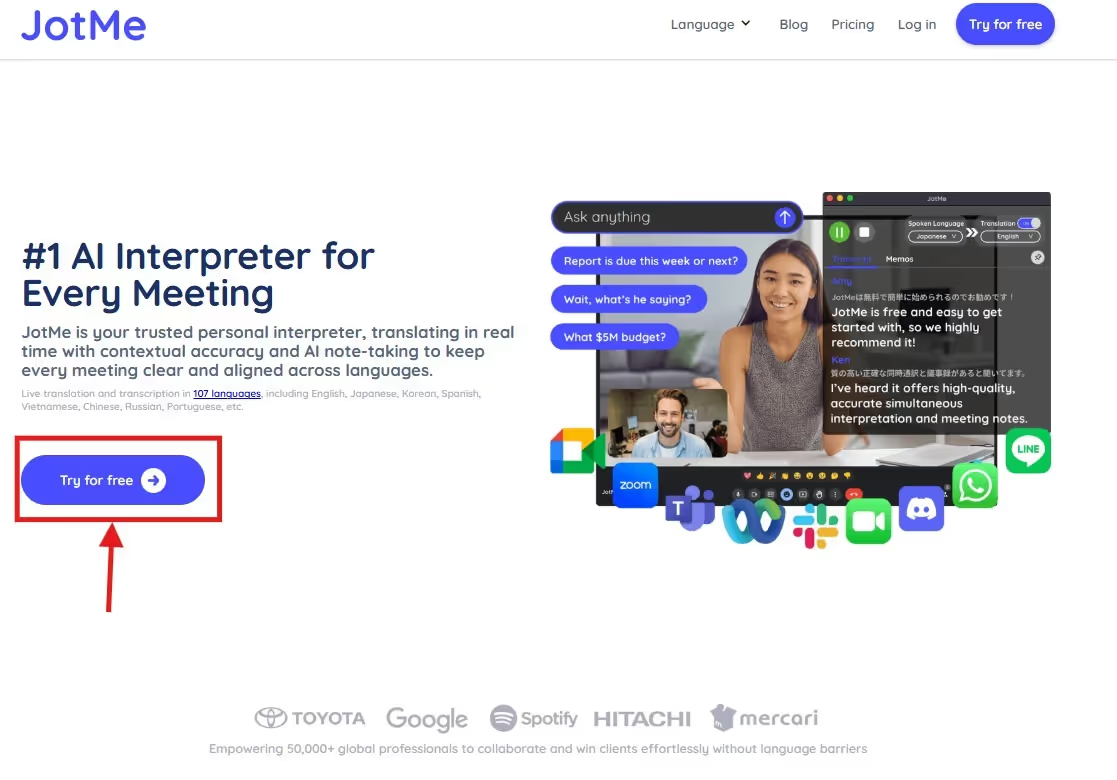
Head over to JotMe’s official website and click on “Try for Free” to download JotMe on your Windows or macOS desktop. Then, follow the on-screen prompts to install the app.
Step 2: How to Set Up JotMe to Live Translate From English to Cantonese?
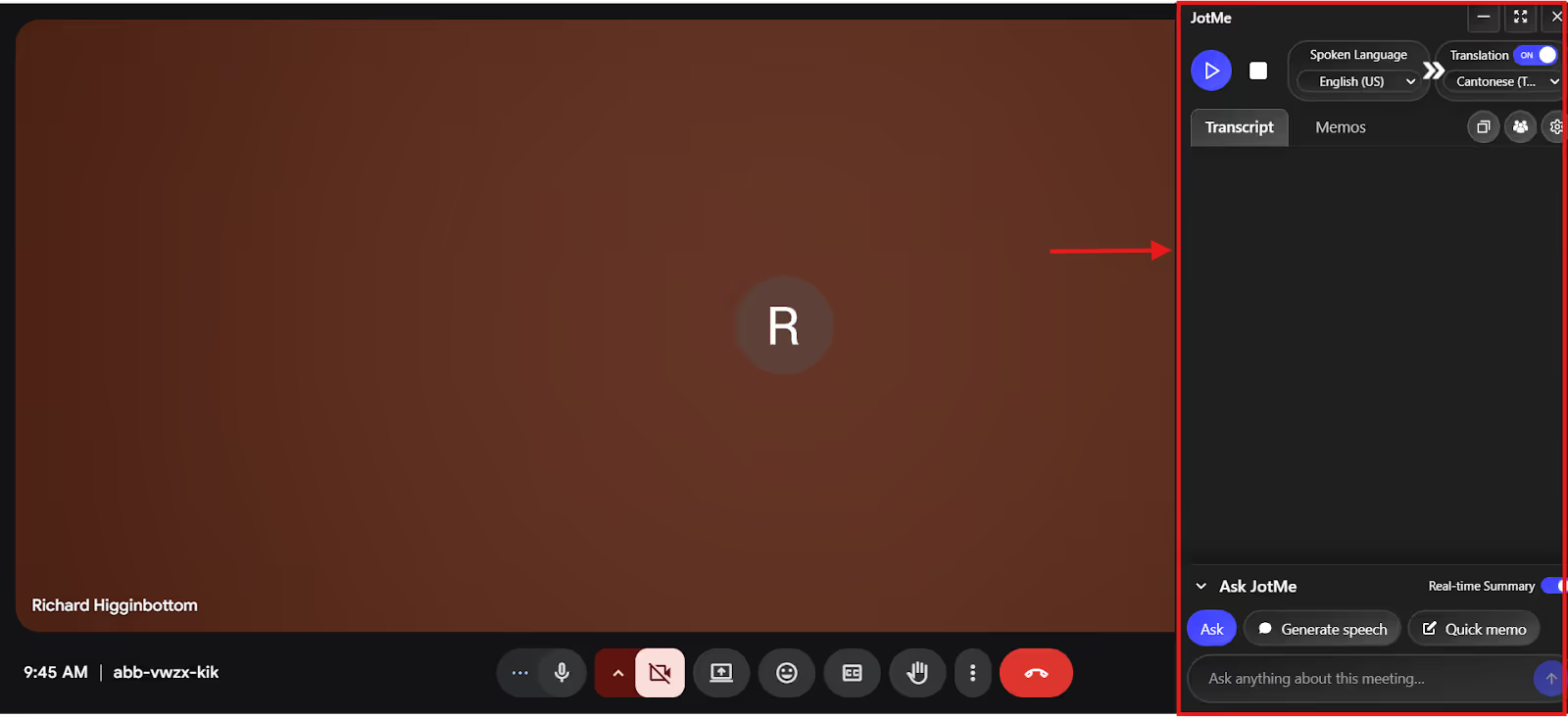
Open your preferred video conferencing platform, such as Zoom, Microsoft Teams, or Google Meet, and start the meeting. Then, launch JotMe and keep the window open alongside your meeting.
Step 3: How to Start Live Translation?
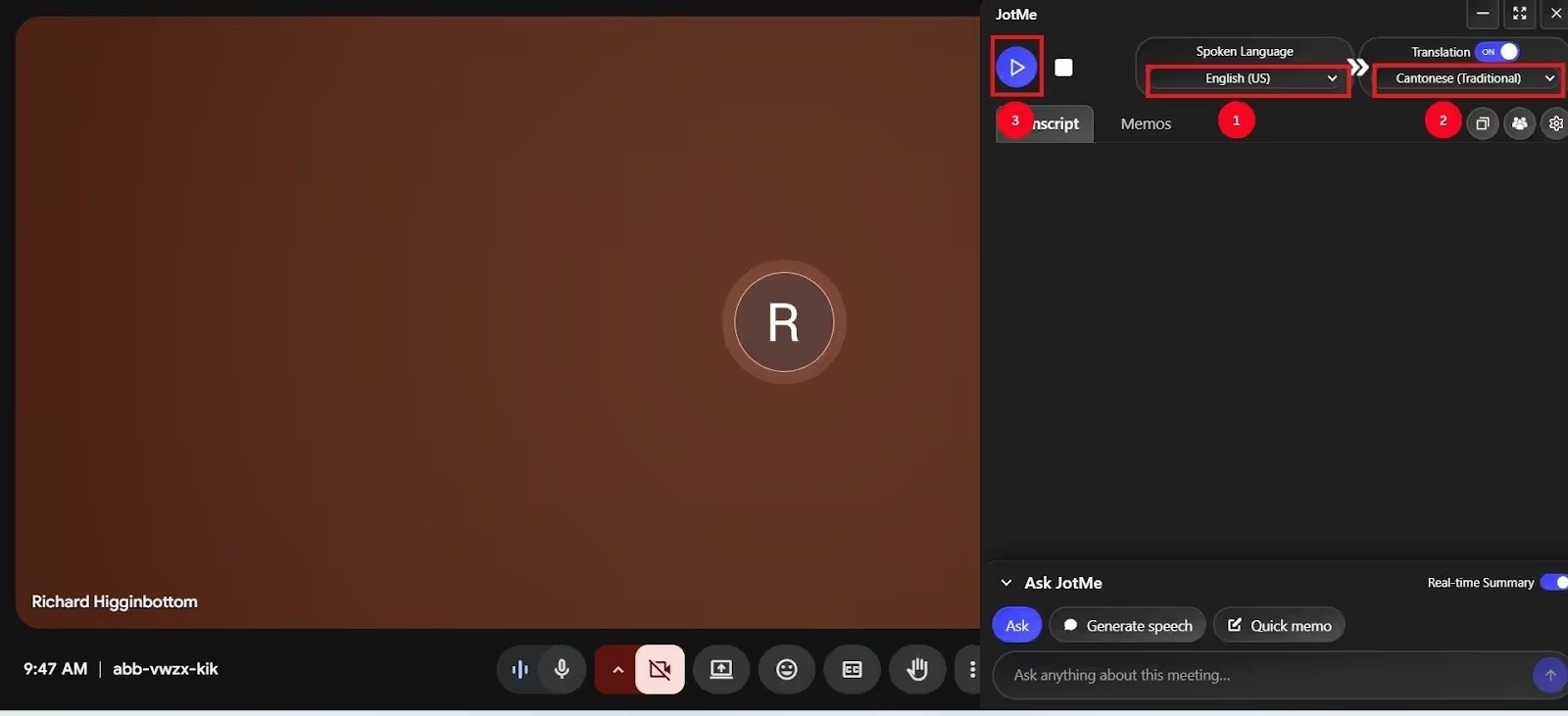
In the JotMe window, toggle the “Translation” option. Set the “Spoken Language” to English and “Translation Language” to Cantonese, and click on “Play.” JotMe will start live translating as soon as the meeting begins.
Conclusion: Which is the Best Live translator?
The best live English to Cantonese translator must understand context, pick up nuances, and explain them clearly to your Cantonese-speaking teammates. This streamlines the conversation and keeps everyone on the team in sync. JotMe stands out with its unmatched accuracy, ability to provide instant answers to your queries, and to automatically summarize the meetings in real time. Other tools are also good in their own ways, and here’s a quick overview of that:
Among the mentioned tools, JotMe stands out for its comprehensive, user-friendly English to Cantonese experience. From individuals to small teams and even large organizations, JotMe adapts to different business conversations with Cantonese-speaking colleagues and clients. Try JotMe today to see how it streamlines your multilingual meetings.
FAQs
Can ChatGPT translate English to Cantonese?
Yes, ChatGPT can translate from English to Cantonese, but the quality may vary. While it’s suitable for simple, casual conversations, it struggles with technical jargon. JotMe, on the other hand, understands the context and provides accurate live translations of conversations, regardless of their complexity.
Is there Cantonese in Google Translate?
Yes, Google Translate can translate from English to Cantonese, but it performs word-for-word translations, which can often distort the meaning. It’s therefore crucial to use reliable live translation tools like JotMe that capture tone, nuances, and context to preserve the message's core meaning.
What is the AI translator for Cantonese to English?
JotMe is a reliable live AI translator for Cantonese to English that provides contextually accurate translations and adds features like AI Ask, automated summaries, and more to boost team productivity.
What is the hardest thing about Cantonese?
The hardest thing about Cantonese is the numerous tones, unique sounds, and differences in its spoken and written forms. It has six tones, and changing a pitch can alter the word’s meaning. JotMe, with its advanced Natural Language Processing algorithm, ensures it understands context and tone to generate an accurate live translation every time.
Last updated on
April 14, 2026
Follow us on social media:
![JotMe — Is Google Translate Accurate? [2026 Test]](/_webflow-assets/0d0512afc7b037d74dff536f22fed08f.avif)