Руководства
6 лучших инструментов для перевода аниме на английский язык, которые я попробовал (руководство на 2026 год)

Viraj Mahajan
December 29, 2025

There’s no denying that some tools for anime translation to English can spoil the viewing experience. You sit down to watch your favorite show, only to find the subtitles sound robotic or out of place with what the character says on screen. Being an anime fan, I understand how frustrating this can be. So, I tried more than 15 translation tools, and JotMe stood out for its contextually accurate live translations.
Unlike most live translation tools, JotMe uses multilingual speech recognition to understand cultural references in anime, such as senpai, keigo, and tsundere, while jokes land naturally in English. JotMe also generates subtitles that match scene emotion, speech pacing, and reading pace. There weren’t any rushed lines or delays to distract from the visuals, and I could wholeheartedly enjoy the show.
In my tests, five more tools came close to JotMe for real-time anime translation to English. I’ll talk about each of them and mention their strengths and quirks, and how JotMe became my ultimate real-time anime translator.
What Matters in an Anime Translation Tool?
To effectively translate anime to English, a tool must understand the nuances and cultural references, jokes, and sound effects to produce a contextually accurate translation. Before I dive into the best tools, understand why anime translation is a challenge for most tools.
Nuances and Cultural References: Most AI anime translation tools focus on words rather than vocal cues. This way, they cannot interpret micro-pauses, pitch drops, breath control, or similar cues, and often misinterpret the scene's overall emotional weight.
Not only the vocal cues, but the anime translation tools must consider social and historical contexts to relay the message properly.
Cultural Sensitivity: While most AI tools trained on statistical patterns may produce technically accurate translations, some words may come off as culturally insensitive. What’s important for AI live translation tools is to understand the emotional, cultural, or suggested associations the word carries beyond its dictionary definition.
Here’s an example:
Literal Translation: Senior colleague, about today’s meeting…
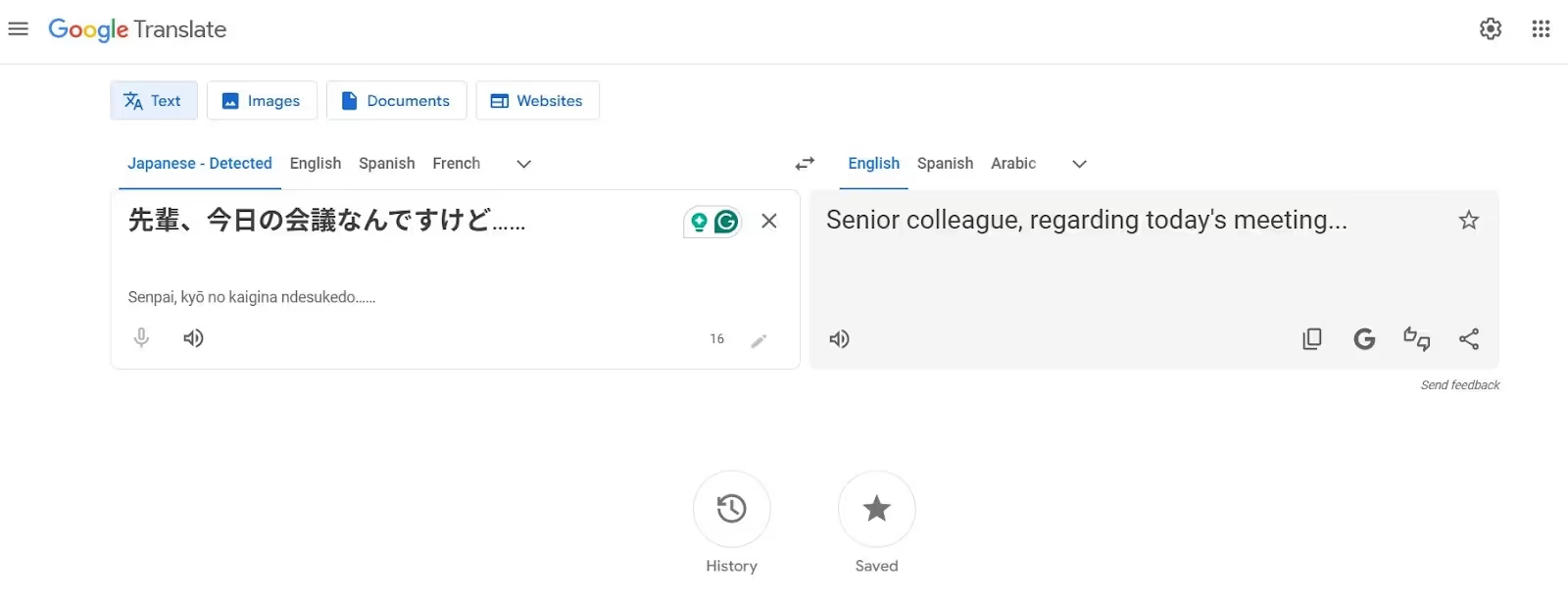
Here’s a tabular representation of the challenges most tools face to anime translate to English:
What are the Best Tools for Translating Anime Subtitles Into English?
JotMe, Maestra AI, DeepL Voice, Palabra AI, Papago, and Bing Translator are the best tools for anime translation in English. Each tool offers something unique, but before you dig deep into each tool, here’s what other users and I have to say about these:
- JotMe is one of the best live translation apps, offering natural-sounding, contextually accurate translations that preserve the actual meaning, along with features like AI Ask, Generate Speech, real-time summary, and more, all for just $15/month.
- Maestra AI offers automatic subtitling and video localization in 125+ languages, but a user on G2 says, “they need to improve their windowing scroll on the dashboard.”
- DeepL Voice provides accurate translations with high-quality neural models, but a user on G2 mentions, “This lags a lot.”
- Palabra AI ensures minimal latency for a seamless anime-watching experience, but it struggles with overlapping dialogues.
- Papago Plus is a decent translator for voice, images, documents, and websites, but a Reddit user says that it can be confusing for people translating from English to Japanese.
- Bing Translator provides real-time translation in hundreds of languages, but according to a G2 user, “translations can be too strict or literal.”
Now, let me help you choose the best tool for anime translation:
JotMe
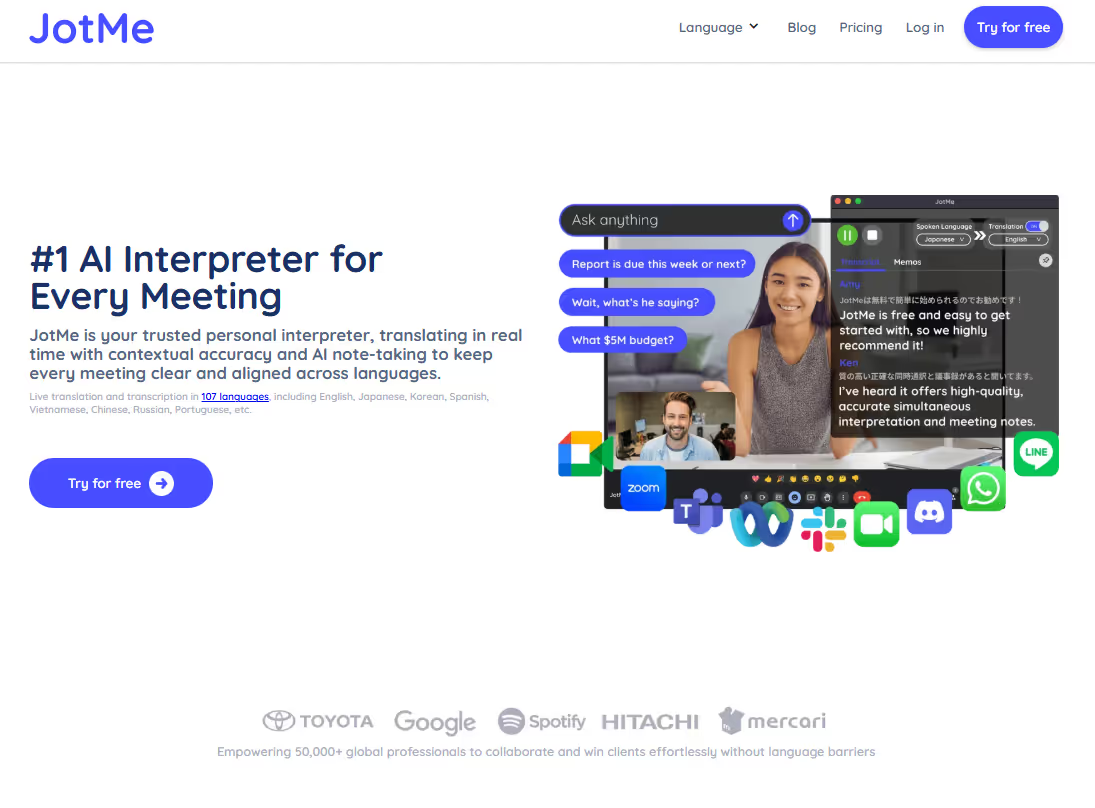
I first tried JotMe while watching Demon Slayer on Netflix, and it turned out to be a much better anime subtitle translator than I anticipated. Rather than throwing random words on the screen, it understands the emotions, tone, and context of the conversations to show the right meaning. This, and other reasons that make JotMe stand out are:
No Latency: As soon as the anime starts, you’ll see translations appear on the JotMe window. JotMe ensured I didn’t miss a single dialogue and could immerse myself in the story right from the start.
No Integration Required: I loved how you could just open JotMe, play the anime, and the translated texts appear. No complex setup, no integrations were needed, making it ideal for beginners.
JotMe will soon launch a mobile app that provides English-to-Japanese translations on the go. This will be a big help on my next trip to Japan.
Key Features of JotMe
Live contextual translation, AI Ask, real-time summary, and generate speech were the most helpful anime translation features. These are detailed below:
Live Contextual Translation
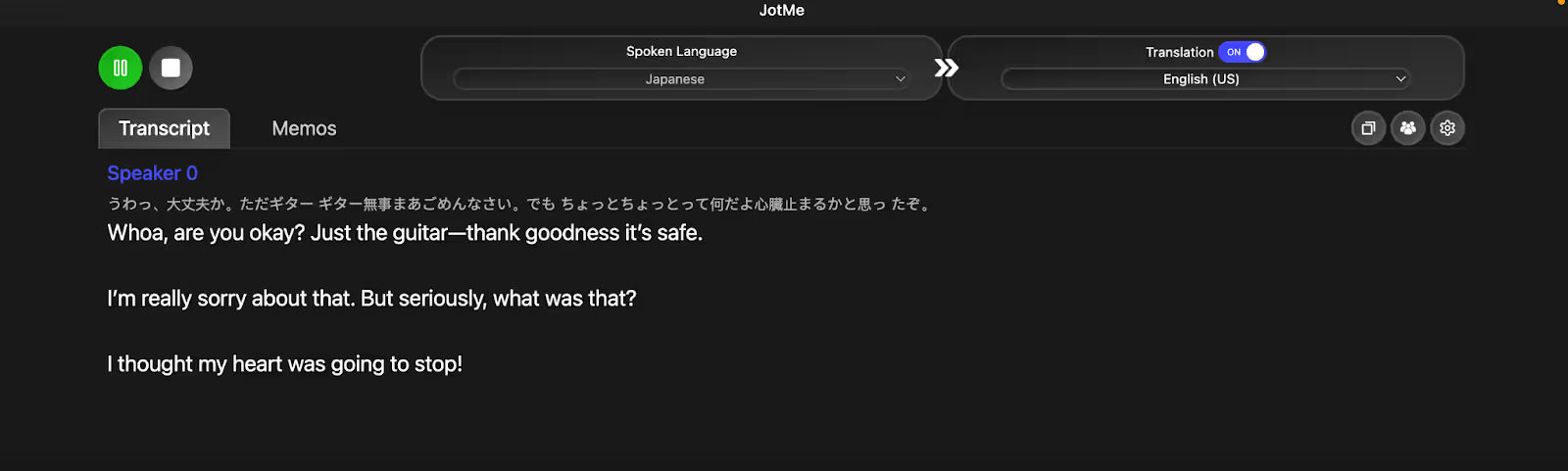
JotMe packs in an advanced multilingual speech recognition technology to understand the tone, conversation flow, cultural nuance, and meaning of the dialogues, and provides a contextually accurate translation. This is what matters the most in a real-time anime translation. Here’s an example:
AI Ask
Last month, one of my friends mentioned Gintama when I asked for a sci-fi and historical anime recommendation. However, with cultural references embedded in almost every alternative dialogue, I was required to keep my Google search open at all times.

Real-Time Summary
Whenever I am watching a movie or a long anime arc, JotMe's real-time AI summary feature is helpful. The bulleted, to-the-point summaries help quickly catch up on missed plot points and stay on track with the fast-paced narrative. In some anime with multiple arcs, it also helps refresh my memory of key characters, relationships, and events.

Generate Speech
I love how I can use JotMe to speak Japanese clearly. All I need to do is write a sentence in English, and JotMe immediately translates it into Japanese with accurate pronunciation. I often use it to practice my Japanese and have made good progress so far.

Text-to-Text Translation
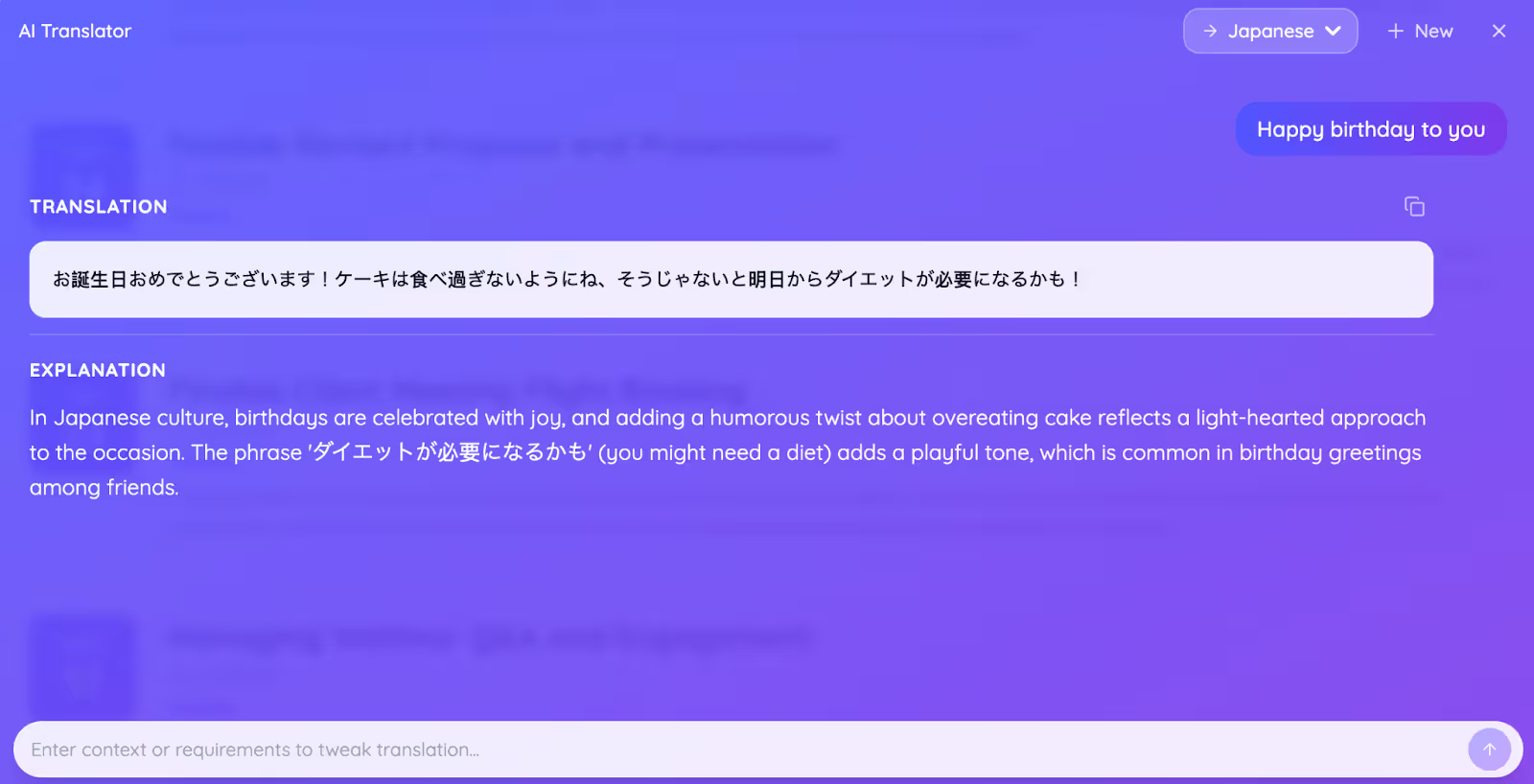
JotMe also provides a unique way to wish your anime-loving friend a happy birthday or send a humorous or congratulatory message. Just type a sentence, “Happy Birthday to you,” and add a request: keep the humorous tone. I was impressed with the output and a side-by-side explanation of why it chose specific wordings.
Pricing
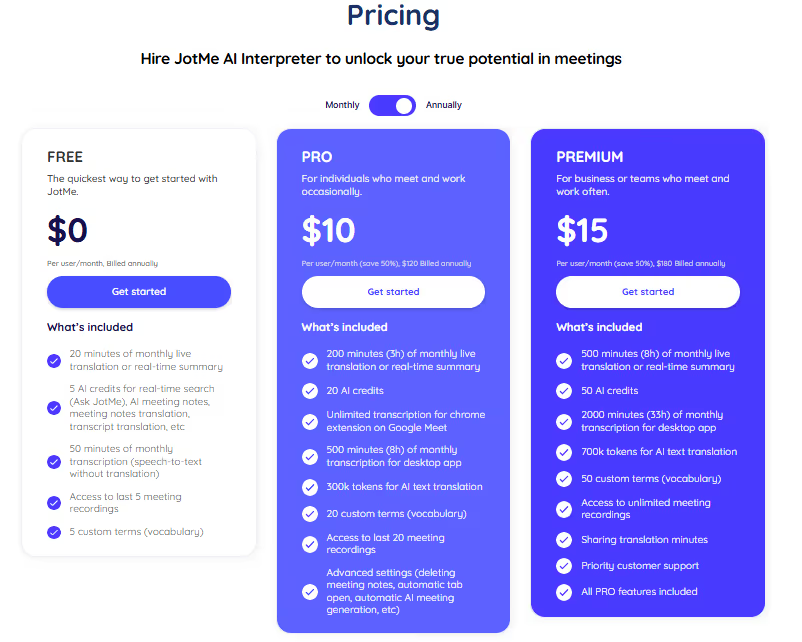
JotMe offers a flexible pricing policy that suits both someone who watches anime once a week and an avid anime lover.
- JotMe offers a free plan with 20 minutes of live translation and 50 minutes of transcription per month.
- Its Pro ($10/month, billed annually) plan provides 200 live translation and 500 transcription minutes.
- The Premium ($15/month, billed annually) plan includes 500 live translation and 2000 transcription minutes, with unlimited access to meeting recordings.
What I Liked
- JotMe understands the tone, flow, and cultural nuances to provide a contextually accurate translation.
- It provides instant answers to your queries.
- No bot integration for a seamless anime watching experience.
What I Didn’t Like
- JotMe doesn’t support video uploads.
Maestra AI
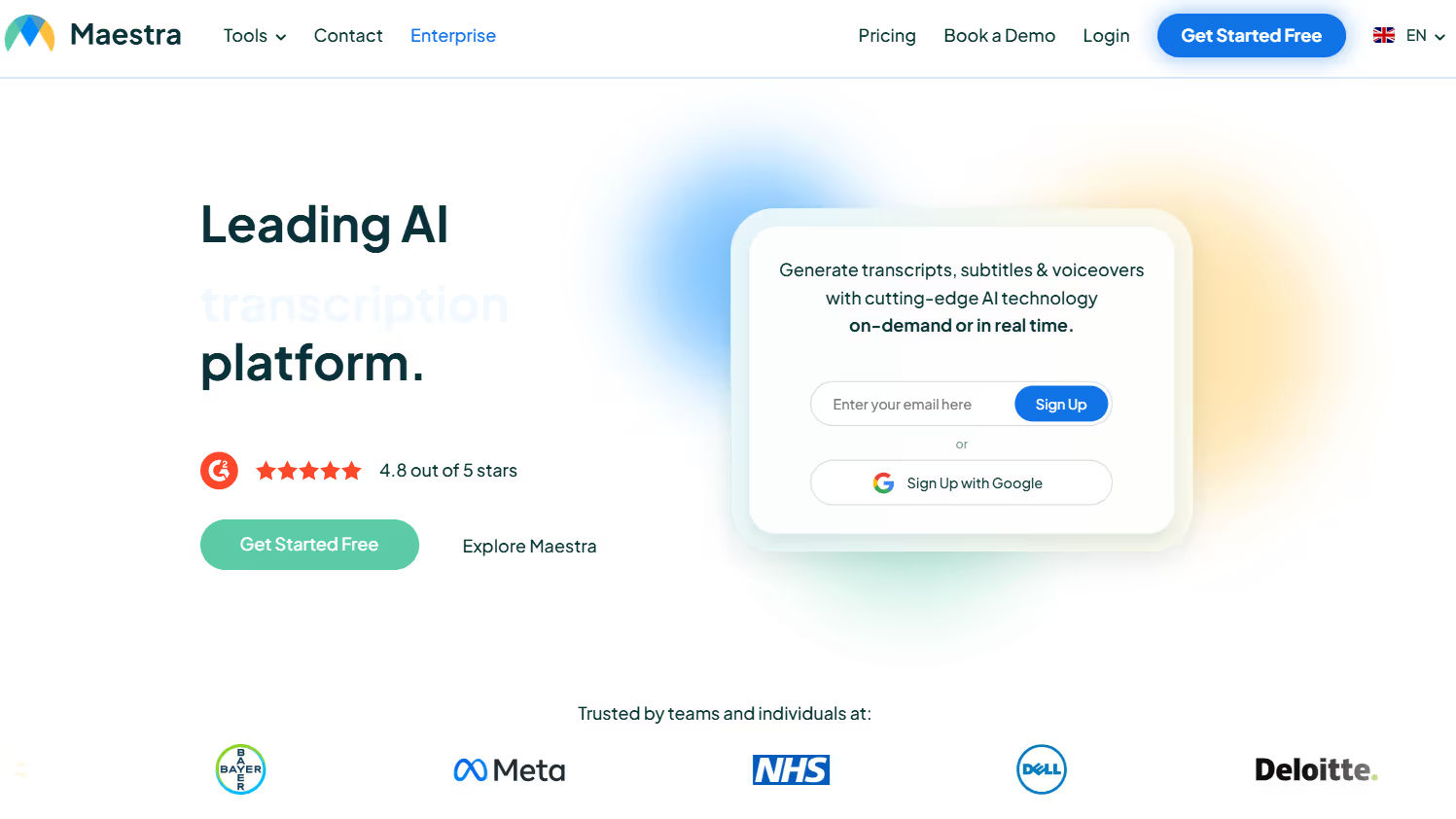
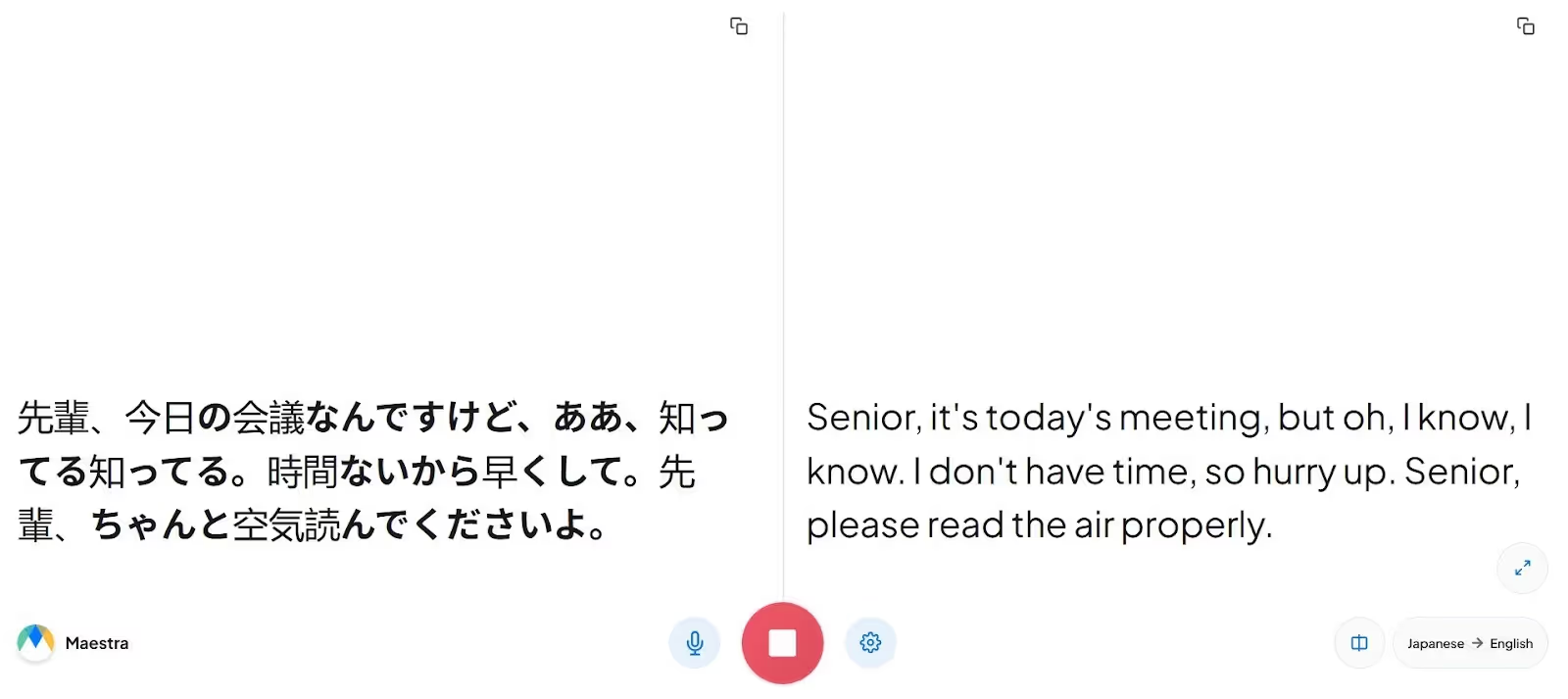
Maestra AI, with its web-based interface and accuracy, stood out to me as a decent tool for real-time anime translation to English. As with JotMe, no integration is required, and the translation appears as soon as the character begins speaking.
Maestra AI has a simple interface, but I had to keep the browser open next to the anime window and repeatedly switch between the scene and its translations. It felt inconvenient at times.
Pricing
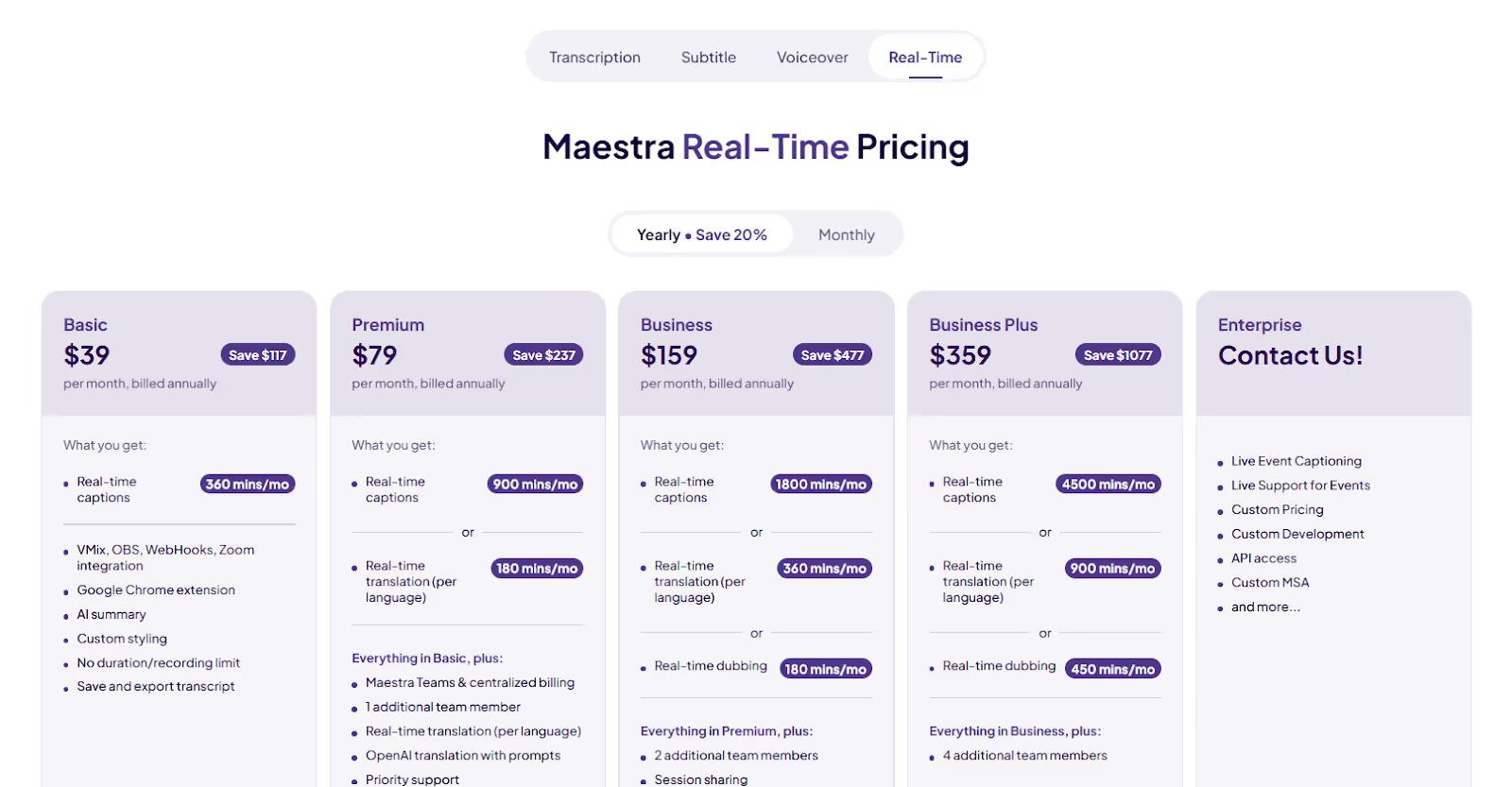
Maestra offers a two-minute free trial and a set of flexible plans suited to your anime translation needs:
- Basic ($39/month, billed annually): You get 360 minutes/month of real-time captions with an AI summary.
- Premium ($79/month, billed annually): Offers 900 minutes/month of real-time captions and 180 minutes of real-time translations.
- Business ($159/month, billed annually): Provides 1800 minutes/month of real-time captions and 360 minutes of real-time translations.
What I Liked
- Its interface is intuitive and straightforward.
- Maestra AI lets you share translations via a QR code.
What I Didn’t Like
- It struggled in conversations stuffed with cultural references.
- Its subscription is expensive.
- The basic plan doesn’t include a real-time translation feature.
DeepL Voice
Ценообразование
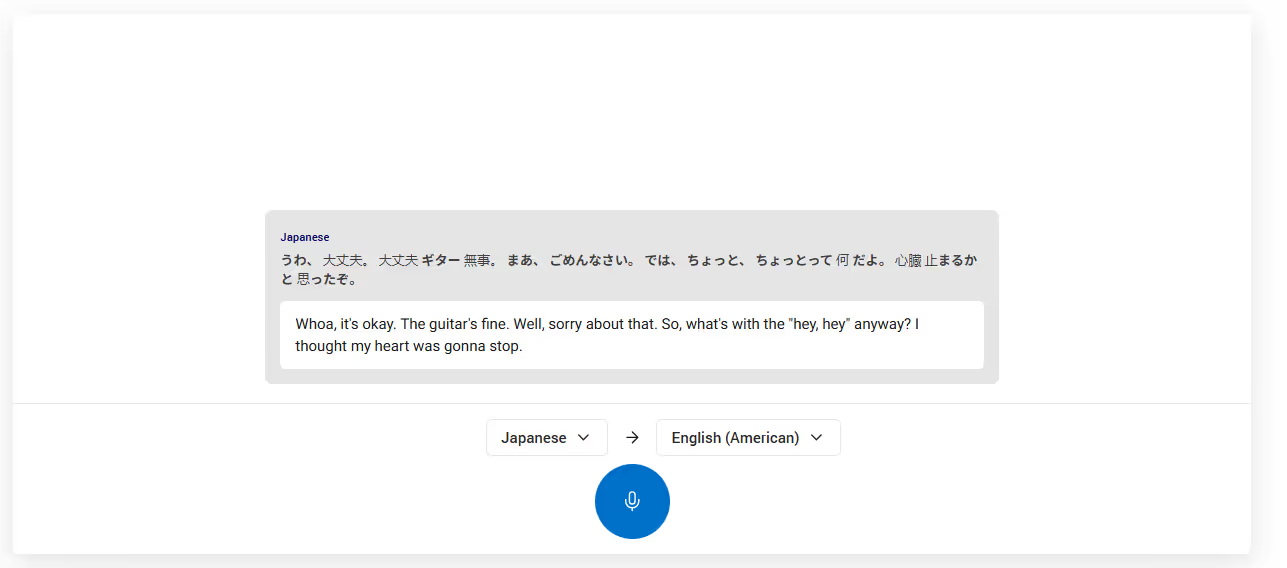
DeepL Voice не раскрывает свои тарифные планы, поэтому вам необходимо связаться с их отделом продаж для получения индивидуального предложения.
Что мне понравилось
- DeepL Voice позволяет создать собственный глоссарий.
- Известно, что производит точные переводы.
Что мне не понравилось
- DeepL Voice не раскрывает свою ценовую политику.
- Бесплатная пробная версия не предлагается.
- Пользователь на G2 сообщает о небольшой задержке между спикером и переводом.
Слово
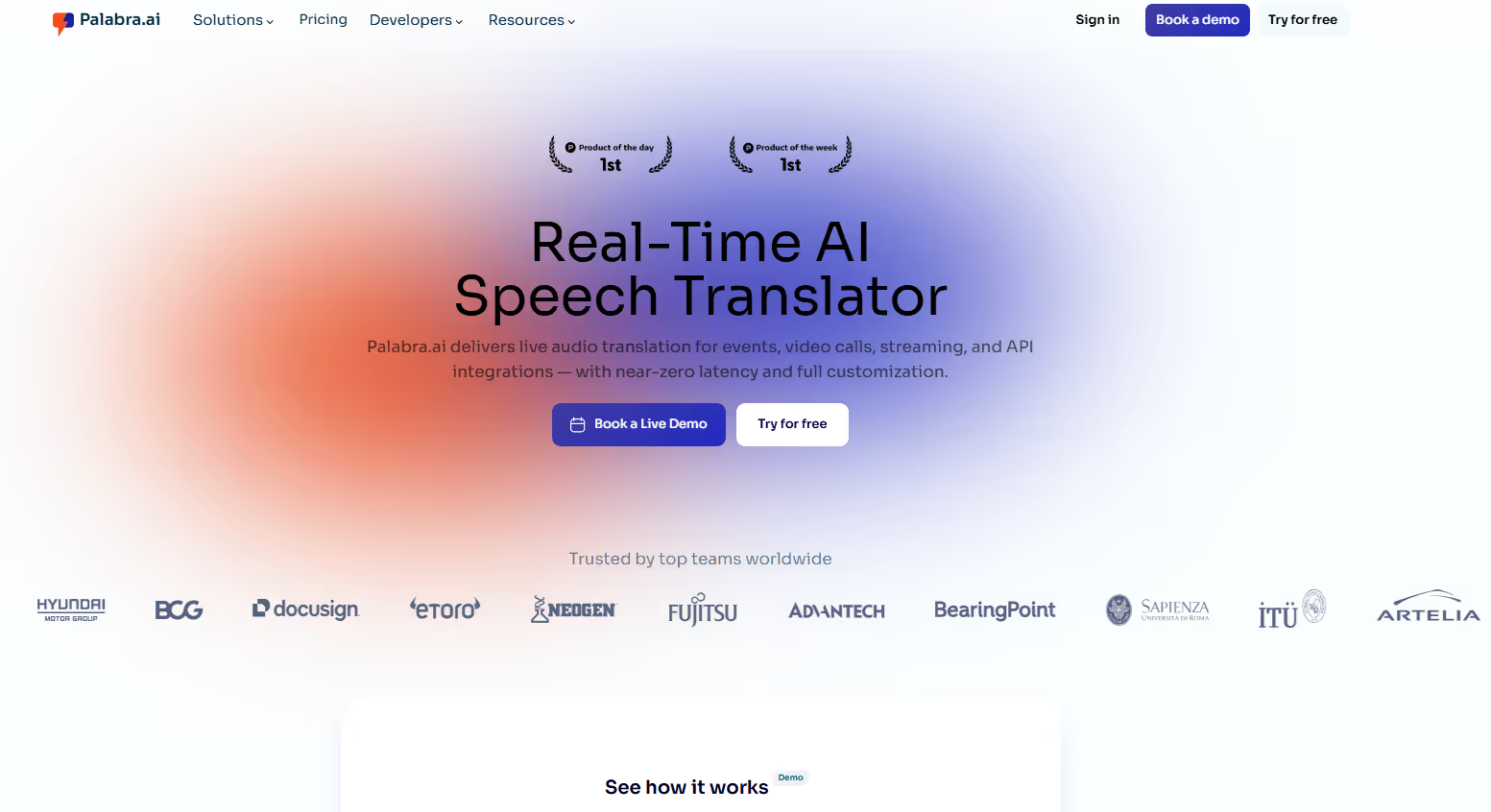
При выборе лучший живой перевод с японского на английский инструменты для аниме, моим главным приоритетом было то, как быстро они могут переводить разговоры. Palabra считалась одним из самых быстрых инструментов и обеспечивала достаточно точные переводы. Это хороший баланс, которого удалось достичь разработчикам.
Ценообразование
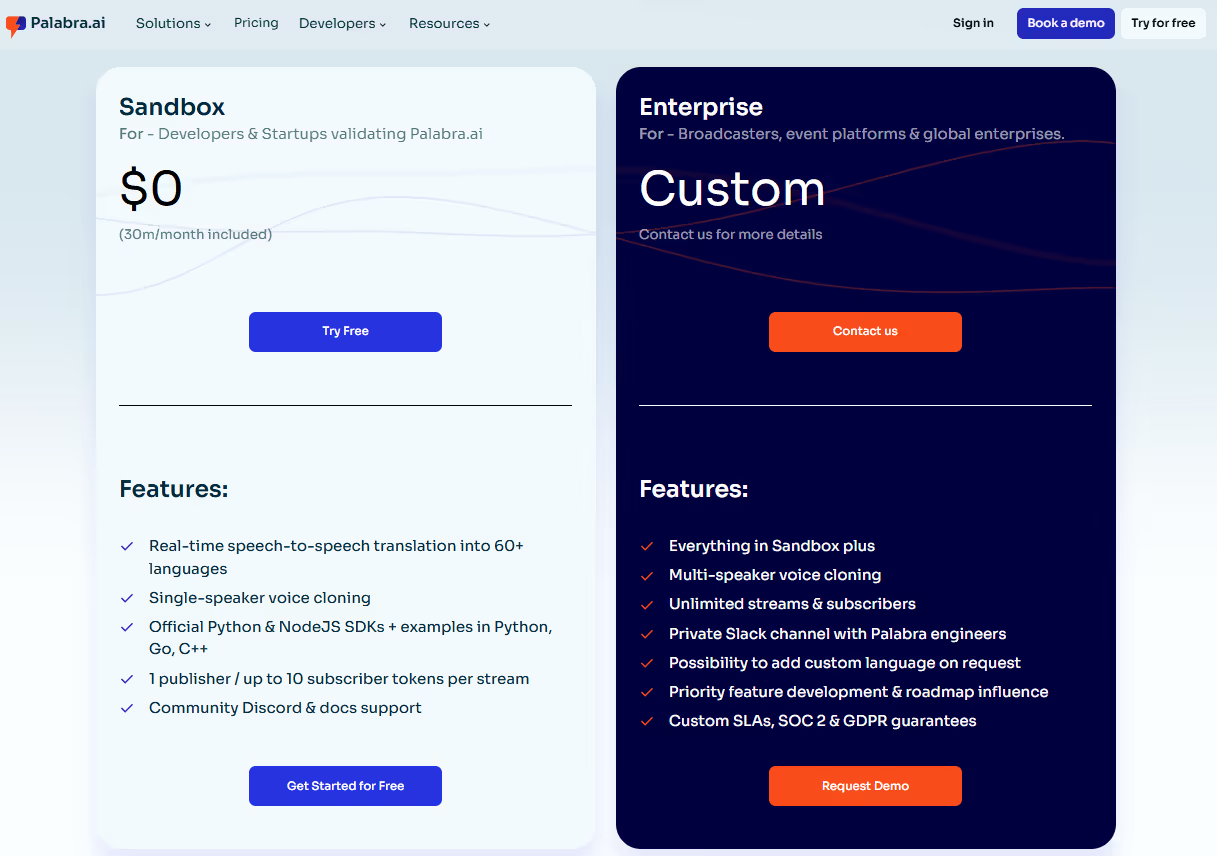
Palabra предлагает 30 минут бесплатного перевода аниме в реальном времени на английский и другие языки. Существует также план Enterprise, согласно которому вам необходимо связаться с отделом продаж компании, чтобы получить ценовое предложение.
Что мне понравилось
- Его переводы выполняются быстро.
- Вы получаете 30 минут бесплатной пробной версии.
Что мне не понравилось
- Palabra столкнулась с трудностями при переводе с большим количеством культурных особенностей.
- Его интерфейс немного устарел.
- Подробностей о корпоративном плане компании не предоставлено.
Папаго Плюс
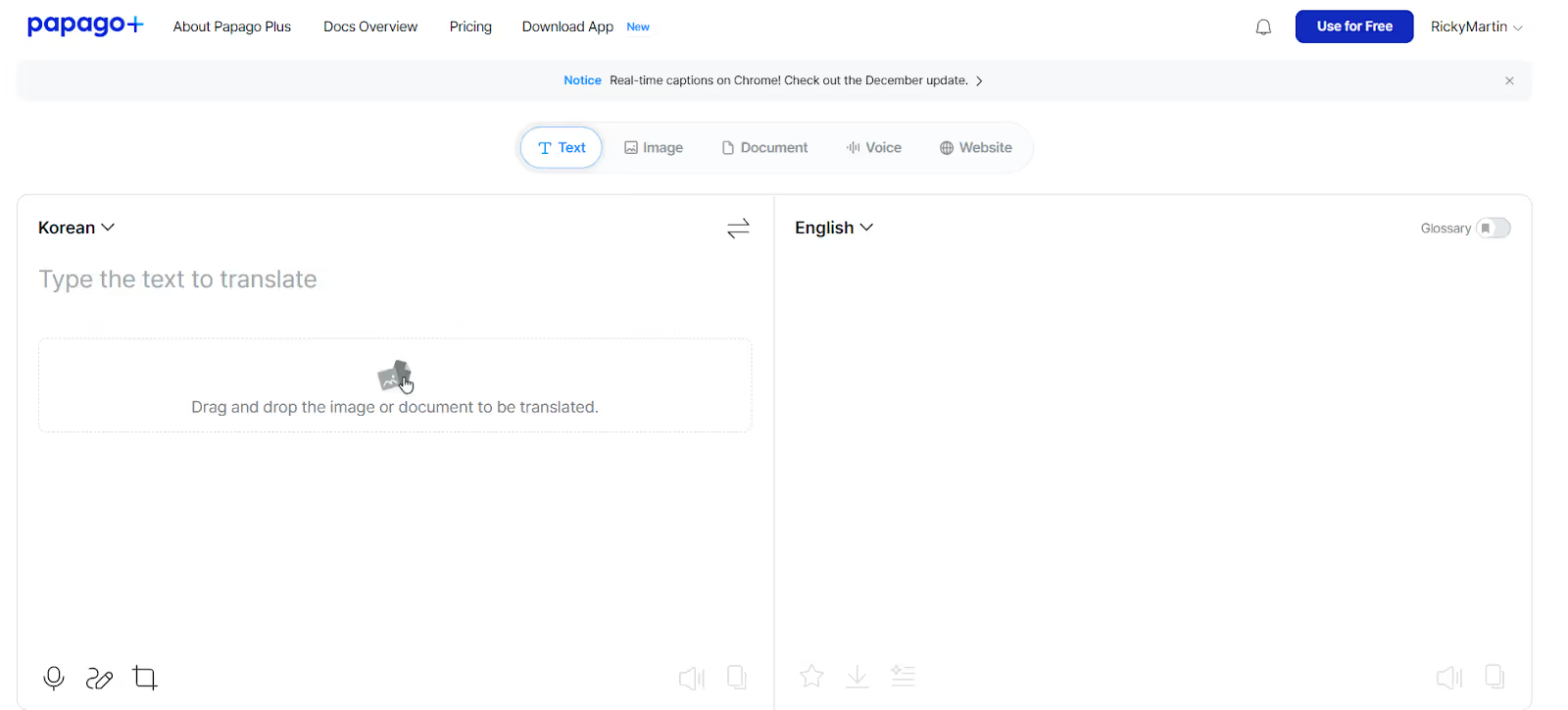
Papago Plus также привлекла мое внимание при переводе аниме по нескольким причинам. Во-первых, есть возможность добавлять специальные культурные термины и создавать персонализированные глоссарии для повышения точности перевода. Когда вы закончите смотреть сериал, вы получите краткое описание. Вы также можете загрузить аниме-видео для субтитров и перевести мангу, изображения, документы и японские аниме-сайты. Это делает Papago Plus хорошим инструментом не только для переводов аниме, но и для студентов, которым нужен быстрый перевод учебников.
Papago Plus предлагает пробную версию на один месяц для проверки точности перевода. Однако для этого требовалась кредитная карта, чего нельзя сказать о JotMe. Более того, по какой-то причине (возможно, из-за проблем с сервером или из-за технических проблем) я тоже не смог зарегистрировать свою кредитную карту.
Ценообразование
Papago Plus предлагает гибкие тарифные планы, в том числе Basic, Standard, Advanced и Enterprise Plus, с бесплатными пробными версиями базовых и стандартных планов.
- Базовый (8,49 долларов США в месяц, оплата ежегодно): 60 минут голосовых переводов, один глоссарий, 10 документов и 50 изображений, переведенных в месяц.
- Стандартный (25,49 долларов США в месяц, оплата ежегодно): Включает 60 минут голосового перевода в месяц и 10 глоссариев, которыми можно поделиться.
- Продвинутый (47,59 долларов США в месяц, оплата ежегодно): Предлагает неограниченный перевод текста, 60 минут голосового перевода и 1000 глоссариев, которыми можно поделиться.
Что мне понравилось
- Предлагает персонализированные глоссарии, которыми можно делиться, для точного перевода.
- Загрузите аниме-видео для перевода.
Что мне не понравилось
- Для доступа к бесплатной пробной версии требуется регистрация кредитной карты.
- Поддерживает только 13 языков для перевода.
- Только 60 минут живого перевода в месяц.
Переводчик Bing
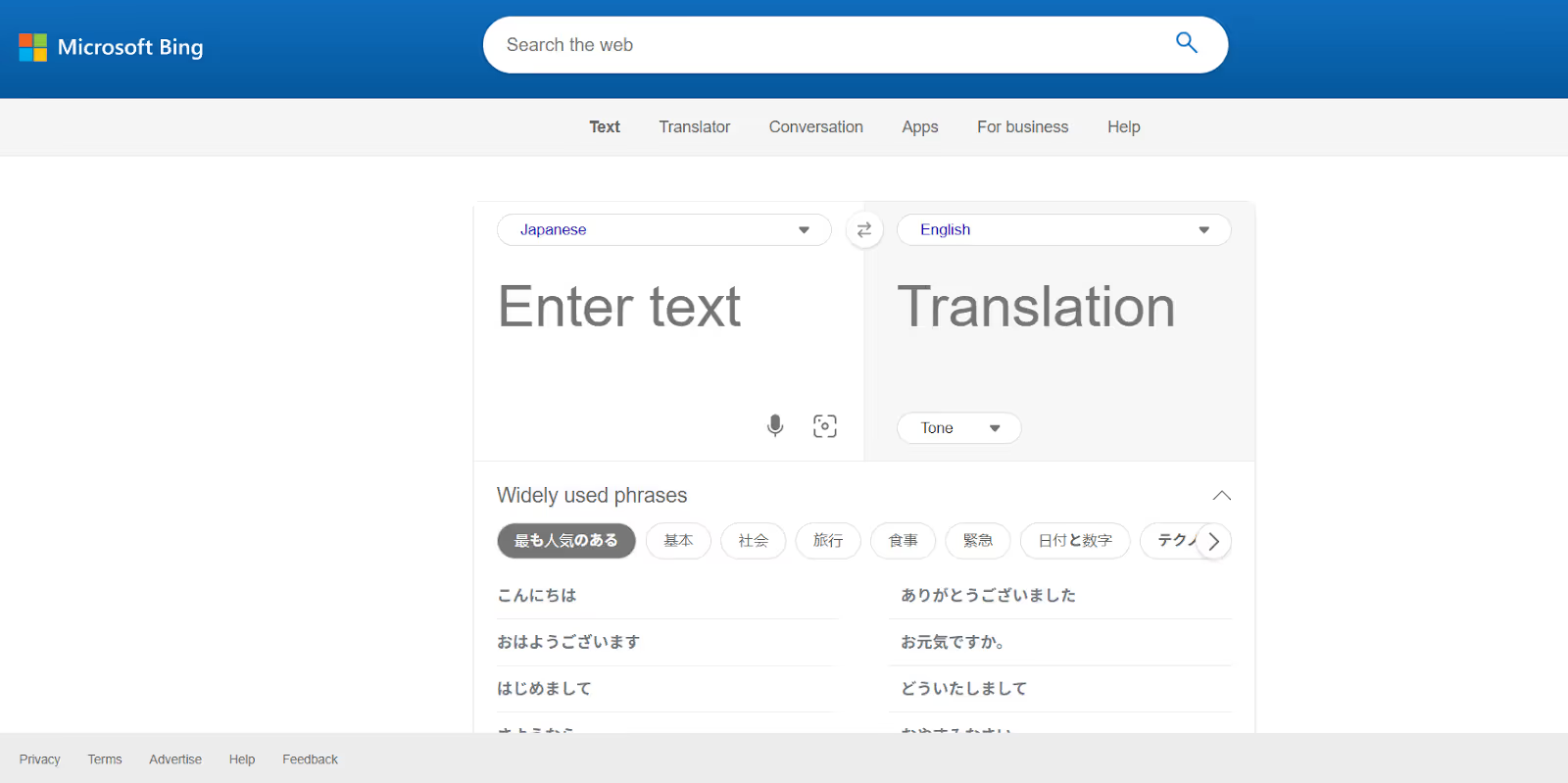
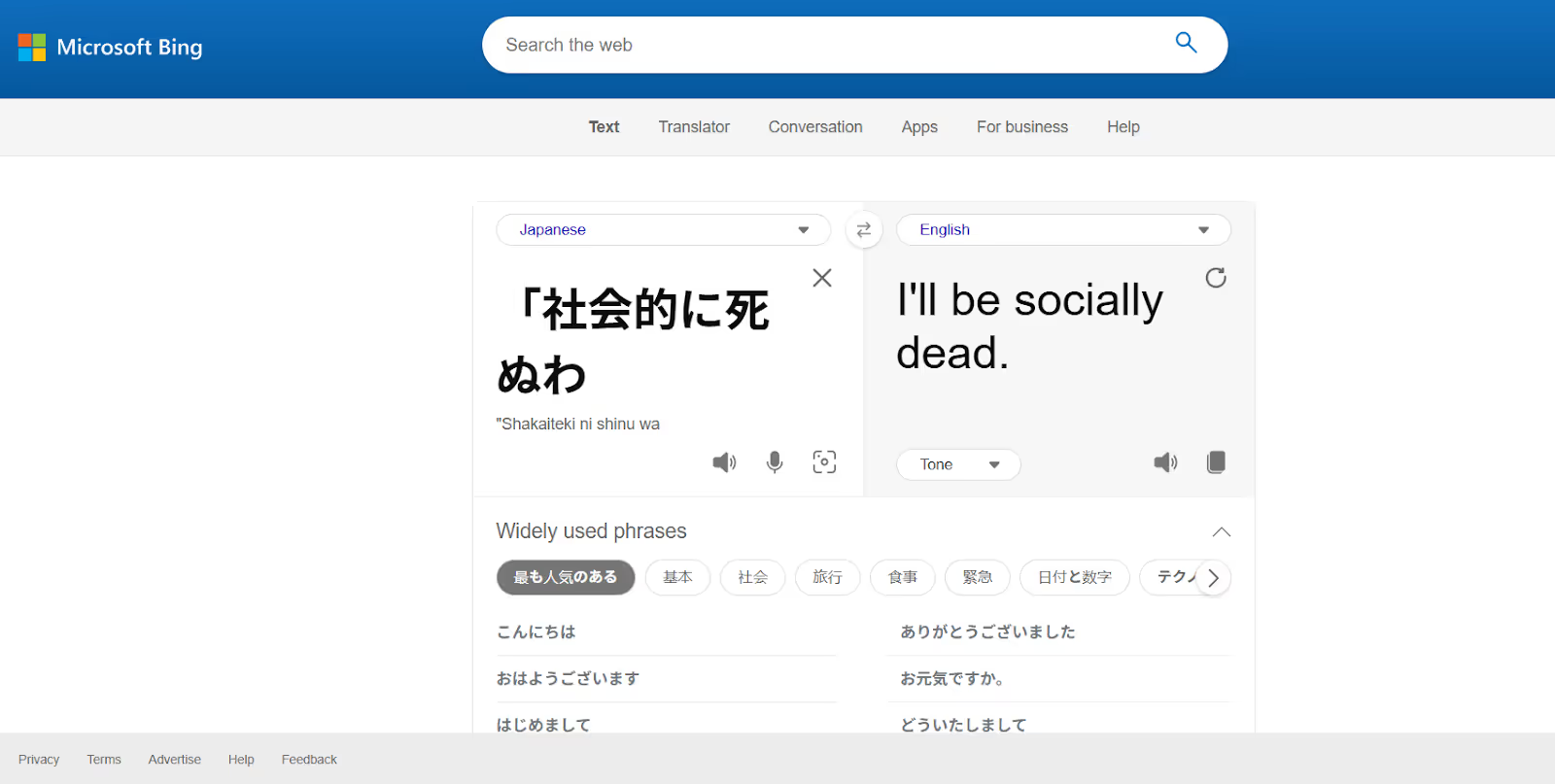
Bing Translator был моим любимым переводчиком во время моей поездки в Японию в прошлом году, и я попробовал использовать его и для аниме. Интерфейс прост: просто нажмите значок микрофона, чтобы Bing Translator прослушал разговор и сгенерировал переводы. Кроме того, я могу выбрать стандартный, непринужденный или формальный тон.
Ценообразование
Bing Translator можно использовать бесплатно на настольных компьютерах и мобильных устройствах, но о его премиум-планах мало информации.
Что мне понравилось
- Bing Translator имеет простой интерфейс и бесплатен.
- Он предлагает перевод текста в текст.
Что мне не понравилось
- Не хватает продвинутых функций перевода.
- Его точность не очень высока для предложений с культурными нюансами.
- Ценовая политика компании непрозрачна.
Вывод: какой лучший переводчик аниме на английский язык?
Лучший инструмент для перевода аниме на английский язык — это тот, который понимает смысл и культурные нюансы и следит за динамичными диалогами, обеспечивая точный перевод с учетом контекста. JotMe выделяется среди доступных инструментов тем, что позволяет без задержек переводить аниме и смотреть многочасовые аниме без задержек.
Кроме того, независимо от того, смотрите ли вы комедийные сериалы, такие как Gintama, или динамичные шоу, такие как Demon Slayer, JotMe понимает тон и точно передает его. Вот сравнительная таблица перечисленных переводчиков аниме с японского на английский:
Благодаря таким инструментам перевода аниме, как JotMe, вам не нужно полагаться на противоречивые дубляжи или бороться с задержками; вы можете наслаждаться аниме на английском или любом из ваших любимых языков. Так что используйте JotMe уже сегодня и выведите свои впечатления от просмотра аниме на новый уровень.
Часто задаваемые вопросы
Как перевести аниме на английский язык?
Если вы смотрите аниме-шоу на популярных стриминговых сервисах, таких как Netflix или Crunchyroll, вы можете выбрать опцию English Dub в настройках звука. Однако многие аниме-шоу доступны только на японском языке. В этом случае используйте надежный живой переводчик, такой как JotMe. Он обеспечивает точный перевод субтитров для ваших аниме-шоу без задержек.
Какой инструмент лучше всего подходит для перевода японского языка на английский?
JotMe — один из лучших инструментов для перевода японского аниме на английский язык. Он слушает аудио в режиме реального времени и мгновенно обеспечивает точный перевод. Поскольку программа понимает смысл перевода, вы не найдете ошибок перевода, подобных тем, которые возникают в традиционных инструментах.
Могу ли я выучить английский, посмотрев аниме?
Да, вы можете выучить английский, посмотрев аниме. Играйте в аниме на японском языке, откройте JotMe сбоку и посмотрите, как в окне отображаются точные переводы. Вы также можете воспользоваться функцией Generate Speech, где вы вводите японский текст и получаете его перевод на английский язык с точным произношением.
Как перевести видео с японского на английский?
Вы можете использовать инструменты живого перевода, такие как JotMe, для перевода видео с японского на английский. Откройте JotMe, выберите японский и английский в качестве разговорных языков и языков перевода соответственно, нажмите Play и воспроизведите видео. JotMe обеспечивает контекстно-точные переводы в режиме реального времени.
Last updated on
April 17, 2026
Follow us on social media: