






Slack-Huddle-Übersetzung
Verwandeln Sie Slack-Huddles in präzise Live-Untertitel und KI-geklonte Stimme in 200+ Sprachen. Ihr Team spricht im Huddle-Tempo, und jede Person liest oder hört ihre eigene Sprache.
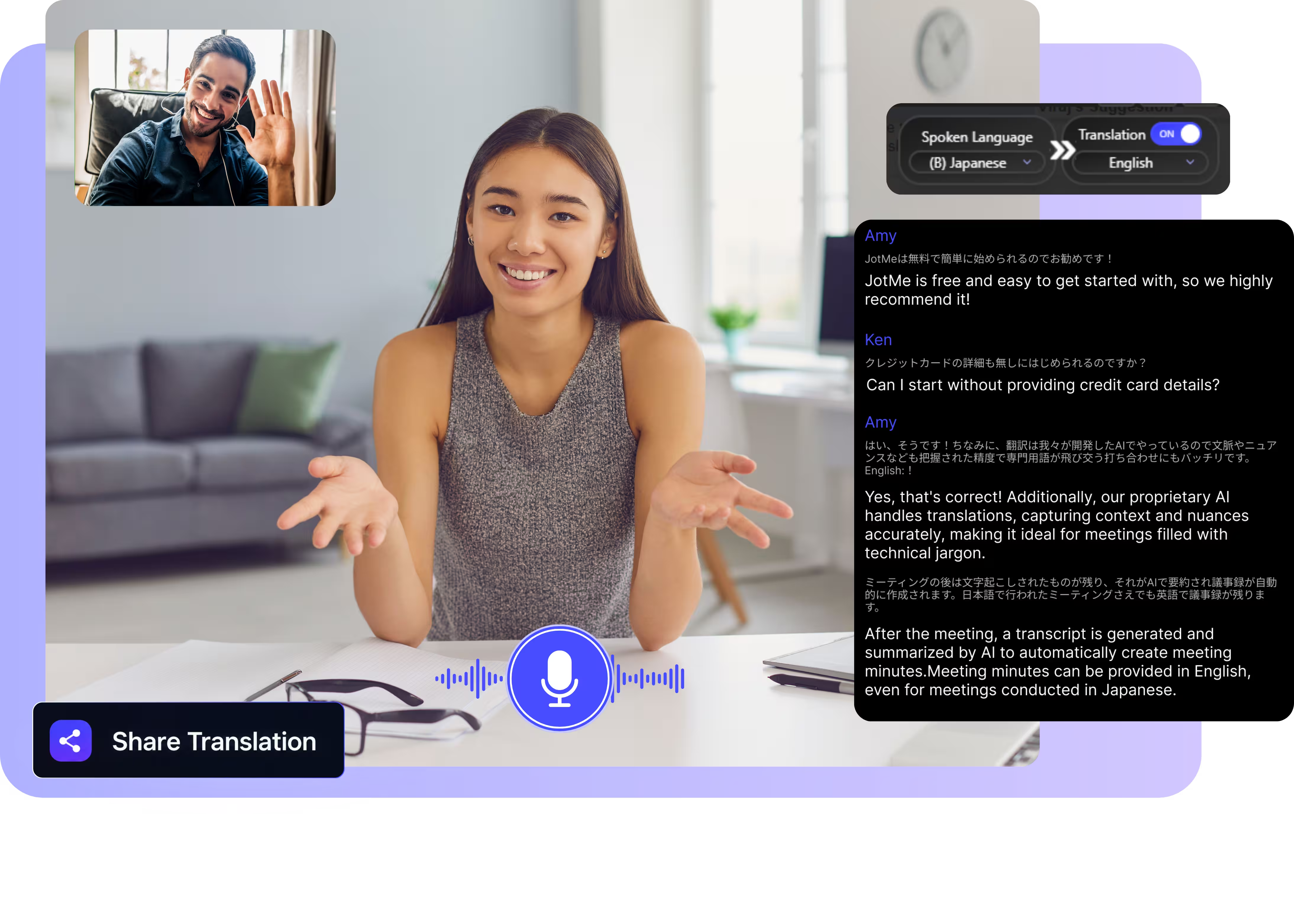
Modell und Sprachen auswählen, auf Start klicken und Ihrem Huddle beitreten. Laden Sie die Desktop-App herunter, um sie mit Slack zu nutzen. Vollständige Demo öffnen.
Vertrauensvoll genutzt von 2.000 Teams und 500.000 Fachkräften in 134 Ländern

















Präzise Echtzeit-Übersetzung für Slack-Huddles
Alles, was ein mehrsprachiges Team in einem spontanen Anruf braucht.

Kontextbewusst und äußerst präzise
JotMe übersetzt im Kontext und hält Ihren Engineering- und Produkt-Fachjargon präzise, von Repo-Namen bis zu internen Akronymen. Die Untertitel bewahren den Sinn, den die sprechende Person gemeint hat.

Voice-to-Voice in Ihrer eigenen Stimme
Hören Sie die Übersetzung in Ihrer eigenen geklonten Stimme — mit dem schnellsten heute verfügbaren Voice-Cloning. Ihre Worte, in Ihrer Stimme, in einer anderen Sprache.

200+ Sprachen, live oder aus einer Aufnahme
Übersetzen Sie Huddles in 200+ Sprachen — live während des Sprechens oder aus einer Aufnahme, die Sie anschließend hochladen.
Ihre Übersetzung wird gespeichert
JotMe speichert nach jedem Huddle das Transkript und die Übersetzung in Ihrem Dashboard, sodass auch ein spontaner Anruf einen Nachweis hinterlässt.

Kein Bot, keine Einrichtung
JotMe erfasst das Huddle-Audio von Ihrem Computer. Kein Bot tritt dem Channel bei, keine Freigabe durch den Workspace-Admin, und Ihre Teammitglieder müssen nichts installieren.

Benutzerdefiniertes Wörterbuch und automatische Spracherkennung
Fügen Sie Produktbegriffe, Repo-Namen und eigene Ersetzungen hinzu, um die Genauigkeit bei Team-Vokabular hoch zu halten. JotMe erkennt die gesprochene Sprache automatisch, sodass Sie sie nie einstellen müssen, wenn jemand dazukommt.
So übersetzen Sie ein Slack-Huddle
Drei Schritte, unter einer Minute, und kein Admin-Ticket zu erstellen.
1. Laden Sie die Desktop-App herunter oder laden Sie eine Aufnahme hoch
Holen Sie sich JotMe für Mac oder Windows in etwa 30 Sekunden und treten Sie dem Huddle wie gewohnt bei. Sie haben stattdessen eine Aufnahme? Laden Sie sie für ein präzises Transkript und eine Übersetzung hoch.
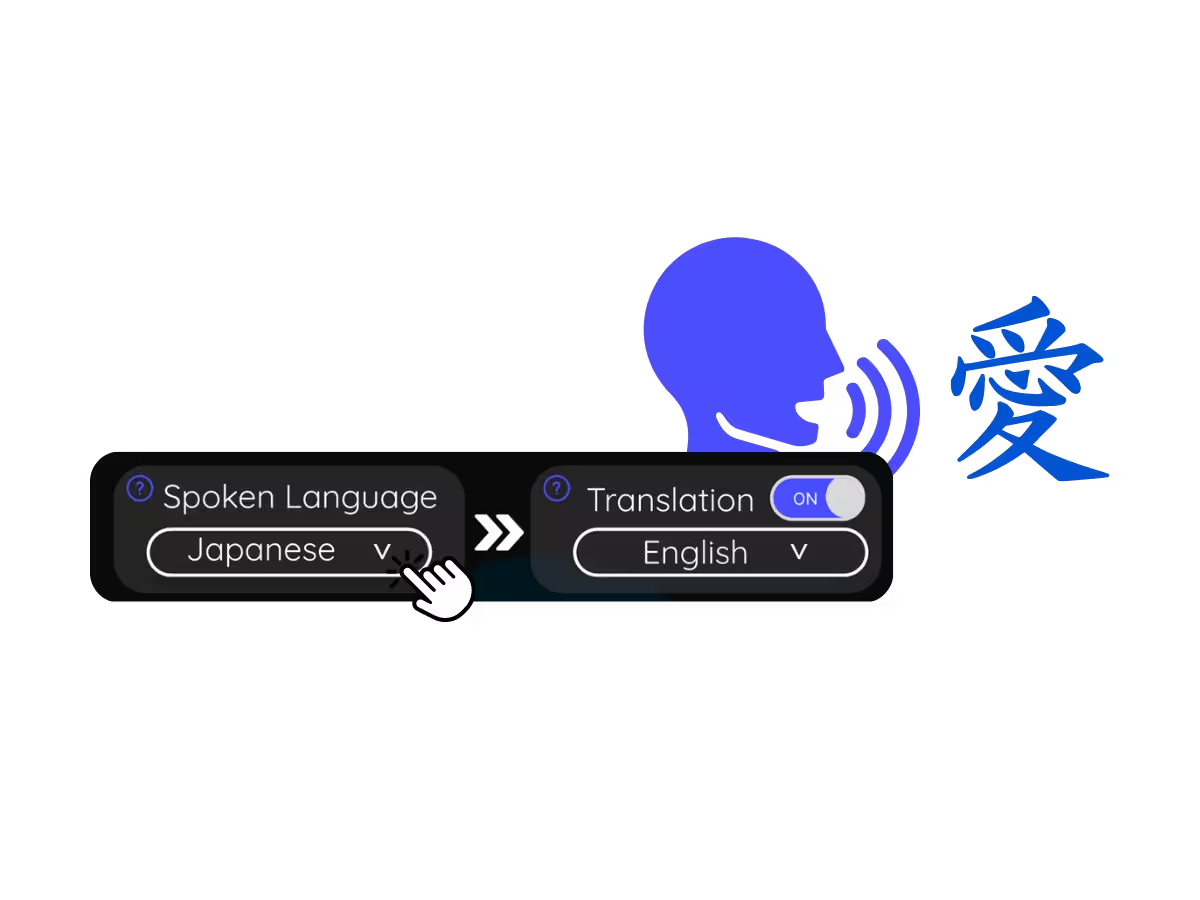
2. Legen Sie die gesprochene Sprache fest
Wählen Sie die im Huddle gesprochene Sprache, zum Beispiel Deutsch. Wenn Teilnehmer die Sprache wechseln, aktivieren Sie den mehrsprachigen Modus.
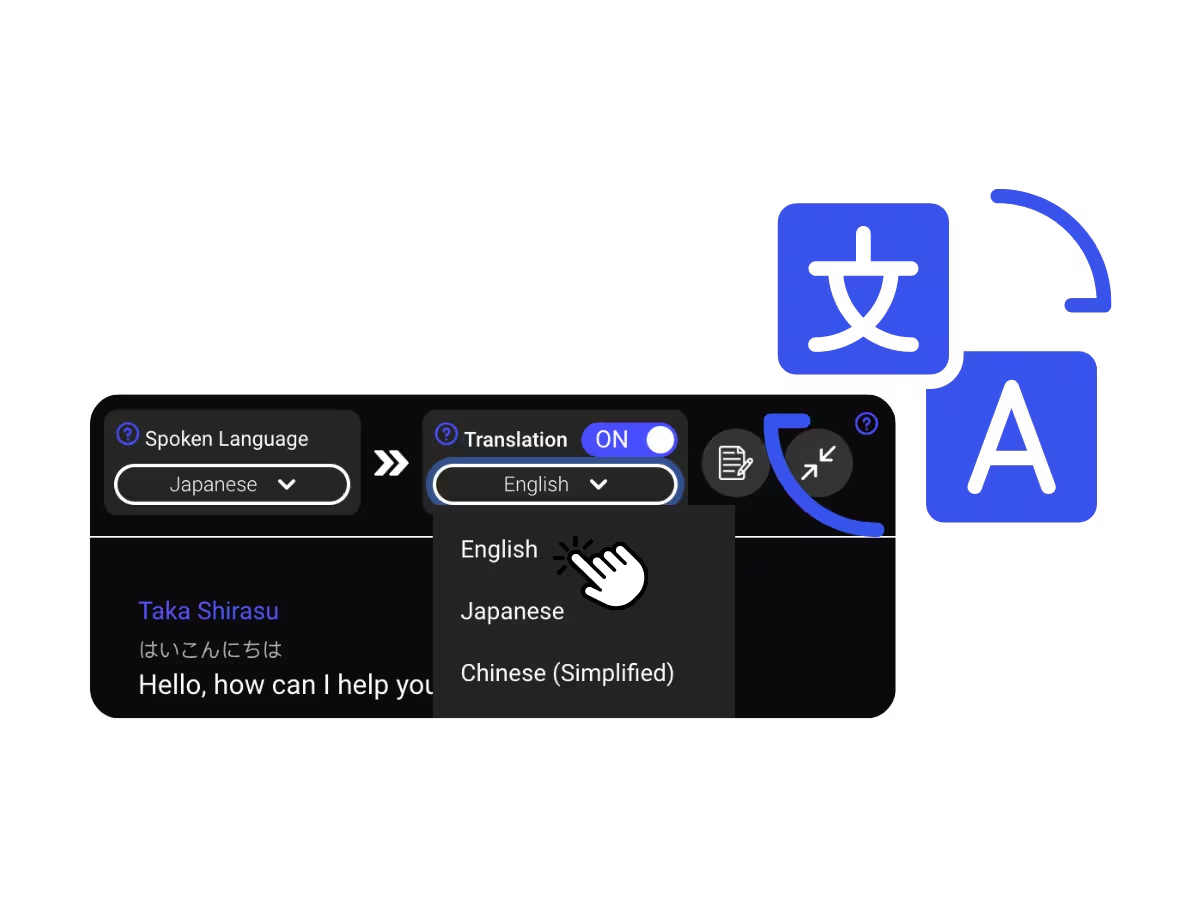
3. Legen Sie Ihre Übersetzungssprache fest
Wählen Sie die Sprache, die Sie lesen oder hören möchten. Präzise Live-Untertitel erscheinen auf Ihrem Bildschirm, und die Voice-to-Voice-Übersetzung wird abgespielt, während jede Person spricht.
Wofür Menschen die Slack-Huddle-Übersetzung nutzen
Vom 5-minütigen Debug-Huddle bis zum Kunden-Sync über Zeitzonen hinweg — JotMe hält jede Person im Gespräch.
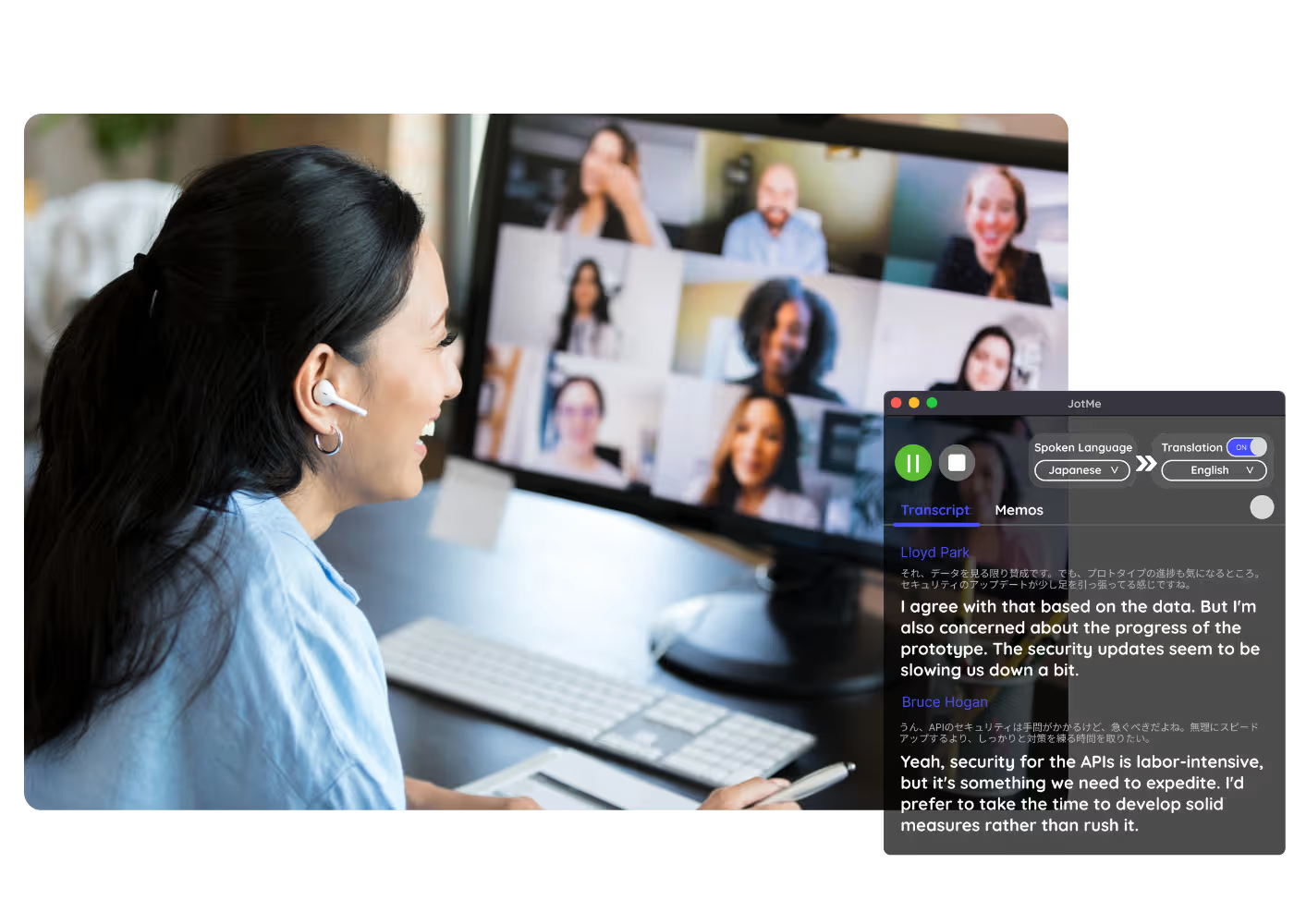
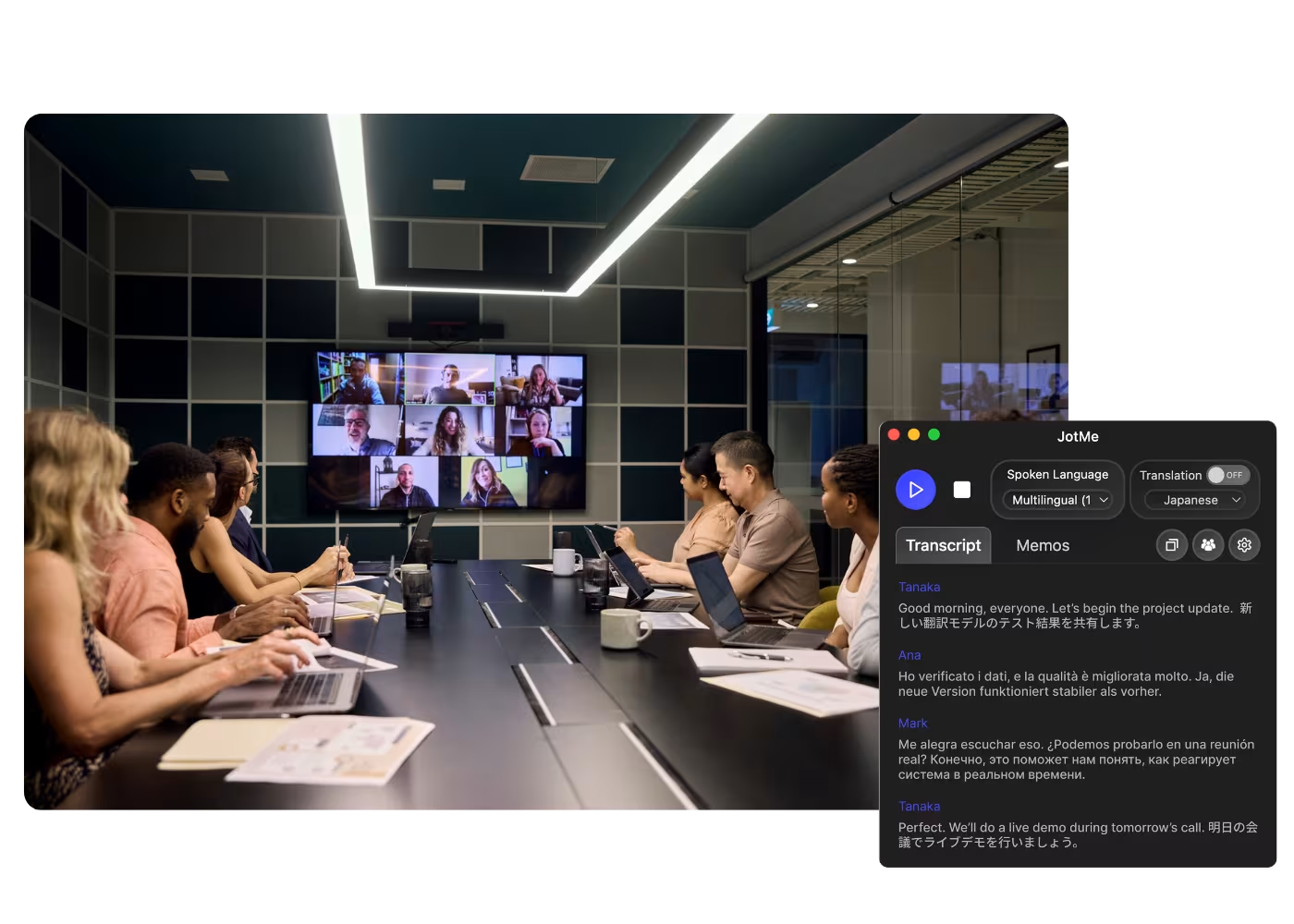
Huddles verteilter Teams
Tokio, Berlin und Austin in einem Huddle, jede Person liest Untertitel in ihrer eigenen Sprache, der Fachjargon bleibt erhalten.
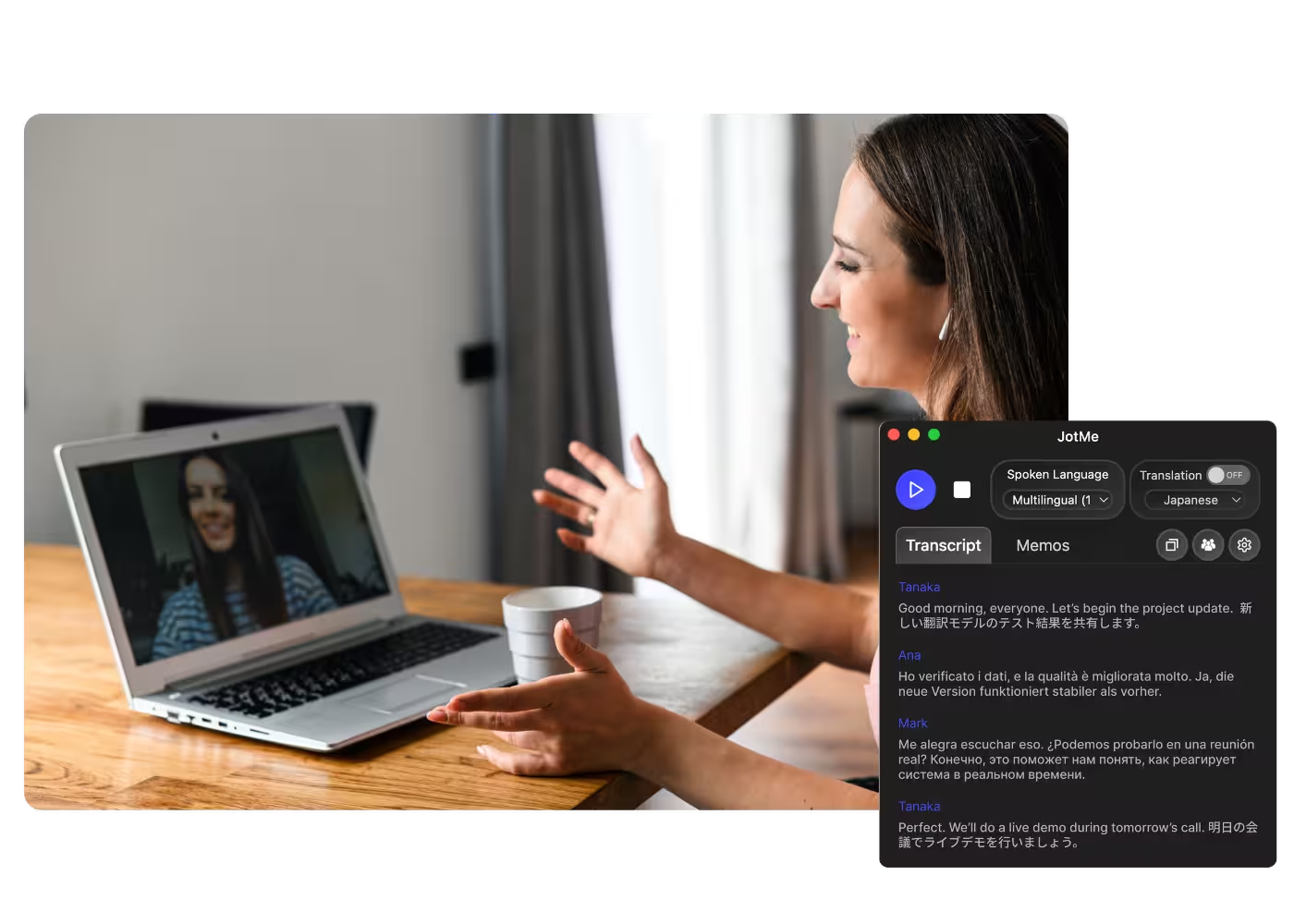
Grenzüberschreitende Kundenarbeit
Kurze Anrufe mit Kunden und Auftragnehmern, die in einer anderen Sprache arbeiten — übersetzt, während Sie sprechen.
Aufgezeichnete Huddles & Clips
Laden Sie Huddle-Aufnahmen oder Slack-Clips in Audio zu Text hoch und erhalten Sie das Transkript samt Übersetzung.
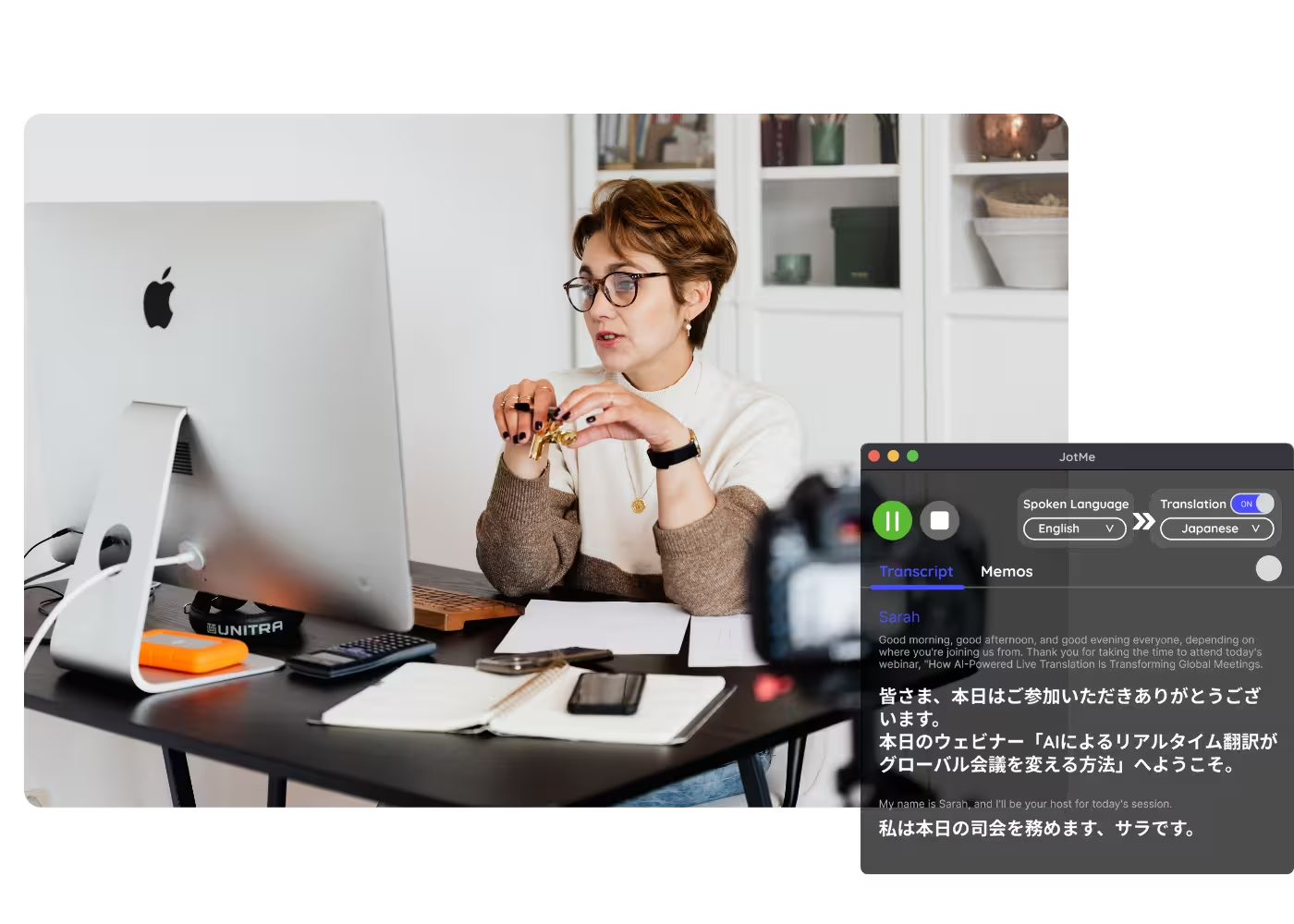
Webinare & Schulungen
Teilen Sie die Live-Übersetzung mit Teilnehmenden per URL, QR-Code oder On-Camera-Untertiteln, damit Desktop- und Browser-Teilnehmende auf ihrem eigenen Bildschirm folgen können.
Sehen Sie es in Aktion
Sehen Sie, wie JotMe ein Slack-Huddle live übersetzt — Fachjargon inklusive — während das Gespräch weiterläuft.
Mehr als 500.000 Fachkräfte führen Meetings und Events mit JotMe reibungslos durch
Erfahren Sie, welche Ergebnisse Nutzer mit JotMe erzielen, wenn sie Lücken in mehrsprachigen Abläufen schließen.








Häufig gestellte Fragen
Alles, was Sie über die Durchführung von Meetings und Veranstaltungen mit JotMe wissen müssen.
Slack übersetzt das Huddle-Audio nicht. JotMe erfasst das Huddle von Ihrem Computer und zeigt präzise Live-Untertitel in 200+ Sprachen an oder spricht die Übersetzung in Ihrer eigenen geklonten Stimme.
Ja. Laden Sie die Aufnahme in Audio zu Text hoch, und JotMe transkribiert sie und übersetzt das Transkript in die von Ihnen gewählte Sprache.
Ja. JotMes kostenloser Tarif enthält Live-Übersetzungsminuten, und es ist keine Kreditkarte erforderlich. Führen Sie ein Upgrade durch, wenn Sie mehr Minuten benötigen.
JotMe übersetzt mit Ihrem Profil, Ihrem benutzerdefinierten Wörterbuch, der anstehenden Arbeit und einem laufenden Gedächtnis des Huddles, das in jede Zeile einfließt — so steigt die Genauigkeit im Verlauf des Gesprächs, und Fachbegriffe behalten ihren professionellen Sinn.
Ja. JotMe speichert das Transkript und die Übersetzung in Ihrem Dashboard, sodass Sie sie nach dem Meeting durchsehen, kopieren und teilen können.
Nein. JotMe läuft nur auf Ihrem Computer, ohne Bot im Channel und ohne Admin-Freigabe. Teammitglieder, die eigene Untertitel möchten, führen JotMe ebenfalls aus.
Die Live-Übersetzung wird heute als Untertitel angezeigt, und der Schnellmodus kann Übersetzungen laut vorlesen. Voice-to-Voice in Ihrer eigenen geklonten Stimme mit dem schnellsten Übersetzungs-KI-Modell.
Heading

Huddle in jeder Sprache
Präzise Live-Untertitel und Ihre eigene Stimme während der Huddles, Transkripte danach gespeichert, in 200+ Sprachen. Das schnellste Meeting Ihres Teams, jetzt auch das inklusivste.