Application de bureau pour tous vos appels sur ordinateur

Transcription multilingue, traduction vocale en temps réel, prise de notes, recherche IA, résumé en temps réel, vocabulaire personnalisé, comptes rendus de réunion par IA, enregistrements audio, et plus encore.

Application mobile pour les conversations en présentiel

Traduction vocale en temps réel et génération vocale par IA pour iPhone et Android.

Extension Chrome pour Google Meet

Transcription en temps réel, traduction vocale en temps réel, prise de notes, comptes rendus de réunion par IA.
Ajouter à
Chrome
Essai rapide disponible

Google Meet Transcription

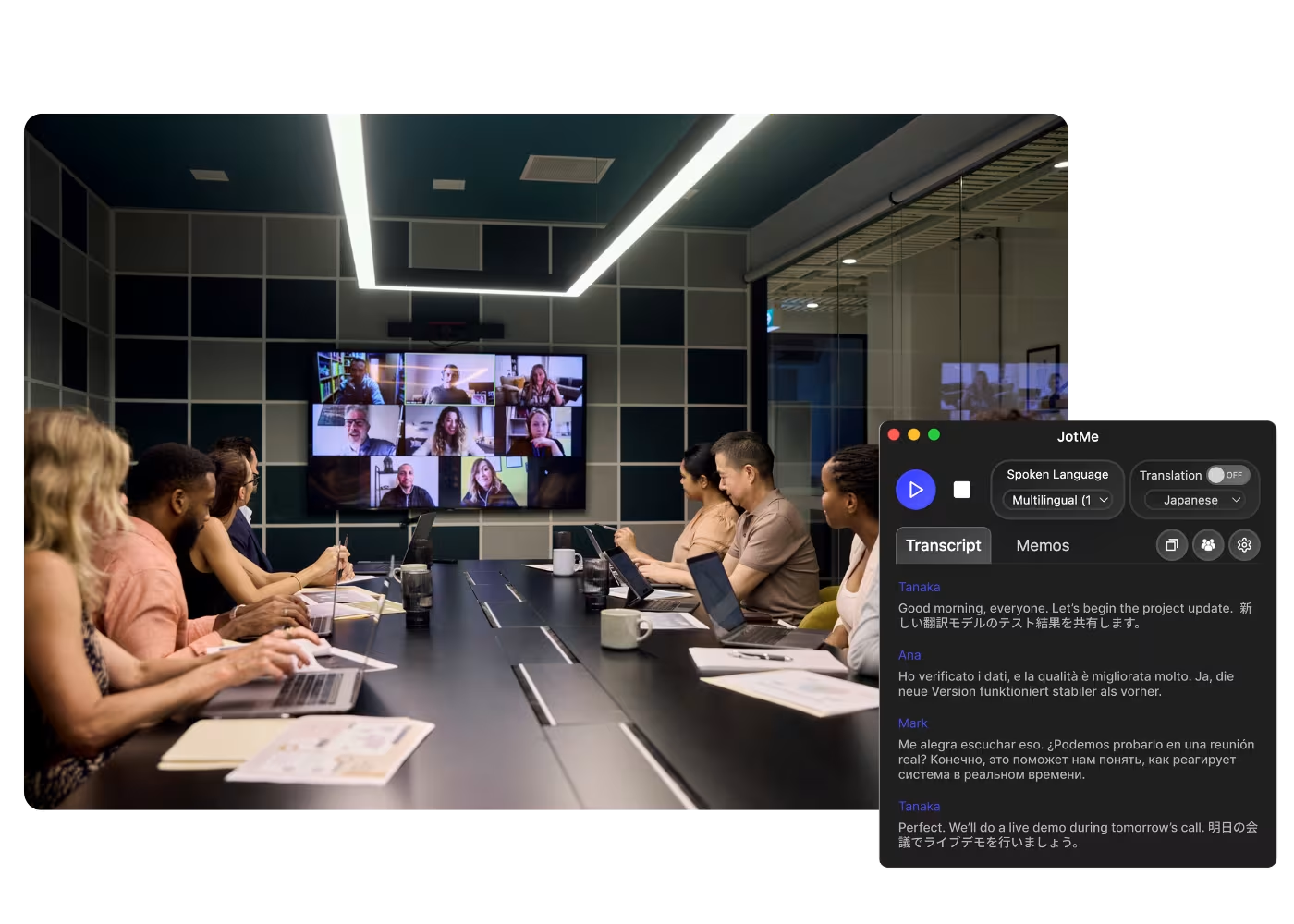
Transcribe every Google Meet as it happens, right in your browser with the Chrome extension or on the desktop app for 200+ languages, live or from a recording you upload, with accurate, searchable text.
Déjà adopté par 2 000 équipes et 500 000 professionnels dans 134 pays


Évalué 4,7/5
Conforme au RGPD
SOC 2 Type II (En cours)

AI-powered Real-time Transcription on Google Meet

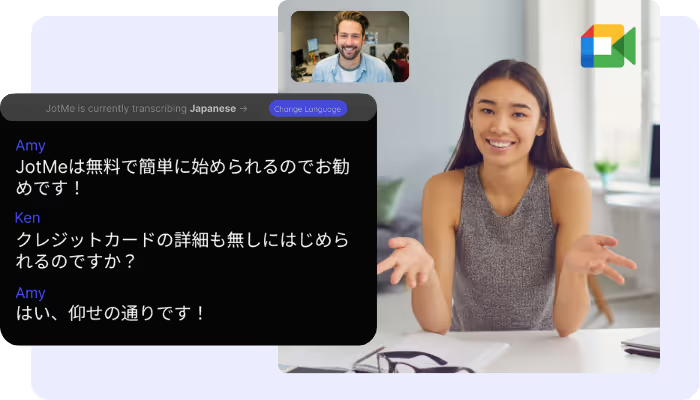
Struggle with missing key points during fast-paced meetings? Or find it difficult to understand certain terms before the conversation moves on? With JotMe's audio-to-text feature, you can effortlessly capture every word and instantly look up unfamiliar terms. Whether you're reviewing past discussions or clarifying new information, JotMe has you covered. Enjoy support for 200+ languages. Stay on top of every detail – sign up for free today, no credit card required!

What teams use Google Meet transcription for

En 3 étapes faciles !

ÉTAPE 1

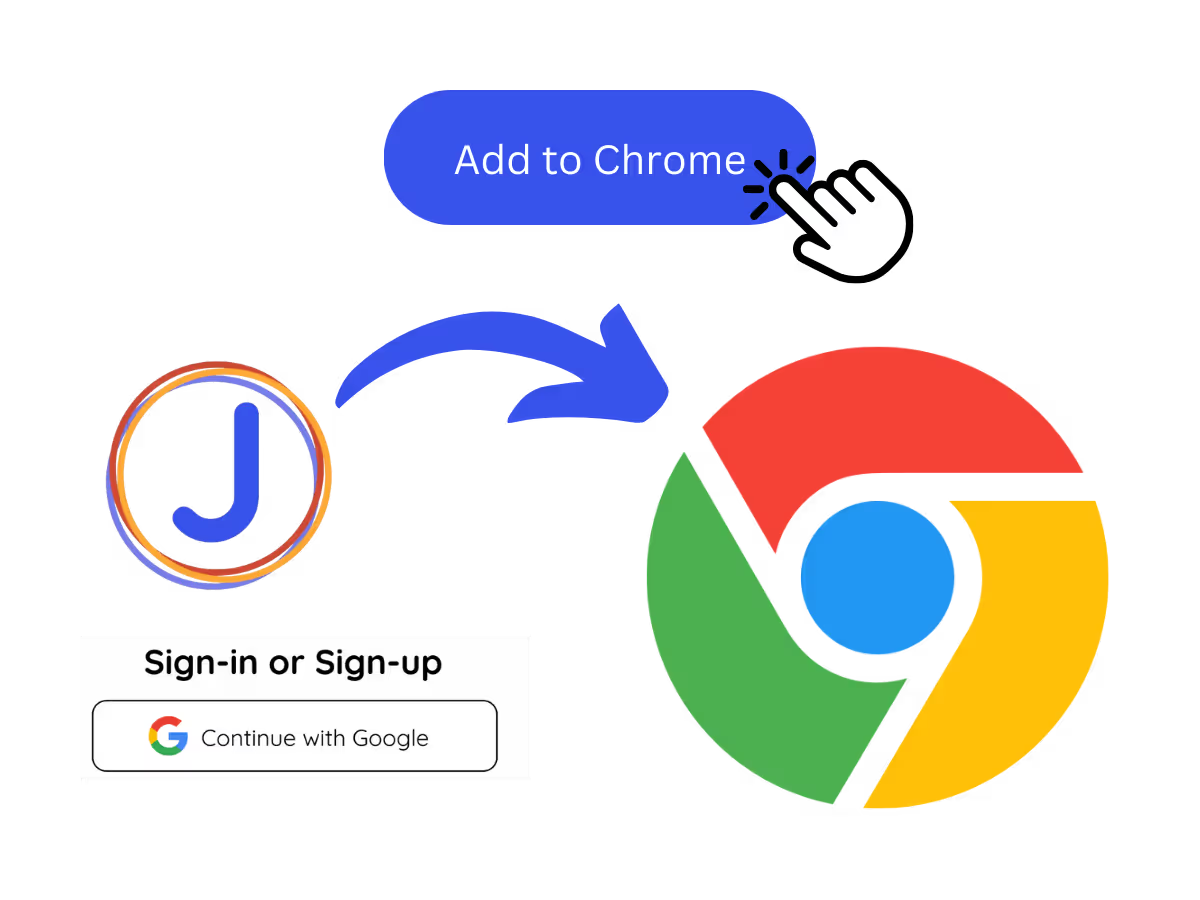
1. Add the Chrome extension, or upload your Meet recording

Add JotMe to Chrome for in-Meet transcription, or get the desktop app for 200+ languages. Already have a recorded Meet? Upload it for the same searchable transcript.

ÉTAPE 2

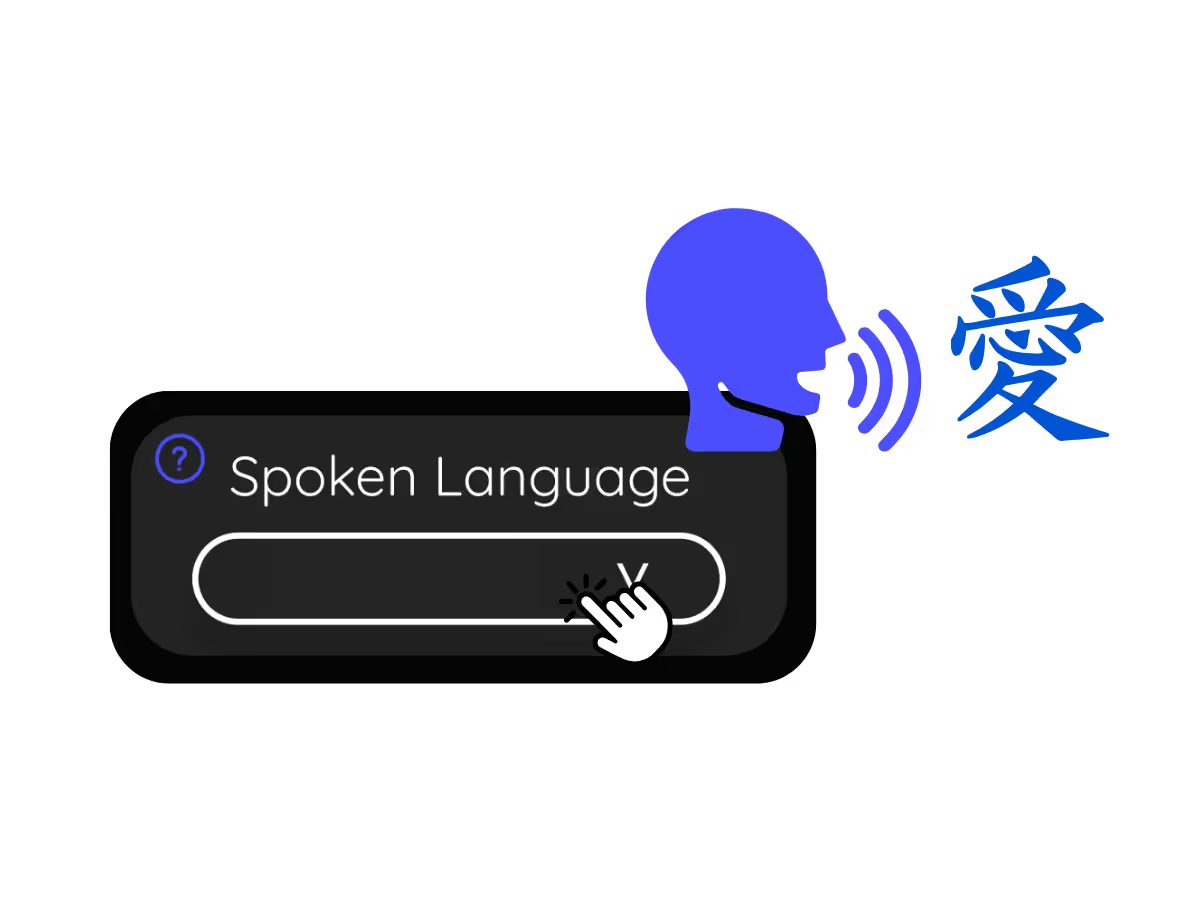
2. Set the spoken language

Choose the language being spoken in the meeting, for example Japanese. If people switch languages, pick multilingual mode.

ÉTAPE 3

3. Read, search, and share the transcript

The live transcript scrolls as everyone speaks, then saves to your dashboard when the call ends, ready to search, copy, and share.

Découvrez-le en action !

What teams use Google Meet transcription for

A woman is working effectively

Global all-hands & team meetings

Follow announcements from HQ in your language and speak up without waiting for a recap.

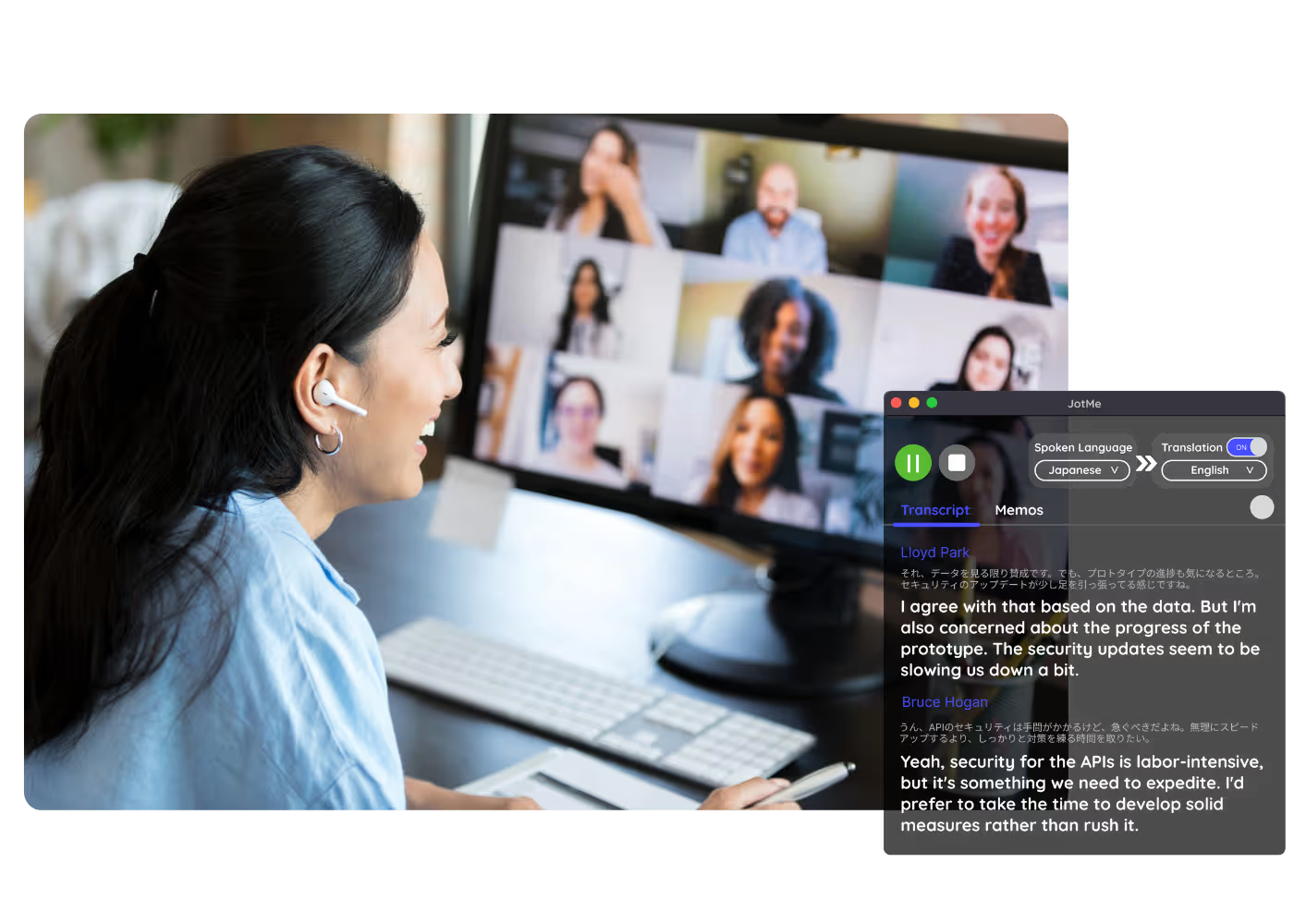
Track Conversations in Real-Time

Sales & client calls

Catch every requirement and objection when customers speak another language, and reply with confidence.

A group a having a discussion and speech is transcribed

Recorded Meet meetings

No time to run it live? Upload the recording to Audio to Text or Video to Text to transcribe a Meet recording, with an accurate transcript, optional translation, and AI notes.

Questions fréquemment posées

Tout ce que vous devez savoir sur l'organisation de réunions et d'événements avec JotMe.

Is Google Meet transcription free?

Yes, it is!

How do I add the transcription extension for Google Meet?

Install the JotMe Chrome extension, set your language preferences, and get real-time speech-to-text transcription on Google Meet.

How can I search for spoken words during meetings on Google Meet?

View transcriptions as captions during meetings. Highlight the text, right-click, and select “Search Google for” to find meanings.

Can I save and store the transcription content?

Yes, real-time transcriptions are saved on the JotMe dashboard. You can view, copy, and even translate transcripts for documentation in your preferred tool.

What languages are supported for Google Meet transcription?

We support 200+ languages – English, Japanese, Chinese, Korean, Spanish, Portuguese, French, German, Swedish, Finnish, Arabic, Hindi, Urdu, Turkish, Norwegian, Italian, Burmese, Russian, Filipino, Swahili, Hungarian, and more.

The Easiest and Most Reliable Way to Transcribe Google Meet to Get Audio to Text

Langue disponible
Afrikaans (Afrique du Sud)
Albanais (Albanie)
Amharique (Éthiopie)
Arabe (Émirats arabes)
Arabe (Égypte)
Arabe (Levant)
Arabe (Maghrébin)
Arménien (Arménie)
Basque (Espagne)
Bengali (Bangladesh)
Bulgare (Bulgarie)
Birman (Myanmar)
Catalan (Espagne)
Chinois mandarin (simplifié)
Chinois mandarin (traditionnel)
Néerlandais
Anglais
Anglais (Australie)
Anglais (Inde)
Anglais (Philippines)
Anglais (Royaume-Uni)
Estonien (Estonie)
Philippin (Philippines)
Finnois (Finlande)
Français
Français (Canada)
Galicien (Espagne)
Géorgien (Géorgie)
Allemand
Gujarati (Inde)
Hébreu (Israël)
Hindi
Hongrois (Hongrie)
Indonésien (Indonésie)
Italien
Japonais
Javanais (Indonésie)
Kannada (Inde)
Khmer (Cambodge)
Kinyarwanda (Rwanda)
Coréen
Letton (Lettonie)
Macédonien (Macédoine du Nord)
Letton (Lettonie)
Macédonien (Macédoine du Nord)
Malayalam (Inde)
Marathi (Inde)
Mongol (Mongolie)
Népalais (Népal)
Sotho du Nord (Afrique du Sud)
Norvégien (Norvège)
Persan (Iran)
Polonais (Pologne)
Portugais (Brésil)
Portugais (Portugal)
Roumain (Roumanie)
Russe
Sésotho (Afrique du Sud)
Cingalais (Sri Lanka)
Slovaque (Slovaquie)
Slovène (Slovénie)
Espagnol (Mexique)
Espagnol (Espagne)
Soundanais (Indonésie)
Swahili
Swati (Afrique du Sud)
Suédois (Suède)
Tamoul (Inde)
Télougou (Inde)
Thaï (Thaïlande)
Tshivenda (Afrique du Sud)
Tswana (Afrique du Sud)
Turc (Turquie)
Ourdou (Pakistan)
Ouzbek (Ouzbékistan)
Vietnamien (Vietnam)
Xhosa (Afrique du Sud)
Xitsonga (Afrique du Sud)
Zoulou (Afrique du Sud)

MORE THAN GOOGLE MEET TRANSCRIPTION

JotMe not only provides real-time Google Meet transcription but also offers translation and post-meeting tools. Explore our comprehensive suite of multilingual AI tools—from AI translation to AI meeting notes. Automate your speech-to-text transcription and focus on more impactful tasks, such as decision-making and tackling action items effectively.

Fluidifiez toutes vos réunion et événement multilingues

Transcrivez, interprétez, traduisez et transformez chaque conversation critique en insights contextualisés afin que tout le monde reste aligné d’une langue à l’autre.

Google Meet Transcription

Transcribe every Google Meet as it happens, right in your browser with the Chrome extension or on the desktop app for 200+ languages, live or from a recording you upload, with accurate, searchable text.

Formule gratuite. Aucune carte bancaire requise.

Pick your language, hit start, and speak. JotMe transcribes as you talk and improves accuracy as the conversation continues. Open the full demo.

Déjà adopté par 2 000 équipes et 500 000 professionnels dans 134 pays

Évalué 4,7/5
Conforme au RGPD
SOC 2 Type II (En cours)

Accurate, searchable Google Meet live transcription

How to transcribe a Google Meet meeting

Fidèle au contexte, d'une précision extrême

La précision vient du fait que JotMe travaille en contexte : il tient compte de l'intervenant, des priorités de votre équipe, du fil de la discussion et de vos termes personnalisés, pour que noms, sigles et jargon tombent juste dans la transcription.

Interrogez et fouillez vos réunions

Posez vos questions à Ask JotMe sur tout ce qui s'est dit en réunion et recherchez instantanément les termes inconnus, sans avoir à réécouter un enregistrement.

200+ langues, en direct ou depuis un enregistrement

Convertissez n'importe quelle réunion Meet en texte dans 200+ langues avec l'application de bureau, ou capturez les sous-titres directement dans Meet avec l'extension. En direct, ou depuis un enregistrement que vous importez.

Votre transcription est sauvegardée

Chaque transcription est sauvegardée sur votre tableau de bord après l'appel : rien ne disparaît quand la réunion se termine.

Sans bot, sans configuration

JotMe capture les sous-titres Meet dans votre navigateur ou l'audio de votre ordinateur. Aucun bot ne rejoint l'appel, et il n'y a rien à installer ni à activer pour les autres participants.

Dictionnaire personnalisé et détection automatique de la langue

Gagnez en précision grâce aux termes propres à votre secteur et aux remplacements personnalisés. JotMe détecte aussi automatiquement la langue parlée : vous n'avez jamais à la définir en pleine réunion.

What teams use Google Meet transcription for

Three steps, under a minute. No Meet settings, no bot invite, no admin approval. Already have a recording? Upload it instead.

STEP 1

1. Add the Chrome extension, or upload your Meet recording

Add JotMe to Chrome for in-Meet transcription, or get the desktop app for 200+ languages. Already have a recorded Meet? Upload it for the same searchable transcript.
STEP 2

2. Set the spoken language

Choose the language being spoken in the meeting, for example Japanese. If people switch languages, pick multilingual mode.

STEP 3

3. Read, search, and share the transcript

The live transcript scrolls as everyone speaks, then saves to your dashboard when the call ends, ready to search, copy, and share.
What teams use Google Meet transcription for

From daily standups to all-hands, JotMe keeps every attendee in the conversation.

Global all-hands & team meetings

Follow announcements from HQ in your language and speak up without waiting for a recap.

Sales & client calls

Catch every requirement and objection when customers speak another language, and reply with confidence.

Recorded Meet meetings

No time to run it live? Upload the recording to Audio to Text or Video to Text to transcribe a Meet recording, with an accurate transcript, optional translation, and AI notes.

Compliance & documentation

Keep a searchable record of what was agreed, accessible anytime on your dashboard.

See it in action

Watch JotMe transcribe a Google Meet live from the extension, then search every word of it.

Plus de 500 000 professionnels fluidifient leurs réunions et événements avec JotMe

Découvrez comment les utilisateurs comblent leurs écarts opérationnels multilingues avec JotMe.

Noté 4,7/5
Noté 4,7/5
"Mon travail impliquant la traduction et le rapprochement des cultures, j'ai trouvé cet outil révolutionnaire pour mon quotidien."
Adams
Spécialiste des Opérations / Tiktok
"Le japonais était autrefois un mystère pour moi, mais ce produit l'a rendu clair et accessible grâce à une compréhension contextuelle."
Stamatis
Consultant / Deloitte
"JotMe optimise nos réunions multilingues, assurant une collaboration fluide dans notre environnement de travail dynamique."
Cesar
Chef de Projet / Amazon
"Cette fonctionnalité bilingue simplifie la prise de notes au travail, ce qui permet de gagner du temps et d'améliorer l'efficacité dans les deux langues."
Yusuke
Responsable Commercial / NTT
"Indispensable pour les locuteurs non natifs ; simplifie les réunions complexes grâce à la traduction en temps réel et à des transcriptions précises."
Jesse
Développeur Freelance
"L'outil de traduction dont nous avions besoin depuis des années – maintenant une réalité avec JotMe !"
Elston
CEO et Fondateur / Tiny.host
"Mon travail impliquant la traduction et le rapprochement des cultures, j'ai trouvé cet outil révolutionnaire pour mon quotidien."
Adams
Spécialiste des Opérations / Tiktok
"Le japonais était autrefois un mystère pour moi, mais ce produit l'a rendu clair et accessible grâce à une compréhension contextuelle."
Stamatis
Consultant / Deloitte
"JotMe optimise nos réunions multilingues, assurant une collaboration fluide dans notre environnement de travail dynamique."
Cesar
Chef de Projet / Amazon
"Cette fonctionnalité bilingue simplifie la prise de notes au travail, ce qui permet de gagner du temps et d'améliorer l'efficacité dans les deux langues."
Yusuke
Responsable Commercial / NTT
"Indispensable pour les locuteurs non natifs ; simplifie les réunions complexes grâce à la traduction en temps réel et à des transcriptions précises."
Jesse
Développeur Freelance
"L'outil de traduction dont nous avions besoin depuis des années – maintenant une réalité avec JotMe !"
Elston
CEO et Fondateur / Tiny.host

Foire aux questions

Tout ce qu'il faut savoir pour organiser vos réunions et événements avec JotMe.

Can Google Meet be transcribed in real time?

Yes, with JotMe. The Chrome extension captures Meet captions right in your browser, and the desktop app handles google meet live transcription in 200+ languages. No bot, and no admin setting to enable.

Can I transcribe a recorded Google Meet?

Yes. Upload the recording to Audio to Text or Video to Text and JotMe transcribes it accurately, with optional translation and AI notes.

Is Google Meet transcription free?

Yes. JotMe's free plan includes transcription minutes, and no credit card is required. Upgrade when you need more.

How accurate is JotMe's Google Meet transcription?

JotMe transcribes with five layers of context: your user profile, your operational context, real-time memory of the meeting, your custom terms and jargon, and the flow from previous speech, so names and terms stay accurate. It sharpens as the meeting runs.

Can I save and search the transcript?

Yes. Transcripts are saved to your dashboard, where you can search them, ask questions about the meeting, translate them, and share them.

What languages can JotMe transcribe on Google Meet?

JotMe transcribes 200+ spoken languages on Meet with the desktop app, including Hebrew, Hindi, Tamil, Malayalam, and Bengali, which already have dedicated pages. See the full list on the available languages page.

Do I also get translation and AI notes?

Yes. Turn on live translation to follow the meeting in your language, and get AI notes with a summary and action items when it ends.

Heading

You can translate
Bulgarian
Catalan
Mandarin (Simplified
Mandarin (Traditional)
Cantonese (Traditional)
Czech, Danish
Dutch
English (US)
English (UK)
English (Australia)
English (New Zealand)
English (India)
Estonian, Finnis
French
French (Canada
German
German (Switzerland
Greek
Hindi
Hungarian
Indonesian
Italian
Japanese
Korean
Latvian
Lithuanian
Malay
Dutch (Flemish)
Norwegian
Polish
Portuguese
Portuguese (Brazil)
Portuguese (Portugal)
Romanian
Russian
Slovak
Spanish
Spanish (Latin America)
Swedish
Thai
Turkish
Ukrainian
Vietnamese

Every word of every Google Meet, captured

The most accurate live transcription for Meet, in your browser or from a recording, in 200+ languages, and searchable forever. Every word of every call, kept.