Google Meet Transcript Translation
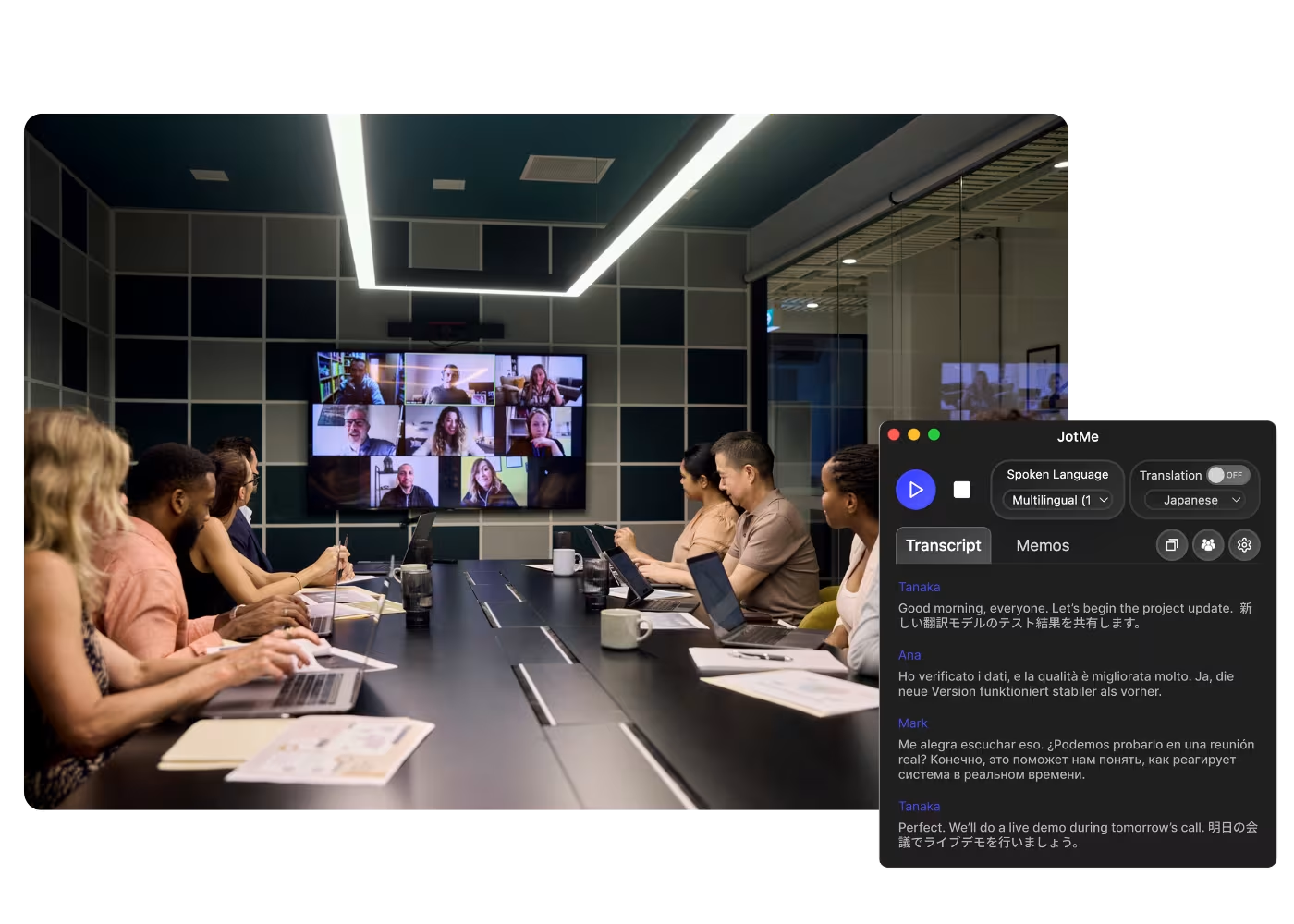
Turn any Google Meet into a transcript translated into your language, from the live call or a recording you upload, with context-aware accuracy that keeps domain terms right. Translate the record once the meeting is done.
.avif)
Déjà adopté par 2 000 équipes et 500 000 professionnels dans 134 pays



.avif)





.avif)


.avif)


.svg)
Évalué 4,7/5


Conforme au RGPD
.avif)
SOC 2 Type II (En cours)
Google Meet Transcript Translation
Need to translate the entire transcripts after meetings? JotMe provides instant translation for any transcripts from Google Meet in up to 77 languages. Sign up today for free – no credit card required – and never miss an important detail again in any language.
How to translate a Google Meet transcript
En 3 étapes faciles !
ÉTAPE 1
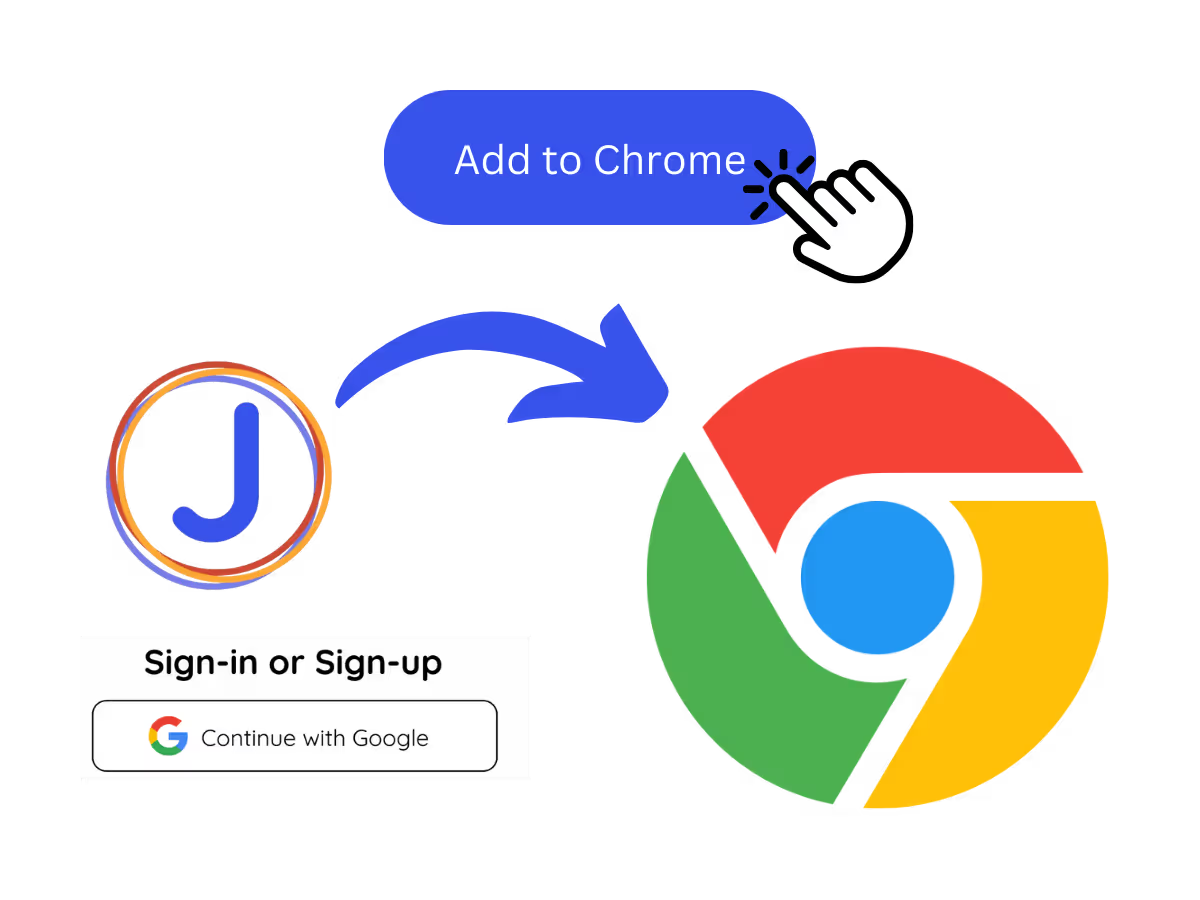
1. Add the Chrome extension, or upload your Meet recording
Add JotMe to Chrome or get the desktop app. Already have a recorded Meet? Upload it and JotMe builds the transcript, ready to translate.
ÉTAPE 2
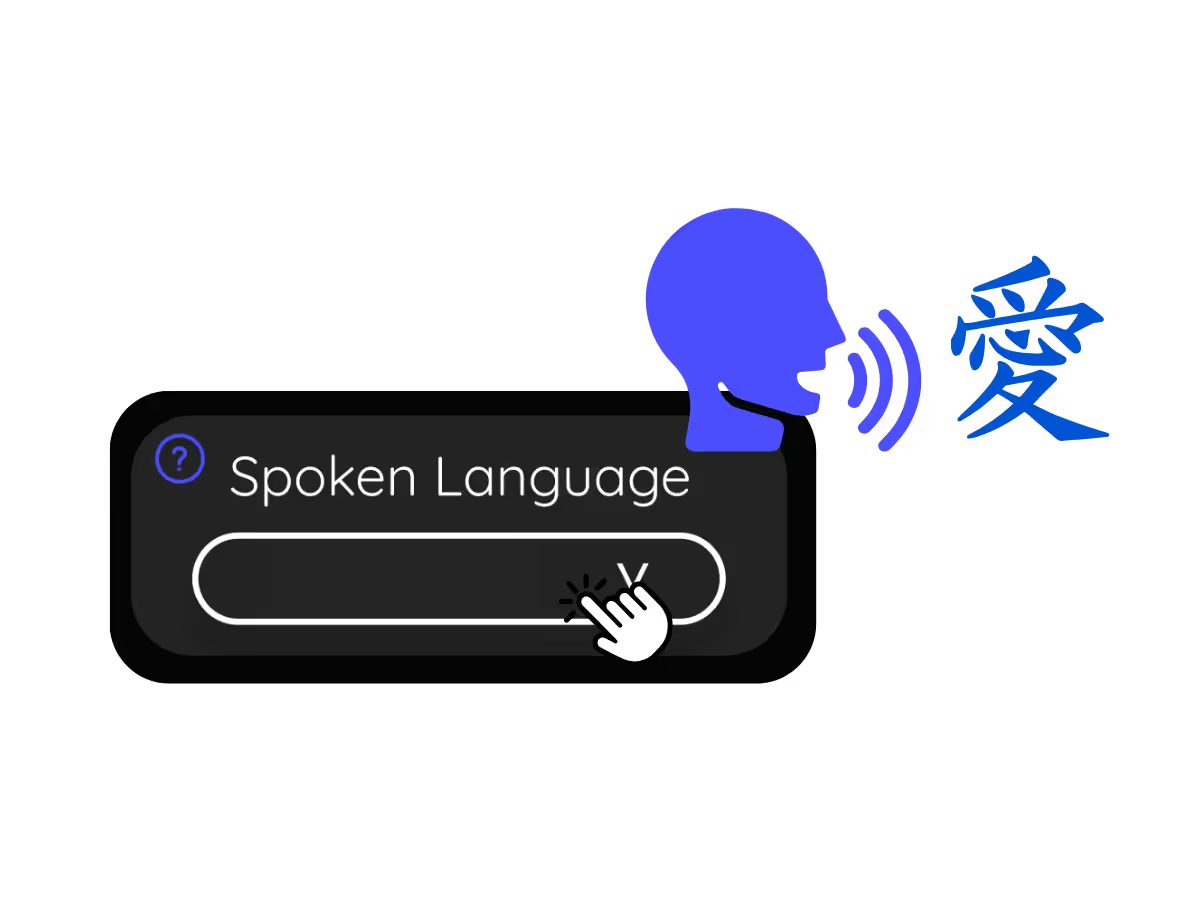
2. Set the spoken language
Choose the language being spoken in the meeting, for example Japanese. If people switch languages, pick multilingual mode.
ÉTAPE 3
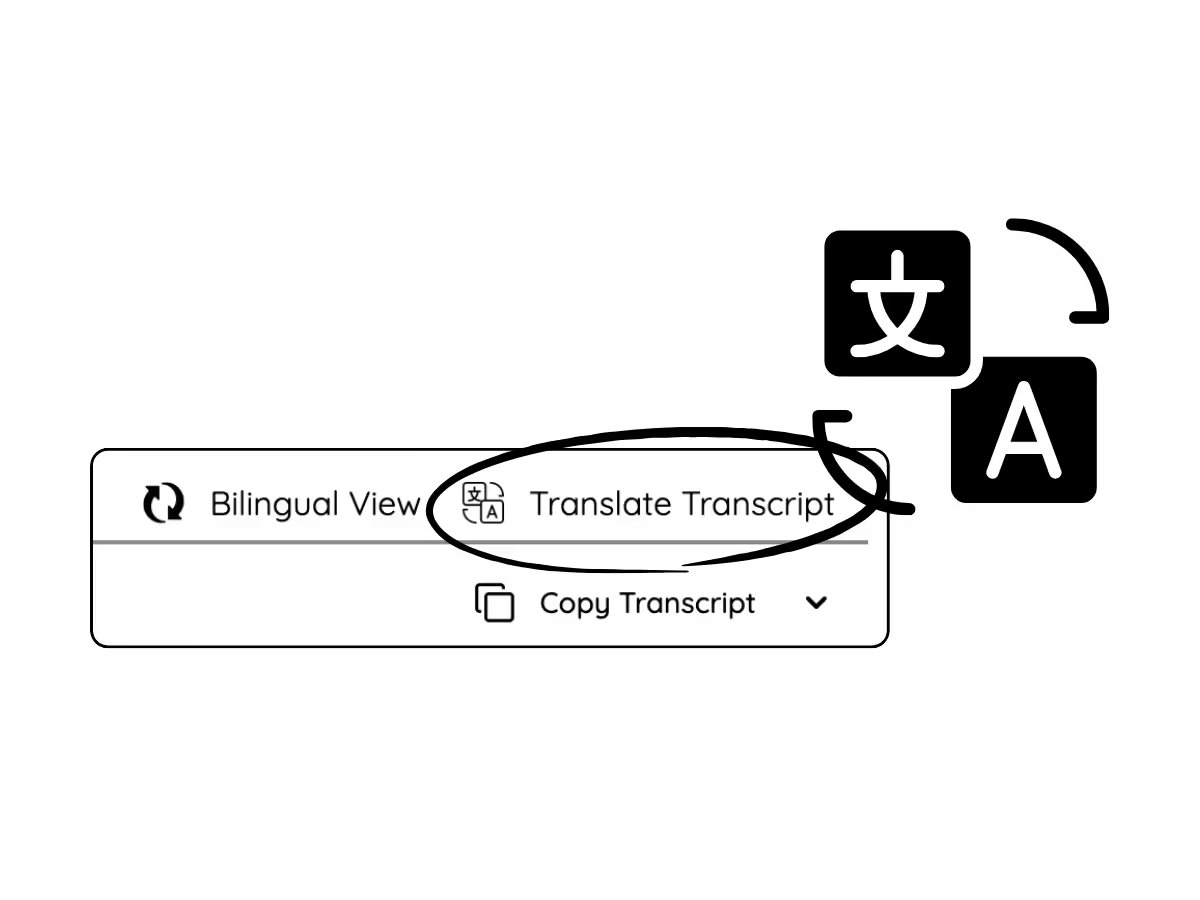
3. Translate the transcript
Open the meeting on your dashboard and translate the transcript into your language. Domain terms keep their professional meaning, so the translated record reads right.
Découvrez-le en action !
What teams use Meet transcript translation for
.avif)
Global all-hands & team meetings
Follow announcements from HQ in your language and speak up without waiting for a recap.

Sales & client calls
Catch every requirement and objection when customers speak another language, and reply with confidence.
.avif)
Recorded Meet meetings
No time to run it live? Upload the recording to Audio to Text or Video to Text, get the transcript, and translate it accurately into your language, no need to have been in the call.
Questions fréquemment posées
Tout ce que vous devez savoir sur l'organisation de réunions et d'événements avec JotMe.
Is translating transcripts free?
Yes! You can upgrade your plan for more AI credits to translate the transcript if needed.
How do I get translated transcript for Google Meet?
Install the JotMe Chrome extension to your Chrome browser. Select the language you want for translating transcripts on the JotMe dashboard.
Where will be the translated transcript stored?
Translated transcripts are stored on the dashboard. Access them from the transcription dashboard, Chrome extension popup, or URL.
Can I search for specific words in the translated transcript?
Yes! Visit the dashboard and use cmd + F to search for specific words in your translated transcript page.
Which languages are available for Google Meet transcripts and translation?
Transcripts are available in 77 languages, including English, Japanese, Chinese, Korean, Spanish, Portuguese, French, German, Swedish, Finnish, Arabic, Hindi, Urdu, Turkish, Norwegian, Italian, Burmese, Russian, Filipino, Swahili, Hungarian, and more. For translation, 13 languages are available. Ensure you select the correct language you need.
The Easiest and Most Reliable Way to Translate Google Meet Transcripts
Langue disponible
Afrikaans (Afrique du Sud)
Albanais (Albanie)
Amharique (Éthiopie)
Arabe (Émirats arabes)
Arabe (Égypte)
Arabe (Levant)
Arabe (Maghrébin)
Arménien (Arménie)
Basque (Espagne)
Bengali (Bangladesh)
Bulgare (Bulgarie)
Birman (Myanmar)
Catalan (Espagne)
Chinois mandarin (simplifié)
Chinois mandarin (traditionnel)
Néerlandais
Anglais
Anglais (Australie)
Anglais (Inde)
Anglais (Philippines)
Anglais (Royaume-Uni)
Estonien (Estonie)
Philippin (Philippines)
Finnois (Finlande)
Français
Français (Canada)
Galicien (Espagne)
Géorgien (Géorgie)
Allemand
Gujarati (Inde)
Hébreu (Israël)
Hindi
Hongrois (Hongrie)
Indonésien (Indonésie)
Italien
Japonais
Javanais (Indonésie)
Kannada (Inde)
Khmer (Cambodge)
Kinyarwanda (Rwanda)
Coréen
Letton (Lettonie)
Macédonien (Macédoine du Nord)
Letton (Lettonie)
Macédonien (Macédoine du Nord)
Malayalam (Inde)
Marathi (Inde)
Mongol (Mongolie)
Népalais (Népal)
Sotho du Nord (Afrique du Sud)
Norvégien (Norvège)
Persan (Iran)
Polonais (Pologne)
Portugais (Brésil)
Portugais (Portugal)
Roumain (Roumanie)
Russe
Sésotho (Afrique du Sud)
Cingalais (Sri Lanka)
Slovaque (Slovaquie)
Slovène (Slovénie)
Espagnol (Mexique)
Espagnol (Espagne)
Soundanais (Indonésie)
Swahili
Swati (Afrique du Sud)
Suédois (Suède)
Tamoul (Inde)
Télougou (Inde)
Thaï (Thaïlande)
Tshivenda (Afrique du Sud)
Tswana (Afrique du Sud)
Turc (Turquie)
Ourdou (Pakistan)
Ouzbek (Ouzbékistan)
Vietnamien (Vietnam)
Xhosa (Afrique du Sud)
Xitsonga (Afrique du Sud)
Zoulou (Afrique du Sud)

MORE THAN TRANSCRIPT TRANSLATION
JotMe not only provides transcript translation but also offers real-time translation and post-meeting tools. Explore our comprehensive suite of multilingual AI tools - from AI translation to AI meeting notes. Automate transcript translation and other tasks with JotMe to focus on more impactful tasks, such as decision-making and tackling action items effectively.
.avif)
DÉCOUVRIR LES OUTILS ASSOCIÉS
Fluidifiez toutes vos réunion et événement multilingues
Transcrivez, interprétez, traduisez et transformez chaque conversation critique en insights contextualisés afin que tout le monde reste aligné d’une langue à l’autre.
.png)


.png)
.avif)
.avif)